Gobliiins 4
Windows - 2009

| Alt names | Гоблины 4, גובלינים 4 |
|---|---|
| Year | 2009 |
| Platform | Windows |
| Released in | France, Germany, Russia, United Kingdom, Worldwide |
| Genre | Puzzle |
| Theme | Fantasy |
| Publisher | 1C Company, Kalypso Media GmbH, Snowball Studios |
| Developer | Société Pollene |
| Perspectives | 3rd-Person, Fixed / Flip-screen |
| Tested on | Windows 10, Windows 11 |
Description of Gobliiins 4
In 2009, Kalypso Media GmbH, 1C Company, Snowball Studios publishes Gobliiins 4 on Windows. This puzzle game is now abandonware and is set in a fantasy theme.
External links
 MobyGames
 Gameplay video
 IGDB
IGDBHow to play Gobliiins 4 Windows
The game with NoCD has been tested on Windows 7 64-bit, Windows 10 and Windows 11, it works fine. You may experience some small troubles when you play the game on modern systems, check our Notes for details.
To install the game mount the ISO image or extract the files from it with file archiver tool like WinRAR or 7-zip, and run install.exe. After you installed the game - use NoCD, simply copy exe-file from NoCD archive and put it in Gobliiins 4/Exe folder, agree to replace the original file
Notes:
- If the installation doesn't start - try to launch install.exe as Administrator and in Compatibility mode with old version of Windows (98, 2000 or XP). If you get an error during the installation, try to change your Windows region to France
- If the game doesn't work - run it in Compatibility mode with old Windows (like Windows XP) and as Administrator. Also, it is recommended to install all versions of Microsoft Visual C++ Redistributable and NET Framework for the correct work of the game
- The game works on DirectX 9, so if you're using Windows 8, 8.1, 10 or 11 - you need to enable DirectPlay: Go to Control Panel, and select 'Programs'. Select 'Turn Windows features on and off', click on 'Legacy Components' and check the box 'DirectPlay'. Select OK, once the installation is done, restart your computer
- To change the game settings, run the settings configurator (GobsSetup.exe) in
Gobliiins 4/Exefolder - If you have any graphical glitches like flickering textures, try to run the game in Windowed mode. To do that run GobsSetup.exe and select "Windowed" mode
- For Windows 11 users: if the game doesn't work, try to run it in Compatibility mode with Windows Vista or Windows 7. If it didn't work, in Compatibility settings additionally select "Run in 640x480 screen resolution" and "Reduced color mode: 16-bit"
- European Multi-5 version is protected with ProtectDiSC v9 DRM, Multi-3 version (Czech, Polish & Hungarian) doesn't have any strict DRM protection, only the simple disc check. Use NoCDs to "break" the protection and play without the disc, simply copy exe-file from NoCD archive and put it in
Gobliiins 4/Exefolder, agree to replace the original file. If you see the error that there's not enough space on the hard drive when you copy NoCD files - re-install the game in non-system folder, likeD:/Games/Gobliiins 4, Windows Protection may block copying of files to system folders (likeC:/Program FilesorC:/Windows) - Russian version of the game was protected with infamous StarForce DRM that doesn't work on modern systems and even can "kill" them. But we found Full-Rip with removed StarForce DRM, make sure to check the instructions inside the archive if you play Russian version. Check this and this threads if you have troubles with Russian version
Captures and Snapshots
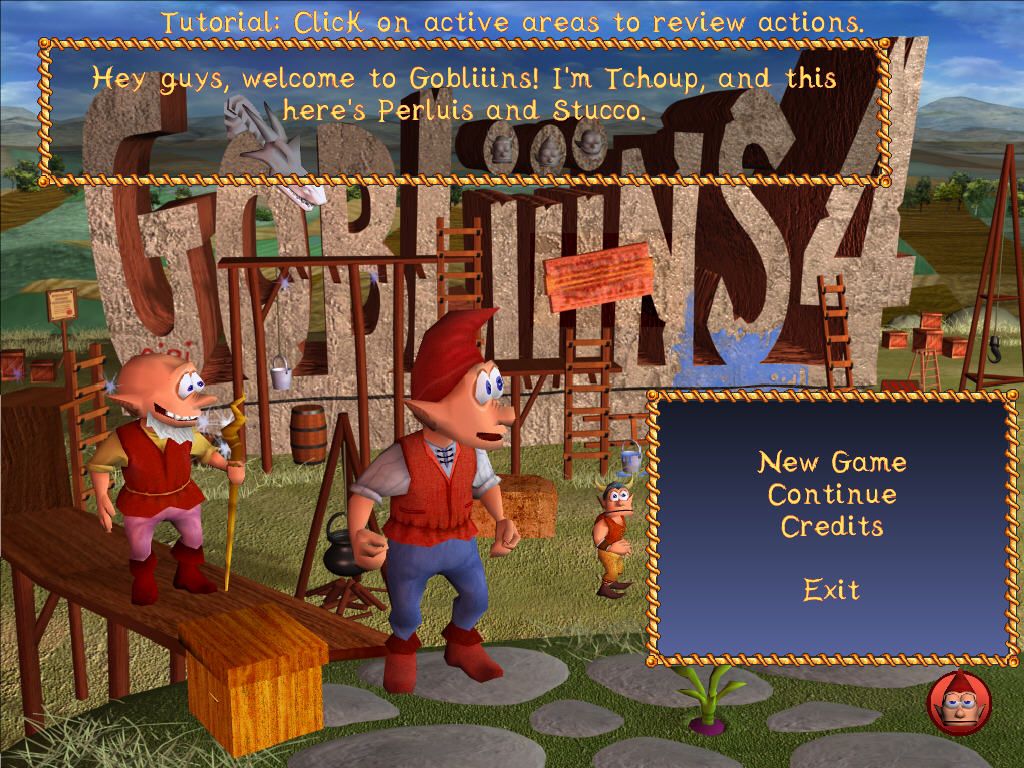
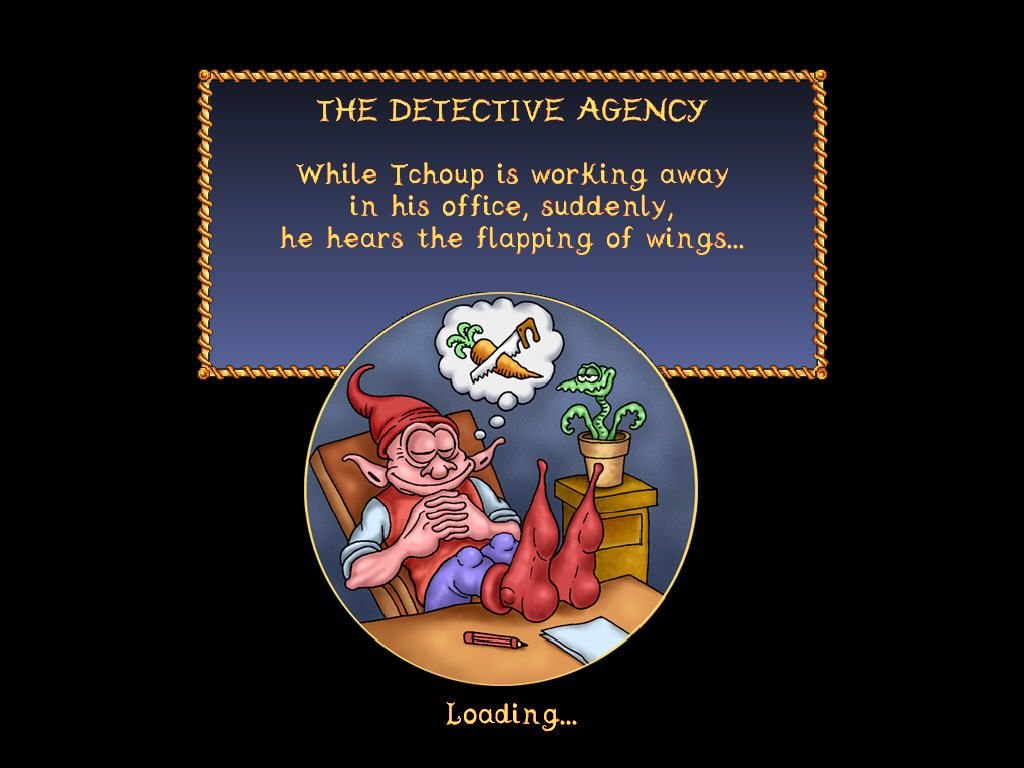
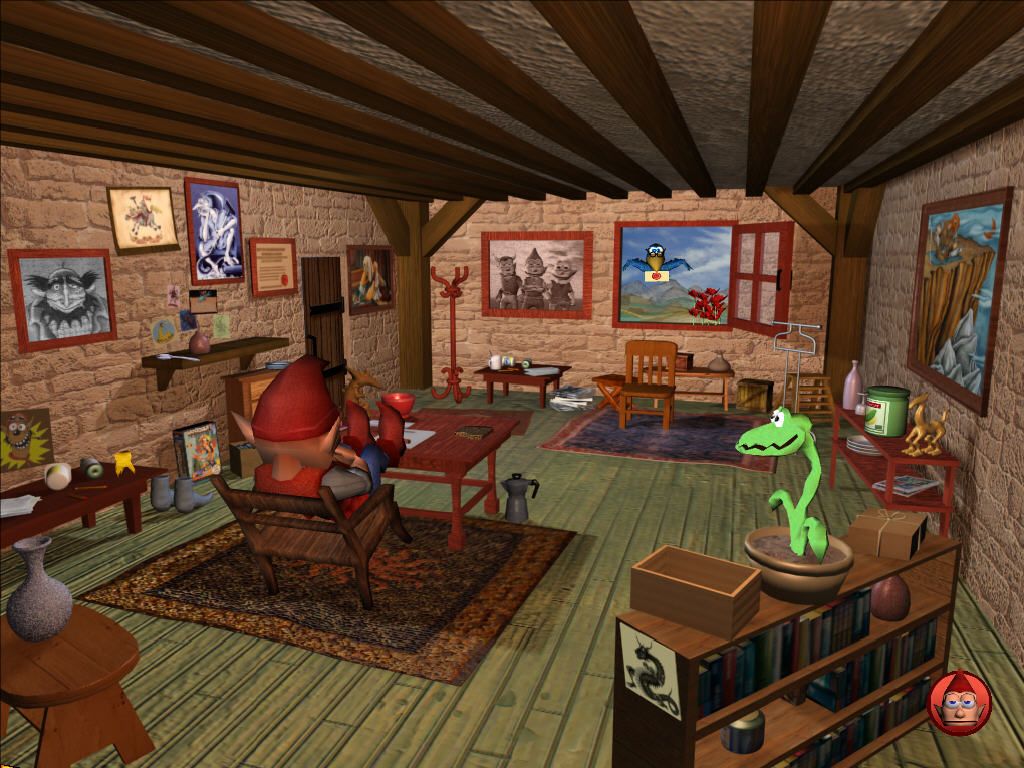
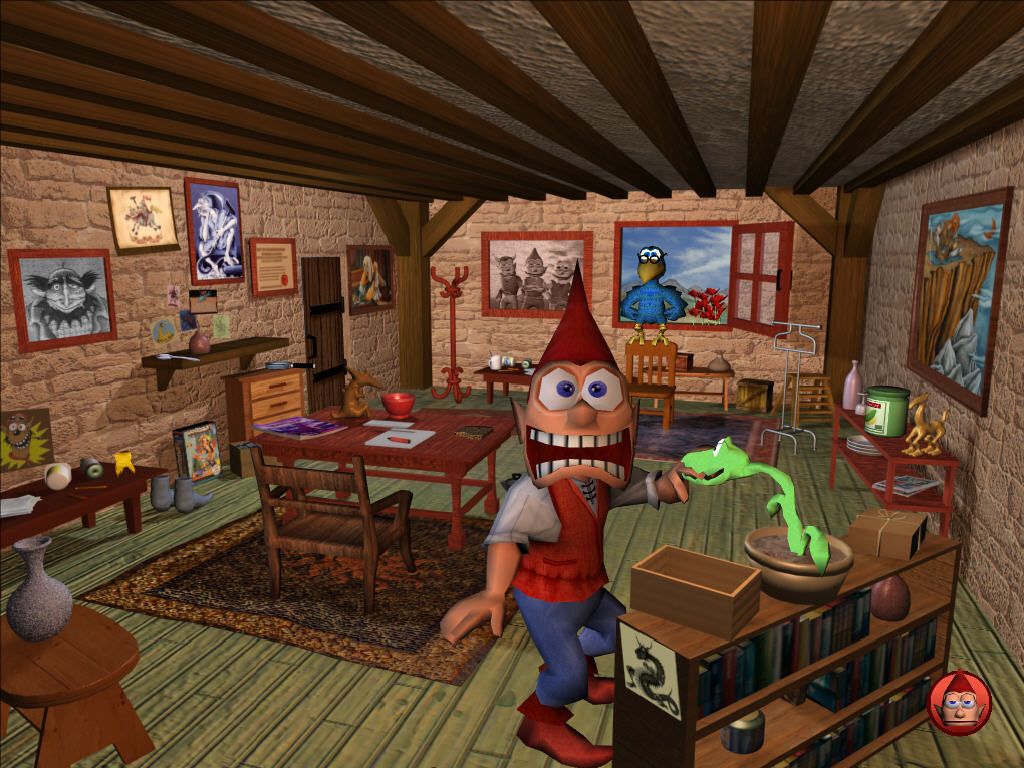
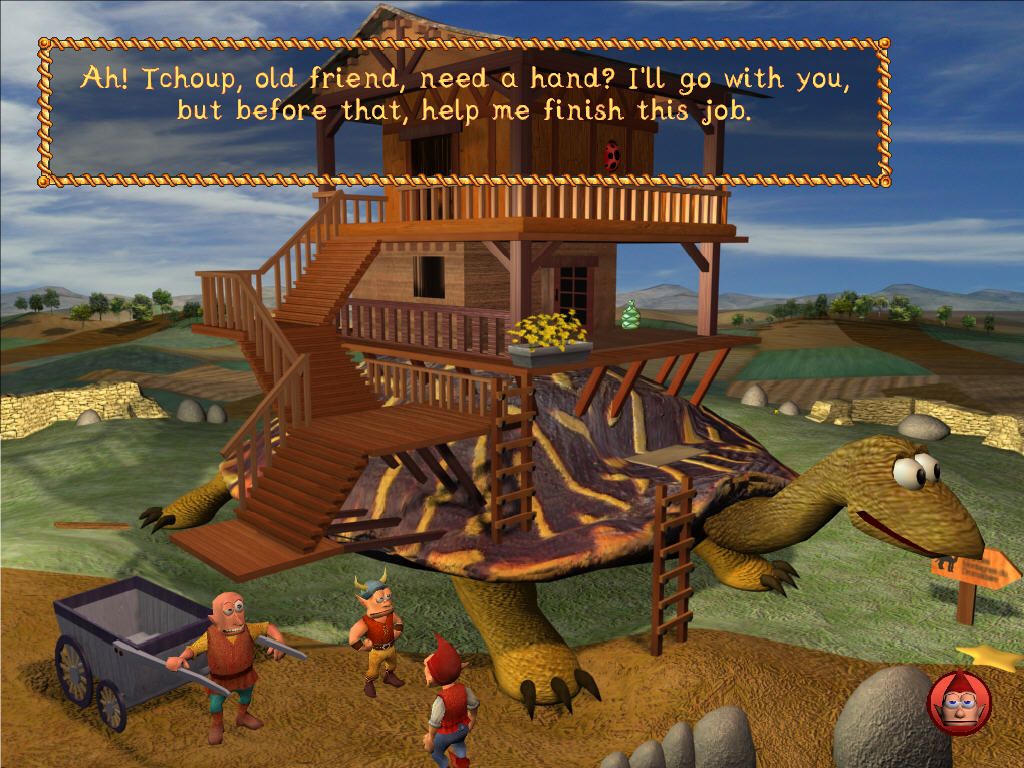
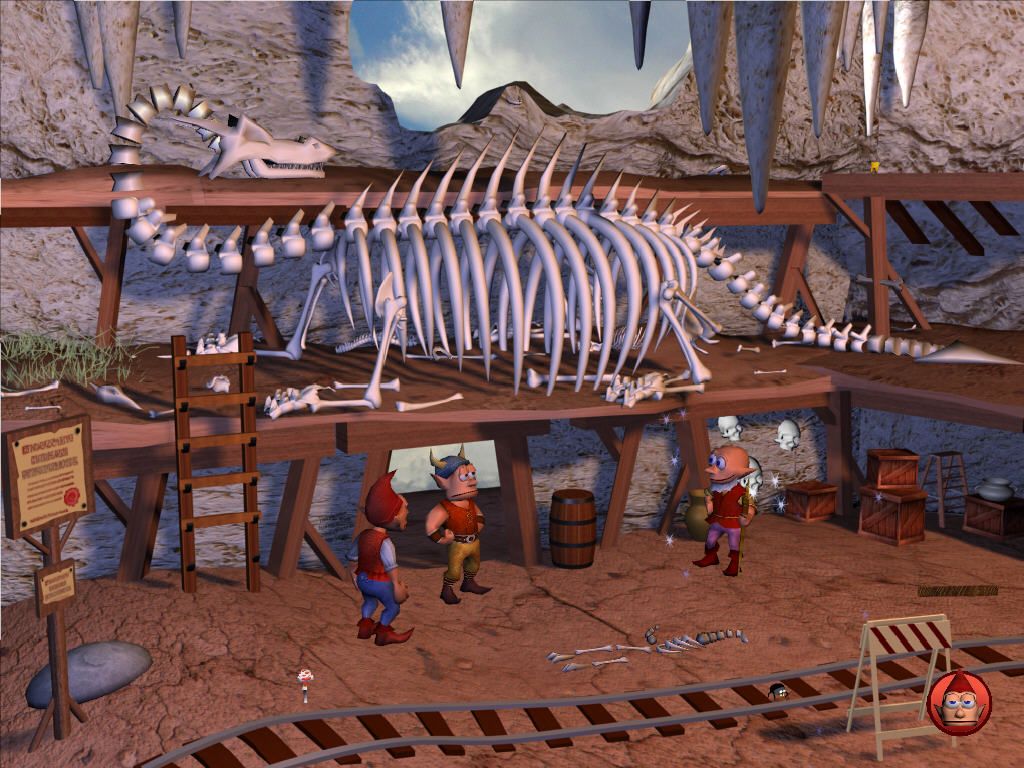
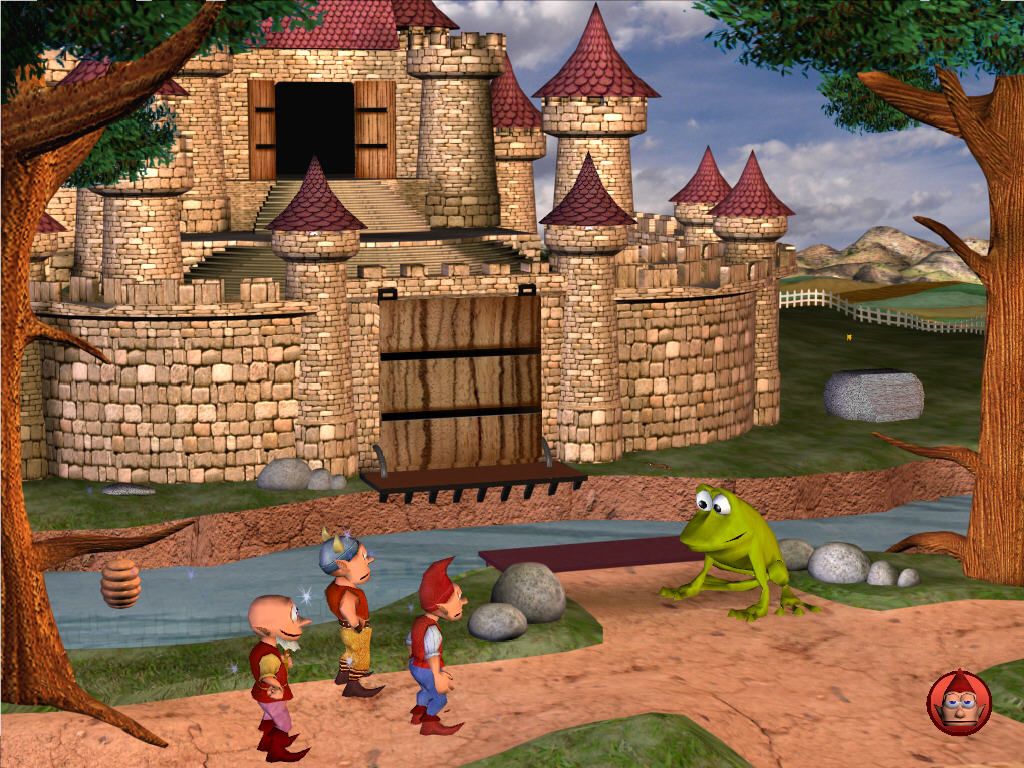
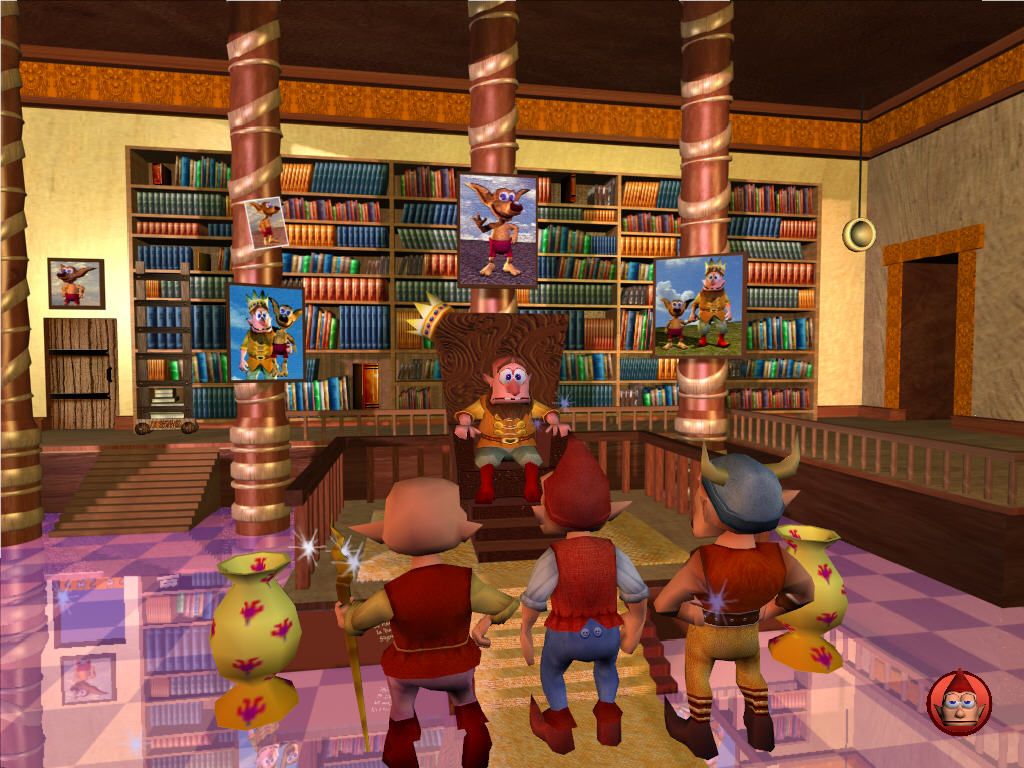
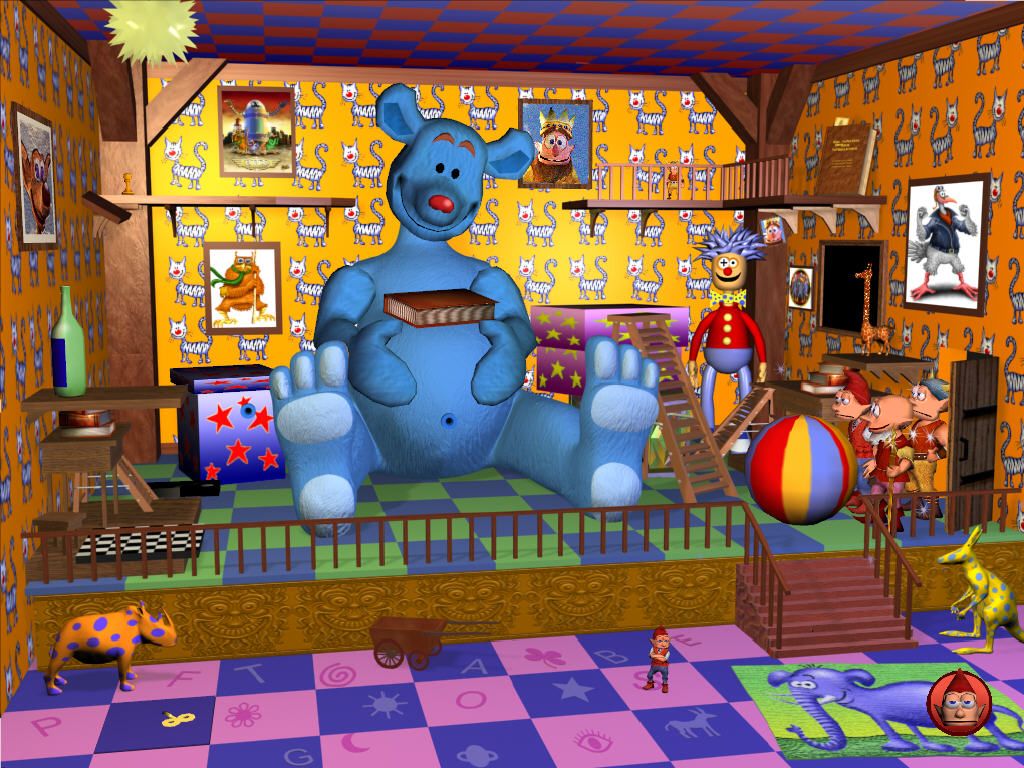
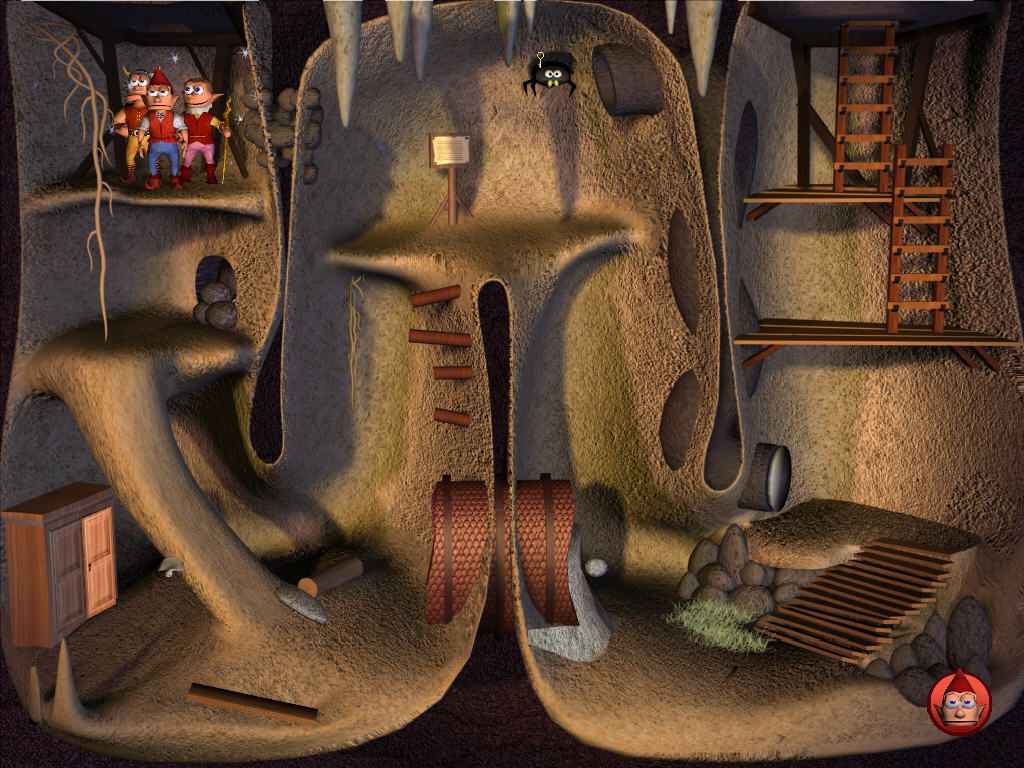
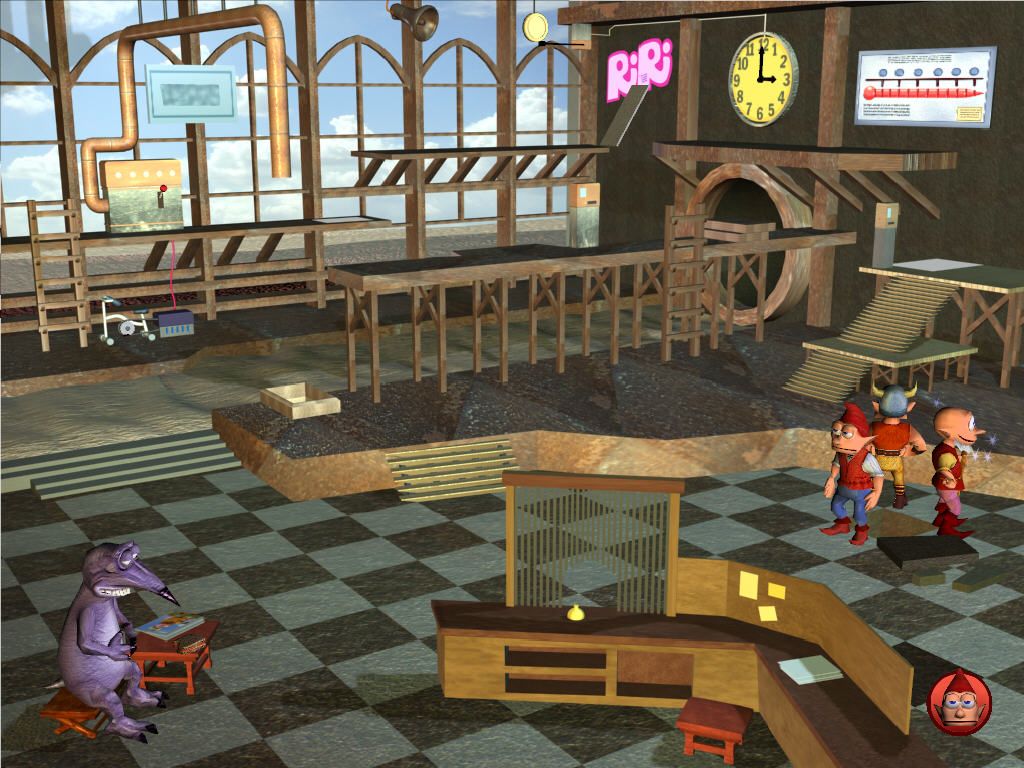
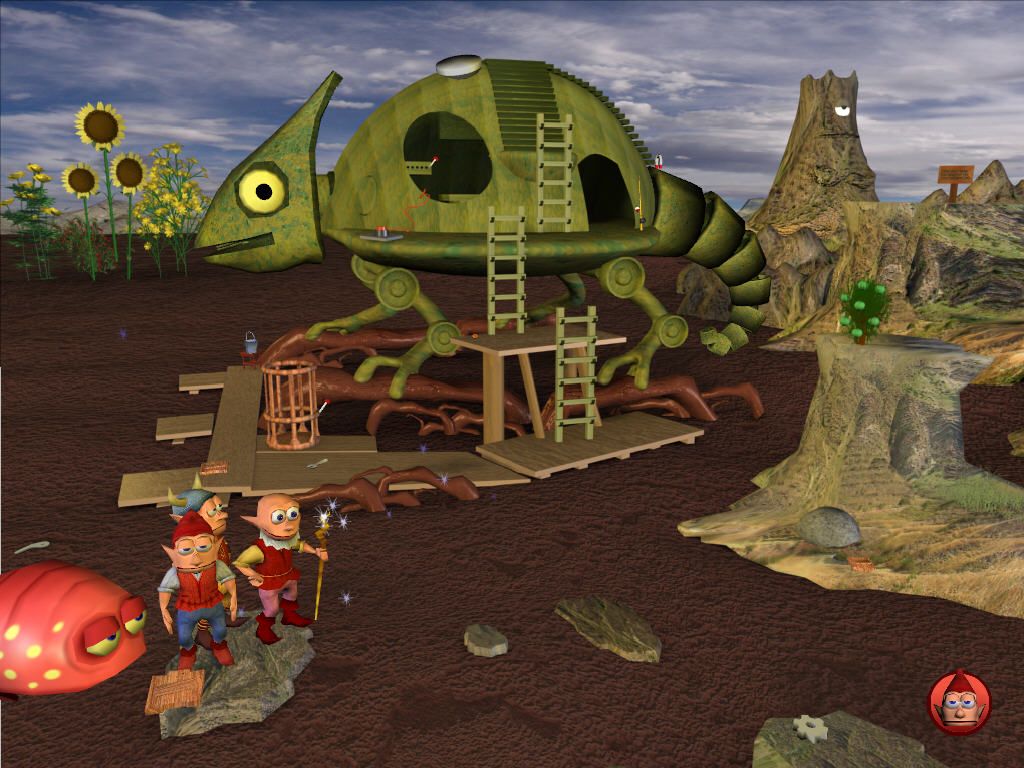
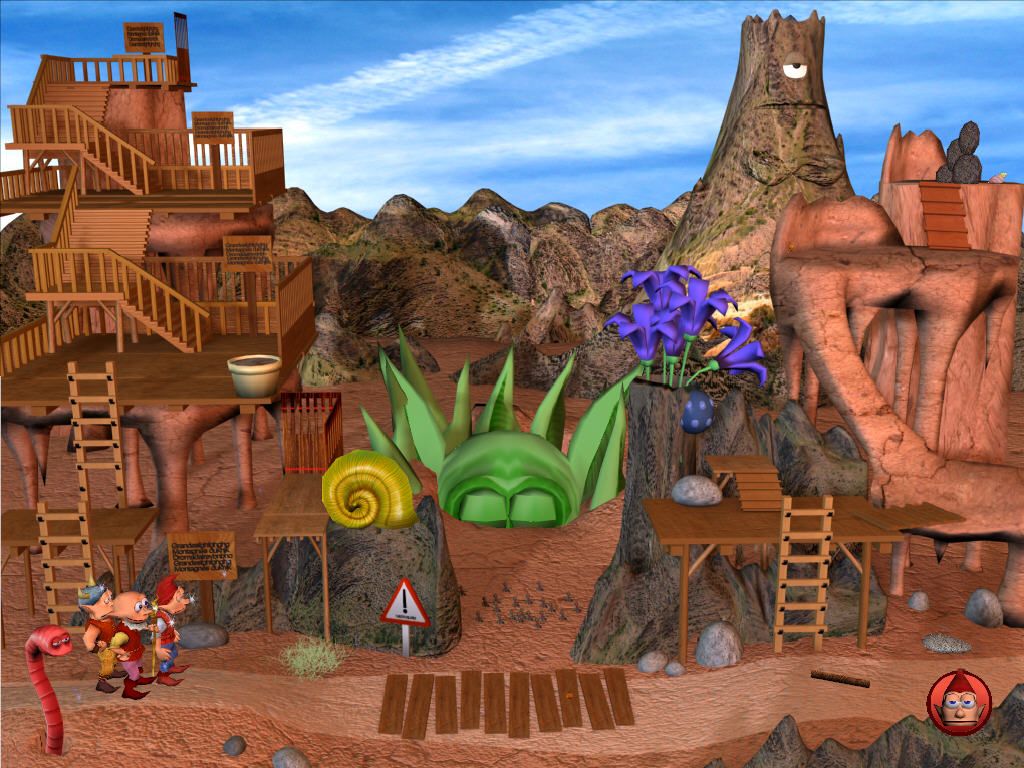
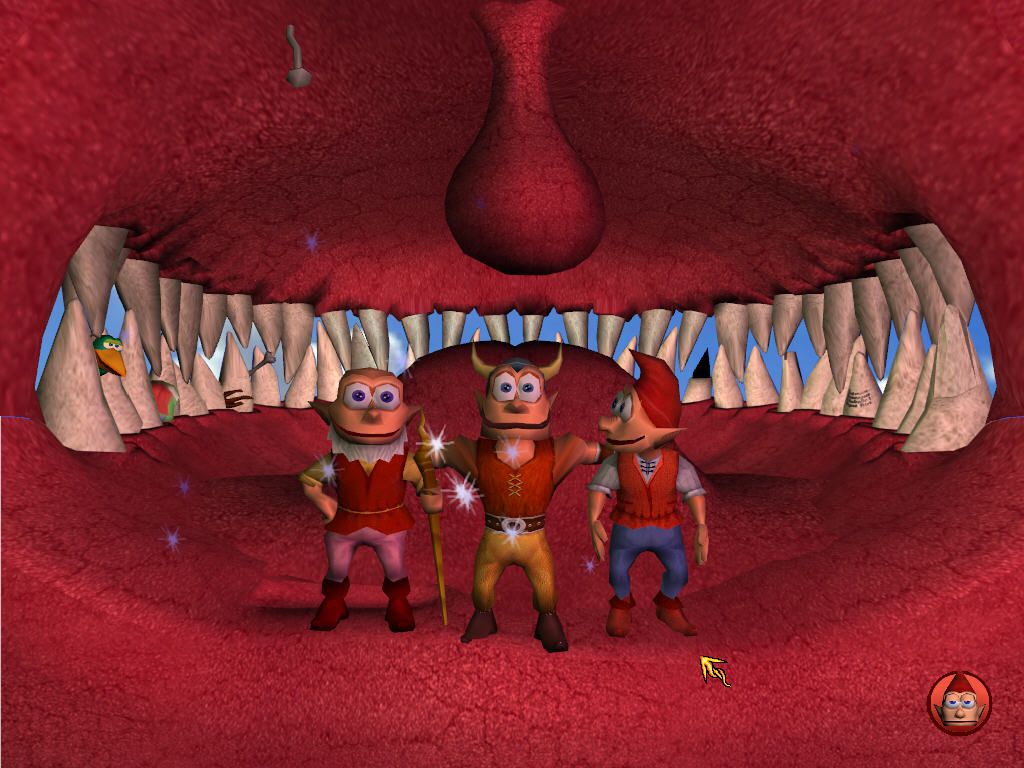
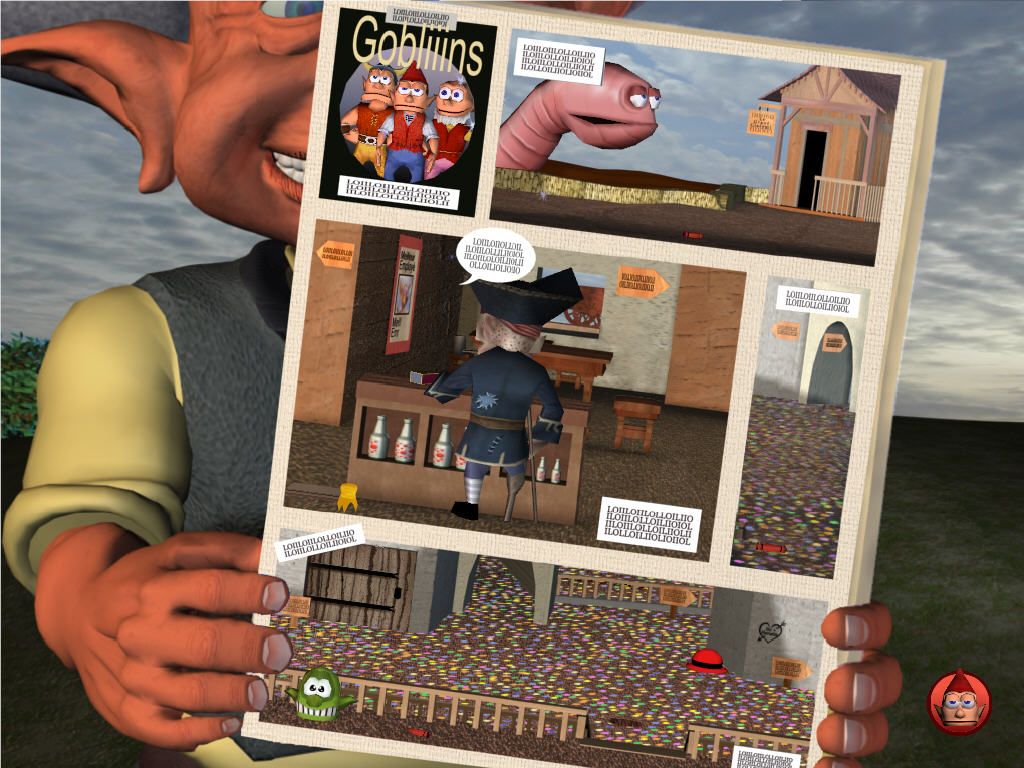
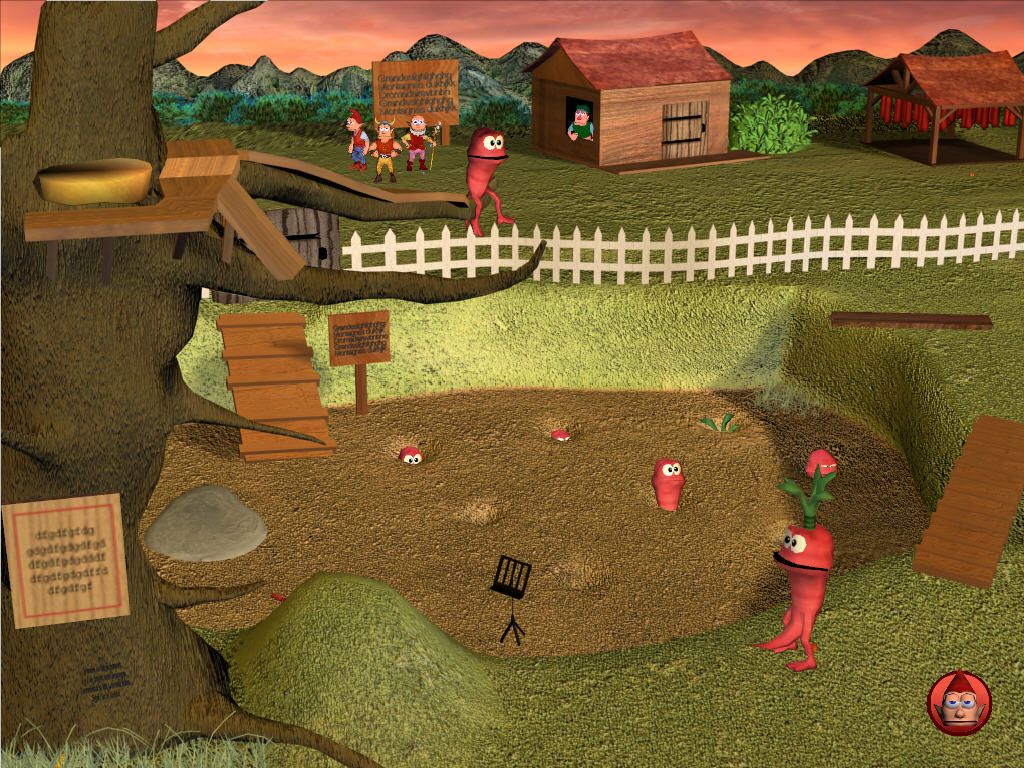
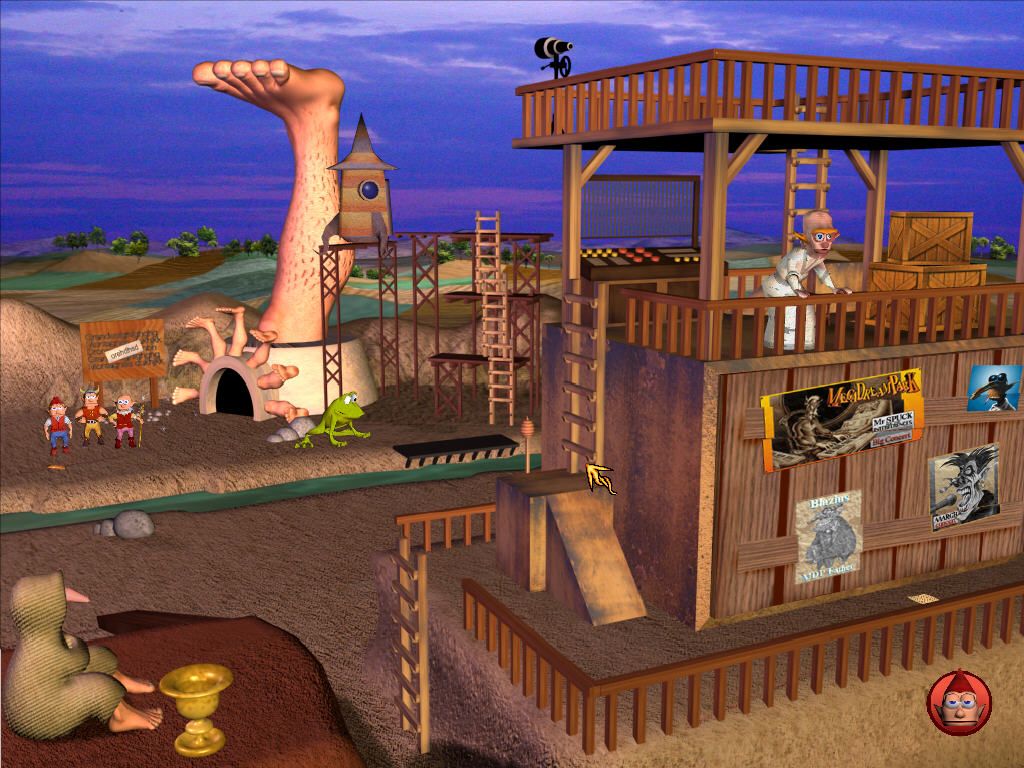
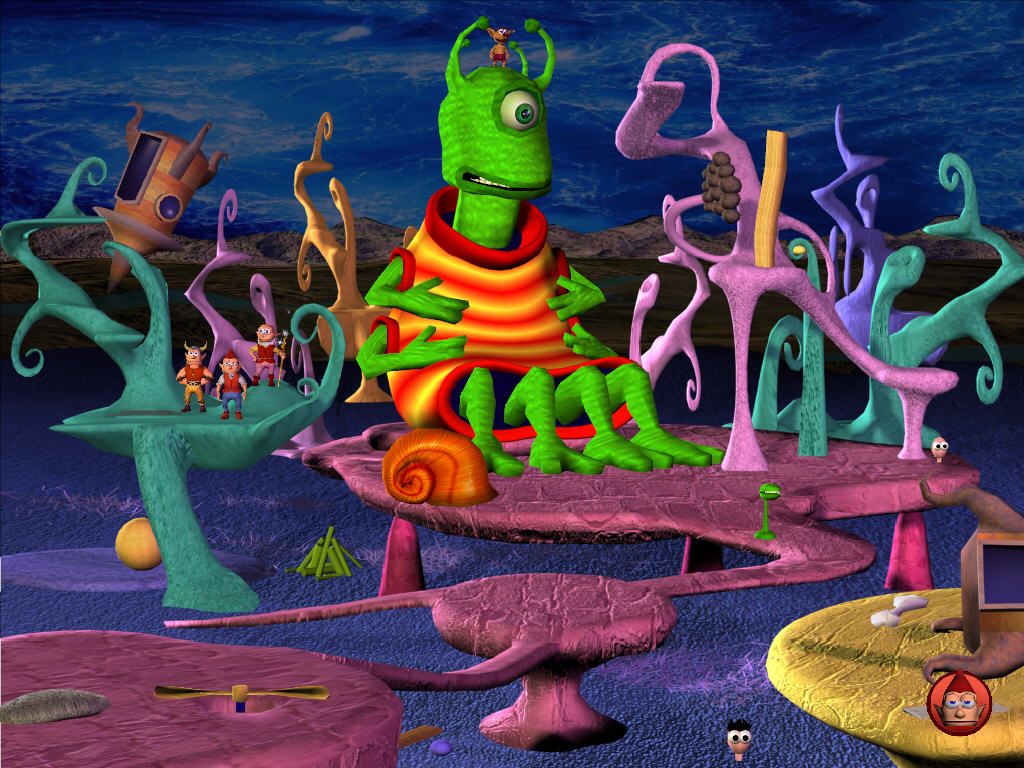
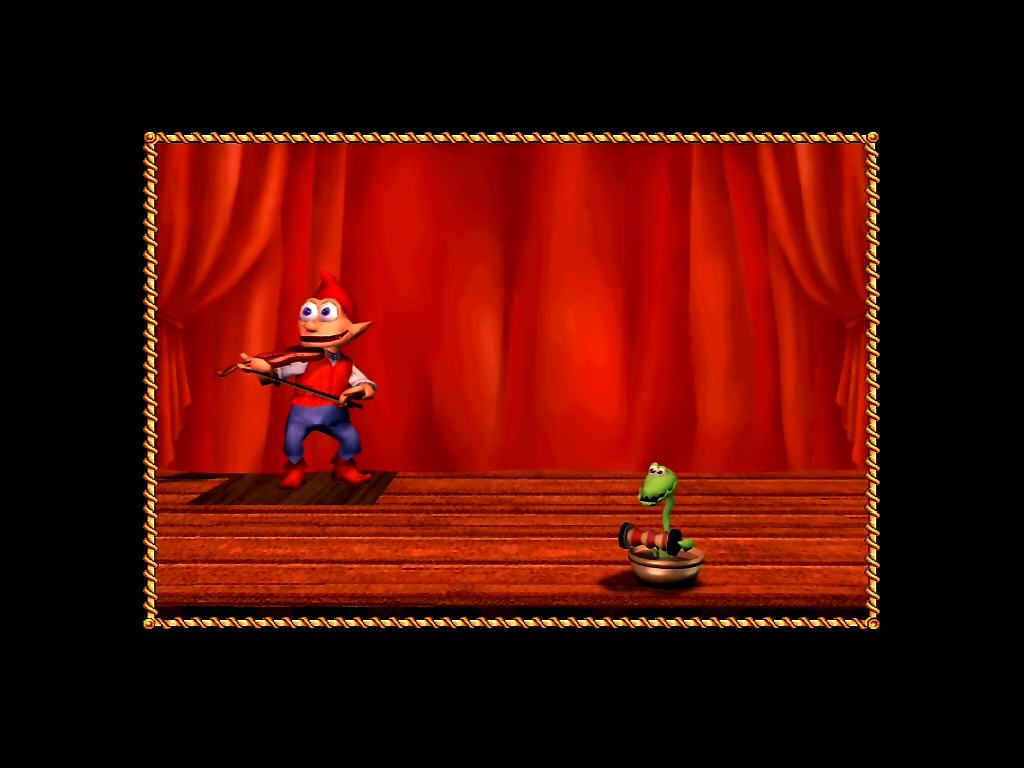
Comments and reviews
ZACK 2026-02-24 0 point
Sorry.... I've actually tried everything I could based on my limited knowledge. But the game Isn't working on WINDOWS 11.
admin 2026-02-17 1 point
@Zack Not sure what is the issue, but if the game doesn't recognize your GPU, try to run it through dgVoodoo 2 https://dege.freeweb.hu/dgVoodoo2
Also, if you have integrated & discrete GPU, try to run the game only on discrete GPU, select it in control panel of your video card
Write a comment
Share your gamer memories, help others to run the game or comment anything you'd like. If you have trouble to run Gobliiins 4 (Windows), read the abandonware guide first!
Download Gobliiins 4
We may have multiple downloads for few games when different versions are available. Also, we try to upload manuals and extra documentation when possible. If you have additional files to contribute or have the game in another language, please contact us!
Windows Version

English, French, German, Spanish & Italian languages


 522 MB
DownloadCzech, Polish & Hungarian version
522 MB
DownloadCzech, Polish & Hungarian version 

 881 MB
DownloadRussian version
881 MB
DownloadRussian versionFull-Rip by MAN-biker, StarForce DRM is removed
 498 MB
ManualManual from Multi-3 (Czech, Polish & Hungarian) release 10 MB
498 MB
ManualManual from Multi-3 (Czech, Polish & Hungarian) release 10 MB
Game Extras
Various files to help you run Gobliiins 4, apply patches, fixes, maps or miscellaneous utilities.
Similar games
Fellow retro gamers also downloaded these games: