i finally made it work. 1- download the main game file and extract it 2- download the English Patch and replace the former script.dat 3- download the NoCD patch and replace the former AlphaROMdiE.exe 4- run AlphaROMdiE.exe with Locale Emulator (software to run it in japanese) 5- a blue window opens: drag & drop (結城友奈は勇者である.exe into it 6- it will open the settings (you may change the display resolution) 7- click on the middle button at the bottom to run the game
The game menu is still in japanese but the script will be in English. To run the game again start over from step 4
5
Arcueid27 Jul. 2025
error message in japanese when you run it (even with Locale Emulator). if you click "ok" to that message, a webpage tells you that the error comes from Vista OS so modern OS as well) if anyone made this game work, thanks.
1
No comment nor review for this game at the moment.



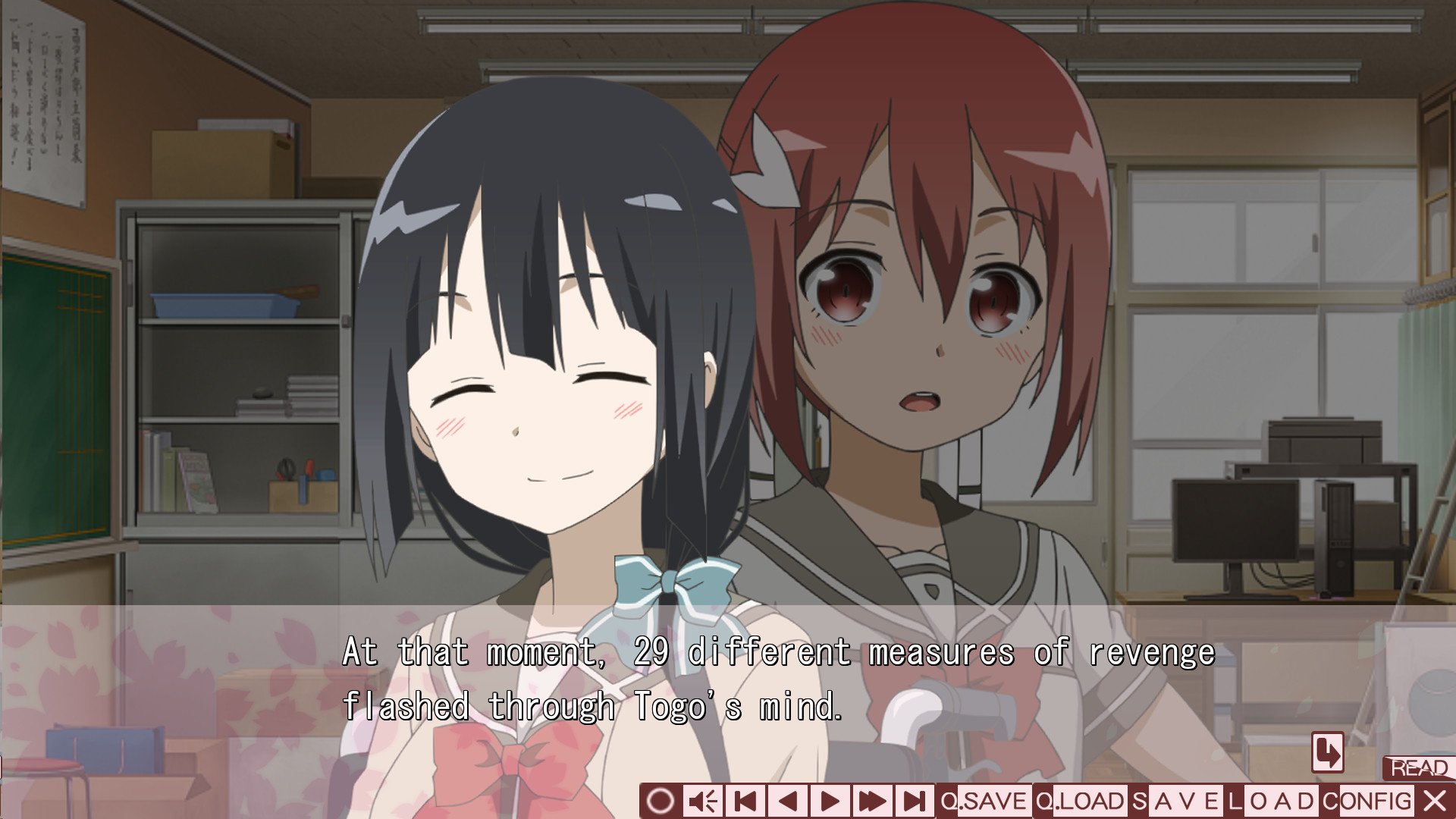
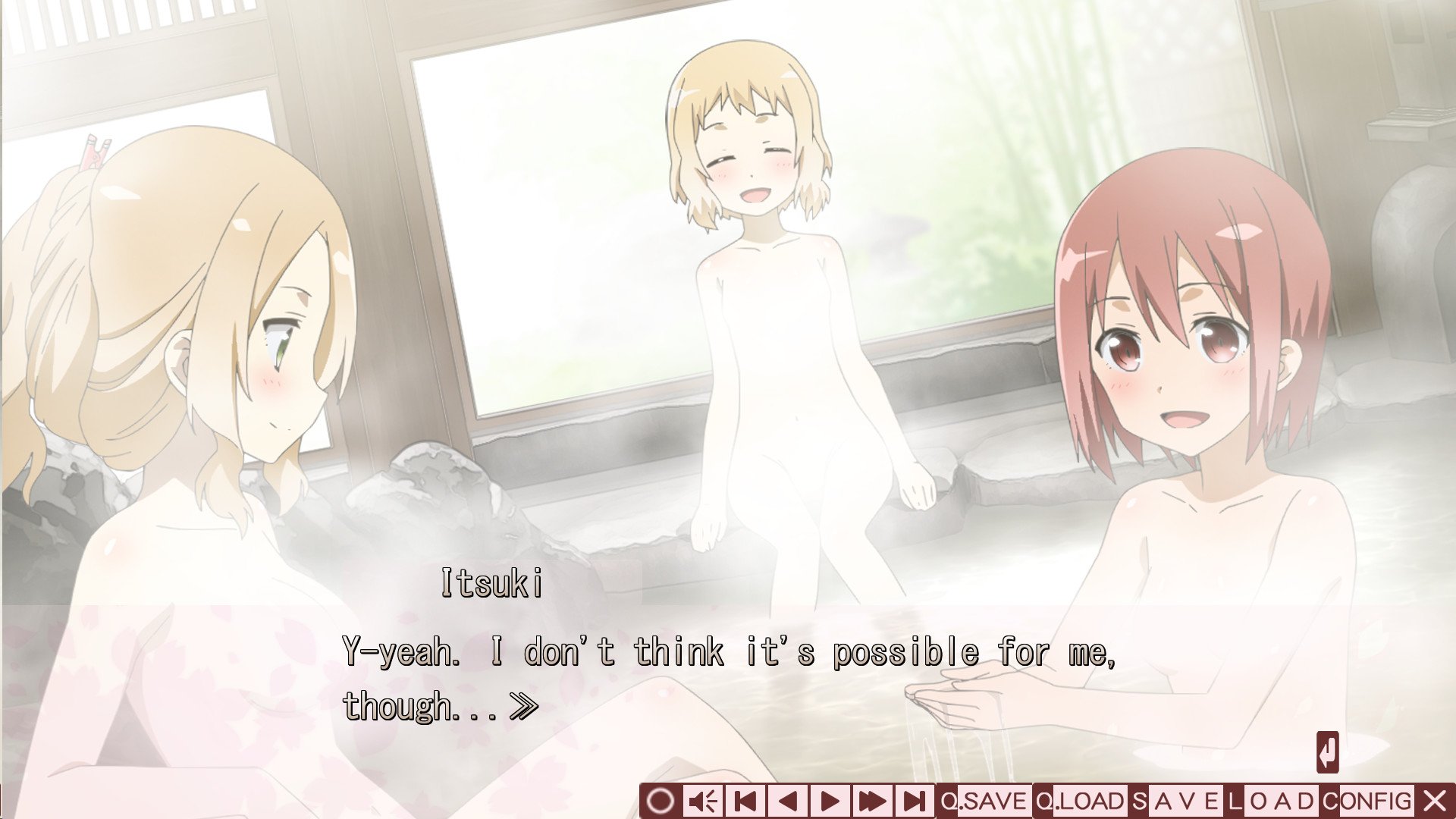
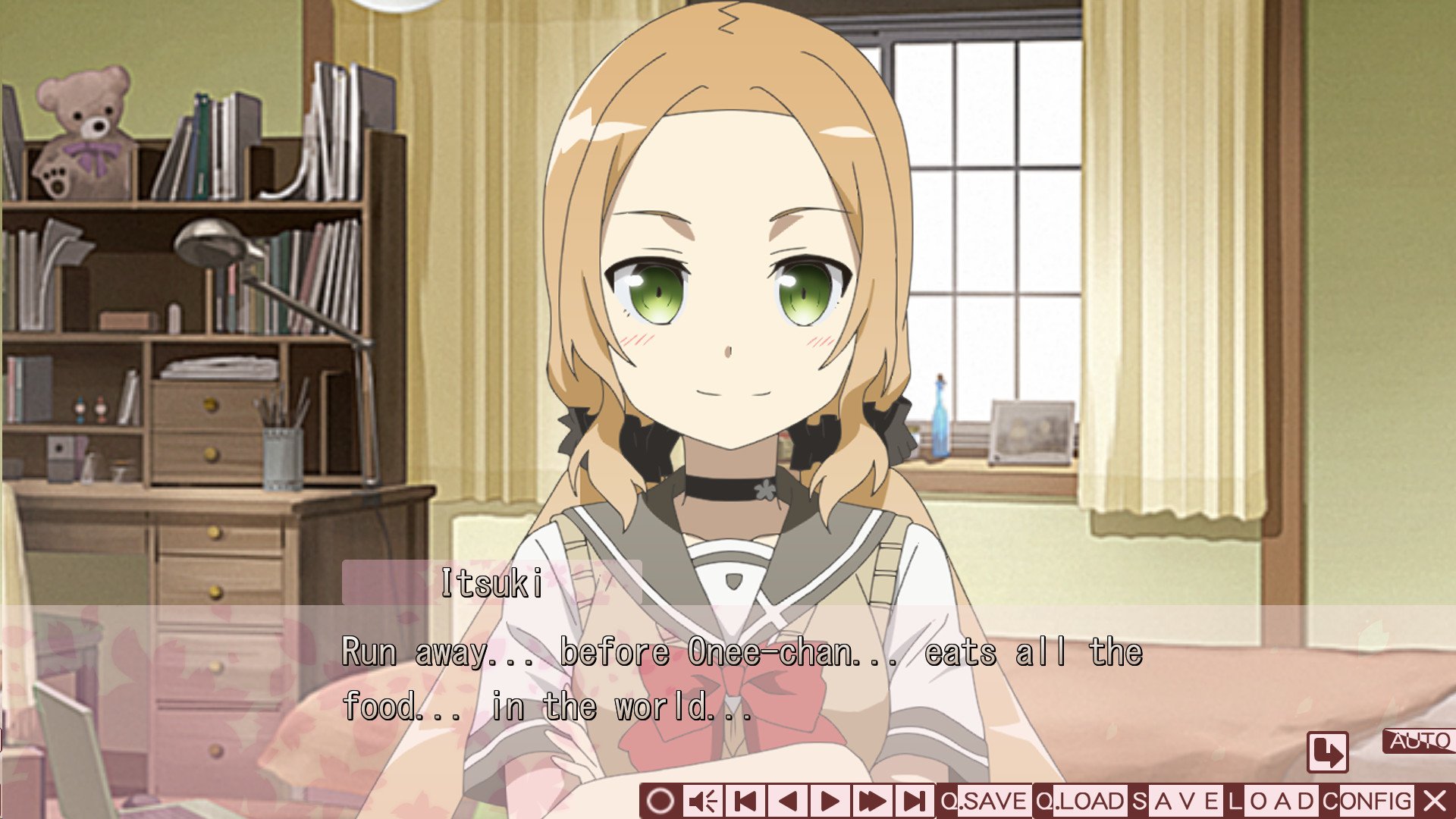


 Japanese





 English

Comments and reviews
i finally made it work.
1- download the main game file and extract it
2- download the English Patch and replace the former script.dat
3- download the NoCD patch and replace the former AlphaROMdiE.exe
4- run AlphaROMdiE.exe with Locale Emulator (software to run it in japanese)
5- a blue window opens: drag & drop (結城友奈は勇者である.exe into it
6- it will open the settings (you may change the display resolution)
7- click on the middle button at the bottom to run the game
The game menu is still in japanese but the script will be in English.
To run the game again start over from step 4
error message in japanese when you run it (even with Locale Emulator).
if you click "ok" to that message, a webpage tells you that the error comes from Vista OS so modern OS as well)
if anyone made this game work, thanks.
No comment nor review for this game at the moment.