Everlight: Of Magic & Power
Windows - 2007
| Alt names | Хроники Мелвина. Проклятье Эльфов, Everlight: Elfen an die Macht!, Everlight: Elfos al Poder, Everlight: Elves into Power, Everlight: Le Pouvoir des Elfes, Everlight: Moc a kouzla víl, Everlight: Moc a kúzla víl, Everlight: Power to the Elves |
|---|---|
| Year | 2007 |
| Platform | Windows |
| Released in | Germany (2007) Canada, Czechia, France, United Kingdom, United States (2008) Spain (2009) Germany (2010) |
| Genre | Adventure |
| Theme | Fantasy, Puzzle elements |
| Publisher | DreamCatcher Interactive Inc., S.A.D. Software Vertriebs- und Produktions GmbH, Sniper Entertainment Inc., TGC - The Games Company GmbH |
| Developer | Silver Style Entertainment e.K. |
| Perspective | 3rd-Person |
| Tested on | Windows 10, Windows 11 |
Description of Everlight: Of Magic & Power
In 2007, DreamCatcher Interactive Inc., TGC - The Games Company GmbH, S.A.D. Software Vertriebs- und Produktions GmbH, Sniper Entertainment Inc. publishes Everlight: Of Magic & Power on Windows. This adventure game is now abandonware and is set in a fantasy and puzzle elements themes.
External links
 MobyGames
 PCGamingWiki
 Gameplay video
 IGDB
IGDBHow to play Everlight: Of Magic & Power Windows
The game with NoDVD has been tested on Windows 7 64-bit, Windows 10 and Windows 11, it works fine. You may experience some small troubles when you play the game on modern systems, check our Guide and Notes for details
Install & play guide:
- Mount the ISO disc image of DVD. You will need the utility for mounting disc image files, like WinCDEmu, UltraISO, Alcohol 52%/Alcohol 120% or Daemon Tools Lite
- Install the game. It is recommended to install the game not in default path, but in some other, non-system folder, like
C:/Games/Everlight, so you won't have troubles with NoCD - For German version: after you installed the game - install the patch v1.1. All other versions are already pre-patched to v1.1
- Then use NoCD, simply copy the files from the archive and put it in
Everlight/binfolder, agree to replace the original files - Right click on Game.exe in
Everlight/binfolder -> Properties -> Compatibility -> Set "Run this app in Compatibility mode with Windows XP" and "Run as Administrator" - Launch the game from Everlight.exe or desktop shortcut and play. If the game doesn't work in compatibility mode with Windows XP - try to launch it in Compatibility mode with other version of Windows (Windows 95, 98, etc.)
Notes:
- If the installation doesn't start - try to launch Setup.exe as Administrator and in Compatibility mode with old version of Windows (98, 2000 or XP)
- It is recommended to install all versions of Microsoft Visual C++ Redistributable and NET Framework for the correct work of the game. Also it is recommended to install K-Lite Codec Pack for the correct work of in-game videos
- The game works on DirectX 9, so if you're using Windows 8, 8.1, 10 or 11 - you need to enable DirectPlay: Go to Control Panel, and select 'Programs'. Select 'Turn Windows features on and off', click on 'Legacy Components' and check the box 'DirectPlay'. Select OK, once the installation is done, restart your computer
- NoСD is required because the different versions of the game are protected with TAGES and SecuROM DRMs, which doesn't work correctly on modern systems. NoCD "cracks" the DRM protection and allows to run the game without the disc. If you see the error that there's not enough space on the hard drive when you copy NoCD files - re-install the game in non-system folder, like
D:/Games/Everlight, Windows Protection may block copying of files to system folders (likeC:/Program FilesorC:/Windows) - Be careful, Russian version is protected with infamous StarForce DRM that can break your system, so make sure to use NoCD before the first launch of the game! DO NOT run the game right after the installation or you may accidentally install StarForce drivers! NoCD for Russian version showed few generic warnings but it is safe to use, simply add the file to antivirus exceptions list
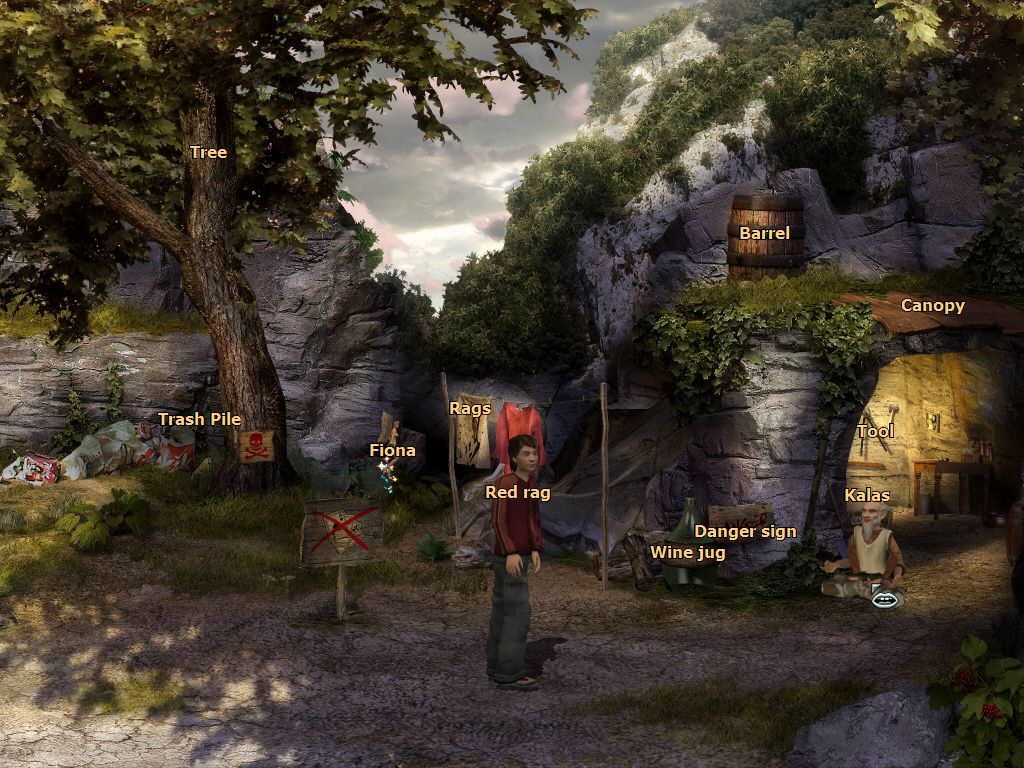
- Here's the hotkeys that you can use during the game: F1 - open Fiona's Notes, H - show all items and NPCs, G - show only the items that you can pick up or use, E - show all exits, Esc - open main menu, I - open Inventory, F4 - open loading menu, F5 - open savegame menu
- The game has many small non-critical bugs that may result in crash of the game, so save the progress often. Also, if you stuck and don't know what to do next, try to talk to NPCs at different time of the day
- The game works only in 4:3 screen ratio and only in 1024x768 resolution; if you run the game on widescreen display, the image will be stretched. To play the game in original non-stretched 4:3 screen ratio, run it through dgVoodoo 2. To use dgVoodoo 2 copy the dll-files from the
MS/x86folder, dgVoodooCpl.exe and dgVoodoo.conf to theEverlight/Binfolder, next to game.exe, then run dgVoodoo Control Panel (dgVoodooCpl.exe) as Administrator and set 4:3 ratio in dgVoodoo settings. You can also try the other settings of dgVoodoo, such as higher screen resolution or texture filtering, you can run the game in high screen resolution with original 4:3 screen ratio and Anti-aliasing and Anisotropic texture filtering, to get the better graphics. The game with dgVoodoo 2 has been tested on Windows 10, it works fine. We also recommend to use dgVoodoo 2 if you have any troubles with the game, such as graphical glitches - About Spanish version: it has English audio and Spanish menu & subtitles, by default the subtitles are disabled, don't forget to enable them before starting the new game
- Don't forget to check PCGamingWiki if you have troubles with the game
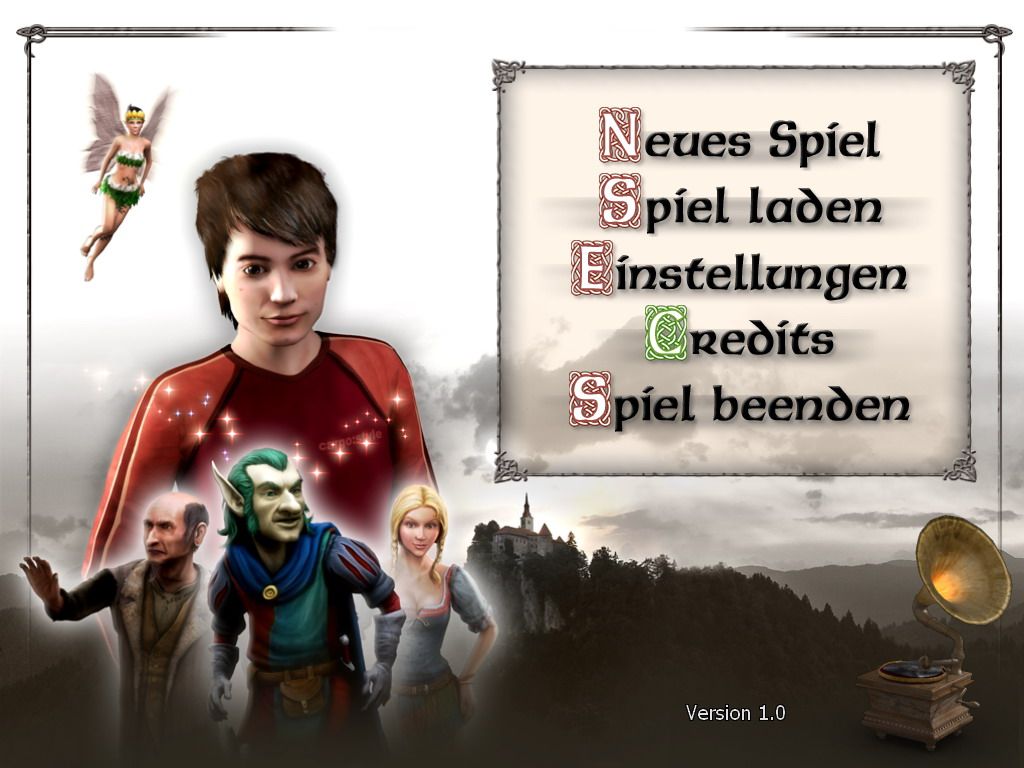
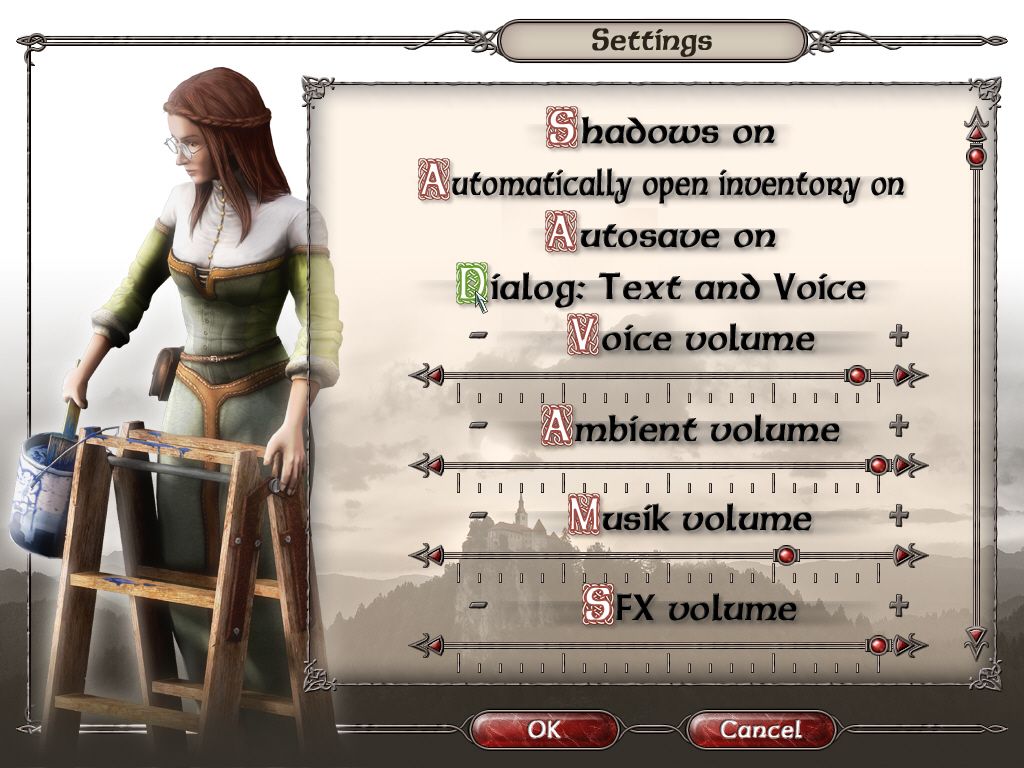
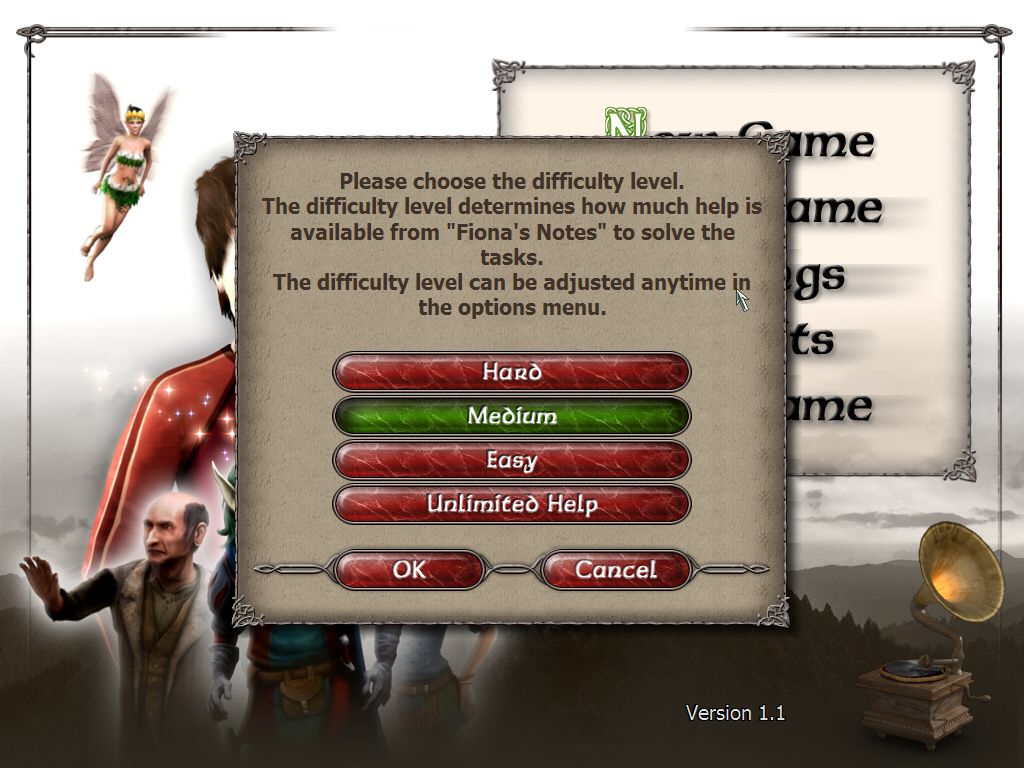
Captures and Snapshots
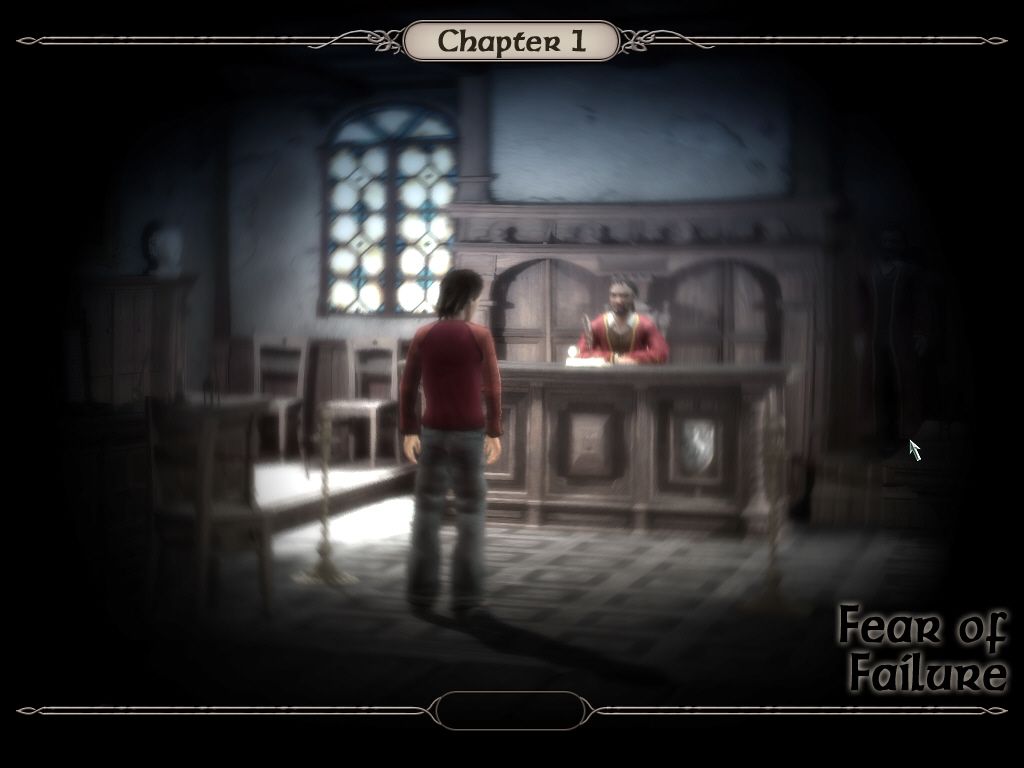
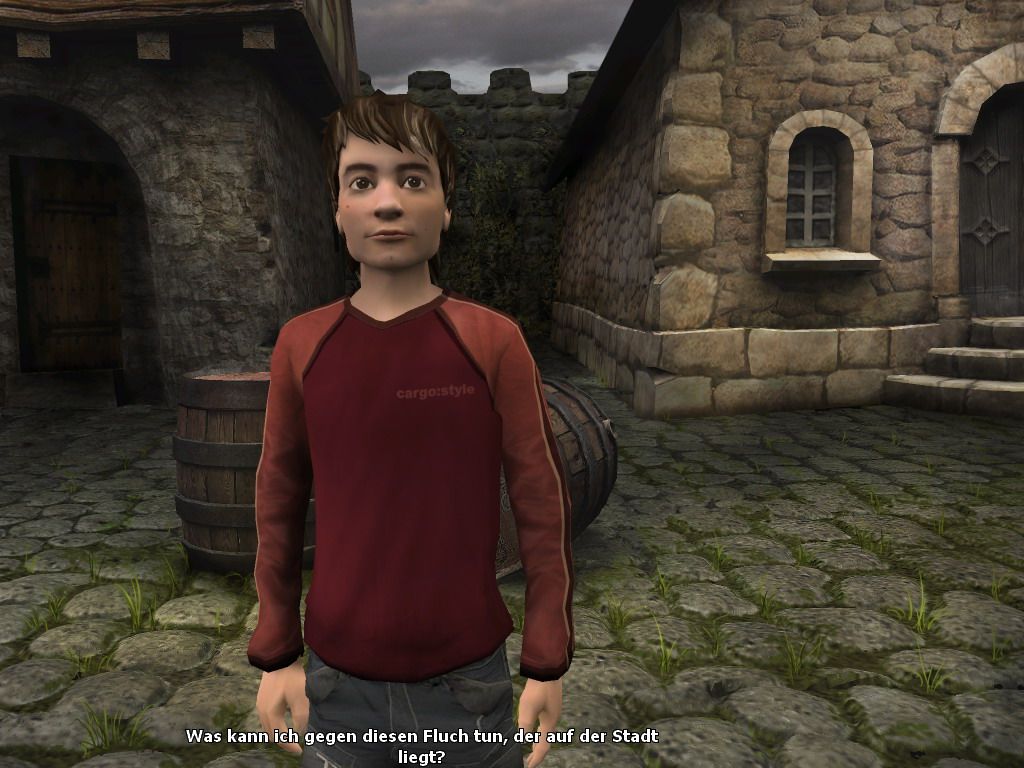
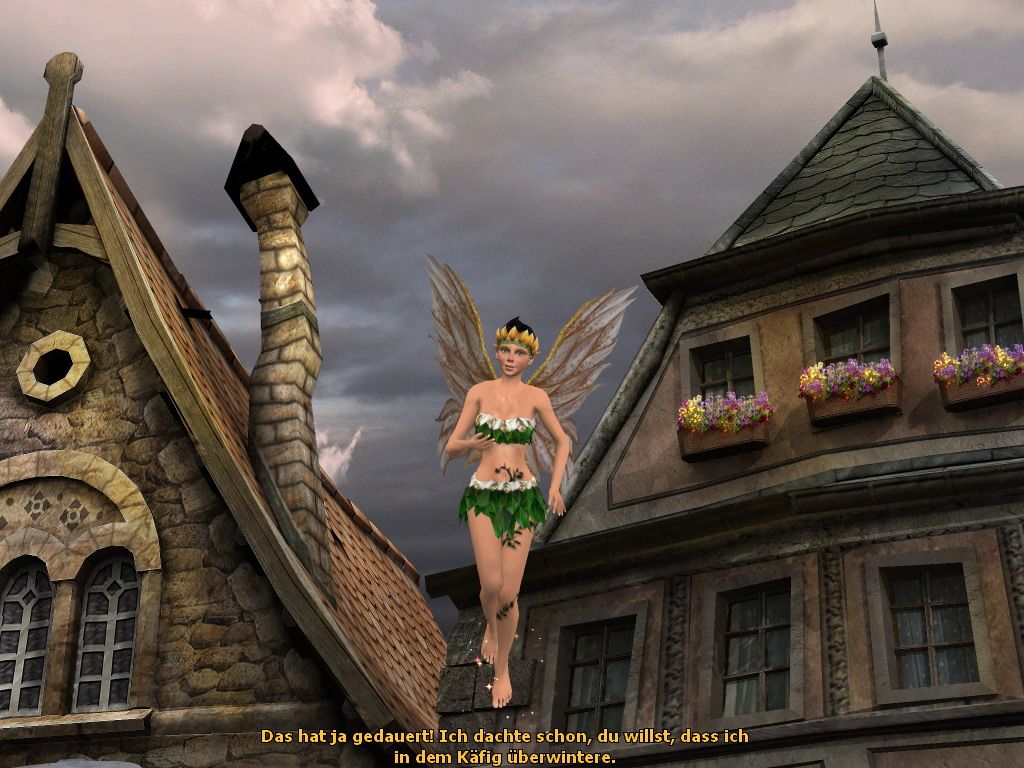
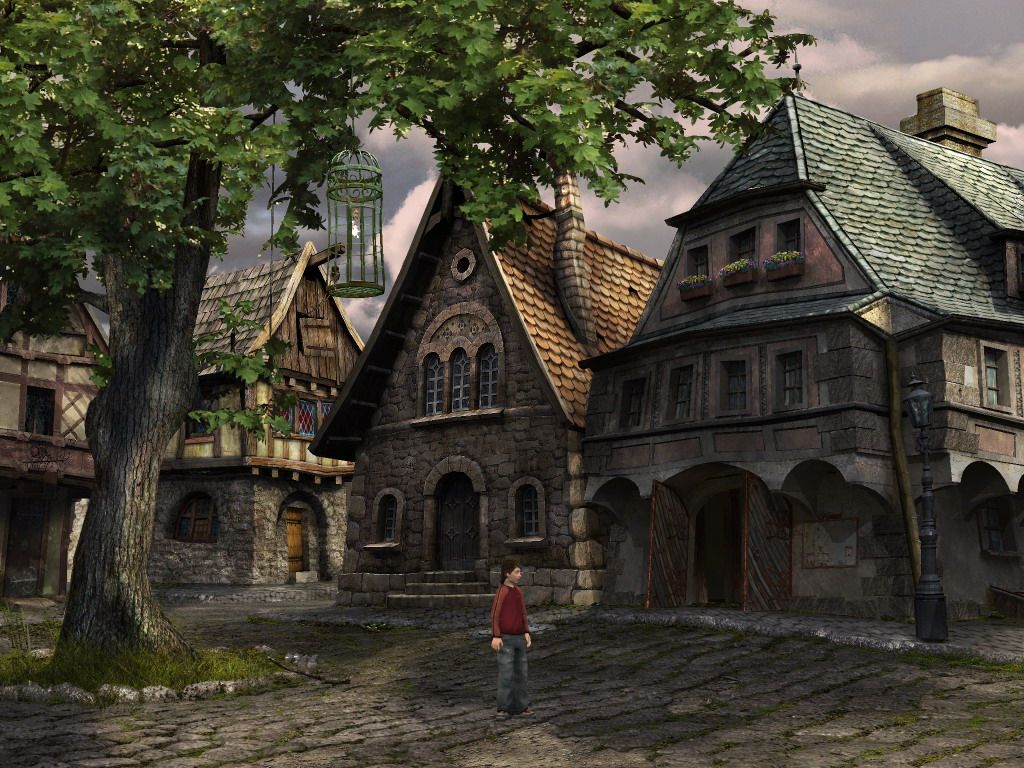
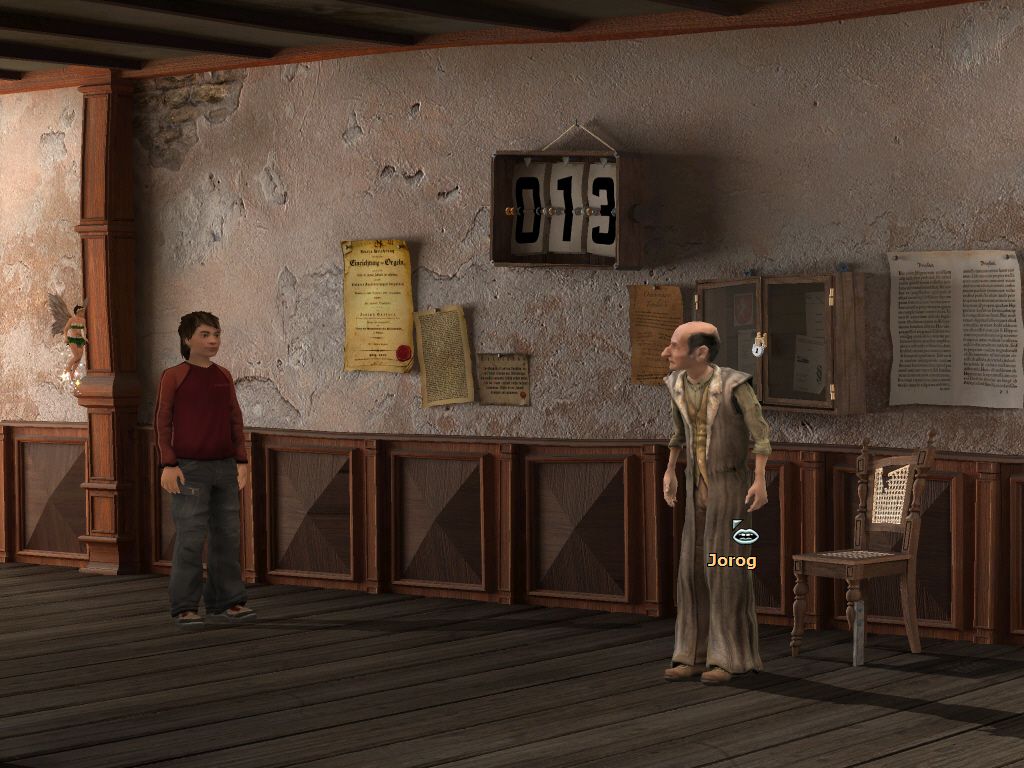
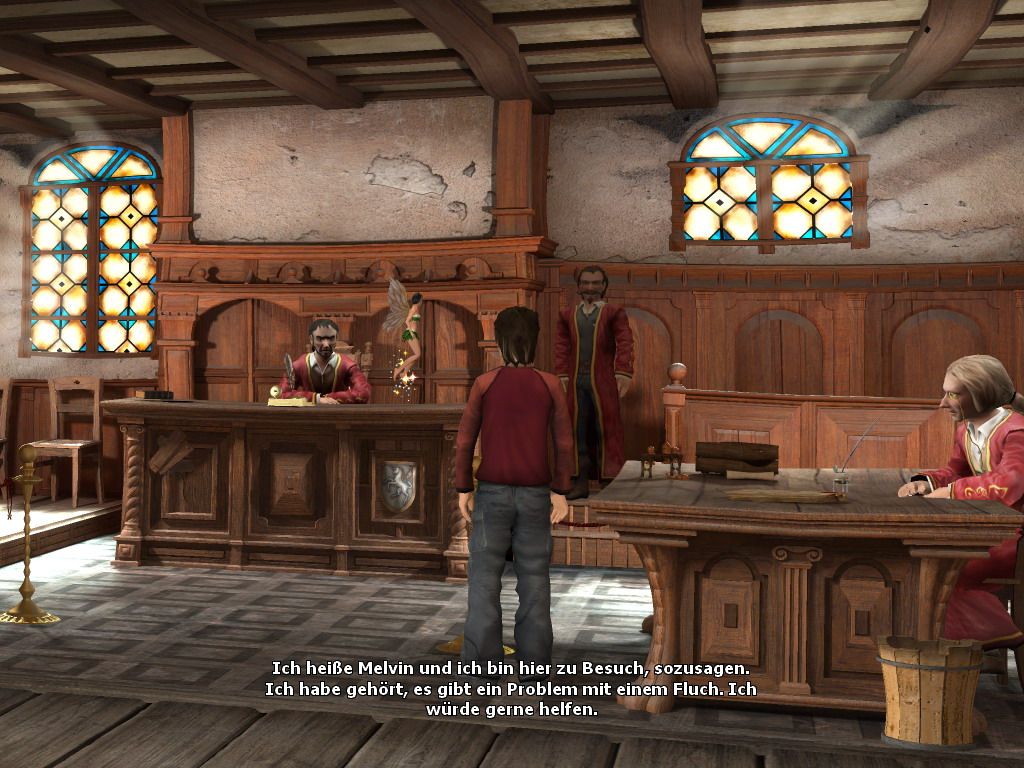
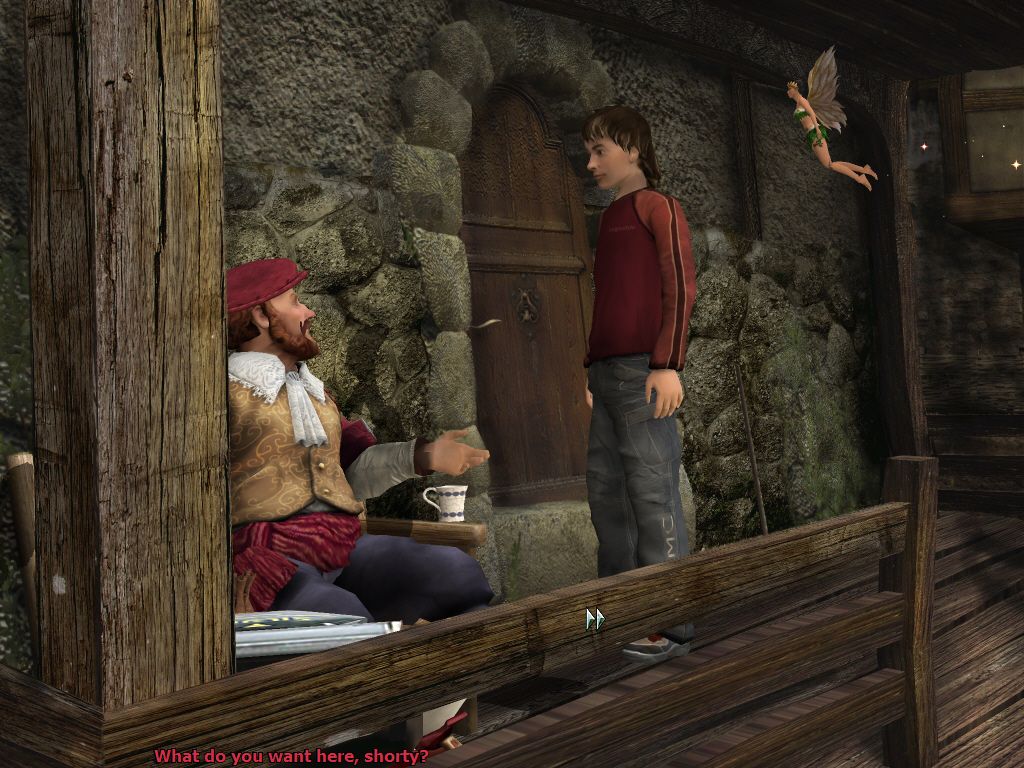
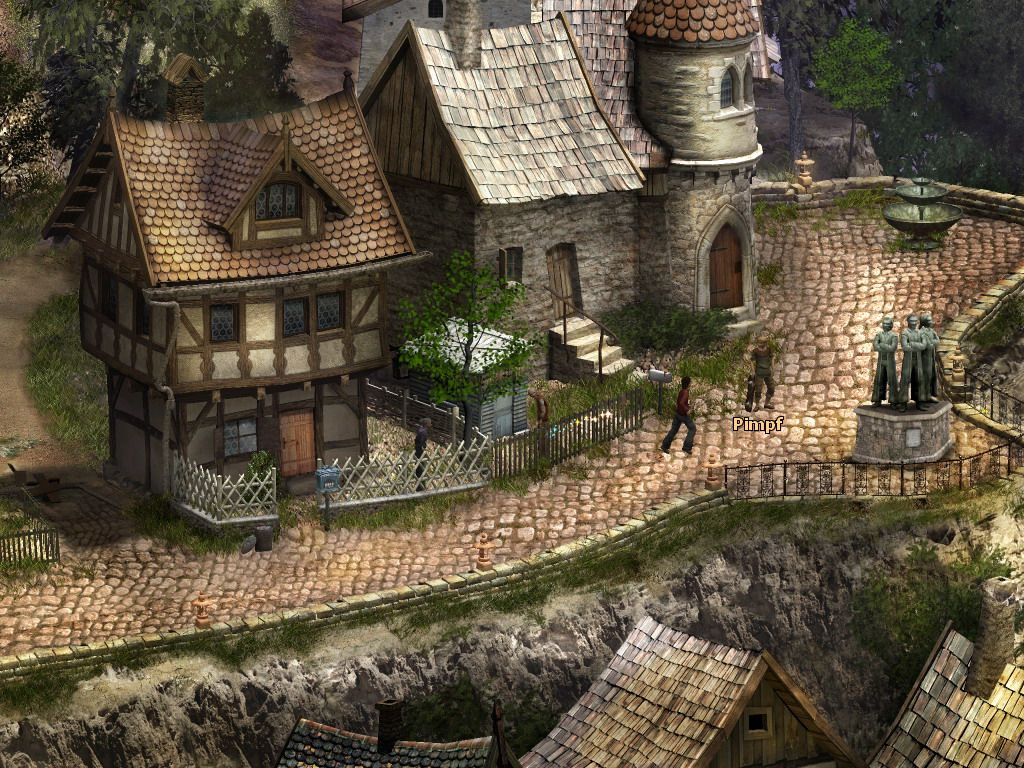
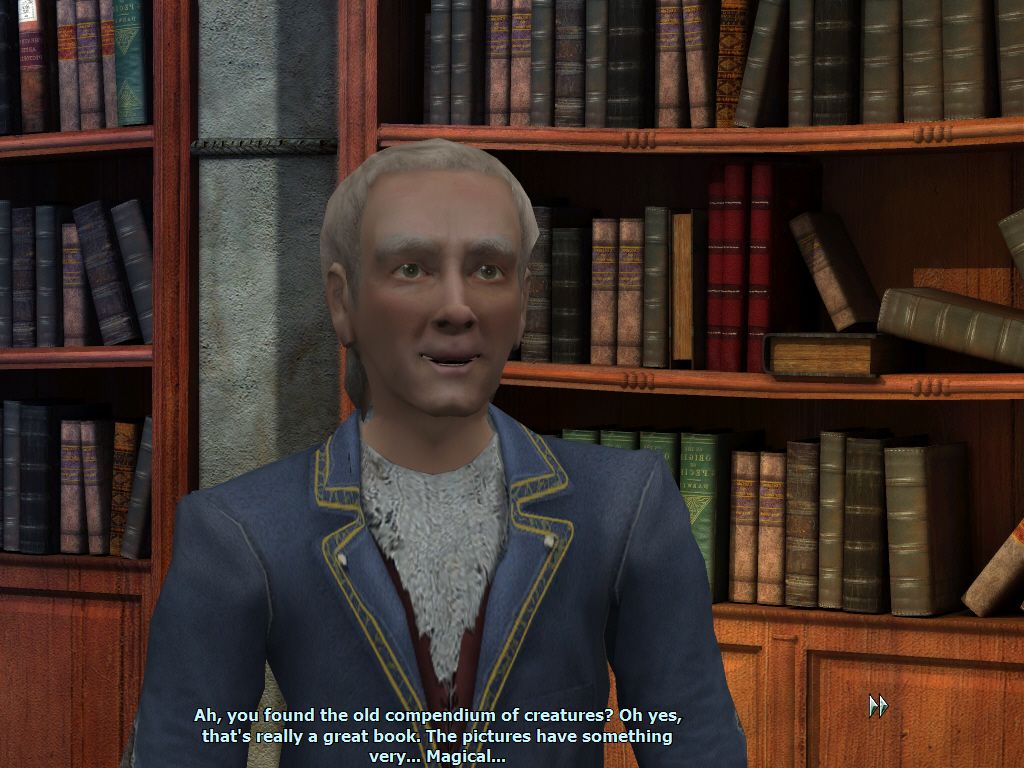
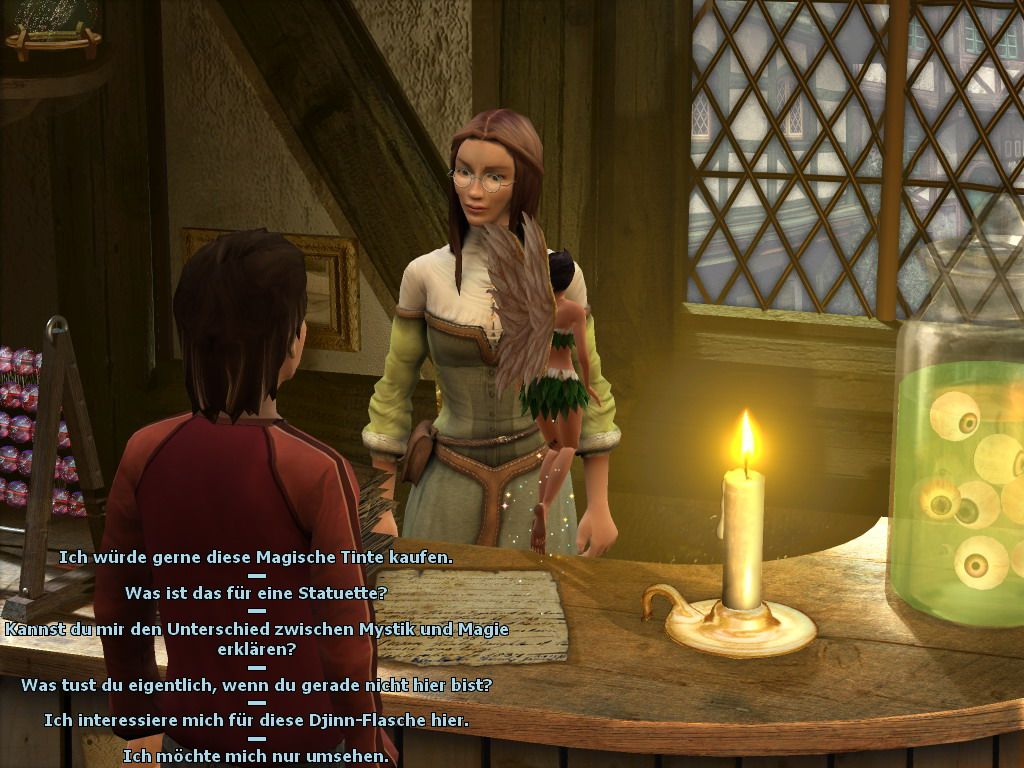
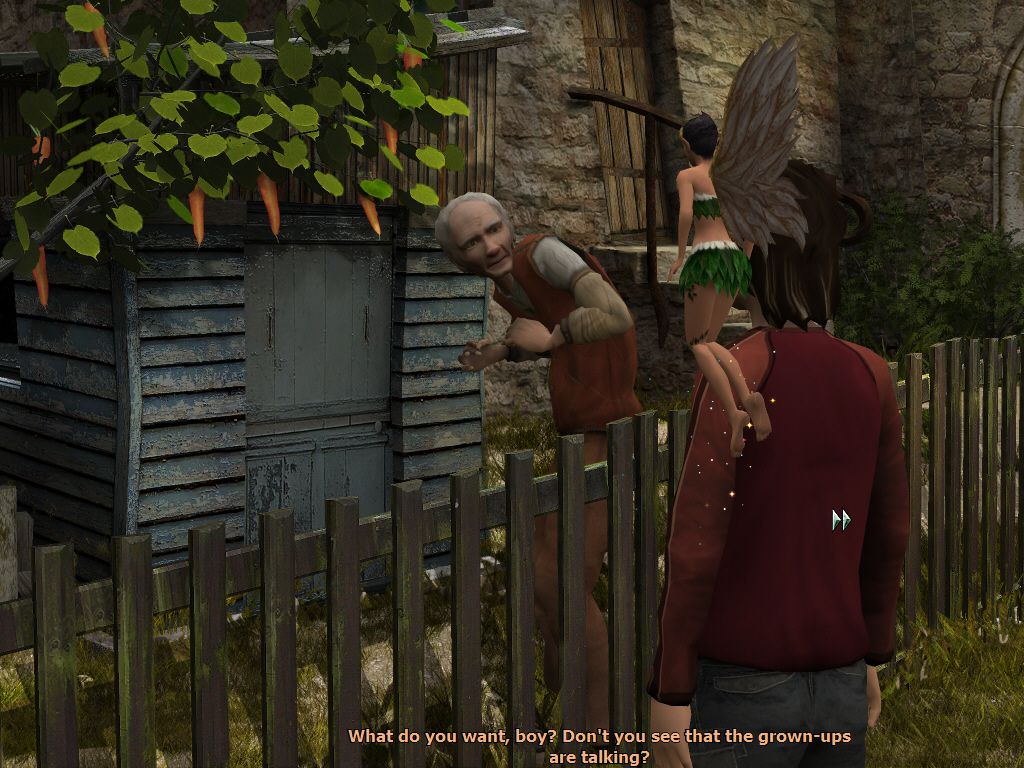
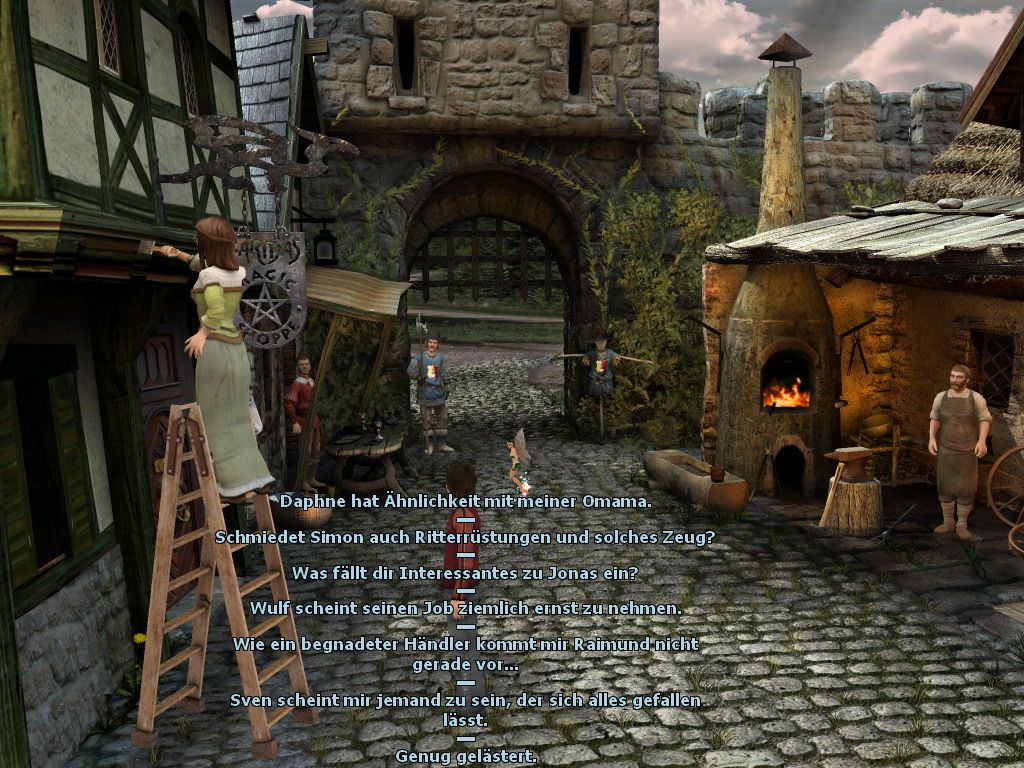
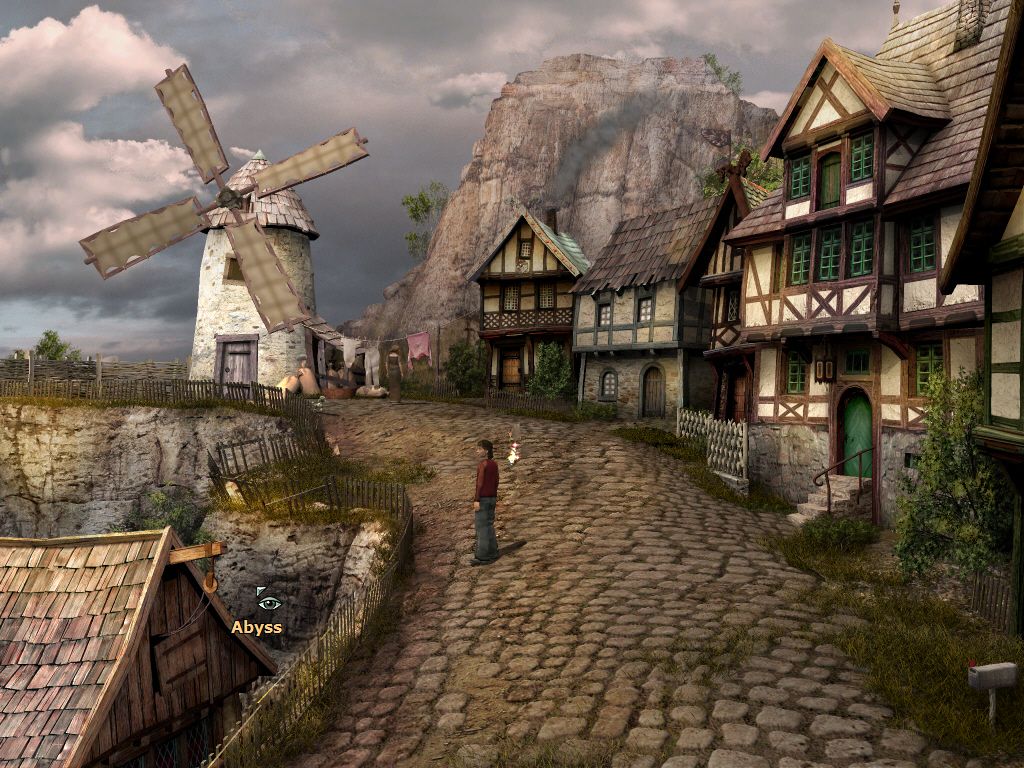
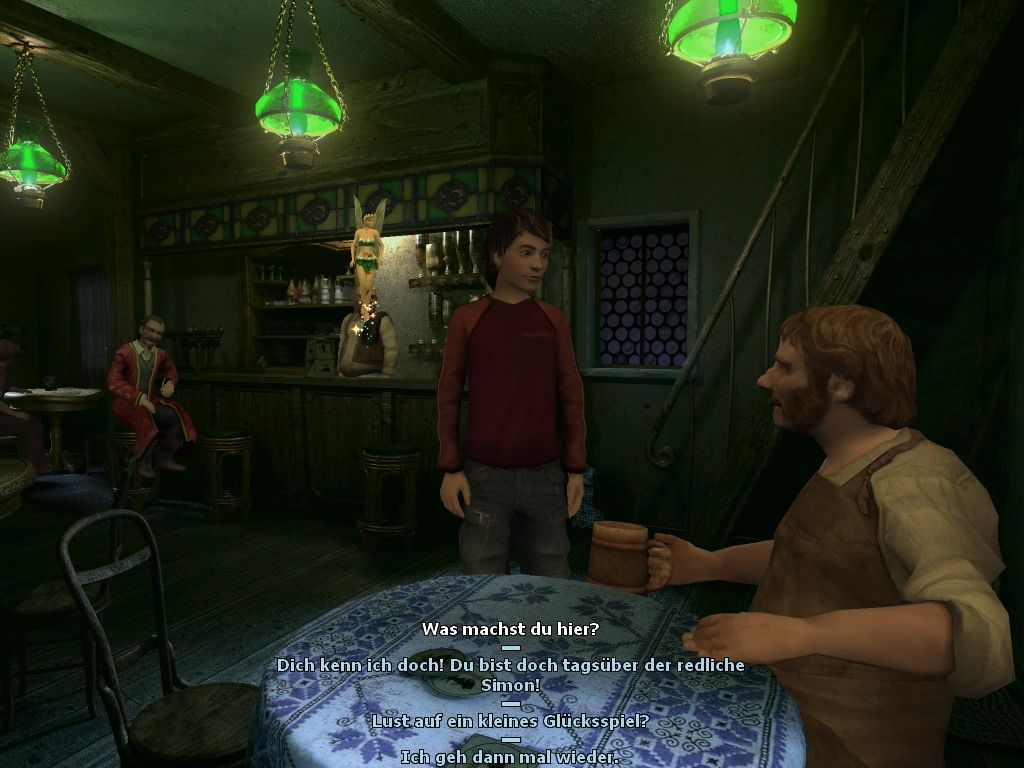
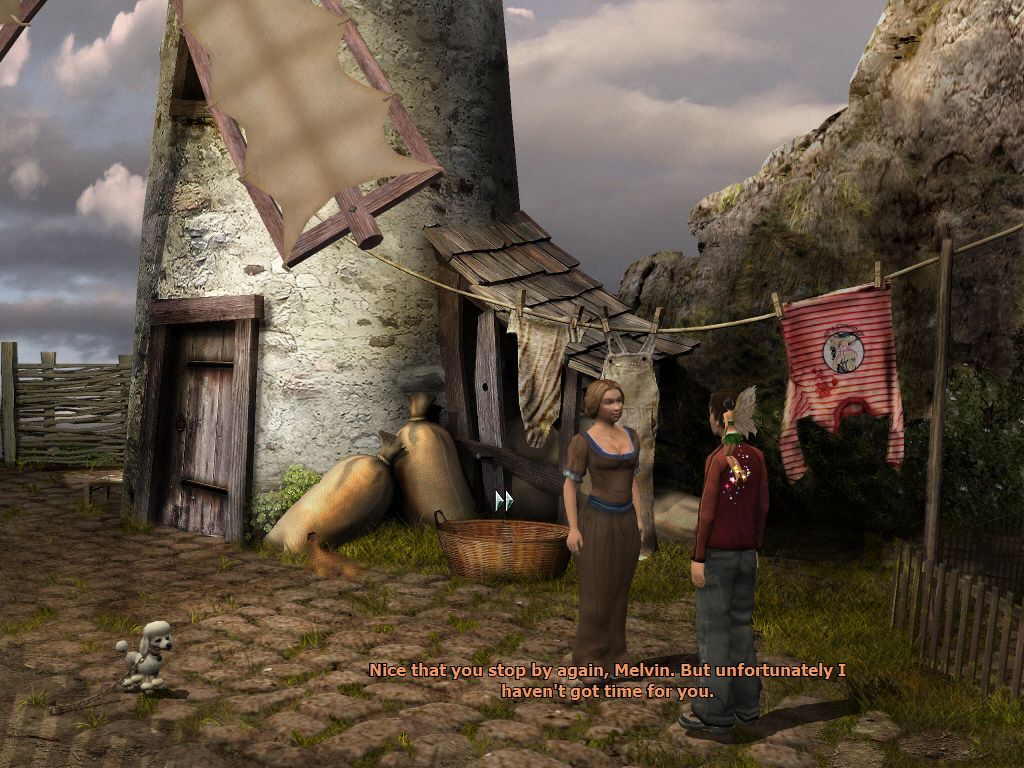
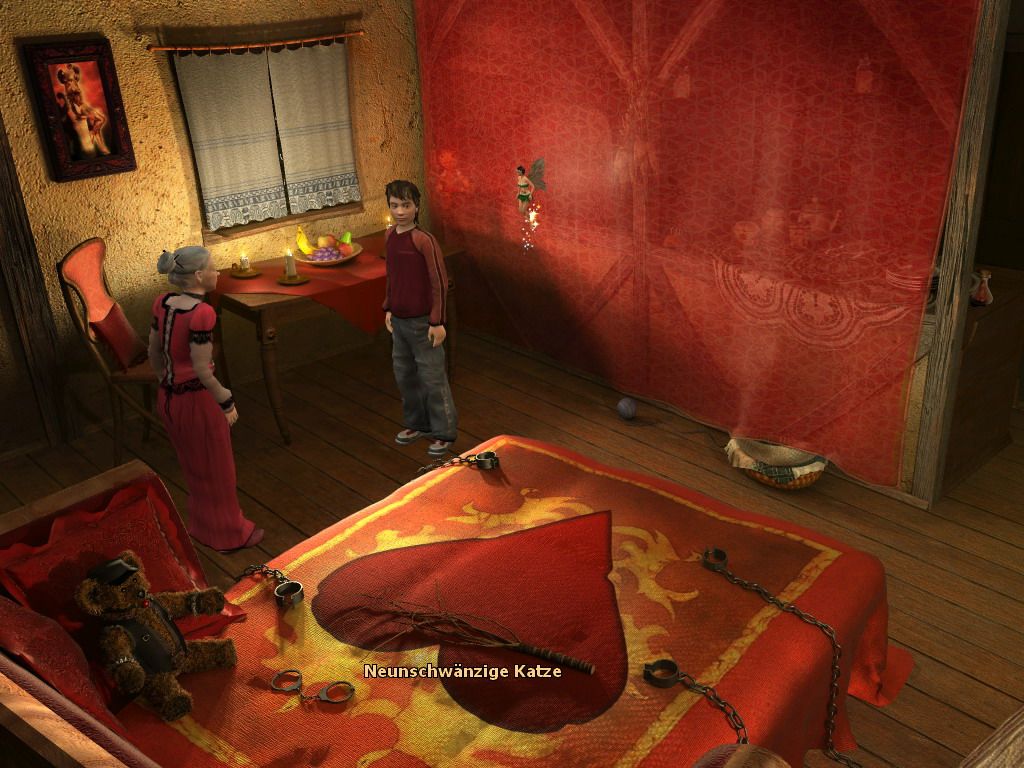
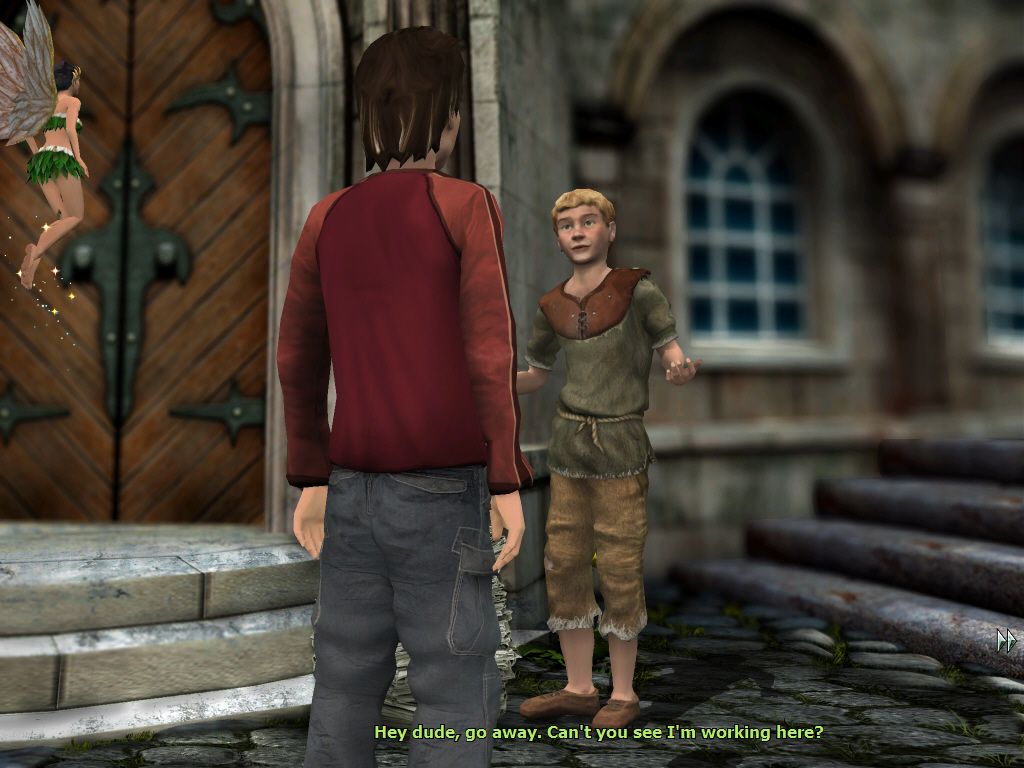
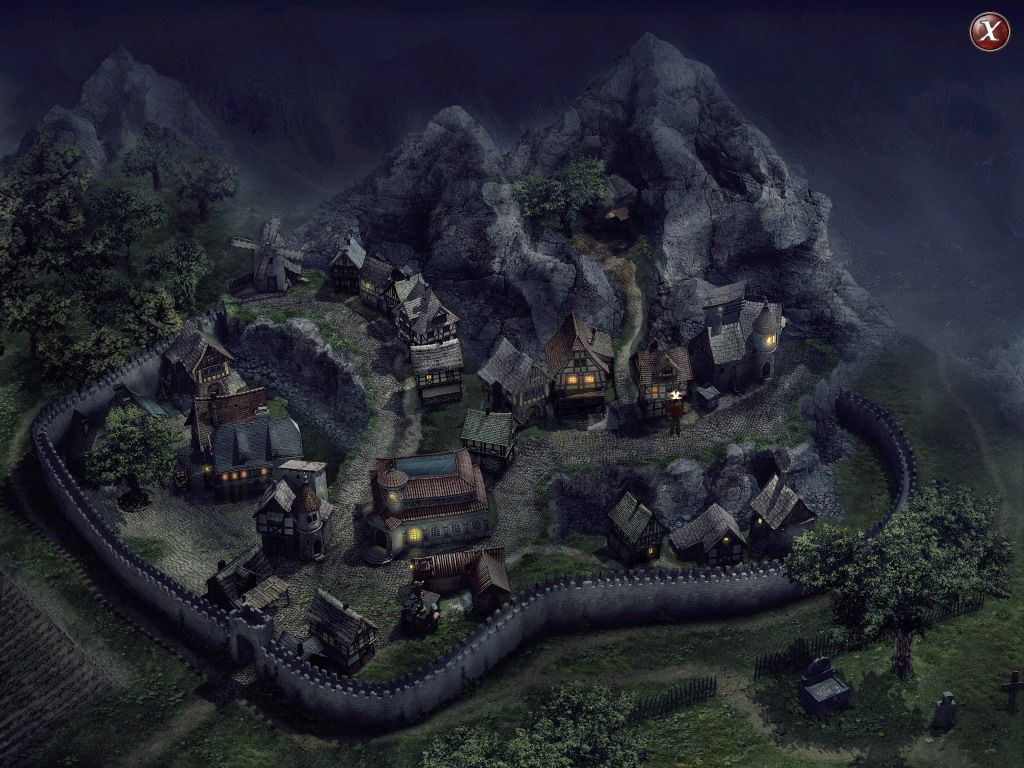
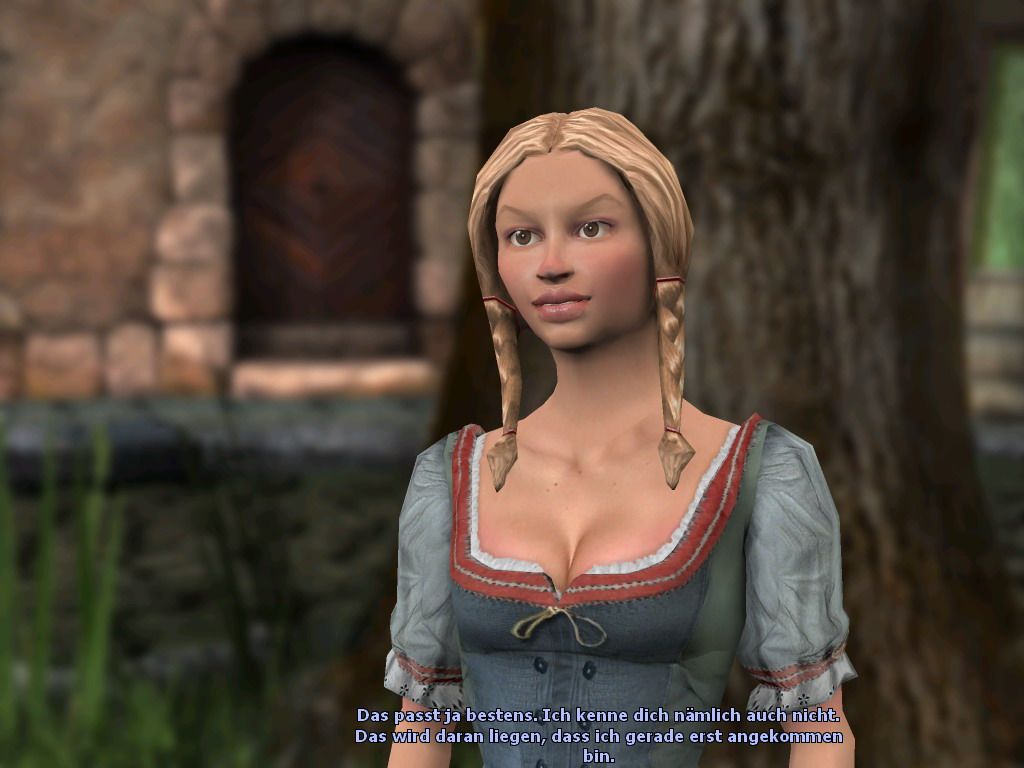
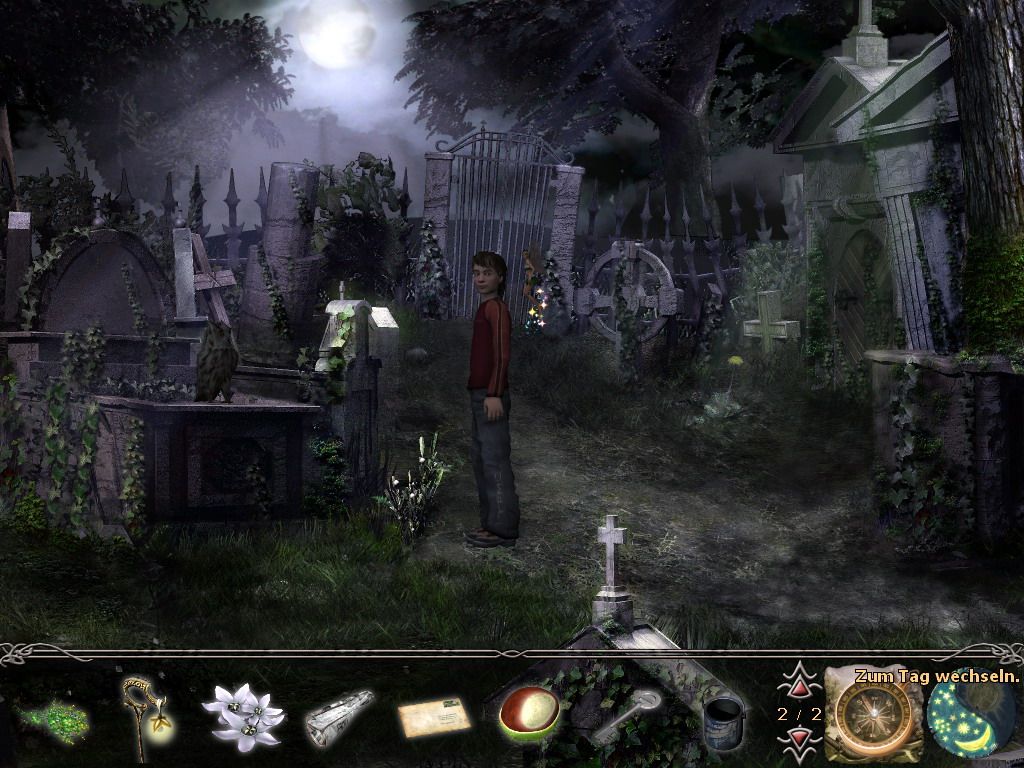
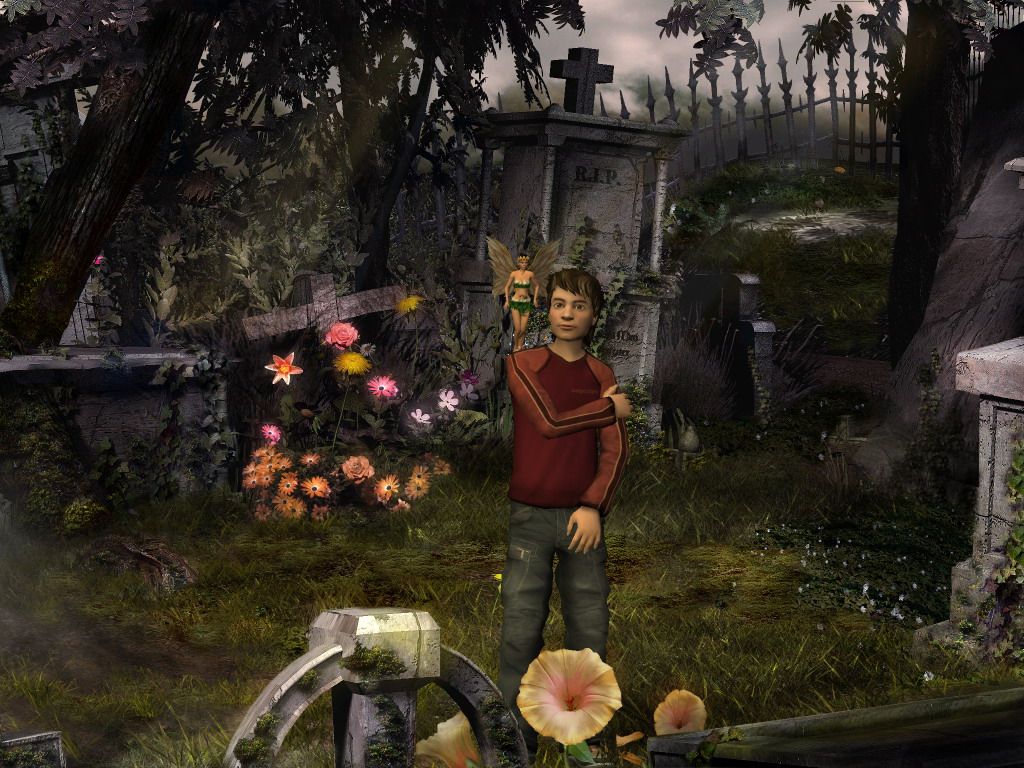
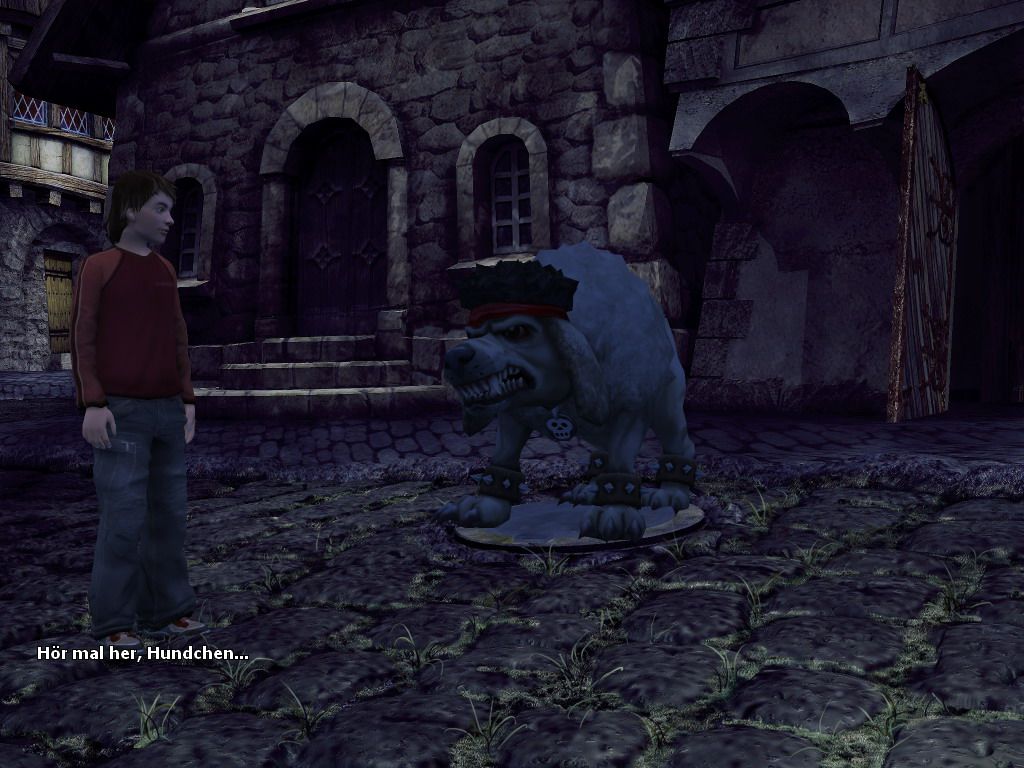
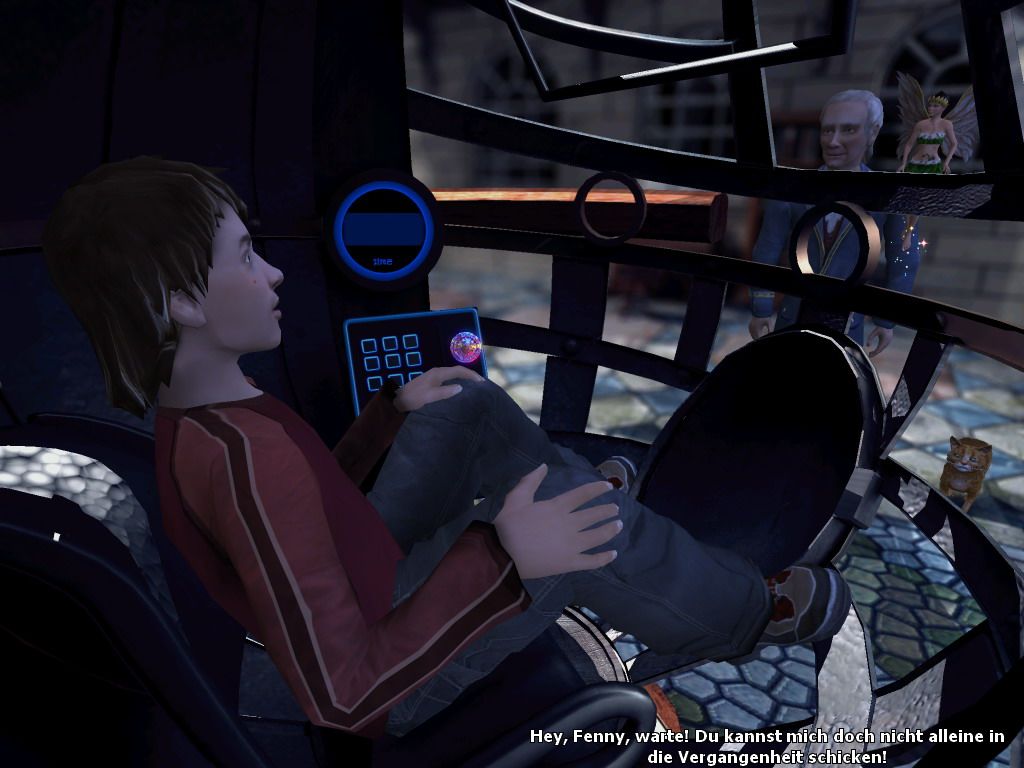
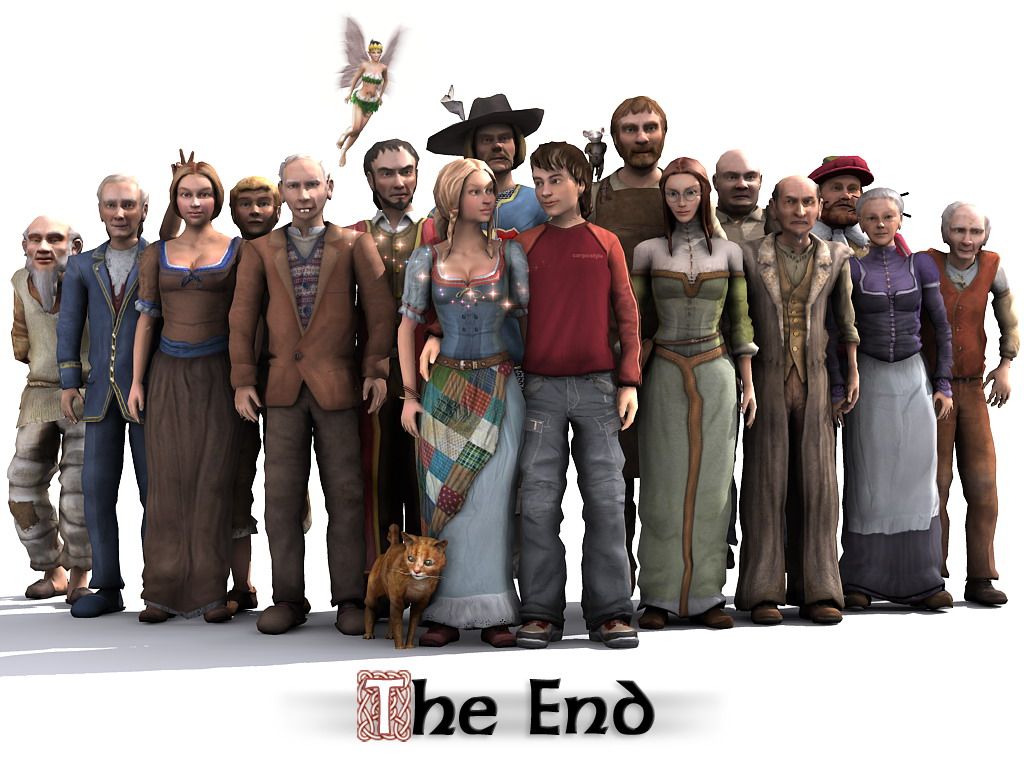
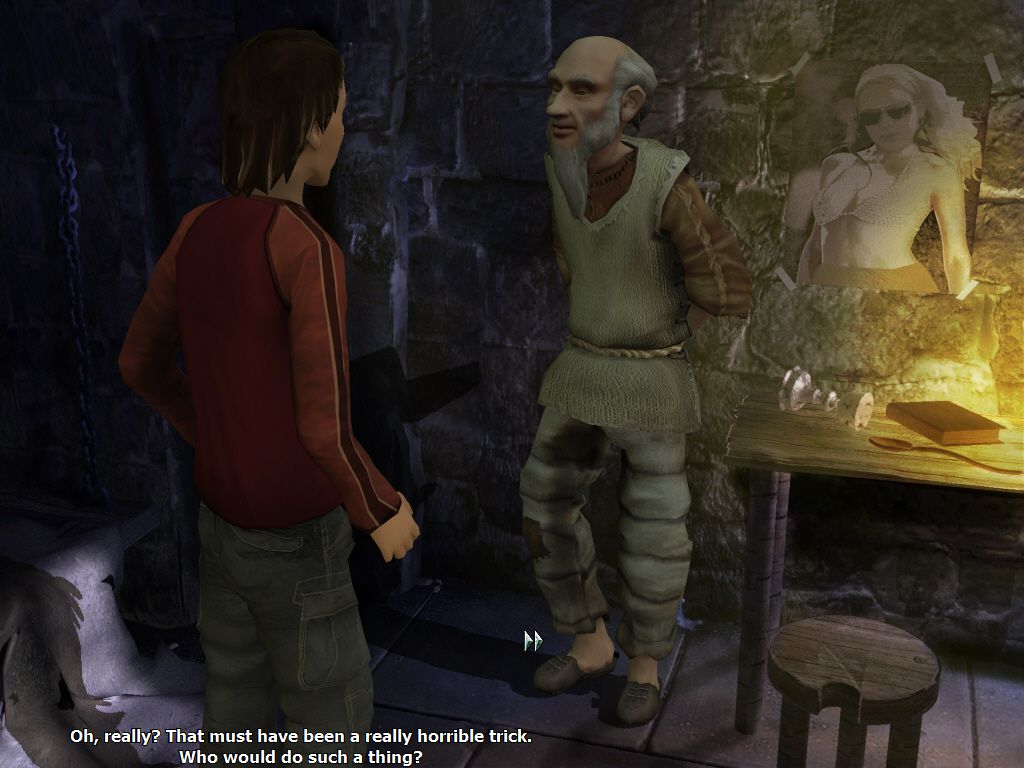
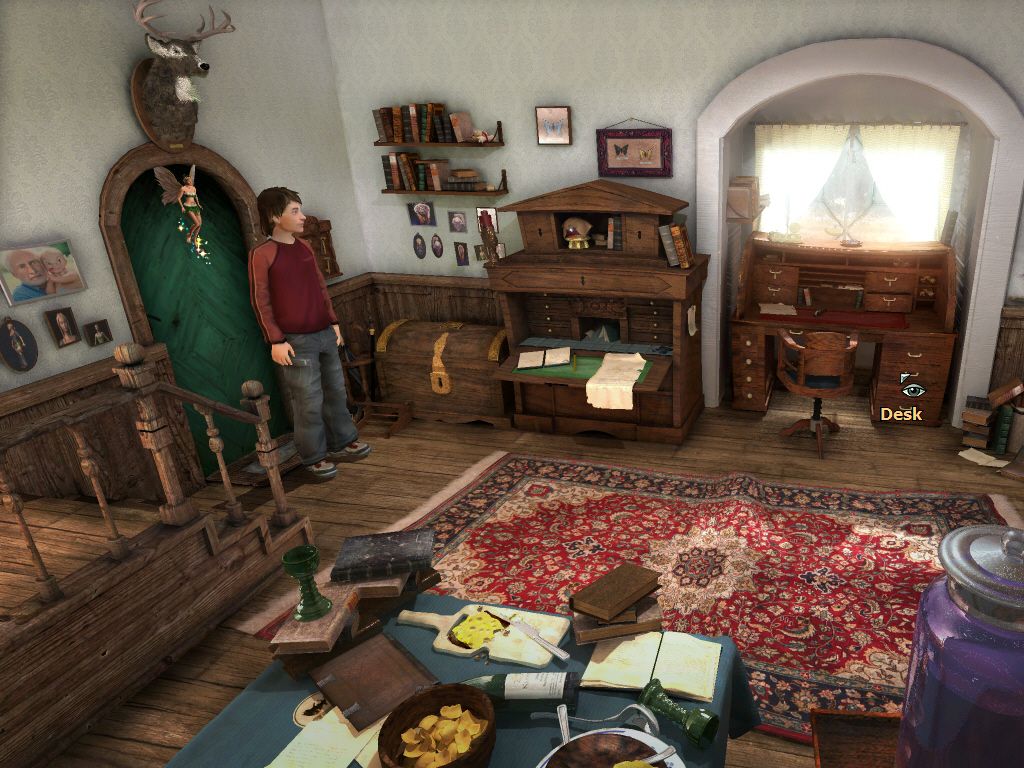
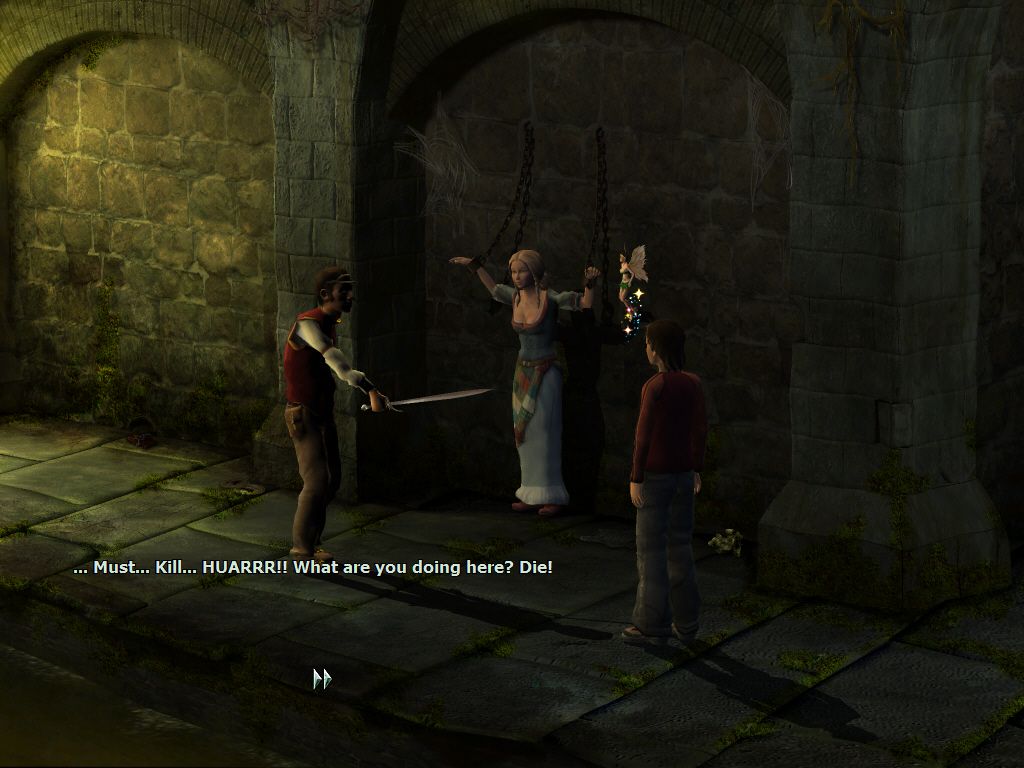
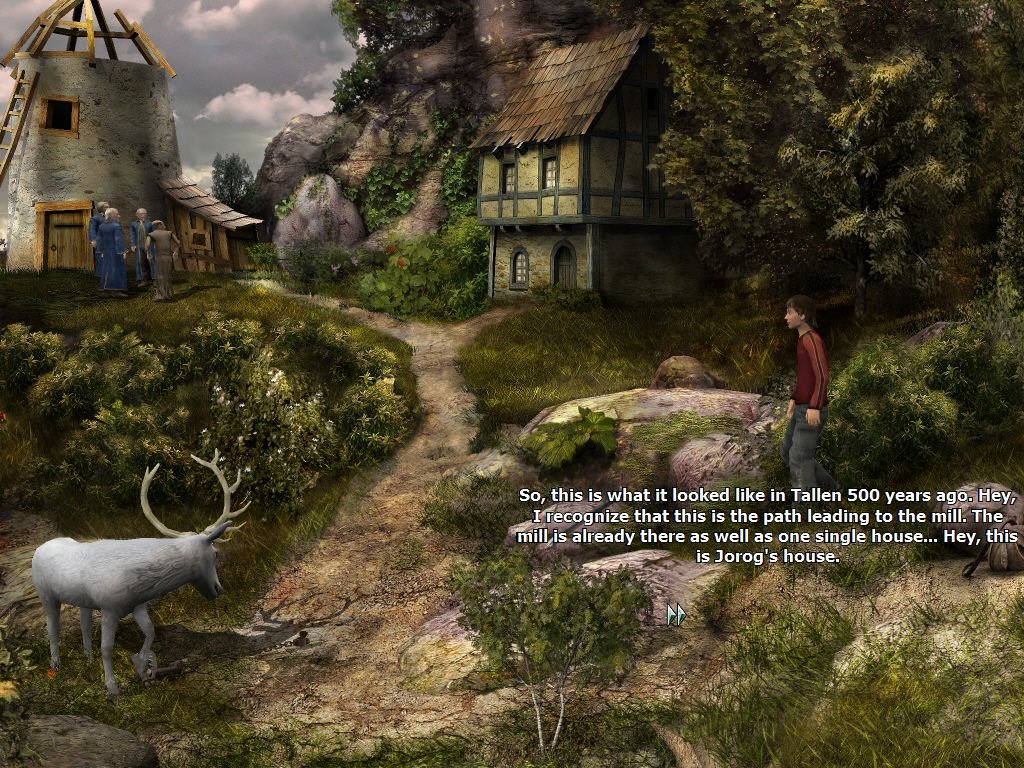
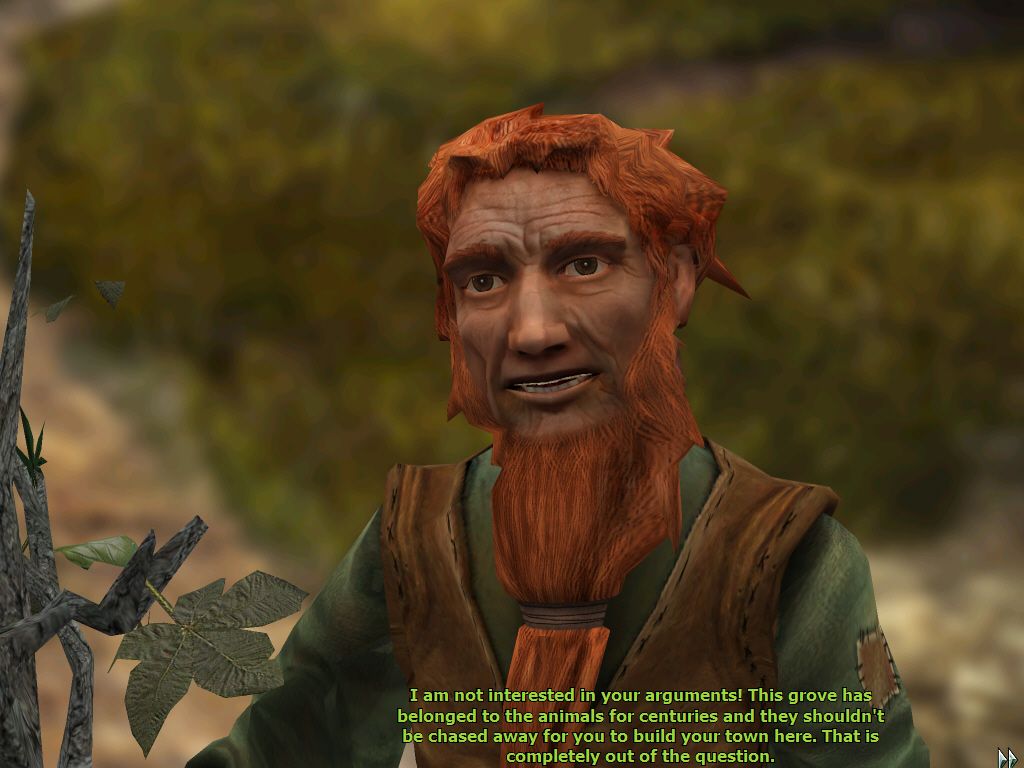

Comments and reviews
There is no comment nor review for this game at the moment.
Write a comment
Share your gamer memories, help others to run the game or comment anything you'd like. If you have trouble to run Everlight: Of Magic & Power (Windows), read the abandonware guide first!
Download Everlight: Of Magic & Power
We may have multiple downloads for few games when different versions are available. Also, we try to upload manuals and extra documentation when possible. If you have additional files to contribute or have the game in another language, please contact us!
Windows Version

European release

 3.3 GB
DownloadEnglish version
3.3 GB
DownloadEnglish versionUS release
1.7 GB
DownloadGerman version  1.7 GB
DownloadRussian version
1.7 GB
DownloadRussian versionStarForce protected, use NoCD before launch
 1.8 GB
Manual
1.8 GB
Manual 609 KB
Game Extras
Various files to help you run Everlight: Of Magic & Power, apply patches, fixes, maps or miscellaneous utilities.
48 MB
MiscHungarian translation patch  16 MB
DemoDemo version in German 826 MB
NocdNoCD for English version 43 KB
NocdNoCD for English & Spanish version
16 MB
DemoDemo version in German 826 MB
NocdNoCD for English version 43 KB
NocdNoCD for English & Spanish versionShould work with English and German versions too
638 KB
NocdNoCD for German version 1 MB
NocdNoCD for Russian versionShowed few generic warnings, safe to use
41 KB
Similar games
Fellow retro gamers also downloaded these games: