



- Export saves: export the savegame files from your browser, so you can switch to another browser or computer. You can also use them in an emulator installed on your computer.
- Import saves: import savegames that you exported before with the Export saves button.
- Download disk: export the whole game from your browser, with all your savegames. Useful to switch to an emulator installed on your computer.
- Reset game files: if you somehow messed up the game files, you can reset them to an exact copy of the original.
- Reset saves: delete all savegames from your browser. We recommend that you export them first: there is no turning back!
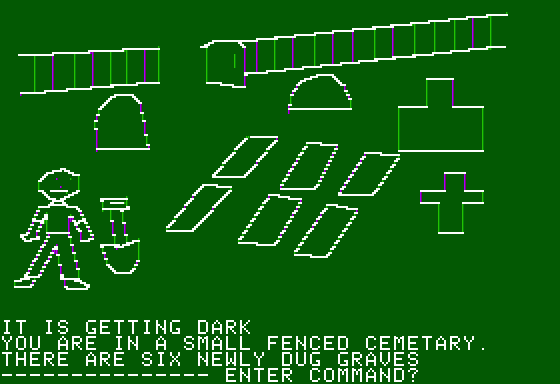
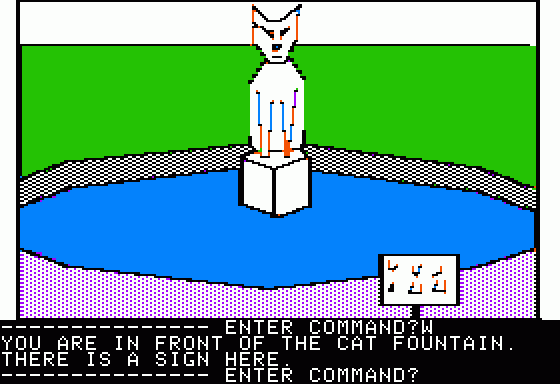
Hi-Res Adventure #4: Ulysses and the Golden Fleece - Play Online
PC Booter - 1982
For small DOS games like Hi-Res Adventure #4: Ulysses and the Golden Fleece, you can play online immediately with your browser (Chrome, Firefox, Safari, Edge, Opera...). This feature is experimental, the game may not work properly.
Warning: game save should work, but you should try it early! Also, be careful to select the right game executable in the list above.
Similar games
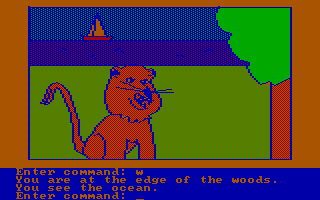
4.3/5 - 112 votes
Hi-Res Adventure #2: The Wizard and the Princess PC Booter, Commodore 64, Atari 8-bit, Apple II, FM-7, PC-88
1982
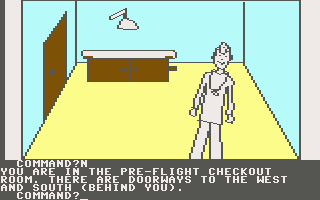
4.0/5 - 10 votes
Hi-Res Adventure #0: Mission Asteroid Commodore 64, Atari 8-bit, Apple II, PC-88
1983
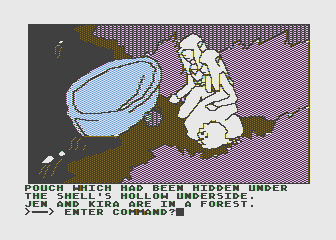
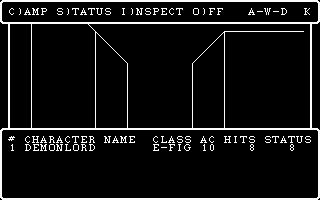
4.3/5 - 84 votes
Wizardry: Proving Grounds of the Mad Overlord PC Booter, Mac, Commodore 64, MSX, Apple II and 4 more...
1984
Comments and reviews
What are the movement controls? I begin the game and seem to get stuck on the first screen (not the opening screen).
cannot seem to get anything into inventory. i see objects, but the game doesn't register when i try to take them. e.g. chest, coin, gold/silver from king, bottle. help.
Use ScrollLock!
unplayable, no text cursor appears or anything. BTW, Infocom text-adventures are having trouble with simple text input too.
No comment nor review for this game at the moment.