lostinzelda's comment worked for me as well on windows 12. it forces the screen to 640x480, and it takes a few minutes to start up, but it works fine.
0
LostInZelda22 Jan. 2026
For Windows 11, install the game using the msi file here: https://archive.org/details/carmenmath . Then download the ISO from this page, mount it, and also select "Reduced color mode: 8-bit (256) color" under Properties - Compatibility.
2
No comment nor review for this game at the moment.



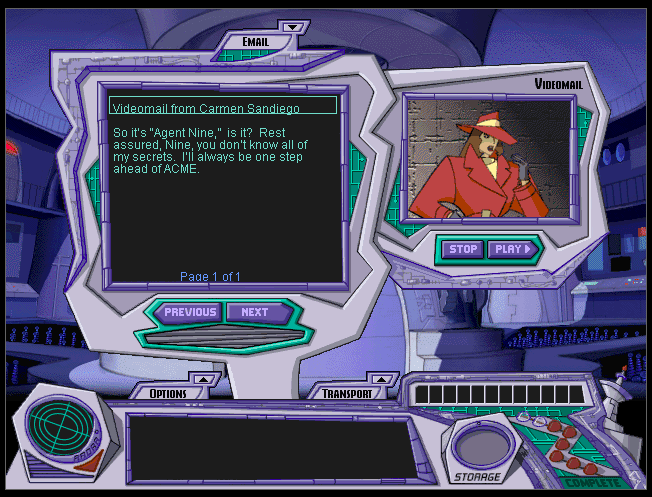
 English




Comments and reviews
wait why did i say 12. i am also on windows 11
lostinzelda's comment worked for me as well on windows 12. it forces the screen to 640x480, and it takes a few minutes to start up, but it works fine.
For Windows 11, install the game using the msi file here: https://archive.org/details/carmenmath .
Then download the ISO from this page, mount it, and also select "Reduced color mode: 8-bit (256) color" under Properties - Compatibility.
No comment nor review for this game at the moment.