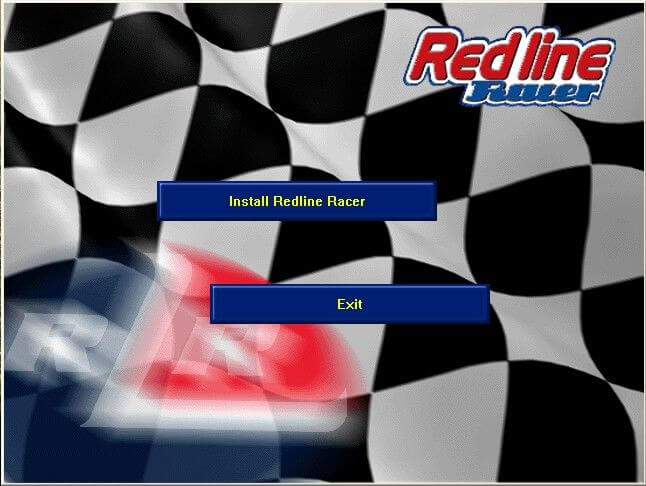
Works on Windows 7 64bit, you may need alt tools to run the setup and once you have patched it and if you want music, you need to rip the tracks from Track 02 to 06.
Music does not play or loop • Link Fix CD audio not looping on Windows Vista and newer operating systems Rip your game CD-ROM's music to MP3 format and place it in a folder on your computer. Download the patched _inmm.dll, and install it. Inside , patch rlr_3dfx.exe, rlr_D3d.exe, and rlr_i740.exe by dragging them onto _inmmconf.exe. Open _inmmconf.ini and set DirectShow player for default file type in the method tab, as well as the MP3 type. In the _inmm.ini tab, add the audio files you have ripped. Make sure the order is correct, and then save it in .
0
Pangocciolo24 Jan. 2025
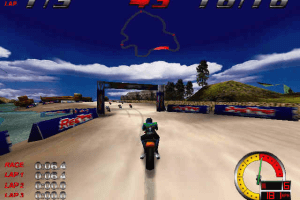
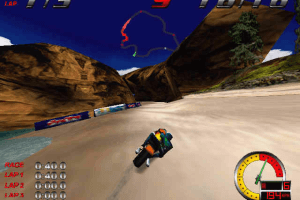
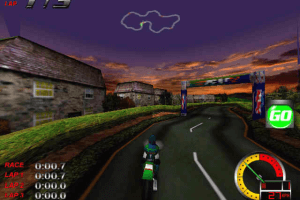
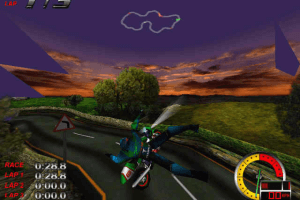
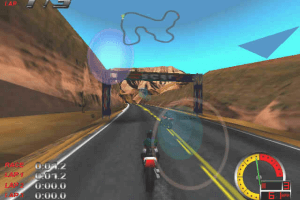
wish.com copy of the famous Moto Racer. I remember this game for the low poly count even compared to its era and the out of control acceleration.
-3
No comment nor review for this game at the moment.



 English
 French






Comments and reviews
Works on Windows 7 64bit, you may need alt tools to run the setup and once you have patched it and if you want music, you need to rip the tracks from Track 02 to 06.
Music does not play or loop • Link
Fix CD audio not looping on Windows Vista and newer operating systems
Rip your game CD-ROM's music to MP3 format and place it in a folder on your computer.
Download the patched _inmm.dll, and install it.
Inside , patch rlr_3dfx.exe, rlr_D3d.exe, and rlr_i740.exe by dragging them onto _inmmconf.exe.
Open _inmmconf.ini and set DirectShow player for default file type in the method tab, as well as the MP3 type.
In the _inmm.ini tab, add the audio files you have ripped. Make sure the order is correct, and then save it in .
wish.com copy of the famous Moto Racer. I remember this game for the low poly count even compared to its era and the out of control acceleration.
No comment nor review for this game at the moment.