Jersey Devil
Windows - 1999
| Alt names | ジャージーデビルの大冒険, El Diablo de Halloween, Halloween Duivel, Halloween Teufel, Il Diavolo di Halloween, Jersey Devil no Daibōken, Le Diable d'Halloween, O Diablo de Halloween, Джерси Дьявол, O Diabo de Halloween |
|---|---|
| Year | 1999 |
| Platform | Windows |
| Released in | Italy, Portugal, Spain (1999) France (2000) |
| Genre | Action |
| Theme | Fantasy, Platform |
| Publisher | Infogrames Europe SA |
| Developer | Behaviour Interactive |
| Perspective | Behind view |
| Tested on | Windows 10 |
Description of Jersey Devil
Jersey Devil is a video game published in 1999 on Windows by Infogrames Europe SA. It's an action game, set in a fantasy and platform themes.
External links
 MobyGames
 Wikipedia page
 PCGamingWiki
 Gameplay video
 IGDB
IGDBHow to play Jersey Devil Windows
The game has been tested on Windows 7 64-bit and Windows 10, it works fine. You may experience some small troubles when you play the game on modern systems, check our Guide and Notes for details
Install & play guide:
- Mount the disc image. You will need the utility for mounting disc image files, like WinCDEmu, UltraISO, Alcohol 52%/Alcohol 120% or Daemon Tools Lite
- Install the game, select "Custom" installation and check all boxes to install the full game. It is recommended to install the game not in default path, but in some other, non-system folder, like
C:/Games/Jersey Devil, so you won't have troubles with NoCD or fixes - After you installed the game - use NoCD to remove disc check, the instruction is inside the archive. Or you can play with disc in virtual drive, that way the game works too
- Open the
Jersey Devil/binfolder and find jdpc.exe. Right-click on jdpc.exe -> Properties -> Compatibility -> Set "Run this app inCompatibility mode with Windows 98" and "Run as Administrator" - Run the launcher (JerseyDevil.exe) to configure the game settings, then press "Play". If the game doesn't work in compatibility mode with Windows 98 - try to launch it in Compatibility mode with other version of Windows (Windows 95, XP, etc.)
Multilingual version of the game has 6 languages: English, French, German, Italian, Spanish & Dutch; the language can be selected in the launcher (JerseyDevil.exe)
Notes:
- If the installation doesn't start - try to launch Setup.exe as Administrator and in Compatibility mode with old version of Windows (98, 2000 or XP)
- It is recommended to install all versions of Microsoft Visual C++ Redistributable and NET Framework for the correct work of the game. Also it is recommended to install K-Lite Codec Pack for the correct work of in-game videos
- The game doesn't have any serious DRM protection, only the simple disc check. You can play the game with disc in virtual drive or use NoCD to remove disc check. If you get the error that there's not enough space on the hard drive when you copy NoCD files - re-install the game in non-system folder, like
D:/Games/Jersey Devil, Windows Protection may block copying of files to system folders (likeC:/Program FilesorC:/Windows) - If the game has poor performance try to change Renderer settings in launcher (JerseyDevil.exe). There's 3 available variants: "Without 3D card for slow computers", "Without 3D card for fast computers" and "Using 3D card". For modern systems better to select "Without 3D card for fast computers", also try to run the game in Windowed mode if it works slow
- By default the maximum available screen resolution in the game is 1024x768. But you can play the game in higher resolutions with Widescreen Fix. To use it simply copy all files into
Jersey Devil/binfolder and enter the new screen resolution in Settings.ini file. You can also change other settings in that file, like switching between Fullscreen and Windowed mode or force the game to use OpenGL renderer instead of Software renderer - On modern systems, the game keep running even after you press "Quit". If the game stucks on closing screen, open Task Manager (Ctrl+Shift+Esc) and close jdpc.exe process manually
- The game has controller support but not for all types of controllers. For example, it doesn't support XInput-type controllers (Xbox gamepad or similar). If the game doesn't recognize your controller - try to use one of the additional tools from PCGamingWiki guide for controllers
- ISO image of Portuguese version includes the game with unofficial Portuguese translation by rubinho146, it features full audio & text translation, check this page for more details. ISO image of Russian version is from unofficial Russian release, it features only the text translation, check this page for more details
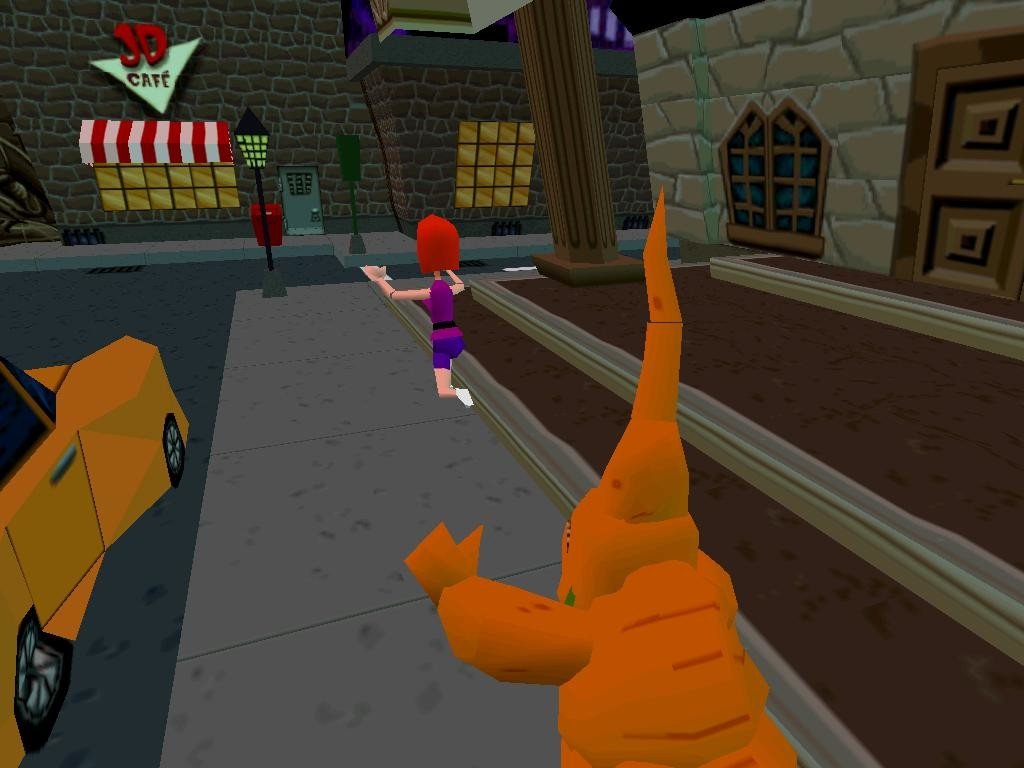
Captures and Snapshots
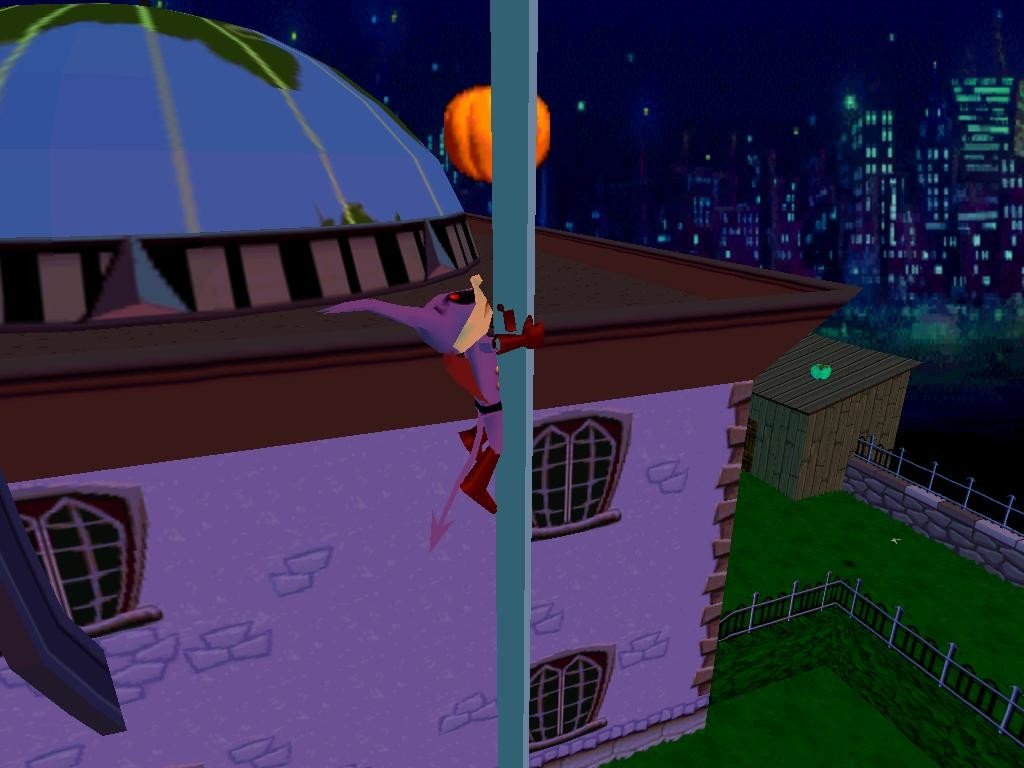
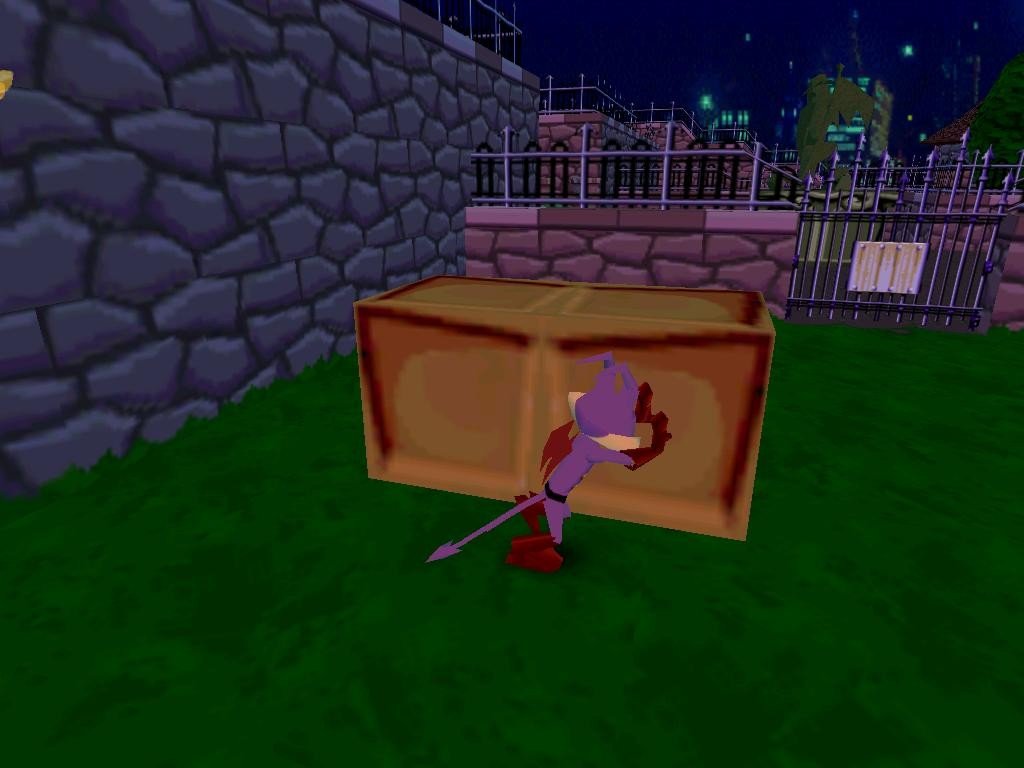
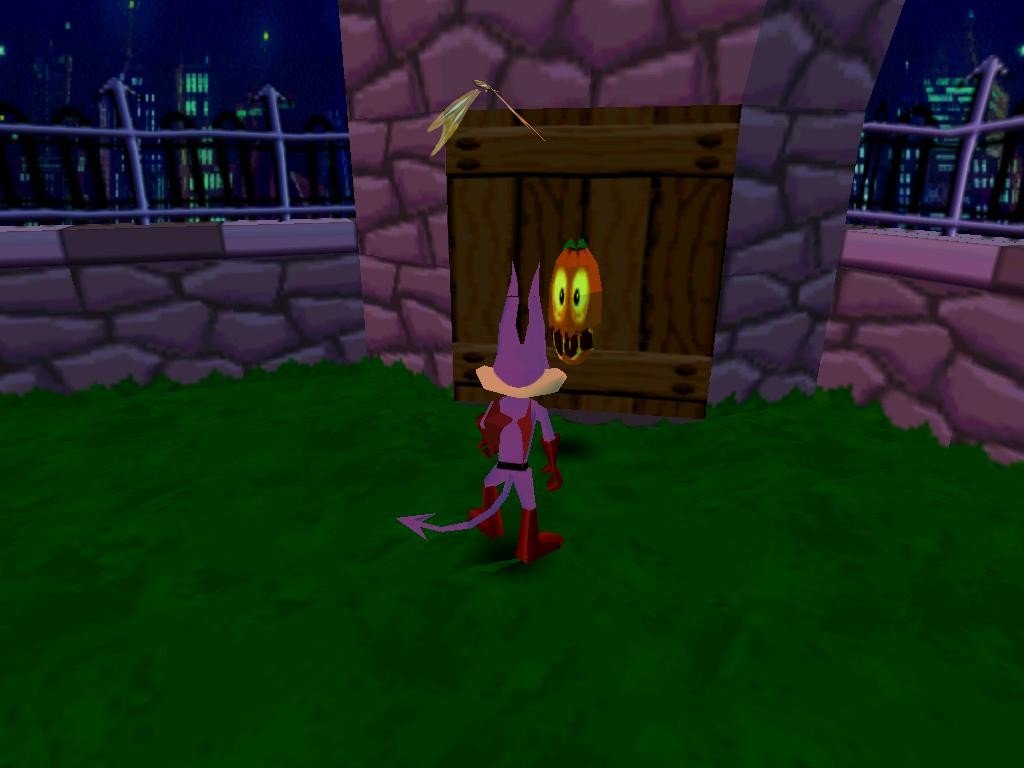
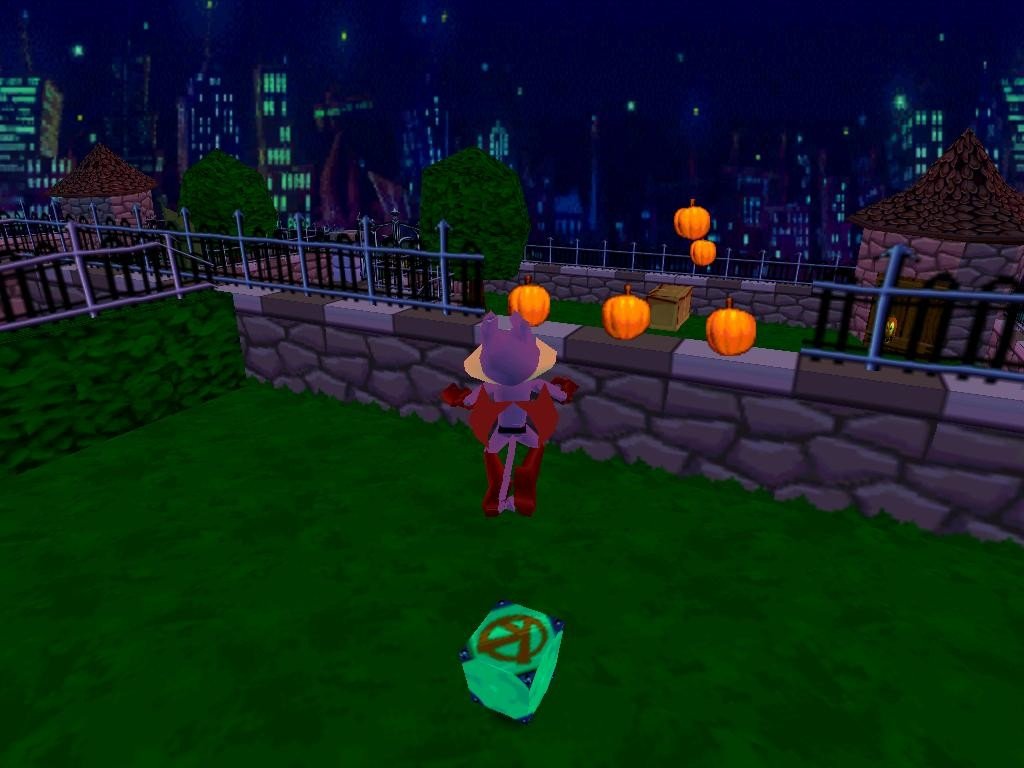
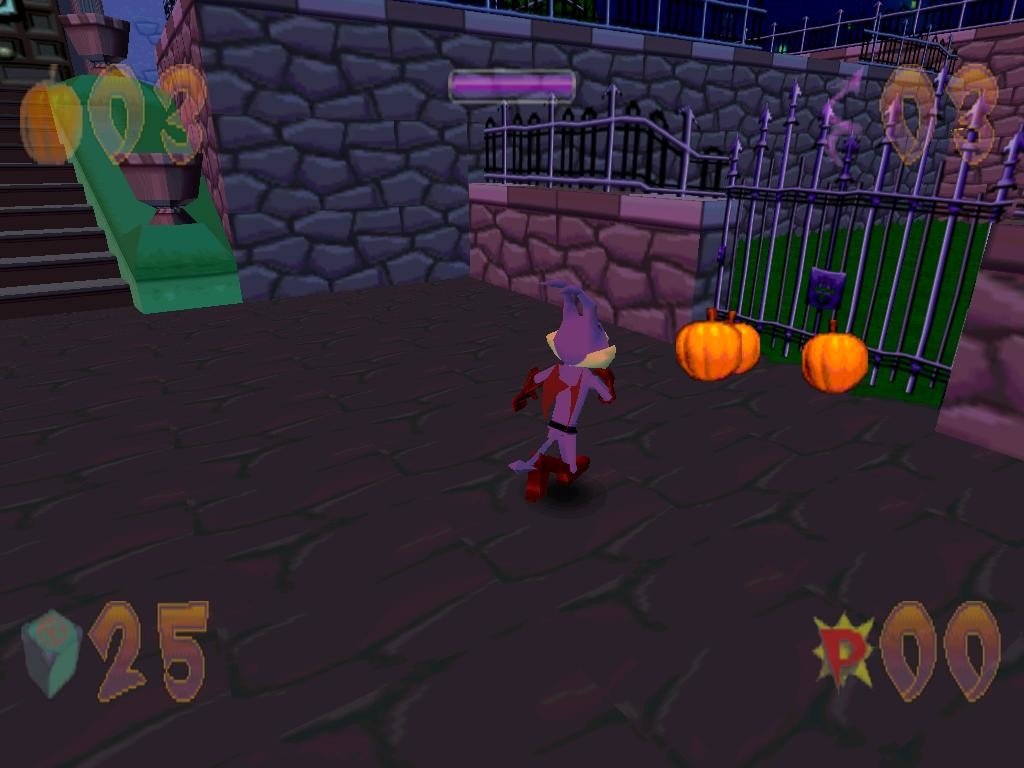
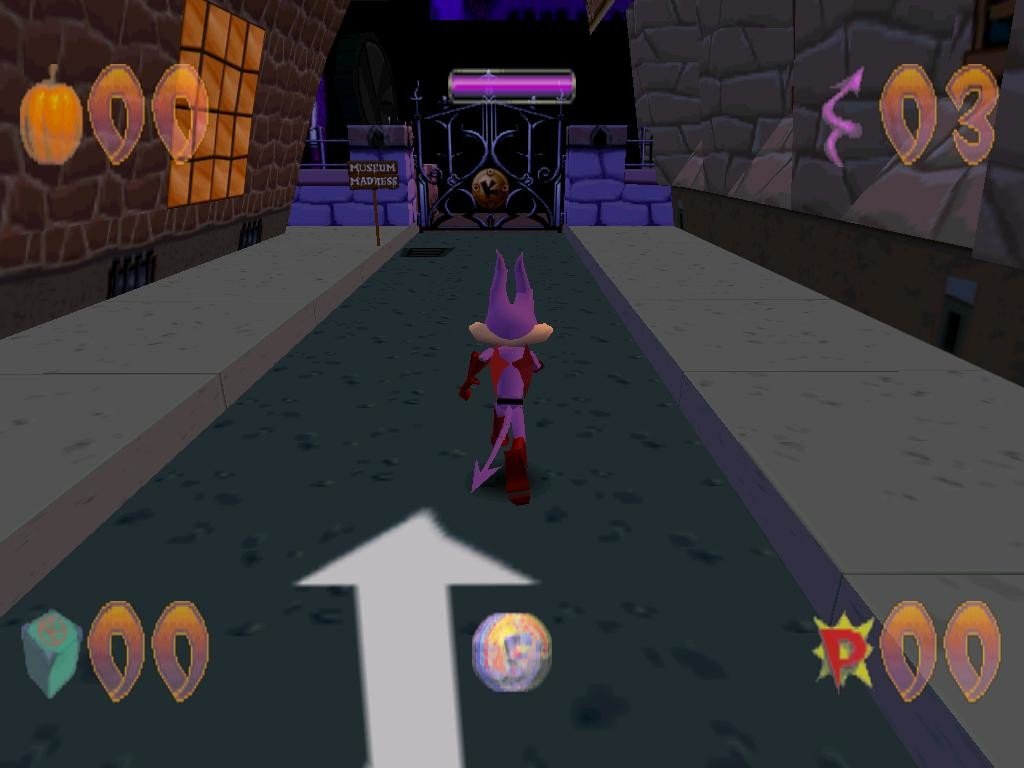
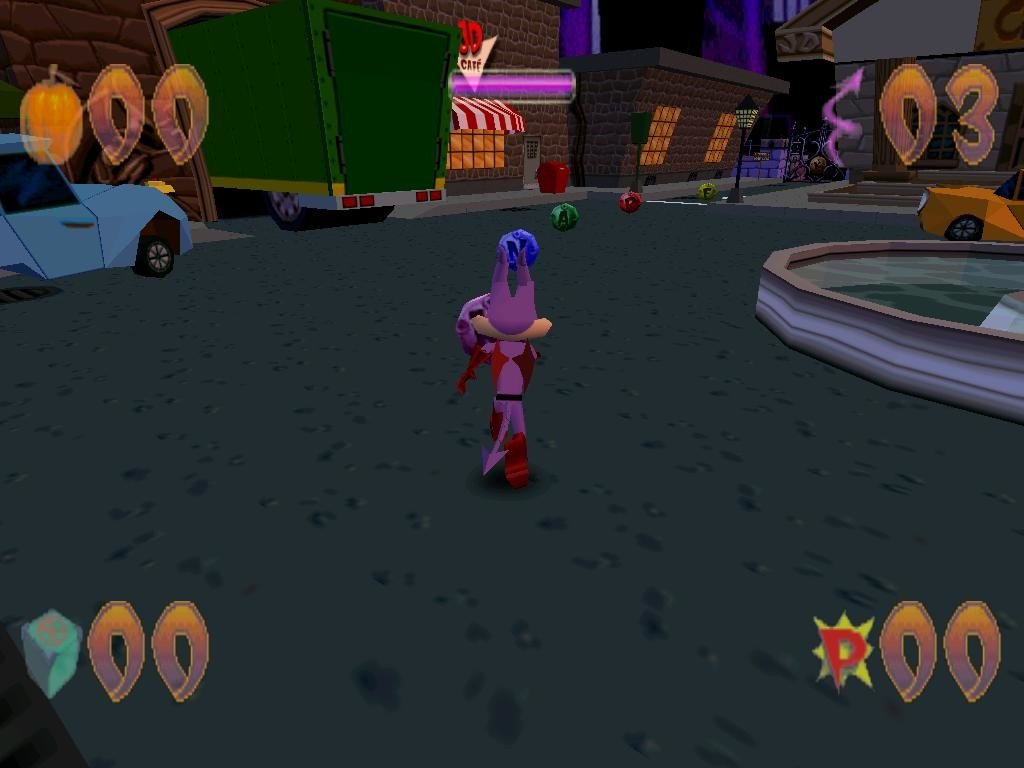
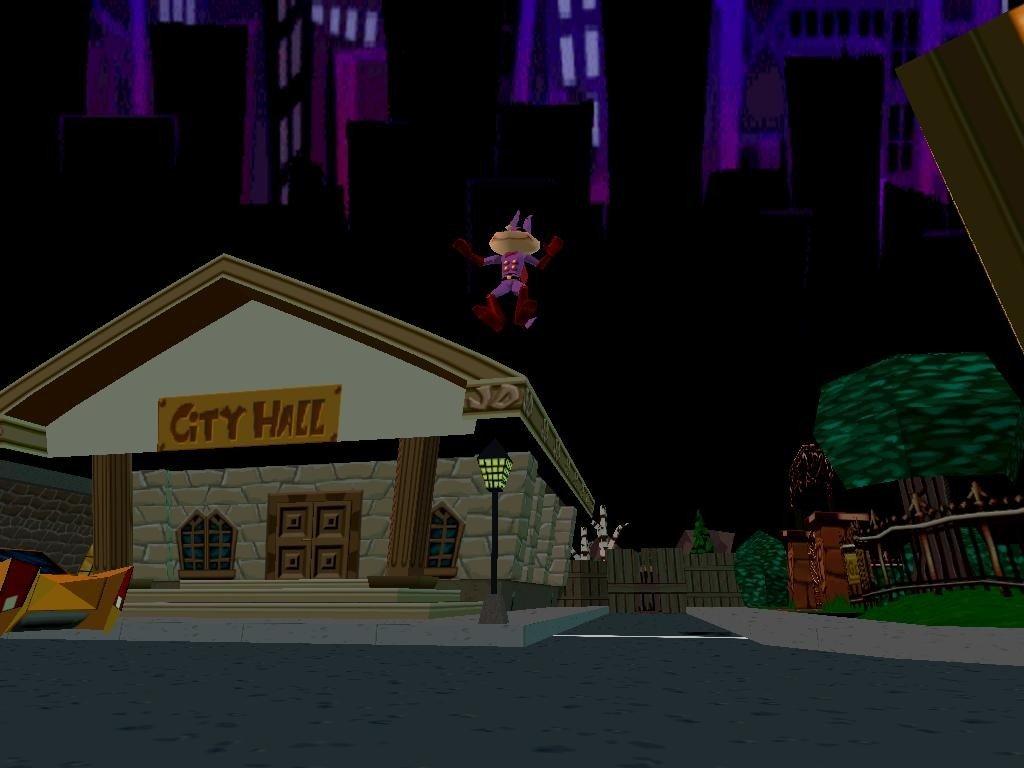
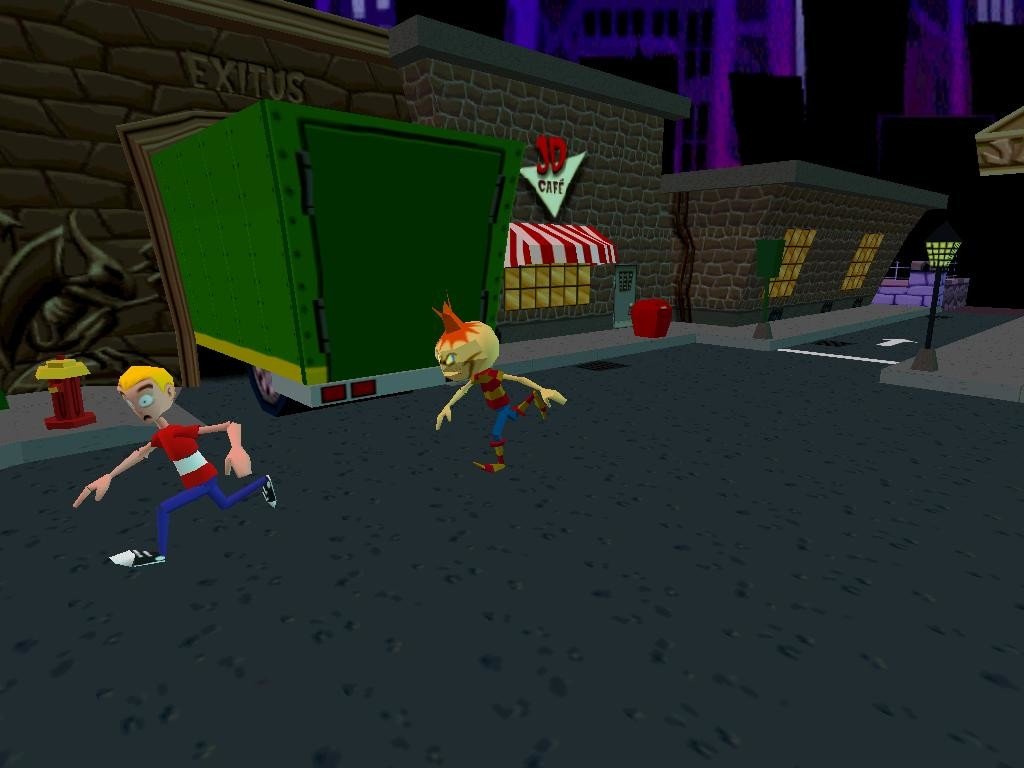
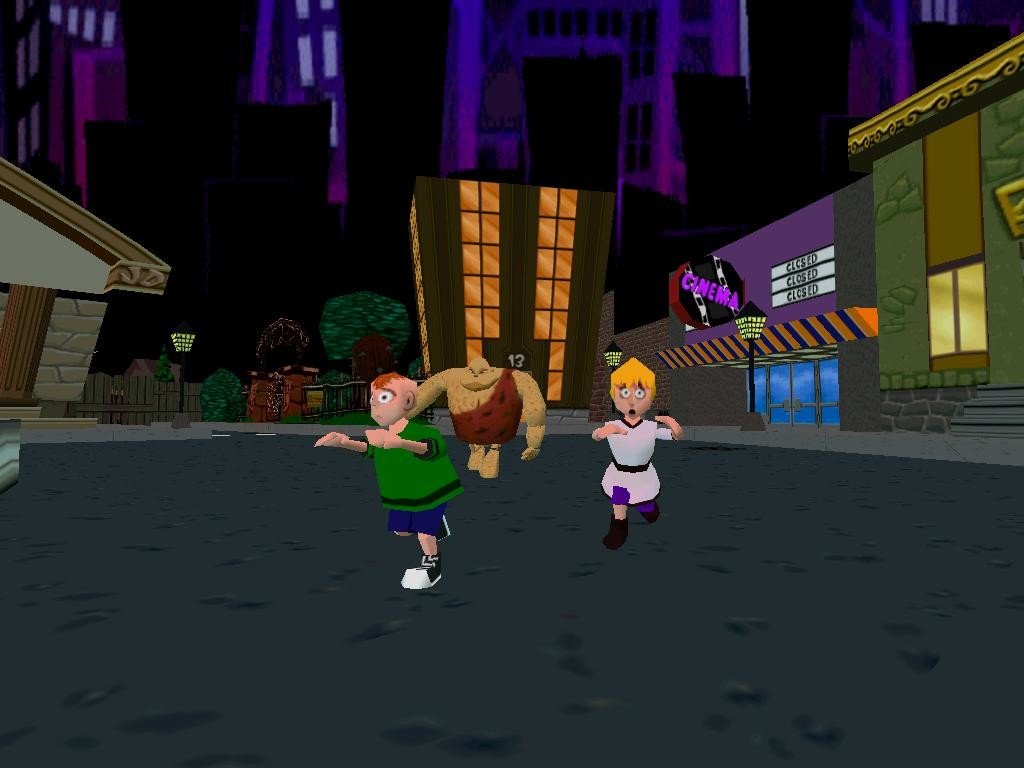
Comments and reviews
Fudge 123 2026-06-15 0 point
Windows version:
The game looks really engaging and has some good ideas,but after the first two sections it remaps up so hard that it demands you know how to do the moves under pressure,which will frustrate all but the most experienced players.
The Museum is filled with small platforms and a lot of very hard enemies,it's really way too early in the game to present the gamer with such a vast and difficult level.
There's a spin kick move that needs two buttons to achieve,i struggled with it to get wooden boxes to fall using it so i could progress,and falling off of things is way too easy.
You can only save when you complete a level,not during,that is not fun,and the check points in the levels need to be manually opened to activate them,if you forget when you die,you'll have to start from the last one you activated.
The enemies i saw at the Museum level were very quick and require various moves to kill them,which again if you're a noob it will frustrate your progress if you have zero muscle memory,which will dampen the fun factor.
There's small boxes you can throw to kill flying enemies,but if you kick them it can drain your health,another thoughtless joke at the expense of the player.
I really disliked the music,it's very Disney,quite Holly wood move themed,as such it's a bit over the top and could put some players off,the PC version i played has different musical tracks to the PlayStation version.
There was no way to change the control layout other then keyboard or controller,which means you have to like or lump it if you dislike the layouts of keys/buttons.
Overall a game that needs practice and some considerable playing time to master the mechanics and moves.
Otherwise a fun,(if you master its controls quickly),a very challenging and visually engaging game,with some thoughtless design here and there.
Write a comment
Share your gamer memories, help others to run the game or comment anything you'd like. If you have trouble to run Jersey Devil (Windows), read the abandonware guide first!
Download Jersey Devil
We may have multiple downloads for few games when different versions are available. Also, we try to upload manuals and extra documentation when possible. If you have additional files to contribute or have the game in another language, please contact us!
Windows Version
English, French, German, Italian, Spanish & Dutch languages


 298 MB
DownloadRip of multiligunal version (no music) 141 MB
DownloadPortuguese version
298 MB
DownloadRip of multiligunal version (no music) 141 MB
DownloadPortuguese versionCustom installer with Portuguese translation by rubinho146
 299 MB
DownloadRussian version
299 MB
DownloadRussian version  446 MB
Manual 11 MB
446 MB
Manual 11 MB
Game Extras
Various files to help you run Jersey Devil, apply patches, fixes, maps or miscellaneous utilities.
Similar games
Fellow retro gamers also downloaded these games: