The Ward
Windows - 2000

| Alt names | Посланник, Poslanik, The Ward: Posłaniec z przyszłości, The Makers |
|---|---|
| Year | 2000 |
| Platform | Windows |
| Released in | United Kingdom (2000) Germany, Poland, Russia, United States (2001) |
| Genre | Adventure |
| Theme | Puzzle elements, Sci-Fi / Futuristic |
| Publisher | 1C Company, On Deck Interactive, Take-Two Interactive Software, Inc. |
| Developer | Fragile Bits |
| Perspective | 3rd-Person |
Description of The Ward
In 2000, Take-Two Interactive Software, Inc., 1C Company, On Deck Interactive publishes The Ward on Windows. This adventure game is now abandonware and is set in a sci-fi / futuristic and puzzle elements themes.
External links
 PCGamingWiki
 IGDB
IGDB MobyGames
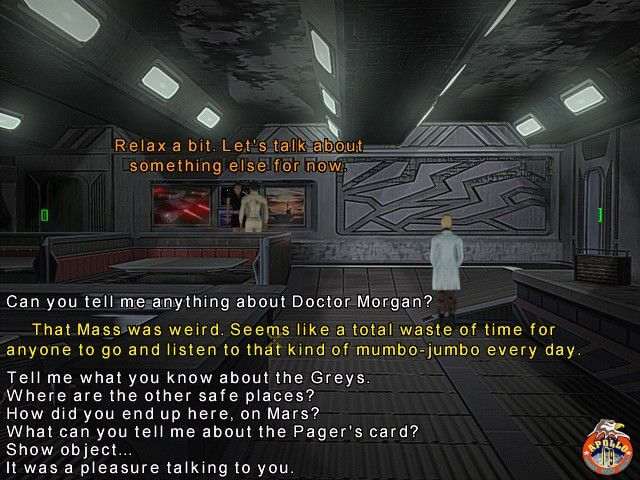
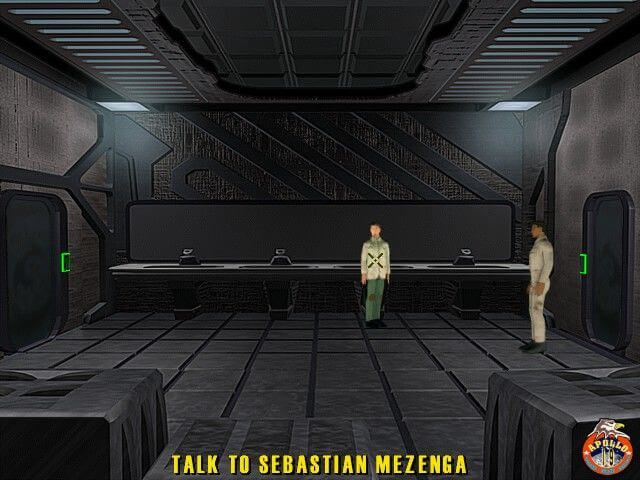
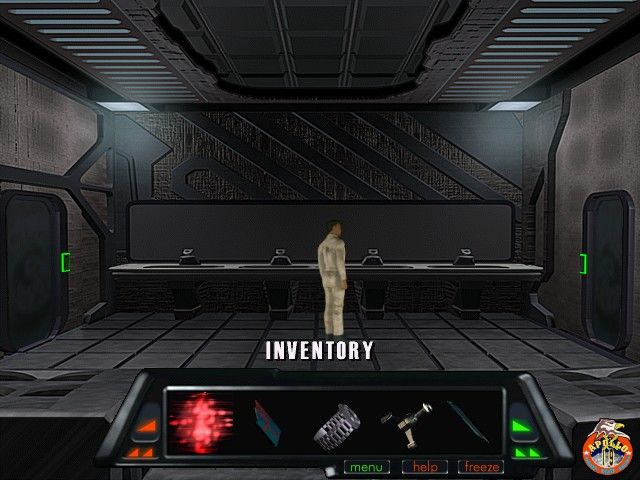
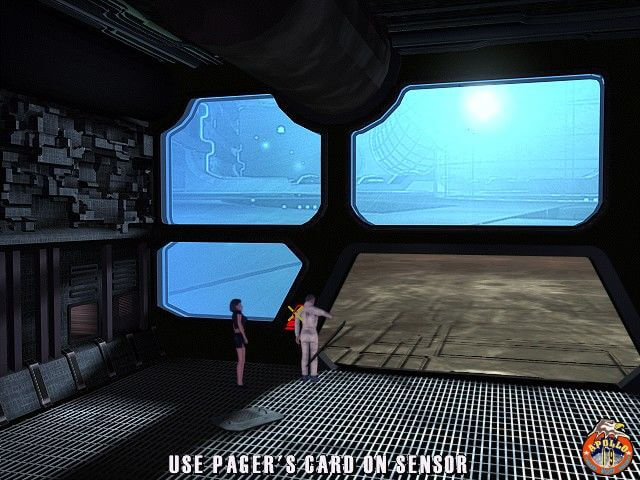
Captures and Snapshots
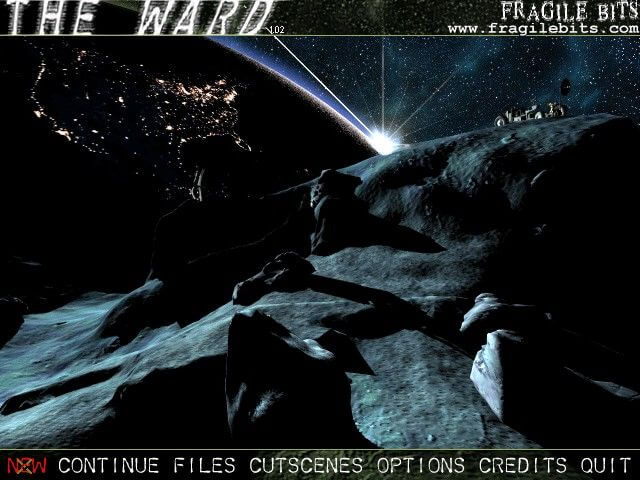
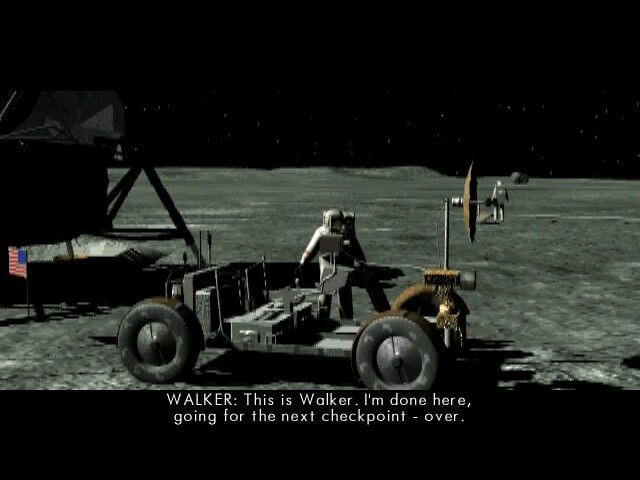
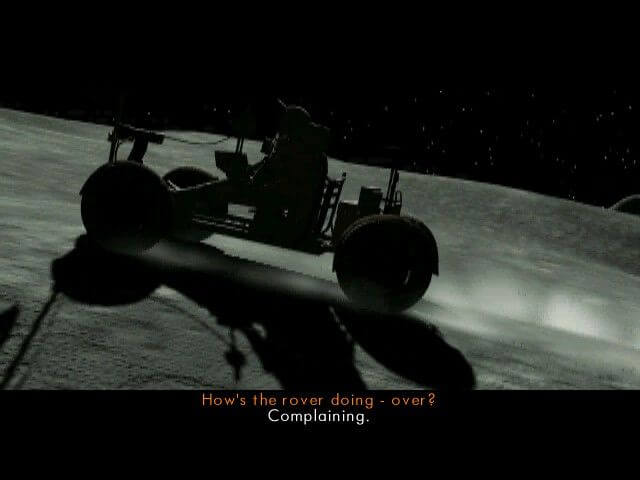
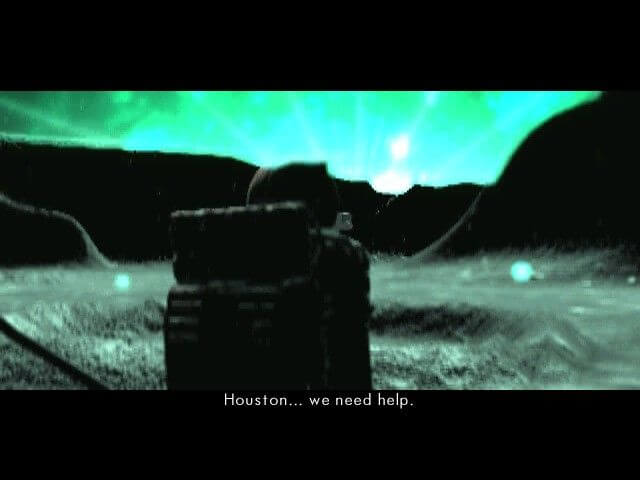
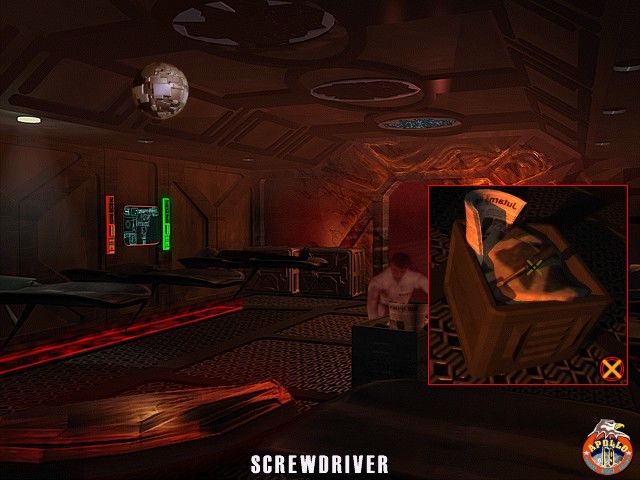
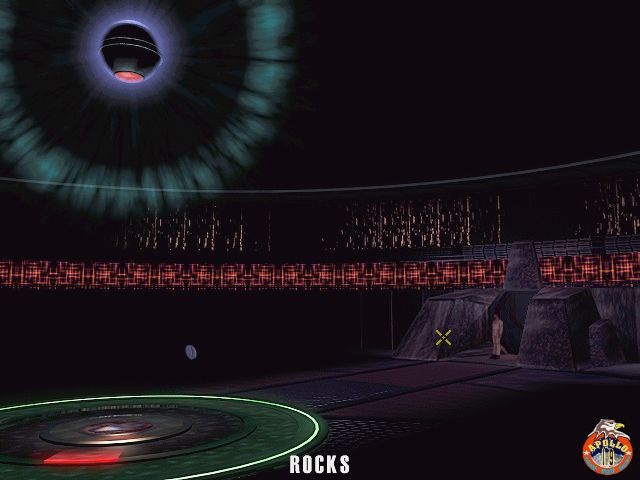
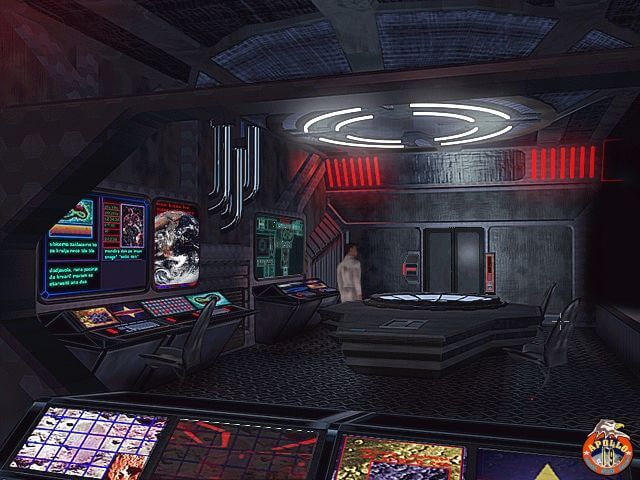
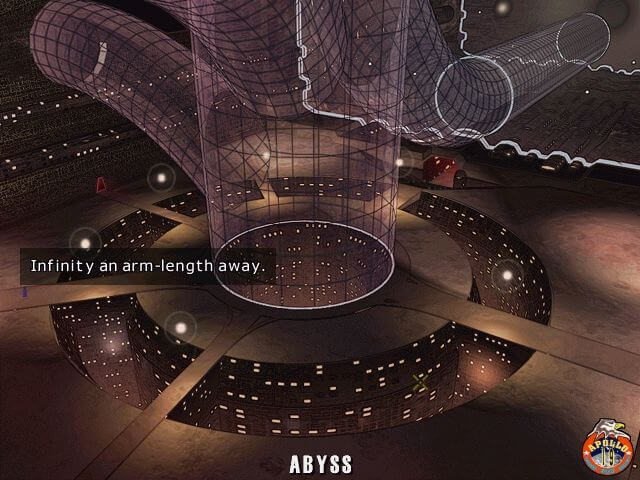
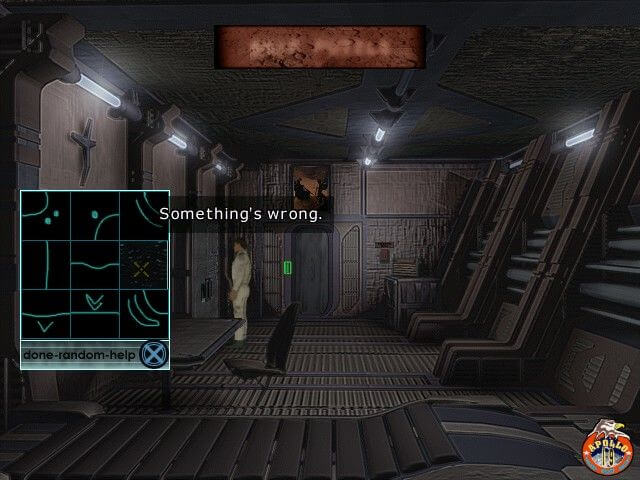
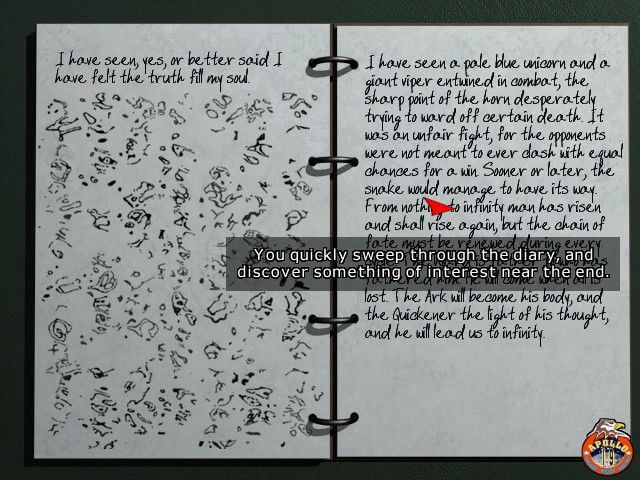
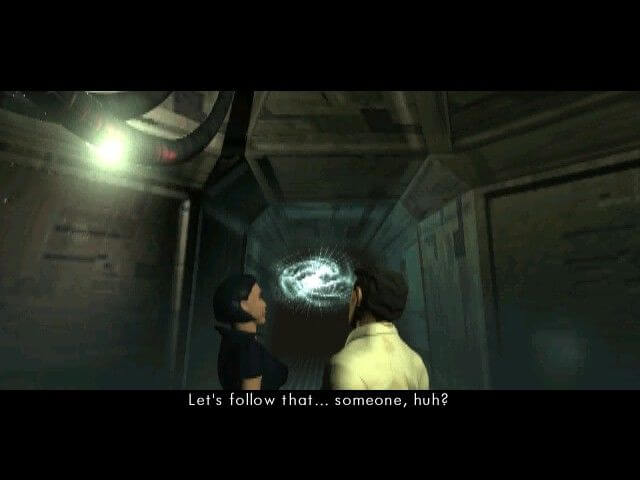
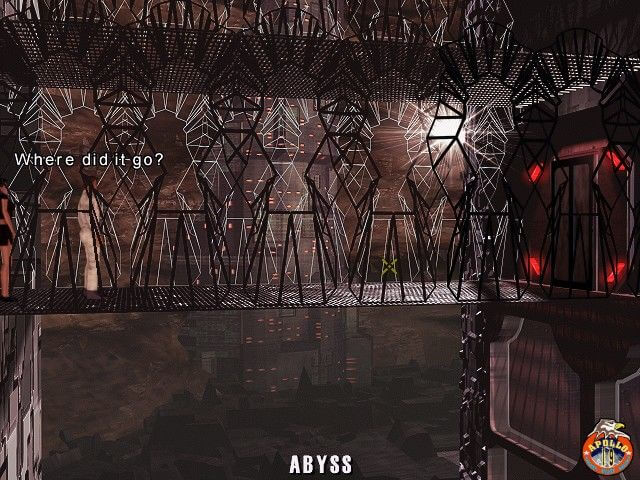
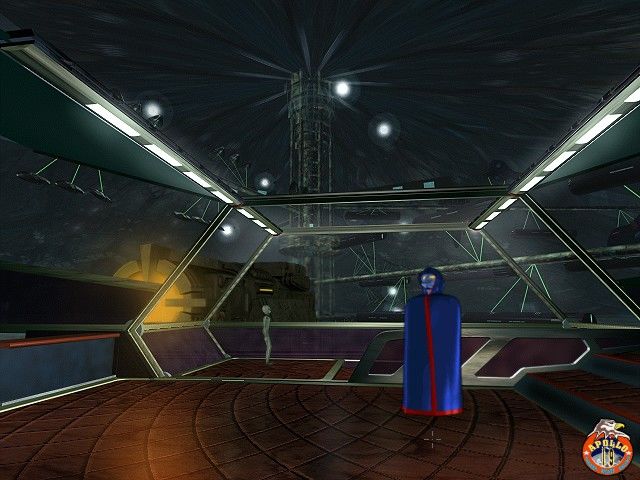
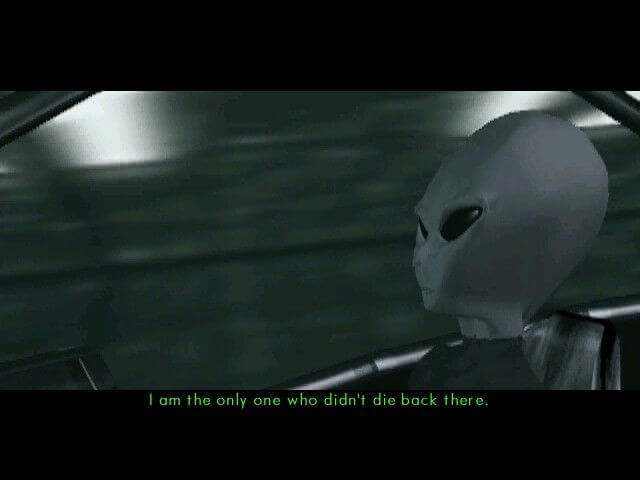
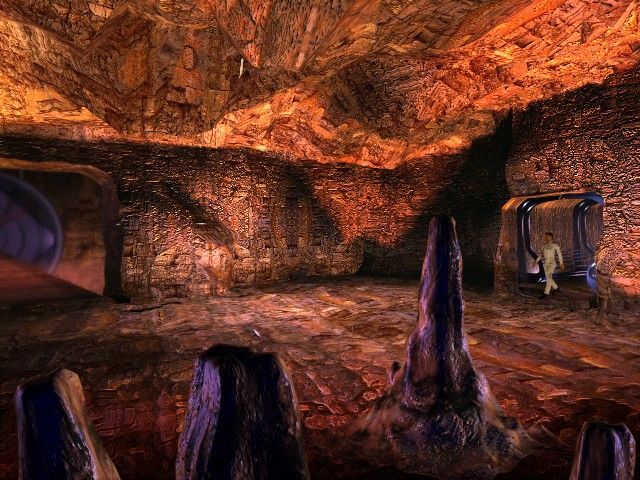
Comments and reviews
Mmmjaaau 2026-08-24 0 point
Had no problem running the game on Win11. I have 2CD 1C 1.22 Russian version,Ran the installer in Windows XP compatibility mode, did full install, after that used https://github.com/dege-diosg/dgVoodoo2/releases and copied MS/DX files to game folder, ran the game in Windows XP compatibility mode. Voila
jd 2026-07-21 0 point
Okay, I finally have a working update. I ended up searching for multiple different uploads of this on archive.org, hoping to find a working crack included in one of them. Instead I found that one of them had ward.exe with a slightly different size than both the nocd and original executables. I replaced it and the damn thing sprung alive quick. That means that for some reason the files here as well as my own copy of the game (which is not the big box copy, instead I have that thick DVD case one from the UK) has a potentially dodgy .exe file on it.
If anyone else had this issue just look for a different version here: https://archive.org/details/the-ward-2000-take-2-on-deck-fragile-bits-2-cd-set (sure hope it's allowed to link this...)
Then either install it from there or just use that version's .exe file from the first CD's image and copy it into your game install folder, replacing the other one there. Works all good, all english, and for the record, I used the virtual cd rom for my end here, but it might not be important at all. Hope this helped someone.
jd 2026-07-20 0 point
As an update to my previous post, no, the game still gives me the same error on win7. No idea if I horribly misread everyone's install guides or if this game is just sentient and hates me at this point, but I'm fresh out of ideas on how to get it to run. Starting to get the idea that if I actually forked out hundreds for an old PC with Win 98 this would still say "This game will not run without the CD in the drive", just because I'm the one trying.
Did anyone actually get it to run without a no cd crack? I actually tested the only one I could find and as much as I'm happy that it's not a virus and it works, it does turn every written text of all types german for some reason. Not the extra difficulty I'm looking for, I'm afraid.
jd 2026-07-14 0 point
This game refuses to even start for me on win11.
Finally got it to install, the installer itself even asked for directx 7.0 so that one stopped me for a while. Later I realised if I run it in compatibility mode with XP SP3 it runs normal, because the included dx installer looks like it runs and then closes without having done anything. I even installed from the actual disks as I have the original with me, but usually look here for help running them, and never got any issues with changing disks, so if that's an issue for you maybe try and burn the disks and install from a usb cd drive... or from a normal one if you still have one in your PC in this day and age.
Then I tried the registry thing, both with the suggested install path and the game's default one (C:\FB-WARD\) and both cases I just got told the game won't run without the disk being inserted first. Tried it with the registry trick, nothing. Tried it with vanilla install from genuine disk, again, nothing. Interestingly it spins the disk and then tells me it's not inserted. So, to sum it up:
-virtual drive (letter F for me) - copied game, did registry, can't find CD
-genuine drive (letter I for me) - fully installed game, can't find CD
-genuine drive - starting from the installer program that can see the game was already installed - can't find CD
-and finally virtual drive again - created one with the letter E just to be able to recreate the before mentioned registry trick word to word, and it's the same thing
-shiz and giggles - game mounted in multiple virtual drives and the genuine also being inserted - yeah you know how that goes too at this point. Same goes for exchanging registry values for different drives between physical and virtual for each installation.
-tried all of the above with the Voodoo wrapper present and not present, as well as different compatibility modes turned on and off yields no different results. Win98 and 95 comp mode just makes the game immediately quit without checking for a disk but that's not very helpful at all.
I admit defeat. If you're on Win11 just don't try this, nothing works. Will see if my retired Win7 laptop does the same. Unfortunately I don't think there ever was a no cd patch, and the only one I found turned out to be a virus so I decided not to be a guinea pig by trying if it's the working crack or something actually harmful. Also looked at 86box for emulation but it's WAAAAY too much of a hassle for me and I have zero clue where to even begin setting it up, and virtual machine historically never, EVER worked for any old game for me so I'll just skip those two venues.
That being said, if anyone got it working somehow I'd love to know how, any help is appreciated.
AnonymousGhost 2026-04-08 0 point
@Azman
Try running minimal install first, then execute steps (2), (4) (if you are on Windows 10) and (5) from my previous instruction.
If you still receive the 'registry key is corrupted' message, try modifying the registry keys, that should now be created by minimal install, according to step (3).
If that doesn't help, post the contents of the following registry branches here, maybe this will show what is wrong:
[HKEY_LOCAL_MACHINE\SOFTWARE\Wow6432Node\Fragile Bits - The Ward]
[HKEY_LOCAL_MACHINE\SOFTWARE\Fragile Bits - The Ward]
Azman 2026-02-11 0 point
Thanks AnonymousGhost,
i tried you method and when i run the .exe file its says registry key is corrupted and i need to run setup from cd again then i get stuck at insert cd 2 screen again? any advice
TS101 2025-12-08 0 point
Thanks, AnonymousGhost!
With your instructions I managed to get it to run under wine in linux.
The regedit settings do not seem to work under wine, but I copied the files from both CDs into a folder on wine's drive C:\GAMES\WARD, then copied the base files from the first CD to C:\GAMES and took the directx7 files from the dgVoodoo2 project (which by the way can now be found under github: https://github.com/dege-diosg/dgVoodoo2/releases ) and finally ran SETUP.exe via wine.
Had to copy the WARDCD.TAG file from the corresponding iso to the C:\GAMES folder whenever the setup asked for a new CD, but in the end it got installed and now runs!
AnonymousGhost 2025-11-13 1 point
Anyone adventurous enough can try this:
(1). Copy all files from 'WARDCD' folder of CD1 to a folder on your hard drive (e.g. 'C:\Games\Ward').
(2). Copy all the other files from 'WARDCD' folder of CD2 to that same folder on hard drive (some files in 'WARDCD' folders of CD1 and CD2 are the same).
(3). Run 'regedit' and create the following subkeys:
[HKEY_LOCAL_MACHINE\SOFTWARE\Wow6432Node\Fragile Bits - The Ward]
'(Default)' = 'C:\GAMES\WARD'
[HKEY_LOCAL_MACHINE\SOFTWARE\Wow6432Node\Fragile Bits - The Ward\cd1path]
'(Default)' = 'E:\'
[HKEY_LOCAL_MACHINE\SOFTWARE\Wow6432Node\Fragile Bits - The Ward\cd2path]
'(Default)' = 'E:\'
[HKEY_LOCAL_MACHINE\SOFTWARE\Wow6432Node\Fragile Bits - The Ward\install_type]
'(Default)' = '3'
Note that after you create the subkeys 'Fragile Bits - The Ward', 'cd1path', 'cd2path' and 'install_type' they each will have string values named '(Default)' set to '(value not set)'. You have to change '(value not set)' to 'C:\GAMES\WARD', 'E:\' and '3' as indicated above.
'E:\' is the letter assigned to your virtual DVD drive, where you can mount game CD images if necessary.
This game offers four types of installation, the smallest sets 'install_type' to '0', so I assume that the fullest would set 'install_type' to '3'.
Originally registry path did not contain 'Wow6432Node', this part was added for compatibility with Windows 7/10 x64. No idea what you may need to insert instead of 'Wow6432Node' for compatibility with Windows 11. Try this at your own risk.
(4). This game requires DirectX 7.0a to run, so you would need dgVoodoo2 to run it on Windows 10.
Download dgVoodoo2 from:
https://dege.freeweb.hu/dgVoodoo2/dgVoodoo2/
and extract files from .zip archive directory 'MS\x86' to 'C:\Games\Ward' folder.
(5). Run 'THEWARD.EXE' in 'C:\Games\Ward' folder.
phil 2025-05-19 0 point
yeah same error as the other two people who commented on this thread, the setup goes into some low resolution splash screen starts installing disk 1 no issues and then asks for disk 2, when you windows key out to switch the iso and select disk 2 it gives the error main loop err.code -1 almost immediately which is a real shame, when you try running the setup again it tries initialising dx7 install which we all know will not work so gives an error and refuses to run the installer, I know I know, there's probably some junk install files or registry key that needs removing but I am not that bothered or wanting to mess around to get this running on windows 11, I also tried copying and installing the files onto the hard drive and then grabbing a no cd file and......complains about corrupt files and doesn't start...sorry guys I give up, i think i actually have this game on cd somewhere the original, will have a look.
Write a comment
Share your gamer memories, help others to run the game or comment anything you'd like. If you have trouble to run The Ward (Windows), read the abandonware guide first!
Download The Ward
We may have multiple downloads for few games when different versions are available. Also, we try to upload manuals and extra documentation when possible. If you have additional files to contribute or have the game in another language, please contact us!
Windows Version

 567 MB
 458 MB
Similar games
Fellow retro gamers also downloaded these games: