Deer Avenger 3D
Windows - 2000
| Year | 2000 |
|---|---|
| Platform | Windows |
| Released in | United States |
| Genre | Action, Sports |
| Theme | Comedy, Hunting, Shooter |
| Publisher | Simon & Schuster Interactive |
| Developer | Hypnotix, Inc. |
| Perspectives | 1st-Person, 3rd-Person |
Description of Deer Avenger 3D
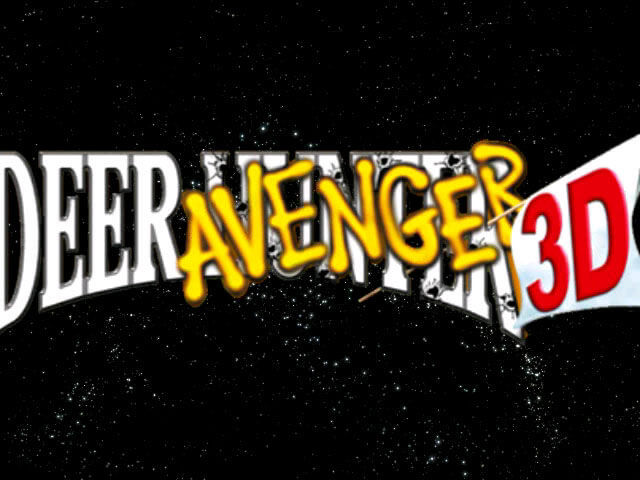
2000, the year Deer Avenger 3D was released on Windows. Made by Hypnotix, Inc. and published by Simon & Schuster Interactive, this action and sports game is available for free on this page.
External links
 Mod DB
 IGDB
IGDB MobyGames
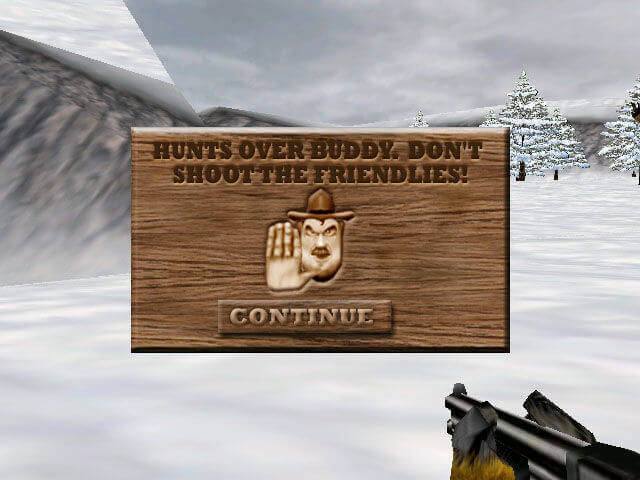
Captures and Snapshots
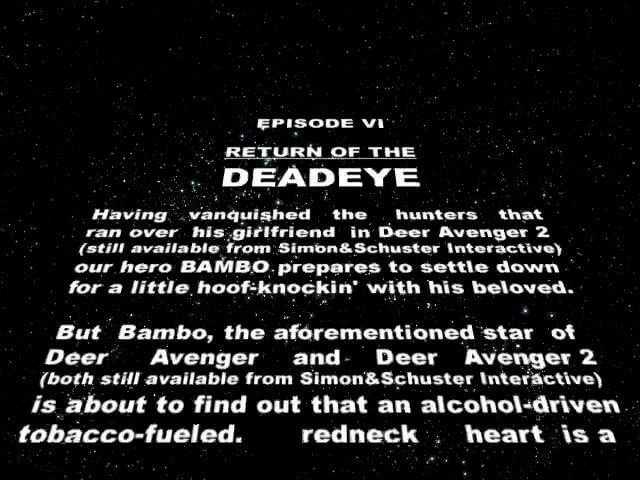
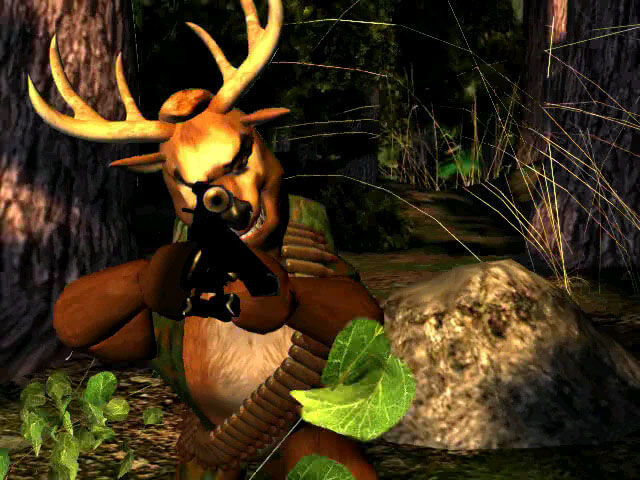
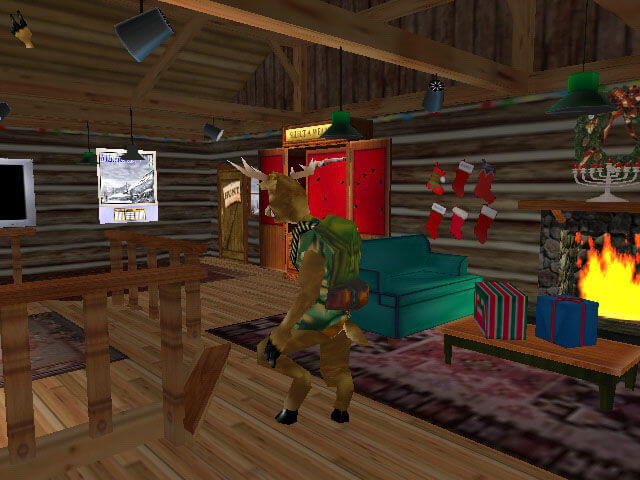
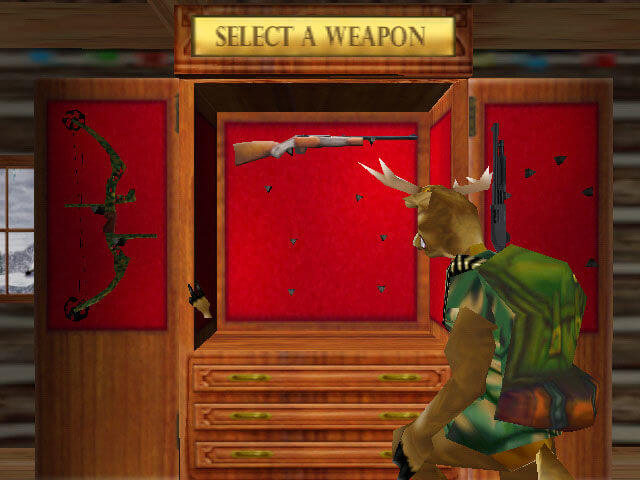
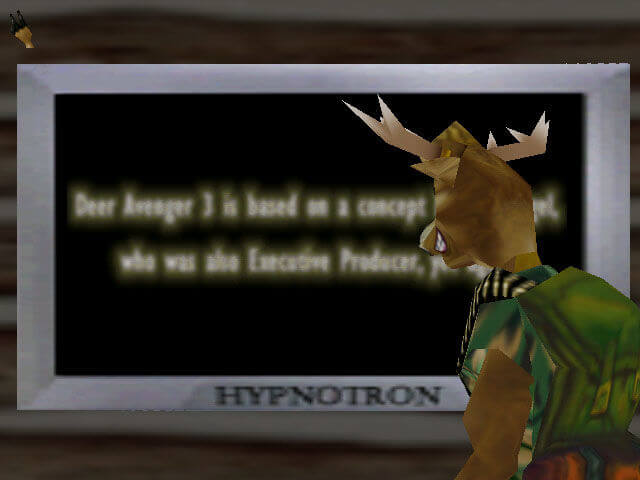
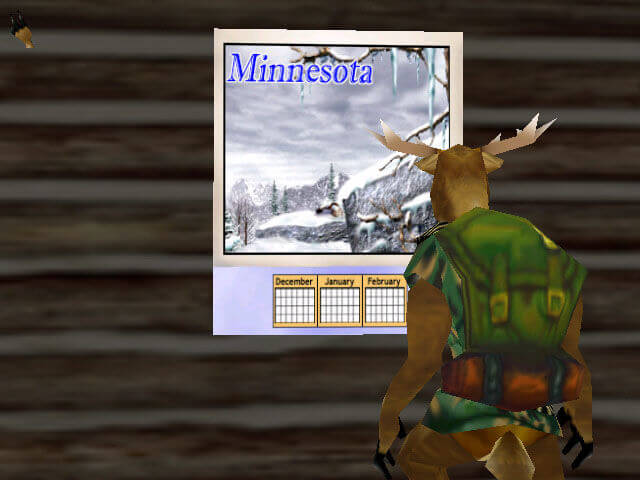
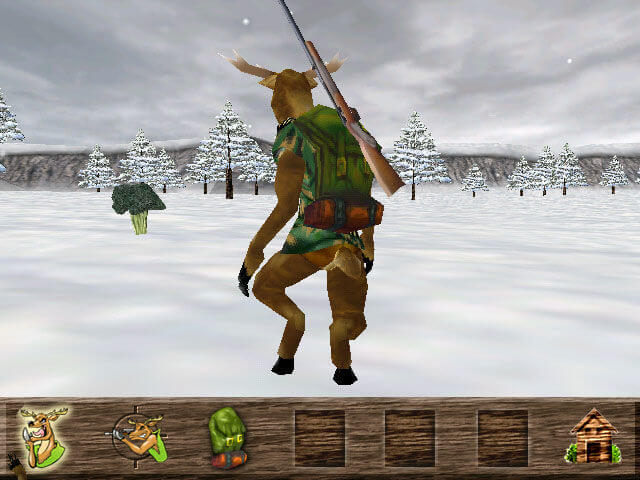
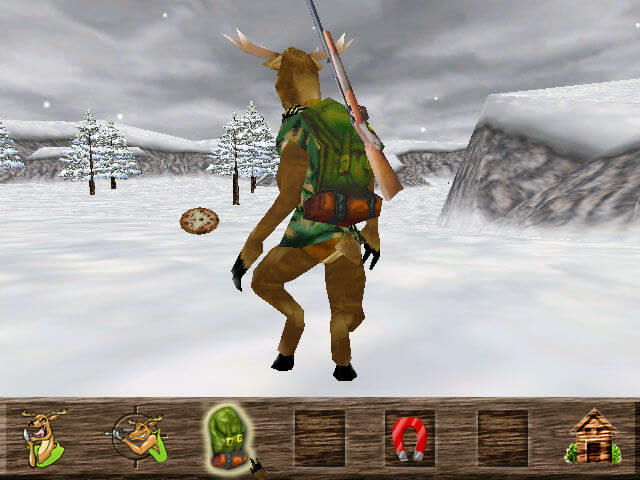
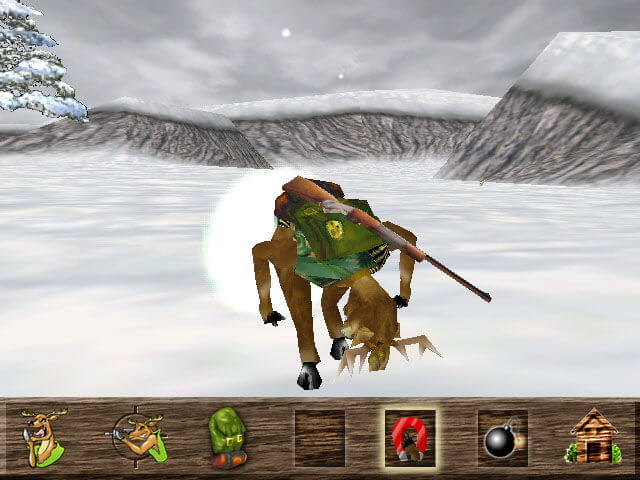
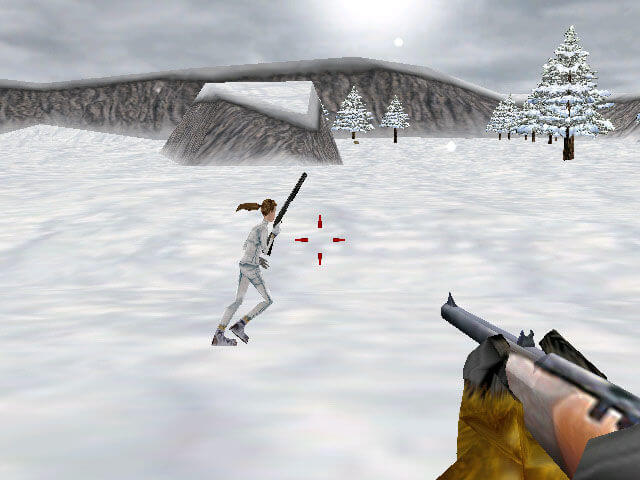
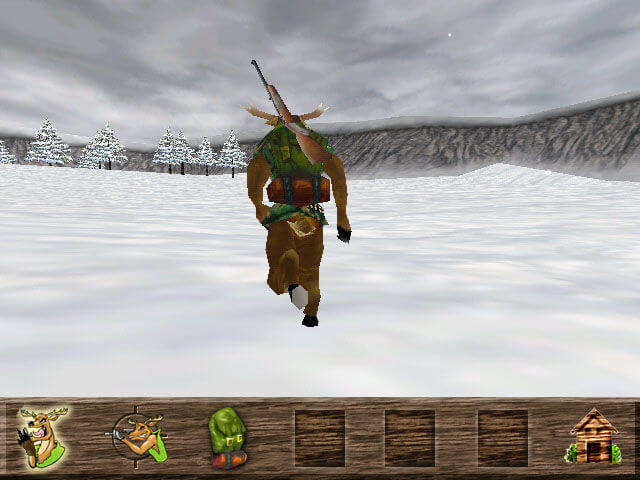
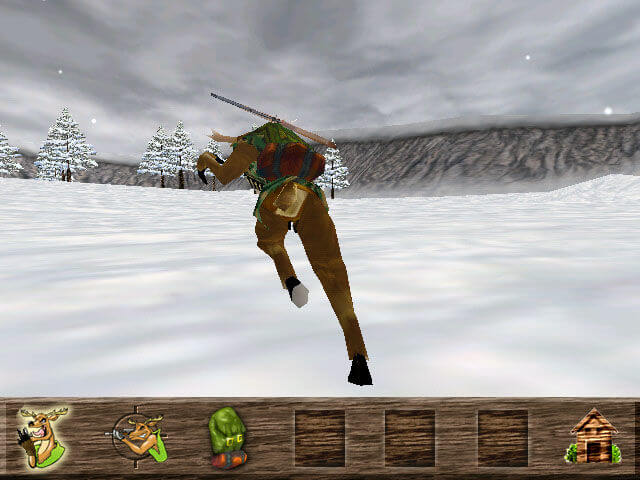
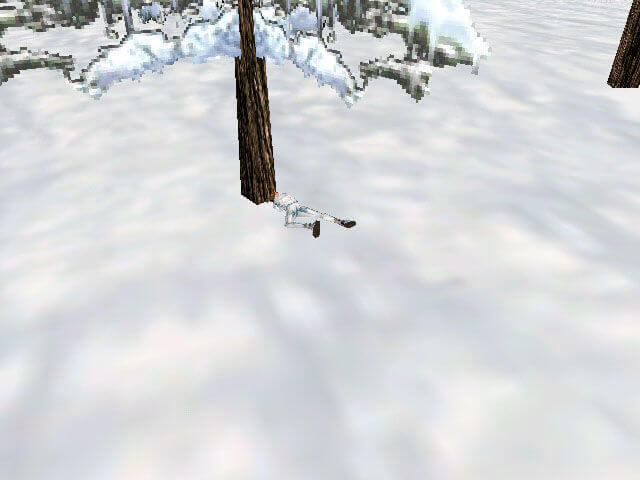
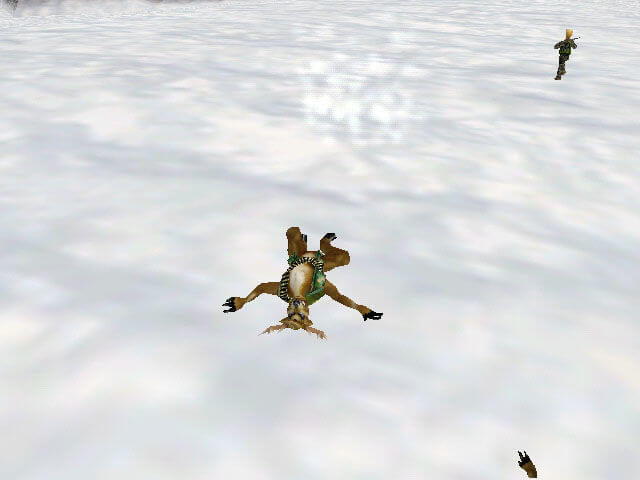
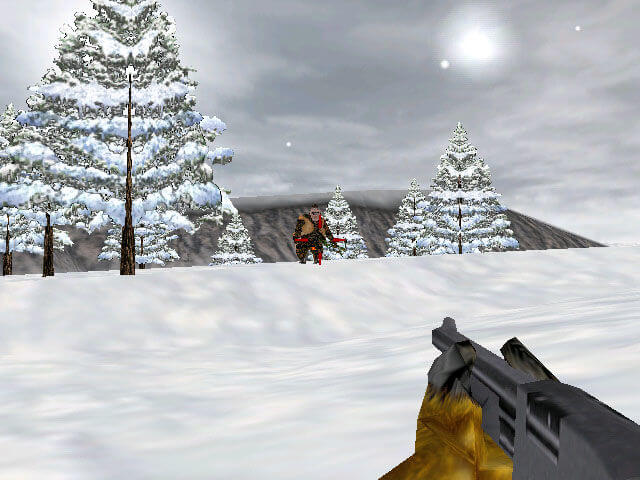
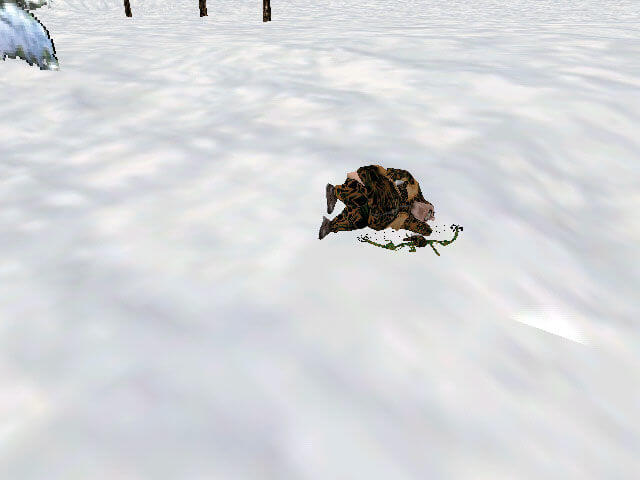
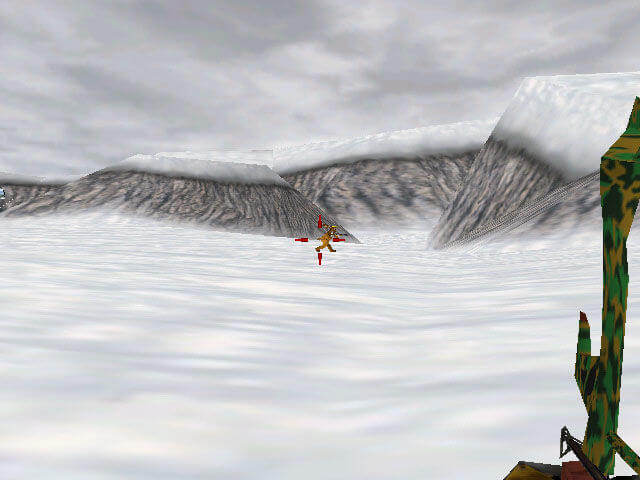
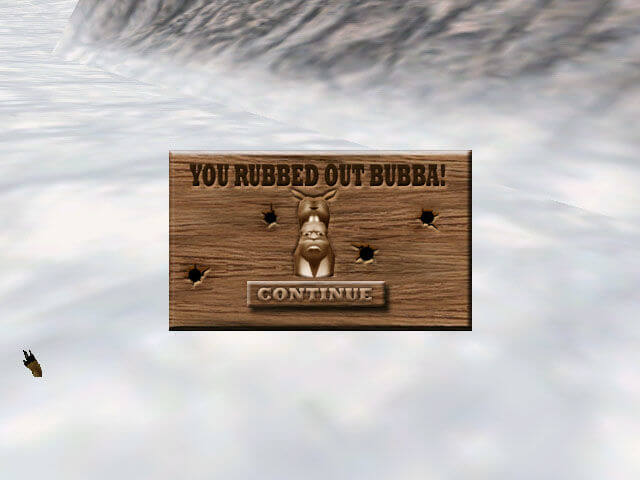
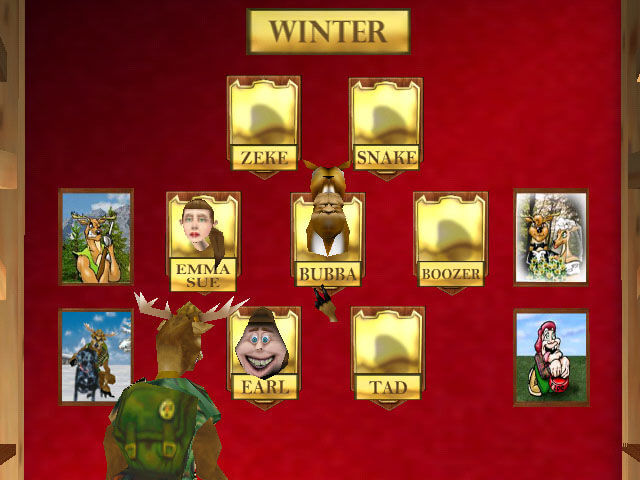
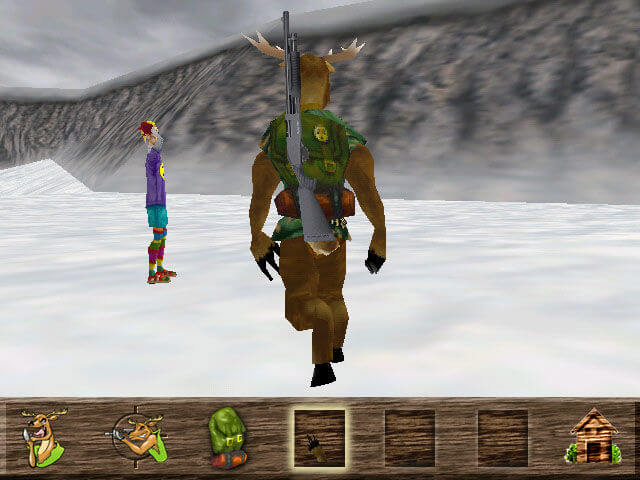
Comments and reviews
MrViper 2026-08-25 0 point
Hey everyone. I got the game running! At first, there was no audio, and the graphics were all weird and greyscale, and the 4:3 ratio messed with my monitor. It was a struggle to get both video AND audio working, but here's how I did it. Note that this is on Windows 11 with an AMD graphics card.
0. Download the ISO from this site and move it to "C:\Games\Deer Avenger 3D.iso"
1. Mount the iso in Powershell:
Mount-DiskImage -ImagePath "C:\Games\Deer Avenger 3D.iso"
Note: The disk has to stay mounted in order to play the game.
2. Open the mounted folder and install the game to "C:\Games\Deer Avenger 3"
DO NOT run this file: D:\DIRECTX\REDIST\DXSETUP.EXE
3. Tell windows that when it looks look for A3D Audio to check the Deer Avenger 3 folder for it. (Without this, the only sounds were the intro videos and the guitar sting when you go from the Cabin to a Level.) You'll run this command inside Powershell, but you gotta run Powershell as an administrator.
C:\Windows\SysWOW64\regsvr32.exe "C:\Games\Deer Avenger 3\a3dapi.dll"
4. Change your monitor's resolution to 1600x1200. Without this, the game window and mouse settings just don't work.
5. I have an AMD video card. I had to go into AMD Adrenalin and cap my FPS to 60.
6. Download dgVoodo2. I downloaded dgVoodoo2_87_3.zip. Unzip this in your downloads folder and move these three files from the MS\x86\ folder into the Deer Avenger 3 folder:
- DDraw.dll
- D3DImm.dll
- dgVoodooCpl.exe
7. Run the CPL from the game folder. Change these settings:
- "Config folder / Running Instance" -- click "Add" and navigate to "C:\Games\Deer Avenger 3" and click "Select Folder"
- General/Output API: "Direct3D 12 (feature level 11.0)". This was crucial. Other OutputAPIs would maybe render the intro movies -- but without this one, the FPS capping did NOT work.
- General/Appearance: Full Screen
- General/Miscellanneous: Keep Window Aspect Ratio, Capture Mouse
- Glide/3Dfx card: "Voodoo 2", "Force vSync"
- DirectX/Videocard: "dgVoodo Virtual 3D Accelerated Card", Force Vsync
Then Click "Save".
7. Run "C:\Games\Deer Avenger 3\DA3.exe" to play the game.
8. Have fun!!!
EnzoGamer2004 2026-05-25 0 point
I have a problem is that when the game was installed, it doesnt want to open. I tried to click several times and i tried to used compatibility but it doesnt even want to. I used the useless windows 11 and barely any old games work.
radius 2024-08-30 0 point
#KUSH
The only cheap way is buy a retro PC, it's not complicated, isn't it?
jyntyntyntyn 2023-09-08 3 points
To fix everything being gray textures I activated the "Run in 640x480 screen resolution" in the shortcut compatibility tab. It worked.
Nothing else in the compatibility tab was activated. Hope this helps.
After fixing that I tried to play the game in higher resolution but it was always cropped or stretched. If anyone knows how to play in modern resolutions please help a fellow deer avenger out. Thanks.
Ognjen 2022-11-28 1 point
it asks for a cd, it says: please insert deer avenger 3d CD in your CD drive and press ok
SLOPPYJO94 2022-07-21 1 point
what the other person said it Installed great but most of the background is all gray i played with the resolution but that didnt help.
Write a comment
Share your gamer memories, help others to run the game or comment anything you'd like. If you have trouble to run Deer Avenger 3D (Windows), read the abandonware guide first!
Download Deer Avenger 3D
We may have multiple downloads for few games when different versions are available. Also, we try to upload manuals and extra documentation when possible. If you have additional files to contribute or have the game in another language, please contact us!
Windows Version

 245 MB
Similar games
Fellow retro gamers also downloaded these games: