2025: Battle for Fatherland
Windows - 2010

| Alt name | 2025: Битва за Родину |
|---|---|
| Year | 2010 |
| Platform | Windows |
| Released in | Russia |
| Genre | Action |
| Theme | BattleMech, North America, Shooter, Tank |
| Publisher | Akella |
| Developer | Quant Games LLC |
| Perspective | Behind view |
Description of 2025: Battle for Fatherland
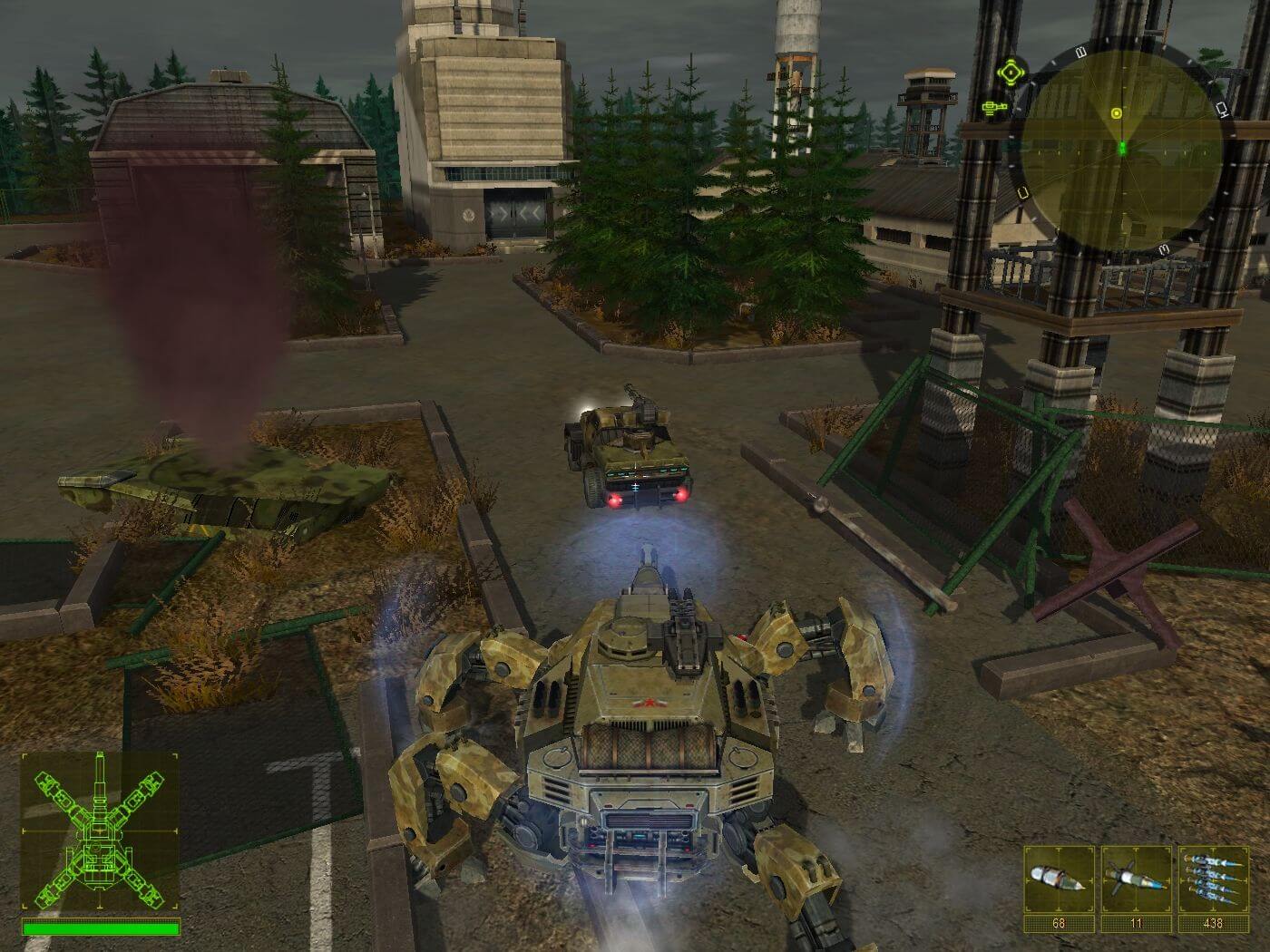
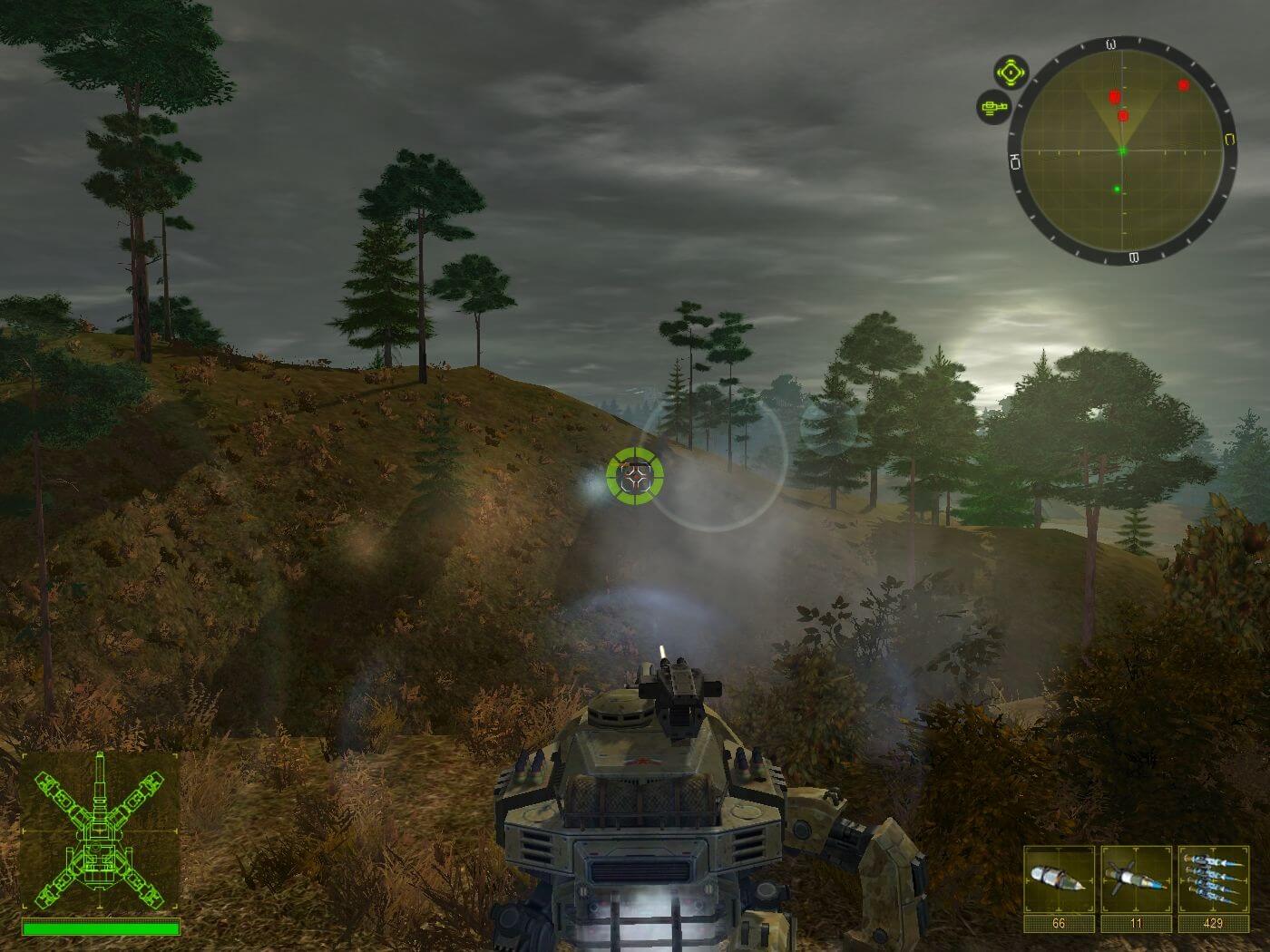
2025: Battle for Fatherland (aka 2025: Битва за Родину), a really nice action game sold in 2010 for Windows, is available and ready to be played again! Time to play a battlemech, shooter, tank and north america video game title.
External links
 MobyGames
 Gameplay video
 IGDB
IGDBHow to play 2025: Battle for Fatherland Windows
Notes:
- This game was released only in Russia and only in Russian, but an unofficial text translation into English is available. To install it, follow the instructions in the archive
- Also, there is a small performance fix in the archive, because the game was very unoptimized and buggy
- The game was using SecuROM DRM protection, but the version we uploaded on our website includes NoCD already, and doesn't require the disc for launch. However, after you install the game we recommend to use NoCD by KRBDZSKL, because it has the better performance and the game loads faster. That NoCD showed some generic warnings on VirusTotal scan because the file has no signature, but it is safe to use, nothing to worry about; here's the scan report
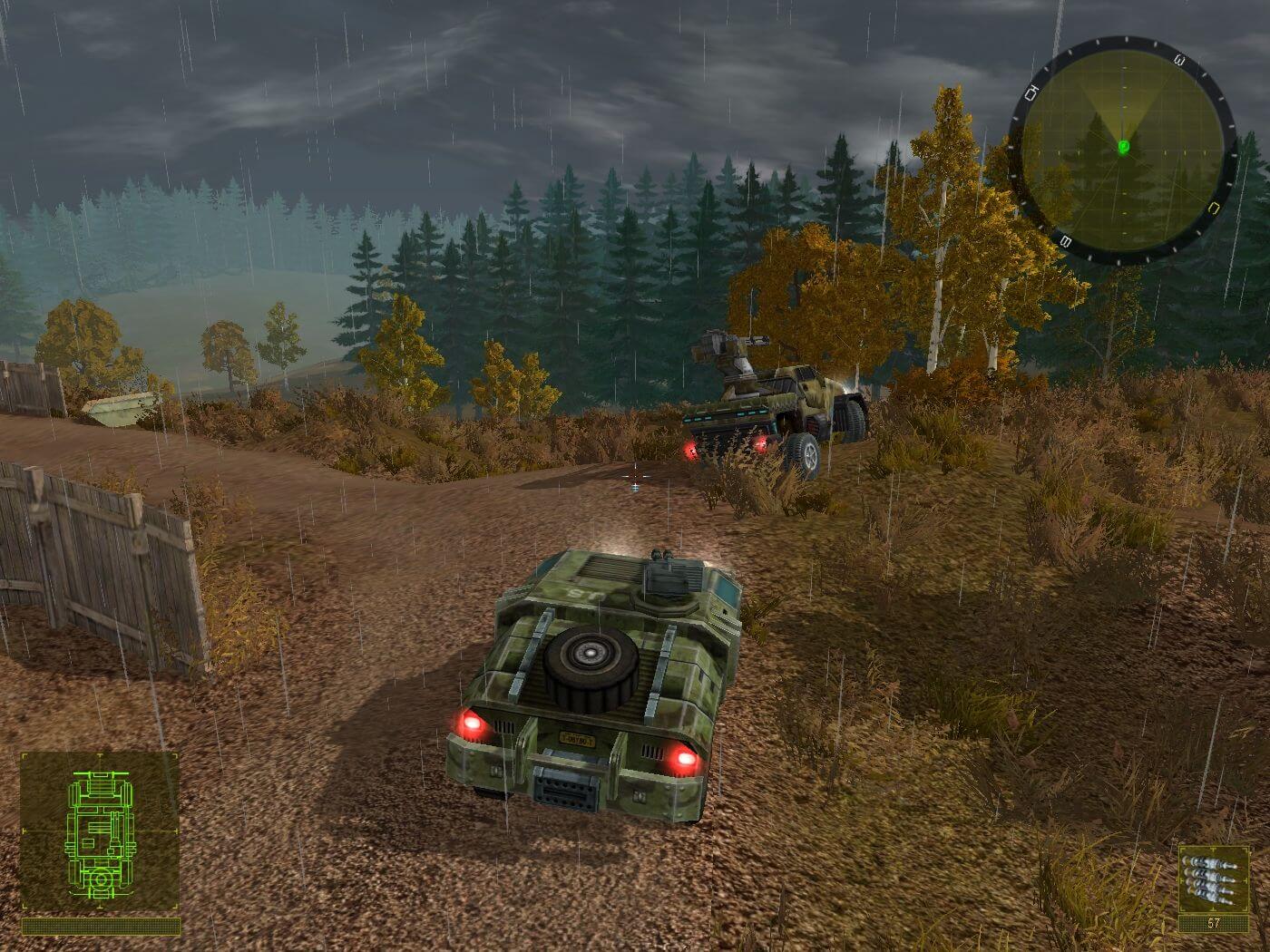
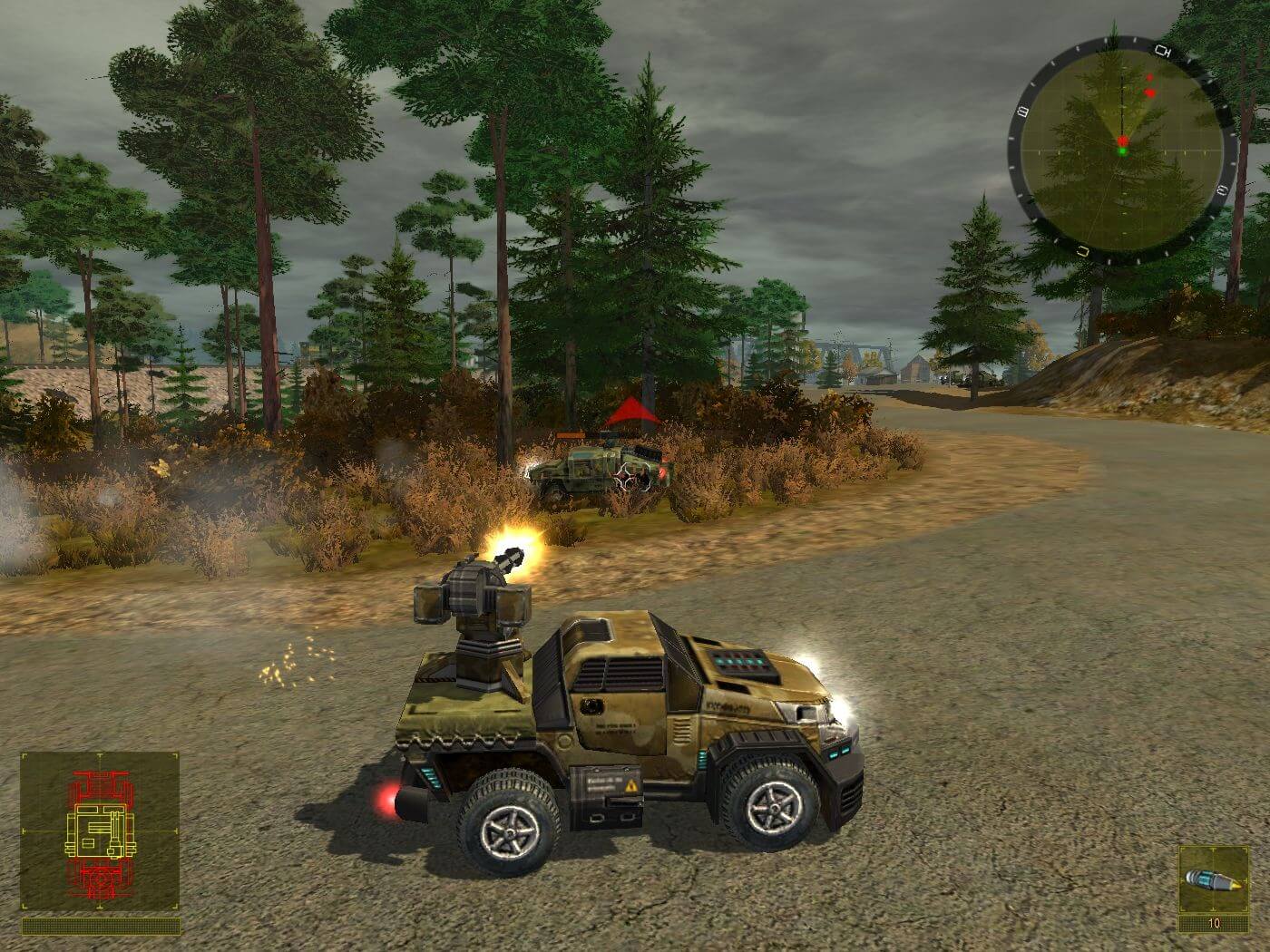
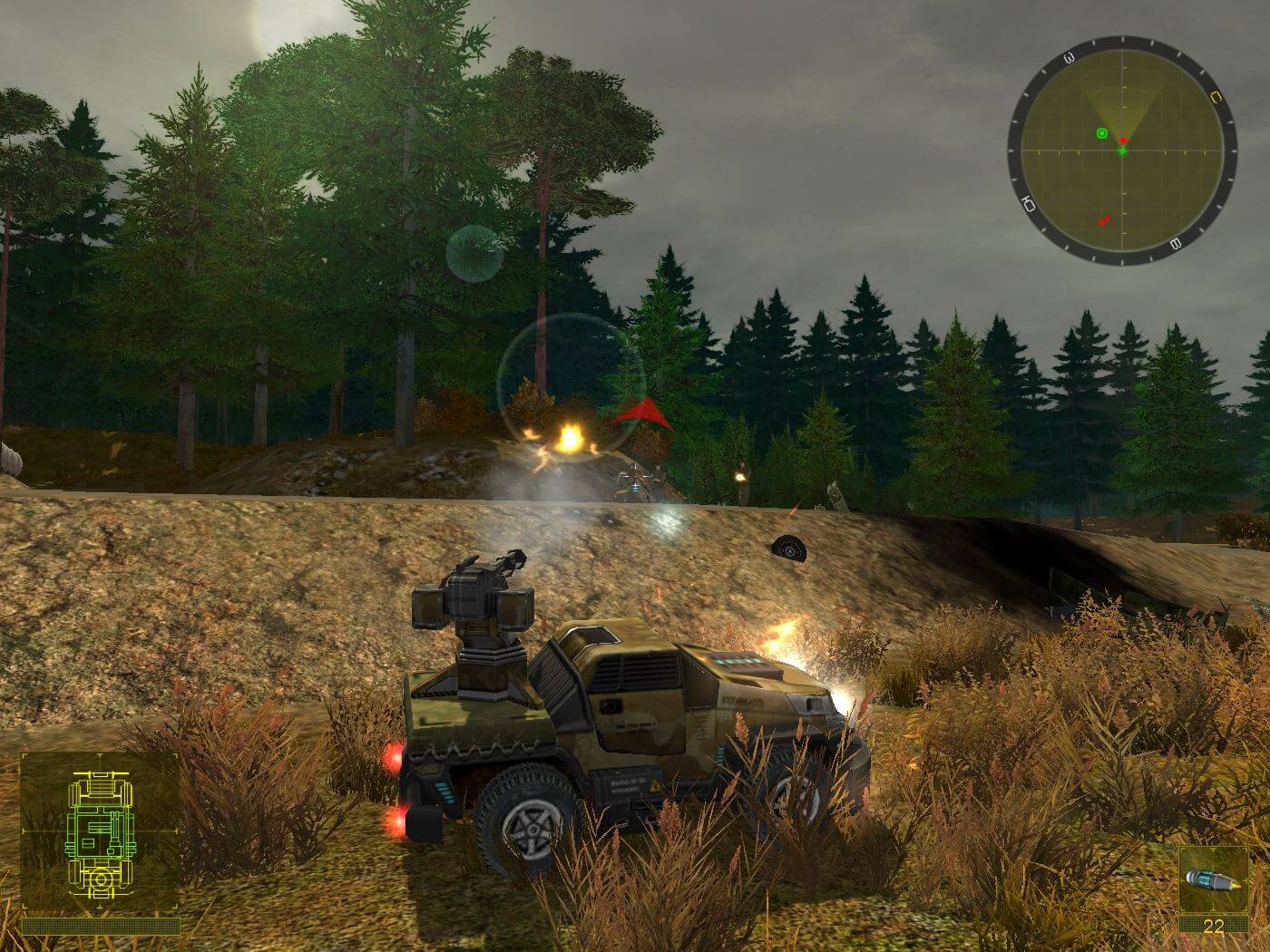
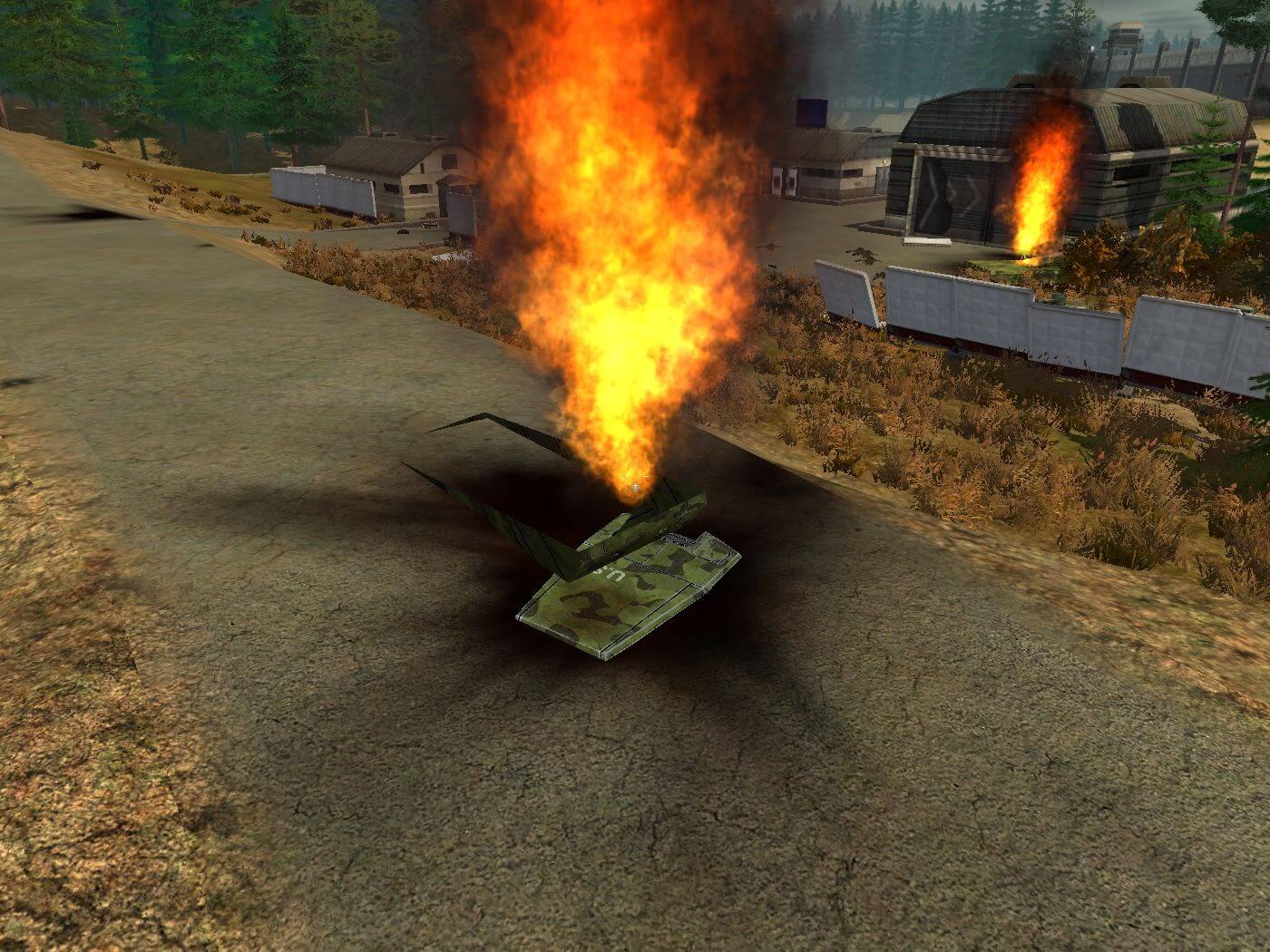
Captures and Snapshots
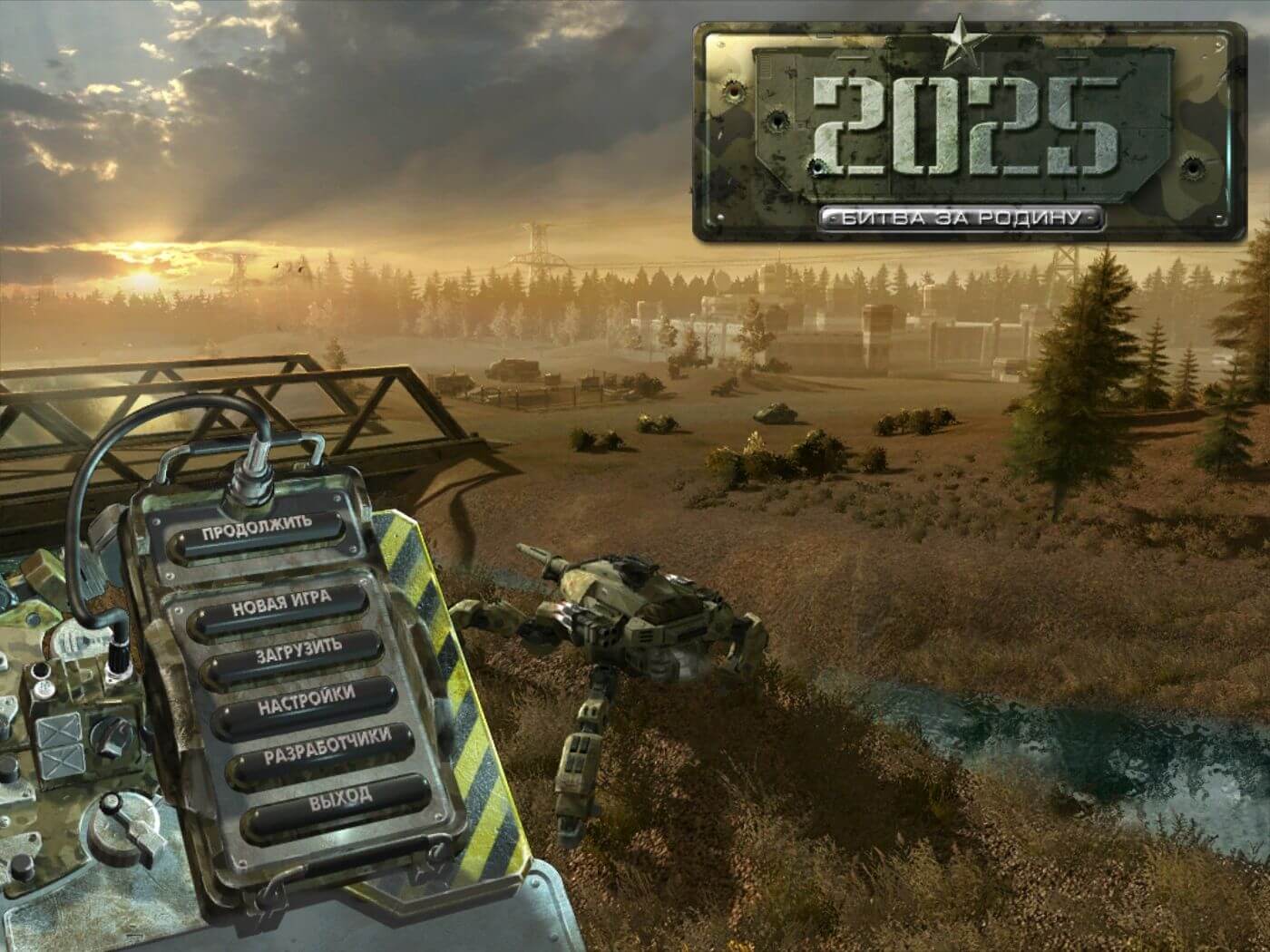
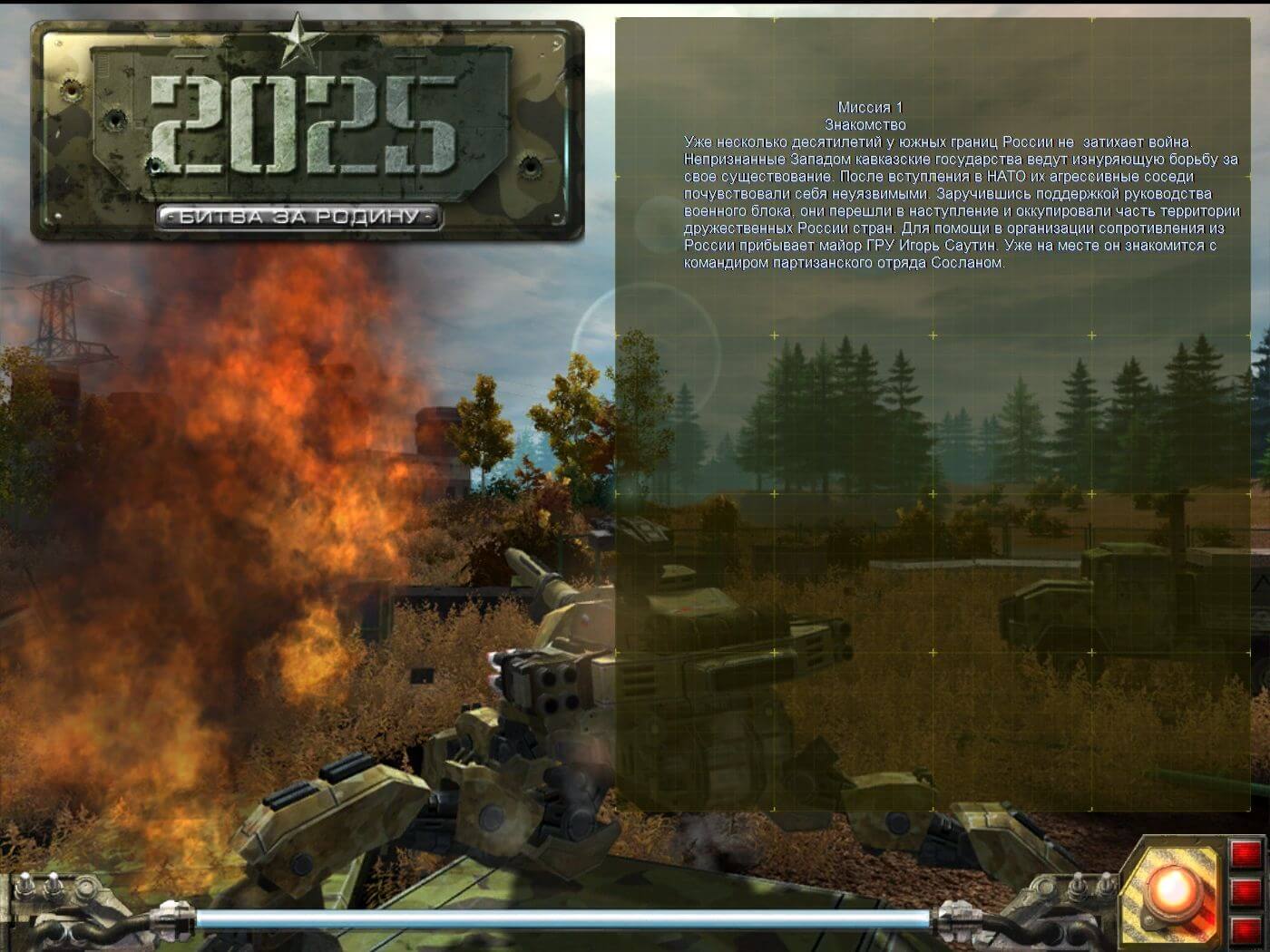
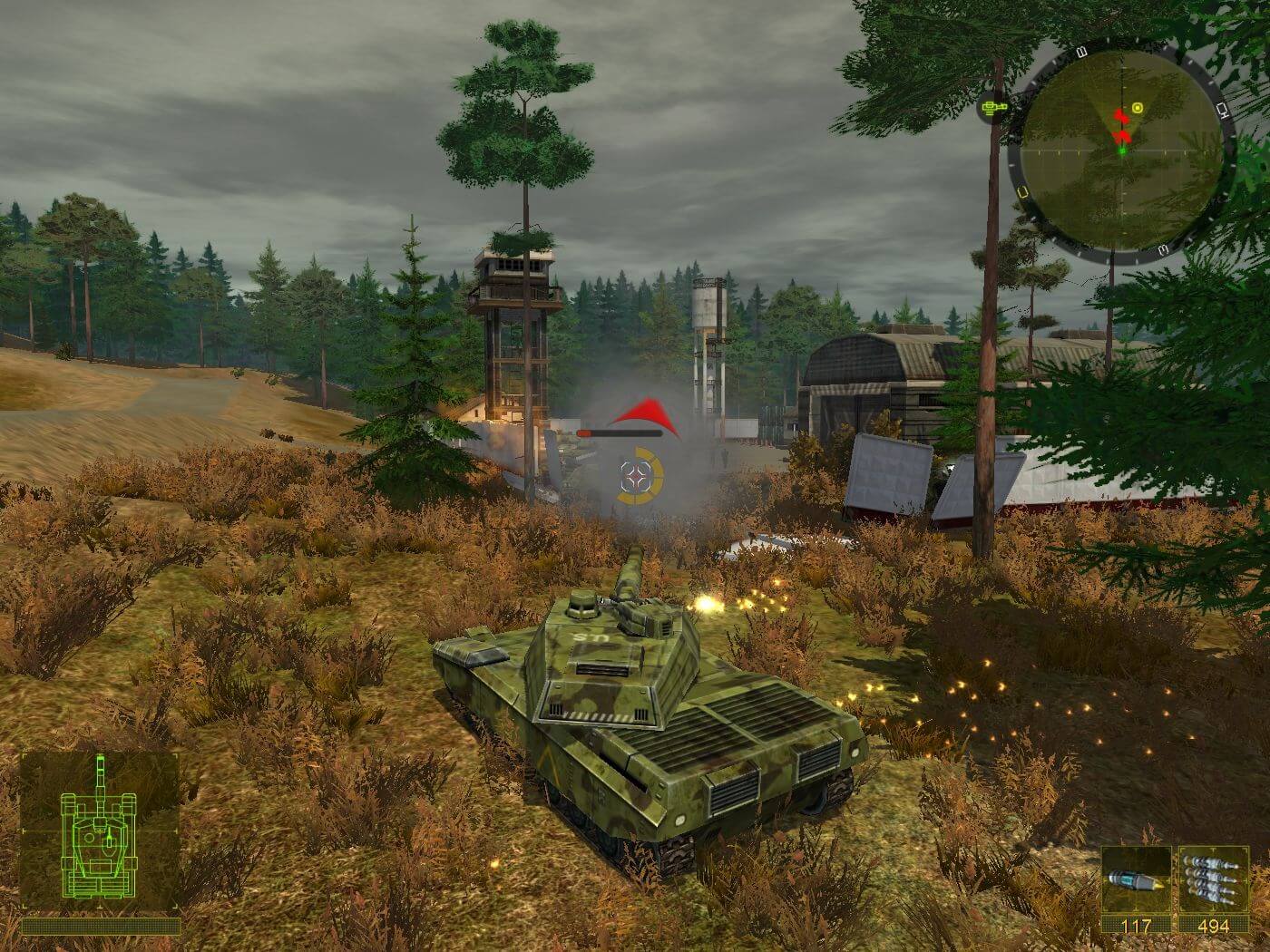
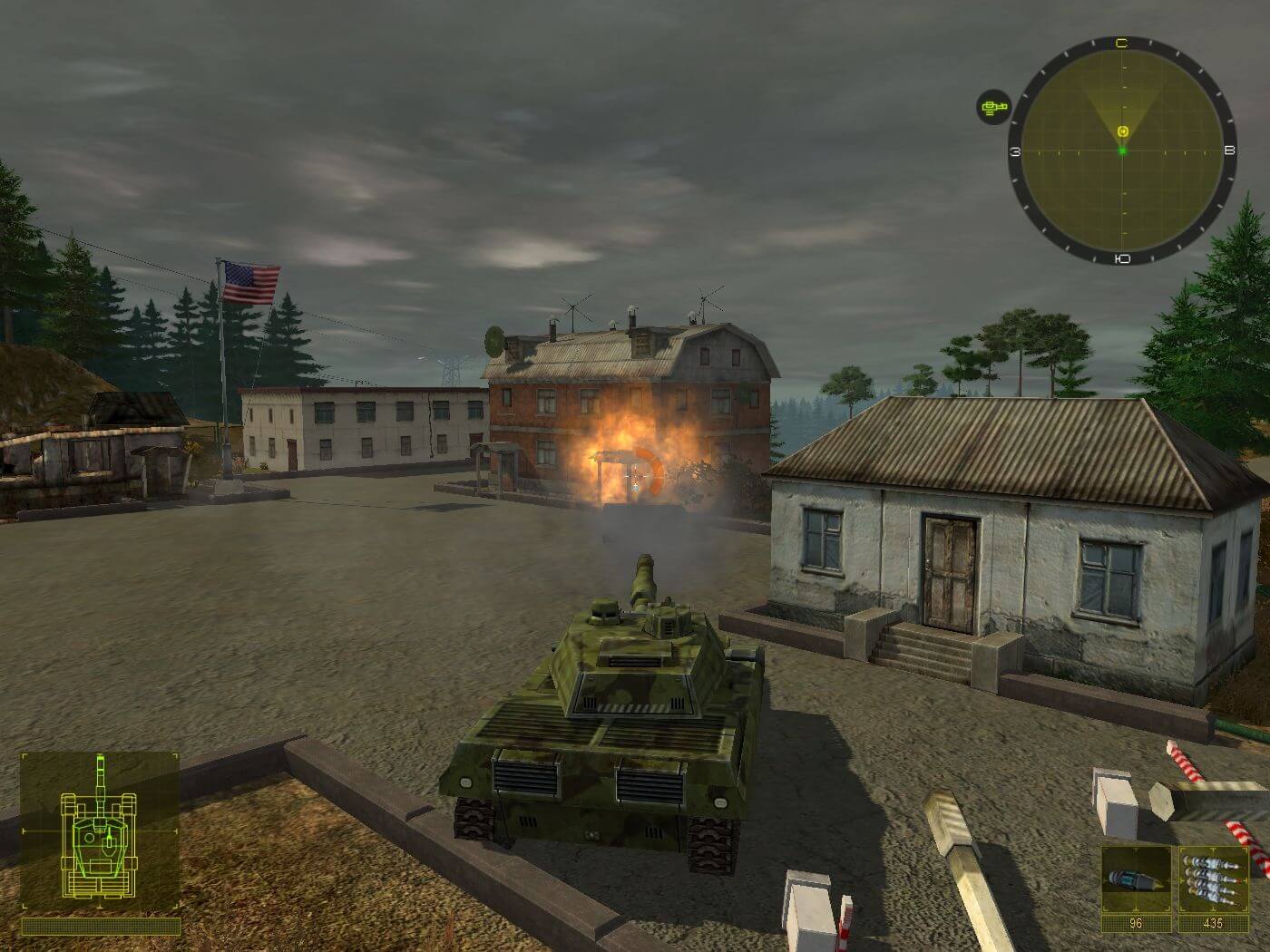
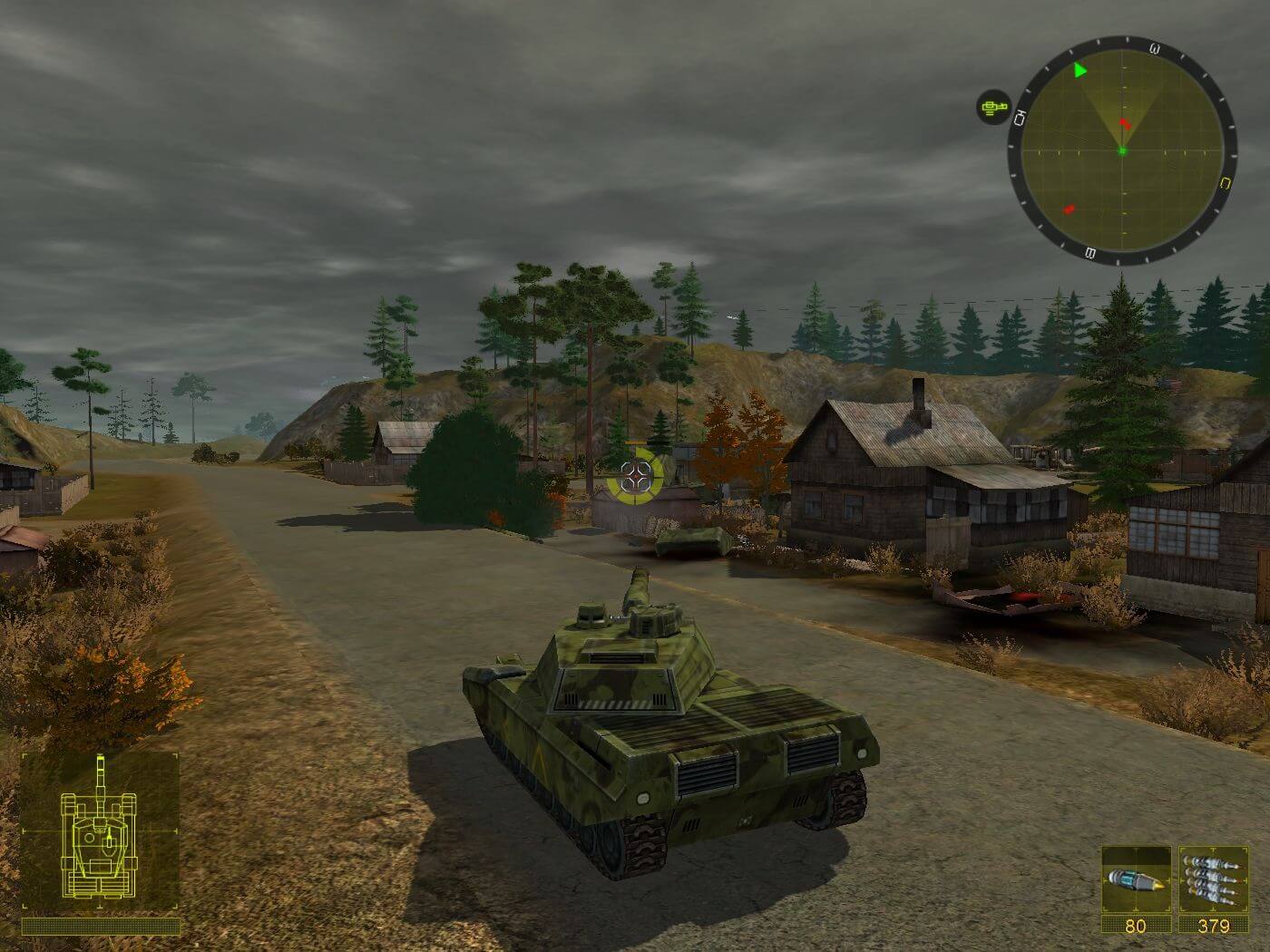
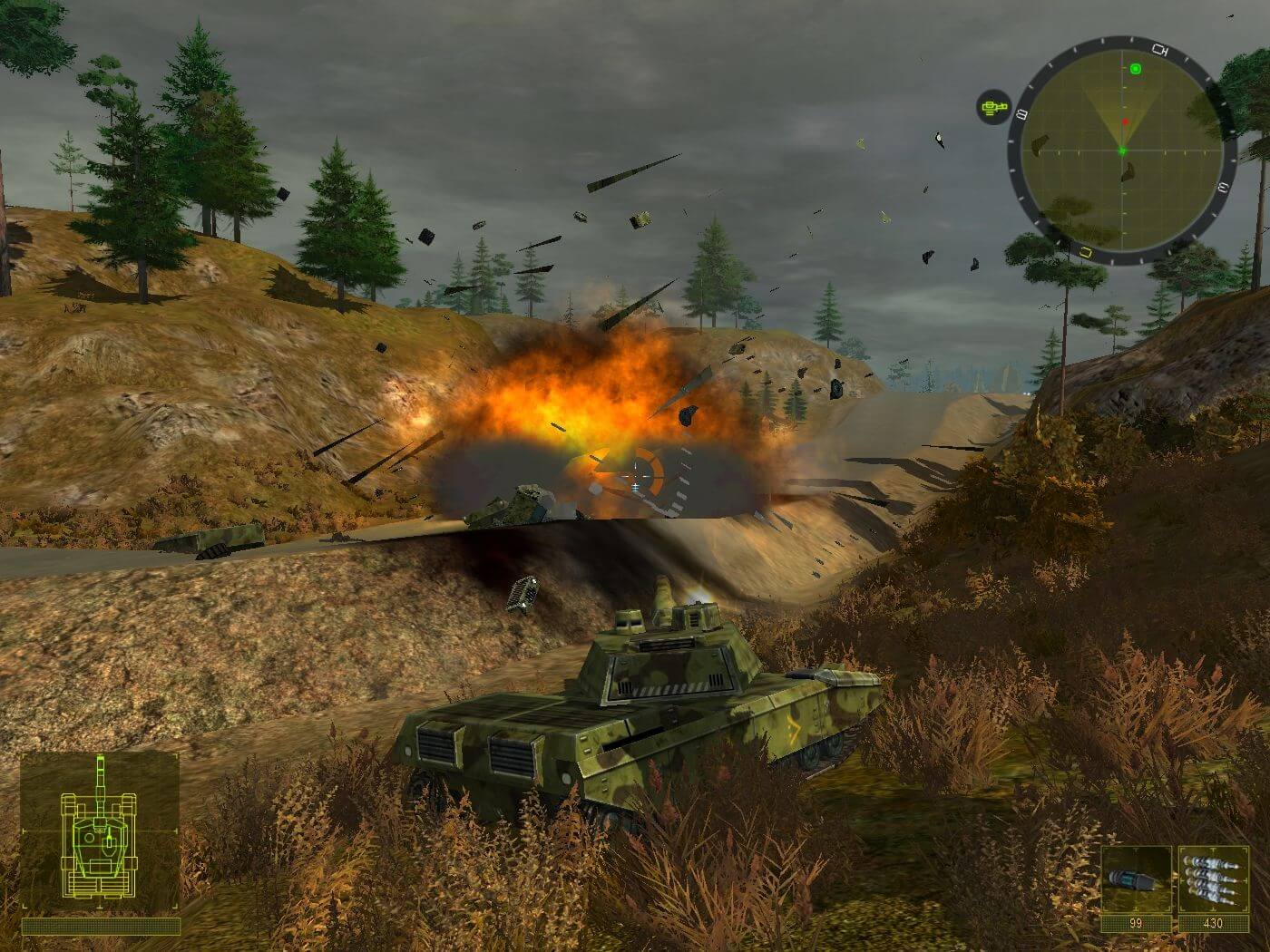
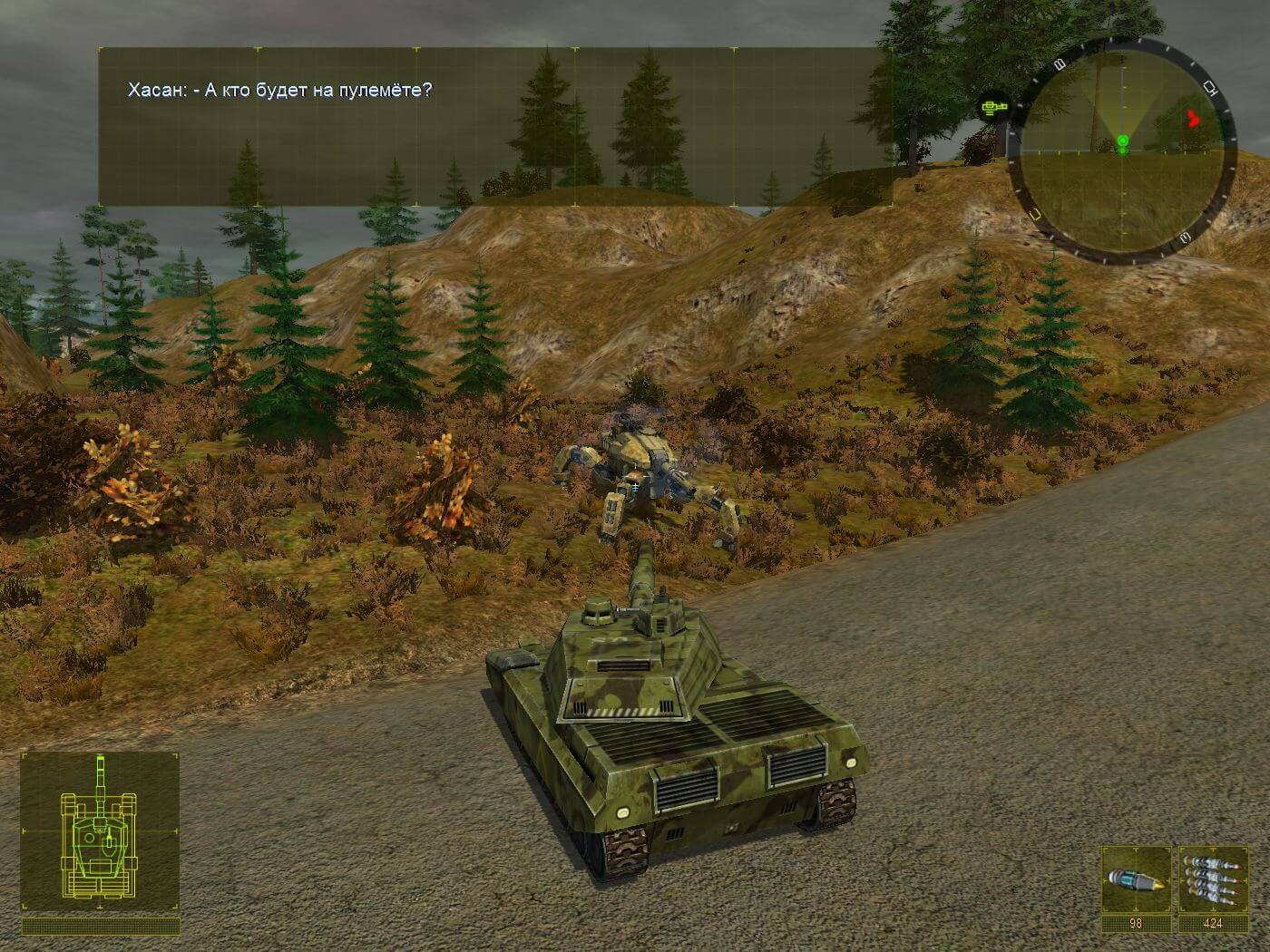
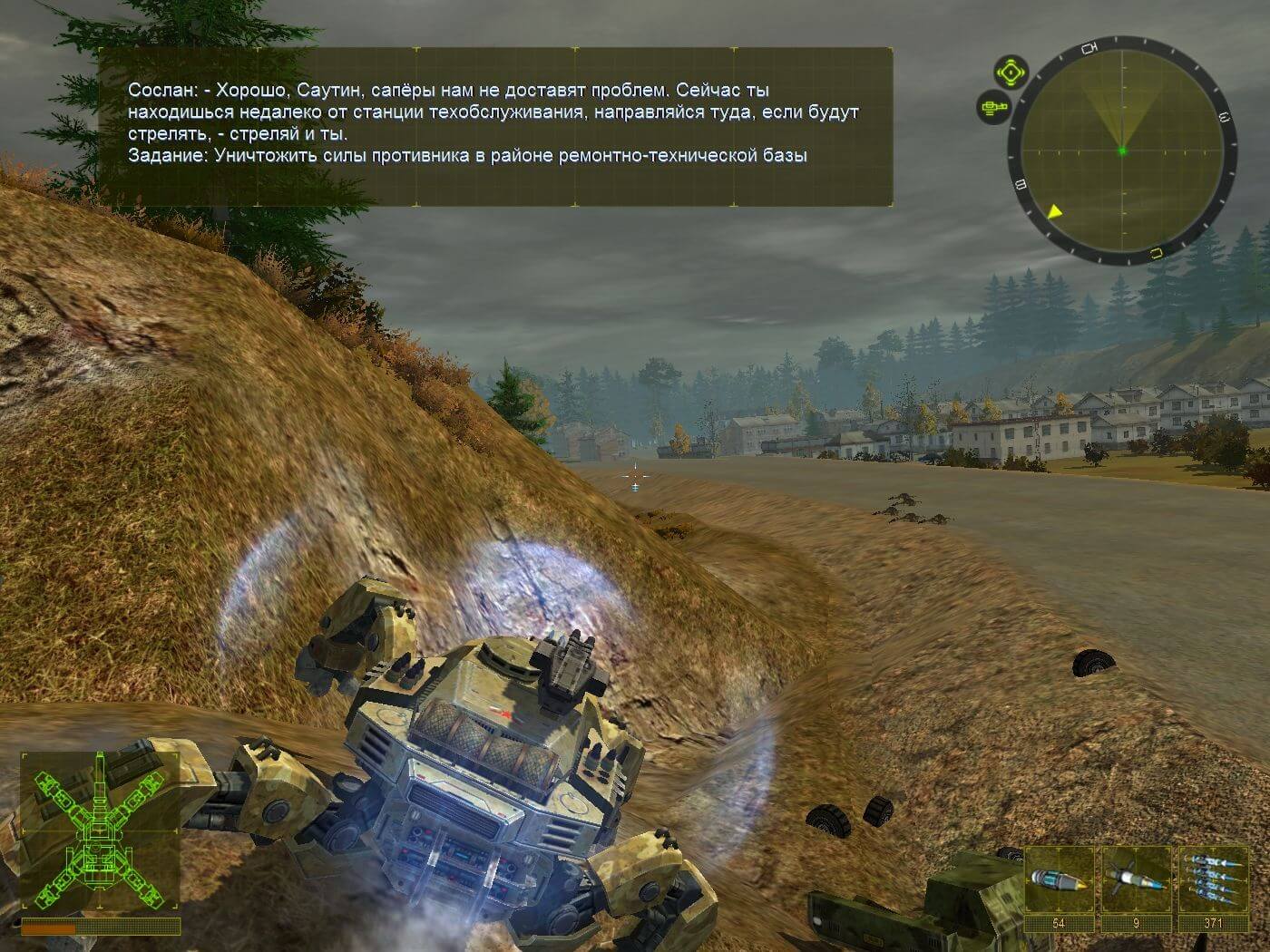
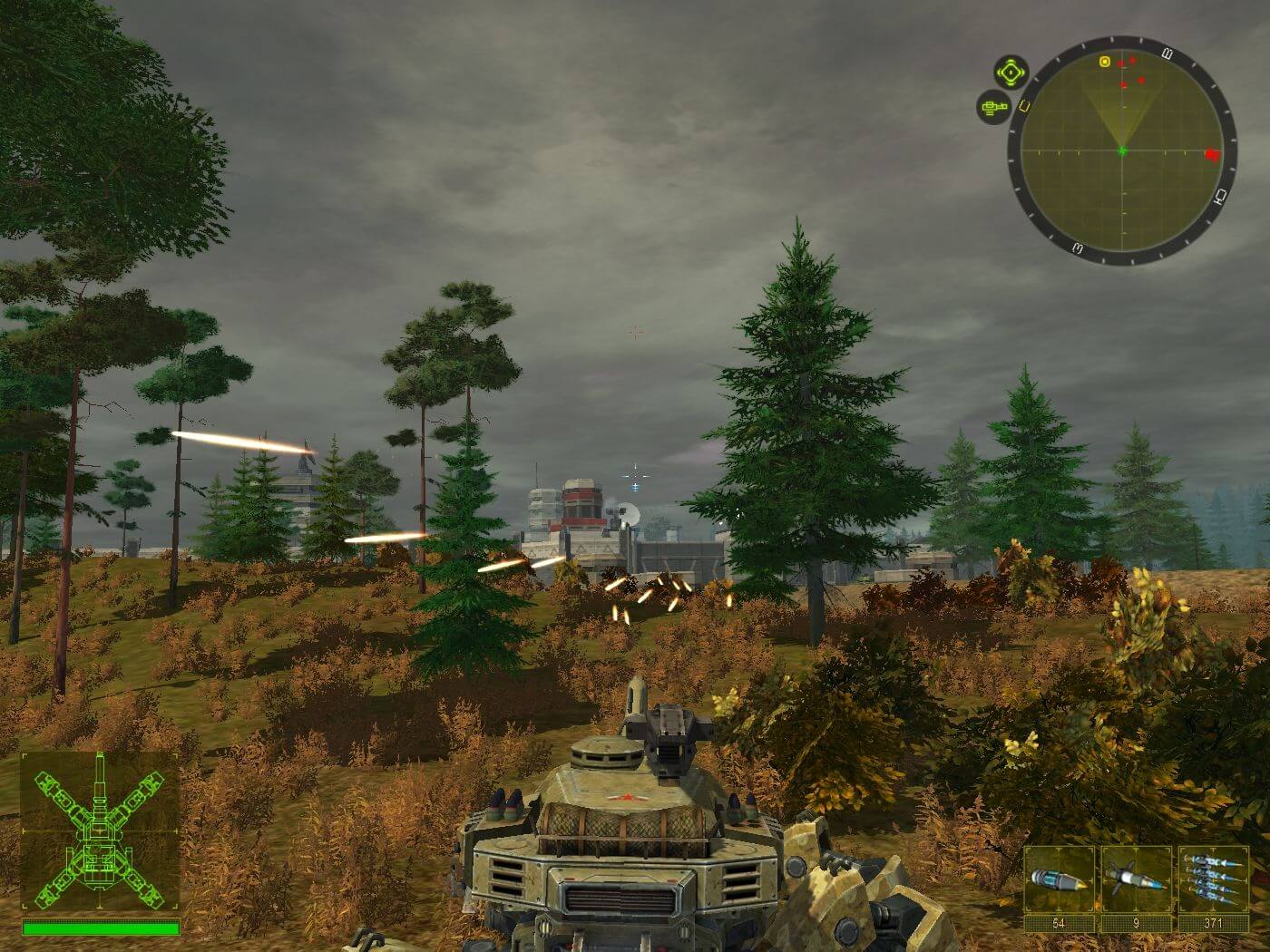
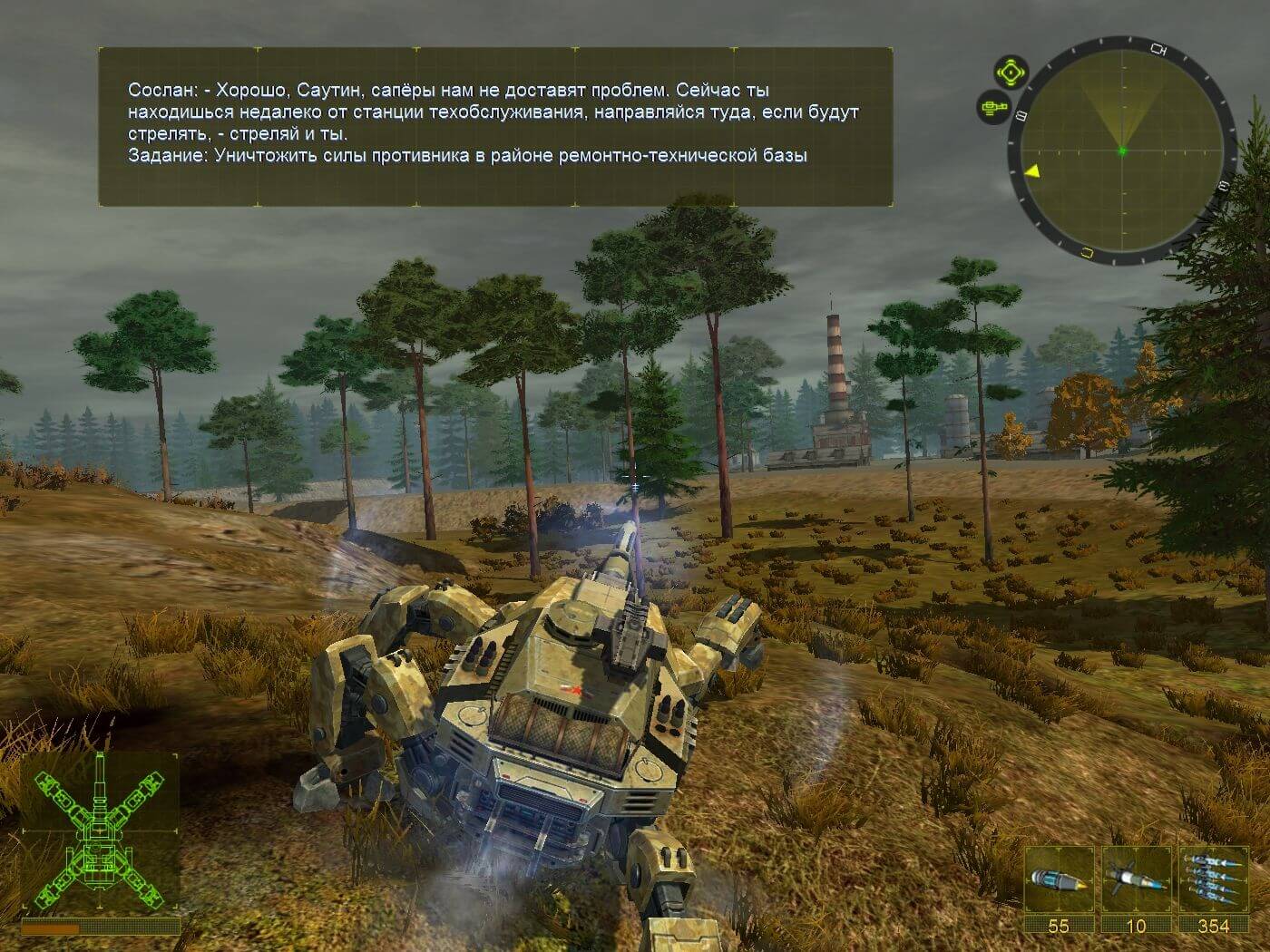
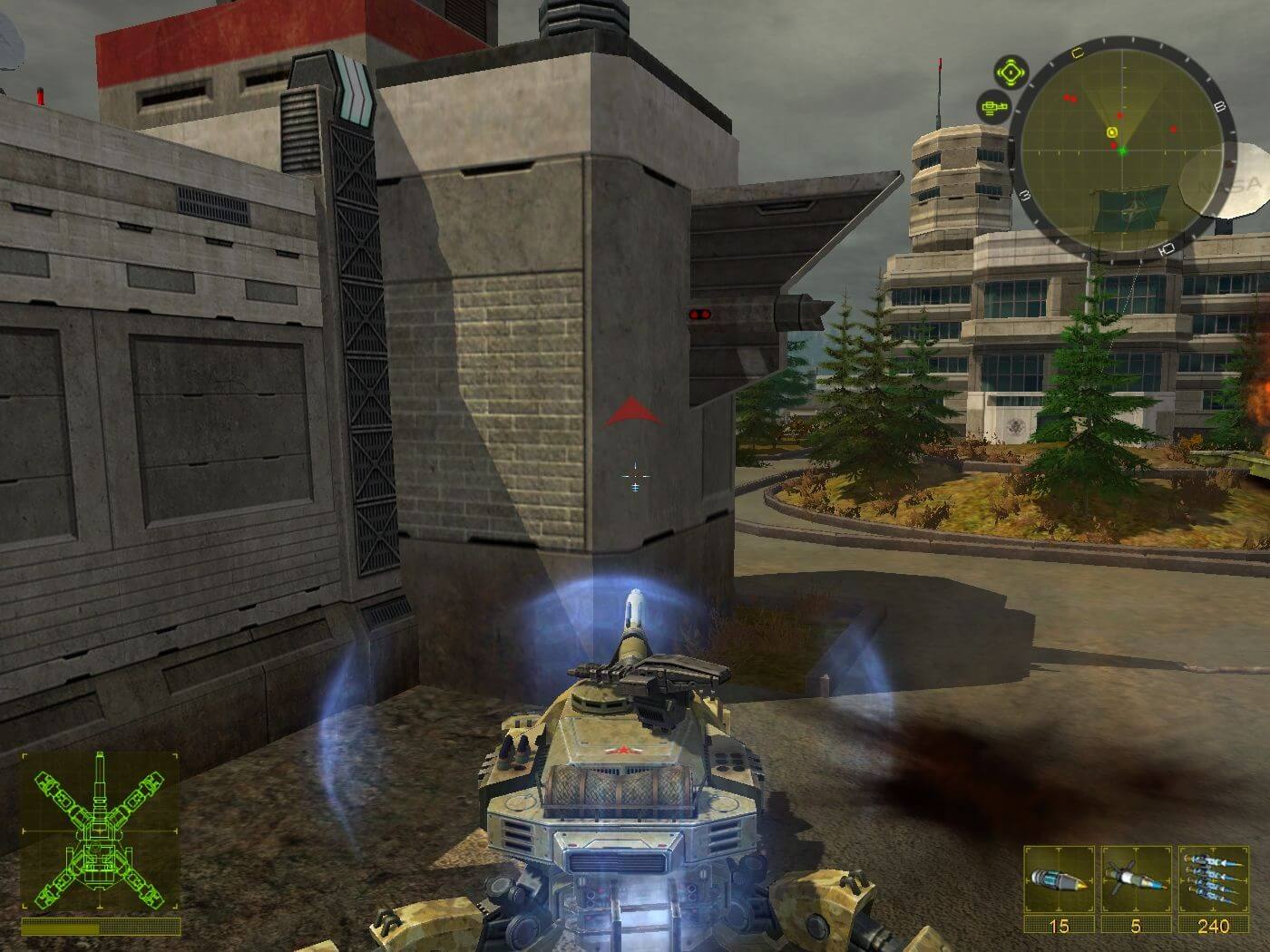
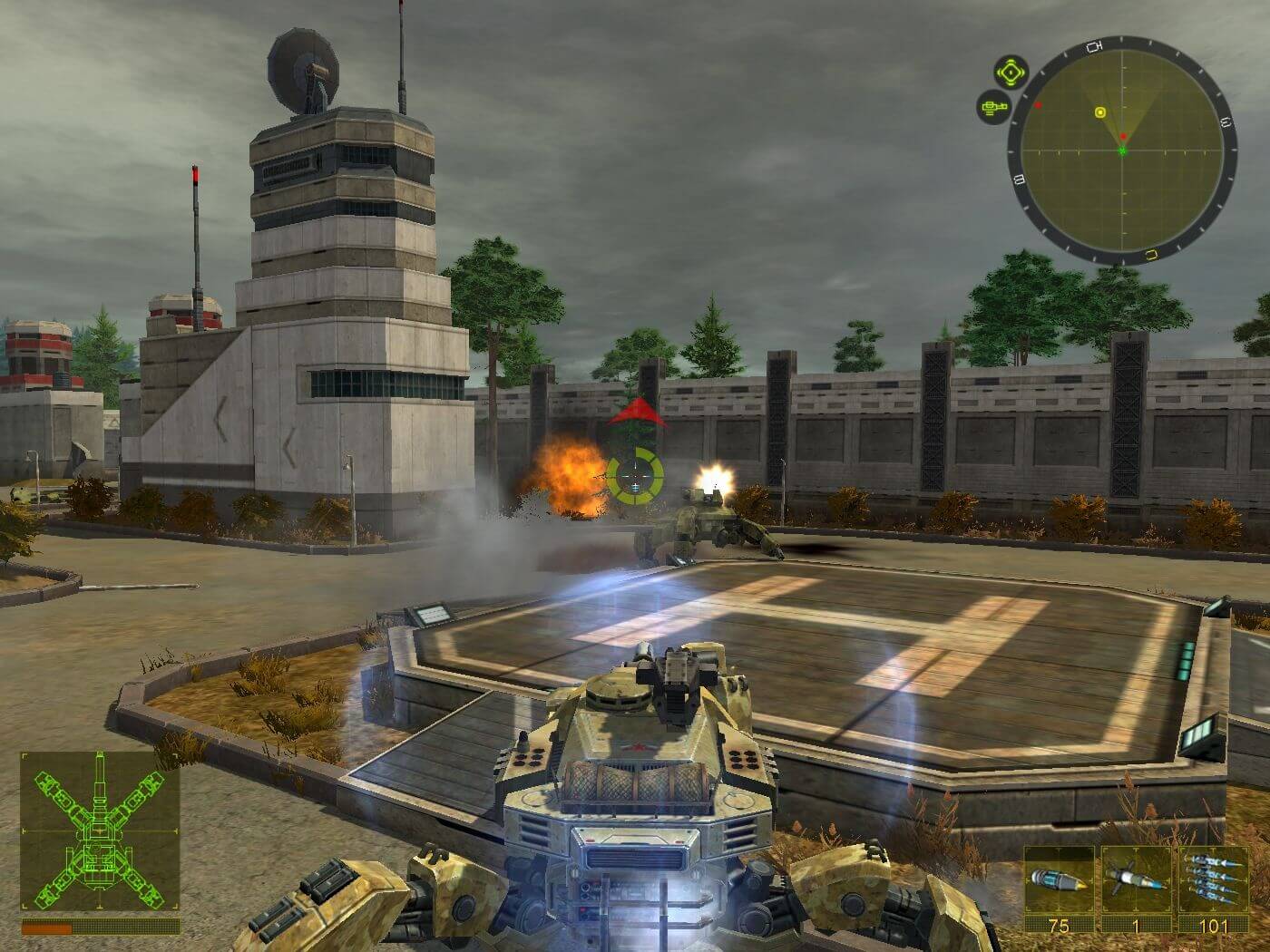
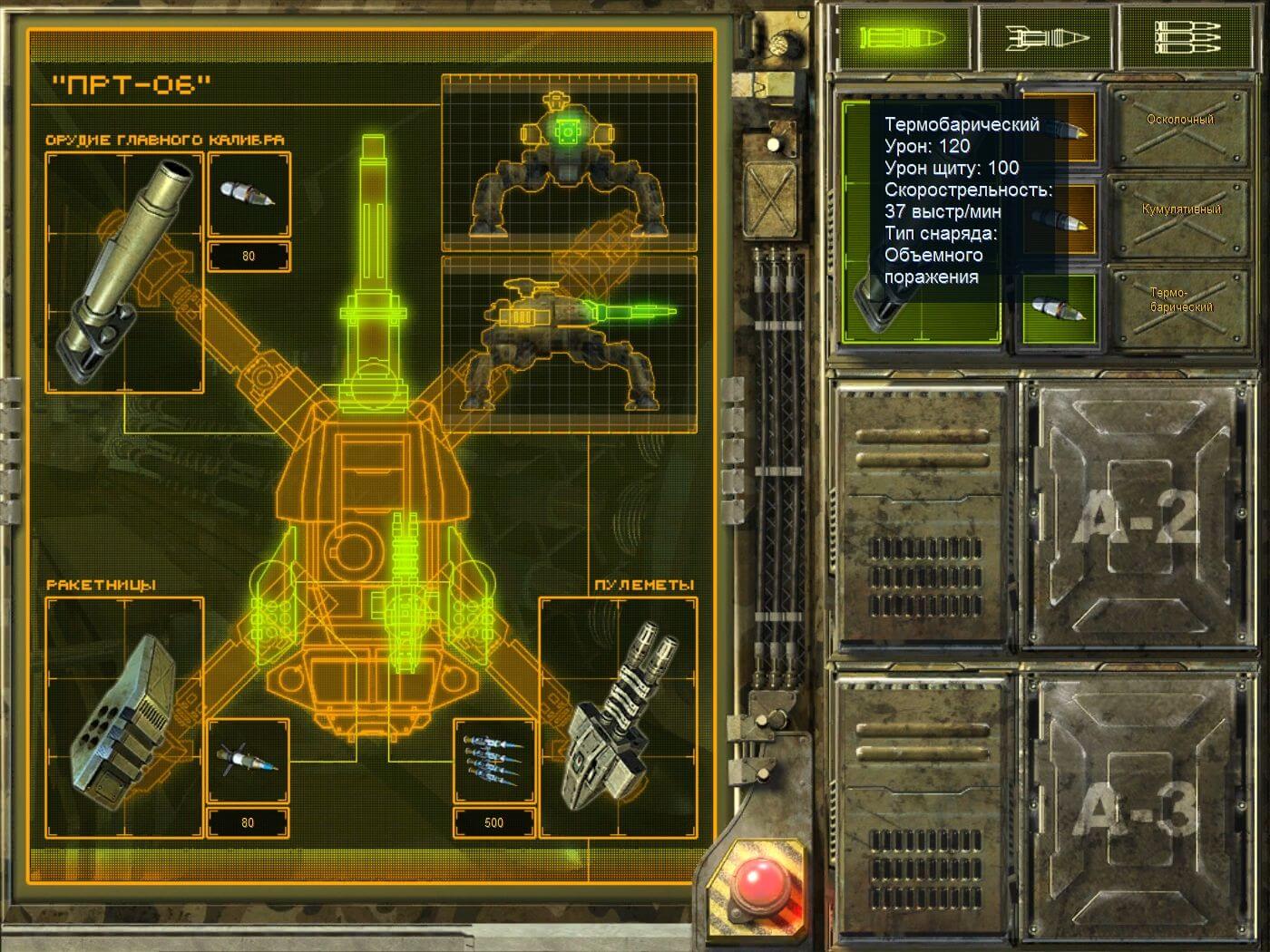
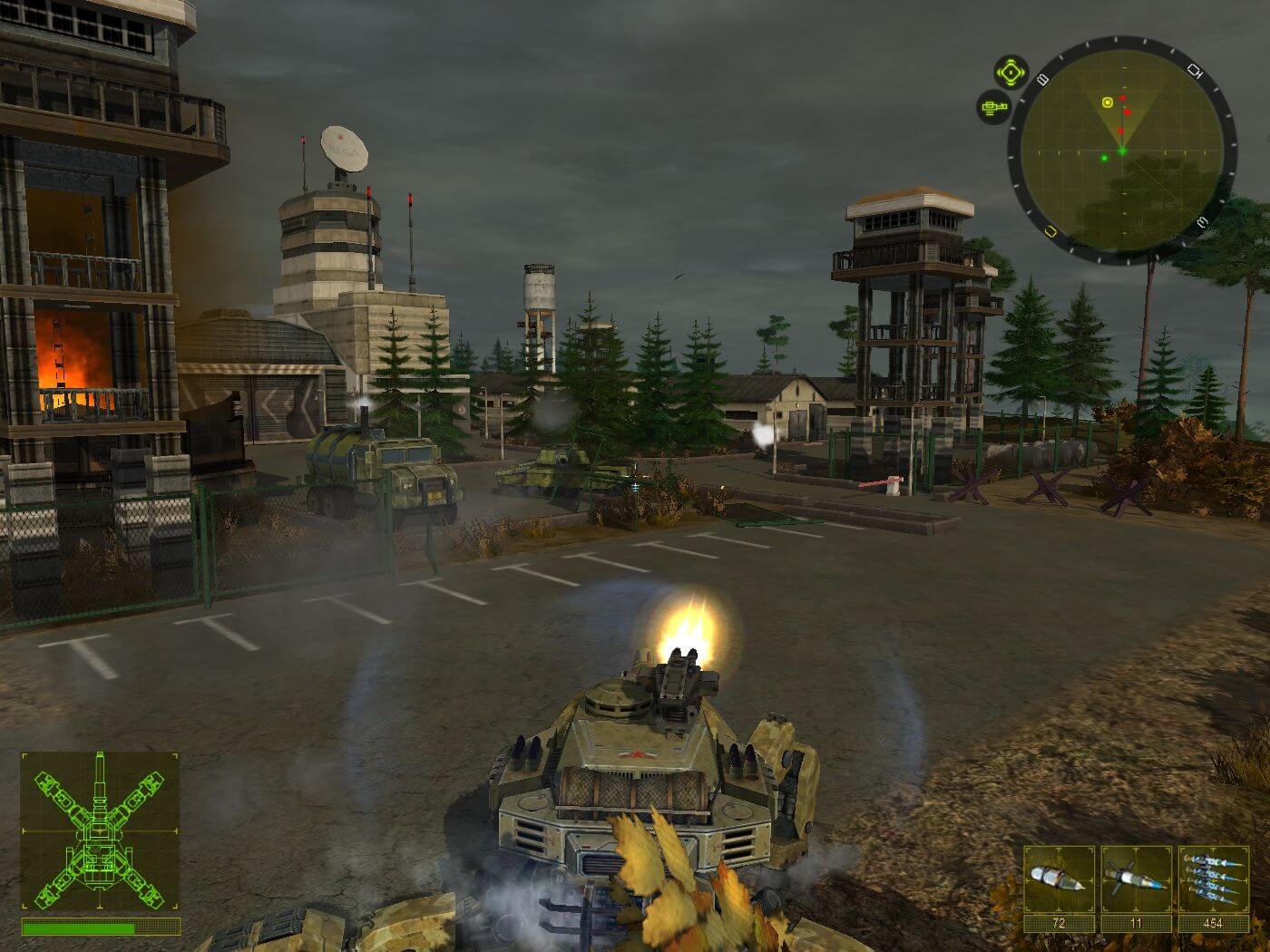
Comments and reviews
LaLee 2026-09-30 0 point
Alright, there are two possibilities: native 1080p or dgvoodoo.
DgVoodoo:
You only need D3D9.dll. You can set it to run in 1920*1080, but the image will be stretched, and part of the aiming reticle will be in the wrong position - it would need an aspect ratio fix.
Native 1080:
Open regedit, find Computer\HKEY_CURRENT_USER\SOFTWARE\QuantGames\2025\Graphics --
Refresh: 60
Height: 1080
Width: 1920
Vsync: 1
Then start the game. This resolution seems to work, the aspect ratio is correct, however the main menu is cropped, and the HUD elements are a bit too big. It's serviceable, you can start a new game/continue the game from this menu as well. Exiting is not possible, use Alt + Tab, then Windows + Tab, drag the game to a new desktop, then end the game from the task manager. Use quicksaves often so you could use the continue button in the main menu.
You can also edit the FOV in regedit, just find:
Graphics\HorizontalFOV and change it to 90.
The best way to do it after a clean install: use the NoCD, use the patch/english translation, set up everything in settings (DO NOT touch resolution and refresh rate), exit, set up things in regedit, then start the game.
Unless someone comes up with a proper widescreen/aspect ratio fix, this is the only way of playing it in 1920*1080.
LaLee 2026-09-30 0 point
If you change the resolution or refresh rate from the options menu, the game will not start the second time. It will display a DirectX error.
If that happens, open regedit, find Computer\HKEY_CURRENT_USER\SOFTWARE\QuantGames\2025\Graphics --
Refresh: 60
Height: 768
Width:1024
Then the game will start again. DgVoodoo doesn't work properly, I'm working on a solution.
ARCANJO 2026-06-09 0 point
QUE MARAVILHA DE JOGO!
Que bom que encontrei esse portal maravilhoso de jogos antigos. Relíquias!
RiptoR 2026-05-26 0 point
So nobody else is getting the direcr3d error 0x8876086a? I tried it in a different PC and this also happens after I rebbot. Looks like I have to beat the game in one run.
LazyRyder 2025-12-30 1 point
Got it working for a bit, seemed to stop working after I monkeyed with the resolution. Tried deleting the files because the launcher seemed unresponsive, now I can't reinstall because the launcher thinks the game's already installed.
LazyRyder 2025-12-17 0 point
I keep getting a message about the wrong disc being inserted or Heavy Duty not working. I guess I'm not tech savy enough. Any suggestions?
renro 2025-09-09 1 point
I guess that 2025.dll is just way to bypass securom.
otherwise, you can just delete that dll and use that NOCD.
Seems like there's nothing to worry about, actually.
renro 2025-09-02 0 point
the ISO file contains suspicious file.
Was there any malware check done on this ISO file?
RiptoR 2025-06-03 0 point
Game works fine the first time I open it, but then everytime I try to play I get direcr3d error 0x8876086a
Mr_Tadm 2025-03-15 0 point
it should work but it needed CD it should be cd-less bro what its this game?!
SirDoge27 2025-02-12 0 point
Can't find a way to get the resolution above the game's default selections,DgVodoo causes major glitches,and the fps is extremely low in fights,like 1-2 fps.
WanderingCommenter 2025-02-06 0 point
Game released in 2010 set in 2025, has battle tank mech walker kill thing? That could happen this year ya know.
Write a comment
Share your gamer memories, help others to run the game or comment anything you'd like. If you have trouble to run 2025: Battle for Fatherland (Windows), read the abandonware guide first!
Download 2025: Battle for Fatherland
We may have multiple downloads for few games when different versions are available. Also, we try to upload manuals and extra documentation when possible. If you have additional files to contribute or have the game in another language, please contact us!
Windows Version
 308 MB
Game Extras
Various files to help you run 2025: Battle for Fatherland, apply patches, fixes, maps or miscellaneous utilities.
 58 KB
58 KBSimilar games
Fellow retro gamers also downloaded these games: