African Safari Trophy Hunter 3D
Windows - 1998
| Year | 1998 |
|---|---|
| Platform | Windows |
| Released in | United States |
| Genre | Simulation, Sports |
| Theme | Africa, Hunting |
| Publisher | WizardWorks Group, Inc. |
| Developer | Quantum Axcess |
| Perspective | 1st-Person |
Description of African Safari Trophy Hunter 3D
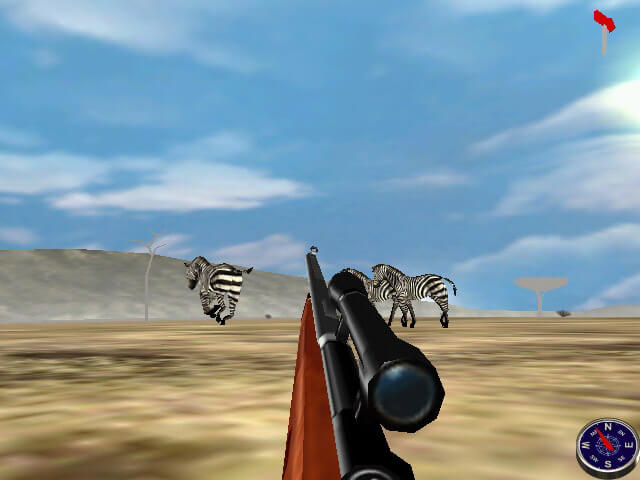
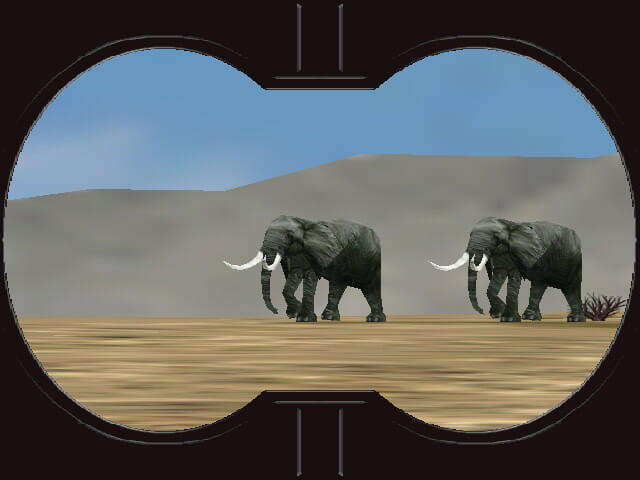
In 1998, WizardWorks Group, Inc. publishes African Safari Trophy Hunter 3D on Windows. This simulation and sports game is now abandonware and is set in a hunting and africa themes.
External links
 Official website (archived)
 Gameplay video
Captures and Snapshots
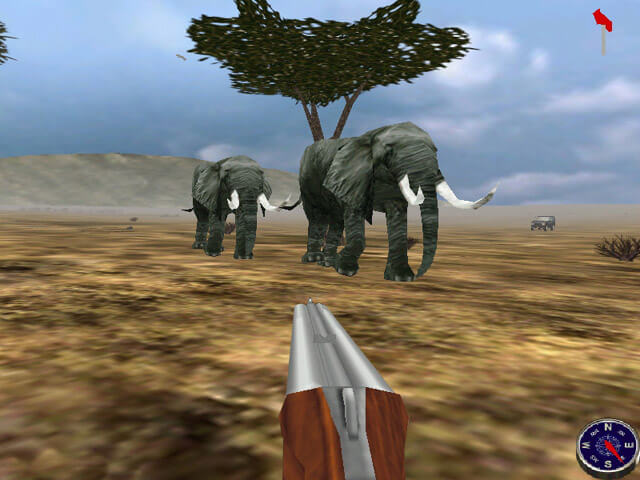
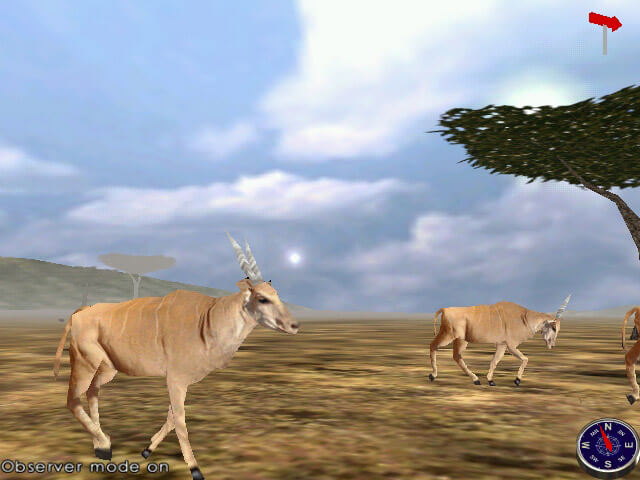
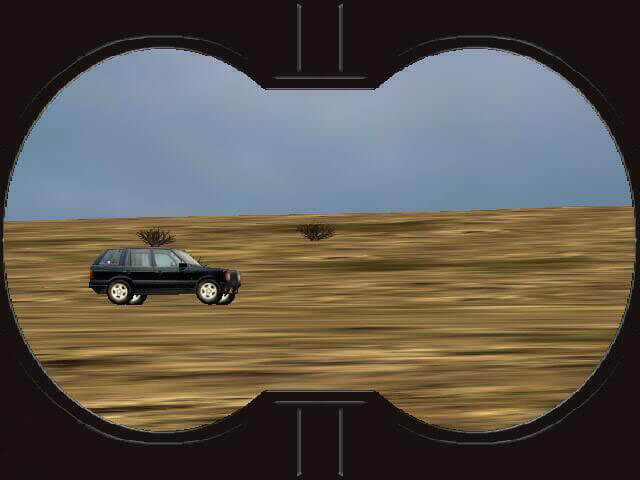
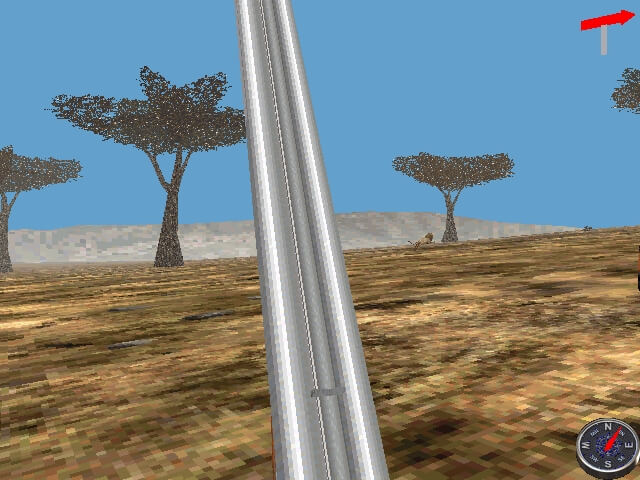

Comments and reviews
Fuhrey 2026-05-31 0 point
Windows 98 games can be especially tricky to get running on modern hardware. They usually have various dependencies, and can often blend various 16 and 32 bit architecture. I've had really consistent success using DOSBox to install Windows 98.
Retroarch is probably the best way to go about this, and if you use a frontend like ES-DE or RetroBat, you can make it really aesthetically pleasing. Before starting, you'll want to go to Archive and find an ISO of Windows 98 Second Edition, make sure it has its serial code (usually written on the cover image), and download it. With Retroarch, you'll need the DOSBox-Pure core. Launch the core from Retroarch's menu, and use the "load content" option to select the Windows 98 SE ISO. From here, you can select to install the operating system, make system adjustments, and ultimately, it will create a virtual harddrive with Windows 98 as its OS within DOSBox-Pure.
Now, place essentially ANY Windows 98 ISOs in your retroarch's rom directory, being sure to place your ISOs where the DOS roms would go. Since they'll be booting through DOSBox, they MUST be in the DOS folder of your roms directory!! Now, when you select an ISO from withing Retroarch, it will launch into the terminal of DOSBox, but you don't need to mess with any options, just select "Run On Installed Operating System", and if it asks you which (and it should only display one), select your Windows 98 isntallation; from there, Windows 98 will begin booting as if you just pressed the power button on an old tower.
While it's booting, Windows 98 will take a little time. That's ok and totally normal, and you can speed it up by pressing Retroarch's fast forward button, usually defaulted to the Space Bar. In order to turn off Retroarch shortcuts while playing, so as not to interupt your games with hotkeys by accident, use the Retroarch control settings to map "Game Focus" to an easy and unussed key (I use '~'), and after you boot into Windows 98 and are ready to play, press you 'Game Focus' hotkey, and all other hotkeys will become disabled until pressed again.
Hope this helps, feel free to copy/paste around; the goal is to get games running, not amass fake internet points!
DOOMGUY98 2025-10-17 0 point
i love this game and i am working on find a way to get the game runing on windows so people can play the game and when i was a kid my dad buy that game for me and my bro becuase we are real hunters amd i try play the game 8 years go but dont work
Adkennedy03 2025-09-29 0 point
PCem with windows 98, works without issue but is a very demanding game and will probably run at considerably low frames.
philburg2 2025-08-03 0 point
Was able to get working on windows 98 se, directx 8.1, nvidia drivers 45.23 on a Geforce 4 mx440. Later drivers and earlier directx were having issues. I'll take a stab at xp with older drivers next.
adkennedy03 2025-04-28 0 point
This game is extremely tricky to get working correctly on any computer, I have the actual disc and it sorta works on a windows vista but not an xp. I havent been able to get this version working on anything including vms so if anyone knows how to get it working lmk and please share because its not a bad game.
Write a comment
Share your gamer memories, help others to run the game or comment anything you'd like. If you have trouble to run African Safari Trophy Hunter 3D (Windows), read the abandonware guide first!
Download African Safari Trophy Hunter 3D
We may have multiple downloads for few games when different versions are available. Also, we try to upload manuals and extra documentation when possible. If you have additional files to contribute or have the game in another language, please contact us!
Windows Version

 366 MB
Game Extras
Various files to help you run African Safari Trophy Hunter 3D, apply patches, fixes, maps or miscellaneous utilities.
Similar games
Fellow retro gamers also downloaded these games: