Battlefield 1942: World War II Anthology
Windows - 2004

| Alt names | 戰地風雲:1942大全, Battlefield 1942: Anthologie |
|---|---|
| Year | 2004 |
| Platform | Windows |
| Released in | Croatia, Germany, Italy, United Kingdom, United States (2004) Czechia, Germany, Hungary, Poland (2005) Belgium, Netherlands (2007) Finland, Germany (2008) |
| Theme | Compilation / Shovelware |
| Publisher | Electronic Arts, Inc. |
| Tested on | Windows 10, Windows 11 |
Description of Battlefield 1942: World War II Anthology
Battlefield 1942: World War II Anthology is a compilation of Battlefield 1942 with both expansion packs: The Road to Rome and Secret Weapons of WWII. This is the most full version of Battlefield 1942, being used on almost all of unofficial servers
External links
 MobyGames
 Wikipedia page
 PCGamingWiki
How to play Battlefield 1942: World War II Anthology Windows
The game was uploaded with the help of Team SiMPLE community, one of the most active fan communities of Battlefiled 1942 players. Visit their forum to find more information about the game and other players, you can also join them in Discord server by this invitation link
The game has been tested on Windows 7 64-bit, Windows 10 and Windows 11, it works fine. You may experience some small troubles when you play the game on modern systems, check our Guide and Notes for details
Install & play guide for singleplayer & multiplayer game on modern systems:
- Mount the disc image of CD1. You will need the utility for mounting disc image files, like WinCDEmu, UltraISO, Alcohol 52%/Alcohol 120% or Daemon Tools Lite
- Launch the installation and enter CD key. It is recommended to install the game not in default path but in some other, non-system folder, like
C:/Games/Battlefield 1942, so you won't have troubles with fixes or mods - Skip the installation of GameSpy app, GameSpy servers were closed in 2014 and doesn't work anymore, here's the details
- When the installation process will ask for CD2 - mount the disc image of CD2
- Then the installation process will ask for CD3 with The Road to Rome expansion pack, and CD4 with Secret Weapons of WWII expansion pack. Both expansion packs have separate CD keys, check inside the archive
- At the end of installation process you will see "EA Register" window - simply click "Register later" to skip it
- Now you need to patch the game - first install the patch v1.6.19, then the patch v1.61b
- And now you need to install Multiplayer Fix - it is available here (Battlefield 1942 v1.61 Retail patched file) or on our website on this page. That fix also works as NoCD and adds widescreen support. Simply copy all files from the archive and put it into game folder, agree to replace the original files
- After that install Master Server Patch by Henk - that patch updates the list of unofficial servers from master.bf1942.org so you can connect to them directly from the game. Simply copy BF1942.exe from the archive and put it into the game folder, agree to replace the original file
- Open the game folder and find BF1942.exe. Right-click on BF1942.exe -> Properties -> Compatibility -> Set "Run this app in compatibility mode with Windows XP" and "Run as Administrator"
- Launch the game and play. If the games doesn't work in compatibility mode with Windows XP - try to launch it in compatibility mode with other version of Windows (Windows 95, 98, 2000, etc.)
If that instruction looks too complicated for you - you can use all-in-one installer by Team SiMPLE, it is available here or on our website. That installer includes Battlefield 1942: World War II Anthology, the latest release of the game with both expansions packs, with all required patches and widescreen fix, so you can simply install & play. The installer is multilingual, with support of English, French, German, Italian, Spanish, Russian, Korean, Traditional Chinese and Japanese languages. That installer is recommend by Team Simple and BF-League websites
About the mods and custom maps for Battlefield 1942:
- The game has a lot of mods, you can find most of them on ModDB, Nexus Mods, 3DShooterLegends, Gau-Games.de, BF-Games.net, and many other websites. We recommend to use a special DataField42 utility for automatic download of mods & maps for Battlefield 1942
- The game also has a lot of custom maps created by fans. If you play the game with Team SiMPLE client, we recommend to download this installer that contains all custom maps to play in SiMPLE | New Maps server. A lot of other custom maps, including the maps for BF1942 mods, can be found on BF-Games.net or Gau-Games.de
- Battlefield 1942 has a very active fan community, people still playing it in multiplayer, there's a lot of community websites, like HelloClan that hosts the server for Desert Combat, the popular mod about Gulf War. Or Battlefield Galactic Conquest community that host the servers for Galactic Conquest, a Star Wars-themed total conversion for Battlefield 1942. Shortly, there's a lot of cool mods for Battlefield 1942, such as Interstate 82 or Battlefield Pirates, and fans still play it! Just search for Battlefiled 1942 mods on the Internet
- If you have troubles with installation of the game or mods, we recommend to check this troubleshooting guide, which also includes the overview for most popular Battlefield 1942 mods. Additionally, we recommend to check this old thread on Team SiMPLE forums about mods and fan-sites for Battlefield 1942
Notes:
- If the installation doesn't start - try to launch Setup.exe in compatibility mode with old version of Windows (98, 2000 or XP)
- It is recommended to install all versions of Microsoft Visual C++ Redistributable and NET Framework for the correct work of the game. Also it is recommended to install K-Lite Codec Pack for the correct work of in-game videos
- The game works on DirectX 8, so if you're using Windows 8, 8.1, 10 or 11 - you need to enable DirectPlay: Go to Control Panel, and select 'Programs'. Select 'Turn Windows features on and off', click on 'Legacy Components' and check the box 'DirectPlay'. Select OK, once the installation is done, restart your computer. Enabling DirectPlay on Windows 8 or newer is necessary for the correct work of the game!
- We added text-file with a lot of CD keys, but if none of them work - use keygen to generate new CD key. Keygen may trigger warnings by your antivirus, but it is safe to use, here's VirusTotal scan report. You can run keygen on Virtual Machine, for 100% safety
- The game was using GameSpy servers for multiplayer, but in 2014 the GameSpy service and its servers were closed. The game will try to connect to "dead" GameSpy servers, to bypass it use Multiplayer fix (Battlefield 1942 v1.61 Retail patched file). That fix also works as NoCD and adds widescreen support. Simply copy all files from the archive and put it into game folder, agree to replace original files
- After you installed the Multiplayer Fix, also make sure to install Master Server Patch by Henk. That patch updates the list of unofficial servers from master.bf1942.org and you can connect to them through the game menu. Simply copy BF1942.exe from the archive and put it into game folder, agree to replace original file
- In addition to the Master Server Patch, you can also check the list of servers on GameTracker, and use GameRanger app to find or create the multiplayer matches
- The original retail release of the game was protected with SafeDisc 2 DRM. The files of Multiplayer fix and Master Server Patch work as NoCD, they already include the executables with removed DRM. But in case if you don't want to use that fixes or has troubles with it, we also added NoCD for the game. If you use the NoCD, you will need to manually connect to the servers from master.bf1942.org. In addition, we also recommend to use NTCore 4GB Patch and patch NoCD file so the game could use 4 GB of RAM instead of the maximum 2 GB, for better performance of the game
- If you have a black screen/crash at launch: First try to install the compatibility profile from this PCGamingWiki, it should prevent the crashes on Windows Vista and newer systems. Then try to disable sound hardware acceleration - go to
Battlefield 1942/Mods/bf1942/Settings/Profiles/Custom, open Sound.con file in Notepad andset game.setHardware 0. And modify VideoDefault.con file inBattlefield 1942/Mods/bf1942/Settingsfolder - open that file in Notepad and add the linerenderer.allowAllRefreshRates 1; alternatively, modify Video.con file in the same folder so that the refresh rate value of game.setGameDisplayMode (the last value of 4 values) matches the monitor's refresh rate - If you have graphics issues or visual glitches: It is recommend to use one of DirectX wrappers. The most recommend method is to use dgVoodoo 2 to force the game to use new version of DirectX instead of old one. To run the game with dgVoodoo 2 copy dll-files from
MS/x86folder, dgVoodoo.conf and dgVoodooCpl.exe to the game folder, next to BF1942.exe, then run the game as usual, it should help. dgVoodoo 2 also supports the different graphical options such as Anti-aliasing or Texture Filtering, if you want to change dgVoodoo 2 settings, run dgVoodooCpl.exe as Administrator - As alternative variant, you can use DXVK wrapper to run the game through Vulkan API instead of DirectX, or WineD3D for Windows to run the game through OpenGL. Using DirectX wrappers should also help if you have random crashes, the game seems to work more stable with wrappers
- For users of AMD video cards: you may have some minor technical issues when you run Battlefield 1942 on AMD GPU. If you have a screen tearing - open AMD control panel, add the game's executable BF1942.exe and turn on the following settings: "Radeon Enhanced Settings", "Antilag", "Wait for vertical refresh - Always on". If you have graphical glitches, such as a black screen, disappearing mouse cursor or crosshair, or other graphical issues - run the game with dgVoodoo 2
- Multiplayer Fix adds support for wide and high screen resolutions, new resolutions are available in the game settings (the main menu has the fixed screen resolution, run the game to see the changes). If you cannot change the resolution in the game, like you selected the new screen resolution but nothing happened - run the game with dgVoodoo 2. If you cannot find the resolution of your display - you can enable it manually, by editing the config-files, check this guide for details
- If you want to change Field of View (FOV) in the game, go to
Battlefield 1942/Mods/bf1942/Settingsfolder, open VideoDefault.con file in Notepad and edit the linerenderer.fieldOfViewwith a new value: enter1for 4:3 screen ratio (default one),1.33333for 16:9,1.75for 21:9,1.2for 16:10,1.25for 15:9. Please note that the high FOV may cause the visual glitches when inside the vehicles; also it may not work properly when the game runs in windowed mode, Borderless Gaming app, or on multiple-monitor setup - The game can be launched in Windowed mode, to do that open VideoDefault.con file in Notepad and set
renderer.setFullScreen 0. If you want to play in Borderless Windowed mode, it is recommended to use Borderless1942 mod - By default the game's framerate is locked at 100 FPS. You can unlock the framerate by editing VideoDefault.con file in
Battlefield 1942/Mods/bf1942/Settingsfolder - open that file in Notepad and change the linerenderer.lockfpsto the desired frame rate (for examplerenderer.lockfps 144for 144 Hz). Another variant is to open the in-game console (~ button by default) and enter the command with desired framerate (for examplerenderer.lockfps 300for 300 Hz) - Be careful, if you have a too high framerate or framerate cap doesn't match the refresh rate of your display, the game may start crashing. In that case it is recommended to enable Vsync - open the console in game (~ button by default) and enter the command
renderer.setVsyncEnabled 1; but Vsync will reset on the loading of new map. Another options to fix the crashes related to the framerate is to enable Vsync or set the framerate cap in control panel of your video card; set the framerate cap in VideoDefault.con file or lock the framerate with framerate limiter utilities (if you play the game with dgVoodoo 2, you can set the FPS limit in dgVoodoo.conf inFPSLimitline) - If you have the issue with crackling or fast playing sound effects, try the next method: install Creative ALchemy Universal tool, run it and enable Battlefield 1942. That tool automatically makes the registry entries for old sound drivers that were used in the old games like Battlefield 1942, it should fix the sound issues
- If you don't like the size of standard fonts and want the better legibility of player name tags and chat in higher resolutions where the fonts are distorted - use the mods with bigger fonts: 2xFonts, 3xFonts, 3.5xFonts, 4xFonts, 1xFonts (the default BF1942 fonts)
- The game was using PunkBuster anti-cheat software, and EvenBalance officially discontinued the support of PunkBuster in Battlefield 1942. Most of the servers doesn't have it enabled anymore. As such it is recommended to move the contents of
Battlefield 1942/pbto a backup folder to avoid any disconnects by its service. In case if for some reason you need to update the PunkBuster software, here's the instruction how to do it manually - You can tweak a lot of game options through the menu or in-game console (~ button by default) with console commands, or by editing the config-files. Check TweakTown guide for all possible options
- If you have an ultra-wide display or multi-monitor setup, you probably will need to edit the config-files of the game to play with the correct screen ratio. Check WSGF page for more details and instructions
- The game can also be played on Linux systems. If you have Linux system and want to host a dedicated server, download this Linux standalone server v1.6.19, then patch it with patch v1.61b
- Don't forget to check PCGamingWiki if you have troubles, it is very useful!
Captures and Snapshots
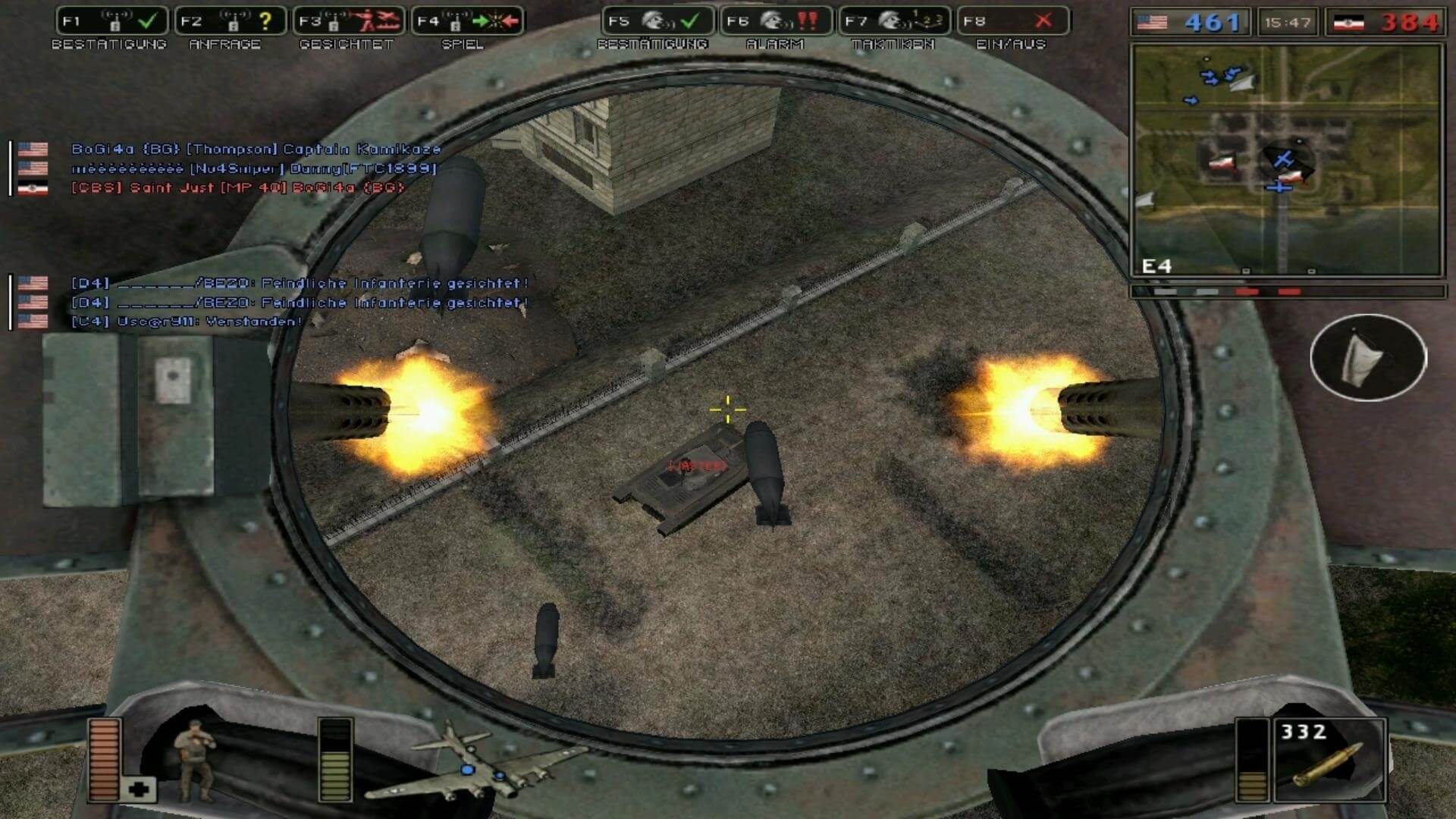
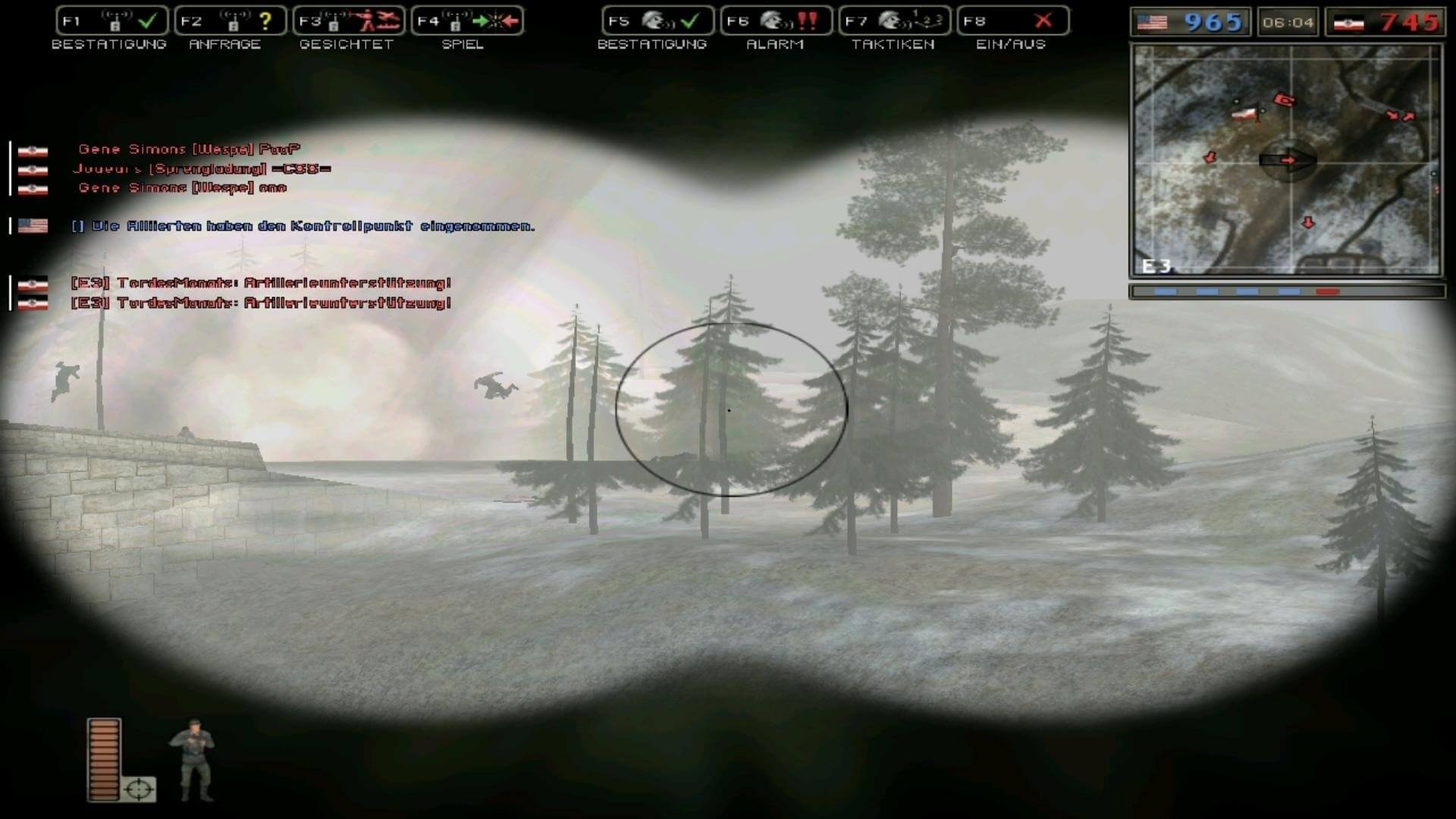
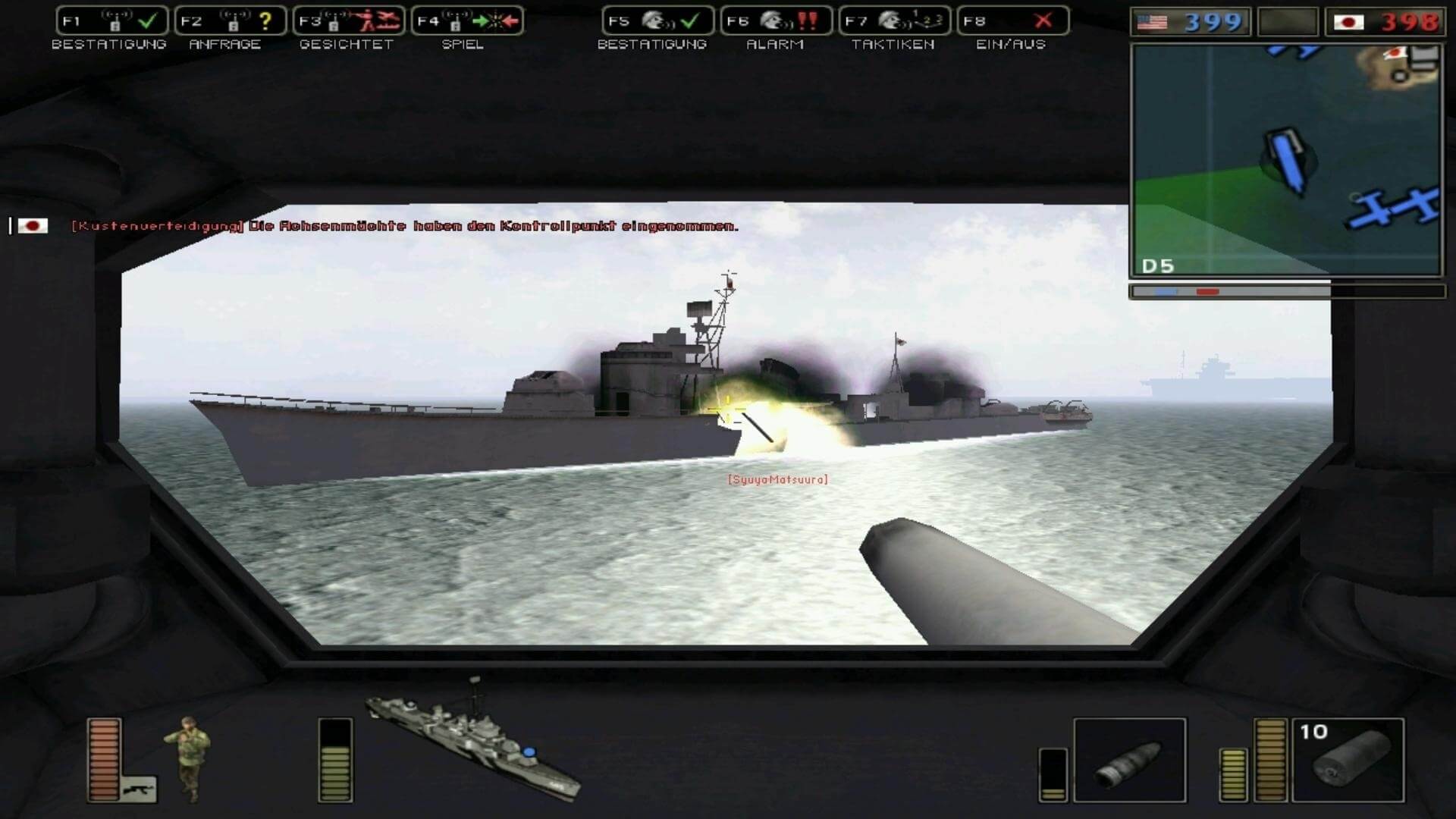
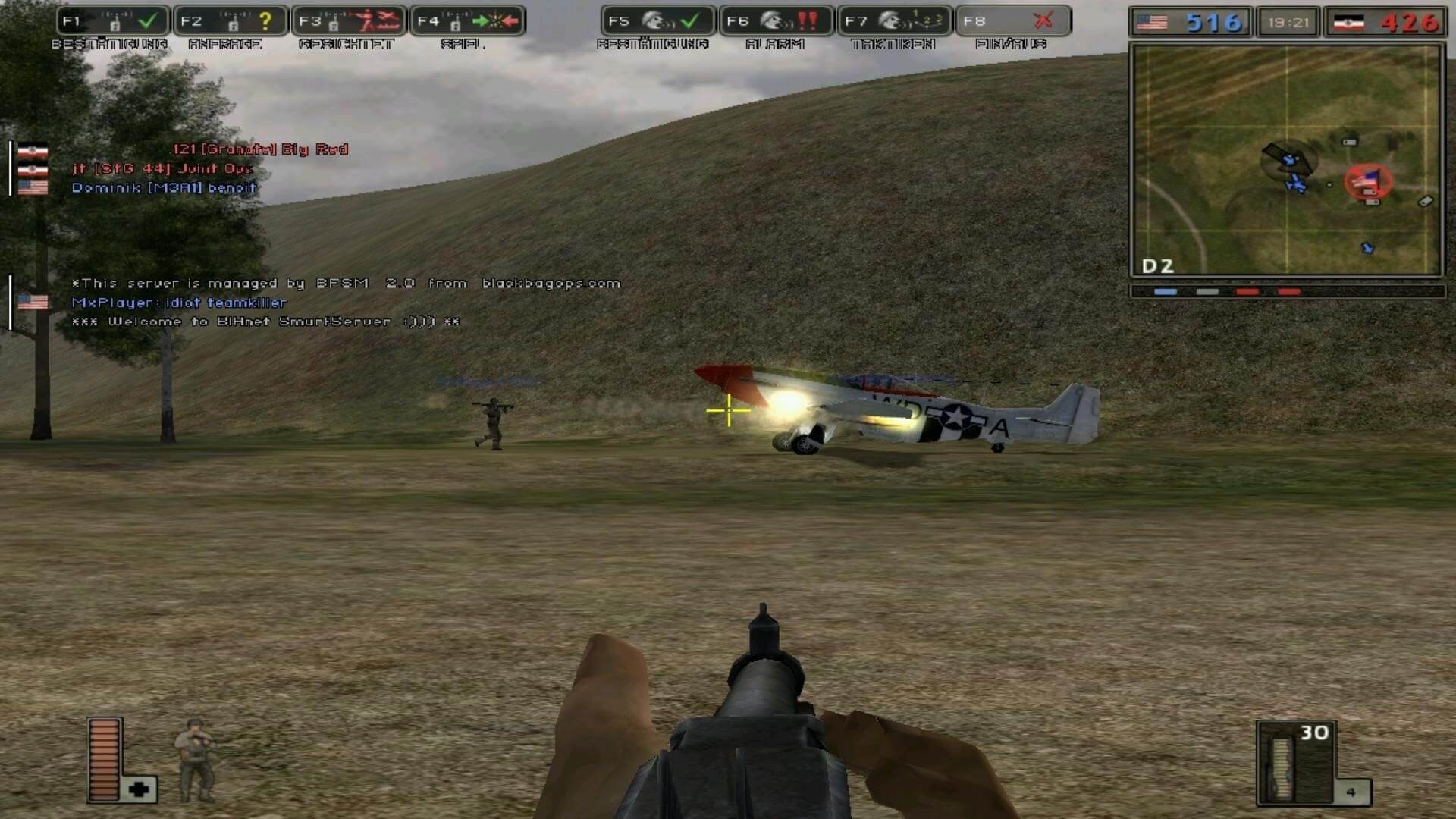
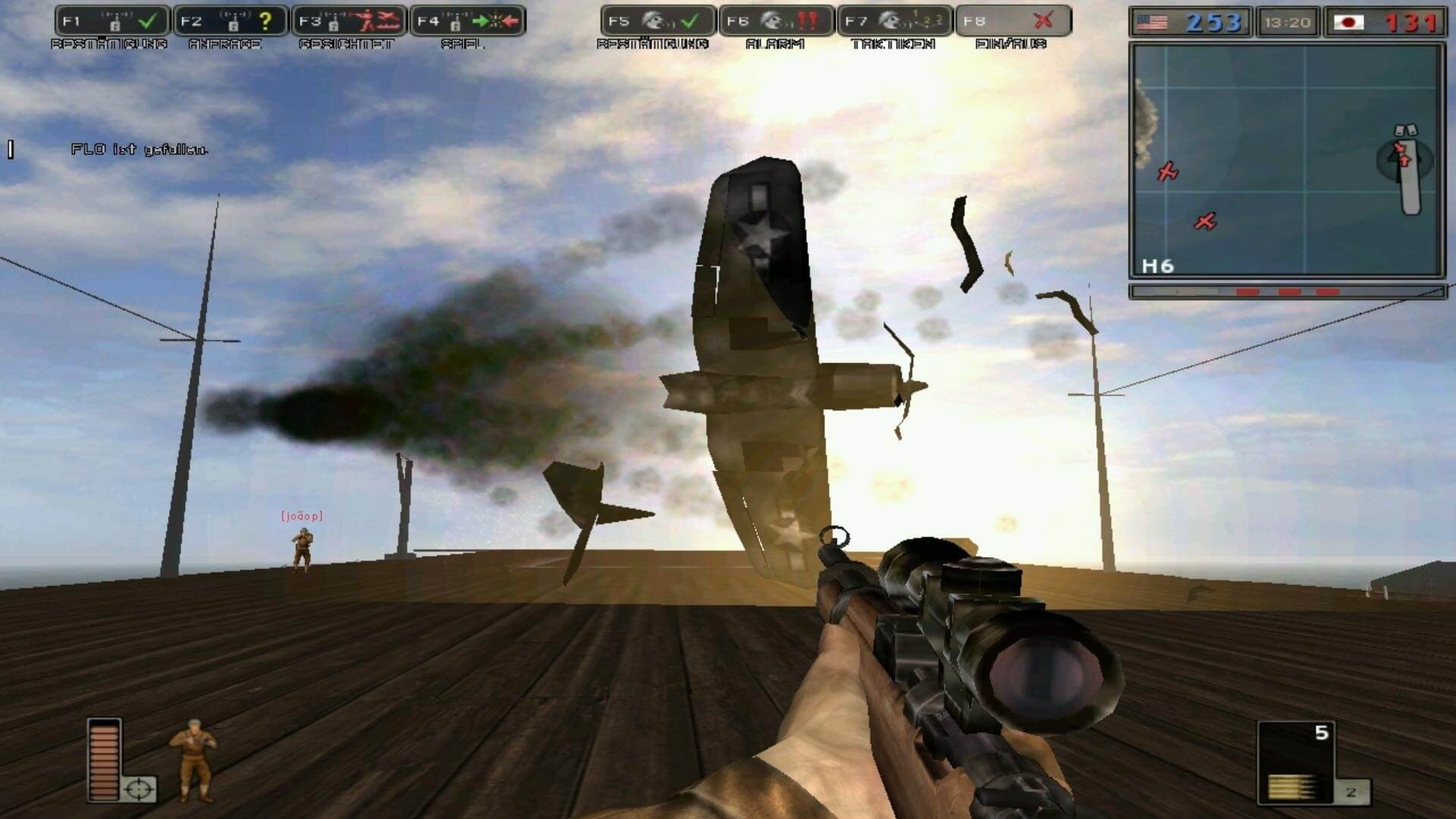
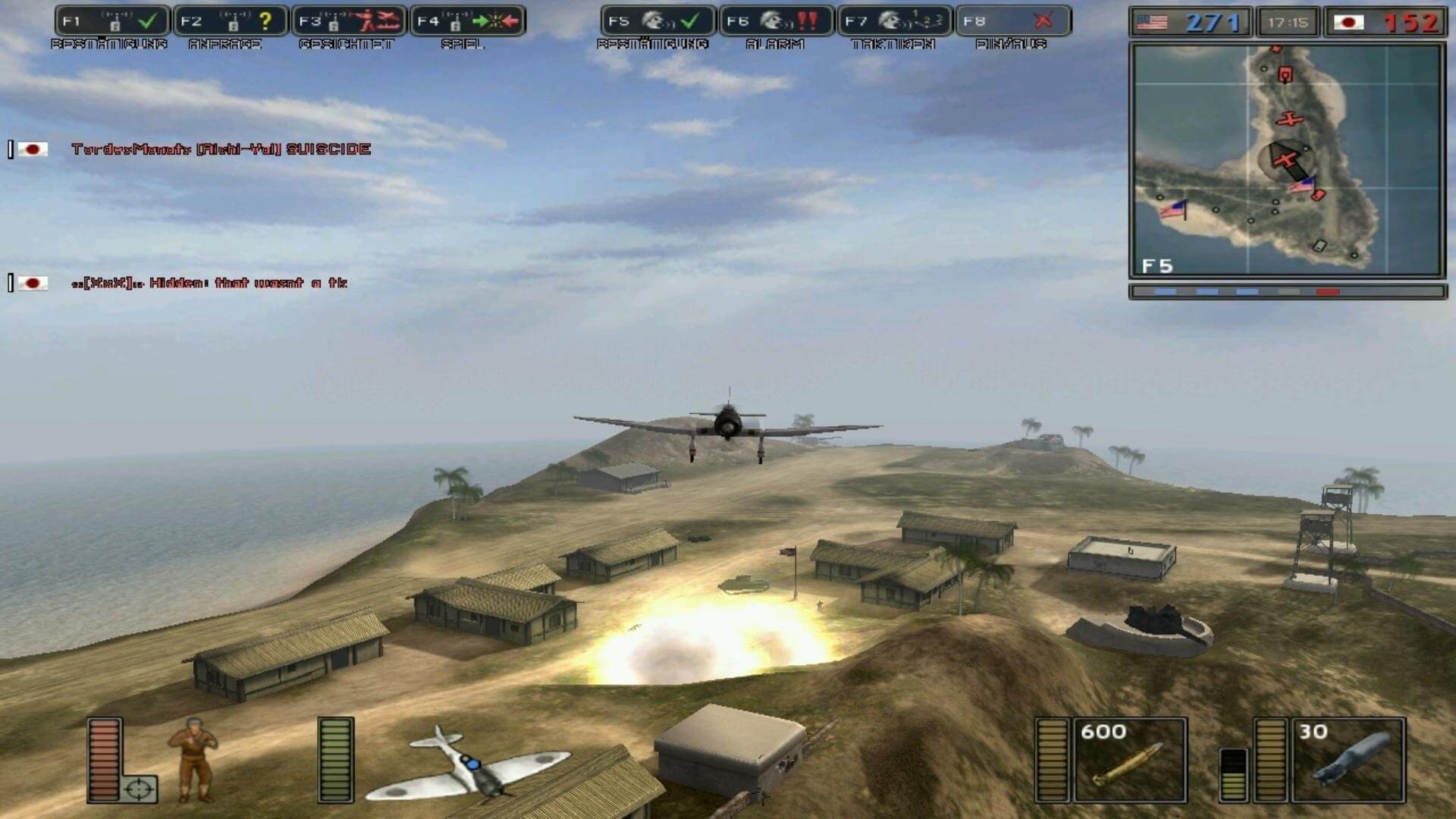
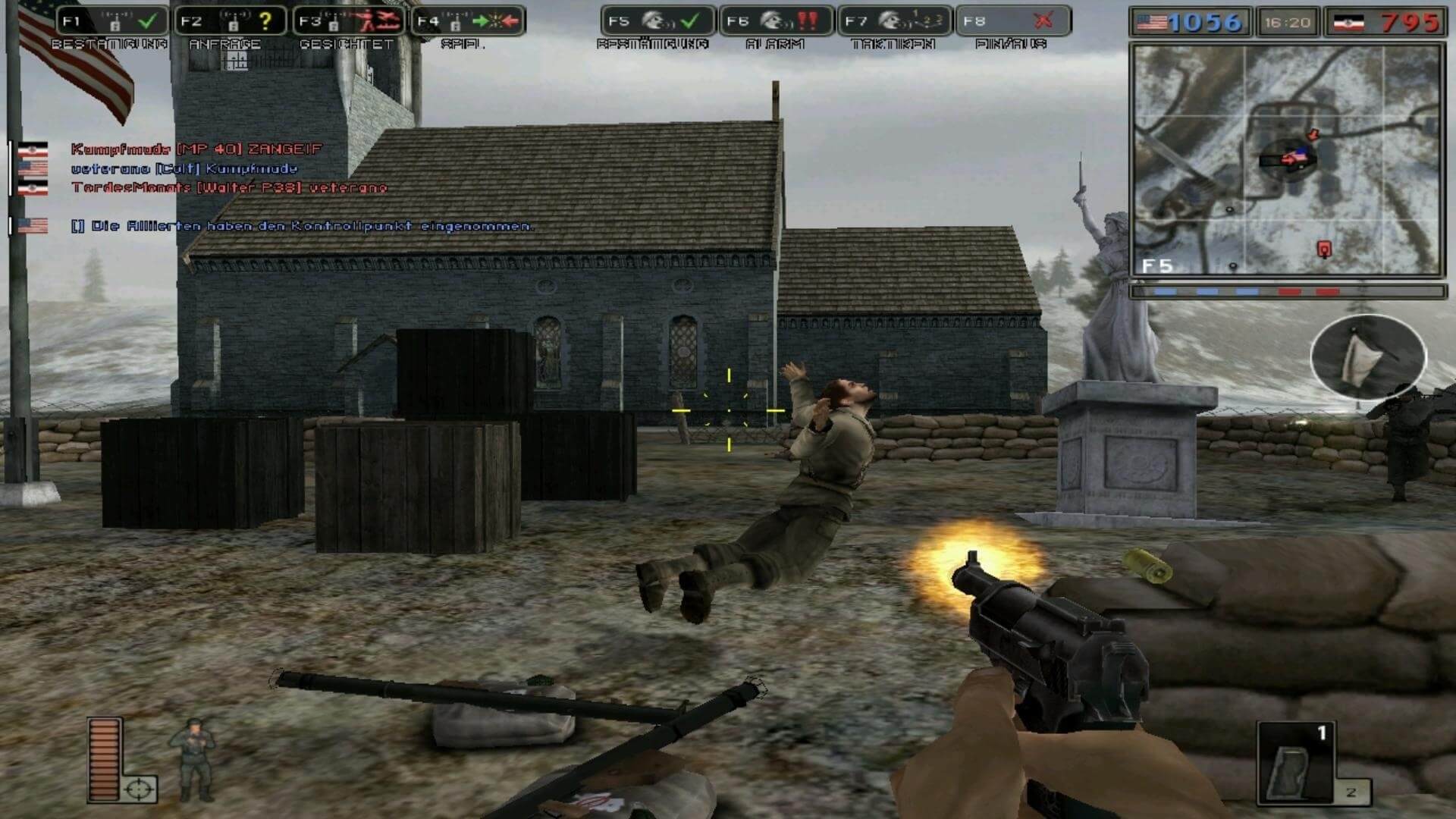
Comments and reviews
WoA User 2026-08-09 1 point
*Oops, correction to my last comment:
Totally typed that wrong haha. I meant to thank you for the FULL version, not the demo! Was having a rough time with the DEMO earlier, so really appreciate you uploading the full setup!
WoA User 2026-08-09 0 point
Huge thanks for sharing the WWII DEMO setup! I was having a tough time getting Battlefield 1942 running on my setup, so I really appreciate the upload.
Just wanted to leave a couple of quick tips for anyone running this on Windows on ARM (WoA):
Installer Issue (Non-ASCII Paths):
On Windows on ARM, the installer may fail to execute if your file path contains Korean/non-ASCII characters (including non-English Windows usernames).
Fix: Move the installer to a purely English directory path (e.g., C:\temp\) and run it again.
Game Crash on Battle Entrance (Windows on ARM / dgVoodoo Issue):
The bundled dgVoodoo is the standard x86 version, which causes the game to crash when loading into battle on a WoA system.
Fix: Copy the 4 ARM64 CHPE DLL files from the dgVoodoo folder (dgVoodoo/MS/arm64_chpe_x86/*) and paste them directly into your installed Battlefield 1942 main folder.
Hope this helps anyone playing on ARM64 devices!
(Tested Environment: Windows 11 Kor | Windows on ARM - Snapdragon X1-26-100 CPU)
admin 2026-07-10 1 point
We updated this page, uploaded new all-in-one installer by Team SiMPLE plus added some translation patches and NoCDs for the users who don't want to use Multiplayer Fix, for some reason.
Also, we updated the guide, now it includes the troubleshooting for almost all possible issues, and more information about mods and unofficial servers
Whiterabbit-uk aka Stephen Brown 2026-04-09 1 point
Forgot to add the following:
You'll find around 90 maps for BF1942 via the following link:
https://www.bf-games.net/downloads/category/19/battlefield-1942-maps.html
and mods via this link:
https://www.moddb.com/games/battlefield-2/mods
All well worth adding to the vanilla game.
Whiterabbit-uk aka Stephen Brown 2026-04-08 1 point
This is one of my all time favorite shooters and my third favorite Battlefield game. Battlefield Vietnam and Battlefield 2 are 1 & 2). Amazing game. I can remember the first time I ever played it via one of those PC mag free disks. Jumping into a tank or using one of the 40 calibre machine guns at a pill box and plying prop planes over the battlefield. It was amazing.
What is more so, You can still find fan sites that run servers; usually better populated at weekends and there are loads of custom made maps made by the community available from sites like ModDB and Filefront.
I still have ny original disk and expansions and even have an unopened dsik in cellophane wrapper that I picked up from a charity shop for 50 pence several years ago.
The graphic may be a little dated by todays standards, but its still a great game, well worth checking out; especially if you've never played it before.
One of my favorite maps is Eagles Nest, which I think is on the Secret Weapons of WWII expansion.
Check out the Fandom pages for Battlefield 1942
https://battlefield.fandom.com/wiki/Battlefield_1942
Carlosdj 2026-04-01 6 points
Here is a multilingual ISO / v1.61 Battlefield 1942 Complete Collection
https://archive.org/details/battlefield-1942-complete-collection-dvd-1-v-1.6-win-iso
Zulqarnain Khan 2026-02-09 0 point
I love this game please let me this game download please please
Dingus 2025-06-12 1 point
The second I load into a game, select a class, and spawn in it freezes the game and i can hear sounds but the game is stuck. Is there any fix?
Faüst 2024-08-12 5 points
the game works flawlessly in Win7, the install All-in-one is straightforward, even 2024 are still online multiplayer servers...
I could even make a interesting quasi-campaign: Wake insland invasion! check it out here in my blog:
https://wwii-virtualcombatnarratives.weebly.com/blog-game-missions/category/battlefield-1942
john adams 2024-06-20 0 point
Works for me on windows 10
can't get online no players SORTED just add bots to game one i use is
BF1942 255 Bots Overhaul
sp/co-op ADDS 255 solders Ready to fight makes game better just
GOTO CO-OP TYPE 255 YOUR SET FOR COMBAT
Write a comment
Share your gamer memories, help others to run the game or comment anything you'd like. If you have trouble to run Battlefield 1942: World War II Anthology (Windows), read the abandonware guide first!
Download Battlefield 1942: World War II Anthology
We may have multiple downloads for few games when different versions are available. Also, we try to upload manuals and extra documentation when possible. If you have additional files to contribute or have the game in another language, please contact us!
Windows Version



 693 MB
DownloadDisc 2 720 MB
DownloadDisc 3
693 MB
DownloadDisc 2 720 MB
DownloadDisc 3The Road to Rome expansion pack
438 MB
DownloadDisc 4Secret Weapons of WWII expansion pack
720 MB
DownloadAll-in-one installer by Team SiMPLEMultilingual, includes BF1942: WWII Anthology with all required fixes
 1.5 GB
Game Extras
Various files to help you run Battlefield 1942: World War II Anthology, apply patches, fixes, maps or miscellaneous utilities.
268 MB
PatchPatch v1.61bInstall over patch v1.6.19
6 MB
FixMultiplayer FixDisables connection to “dead” GameSpy servers, also works as NoCD and widescreen patch
2 MB
FixMaster Server Patch by HenkAllows to connect to unofficial servers through the game menu
2 MB
MiscCD Keys 1 KB
MiscKeygen (safe to use)Use if none of CD keys work
194 KB
MiscDedicated server for version 1.61b 113 MB
MiscHungarian translation patch  414 KB
MiscPolish translation patch
414 KB
MiscPolish translation patch  2 MB
MiscBrazilian translation patch
2 MB
MiscBrazilian translation patchShowed some adware warnings
 788 KB
MiscRussian translation patch
788 KB
MiscRussian translation patchAudio & text translation
38 MB
NocdNoCD for version 1.6.19Not required if you use Multiplayer Fix
4 MB
NocdNoCD for version 1.61bNot required if you use Multiplayer Fix
2 MB
Similar games
Fellow retro gamers also downloaded these games: