Enigmo 2
Windows - 2008

| Year | 2008 |
|---|---|
| Platform | Windows |
| Released in | Worldwide |
| Genre | Puzzle |
| Theme | Editor / Construction Set |
| Publisher | Ideas From the Deep |
| Developer | Pangea Software, Inc. |
| Perspectives | Free-roaming camera, Diagonal-down |
Description of Enigmo 2
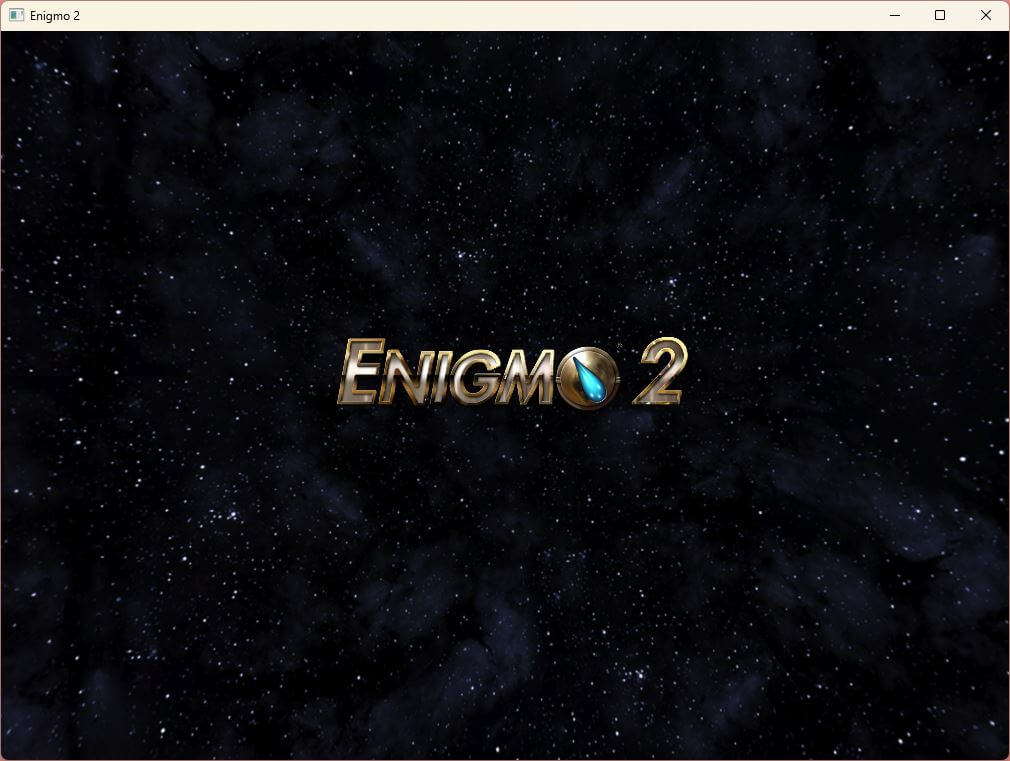
Enigmo 2 is a video game published in 2008 on Windows by Ideas From the Deep. It's a puzzle game, set in an editor / construction set theme.
External links
 Reddit
 Official Website
 IGDB
IGDB MobyGames
How to play Enigmo 2 Windows
Use these serials with version 2.06:
- Reg. Name:
Pangea - Serial Number:
0165-1334-5337-4497 - Order Number: 1
Captures and Snapshots
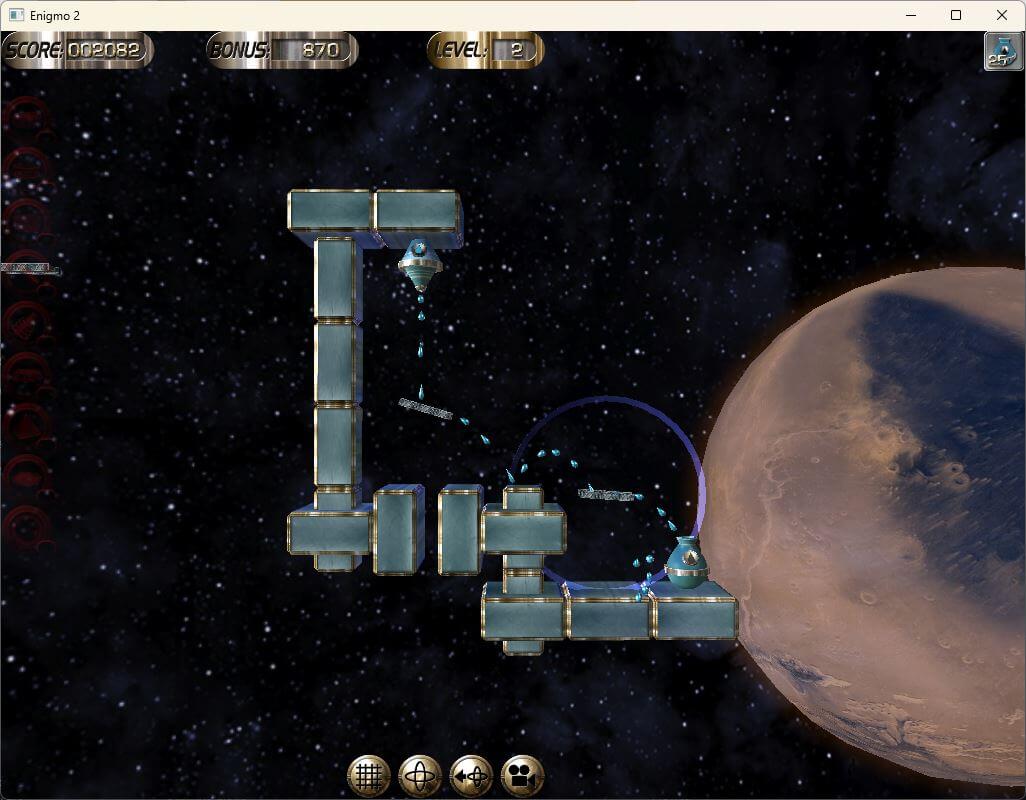
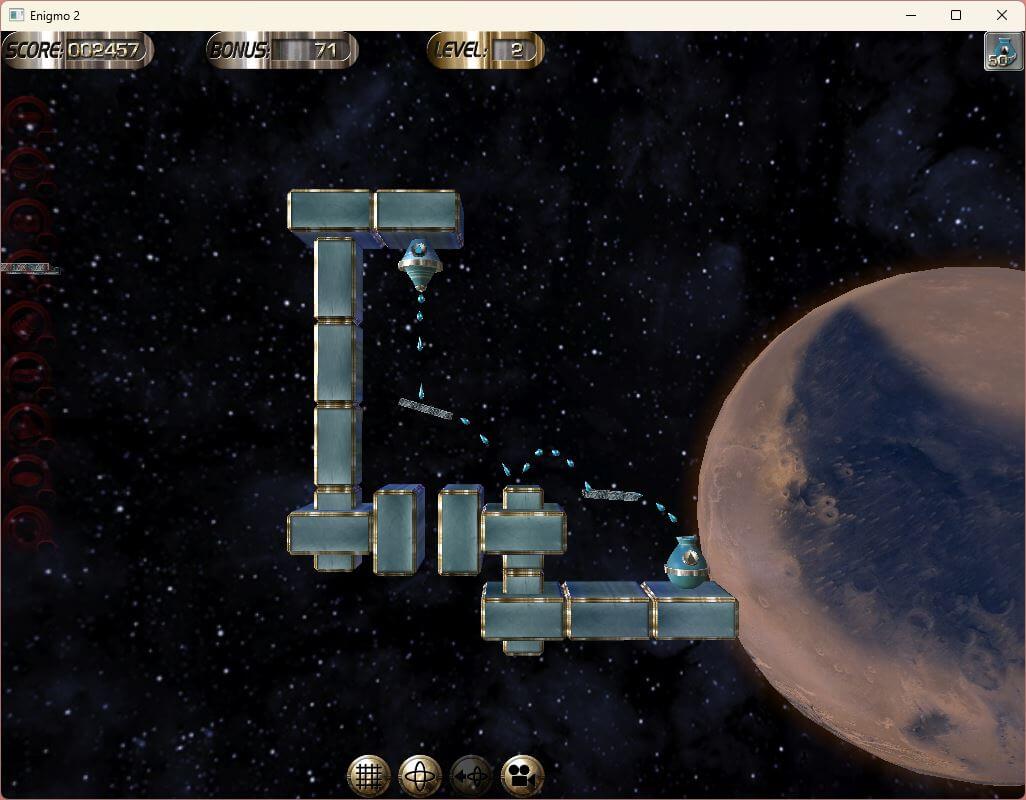

Comments and reviews
Whiterabbit-uk aka Stephen Brown 2026-04-28 0 point
Please excuse the spamming, I forgot to mention:
When installing, you will probably get a ''Windows protected your PC'' message via Microsoft Defender's Smart Screen.
To cancel this and enable the installation click on the underlined More Info. The click on the RUN ANYWAY button to start the installation.
I had no other security issues and once installed tested the installed game with no security issues evident.
Whiterabbit-uk aka Stephen Brown 2026-04-28 0 point
Keyboard Controls:
Arrows When a part is selected this will rotate it in 1/16th steps.
CTRL + Arrows Same as above, but in 1/64th steps.
Alt + Arrows Shifts all parts in the scene up/down/right/left.
Shift As long as the Shift key is held down, objects will Snap to Grid. This is a quick, temporary way to align objects on the grid rather than clicking the Snap to Grid button and then unclicking it.
Delete Deletes the currently selected part
Ctrl + Delete Deletes all Dynamic parts in the current level. It does not delete any Static parts.
Ctrl + Alt + Del Same as above, but in Edit mode it will also delete all Dynamic parts, thereby clearing the entire level.
Tab + Prev/Next Skips by 10 levels in Edit mode.
Alt + F4 Immediately Quits the Enigmo 2 application.
F1 Causes the game's Preferences dialog to appear.
M Toggles the Music ON/OFF
- / = Lower / Raise Volume
G Toggles Snap-To-Grid (same as clicking on icon)
T Toggles Axis Mode between Rotate/Move (same as clicking on icon).
R Reset selected part's rotation (same as clicking on icon).
Y Reset camera to initial position (same as clicking on icon).
Whiterabbit-uk aka Stephen Brown 2026-04-28 0 point
Love this puzzle, physics based game. It's got similarities to Chain Reaction that's also available via the following link:
https://www.myabandonware.com/game/chain-reaction-lbv
Though Chain Reaction, created by Monster Studio's back in 2002 has much more pixilated graphic and a more cartoon style.
Well worth checking out both versions of Enigmo. (though there are two versions of the first one; I'd download the Gold version of Enigmo 1)
During the installation process you may get a warning about the program not installing under certain conditions, so it's recomm3nded to install with admin rights. You have to input the Registration Name, Serial Number and Order Number, which is provided in the ''How to Play'' section of this page (above).
Once inputted, click on the Validate button to get the full version. you will be rewarded with a message saying:
''Thank you for purchasing. With your help we can continue to make great products for a great price.''
The next screen is a configuration screen for the graphic. It defaults to windowed mode, but you can select full screen and set the display size. Considering it's age I would stick to the default setting 1024x768.
If you are running dual monitors I would suggest selecting the windowed mode otherwise the game defaults to the centre of two screens and appears unmovable. Onm a three screen set up I suspect the game will be centralised to the middle screen. I found I could move the game to my main monitor when windowed. You can adjust the size of the window by reducing the screen size to a smaller setting when first starting the game e.g. 1280 x 960
This will increase the size of the window. As usual, in the top right corner you can increase the size of the window to fill the screen, but the actual game field remains the same. The rest is just black.
Game works perfectly.
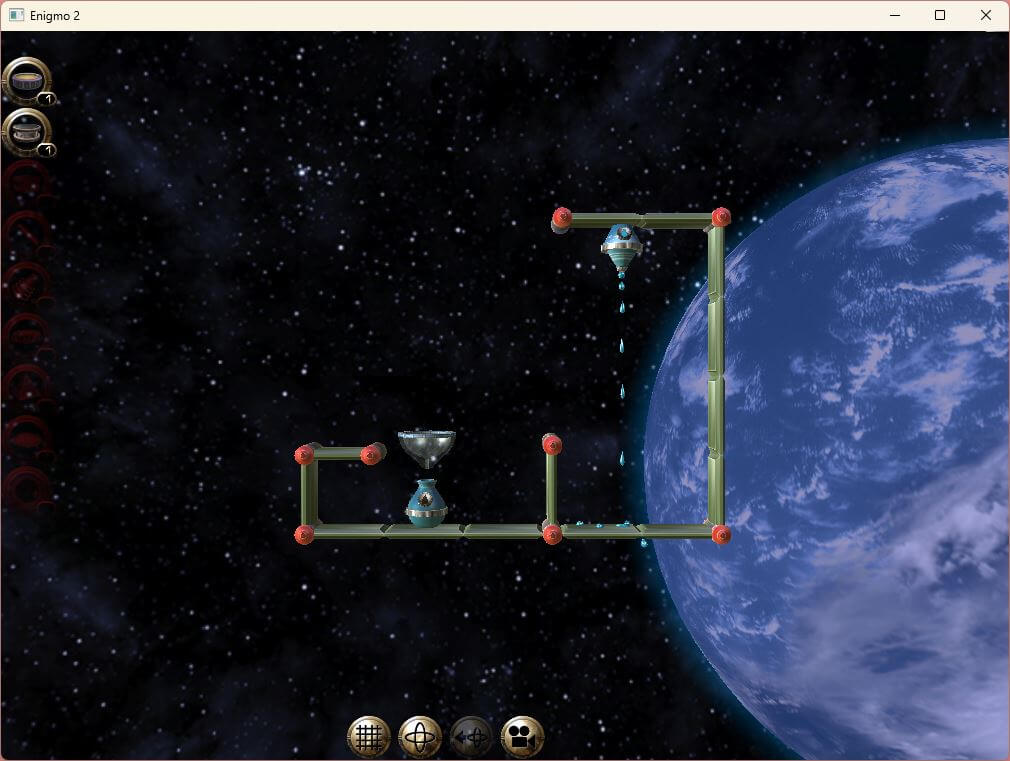
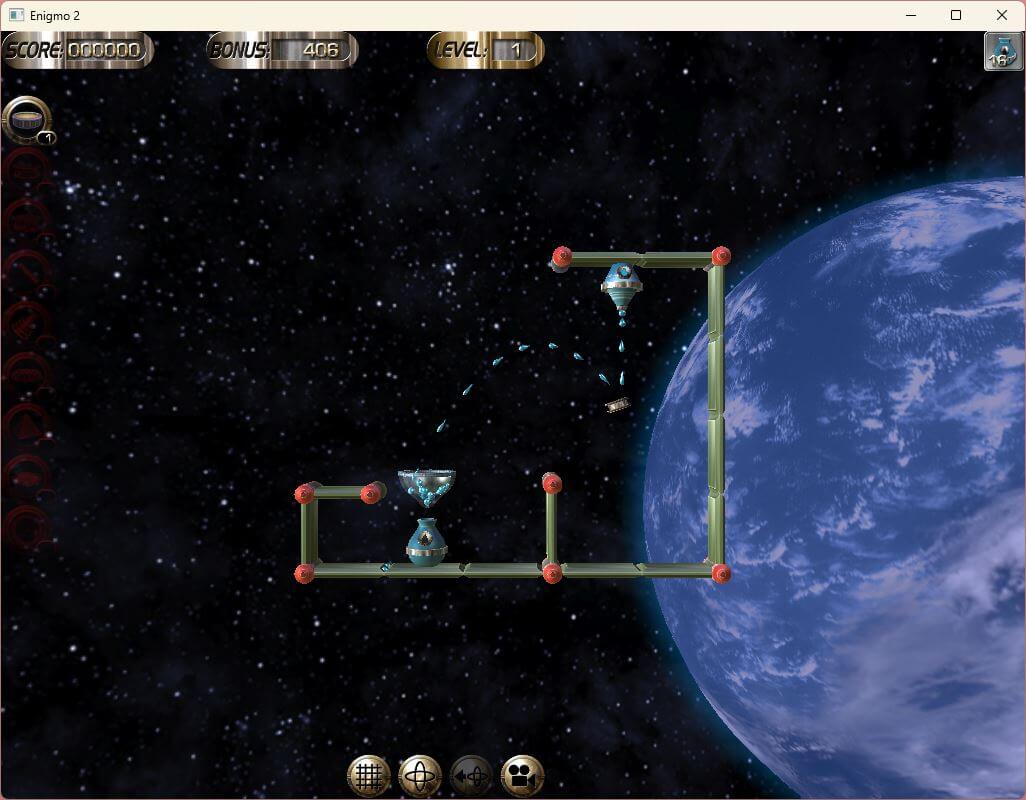
There's no instructions on how to play the game; however, it's mainly common sense. Grab one of the items to the left of the screen and drag them to the appropriate position to deflect whatever is there. To change the direction, click on the appropriate symbol located at the bottom of the screen then click on the object you've just moved. A rig appears around the object, using the left mouse button click and drag along the circle to change the angle of the item.
Write a comment
Share your gamer memories, help others to run the game or comment anything you'd like. If you have trouble to run Enigmo 2 (Windows), read the abandonware guide first!
Download Enigmo 2
We may have multiple downloads for few games when different versions are available. Also, we try to upload manuals and extra documentation when possible. If you have additional files to contribute or have the game in another language, please contact us!
Windows Version

 21 MB
21 MBSimilar games
Fellow retro gamers also downloaded these games: