Flock!
Windows - 2009
| Alt name | Flock! Овцы против НЛО |
|---|---|
| Year | 2009 |
| Platform | Windows |
| Released in | Russia, Worldwide (2009) Worldwide (2023) |
| Genre | Strategy |
| Theme | Managerial, Sci-Fi / Futuristic |
| Publisher | 1C Company, Capcom Co., Ltd. |
| Developer | Proper Games LTD |
| Perspective | Diagonal-down |
| Tested on | Windows 10, Windows 11 |
Description of Flock!
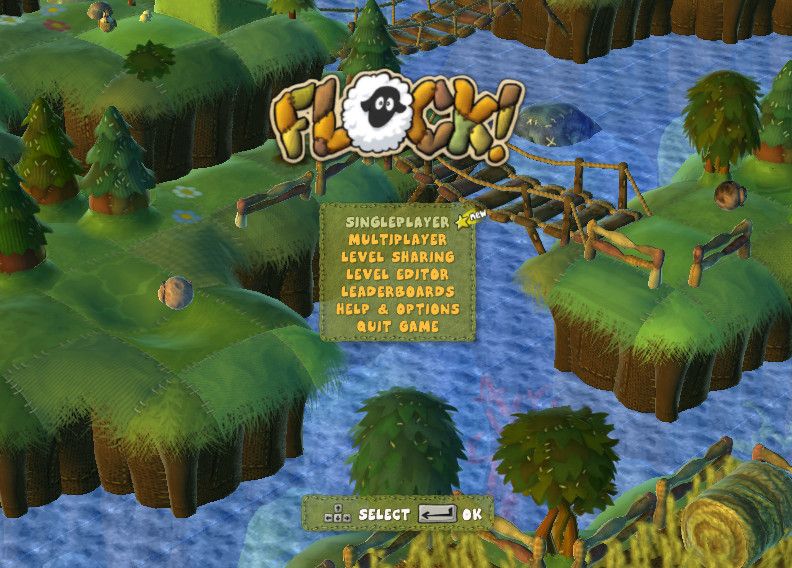
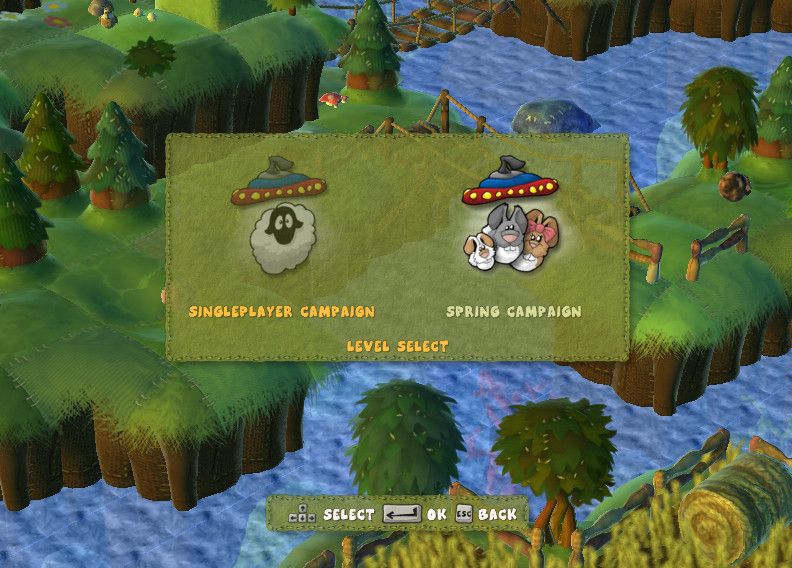
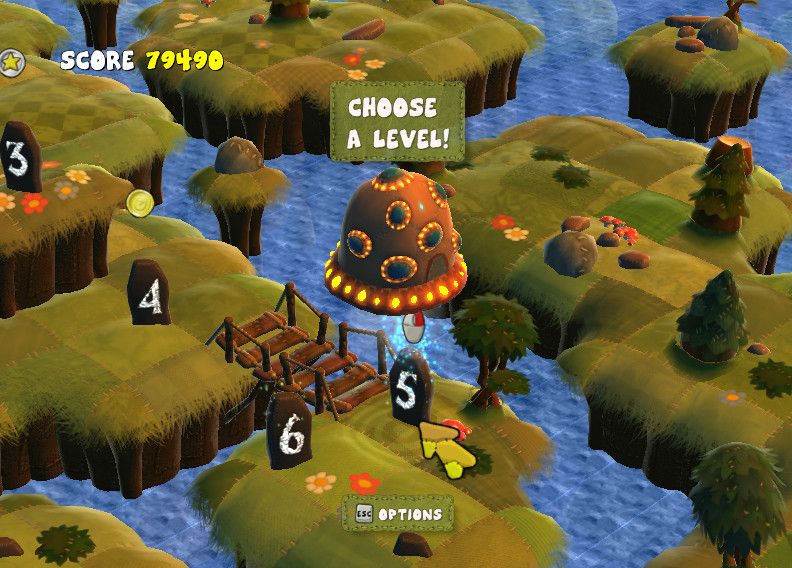
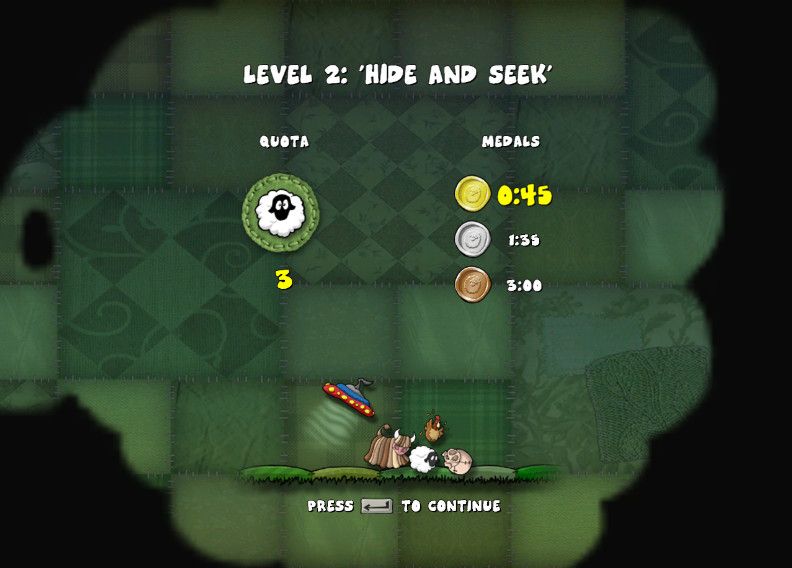
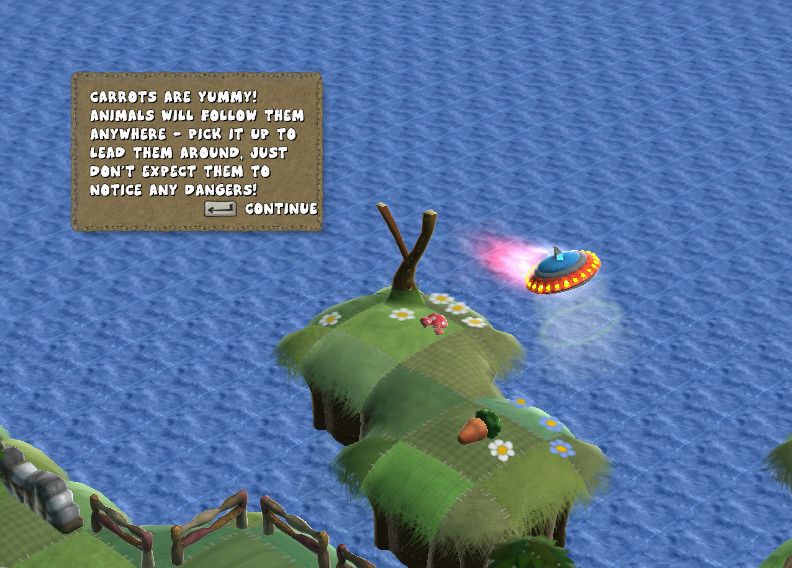
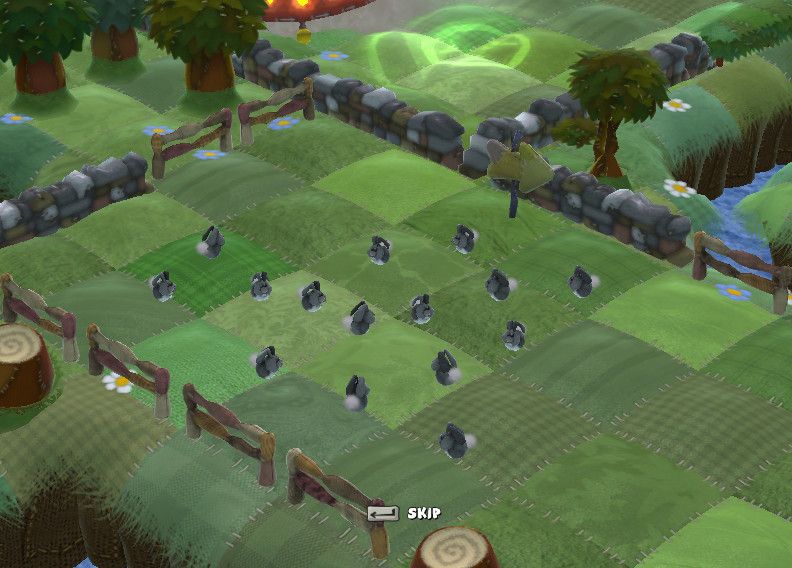
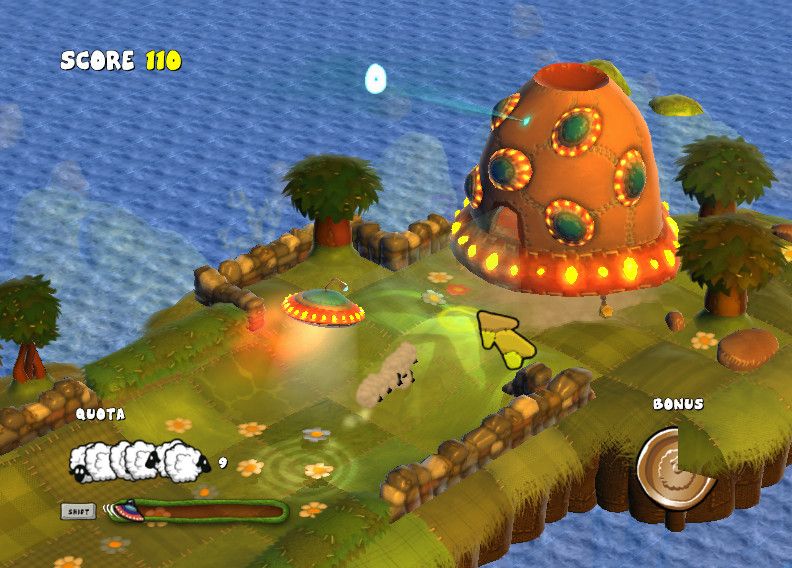
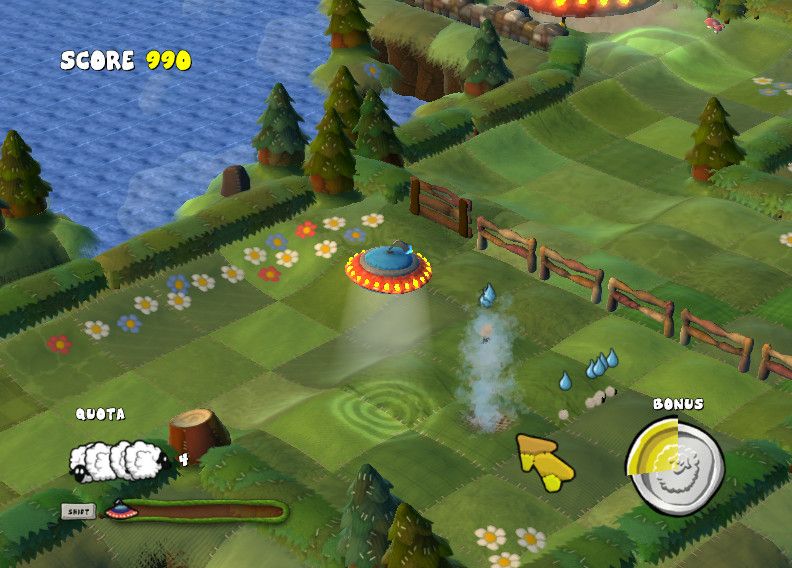
Here is the video game “Flock!”! Released in 2009 on Windows, it's still available and playable with some tinkering. It's a strategy game, set in a managerial and sci-fi / futuristic themes.
External links
 MobyGames
 Wikipedia page
 PCGamingWiki
 WSGF
WSGF Gameplay video
How to play Flock! Windows
NoCD for version 1.03 showed minor detection ratio, it is safe to use. All warnings are generic, about suspicious/unsafe file, the usual case with "cracked" executables.
The game v1.03 with NoCD has been tested on Windows 7 64-bit, Windows 10 and Windows 11, it works fine, the game supports widescreen. You may experience some small troubles when you play the game on modern systems, check our Guide and Notes for details
Install & play guide:
- Mount the disc image. You will need the utility for mounting disc image files, like WinCDEmu, UltraISO, Alcohol 52%/Alcohol 120% or Daemon Tools Lite. Or extract the files from ISO image with WinRAR or similar tool
- Install the game (if autorun doesn't work - simply launch the installation from Setup.exe inside the disc). It is recommended to install the game not in default path, but in some other, non-system folder, like
C:/Games/Flock! - You can skip the installation of GameSpy Arcade because GameSpy service were closed in 2014, its servers doesn't work anymore
- After you installed the game - install the cumulative patch v1.03
- Then use NoCD for v1.03 - copy all files from the archive and put them into the directory with installed game, agree to replace the original files
- Open the directory with the game and find Flock.exe. Right-click on Flock.exe -> Properties -> Compatibility - Set "Run this app in compatibility mode with Windows XP" and "Run as administrator"
- Launch the game and play. If the game doesn't work in compatibility mode with Windows XP - try to launch it in compatibility mode with other version of Windows (Windows 7, Vista, etc.)
Notes:
- If the installation doesn't start - try to launch Setup.exe in compatibility mode with old version of Windows (98, 2000 or XP)
- It is recommended to install all versions of Microsoft Visual C++ Redistributable and NET Framework for the correct work of the game. Also it is recommended to install K-Lite Codec Pack for the correct work of in-game videos
- The game works on DirectX 9, so if you're using Windows 8, 8.1, 10 or 11 - you need to enable DirectPlay: Go to Control Panel, and select 'Programs'. Select 'Turn Windows features on and off', click on 'Legacy Components' and check the box 'DirectPlay'. Select OK, once the installation is done, restart your computer
- About the patches: patch v1.03 (v1.3) is the cumulative patch that includes all official updates, that patch was made for multilingual version. Russian release didn't have any patches but the user Lastofass found a way to adapt the files of patch v1.03 to Russian version, so you can patch Russian version to v1.03 and then use NoCD for v1.03
- About NoCD: NoCD is required for the launch because the game is protected with SecuROM 7 DRM with activation limit, and that DRM has compatibility issues on modern systems. NoCD "breaks" DRM protection and allows the game to work on modern systems with no problem. If you see the error that there's not enough space on the hard drive when you copy NoCD files - re-install the game in non-system folder, like
D:/Games/Flock, Windows Protection may block copying of files to system folders (likeC:/Program FilesorC:/Windows). NoCD showed minor detection ratio but the file is safe to use, simply add NoCD files to antivirus exceptions list - The game supports widescreen resolutions, including ultrawide and multi-display setups, check WSGF page for example screenshots (some screen ratios like 15:9 (1280x768 resolution or similar) are not supported). In windowed mode, you'll get a 1272x694 gameplay area (wider than 16:9). Screen resolutions can be changed in game options, but you can also do it manually, by editing videosettings.FlockSaveGame file in
Documents/Flockdirectory (open videosettings.FlockSaveGame file in Notepad to edit it) - The game has controller support so you can play it with gamepad. If the game doesn't recognize your controller - try to use one of the additional tools from PCGamingWiki guide for controllers
- The game was using GameSpy service for online Co-op mode (for two players) and for sharing of user-created levels. However, GameSpy servers were shut down in 2014, so online Co-op play is no longer possible; if you wish to play in Co-op mode, use one of GameSpy alternatives
- The game also features Local Co-op mode for 2 players on a single screen. You can use tools that allows to emulate local play over the internet, like Remote Play Together or similar, to play Local Co-op mode online
- Don't forget to check PCGamingWiki if you have troubles!
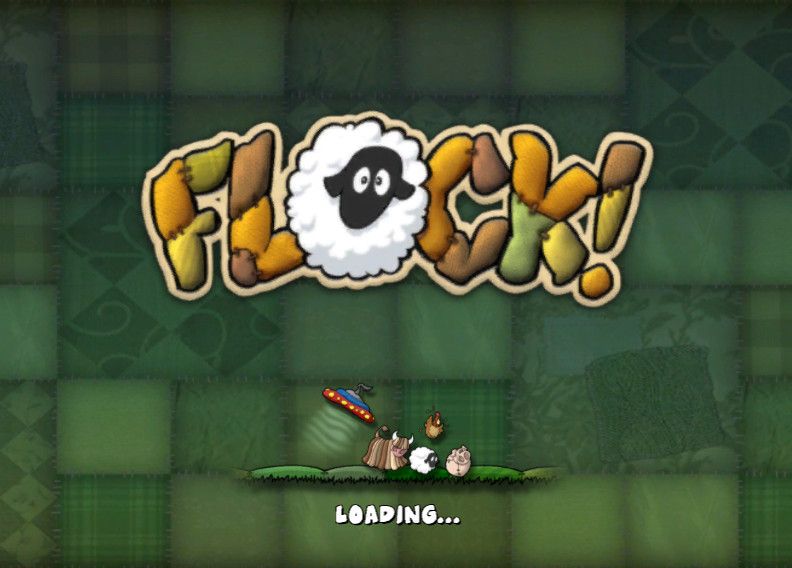
Captures and Snapshots
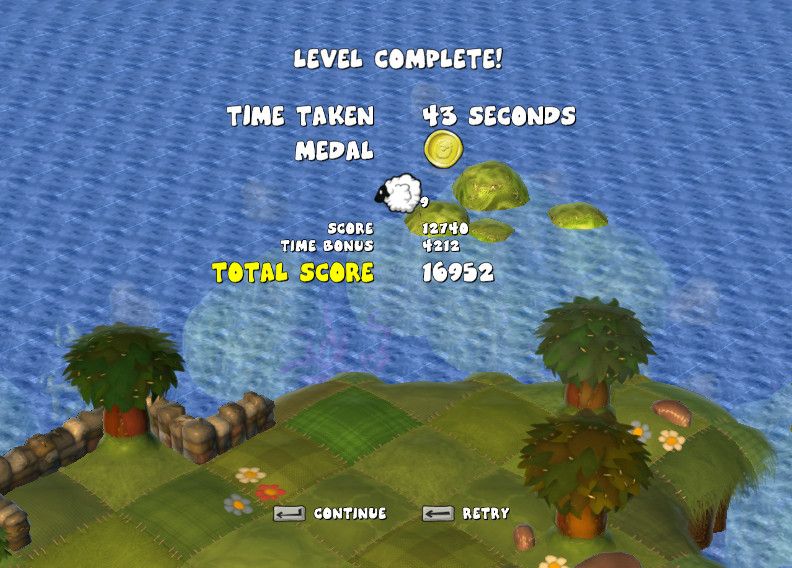
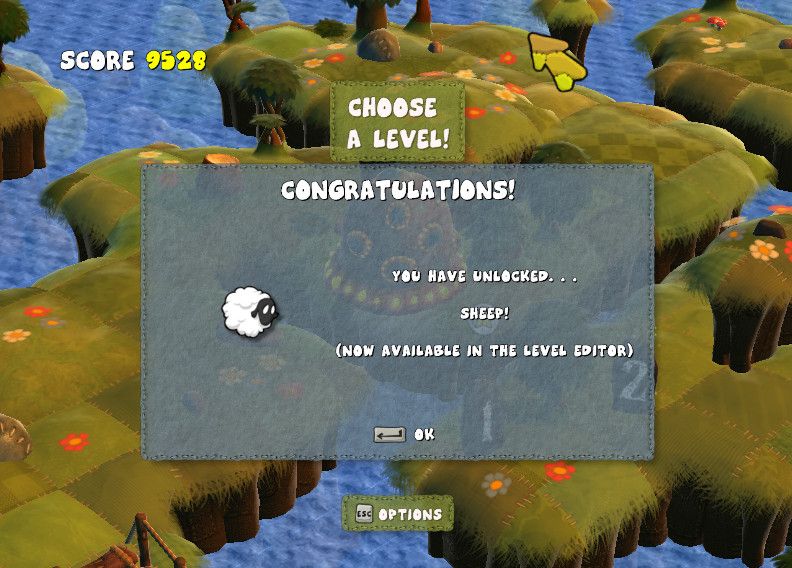
Comments and reviews
There is no comment nor review for this game at the moment.
Write a comment
Share your gamer memories, help others to run the game or comment anything you'd like. If you have trouble to run Flock! (Windows), read the abandonware guide first!
Download Flock!
We may have multiple downloads for few games when different versions are available. Also, we try to upload manuals and extra documentation when possible. If you have additional files to contribute or have the game in another language, please contact us!
Windows Version
English, French, German, Spanish & Italian languages


 161 MB
DownloadMultilingual repack
161 MB
DownloadMultilingual repackIncludes the game v1.03 with NoCD
 72 MB
DownloadRussian version 188 MB
72 MB
DownloadRussian version 188 MB
Game Extras
Various files to help you run Flock!, apply patches, fixes, maps or miscellaneous utilities.
Similar games
Fellow retro gamers also downloaded these games: