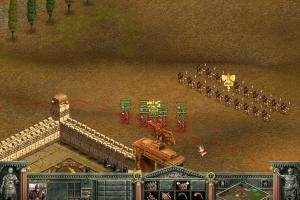
Hundred Swords
Windows - 2001
| Alt names | ハンドレッドソード, 100 Swords |
|---|---|
| Year | 2001 |
| Platform | Windows |
| Released in | Italy, Japan, United Kingdom (2001) Italy, United States (2002) |
| Genre | Strategy |
| Theme | Anime / Manga, Fantasy, RTS, Real-Time, Steampunk |
| Publisher | Activision Value Publishing, Inc., Empire Interactive Europe Ltd., SEGA Corporation |
| Developer | Smilebit |
| Tested on | Windows 10, Windows 11 |
Description of Hundred Swords
If you haven't played Hundred Swords or want to try this strategy video game, download it now for free! Published in 2001 by SEGA Corporation, Empire Interactive Europe Ltd., Activision Value Publishing, Inc., Hundred Swords (aka ハンドレッドソード, 100 Swords) was an above-average rts title in its time.
External links
 MobyGames
 Wikipedia page
 PCGamingWiki
 Gameplay video
 IGDB
IGDBHow to play Hundred Swords Windows
The game with NoCD has been tested on Windows 7 64-bit, Windows 10 and Windows 11, it works fine. You may experience some small troubles when you play the game on modern systems, check our Guide and Notes for details
Install & play guide:
- Mount the disc image of first CD (Install Disc). You will need the utility for mounting disc image files, like WinCDEmu, UltraISO, Alcohol 52%/Alcohol 120% or Daemon Tools Lite
- Start the installation, select "Full" installation. It is recommended to install the game not in default path, but in some other, non-system folder, like
C:/Games/Hundred Swords, so you won't have troubles with NoCD or fixes - When the installation process will ask to insert CD2, mount the disc image of second CD (Play Disc)
- After you installed the game - use NoCD, simply copy H_SWORDS.exe from the archive and put it in game folder, agree to replace the original file
- Open the game folder and find H_SWORDS.exe. Right-click on H_SWORDS.exe -> Properties -> Compatibility -> Set "Run this app inCompatibility mode with Windows XP SP2" and "Run as Administrator"
- Launch the game and play. If the game doesn't work in compatibility mode with Windows XP - try to launch it in Compatibility mode with other version of Windows (Windows 95, 98, etc.)
Notes:
- If the installation doesn't start - try to launch Setup.exe as Administrator and in Compatibility mode with old version of Windows (98, 2000 or XP)
- It is recommended to install all versions of Microsoft Visual C++ Redistributable and NET Framework for the correct work of the game. Also it is recommended to install K-Lite Codec Pack for the correct work of in-game videos
- The game works on DirectX 7, so if you're using Windows 8, 8.1, 10 or 11 - you need to enable DirectPlay: Go to Control Panel, and select 'Programs'. Select 'Turn Windows features on and off', click on 'Legacy Components' and check the box 'DirectPlay'. Select OK, once the installation is done, restart your computer
- The game doesn't have any serious DRM protection, only the simple disc check. Use NoCD to remove disc check, simply replace H_SWORDS.exe in the game folder. If you get the error that there's not enough space on the hard drive when you copy NoCD files - re-install the game in non-system folder, like
D:/Games/Hundred Swords, Windows Protection may block copying of files to system folders (likeC:/Program FilesorC:/Windows) - If NoCD doesn't work, for some reason, play the game with second CD (Play Disc) in virtual drive, the game works fine that way. Alternatively, you can try to use NoCD patcher from GameCopyWorld
- If the game shows "Failed to initialize Direct3D" error - make sure to run the game in Compatibility mode with Windows XP (or another old Windows OS) and disabled Fullscreen optimization in compatibility settings. If it didn't help - run the game through DxWnd utility, it should work; the game has been tested with DxWnd v2_06_01 and v2_06_12
- If method with DxWnd didn't help and you still get "Failed to initialize Direct3D" error - an alternative method is to run the game with DDrawCompat, simply put ddraw.dll in game folder, next to H_SWORDS.exe
- If you have any graphical glitches, like flickering textures or "disappearing" units - run the game with DDrawCompat, simply put ddraw.dll in game folder, next to H_SWORDS.exe. The game with DDrawCompat has been tested on Windows 10 system with AMD video card, the game worked fine
- By default the game works in 640x480 screen resolution but you can enable higher screen resolutions in config-file: go to the game folder, find h_swords.ini file and open it in Notepad, change the line
Resolutionto select the higher screen resolution; after that save the file and make it as "Read-only", so the game won't revert the default settings. It is recommended to set the 4:3 ratio screen resolutions, for the correct non-stretched image, the game will have black bars on the sides (here's the example screenshot). We don't recommend to set higher than 1280x960 screen resolutions otherwise the game will "cut" some part of the image. You can also change the other graphical settings in h_swords.ini file, don't forget to make the file as "Read-only" after the changes; also make the back-up copy of original file before the changes - There's some command line parameters that you can use with the game:
-fullscreenparameter will run the game in Fullscreen mode,-windowin Windowed mode,-dplaywill start the game directly from the online mode. There's also some-optfileparameter that does unknown function, likely allows loading a third-party file or is optimizing something - Discs of Russian version are from "unofficial" release (there was no official Russian version), that release includes both Russian & English versions and should work fine on modern systems. Check this thread for more details about that release
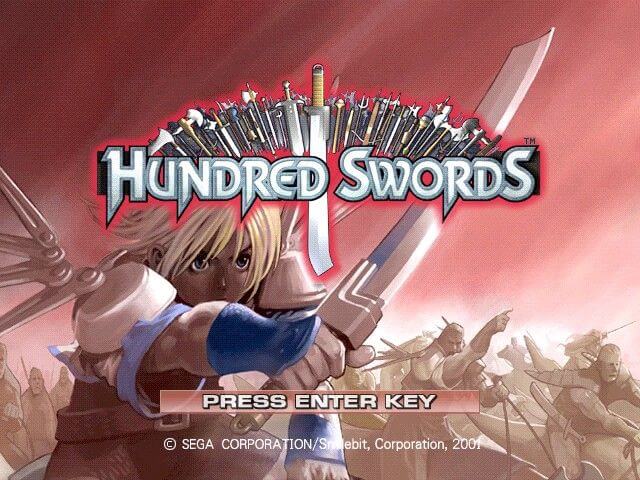
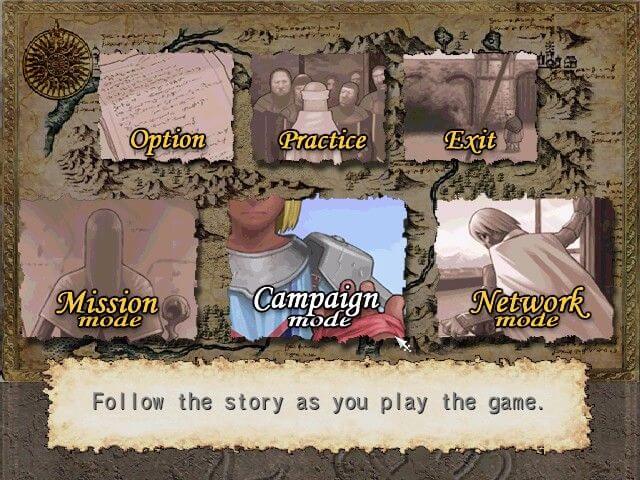
Captures and Snapshots
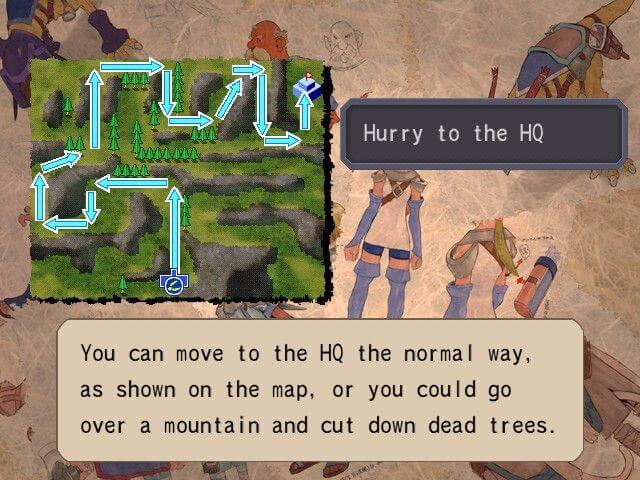
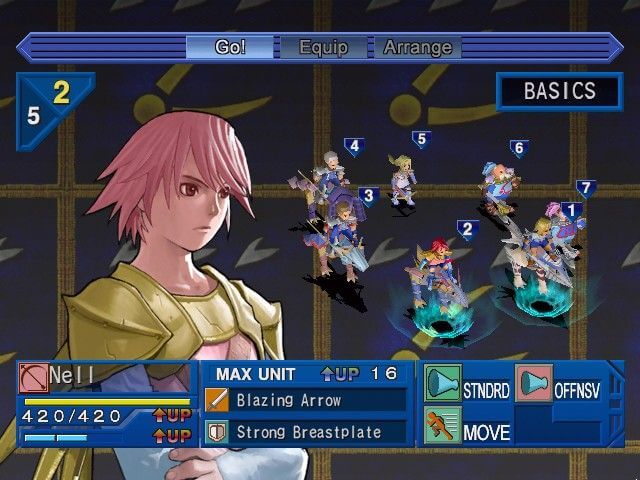
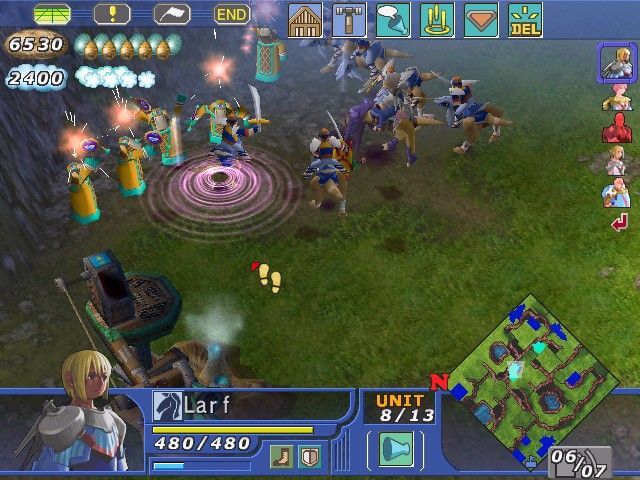
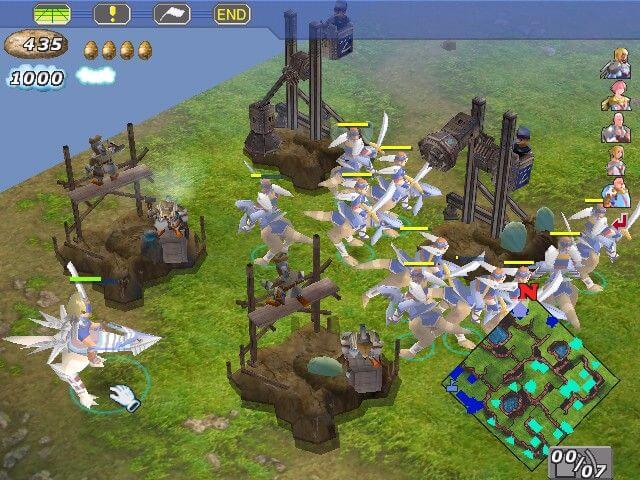
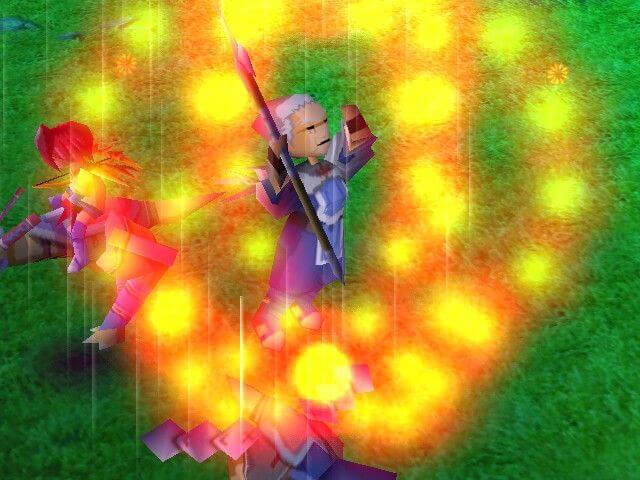
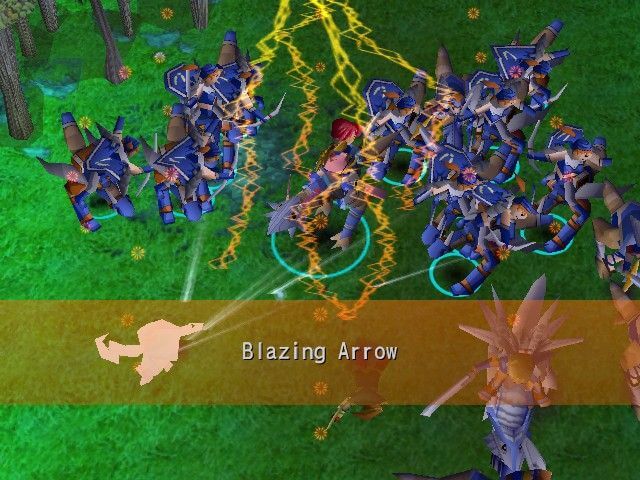
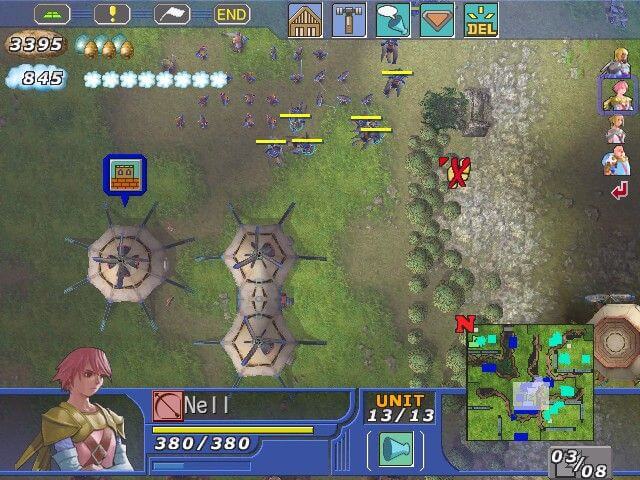
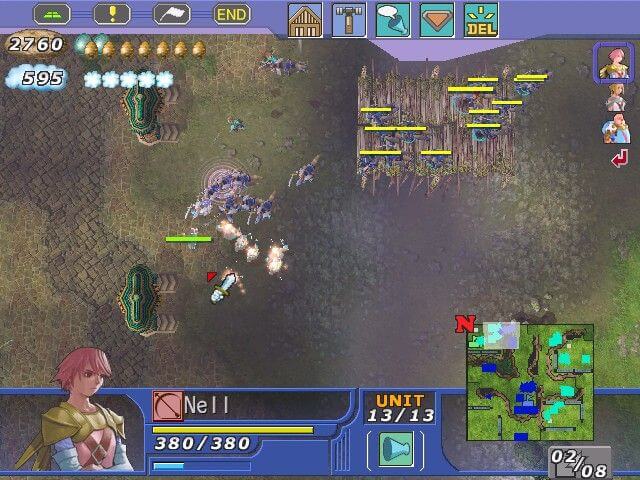
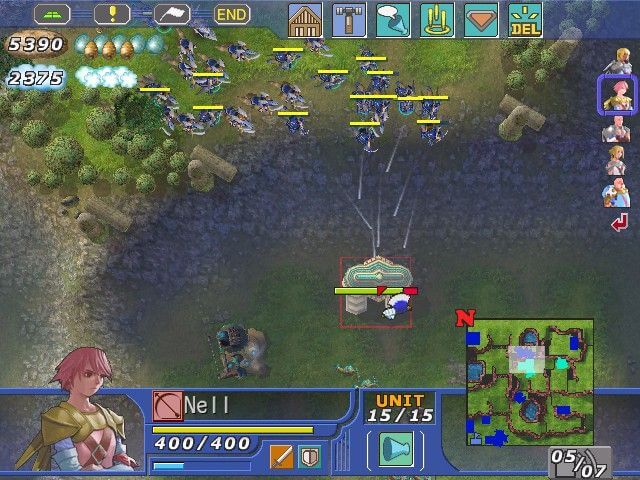
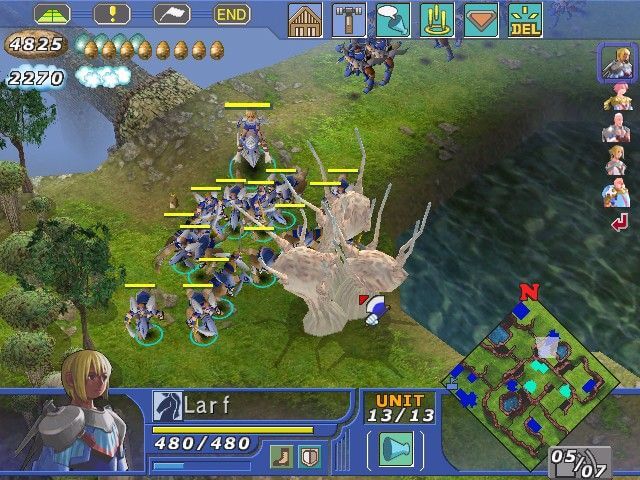
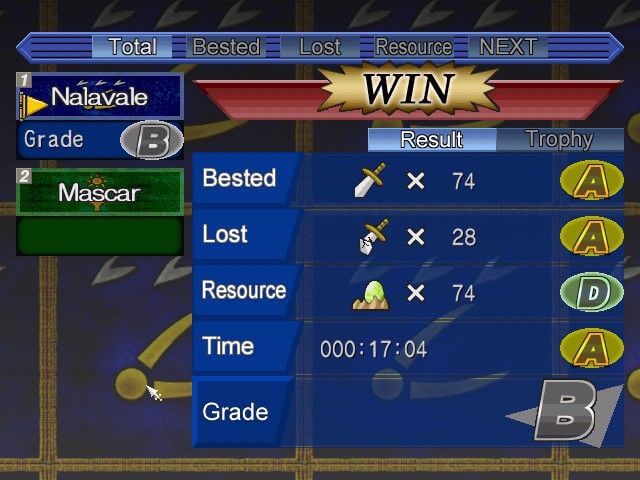
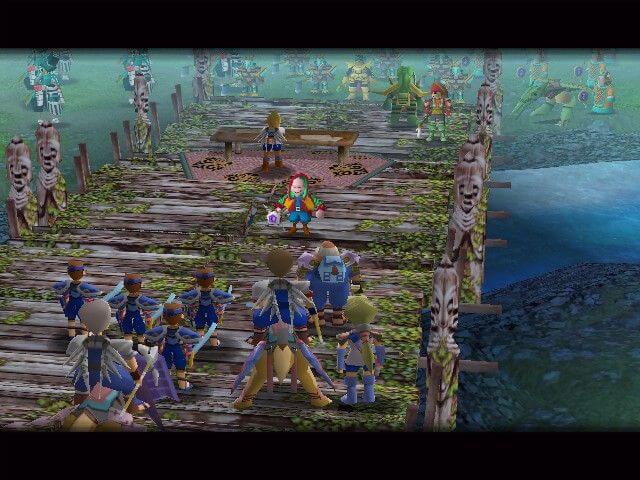
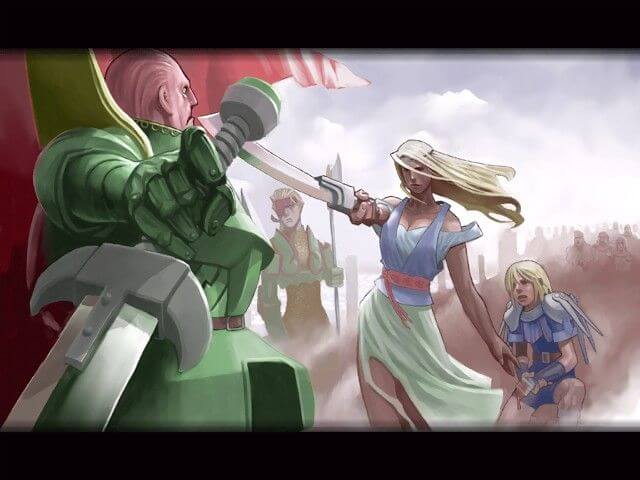
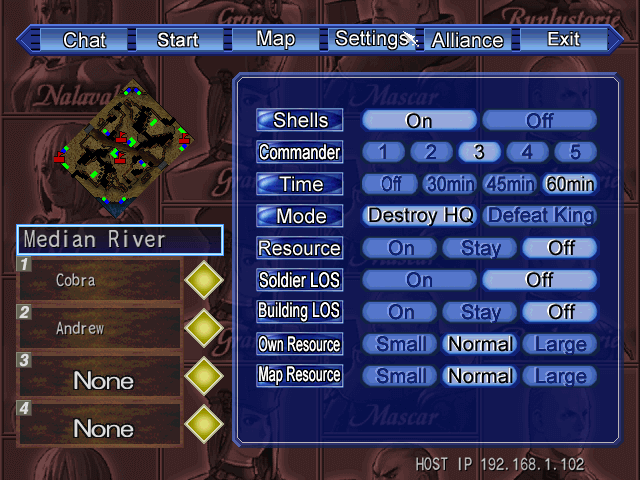
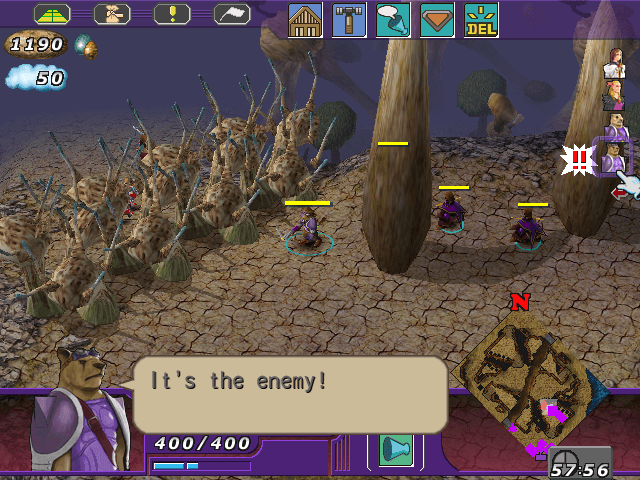

Comments and reviews
There is no comment nor review for this game at the moment.
Write a comment
Share your gamer memories, help others to run the game or comment anything you'd like. If you have trouble to run Hundred Swords (Windows), read the abandonware guide first!
Download Hundred Swords
We may have multiple downloads for few games when different versions are available. Also, we try to upload manuals and extra documentation when possible. If you have additional files to contribute or have the game in another language, please contact us!
Windows Version
Disc 1 (Install Disc)
 459 MB
DownloadEnglish version
459 MB
DownloadEnglish versionDisc 2 (Play Disc)
410 MB
DownloadRip of English version (no movies) 700 MB
DownloadRussian versionDisc 1
 420 MB
DownloadRussian version
420 MB
DownloadRussian versionDisc 2
410 MB
Manual 1 MB
Game Extras
Various files to help you run Hundred Swords, apply patches, fixes, maps or miscellaneous utilities.
 2 MB
2 MB 339 KB
 136 KB
 134 KB
 338 KB
Similar games
Fellow retro gamers also downloaded these games: