Vivisector: Beast Within
Windows - 2005
| Alt names | Duke Nukem: Endangered Species, Vivisector: Creatures of Dr. Moreau, Vivisector: Dusza Bestii, Вивисектор. Зверь внутри |
|---|---|
| Year | 2005 |
| Platform | Windows |
| Released in | Russia (2005) Austria, Germany, Poland, Switzerland, United Kingdom (2006) Estonia, France (2007) Russia (2008) |
| Genre | Action |
| Theme | Horror, Oceania, Regional differences, Shooter, Steampunk |
| Publisher | 1C Company, Frogster Interactive Pictures AG |
| Developer | Action Forms Ltd. |
| Perspective | 1st-Person |
| Tested on | Windows 10, Windows 11 |
Description of Vivisector: Beast Within
2005, the year Vivisector: Beast Within was released on Windows. Made by Action Forms Ltd. and published by 1C Company, Frogster Interactive Pictures AG, this action game is available for free on this page.
External links
 MobyGames
 Wikipedia page
 PCGamingWiki
 WSGF
WSGF Mod DB
 Gameplay video
How to play Vivisector: Beast Within Windows
The game v1.1 has been tested on Windows 7 64-bit and Windows 10, it works fine. You may experience some small troubles when you play the game on modern systems, check our Guide and Notes for details
NoCD for English & German versions showed few generic warnings on VirusTotal, here's the scan report. All warnings are generic, about suspicious file, the usual case with "cracked" executables, NoCD is safe to use. The game with patch v1.1 should work without the disc, so you don't need to use NoCD. But some users said that the game still asks to insert the disc even with the patch v1.1, so we added that NoCD just in case
Install & play guide (for English version):
- Mount the disc image. You will need the utility for mounting disc image files, like WinCDEmu, UltraISO, Alcohol 52%/Alcohol 120% or Daemon Tools Lite
- Install the game. It is recommended to install the game not in default path but in some other, non-system folder, like
C:/Games/Vivisector Beast Within, so you won't have troubles with NoCD or fixes - For CD release: when the installation process will ask for CD2 - mount the disc image of CD2. All discs must be mounted in the same drive, so first un-mount the disc image of previous disc and only then mount the next disc image
- After you installed the game - install the patch v1.1, the installation istruction is inside the archive
- Optionally install ViviFixer - it is the Widescreen Fix that allows to play the game on high screen resolutions and set the custom FOV
- Open the directory with the game and find Vivisector.exe. Right-click on Vivisector.exe -> Properties -> Compatibility - Set "Run this app in compatibility mode with Windows XP" and "Run as administrator"
- Launch the game and play. If the game doesn't work in compatibility mode with Windows XP - try to launch it in compatibility mode with other version of Windows (Windows 2000, Windows 7, etc.)
Notes:
- If the installation doesn't start - try to launch Setup.exe in compatibility mode with old version of Windows (98, 2000 or XP)
- It is recommended to install all versions of Microsoft Visual C++ Redistributable and NET Framework for the correct work of the game. Also it is recommended to install K-Lite Codec Pack for the correct work of in-game videos
- The game works on DirectX 9, so if you're using Windows 8, 8.1, 10 or 11 - you need to enable DirectPlay: Go to Control Panel, and select 'Programs'. Select 'Turn Windows features on and off', click on 'Legacy Components' and check the box 'DirectPlay'. Select OK, once the installation is done, restart your computer
- About the patches: patch v1.1 was originally created for German version but it is also compatible with English version, check the installation instruction inside the archive. Also, patch v1.1 removes DRM protection, so you can play without the disc. In case if the game is still asking to insert the original disc - use NoCD. Russian version has its own patch v1.1 which is not compatible with other versions
- The game was using infamous StarForce DRM, so don't run the game right after the installation! Make sure to install the patch v1.1 or NoCD before the first launch of the game! Drivers of StarForce DRM can break your system, especially if you use 32-bit variant of Windows OS! If you accidentally ran the game and installed StarForce drivers - we added StarForce drivers removal tool in Downloads
- If you want to play Russian version - make sure to install patch v1.1 first, and then use NoCD for Russian version v1.1, to remove StarForce DRM
- The game doesn't support widescreen. If you want to play the game in wide screen resolution, use ViviFixer. To use it simply copy all files from the archive to the game directory, next to Vivisector.exe. Next time you will launch the game, the launcher of ViviFixer will ask what screen resolution and FOV you want to use, you can also change that settings in ViviFixer.ini file. ViviFixer is compatible with dgVoodoo 2, so you can use the both tools together to get the best in-game graphics!
- Another method to run the game in wide screen resolution is to edit config.cfg file in game directory and run the game with dgVoodoo 2, check this guide for instructions. Please note that if you run the game in widescreen with this method, in-game videos will be having 4:3 letterboxing
- If you have any graphical glitches or simply want to have the best in-game graphics, we recommend to run the game with dgVoodoo 2. To install dgVoodoo 2 copy the dll-files from the
MS/x86folder, dgVoodooCpl.exe and dgVoodoo.conf to the game directory, next to Vivisector.exe, then run dgVoodoo Control Panel (dgVoodooCpl.exe) as administrator to change dgVoodoo 2 settings. You can enable Texture filtering, Anti-aliasing or other graphics settings in dgVoodoo 2 to get the better graphics. The game with dgVoodoo 2 has been tested on Windows 10, it works fine - If you want to change Field of View (FOV) in the game (default FOV is 90), use ViviFixer, you can set the new FOV factor in launcher or in ViviFixer.ini file. Another method to change FOV is to edit config-files as in this guide. Also, you can change FOV when you play the game: open console by pressing ~ and type in
render_fov Xwhere X is your desired horizontal FOV value (e.g.render_fov 90) - When FOV is higher than 120, the may game start rapidly changing the weapons, it is a bug. To fix it set the FOV number to 120 or below
- If you turn on the Anti-aliasing setting in game, it will automatically disable High quality shadows. If you want to play the game with both High quality shadows and Anti-aliasing, force Anti-aliasing in control panel of your video card or run the game with dgVoodoo 2 and force Anti-aliasing in dgVoodoo Control Panel (dgVoodooCpl.exe)
- The game doesn't have Vertical sync (Vsync) settings, if you want to enable Vsync in the game force Vsync in control panel of your video card or, if you play with dgVoodoo 2, force Vsync in dgVoodoo Control Panel (dgVoodooCpl.exe)
- There's no framerate cap in the game, the maximum framerate is limited at 500 FPS. High framerate may affect the in-game physics, if you notice that - try to cap the framerate to 60~120 FPS in control panel of your video card or with one of framerate limiter utilities. For example, if you play with dgVoodoo 2, you can set the framerate limit in dgVoodoo.conf file by editing
FPSLimitline - The game has support of Surround Sound and EAX 4.0. If you want to use Surround Sound in the game, you will need to restore DirectSound in your system with DSOAL or one of other similar utilities
- Corpse and decal lifetime are controlled by Marks stay time setting in game options. But you can also set the higher corpse and decal lifetime by editing config.cfg file in game directory. To do that open config.cfg in Notepad and change
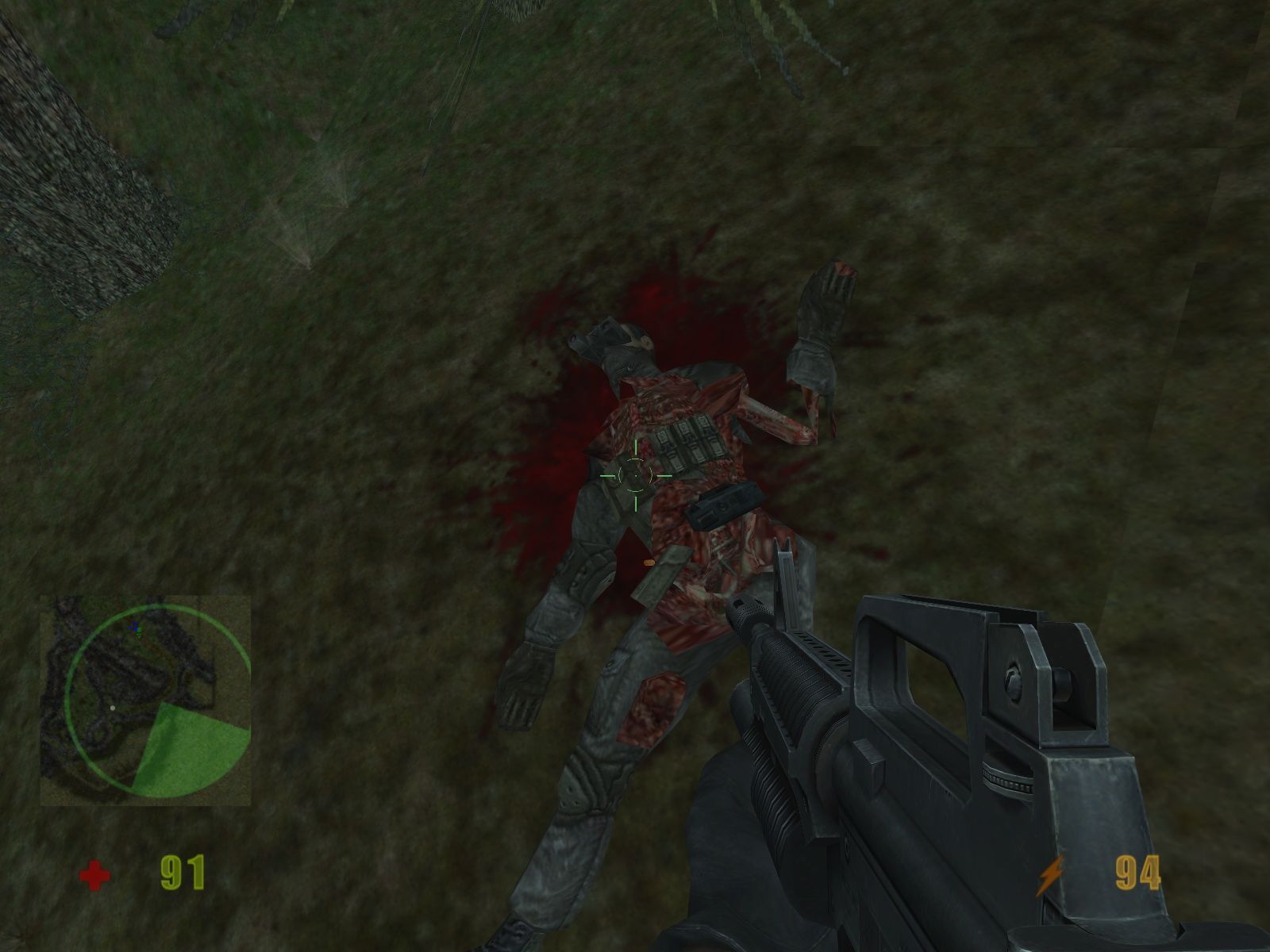
@hitfx_lifetimevalue as desired (30 by default). Remember, that high value may cause the random crashes! If you started having random crashes after changing corpse and decal lifetime - lower the value of@hitfx_lifetime - Originally, the game had the advanced body dismemberment system when player could shoot off body parts from the enemies bodies. But that 'gore' feature had been removed in European release of the game, use Gore Mod if you want to restore that feature. Gore Mod is also included in the patch v1.1 as the option
- The game should have weapons upgrade system but it was replaced with a leveling system during the development. If you want to play with weapons upgrade system, use this mod to restore it
- About German version. It was censored on the original release - blood was completely removed, 'gore' features are not presented. Later the game was released in Germany in uncut variant; for the full list of changes check this page. If you want to restore blood in German version, use Blood Patch. If you want to restore 'gore' features, use Gore Mod; the installer for Gore Mod showed some warnings on VirusTotal scan, so if you worry use sandboxie or virtual machine to install the mod
- Don't forget to check PCGamingWiki page if you have troubles, it is very useful!
Captures and Snapshots
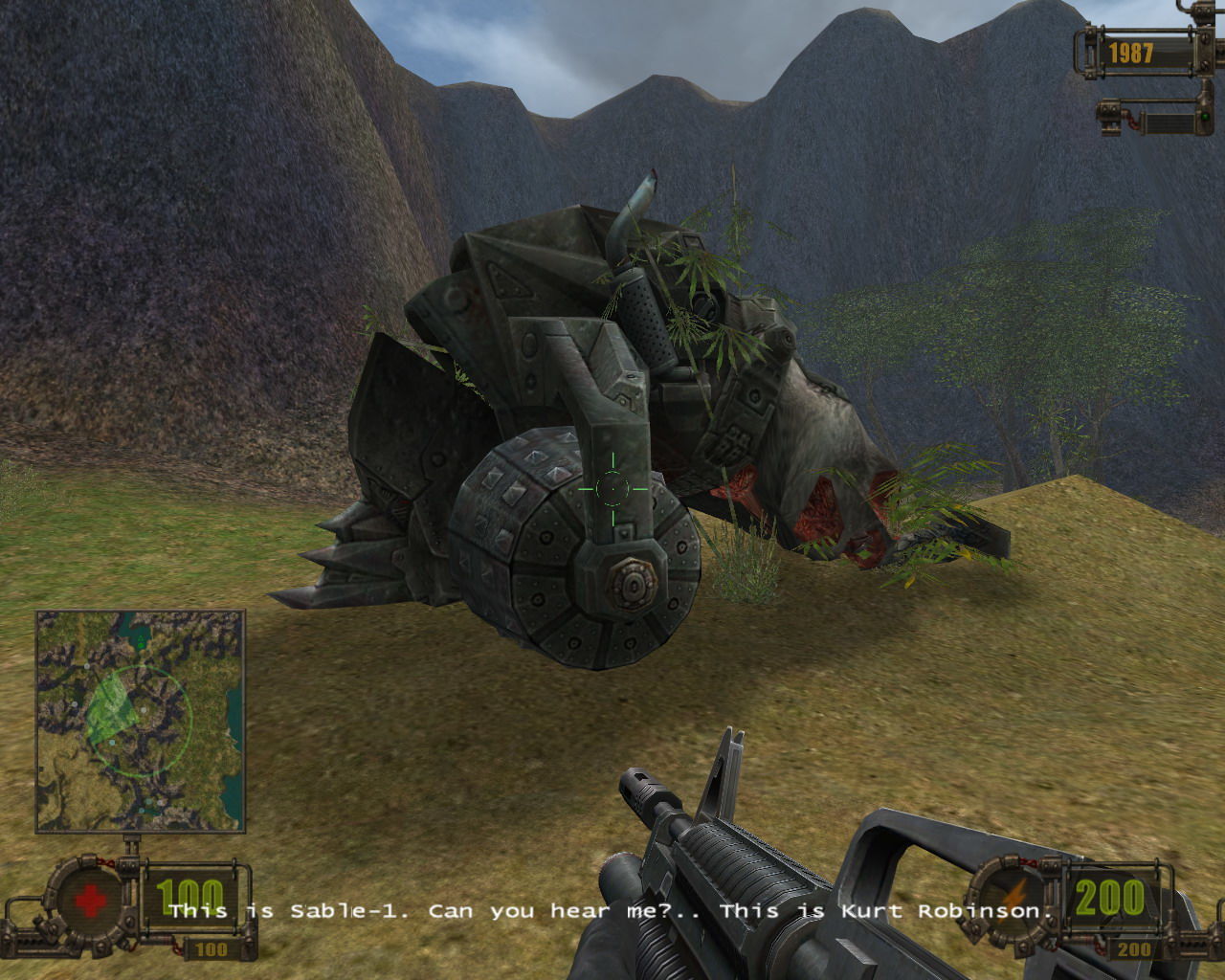
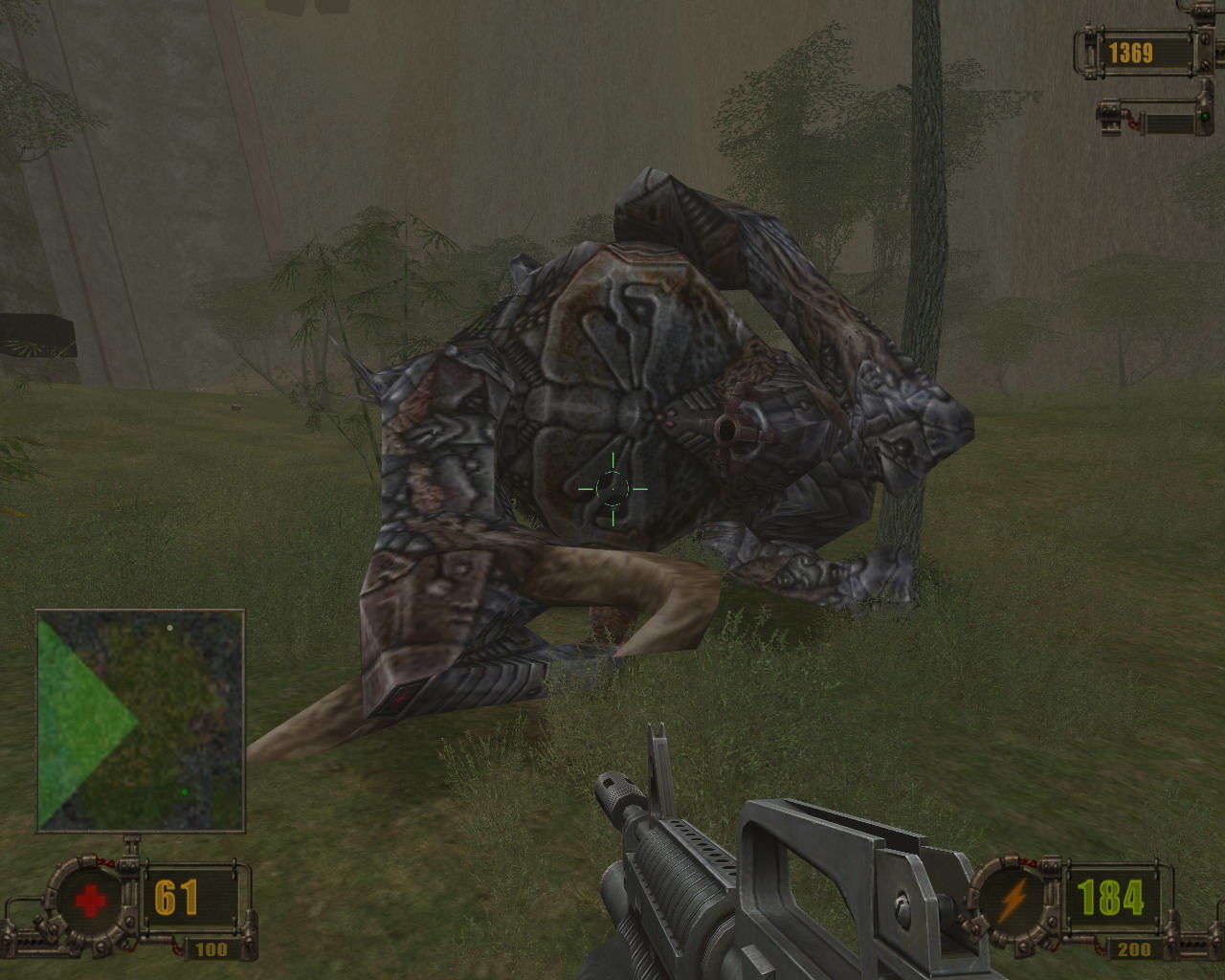
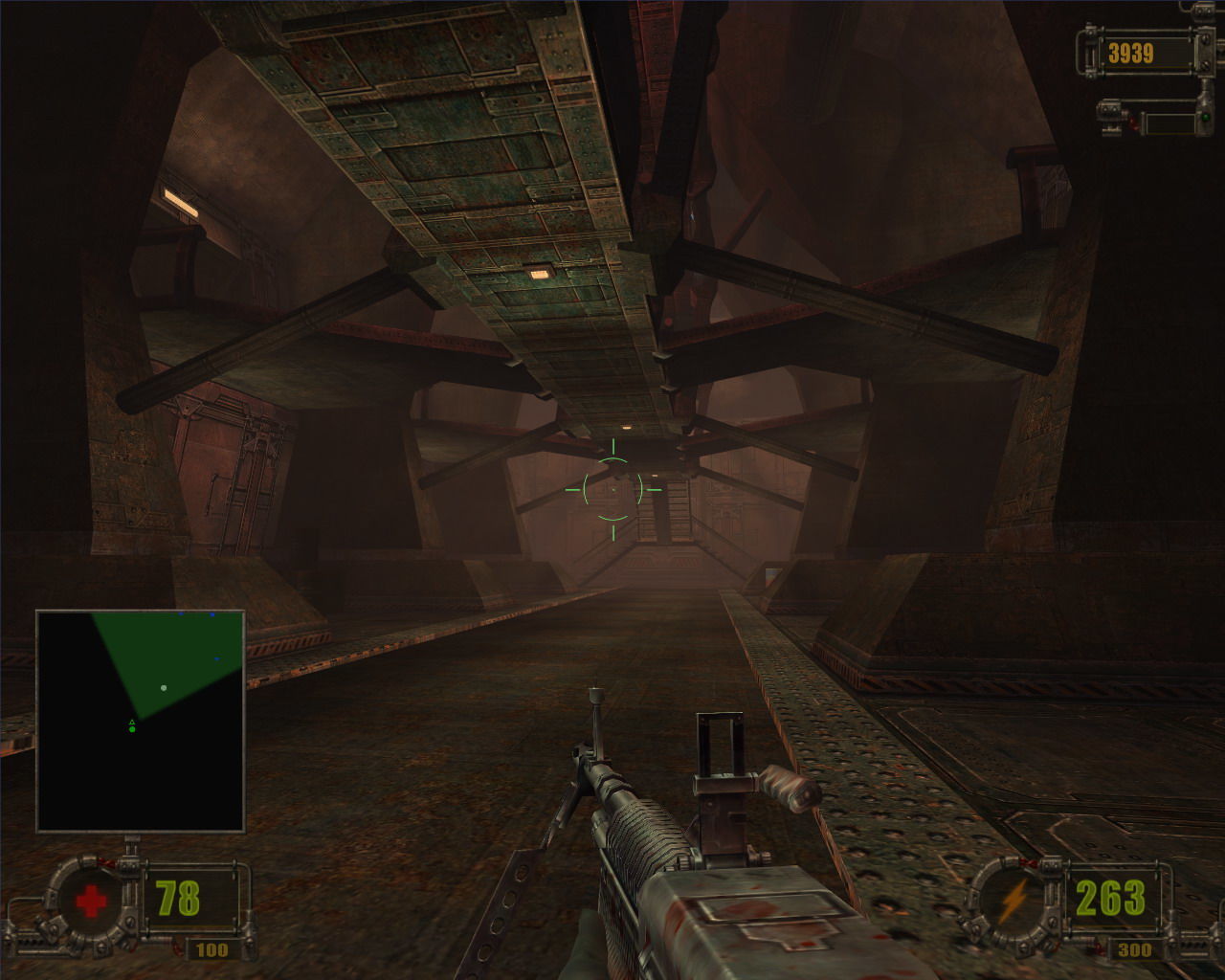
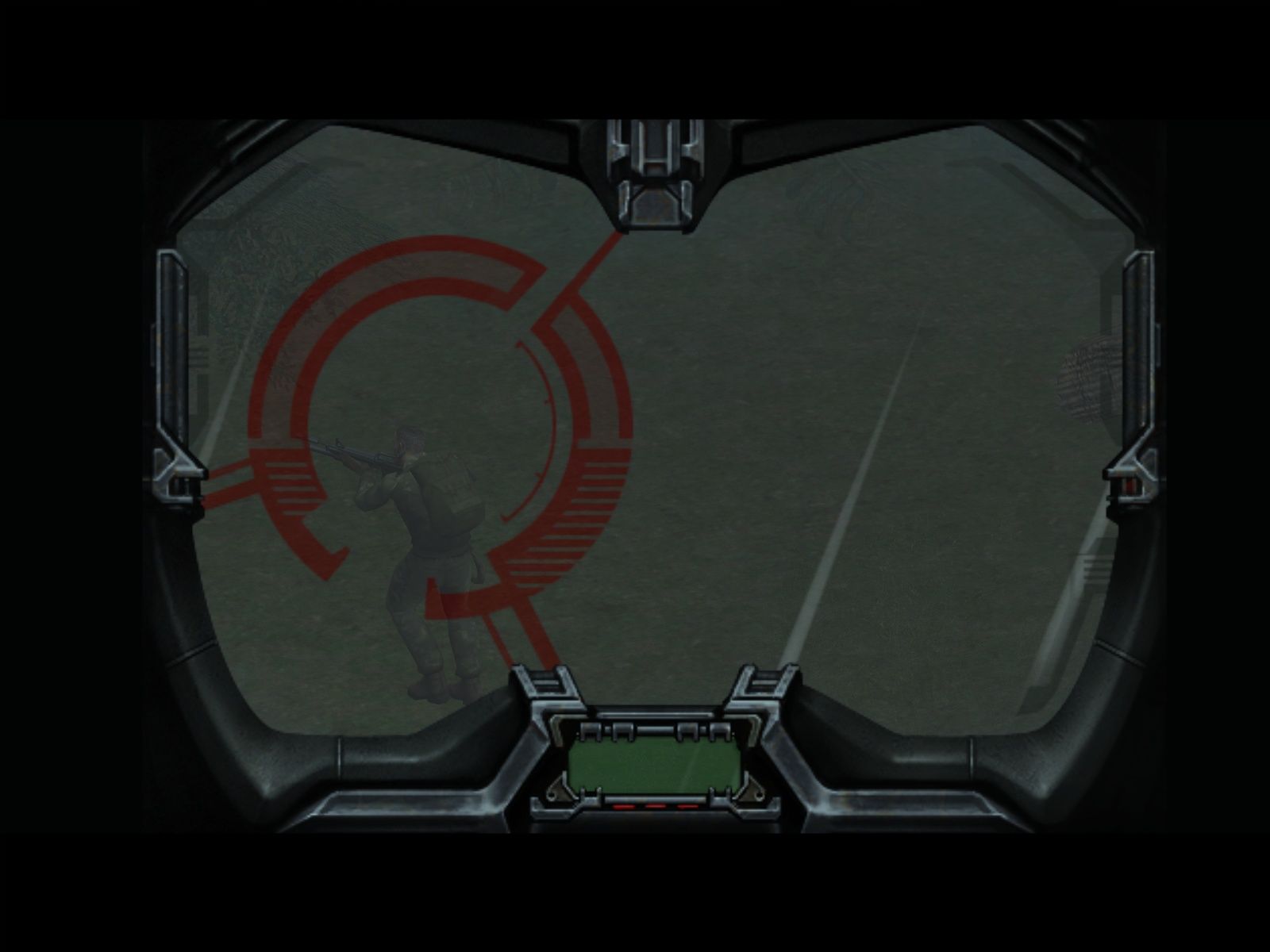
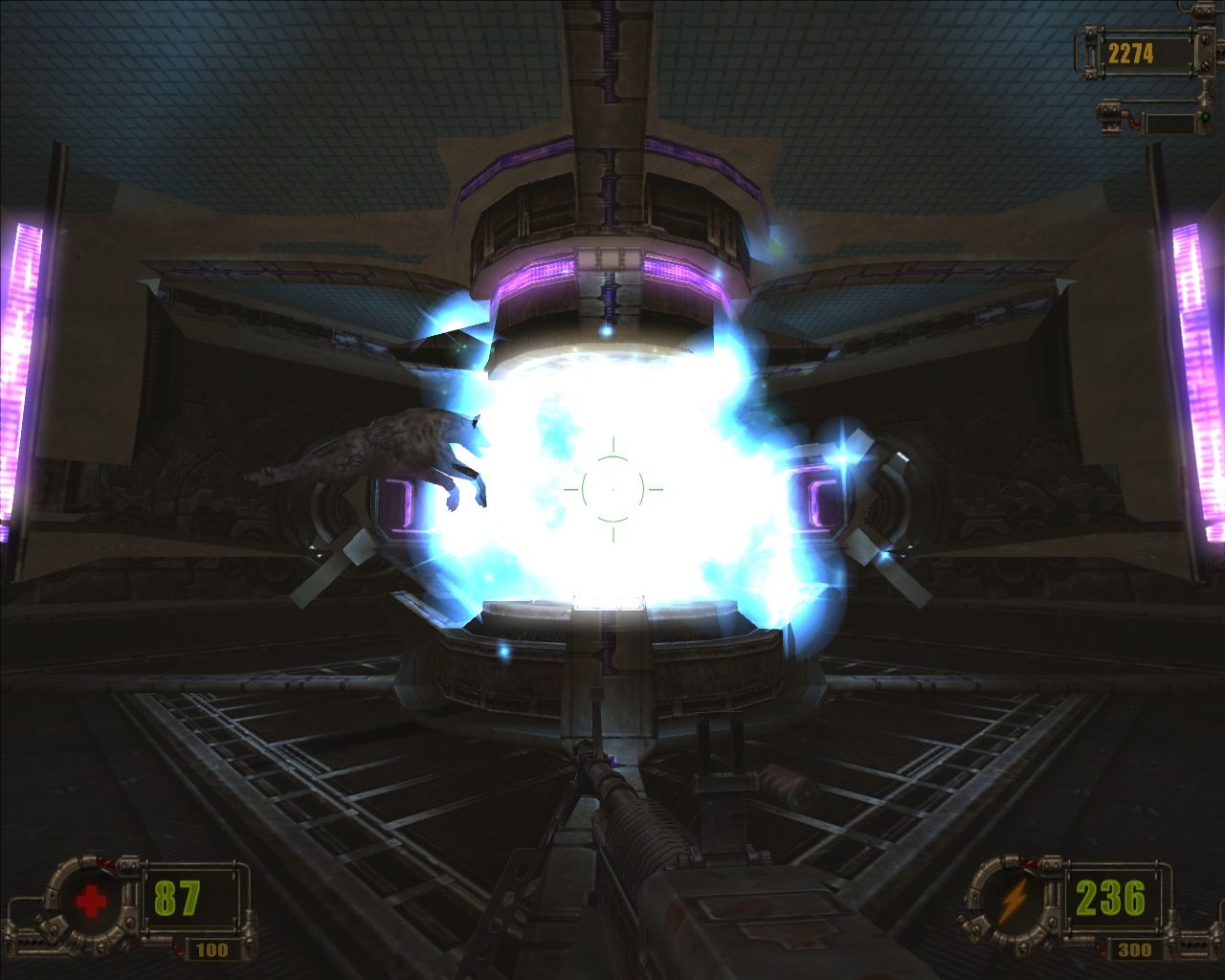
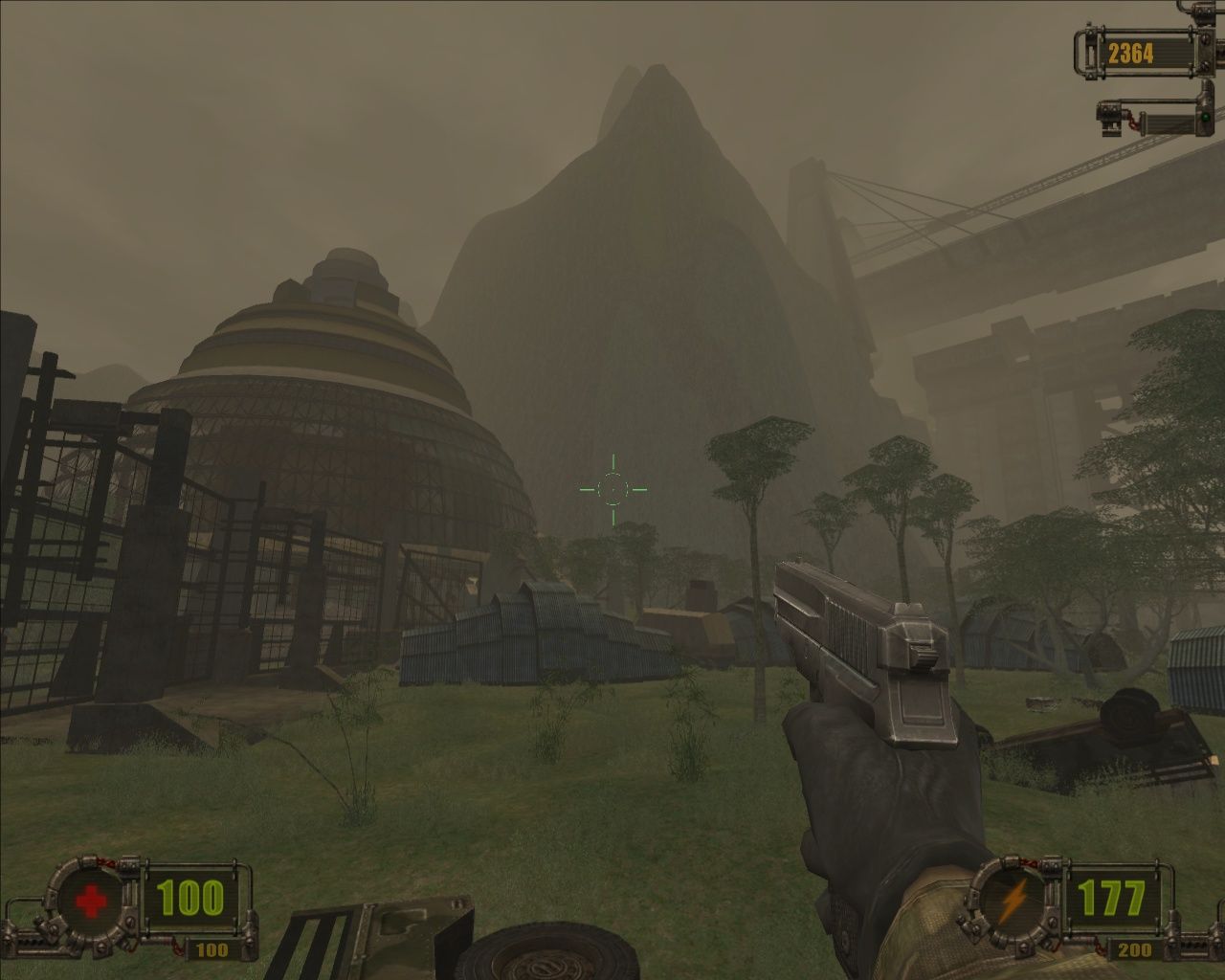
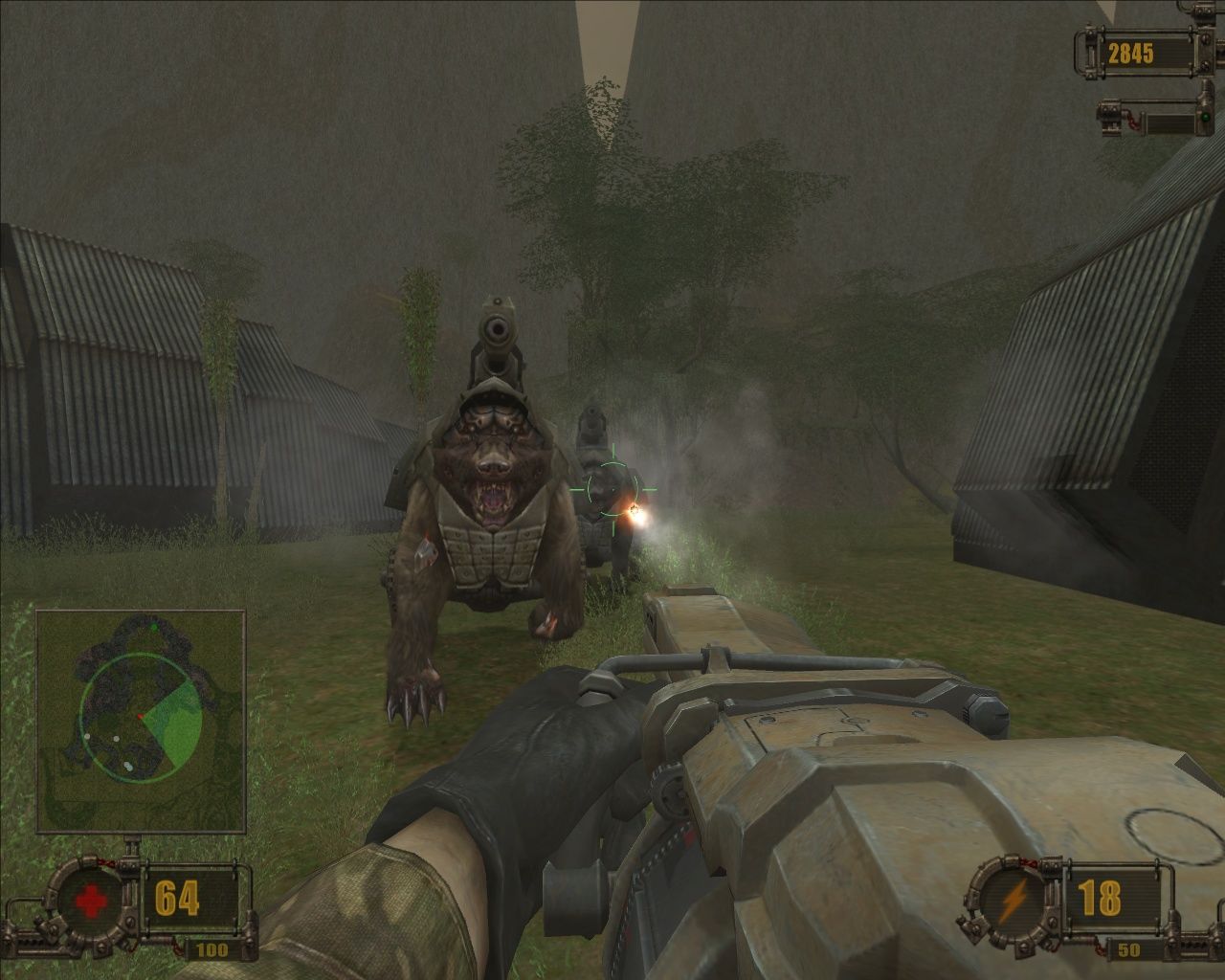
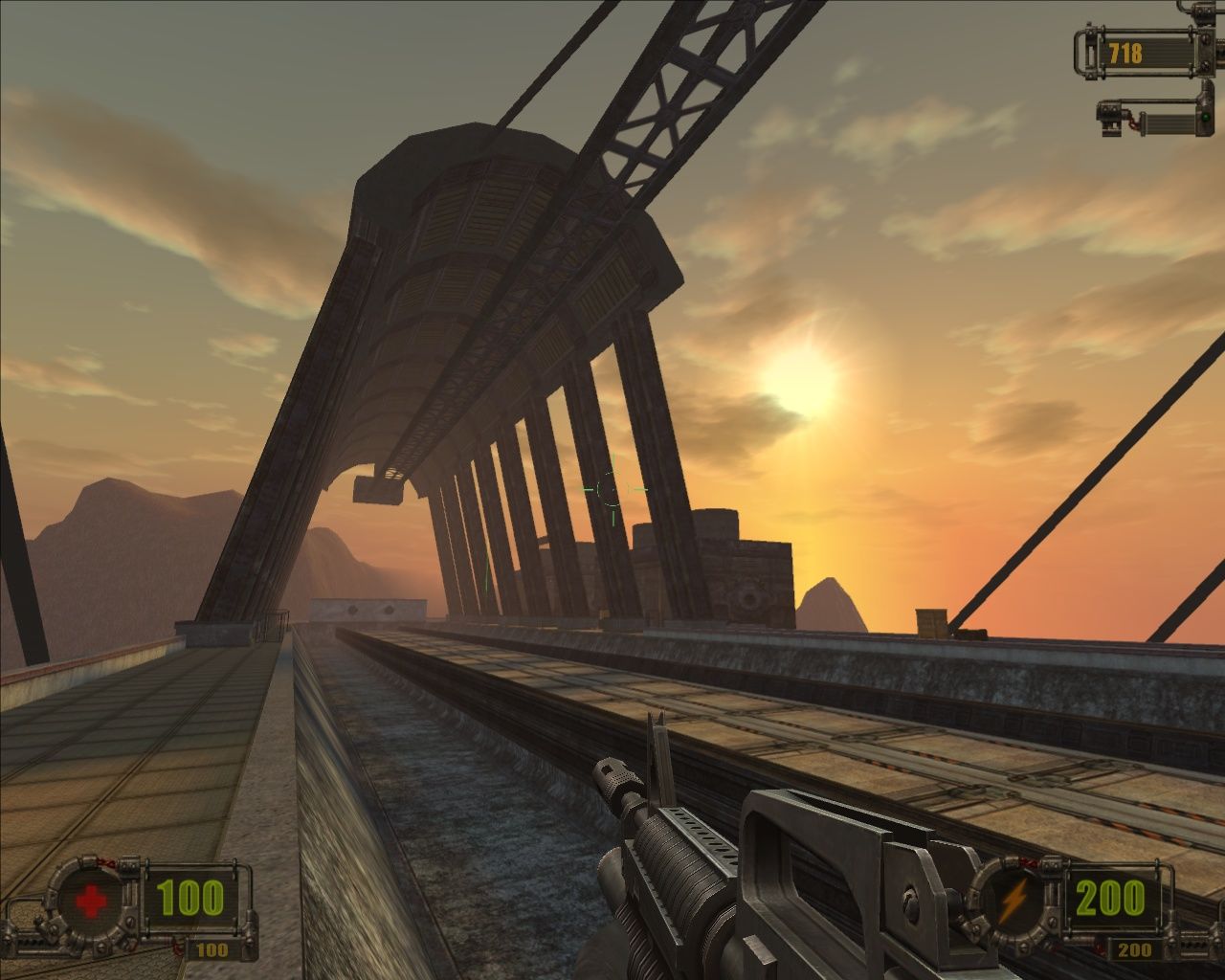
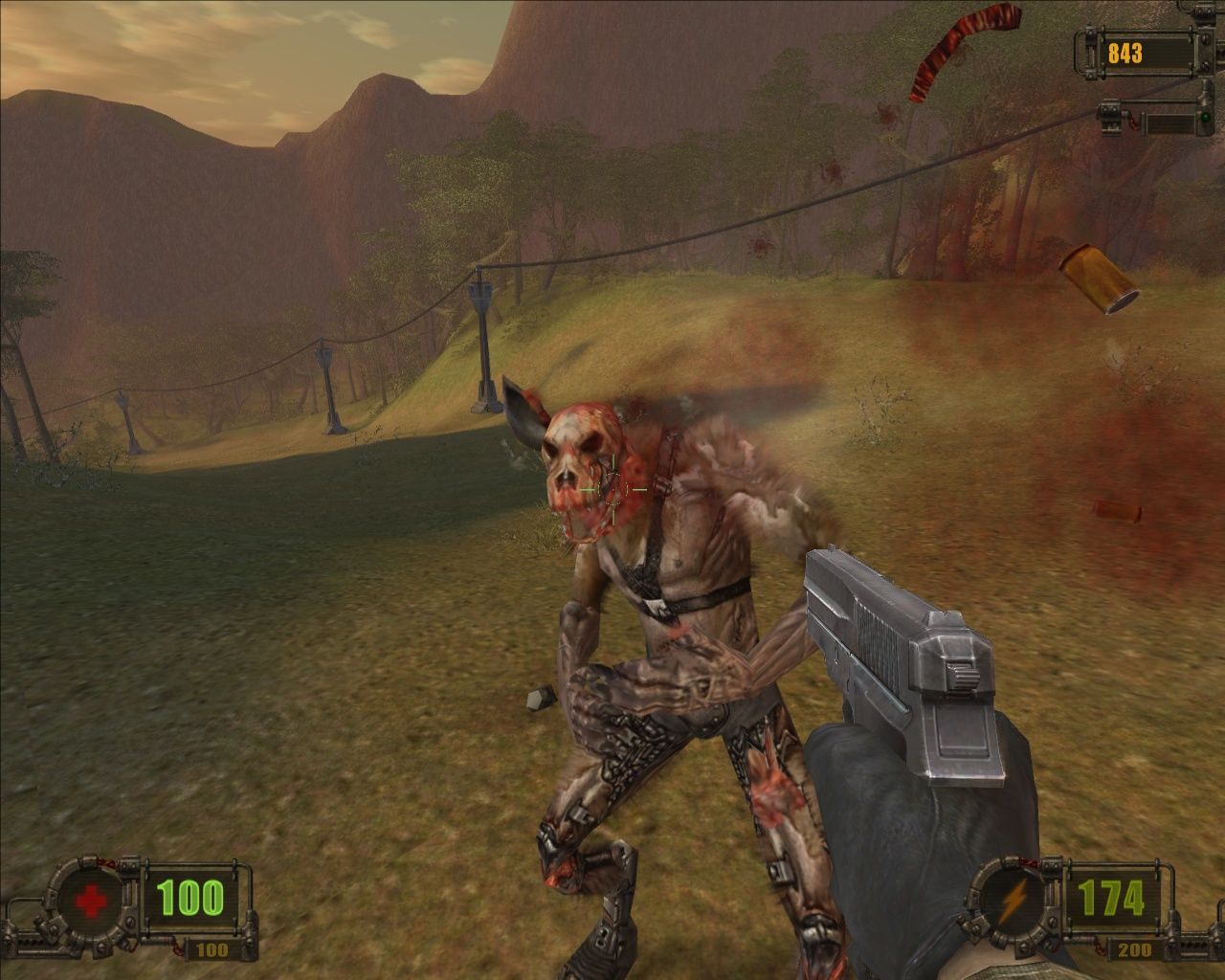
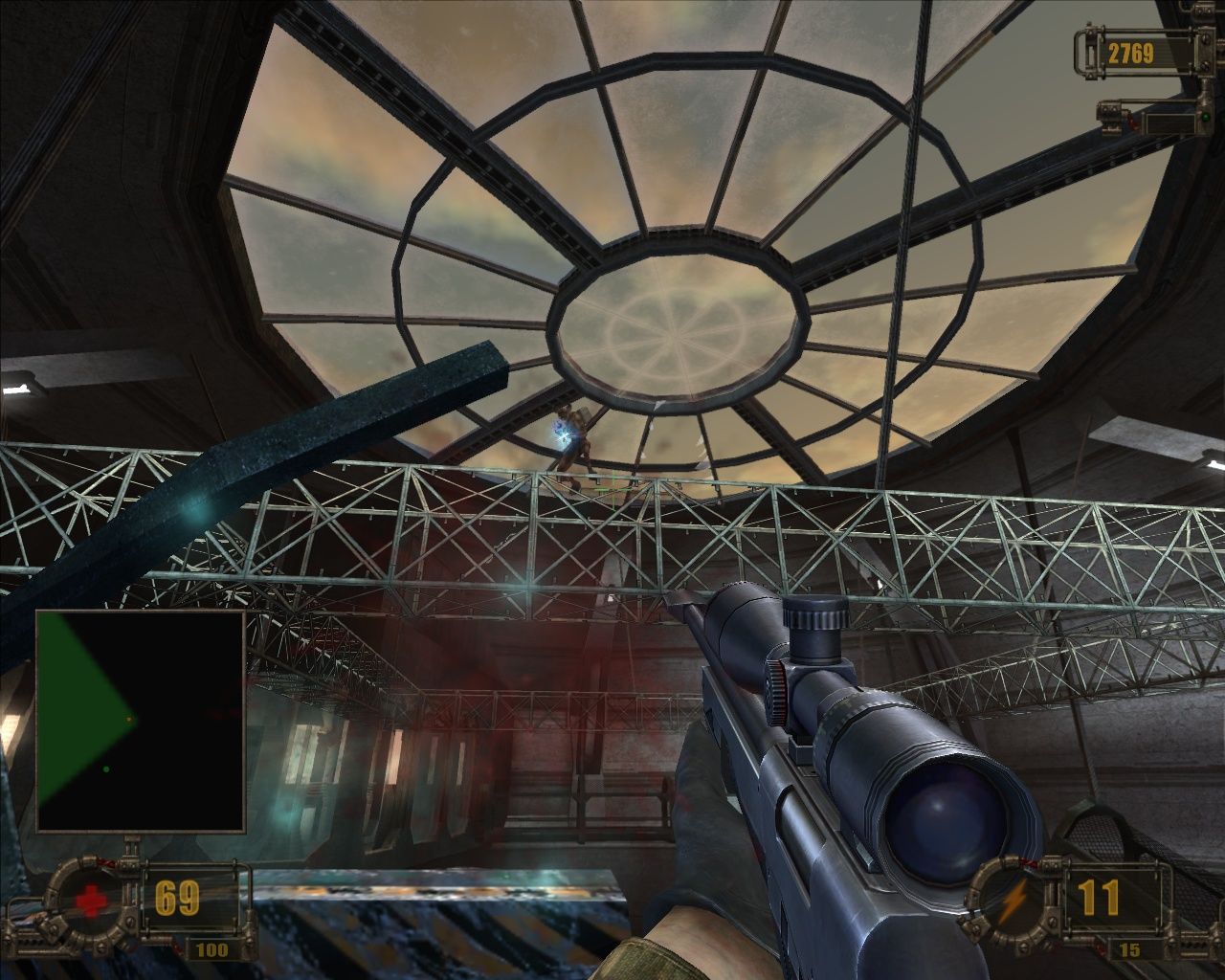
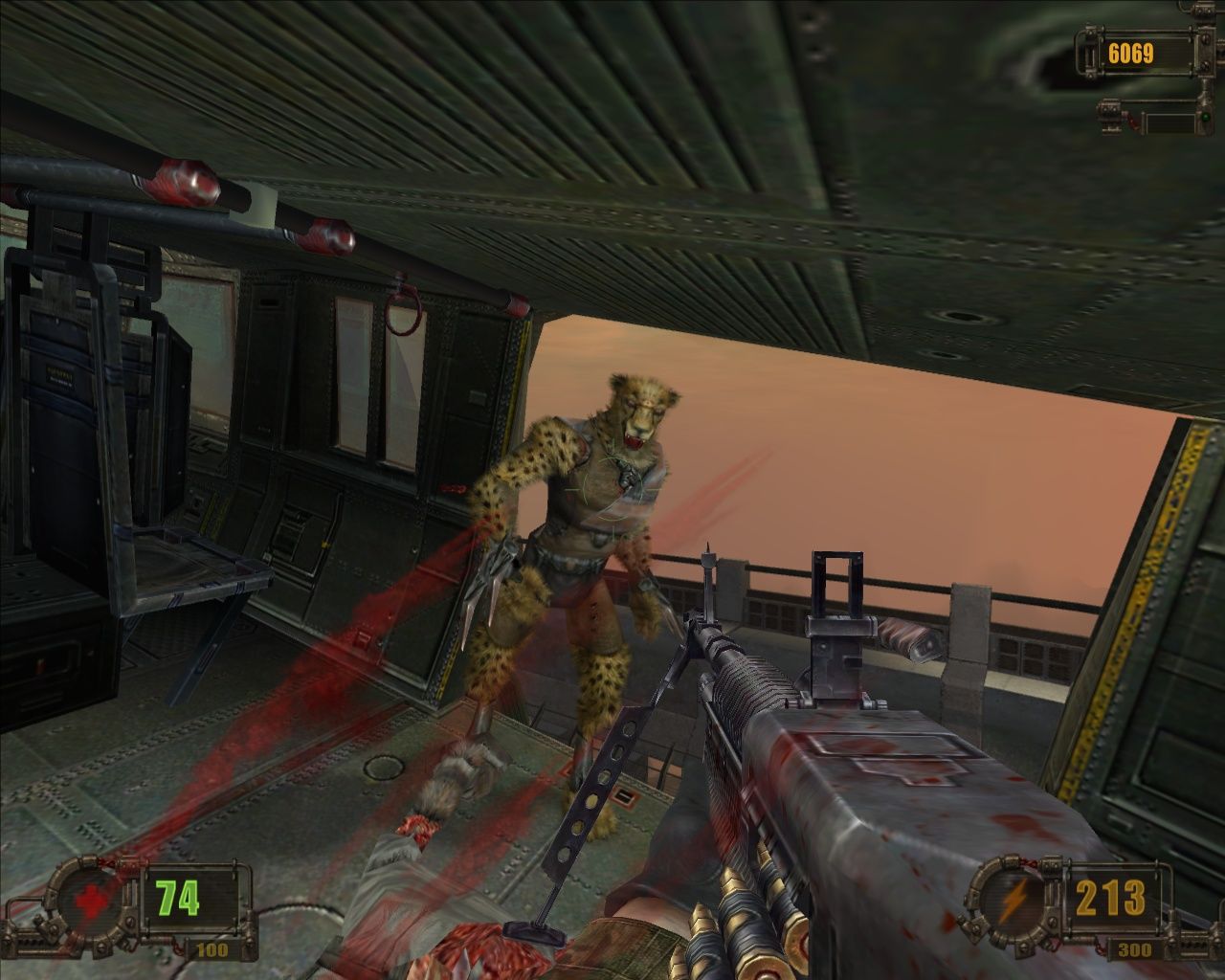
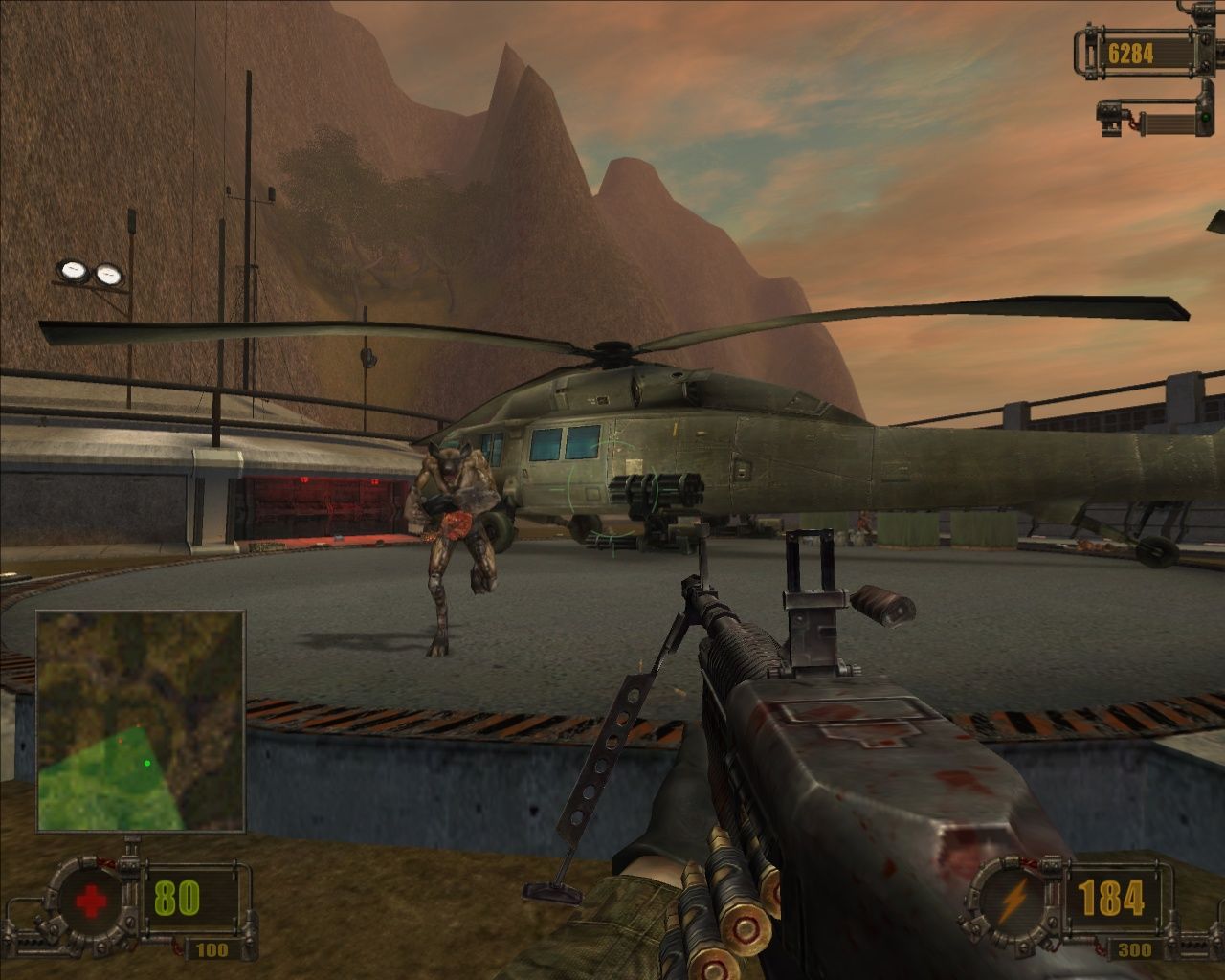
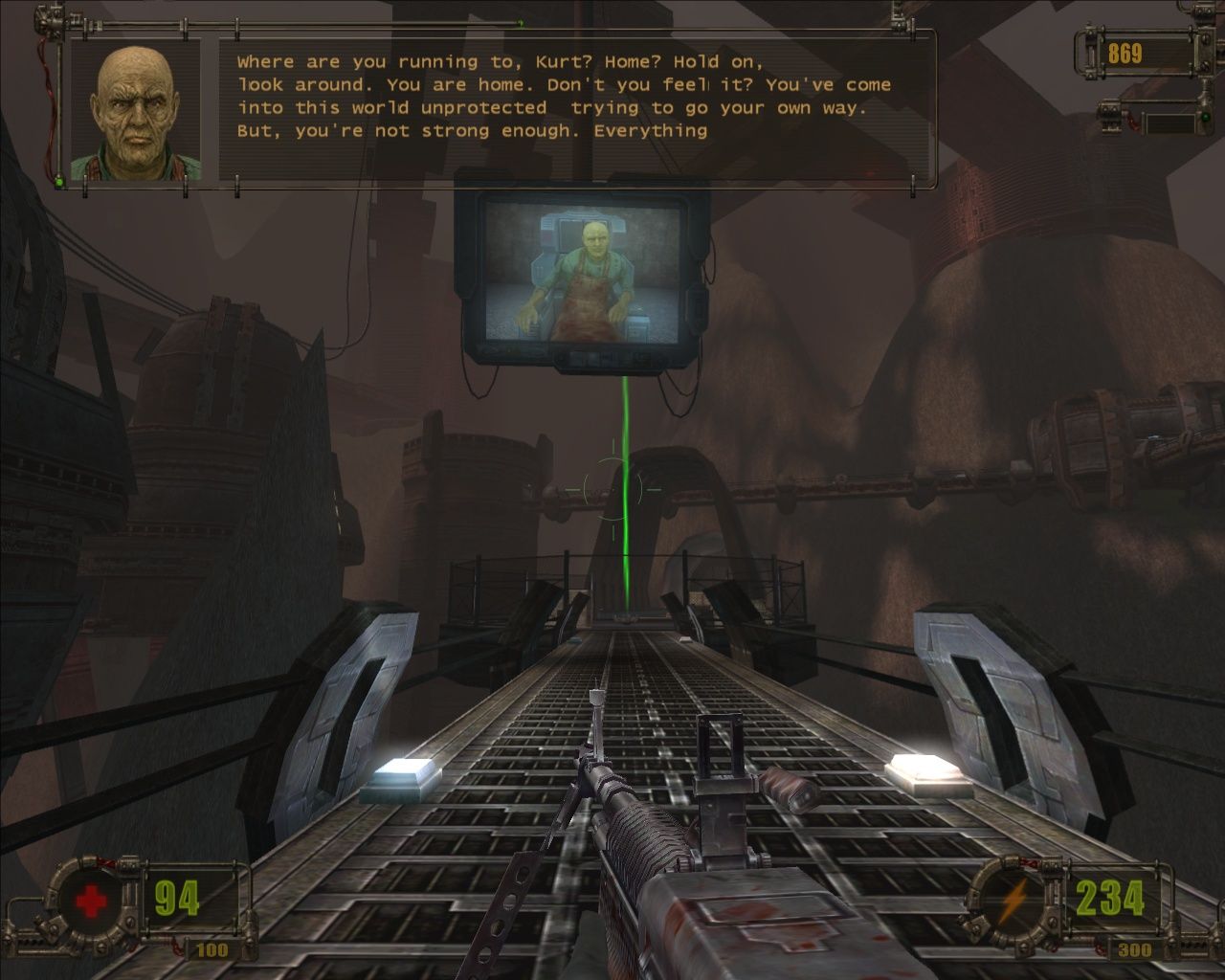
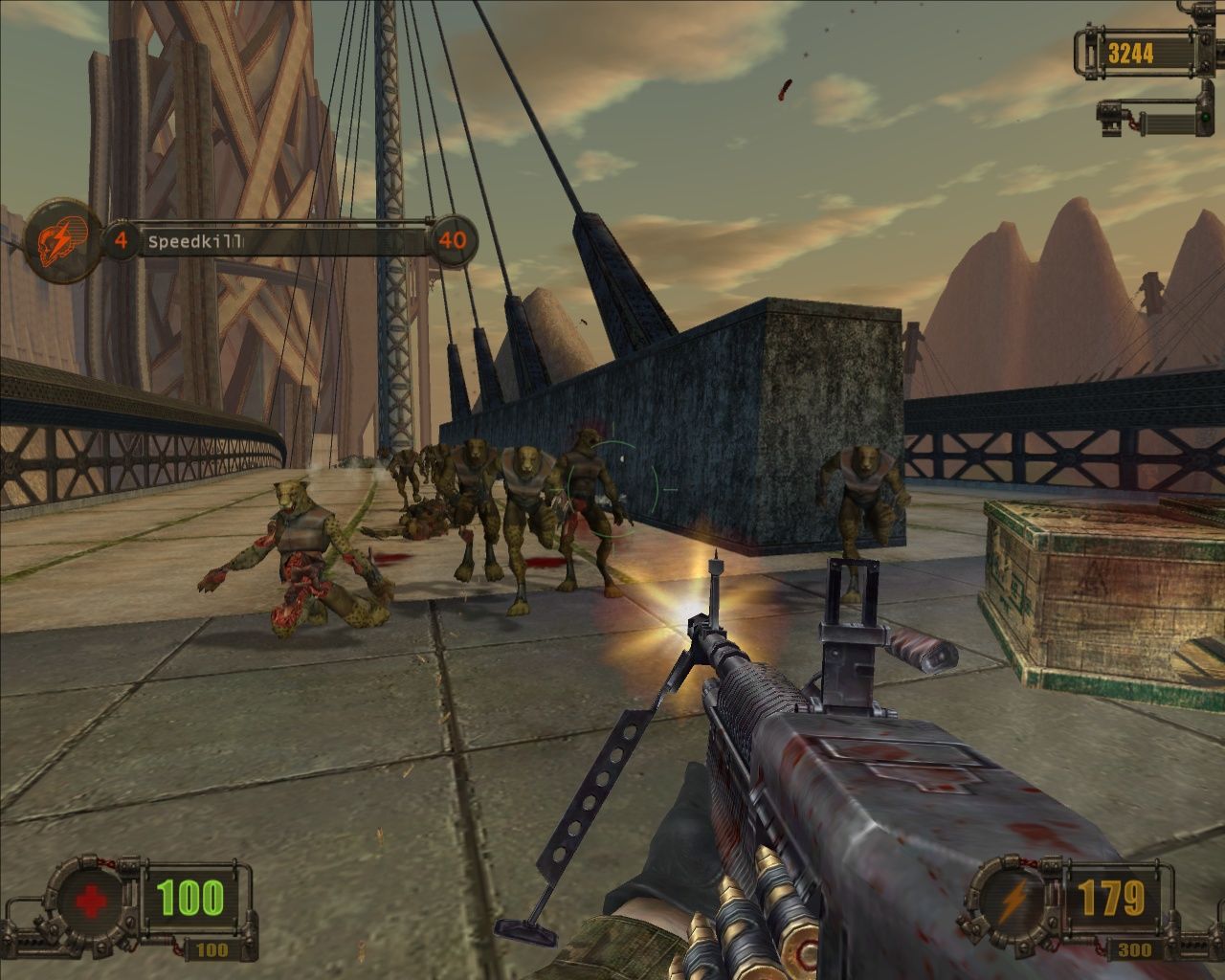
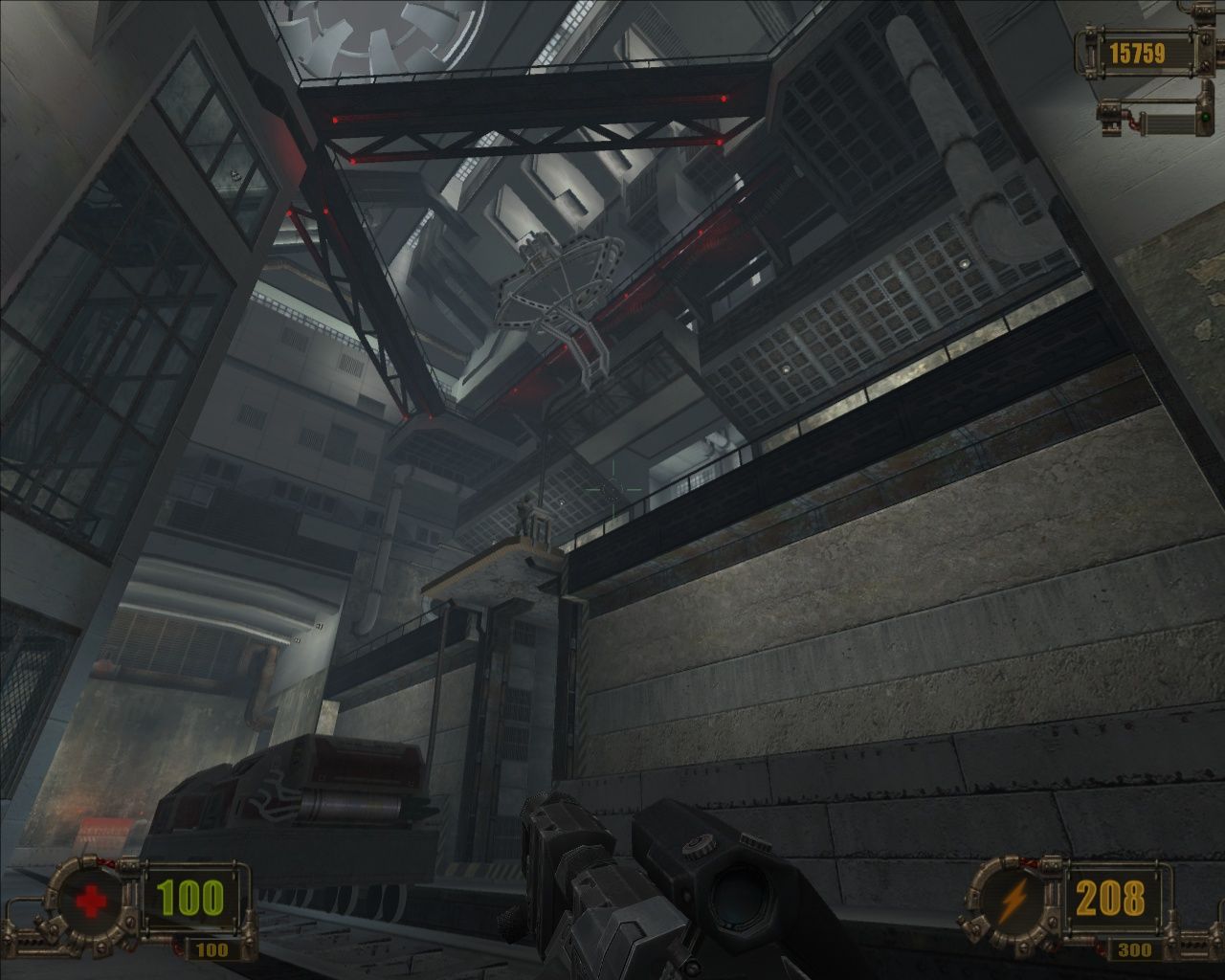
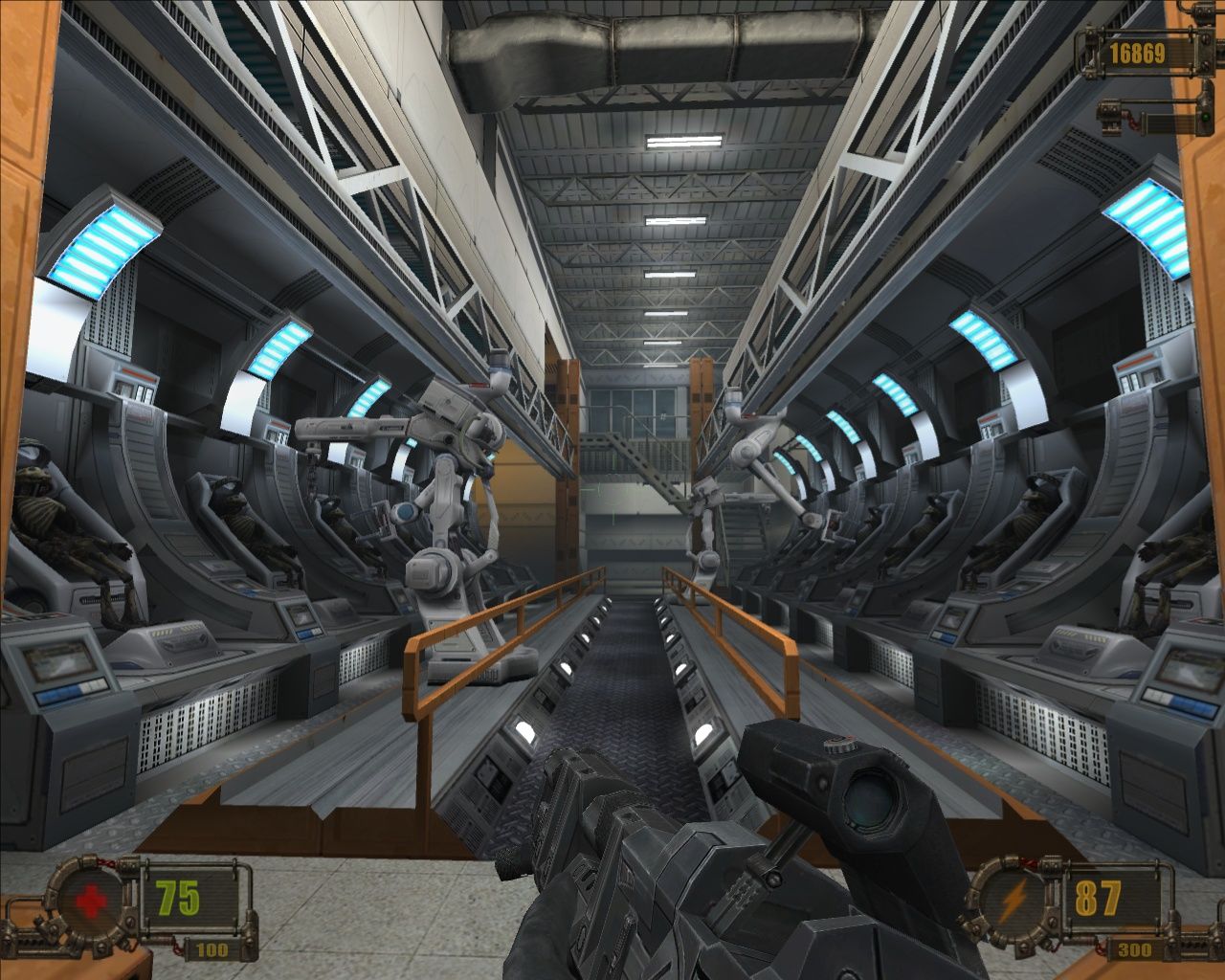
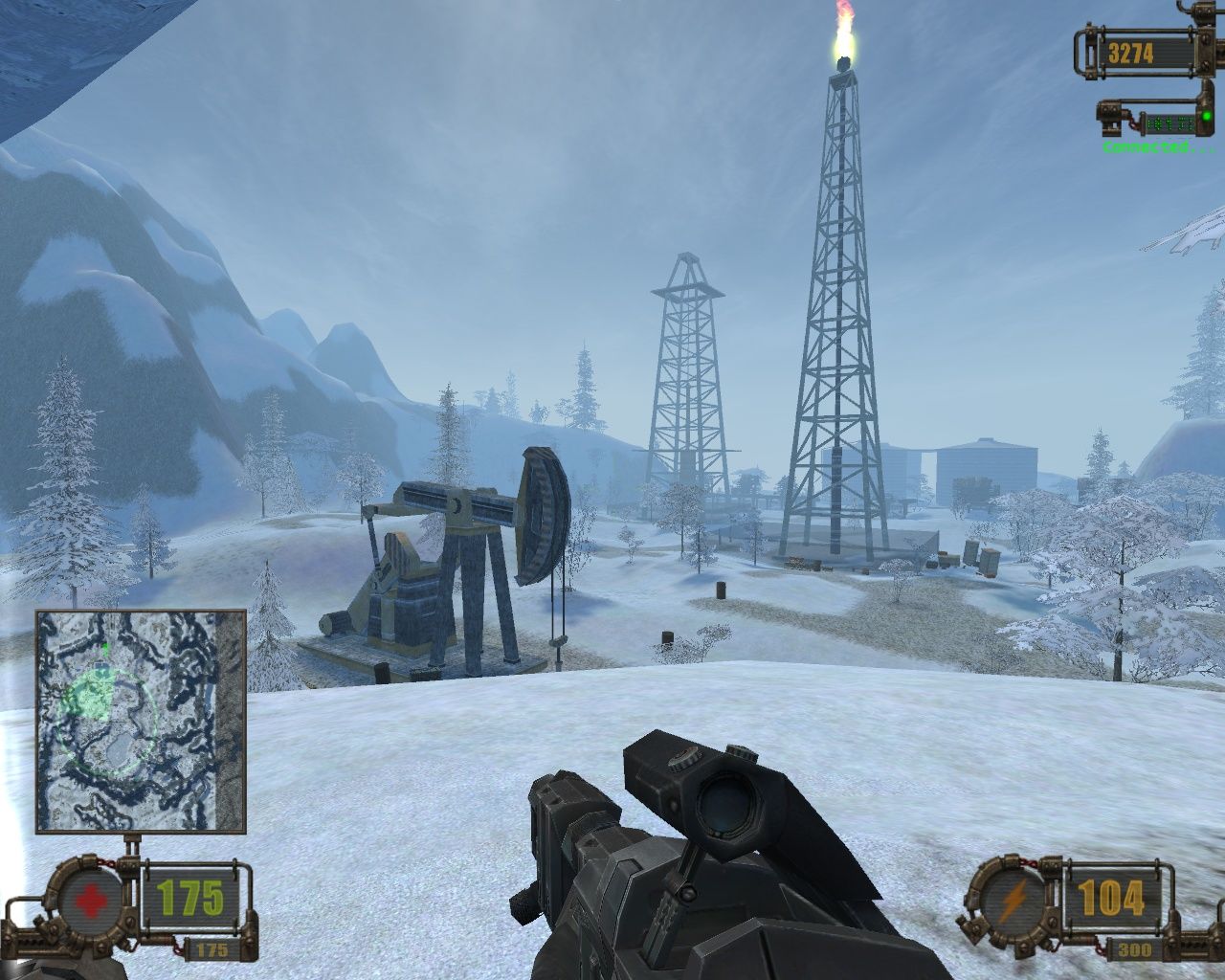
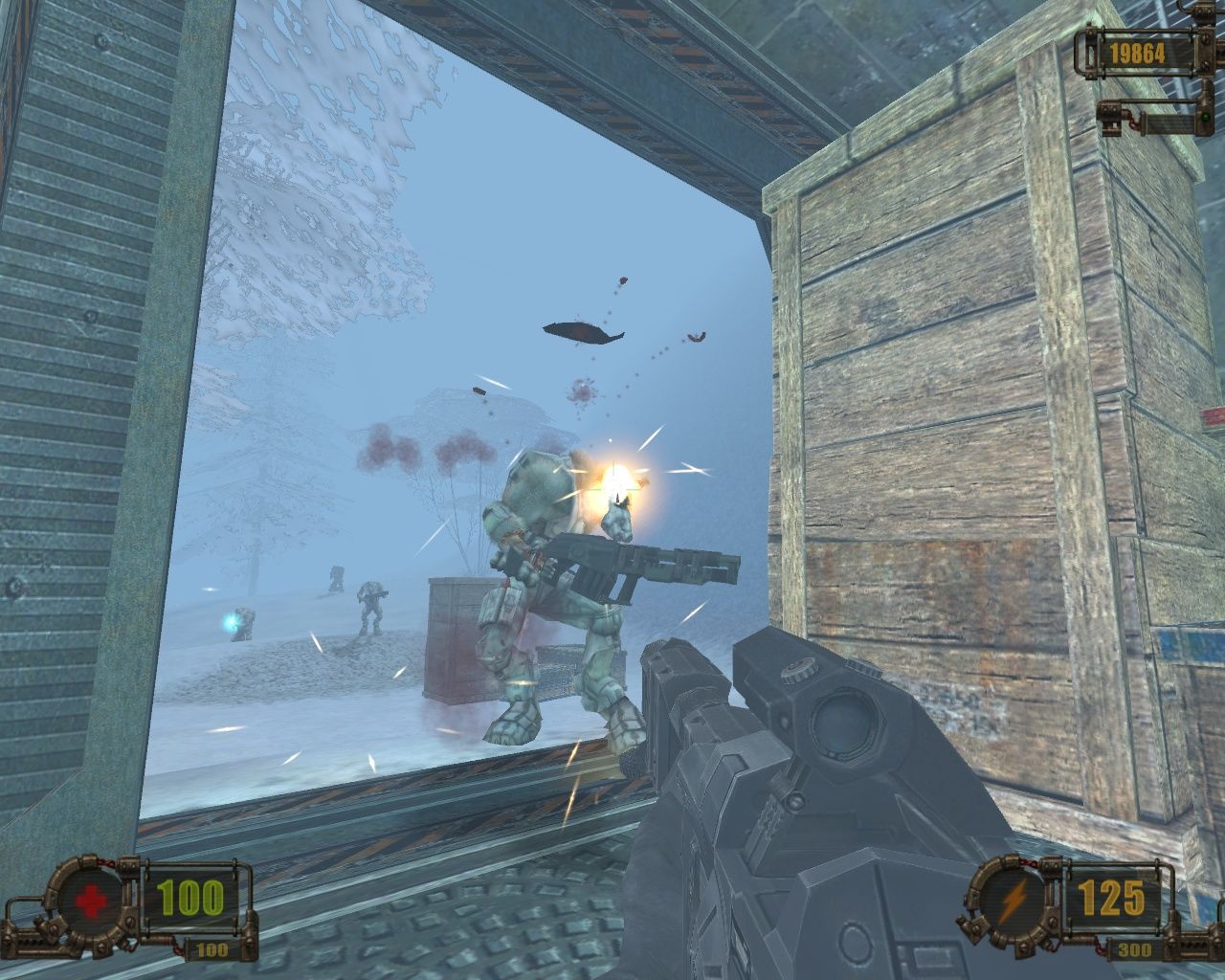
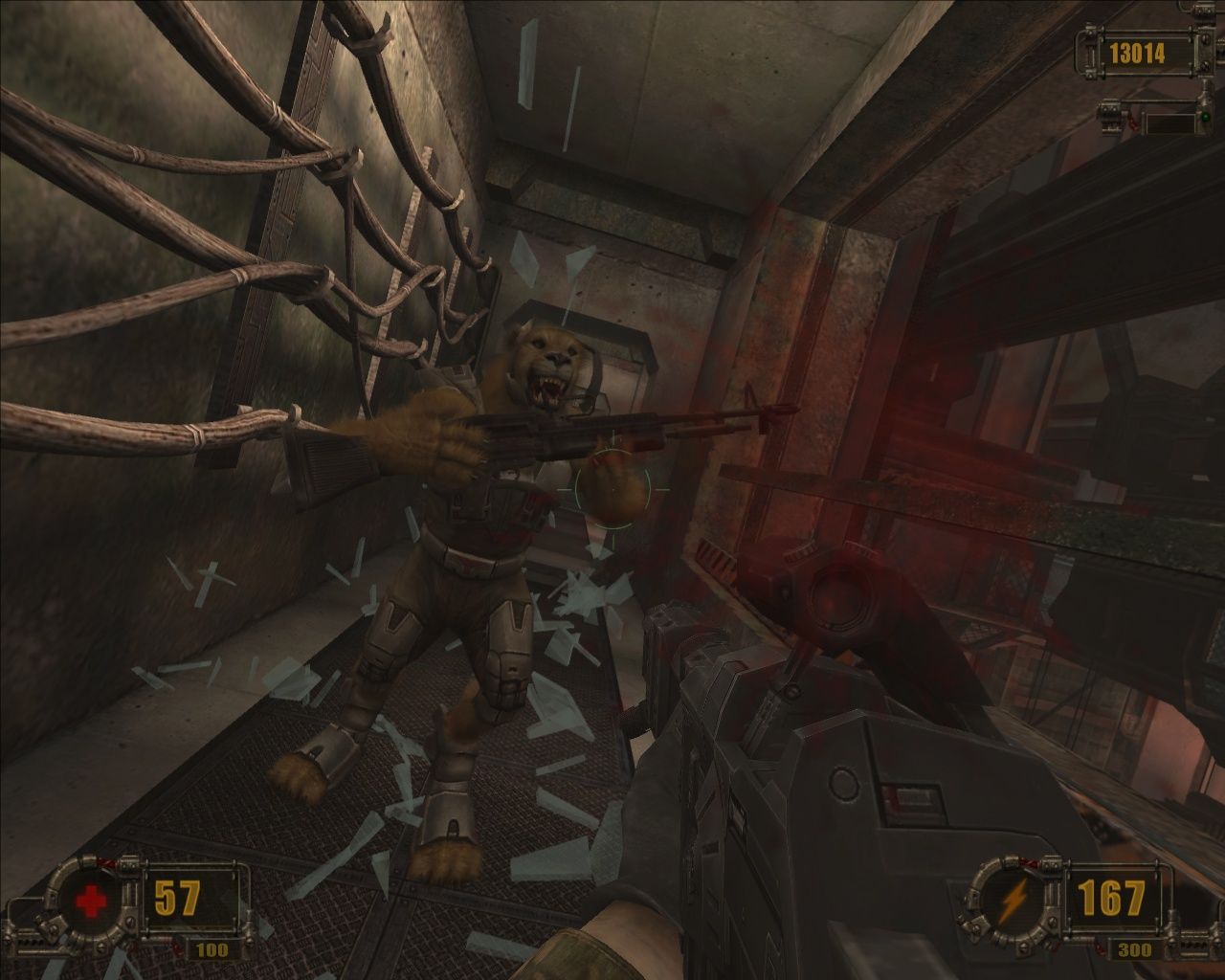
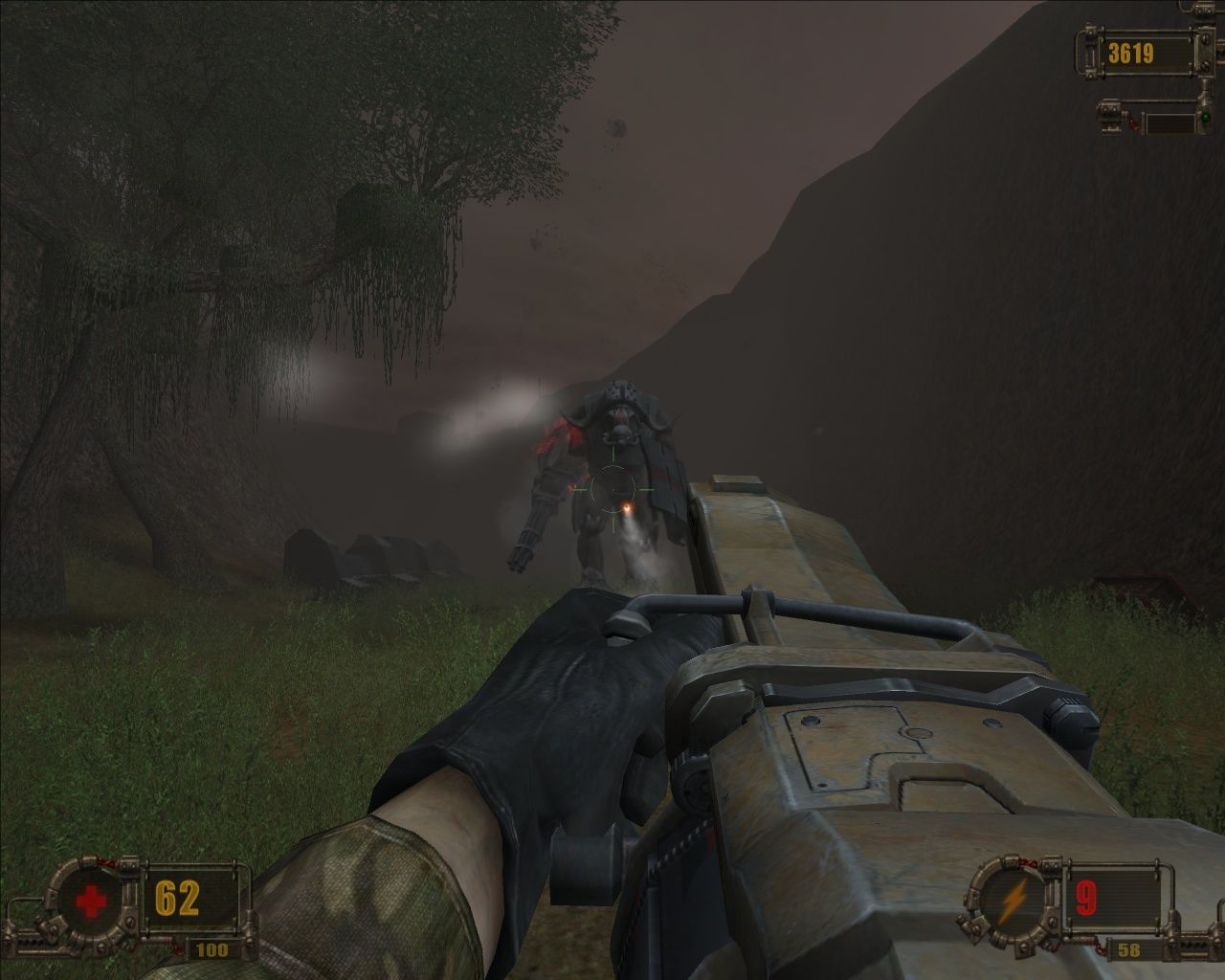

Comments and reviews
abstriker 2026-10-05 0 point
THANK YOU MYABANDONWARE. There seems to be a up scaled texture mod here. not tried it.
https://www.nexusmods.com/vivisectorbeastwithin/mods/1
MG 2026-10-04 0 point
How some good stuff ones $$$. The first time I was wondering if anyone is interested in this case
Yaaaaa 2026-09-29 0 point
is the repack drm free? the patch 1.1 doesnt over write when i attempt to install it
admin 2026-08-31 2 points
We updated this page, added new widescreen fix and some extra translation patches, plus we updated the guide, now it includes the troubleshooting for almost all possible issues
TheOldSchoolGamer 2026-02-13 0 point
Ok, game, cheats? yes, but an english version would be nice. Also, falling through the world, before you die, not good. Try and change weapons, just changes automatically, and won't let me stop, at all. Have to end game, and start again. Been looking for a copy of this game on e bay, and the like, very hard to find. Not saying this is a bad game, b/c it isn't, but it does need work.
Blocko 2025-08-19 2 points
Just gave this game a blind playthrough and really enjoyed it! There's little details scattered throughout that let me know the devs really put their hearts into making it. I hope we get a remaster or steam release some day.
Note: I played on the repack with patch 1.1
beamy_donut 2025-08-07 4 points
The repack is safe and fully works, I'd use that one instead of trying to manually install Vivisector with all the StarForce DRM hassle. Another great game by Action Forms and definetly worth checking out if you are a fan of their work.
DAN53 2025-07-23 0 point
Cheat Engine
- Upgrades (Tab) Score (Experience), FLOAT 011EAAB4 = Vivisector.exe+DEAAB4 *1st of 2*
DAN53 2025-07-23 0 point
Fantastic classic game !
Action Forms developer
Chasm The Rift (1997) (DOS)
Vivisector Beast Within (2005)
Cryostasis Sleep of Reason (2009)
Vivisector Beast Within Cheats
--- Fullscreen or windowed & Skip intro videos
\Data\Scripts\init.cfg
r.windowed 0/1
r.showlogos 1 to r.showlogos 0
--- Configuration file game config.cfg
--- Save game game \Data\Save\
-- console ~
render_fov 90
godmode 1/0 God Mode
unlimited_ammo 1/0 Unlimited Ammo
giveall 1/0 All Weapons Max Ammo
gui_show_map 1/0 GUI Map
debug 1/0 Debug Mode
--- Skip to Level
drm10 01
drm10a 02
drm11 03
drm12 04
drm13 05
drm14 06
drm15 07
drm21 08
drm21a 09
drm22 10
drm24 11
drm25 12
drm26 13
drm31 14
drm31a 15
drm32 16
drm33 17
drm34 18
drm36 19
drm37 20
drm41 21
drm43 22
drm44 23
- Change difficulty without start new game:
- DATA/Save folder.
- Find the cfg file for your current savegame, and load it in a text editor.
- Edit a line near the bottom of the file (just before the 'player statistics' section):
@game_difficulty = x
where 'x' is a number from 0 - 3 inclusive.
0 is the 'easy' setting so 1 is medium, 2 is hard and 3 is extreme.
Peicy 2025-03-05 3 points
For anyone with crashing issues (dmr 21 and following levels) - at least for the moment, i fixed it by setting the decal/body stay time to something lower:
@hitfx_lifetime = 100 for example
The 9999 value from pcgamingwiki seems to cause issues, some sort of overflow probably.
toryoom 2025-02-26 3 points
I remember being intrigued by this game's 'Island of Dr. Moreau' style story when it came out, but ultimately never finishing it. I recall quite a bit of disappointment at the way the game handled enemy placement. Screenshots make you feel like you're in for a more open FPS arena, but instead of being like FarCry, where the enemies were actually present on the map even from a distance, the devs for this game elected to just have them spawn in out of nowhere at very specific trigger points, oftentimes mere inches away from your face. So the large, open levels they built serve no purpose, except to drag out the traversal process.
Amachar928 2025-01-23 2 points
The game was working fine until it crashed at the drm21 level. Does anyone know how to fix this?
Budoo 2025-01-22 0 point
Bought a copy of this game for 2e on a gas station, worked fine until after the cage fight than it just crashed. Remebered this game after years and couldnt find discs , still cant w8 to play it once again.
Ex Free Race Freak 2024-12-06 -3 points
The DVD Version from Oldgamesru, have no Starforce,
I Only make Dos Shooter from Gamesnostalgia,
or ISO,
Surreal 2024-11-02 1 point
Hmm...I downloaded the Repack, got the game working - It's in Russian, okay, i'll change the locale in the file to English
Well, that sort of works...But the menus are all screwed up now. Not exactly sure what I can do to fix that or what even went wrong in the first place, I thought the installer asked which language I wanted and I could've sworn I chose English
admin 2023-01-20 4 points
We have updated the game, added more languages, including original Russian version. Plus we updated the patch file, now it doesn't show any warnings
sonic_wolfe 2022-10-05 0 point
Appears there is a Trojan in the "2.VivisectorGoreFinal.exe" patch. Although I think it might be a misreport.
SZYMON 2022-05-08 3 points
The canceled Duke Nukem Endangered Species came out as Vivisector I think.
damazy 2022-02-27 3 points
I've played all eurojank fps, dozens of titles, and this one is the best. I wouldn't even call it eurojank, its an amazing game, and rivals best western fps of the time.
Hosed 2021-10-02 4 points
Found out about this from Civie11 on youtube. The start is rather bleh with all the animals, but the game REALLY takes off when the human hybrids show up. A definite hidden gem.
For those trying to install, just mount the iso, install, and then follow the instructions found in the Patch. It contains the NoCD crack.
Also, if installing on Linux via Wine, the patches don't adhere to file cases so you'll end up with duplicate files and the game won't start. To fix, just go through and do the merging by hand, keeping the files from the patches and removing the original files.
Lastly, supposedly there was a wide-screen patch, but I can't find it anywhere. The settings files won't respect wide-screen resolutions either. You can set it to run in borderless windowed mode though (PC Gaming Wiki's article explains how).
Bro 2021-08-16 -8 points
Out of curiosity,this is one of those games that is truly abandonware since you cant even buy a physical copy off of ebay or amazon so is this still illegal to download?
Rhindle 2021-03-02 0 point
Pretty fantastic. Sort of FarCry by way of Quake2. The enemy ai can be annoying, and some of the ambushes are annoying, but there's a lot of genuine effort put into the levels and effects. The gameplay is fast and intense, and even on Normal it pulls very few punches. Some of the navigation 'puzzles' are a little obtuse, but IME they were the kind that made me say "Ohhh that's cool" when I figure it out.
100% worth the data imo.
kops 2020-05-16 1 point
Liked the gameplay, feels sometimes like quake 2 or far cry 1. Sometimes it plays very smoothly. Music is very cool too, I am pretty sure, I heard it before in another game, not sure where. The AI can be very annoying at times, it sees you all the way across the map, so stealth is not an option even if the game suggests you this. The story is complete garbage but at the same time it is so hilariously stupid and full of crazily bad dialogues, so that it becomes worth listening/reading.
Clyde3D 2020-04-11 1 point
Watch the movie "Island of Dr. Moreau" then play this interesting game. There are cheats over at www.cheatbook.de
Sarabi 2019-01-12 2 points
This was a remarkably interesting romp, vivisector was consistently throwing something that was new, funny or bizarre my way. I'd absolutely recommend giving this a go if you've any interest in quirky shooters.
Who 2019-01-08 2 points
Kind of like Half-life, Serious Sam, Quake. Has old shooter charm to it. Definitely worse than those games, though, but still good enough to play it over some modern mediocrity.
h 2019-01-06 -1 point
having trouble setting it as 1920x1080. The WSGF guide isn't really helping much either.
D.Zell44 2018-12-30 -3 points
This game is very good indeed. A LOT better than today's flashy'n fancy, yet dumb and boring FPShits!
Can there be a RIP version, so it won't take so horribly much space?
Write a comment
Share your gamer memories, help others to run the game or comment anything you'd like. If you have trouble to run Vivisector: Beast Within (Windows), read the abandonware guide first!
Download Vivisector: Beast Within
We may have multiple downloads for few games when different versions are available. Also, we try to upload manuals and extra documentation when possible. If you have additional files to contribute or have the game in another language, please contact us!
Windows Version

English & Russian languages

 1.2 GB
DownloadEnglish version
1.2 GB
DownloadEnglish versionEuropean DVD release
1.3 GB
DownloadEnglish version, European CD releaseDisc 1
773 MB
DownloadEnglish version, European CD releaseDisc 2
776 MB
DownloadCzech versionDRM-Free setup from Score #188 (10/2009) DVD
 1.6 GB
DownloadGerman version
1.6 GB
DownloadGerman versionDisc 1
 775 MB
DownloadGerman version
775 MB
DownloadGerman versionDisc 2
776 MB
DownloadEstonian versionDVD release
 1.5 GB
DownloadPolish version
1.5 GB
DownloadPolish versionDRM-Free setup from Play #03/2011 DVD
 1.5 GB
DownloadRussian version
1.5 GB
DownloadRussian versionDisc 1
833 MB
DownloadRussian versionDisc 2
816 MB
Manual 2 MB
Game Extras
Various files to help you run Vivisector: Beast Within, apply patches, fixes, maps or miscellaneous utilities.
Removes DRM protection, includes the optional Gore Mod
4 MB
PatchPatch v1.1 for German version, for both cut and uncut variantsAlso removes DRM protection
1 MB
PatchPatch v1.1 for Russian version 8 MB
FixViviFixer Widescreen FixAdds the support of widescreen, allows to select custom FOV
1 MB
MiscStarForce drivers removal toolIf you accidentally installed StarForce DRM drivers, do not reload the system, use this tool first
147 KB
MiscCheat codes 1 KB
MiscPolish translation patchAlso includes the English translation for Polish version
3 MB
MiscRussian translation patch 1 MB
MiscUkrainian translation patch  2 MB
ModGore Mod for English version
2 MB
ModGore Mod for English versionShould work with other language versions too
829 KB
ModWeapon Upgrades modMod that restores Weapon Upgrades system
719 KB
ModBlood Patch for German version 272 KB
ModGore Mod for German versionInstaller showed some warnings, use at your own risk
6 MB
Demo 237 MB
NocdNoCD for English & German versionsUse only if the patched game still asks for the disc
546 KB
NocdNoCD for Russian version v1.1 739 KB
Similar games
Fellow retro gamers also downloaded these games: