iF-22
Windows - 1997
| Alt name | iF-22: The F22 Raptor Simulator |
|---|---|
| Year | 1997 |
| Platform | Windows |
| Released in | Germany, United Kingdom, United States (1997) Germany (2001) |
| Genre | Simulation |
| Theme | Flight, Vehicular Combat Simulator, War |
| Publisher | Interactive Magic, Inc., Pointsoft GmbH |
| Developer | Interactive Magic, Inc. |
| Perspectives | 1st-Person, 3rd-Person |
Description of iF-22
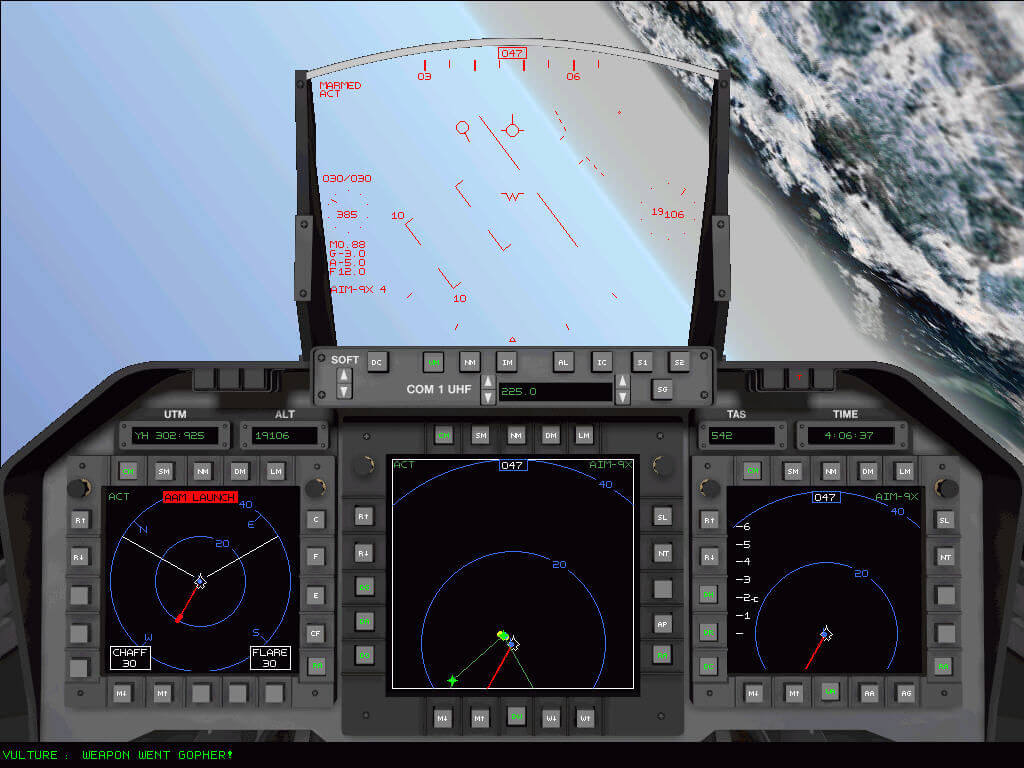
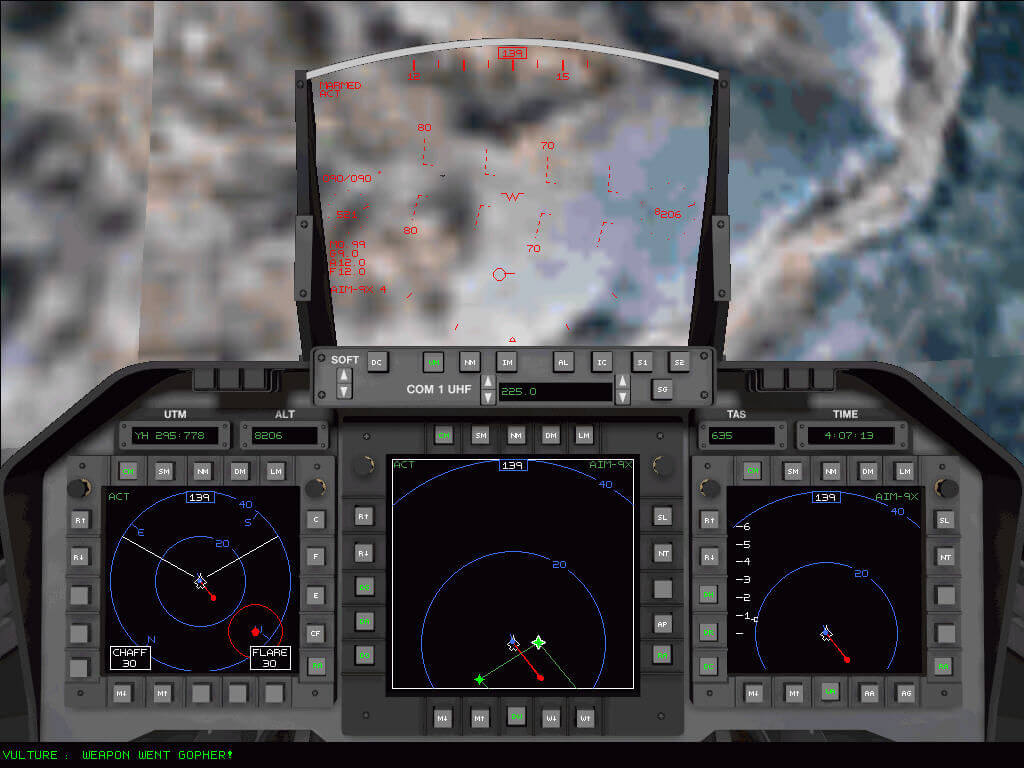
In 1997, Pointsoft GmbH, Interactive Magic, Inc. publishes iF-22 on Windows. This simulation game is now abandonware and is set in a flight, vehicular combat simulator and war themes.
External links
 PCGamingWiki
 MobyGames
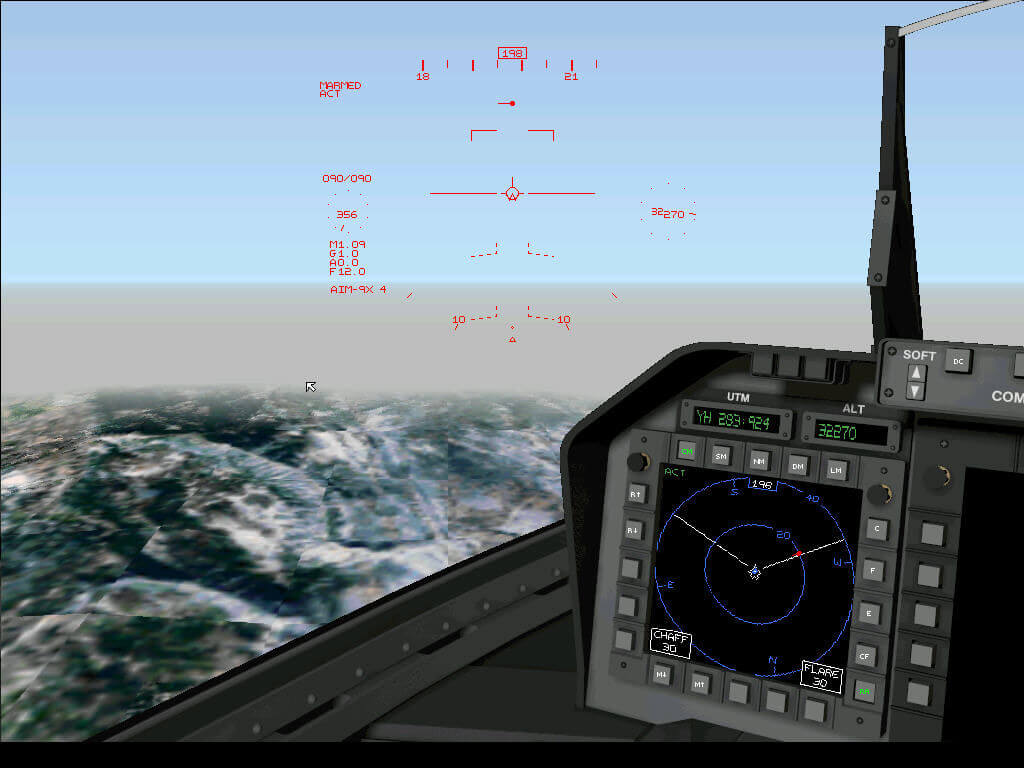
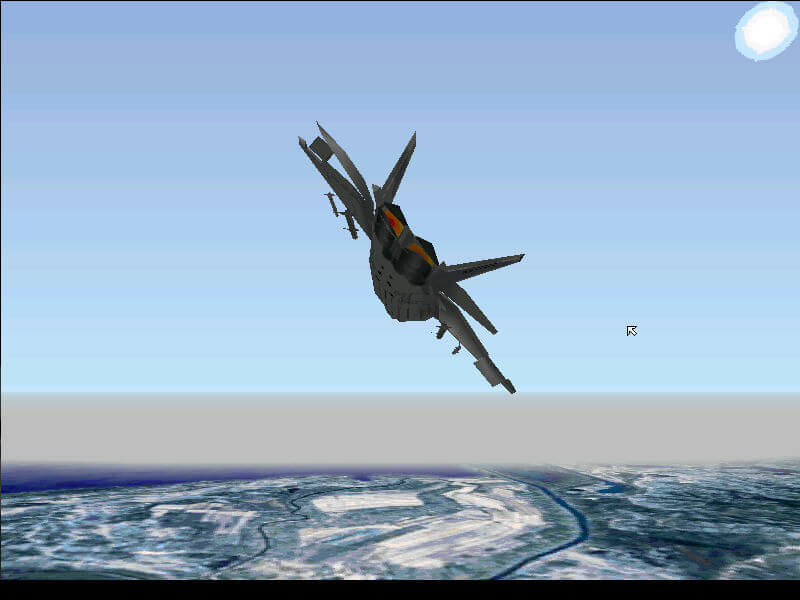
Captures and Snapshots
Comments and reviews
MALAYSIAN 2026-06-23 0 point
(UPDATED) GUIDE TO USE A BLUETOOTH CONTROLLER (DS4) FOR IF-22 PERSIAN GULF V5.0 TO PLAY NATIVELY ON MODERN WINDOWS
Assuming that you've already download and install both x360ce v4.x (with HIDGuardian) and DS4Windows (with ViGEm), please follow the 5 steps below:
1) Make sure DS4 controller (via wireless Bluetooth) is turn off.
2) Open x360ce program, go to DEVICES and tick HIDE for the X360 USB controller (or any other USB wired controller attached) ONLY.
3) Make sure that USB wired controller is disappear from the "Set up USB game controller" list in Windows. The list should be empty (no controller is detected).
4) Open DS4Windows program which is pre-configured to automatically use a virtual X360 controller (XInput) with the DS4 if being detected.
5) Start iF-22 game by clicking the shortcut & wait a few seconds (depends... mine is until 4 seconds) before pushing PS logo button of the DS4 to start the controller. If failed, close the game & turn off DS4 then repeat again.
*Skip step 2 & 3 if you don't have any USB controller (like the X360 wired controller) plugged in to your computer. You might not need to download x360ce at all if you don't have or not using any USB wired controller.
*Use DXWND to start the game (currently used for my game) so that the starting sequence can make a brief "gap" in time for the Bluetooth controller to work and the game can start normally (showing on screen, not just running in the background in Task Manager)
*You can also try & test any other Bluetooth controller out there besides DS4, but the bottom line is, the Bluetooth capable controller must be made "virtual" in order to use XInput for the game to recognize it.
*The game will not showing on screen when start (but running in the background in Task Manager) if it detect any HID/ USB controller connected prior to launch. The game will not recognize DS4 (DInput) unless via a virtual controller emulation (ViGEm in DS4Windows) with X360 controller preset only (using XInput).
MALAYSIAN 2026-06-08 1 point
iF-22 Persian Gulf V5.0 is playable via DDrawCompat V0.6.0 & below. My specs are Intel Celeron 2.1Ghz N2840 + Intel HD Graphics + 8GB DDR3 L RAM. Running natively on Windows 8.1 (and should work the same on Windows 10 & 11).
I've managed to solve the controller part by using a combination of x360ce (to hide the USB controller via the HIDGuardian function) and DS4Windows (with ViGEm + Bluetooth DS4). I am also using a specific DxWnd version & an imported profile (from the SourceForge forum discussing about iF-22) to make the game run on a single core-affinity processor with some colorkey fix. The only compatibility settings I used on the game .EXE is "run as administrator".
It still has multiple problems ranging from occasional freezes (after jet crashes/ exiting a mission), missing transparency effects & textures (becoming black boxes) when using Direct3D rendering, and the menu... which is accessible and working fine but the graphics are broken with white background at the supposedly black button/ link/ text area.
Diego 2022-06-09 4 points
How to play this game on modern windows, is there a patch to download?
Call Sign, Mantis 2020-08-05 10 points
To avoid SAM and AAA radar, I had fun on my ingress to bomb the targets going in between the mountains. And If I faced any air to air threats, I sent my wing-men to attack them to save my missiles (and be able to defend myself) and I would send them home when they ran out of their own. Be sure to recall them to formation if they keep saying, "my missile went stupid." I also pretended to fly an older fighter, by turning off auto chaff and flare dispense and flew just above the clouds to the land and turned into a flight pattern witch was perpendicular to the incoming missile to make it see and be fooled by the countermeasure.
Write a comment
Share your gamer memories, help others to run the game or comment anything you'd like. If you have trouble to run iF-22 (Windows), read the abandonware guide first!
Download iF-22
We may have multiple downloads for few games when different versions are available. Also, we try to upload manuals and extra documentation when possible. If you have additional files to contribute or have the game in another language, please contact us!
Windows Version
 530 MB
Game Extras
Various files to help you run iF-22, apply patches, fixes, maps or miscellaneous utilities.
Similar games
Fellow retro gamers also downloaded these games: