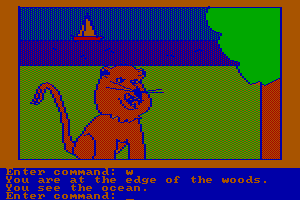
| Alt name | Start Klar Vorschule |
|---|---|
| Year | 1994 |
| Platform | DOS |
| Released in | United States |
| Genre | Educational |
| Theme | Fantasy, Graphics / Art, Math / Logic, Music, Reading / Writing |
| Publisher | Knowledge Adventure, Inc. |
| Developer | Fanfare Software |
| Perspectives | 3rd-Person, Fixed / Flip-screen |
Description of JumpStart Kindergarten
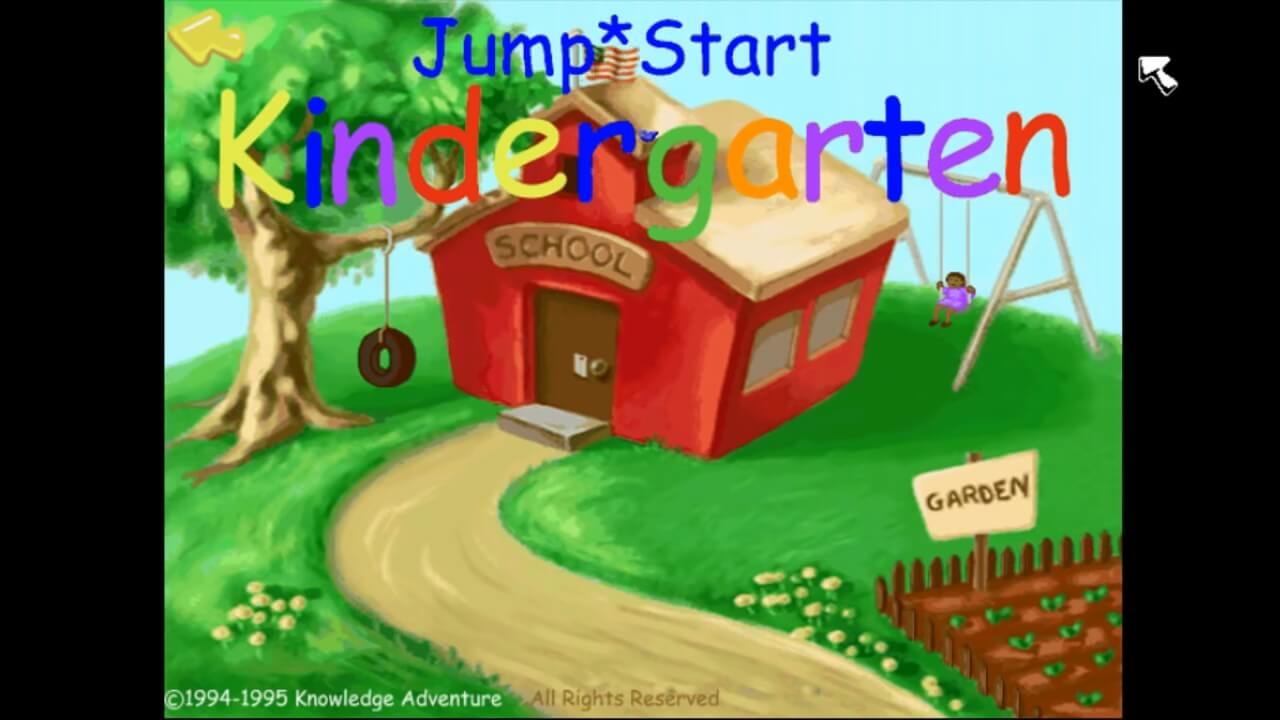
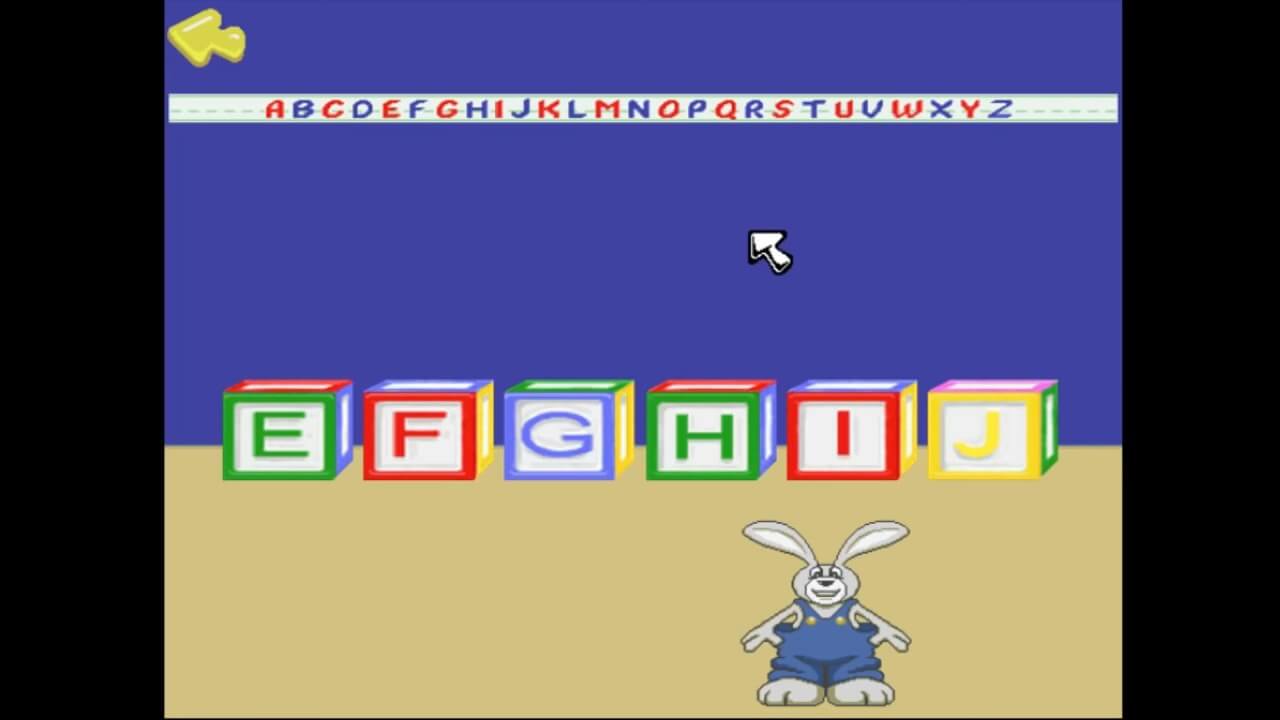
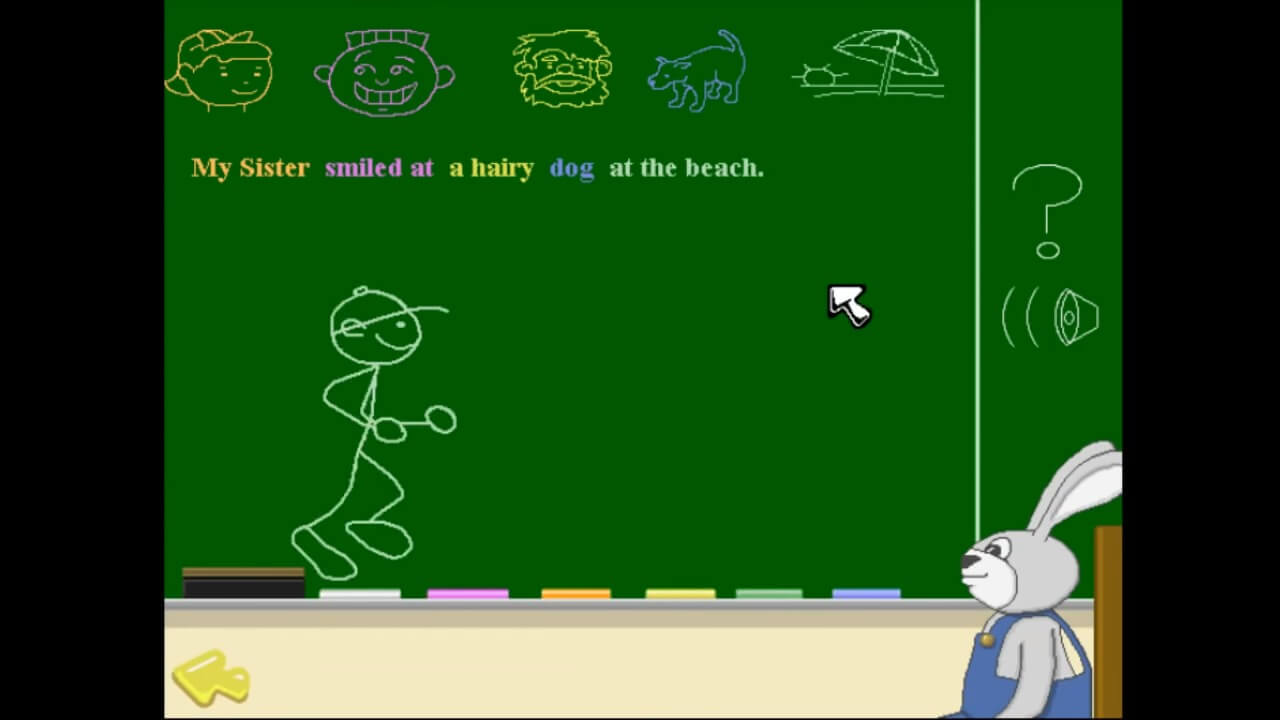
Here is the video game “JumpStart Kindergarten”! Released in 1994 on DOS, it's still available and playable with some tinkering. It's an educational game, set in a graphics / art, math / logic, fantasy, music and reading / writing themes and it was released on Windows as well.
External links
 Fandom Page
 PCGamingWiki
 IGDB
IGDB MobyGames
Captures and Snapshots


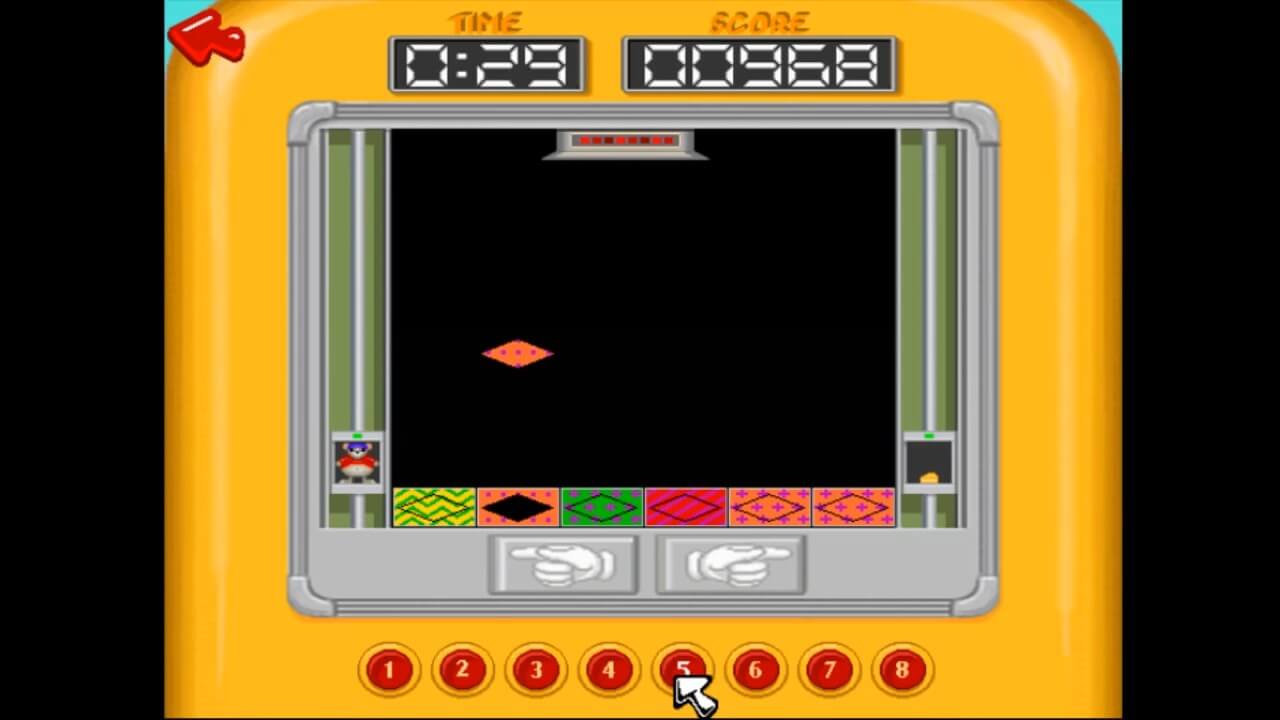

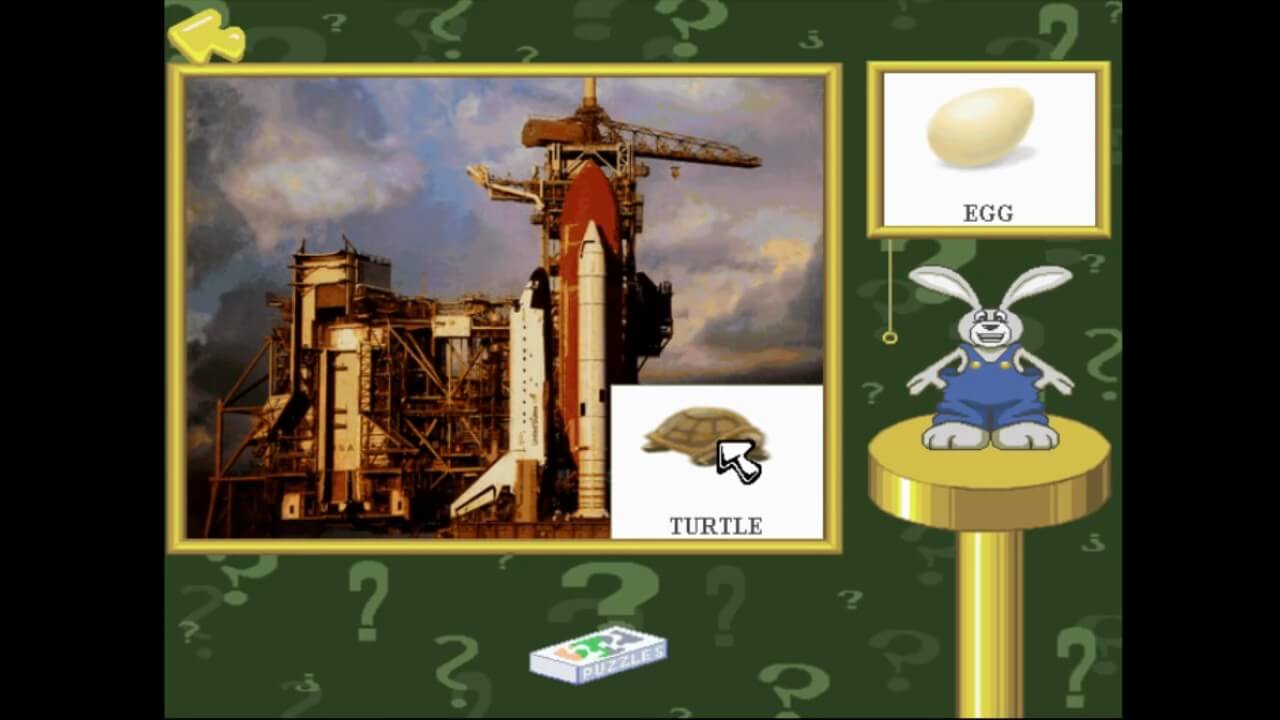
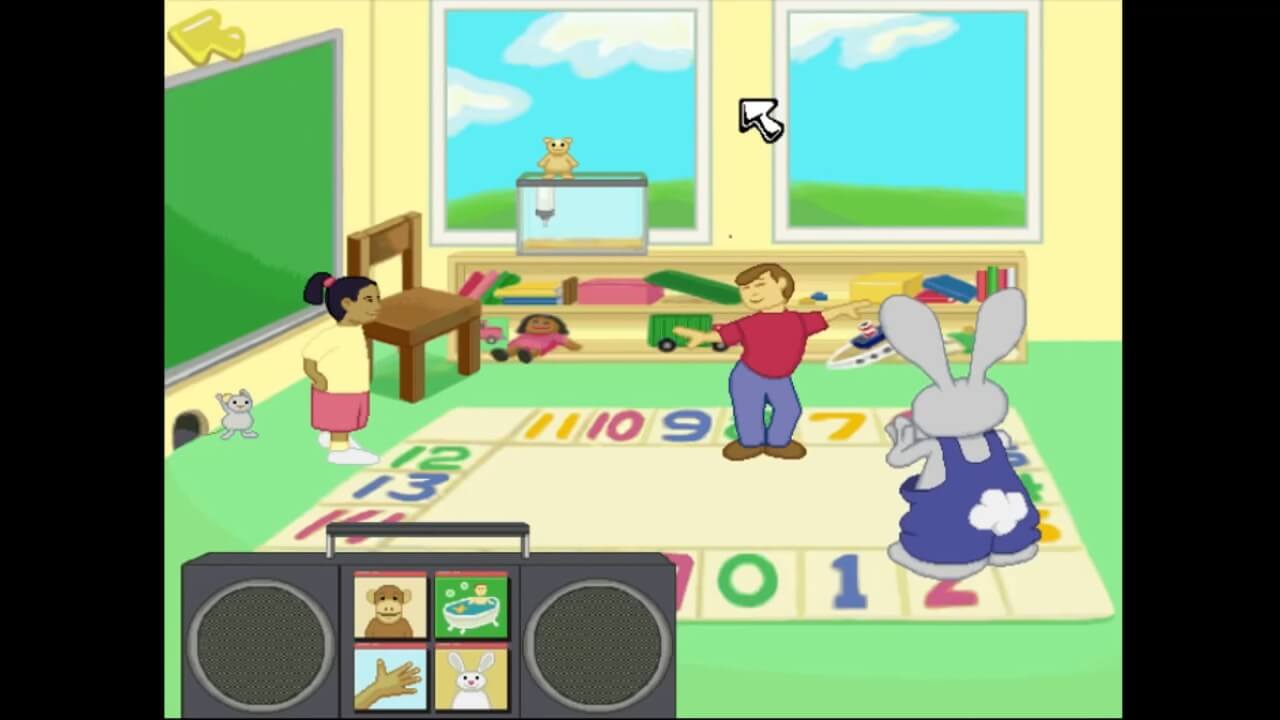
Comments and reviews
DanTheMan 2026-08-08 1 point
Hey everyone, I apologize if there is an easier way to get this to work, but I managed to with these steps. I will try and make it as clear and specific as possible. These steps also worked for JS 2nd Grade (mind you, the directory names should be replaced with 2G instead of KG). I sincerely hope this helps at least one other person put on their nostalgia glasses, or puts a smile on a child's face as their parent lets them enjoy these JS games. They really had no business being as good as they are.
1. download and extract otvdm to a new folder (I will use, and I recommend you use the same to prevent confusion c:\emulation\otvdm):
https://github.com/otya128/winevdm/releases
2. Go to the folder that you extracted it into, and run the shortcut called "install"
3. Run JS Kindergarten "Setup.exe" (straight out of the .zip file, DO NOT extract it). It will ask you to confirm with admin rights, say Yes.
Note: If this does not work/gets stuck, skip down to the Installshield fix step.
It theoretically should work now, but these steps are recommended anyway to prevent issues down the line, since sound files are being stored in a temp folder:
4. Open the original JS Kindergarten zip folder, and drag the KG folder into C:\KA\KG
To clarify, it should now be its own folder, located in C:\KA\KG\KG
5.Open C:\KA\KG\KG.INI
Change the SoundCDPath to:
SoundCDPath=C:\KA\KG\KG\
Change the CDPath line to:
CDPath=C:\KA\KG\KG\32Bit\
6. Save and close
Optional: Right click C:\KA\KG\KG.EXE and go to properties compatibility Enable Run in 640x480 Screen Resolution. This will make it full screen instead of a tiny window.
7. You should be done! When you run C:\KA\KG\KG.EXE, it may give you an error saying it runs best in 256 colour mode. I tried this, and it absolutely was not true for me, but feel free to play with the colour mode options in the same compatibility window from the optional step above.
-----Installshield Fix step-----
If your installer is giving you errors, you may have to try these (unfortunate) steps. Windows Defender treats this as a malicious file due to the way it works with installers, which makes this step a bit difficult.
A. Firstly, you will have to end the install task. Either reboot your computer, or go to Task Manager Details find "_ins0432._mp" and end the task. If you don't see that exact number sequence, then if you see any _insXXXX._mp file, that should be it
B. you will want to configure your Windows Defender beforehand, or it will give you errors trying to move or use the downloaded file.
Go to Settings Privacy and Security Windows Security Virus & Threat Protection Manage Settings (under the Virus & Threat Protection Settings header)
B. Add or remove exclusions (at the bottom) + Add an exclusion Folder
go to where you extracted otvdm (c:\emulation\otvdm), and select the folder
C. Go back in settings (to the "Virus & Threat Protection Settings" page), and temporarily disable Real-time protection (I know, I don't enjoy this either, but how else are we going to be able to reminisce about a game for elementary children?)
D. Download Installshield fix (I recommend not using MS Edge, since it still gives a hard time even with RT Protection disabled):
https://github.com/cracyc/installshieldfix/releases
E. Open the isfix.zip, and drag the files directly into your otvdm folder (c:\emulation\otvdm)
F. close the zip, go back and re-enable your Real Time Protection (Settings Privacy and Security Windows Security Virus & Threat Protection Manage Settings (under the Virus & Threat Protection Settings header)
G. Open your otvdm.ini file (located in c:\emulation\otvdm)
H. At the very bottom, remove the semi colon and change the line to this:
ElevationShim="c:\emulation\otvdm\isfixload.exe"
I. Save and close the file, and return back to Step 3.
anderda anderda 2026-05-23 0 point Windows version
anderdanderdanderdanderdandrda
anderdanderda
anderdanderda
anderda
andredandreda
Kimberly 2025-12-01 3 points
You can play it within the browser at Internet Archive https://archive.org/details/kg_20210623
MilkManMike 2025-10-13 1 point Windows version
No luck getting it to run, getting an error that says it wont launch a 32 bit system and missing a required file. Any help would be awesome. ---Windows 10.
SuraiHakashi 2025-02-28 1 point Windows version
Has anyone gotten this one to work? I'd love to let my kids play it as it holds special memories for me when I was a kid
Write a comment
Share your gamer memories, help others to run the game or comment anything you'd like. If you have trouble to run JumpStart Kindergarten, read the abandonware guide first!
Download JumpStart Kindergarten
Windows Version
- Year: 1995
- Publisher: Jordan Freeman Group, LLC, Jumpstart Games, Inc., Knowledge Adventure, Inc.
- Developer: Fanfare Software
 147 MB
Similar games
Fellow retro gamers also downloaded these games: