Nitro Stunt Racing: Stage 1
Windows - 2007
| Alt name | Нитро. Газ в пол! Эпизод 1 |
|---|---|
| Year | 2007 |
| Platform | Windows |
| Released in | Germany, Russia, Worldwide |
| Genre | Racing / Driving, Sports |
| Theme | Arcade, Tricks / Stunts |
| Publisher | Frogster Interactive Pictures AG, Game Factory Interactive Ltd., Game Seed, Russobit-M |
| Developer | Game Seed |
| Perspectives | 1st-Person, 3rd-Person |
| Tested on | Windows 10, Windows 11 |
Description of Nitro Stunt Racing: Stage 1
In 2007, Russobit-M, Game Factory Interactive Ltd., Frogster Interactive Pictures AG, Game Seed publishes Nitro Stunt Racing: Stage 1 on Windows. This racing / driving and sports game is now abandonware and is set in an arcade and tricks / stunts themes.
External links
 MobyGames
 Wikipedia page
 PCGamingWiki
 Gameplay video
How to play Nitro Stunt Racing: Stage 1 Windows
The game has been tested on Windows 7 64-bit, Windows 10 and Windows 11, it works fine, the game supports widescreen. You may experience some small troubles when you play the game on modern systems, check our Guide and Notes for details.
The game required an online activation with serial key, but the game servers are offline for many years already (the last update of the game was in 2012) so you cannott register/activate your copy of the game even if you bought it. The game won't work without setting the serial to XXXXX-XXXXX-XXXXX-XXXXX-XXXXX-XXXXX in the Windows Registry after installing, so to install & play the game follow the guide below
Install & play guide (for English version v0.2.8.2):
- Run the installer. Install the game as a demo, leave the serial key space as blank during installation. If the installer asks to enter the serial key - close it and try again, sometimes it works only after 2-3 tries. Or try to enter serial key
KGN1G-YB43Y-GFWWN-YNS68-J4NQI-M5C7N, it is the serial key for Polish version - After you installed the game - run Serial.reg from NoCD archive to add the serial key to Windows Registry
- Then use NoCD, copy ReflexMaster.exe to
Binfolder inside the game directory. Don't forget to run Serial.reg before replacing the executable, the modified executable does nothing on its own! - Right-click on ReflexMaster.exe -> Properties -> Compatibility -> Set "Run this app in Compatibility mode with Windows 7" and "Run as Administrator"
- Launch the game and play. If the game doesn't work in compatibility mode with Windows 7 - try to launch it in Compatibility mode with other version of Windows (Windows XP, Vista, etc.)
Thanks to user DanteDraconi for providing the files of the game and instruction how to run it, check this page for more details
Notes:
- If the installation doesn't start - try to launch the installer in Compatibility mode with old version of Windows (98, 2000 or XP) and as Administrator
- It is recommended to install all versions of Microsoft Visual C++ Redistributable and NET Framework for the correct work of the game. Also it is recommended to install K-Lite Codec Pack for the correct work of in-game videos
- The game works on DirectX 9, so if you're using Windows 8, 8.1, 10 or 11 - you need to enable DirectPlay: Go to Control Panel, and select 'Programs'. Select 'Turn Windows features on and off', click on 'Legacy Components' and check the box 'DirectPlay'. Select OK, once the installation is done, restart your computer
- There can be a bug in installer when the "Back", "Next", "OK" and "Exit" buttons aren't displayed. The installer may encounter an error where the "Back," "Next," "OK," and "Exit" buttons aren't displayed. However, the buttons themselves are still present, so simply click the empty spaces where they're typically located in standard installers
- The default desktop shortcut of the game includes the launcher where you can configure some settings. If you want to enable that launcher manually, you need to add
-configcommand line argument to desktop shortcut: create desktop shortcut for exe-file of the game located inBinfolder, then right-click on desktop shortcut -> Properties and in the "Target" line add-configat the end (should look likeD:\Games\NitroStuntRacing\Bin\ReflectMaster.exe -config) - The game supports Anti-aliasing up to 8x FSAA, but you cannot use it with Shader Model 2.0, you can select only Shader Model 1.3 and use Anti-aliasing with it, or Shader Model 2.0. To be able to use Anti-aliasing with Shader Model 2.0, run the game through dgVoodoo 2
- If you have troubles when the game doesn't run, or you have a visual glitches - run the game through dgVoodoo 2: copy dll-files from
MS/x86folder, dgVoodooCpl.exe and dgVoodoo.conf toBinfolder inside the game directory, next to executable file of the game. The game with dgVoodoo 2 should work fine on modern systems, it was tested on Windows 10. Also, with dgVoodoo you can play the game with Anti-aliasing (even with Shader Model 2.0) and texture filtering and other features; to change dgVoodoo settings run dgVoodoo Control Panel (dgVoodooCpl.exe) as Administrator - The game has the controller support and should work fine with any type of gamepads. However, the mouse & keyboard may be required to navigate through some menus. If the game doesn't recognize your controller - try using one of the additional tools from PCGamingWiki guide for controllers
- Don't forget to check PCGamingWiki if you have troubles!
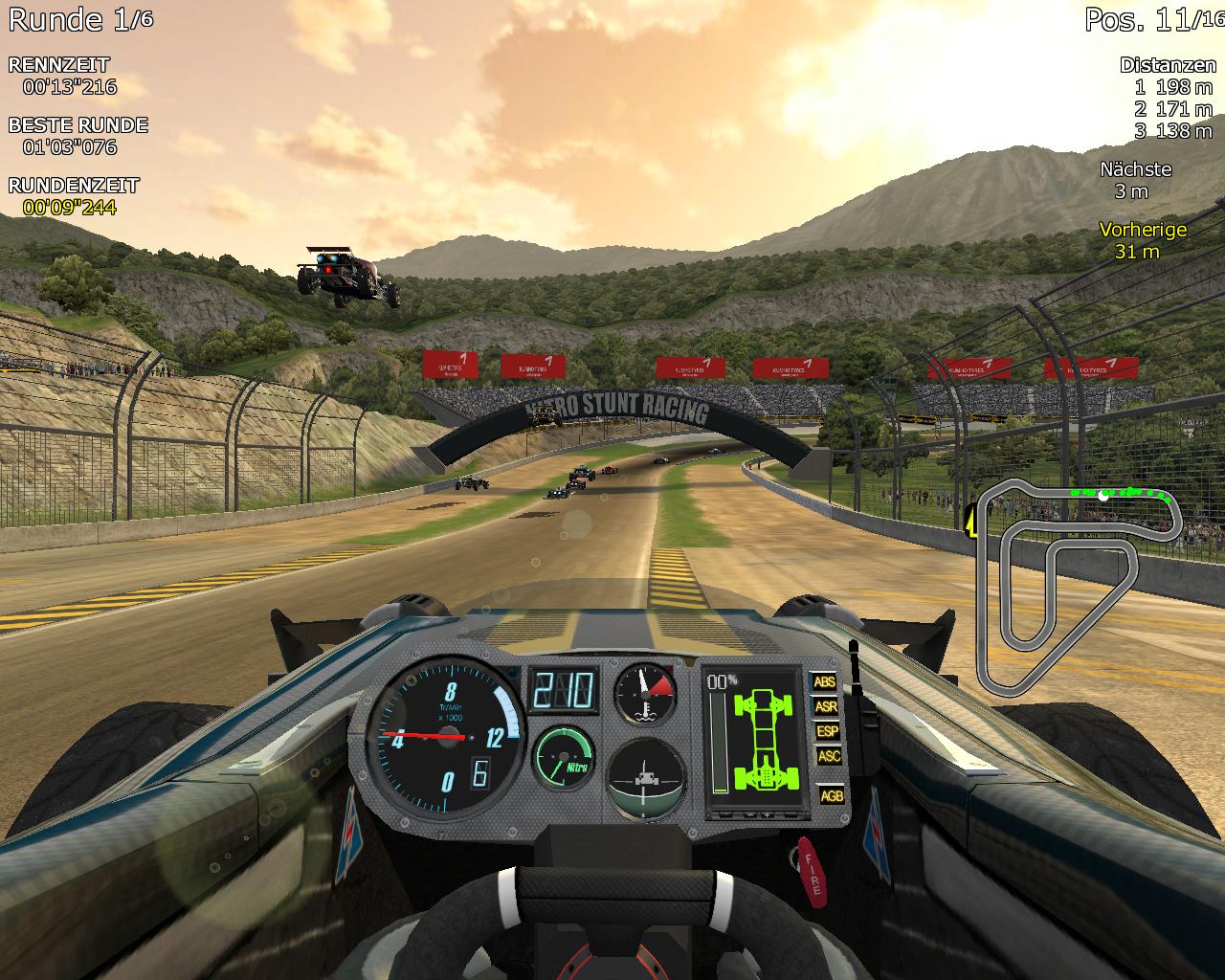
Captures and Snapshots
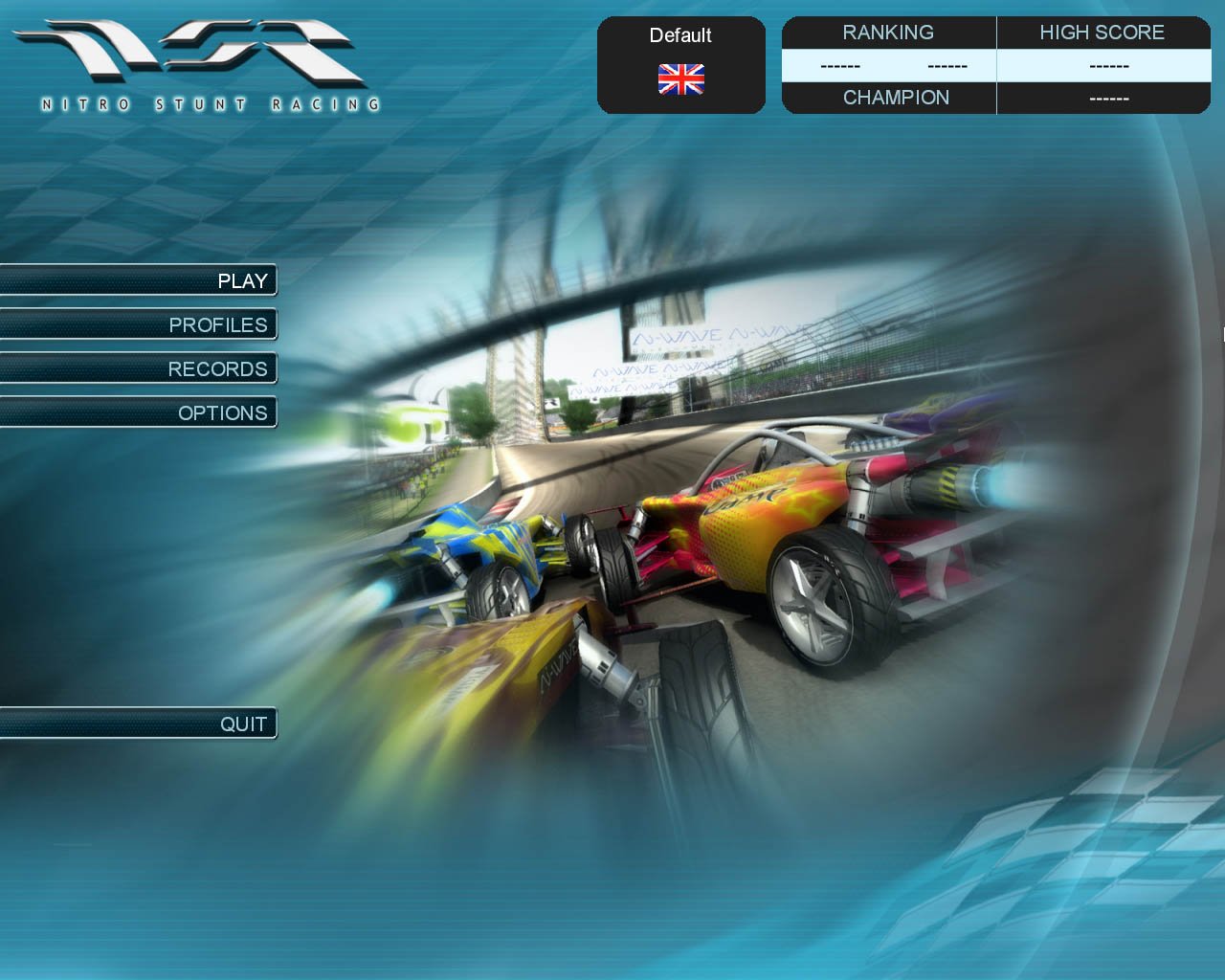
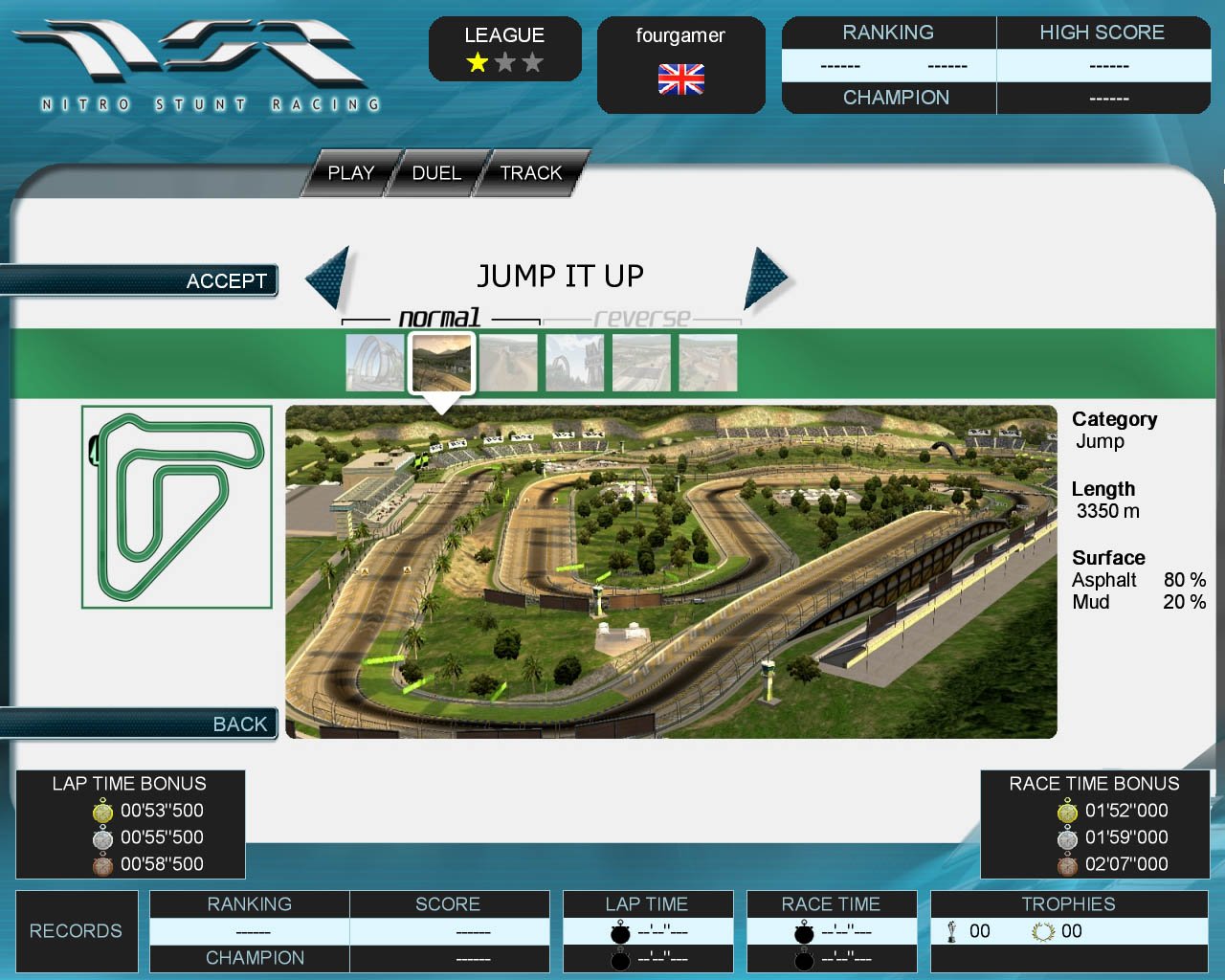
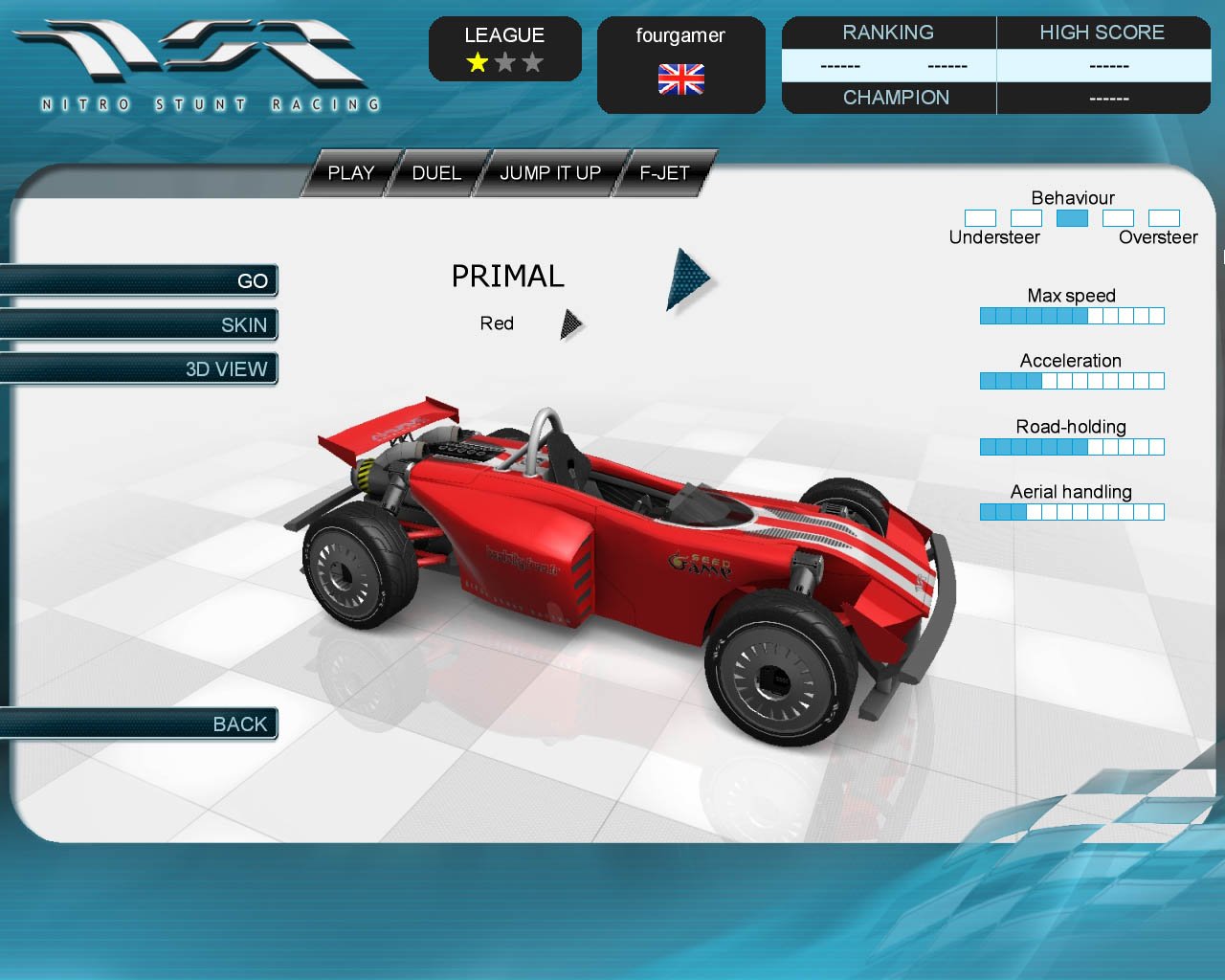
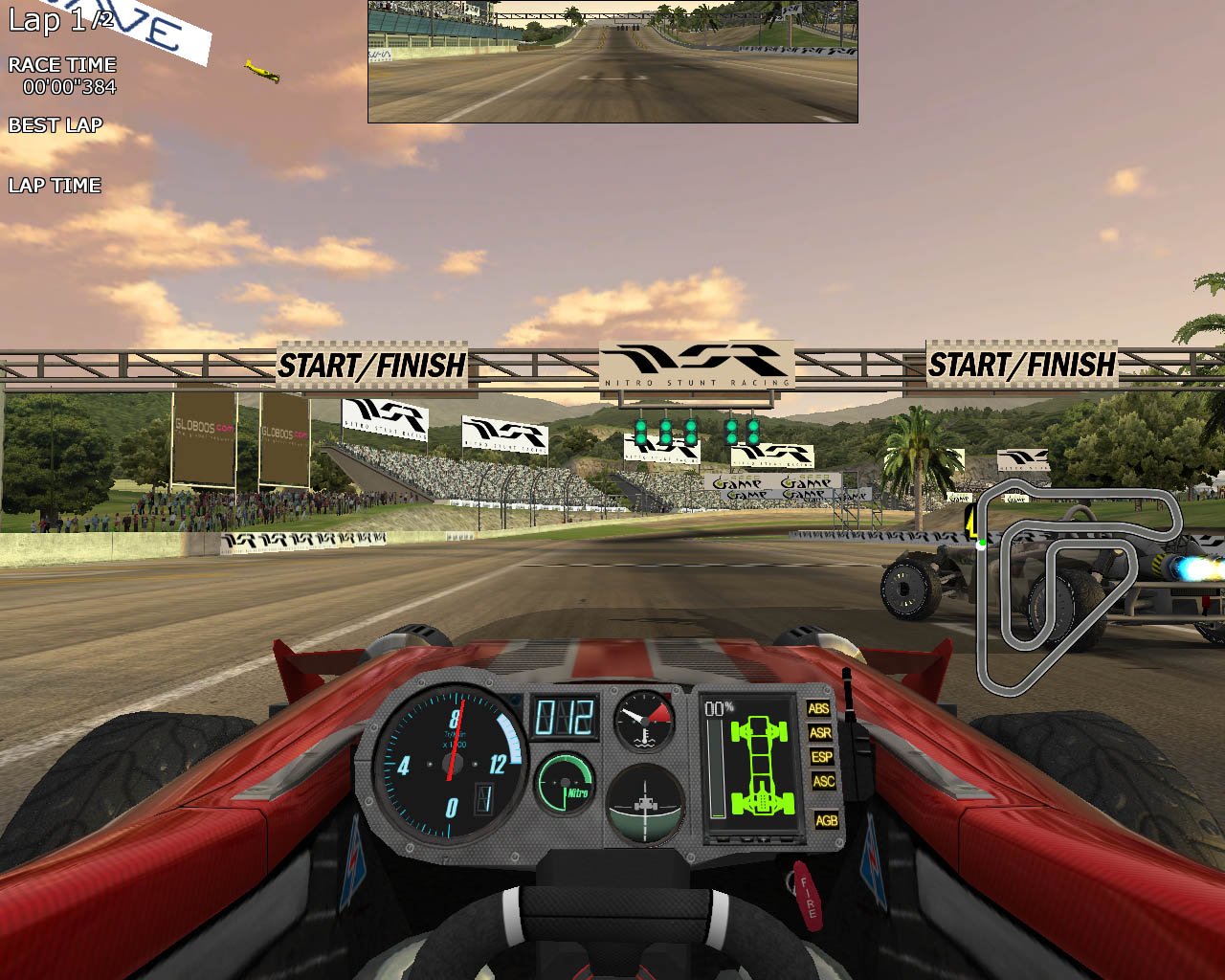
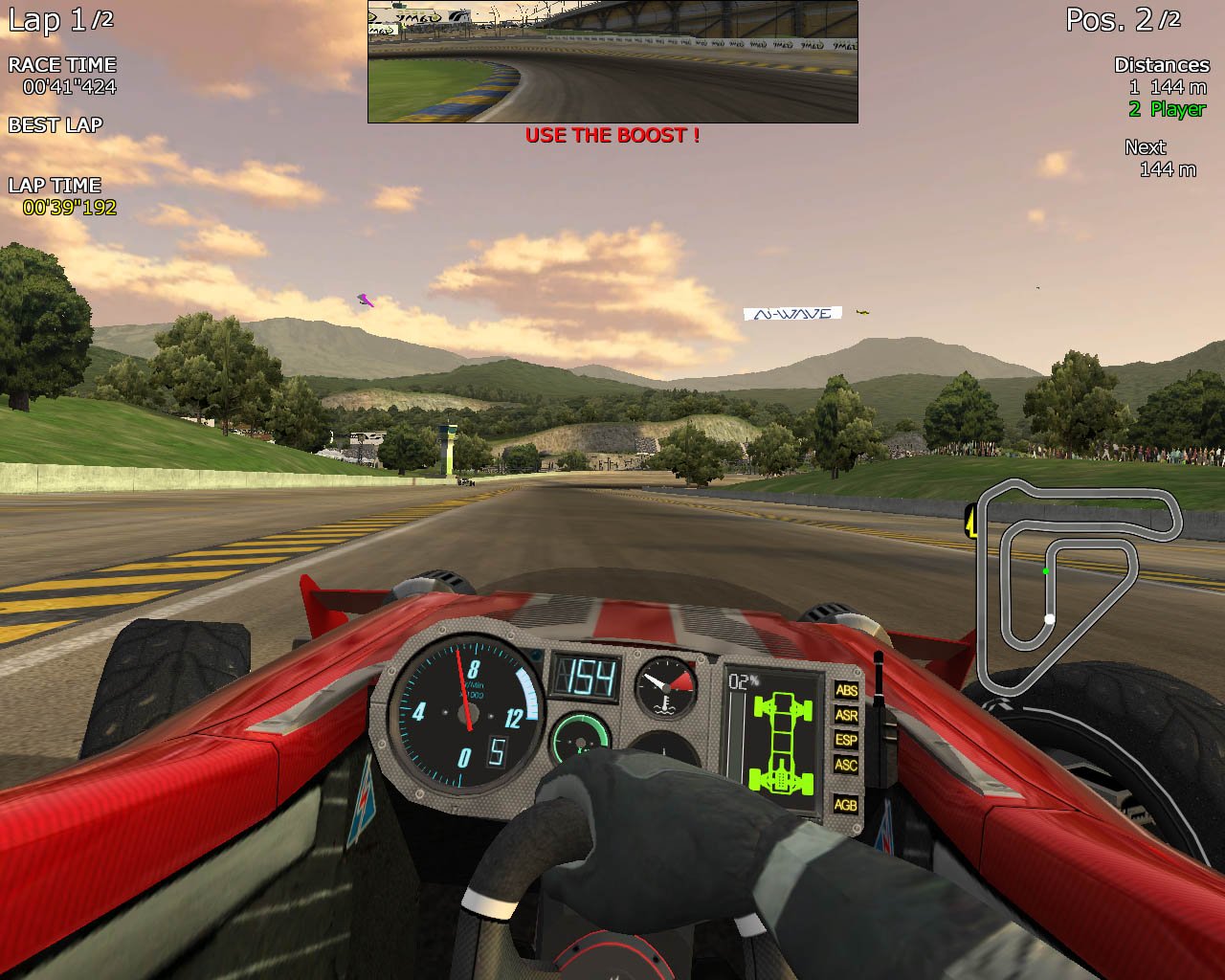
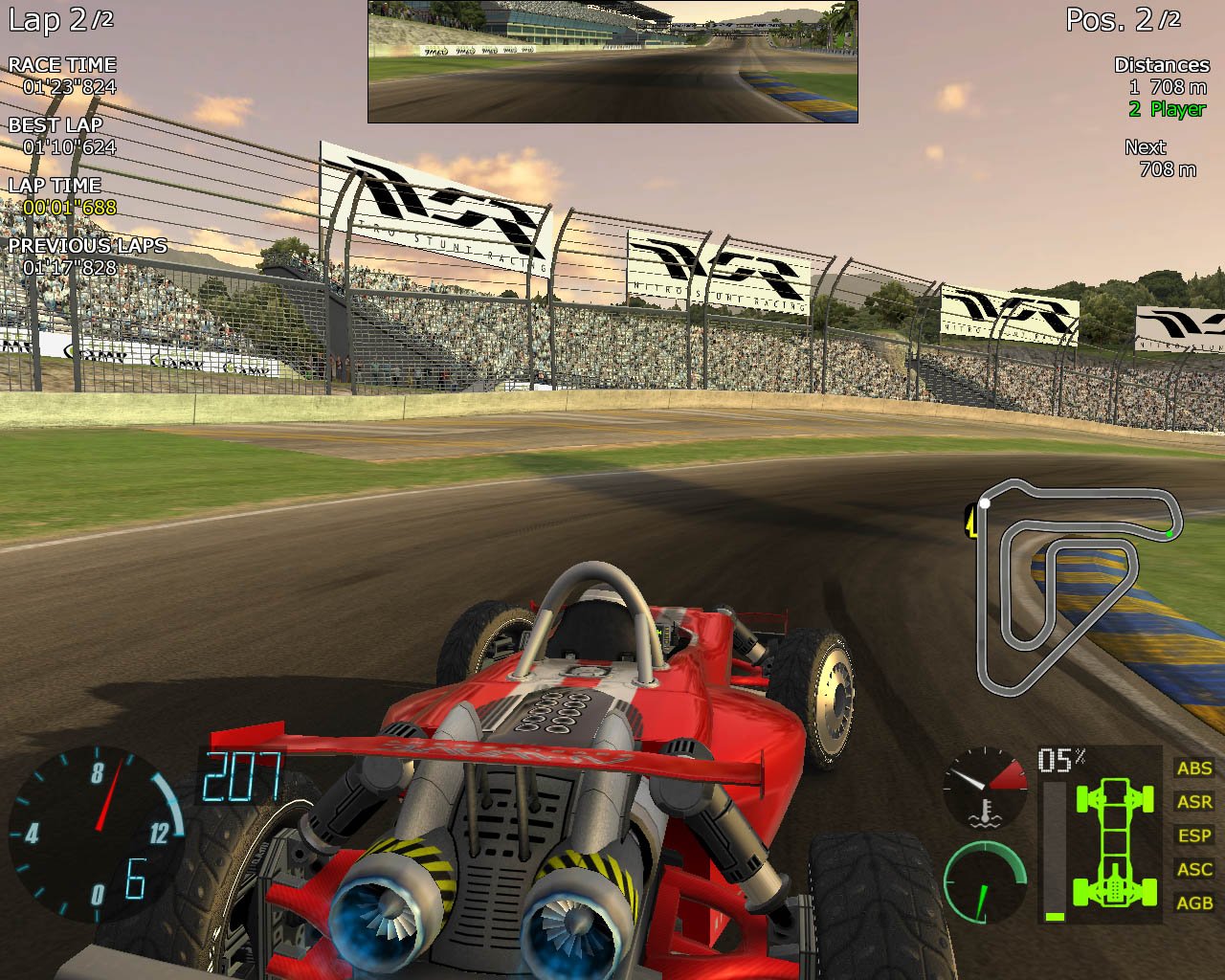
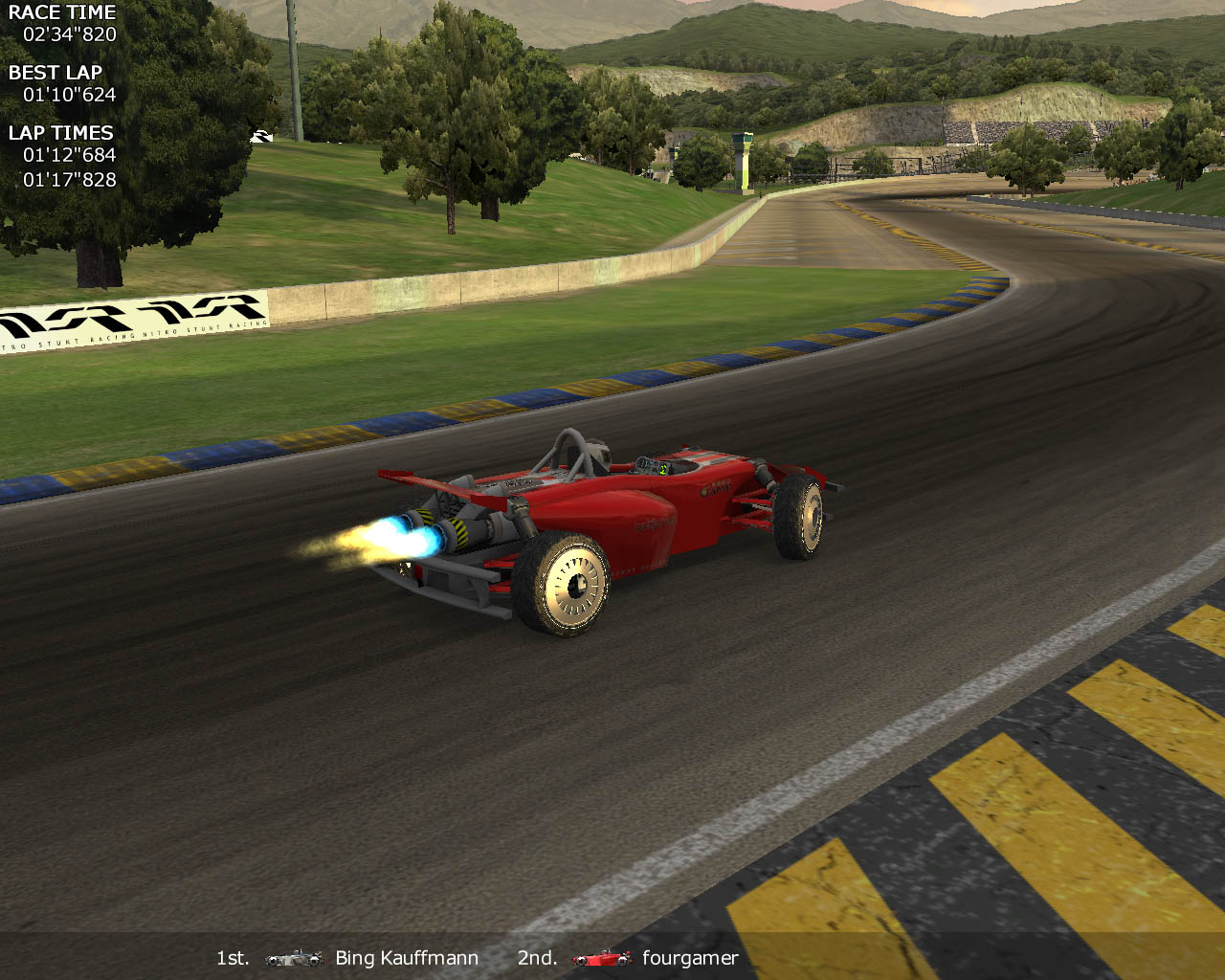
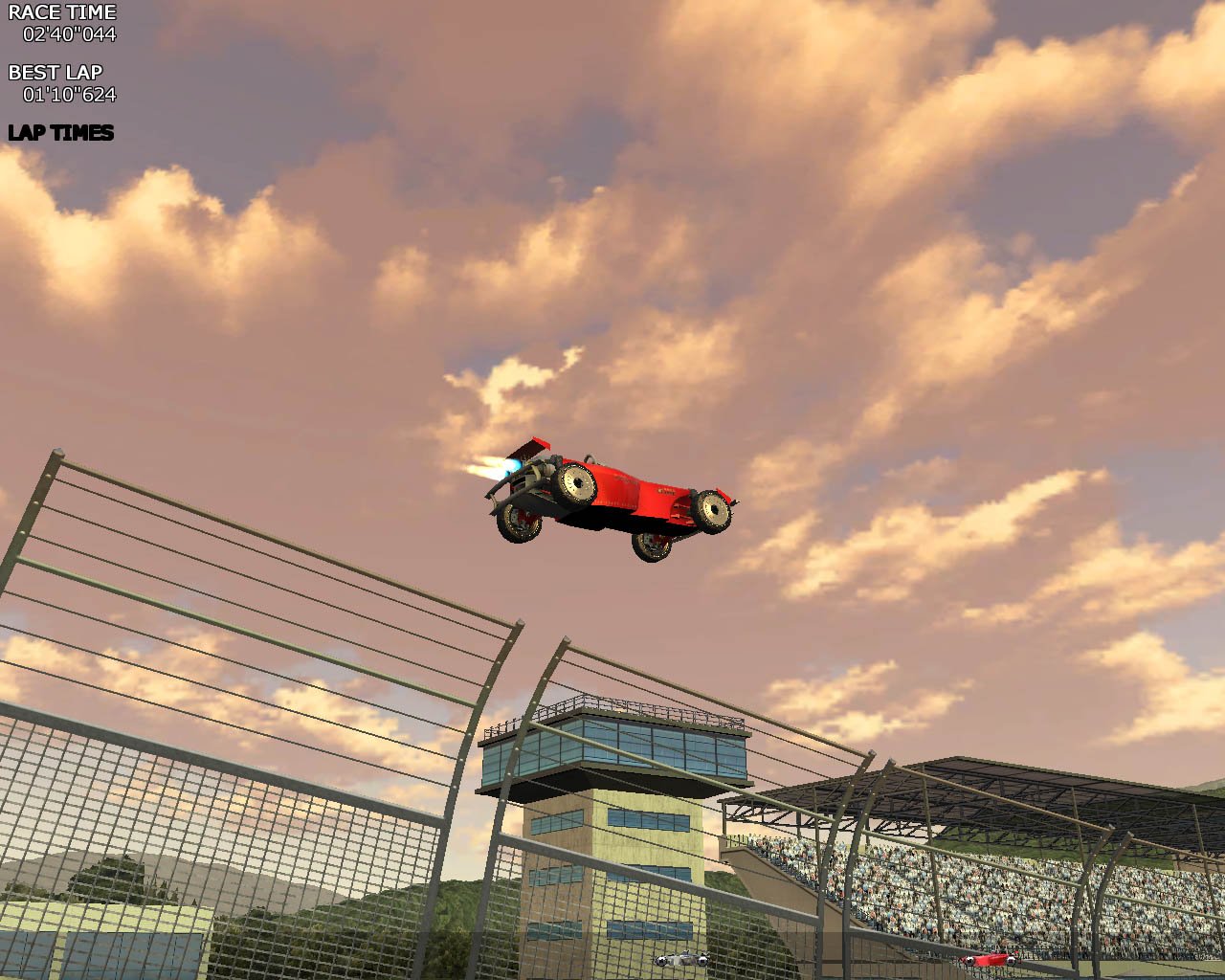
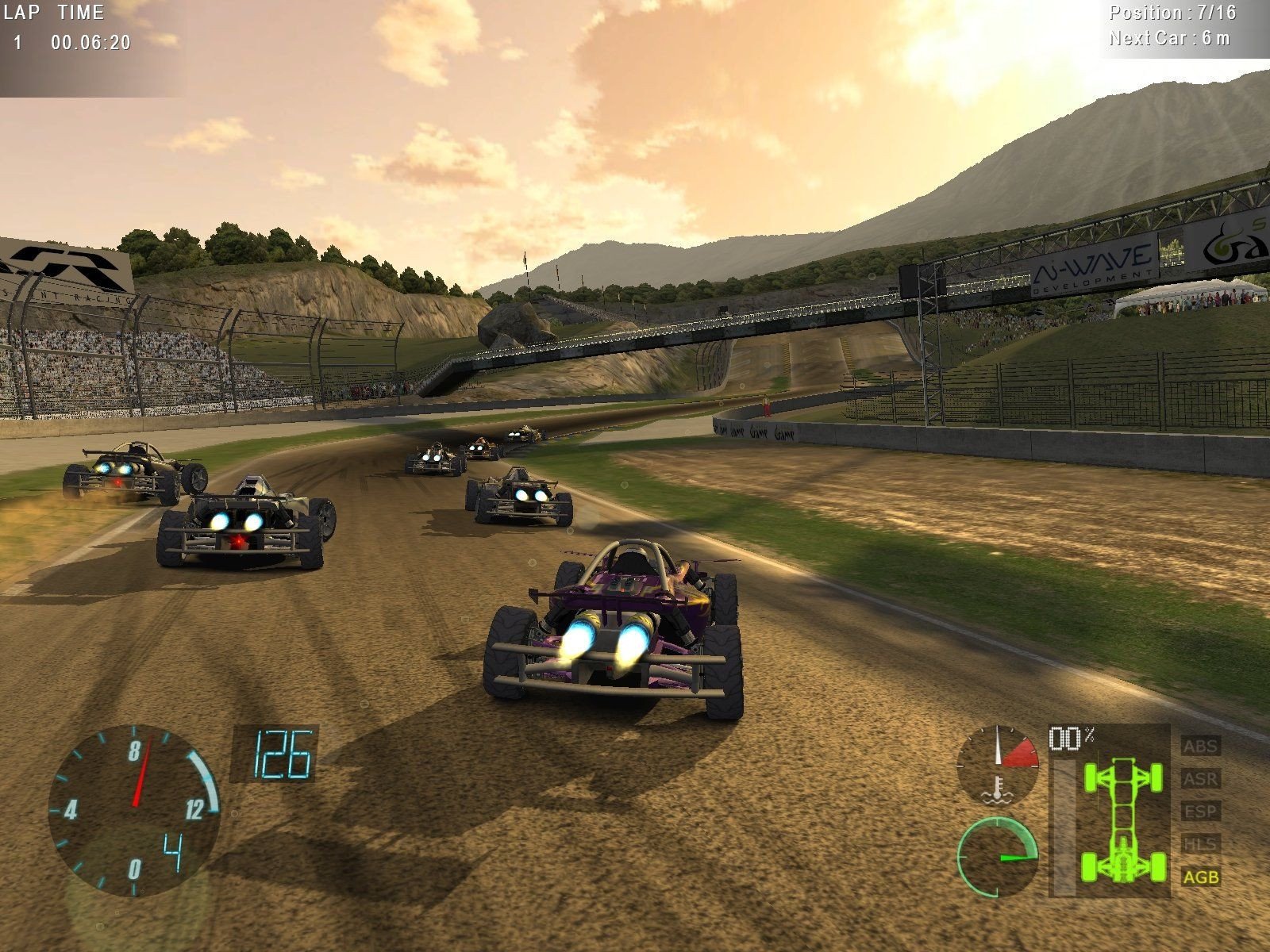
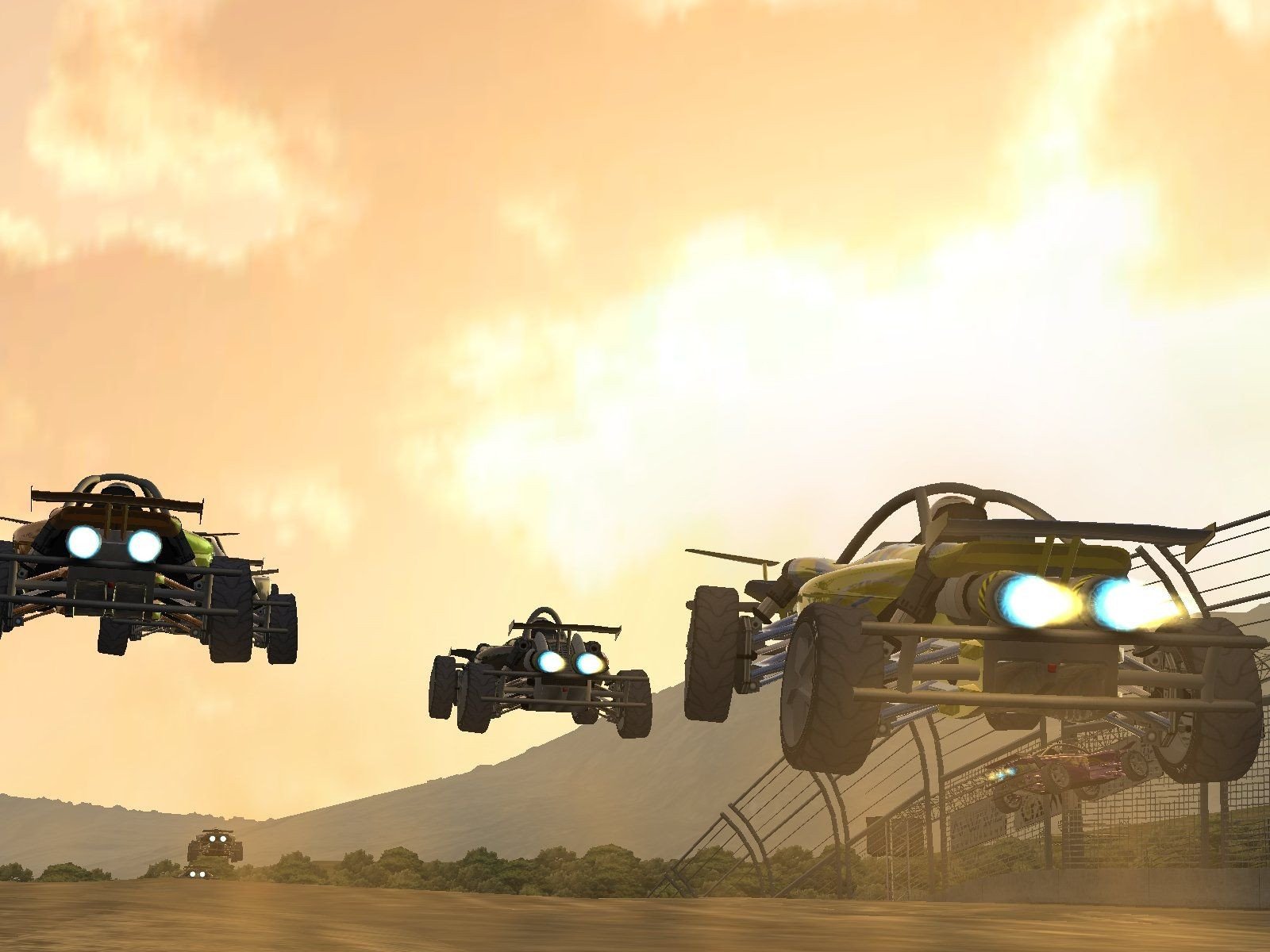
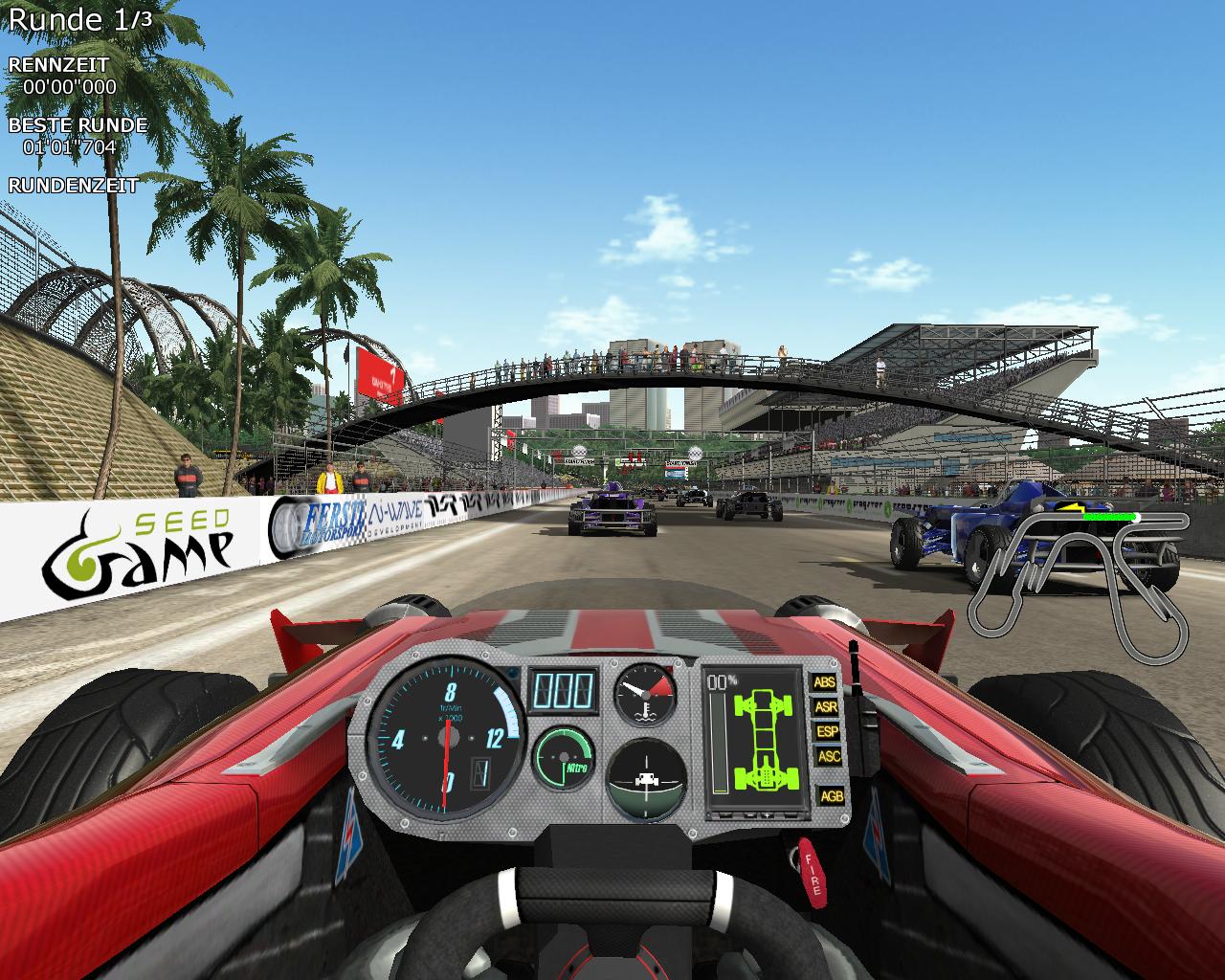
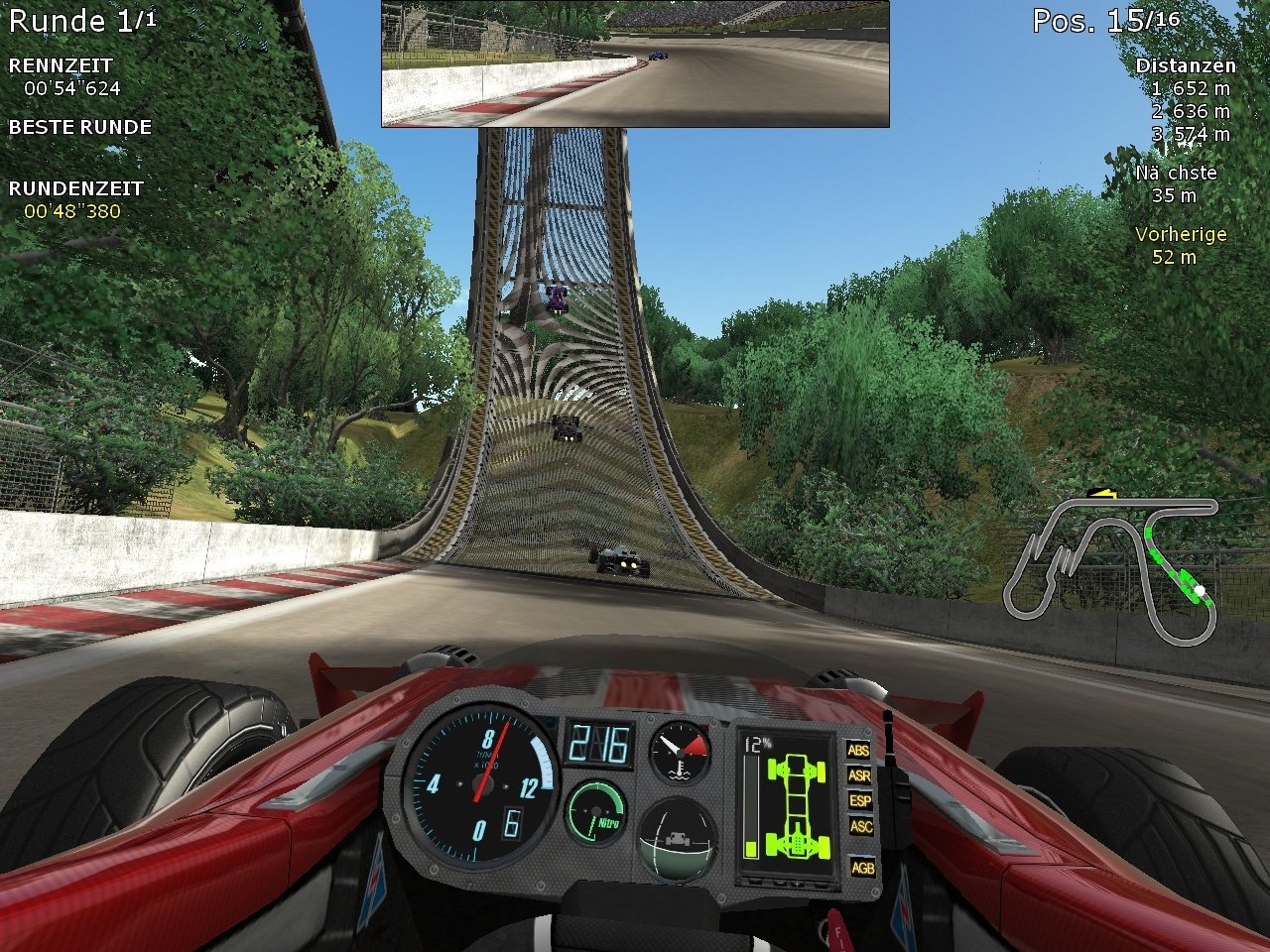
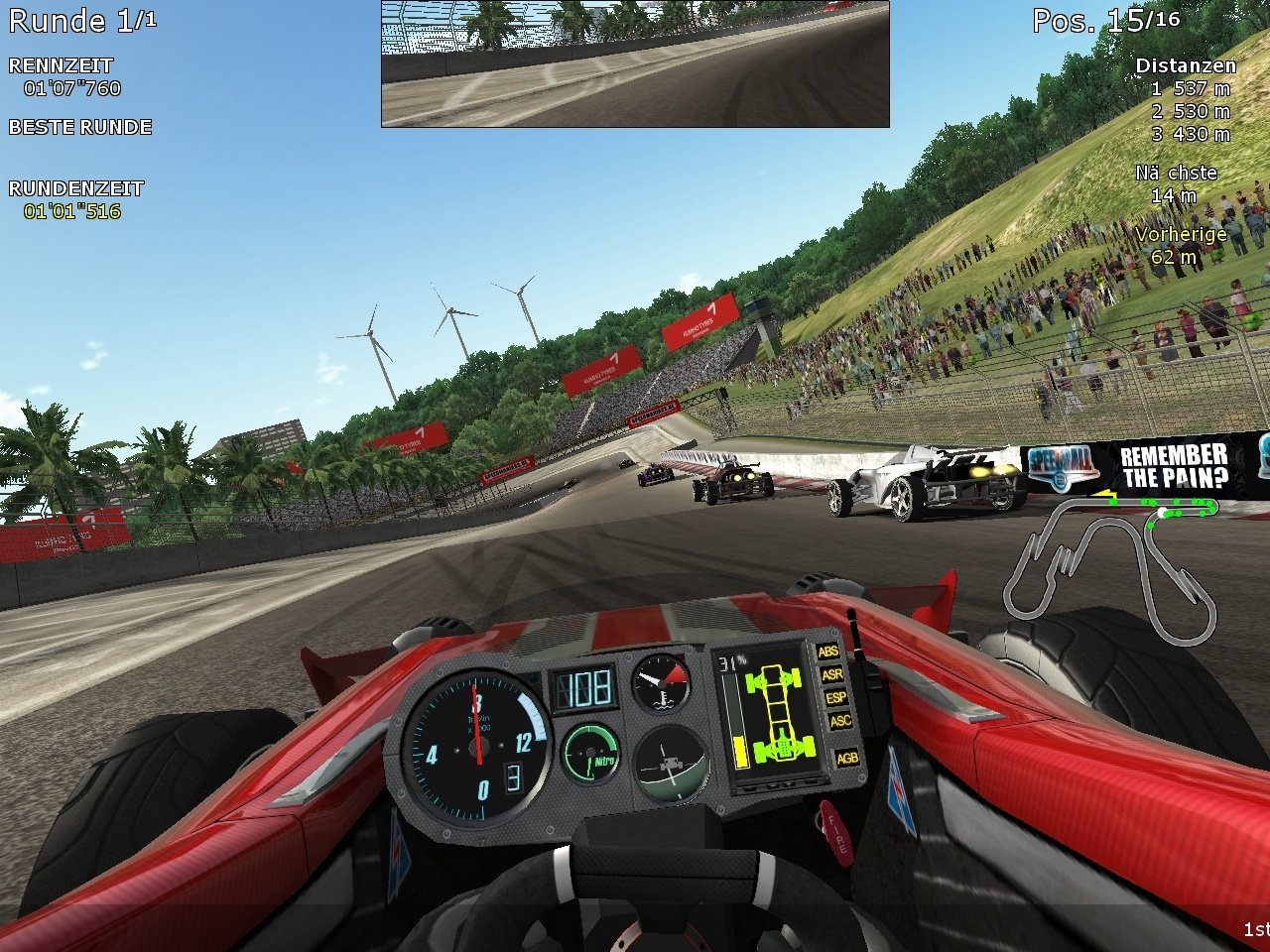
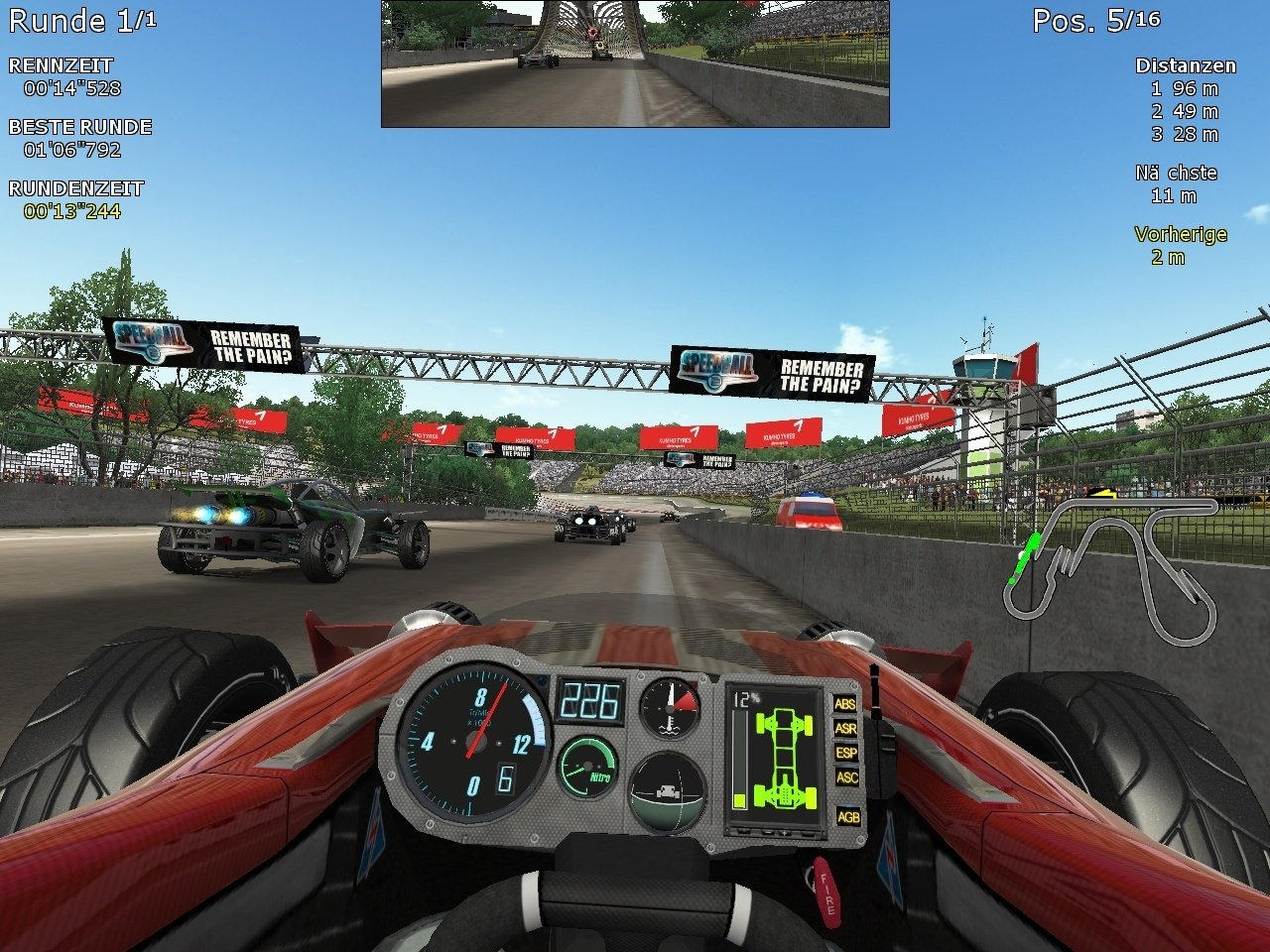
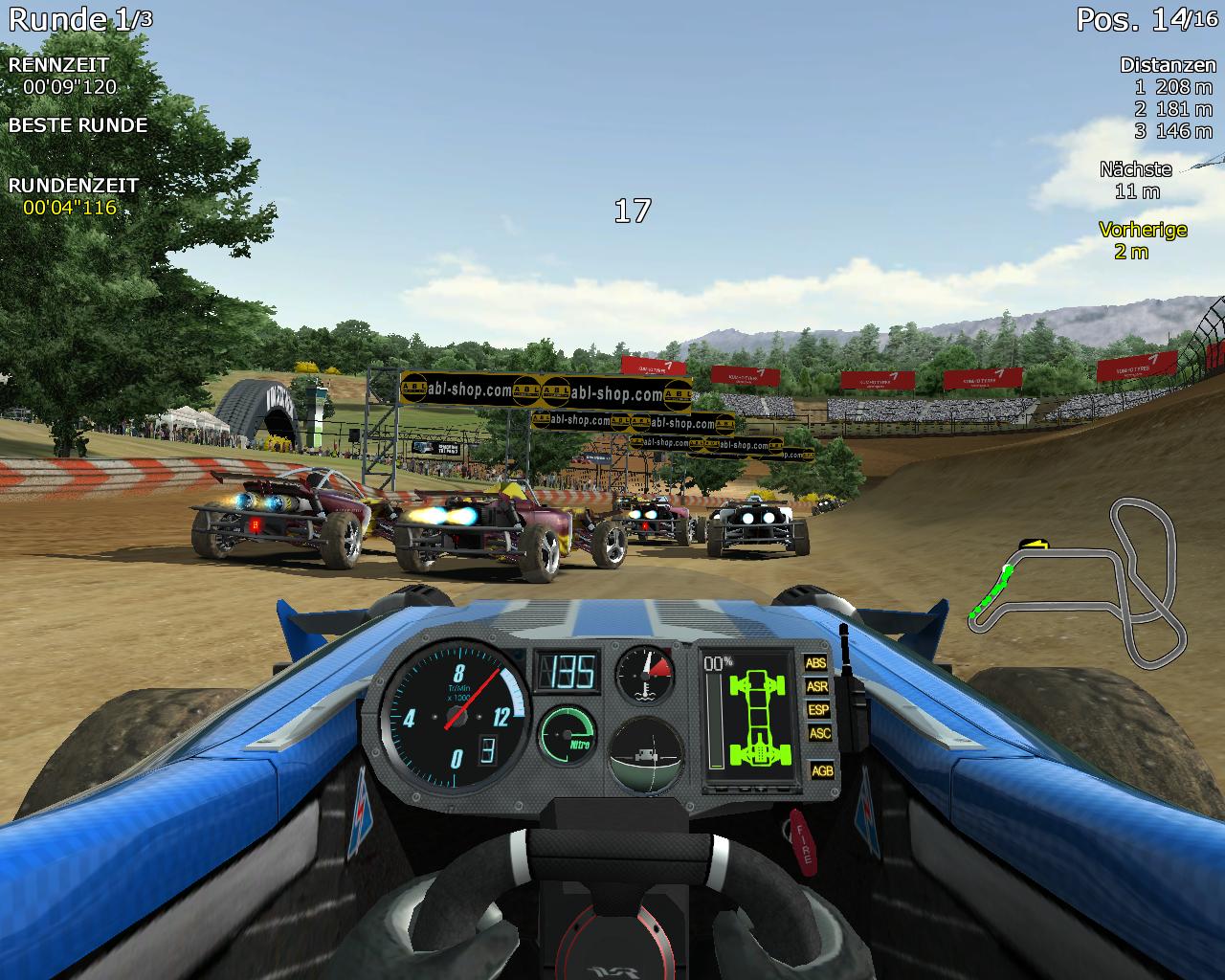
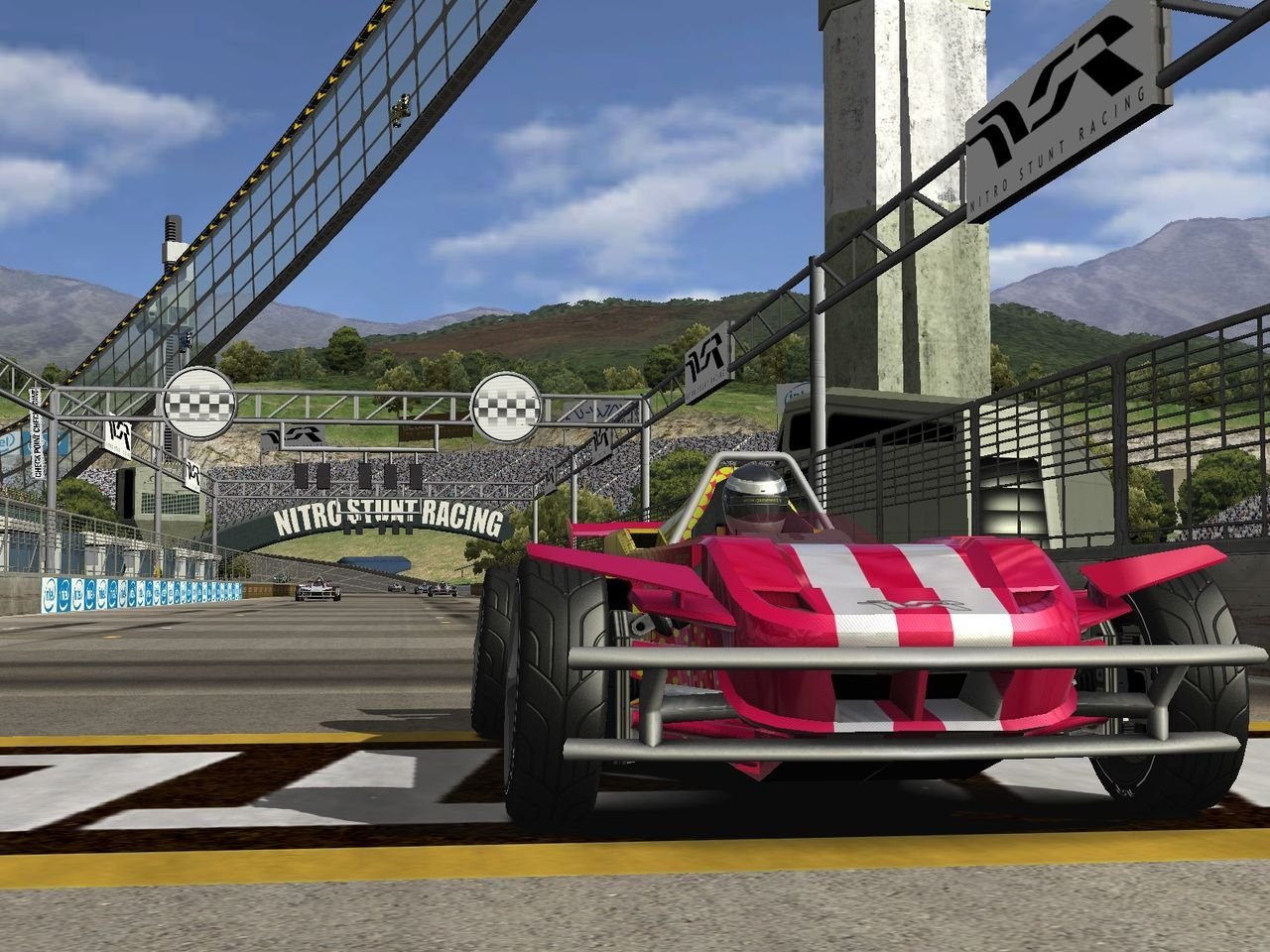
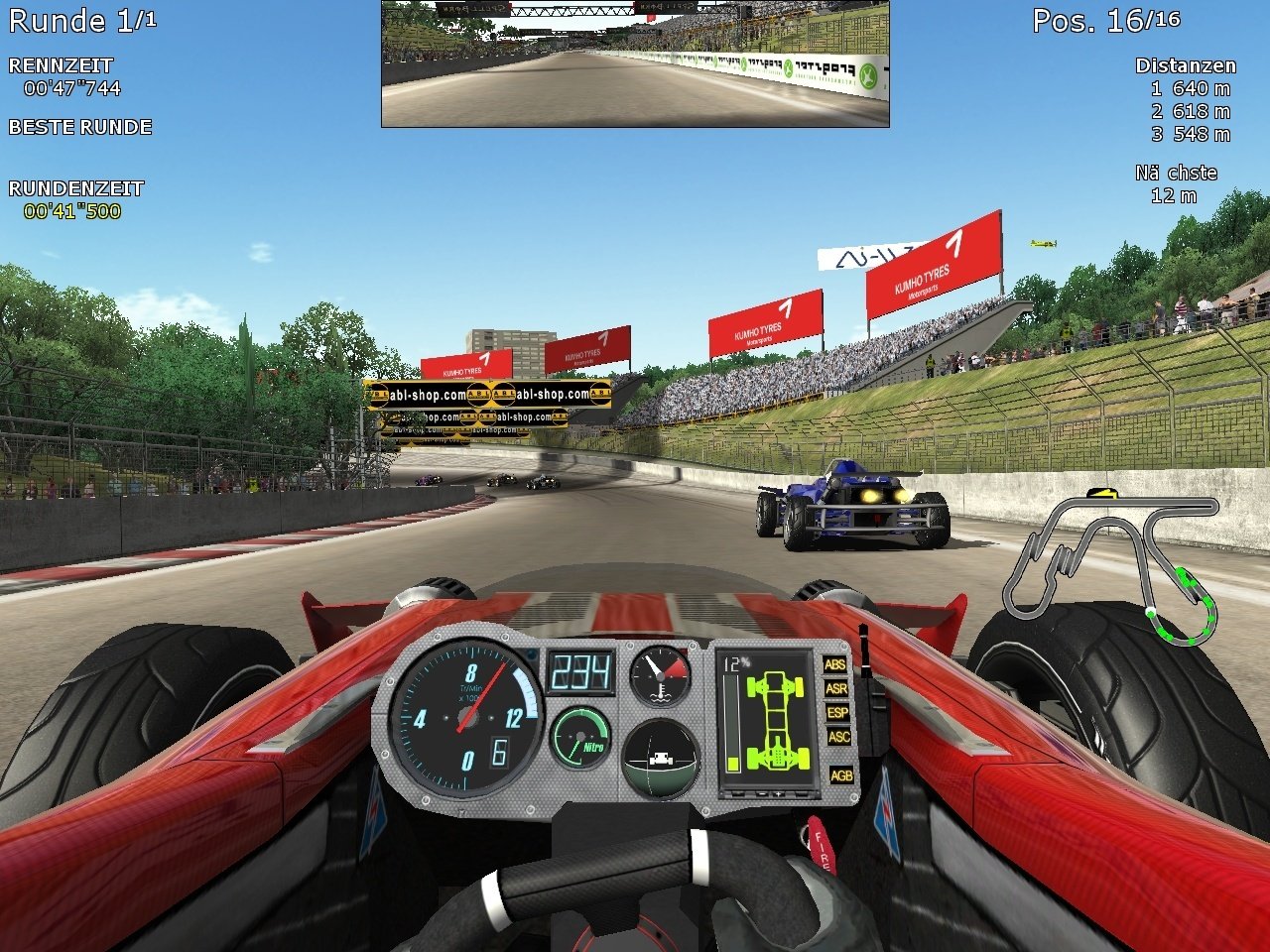
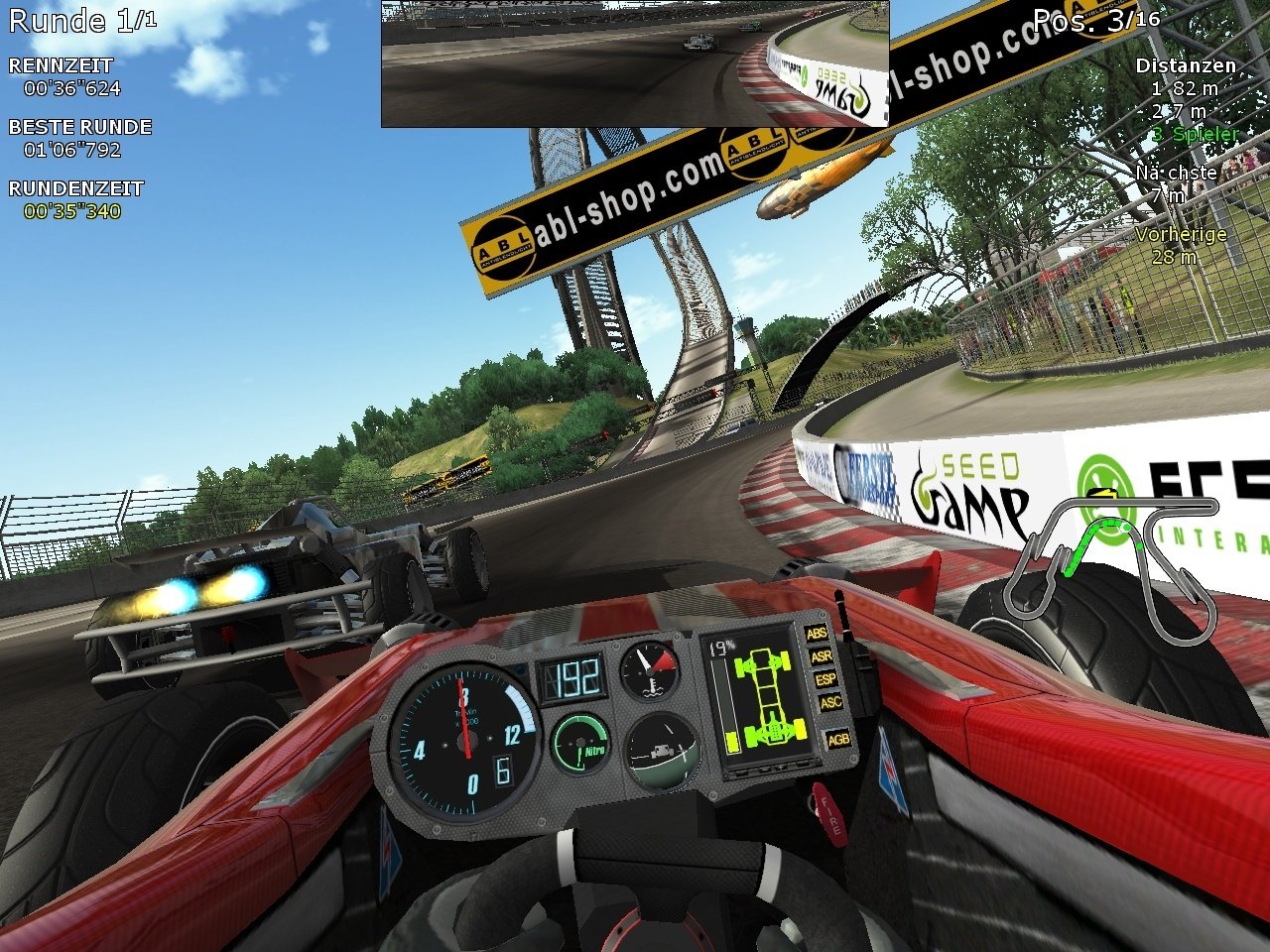
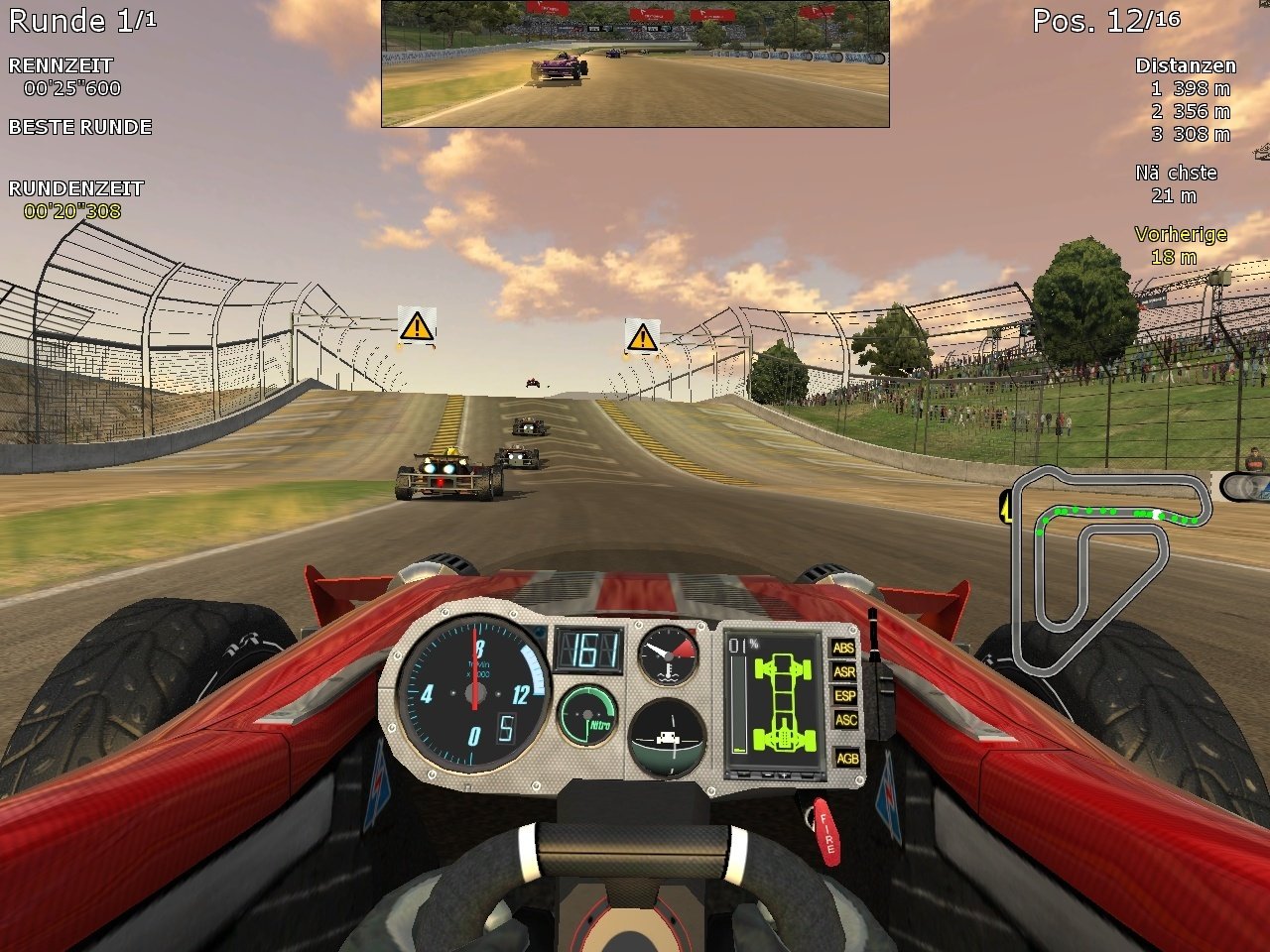
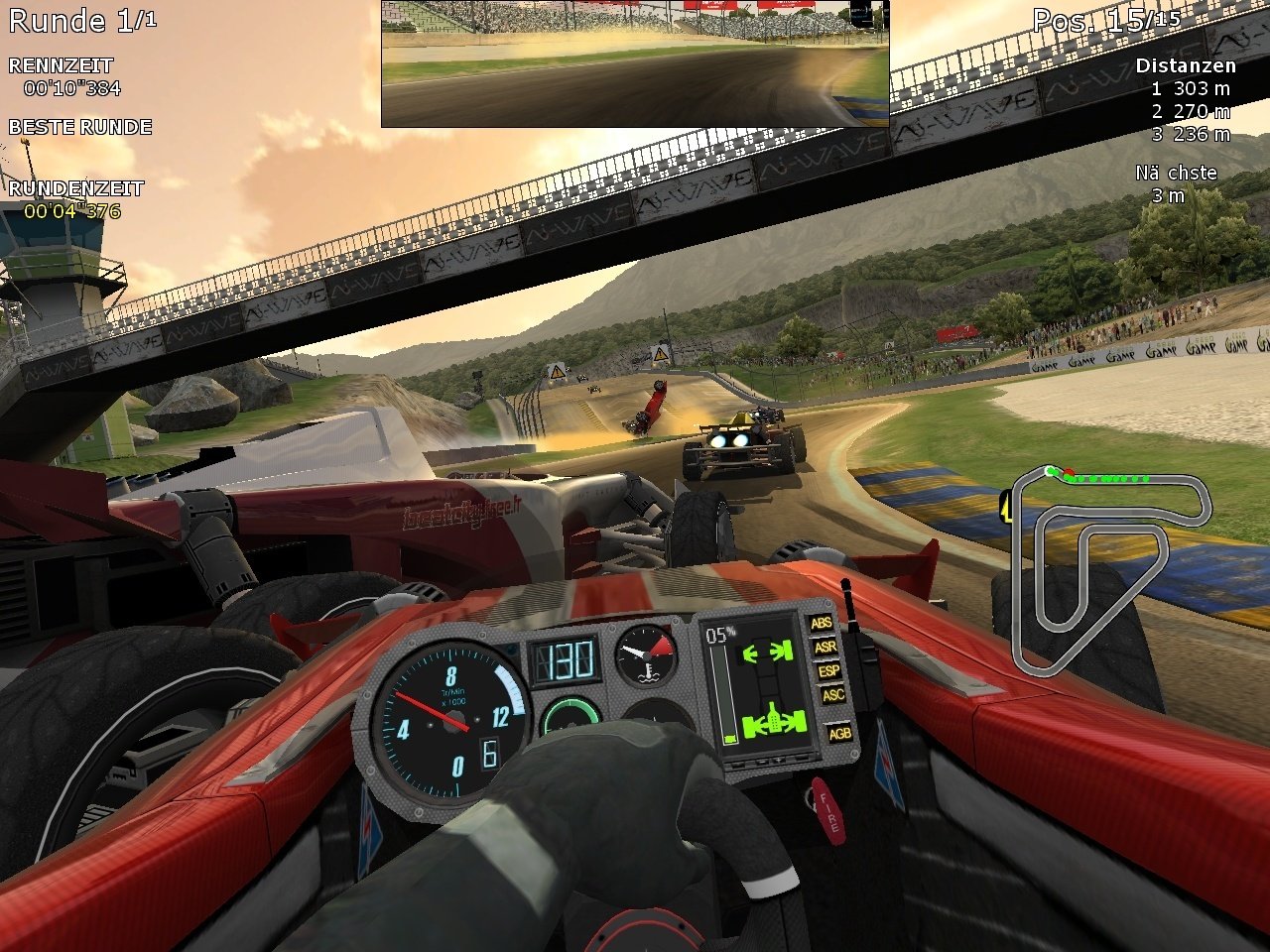
Comments and reviews
John Mooth 2026-05-28 0 point
Install this game as a demo (leave serial blank during setup), execute serial.reg, copy ReflexMaster.exe to the Bin folder.
J Peters 2026-05-03 3 points
Game worked just fine here.
What a great potential this game had. A proper campaign, with more tracks, music and maybe a track editor and this thing would be a superb arcade racer. Not only I have fond memories of running it's demo on my aunt's computer, but makes me remember of my grandpa giving me hints to drive better (don't fiddle with the soundbox, focus on your driving instinct), and I really miss that old man. But it's nice to see NSF here, it's much more easy to download now.
Write a comment
Share your gamer memories, help others to run the game or comment anything you'd like. If you have trouble to run Nitro Stunt Racing: Stage 1 (Windows), read the abandonware guide first!
Download Nitro Stunt Racing: Stage 1
We may have multiple downloads for few games when different versions are available. Also, we try to upload manuals and extra documentation when possible. If you have additional files to contribute or have the game in another language, please contact us!
Windows Version
Setup for the game v0.2.3.7

 300 MB
DownloadEnglish version
300 MB
DownloadEnglish versionSetup for the game v0.2.8.2, includes the latest Take Off update
763 MB
DownloadGerman versionISO image
 396 MB
DownloadPolish version
396 MB
DownloadPolish versionSetup
 599 MB
DownloadRussian version
599 MB
DownloadRussian versionSetup
 486 MB
Manual 1 MB
486 MB
Manual 1 MB
Game Extras
Various files to help you run Nitro Stunt Racing: Stage 1, apply patches, fixes, maps or miscellaneous utilities.
Similar games
Fellow retro gamers also downloaded these games: