Operation Plasticine
Windows - 2001
| Alt names | Операция "Пластилин", Agent Gliniarz, Agent Hlína, Clay Agent, Agente Clay, Операция пластилин, Operatsiya "Plastilin", Операция "пластилин" |
|---|---|
| Year | 2001 |
| Platform | Windows |
| Released in | Czechia, Poland, Russia (2001) Czechia, Italy, Slovakia (2002) |
| Genre | Adventure |
| Theme | Comedy, Graphic Adventure, Puzzle elements, Sci-Fi / Futuristic |
| Publisher | 1C Company, Manta Multimedia Sp. z o.o., Microforum Italia |
| Developer | 1C Company |
| Perspectives | Side view, Free-roaming camera |
Description of Operation Plasticine
Here is the video game “Operation Plasticine”! Released in 2001 on Windows, it's still available and playable with some tinkering. It's an adventure game, set in a sci-fi / futuristic, graphic adventure, comedy and puzzle elements themes.
External links
 MobyGames
 Publisher's page
 Gameplay video
 IGDB
IGDBHow to play Operation Plasticine Windows
Notes:
- The game should work on modern systems in Compatibility mode with Windows 98, but if it doesn't - try to run it with dll-files from dgVoodoo 2 package: copy D3DImm.dll, DDRaw.dll from
MS/x86folder and dgVoodoo.config files to game folder, next to SPQ.exe. That Run-fix is also included in the archive with NoCD & Run-fix by Lastofass, Run-fix is compatible with all languages - Russian version of the game has disc check, but user Lastofass made a NoCD that allows to play the game without the disc. That NoCD is compatible with Russian version but wasn't checked with other versions. There's a small bug in that NoCD when the game may randomly crash when you move to the next location, so the author added savegame files for all locations; check this thread for more details
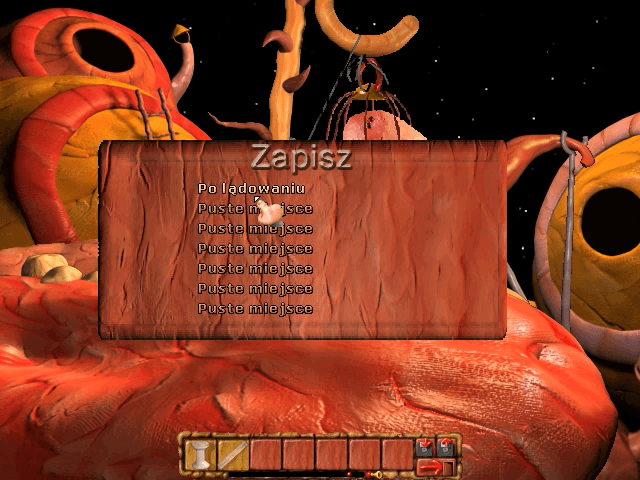
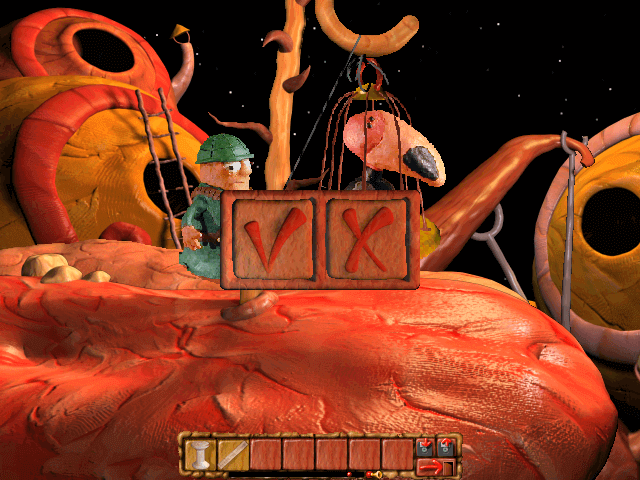
- There's no text or audio in the game except the main menu, so you can play without knowing the language, just make a screenshot of main menu with PrtScr button and put the image to Google Translate (press Ctrl+V) or another translation machine that recognize the text on images. To move the main character and interact with objects click with left mouse button, to use the items from inventory first left-click on the item then on interactive object; right-click on the item in the inventory panel will zoom it, right-click anywhere on the screen will return the object to the inventory. The inventory window and several other buttons are located at the bottom of the screen: Load game; Save game; Exit game; Sound settings
- The game uses the old Indeo Codec for videos, that codec is disabled in modern Windows for security reasons. To view in-game videos, install Windows Media Player 7.1 from the first CD, if that didn't work, install K-Lite Codec Pack. If that doesn't help, install Codinstl from here, it is the Indeo Video 5 codec installer for 32- and 64-bit systems (it is recommended to delete that codec when you won't need it). If the videos still doesn't work after this, here's the Registry file for enabling Indeo Codec in Windows 10; don't forget to "disable" the Indeo Codec afterwards by deleting the Registry key (to see the required Registry path, open the REG-file in Notepad)
- The other option is to play the game on Virtual Machine with old Windows, like Windows 98 or XP. The game should work fine on VMs, and that way all videos will work too. The game has been tested on QEMU + Windows 98, it also should work fine on VMWare. The portable variant by nerd888 that includes the Italian version of the game with QEMU + Spanish Windows 98 can be found here or on our website
- If you stuck at some hard puzzle in the game, here's the walkthrough guide in Russian (use the translation machine). Here's also the walkthrough video
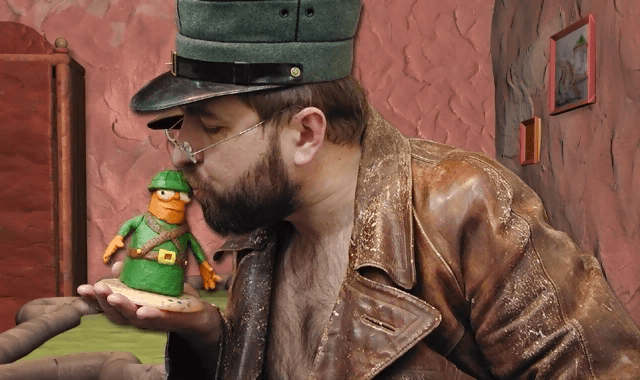
Captures and Snapshots
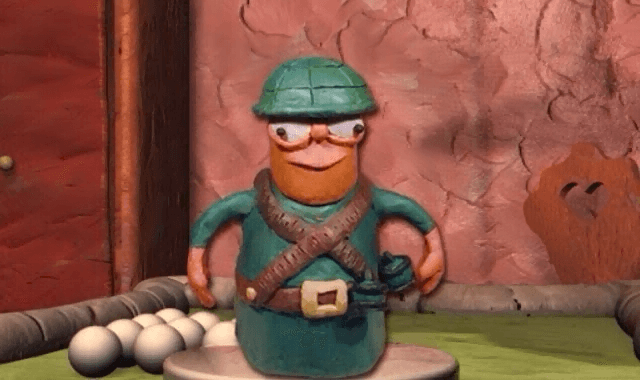
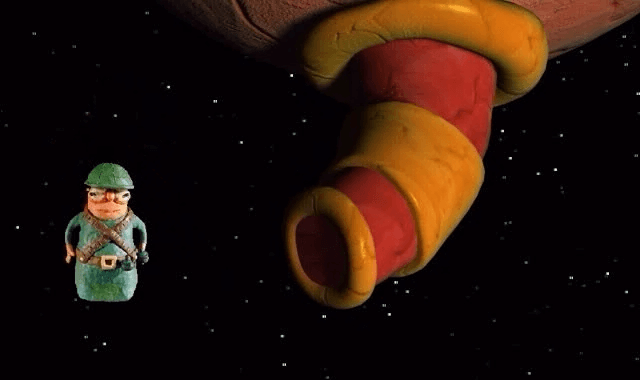
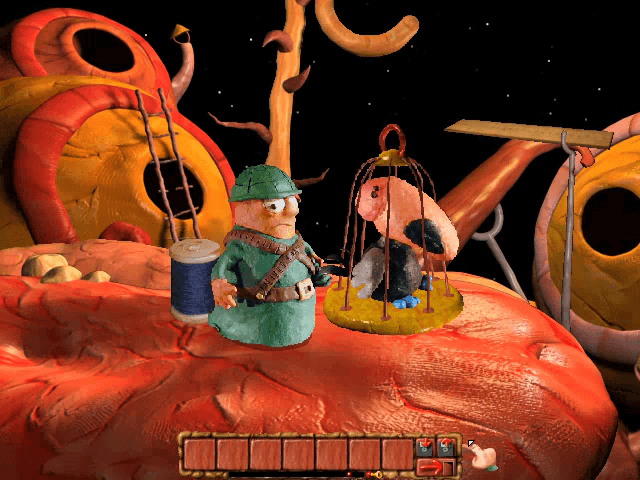
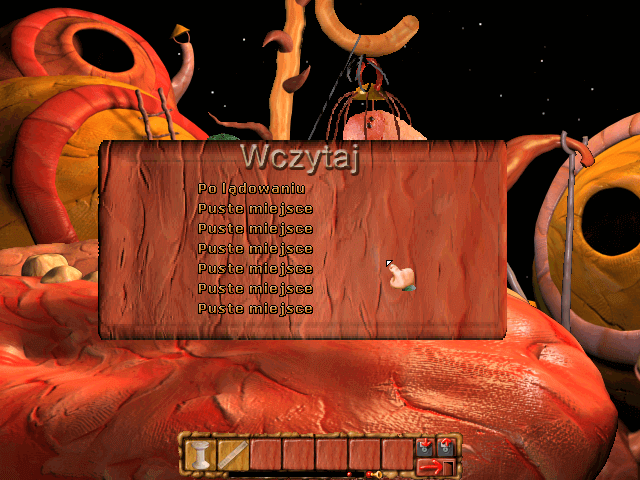
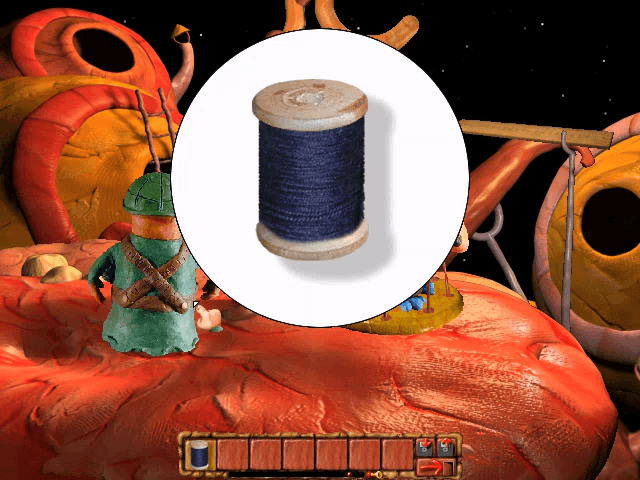
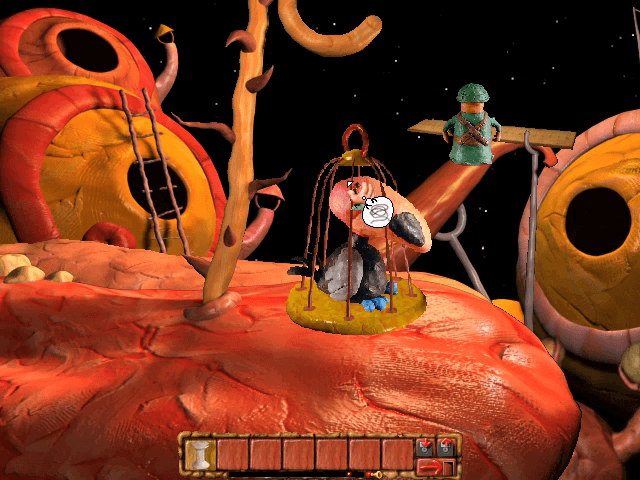
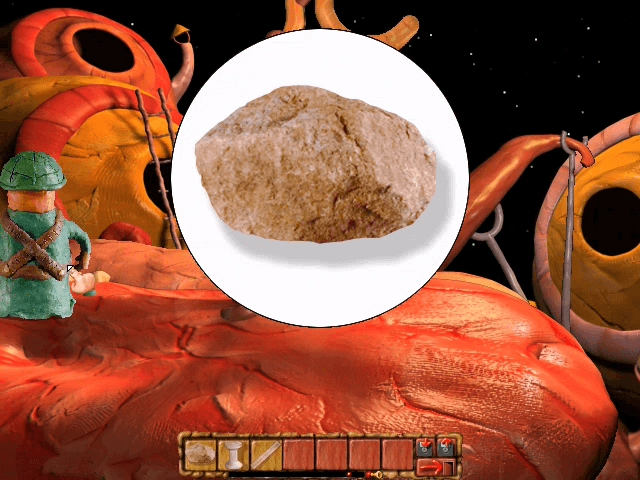
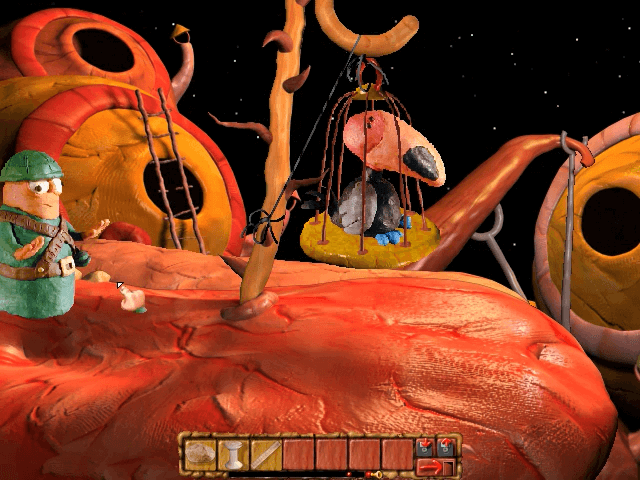
Comments and reviews
There is no comment nor review for this game at the moment.
Write a comment
Share your gamer memories, help others to run the game or comment anything you'd like. If you have trouble to run Operation Plasticine (Windows), read the abandonware guide first!
Download Operation Plasticine
We may have multiple downloads for few games when different versions are available. Also, we try to upload manuals and extra documentation when possible. If you have additional files to contribute or have the game in another language, please contact us!
Windows Version
 369 MB
DownloadItalian version
369 MB
DownloadItalian version  424 MB
DownloadPortable Italian version with QEMU + Spanish Windows 98 586 MB
DownloadPolish version
424 MB
DownloadPortable Italian version with QEMU + Spanish Windows 98 586 MB
DownloadPolish version  370 MB
DownloadRussian version
370 MB
DownloadRussian versionDisc 1
 635 MB
DownloadRussian version
635 MB
DownloadRussian versionDisc 2
406 MB
Game Extras
Various files to help you run Operation Plasticine, apply patches, fixes, maps or miscellaneous utilities.
Run-fix is also compatible with other language versions
575 KB
Similar games
Fellow retro gamers also downloaded these games: