| Year | 2011 |
|---|---|
| Platform | Windows |
| Released in | Worldwide (2011) Czechia (2012) Germany (2014) |
| Genre | Action |
| Theme | Platform, Puzzle elements, Sci-Fi / Futuristic |
| Publisher | Nordic Games GmbH, Recoil Games, Ltd. |
| Developer | Recoil Games, Ltd. |
| Perspectives | 2D scrolling, Side view |
| Tested on | Windows 10, Windows 11 |
Description of Rochard
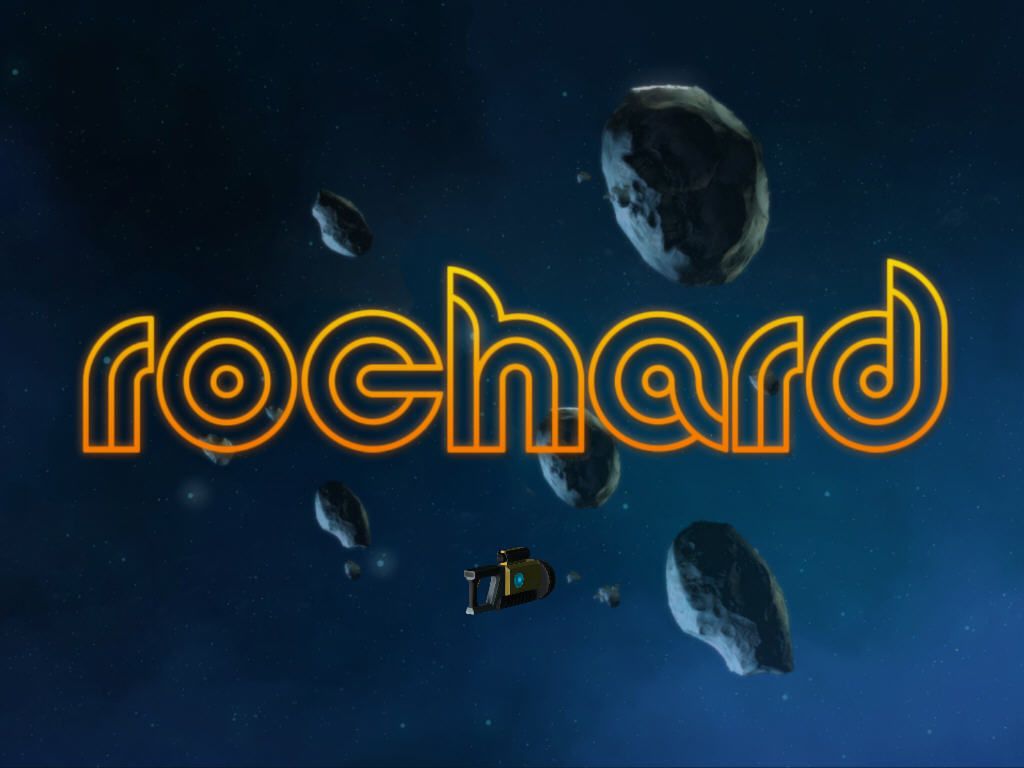
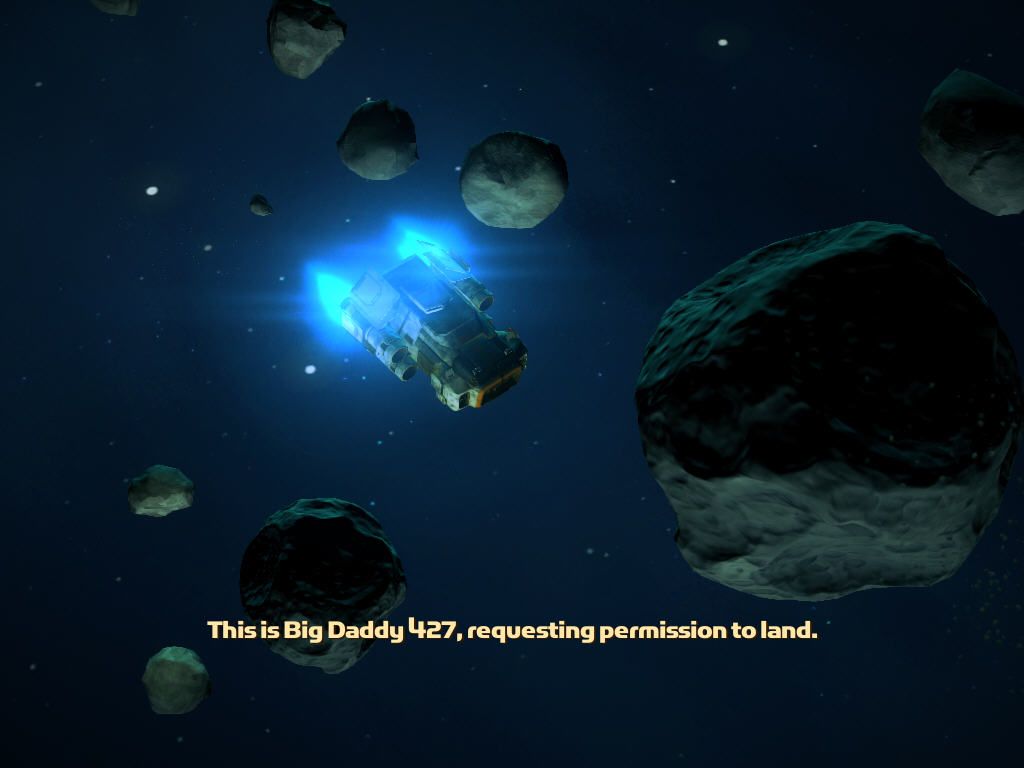
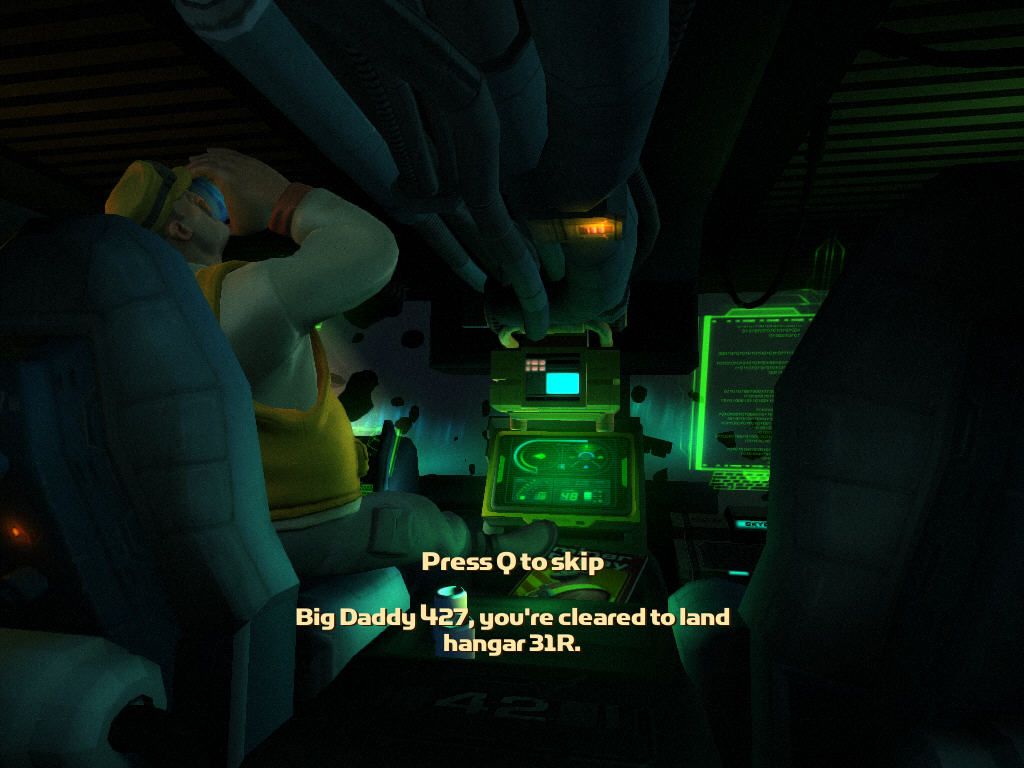
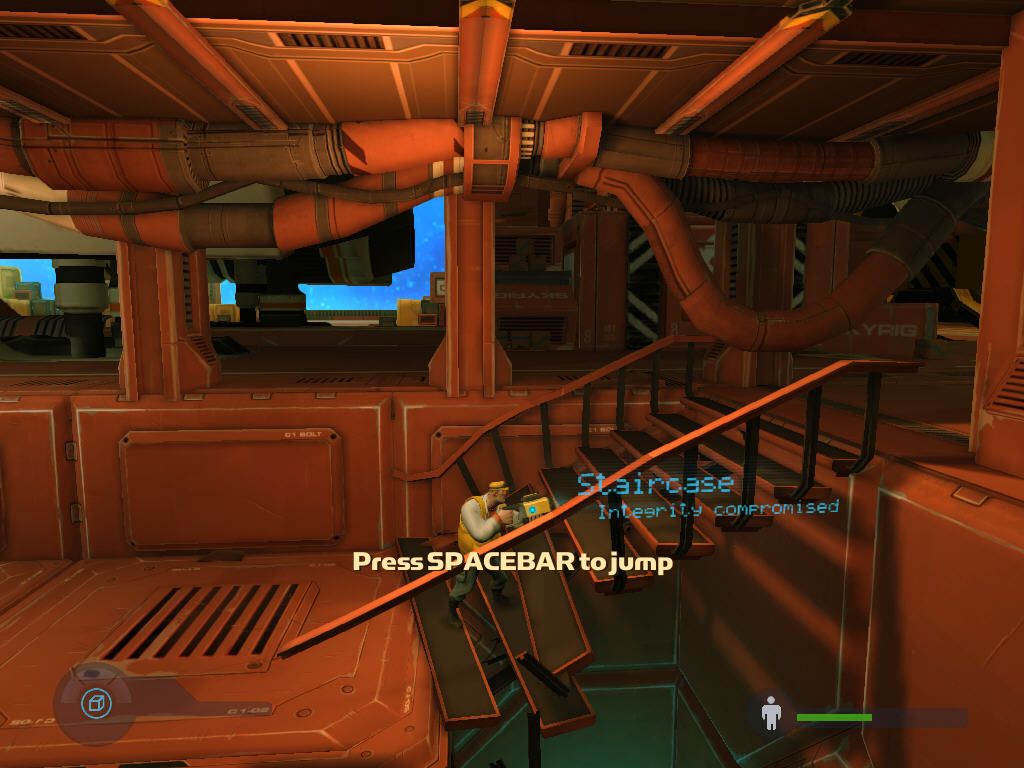
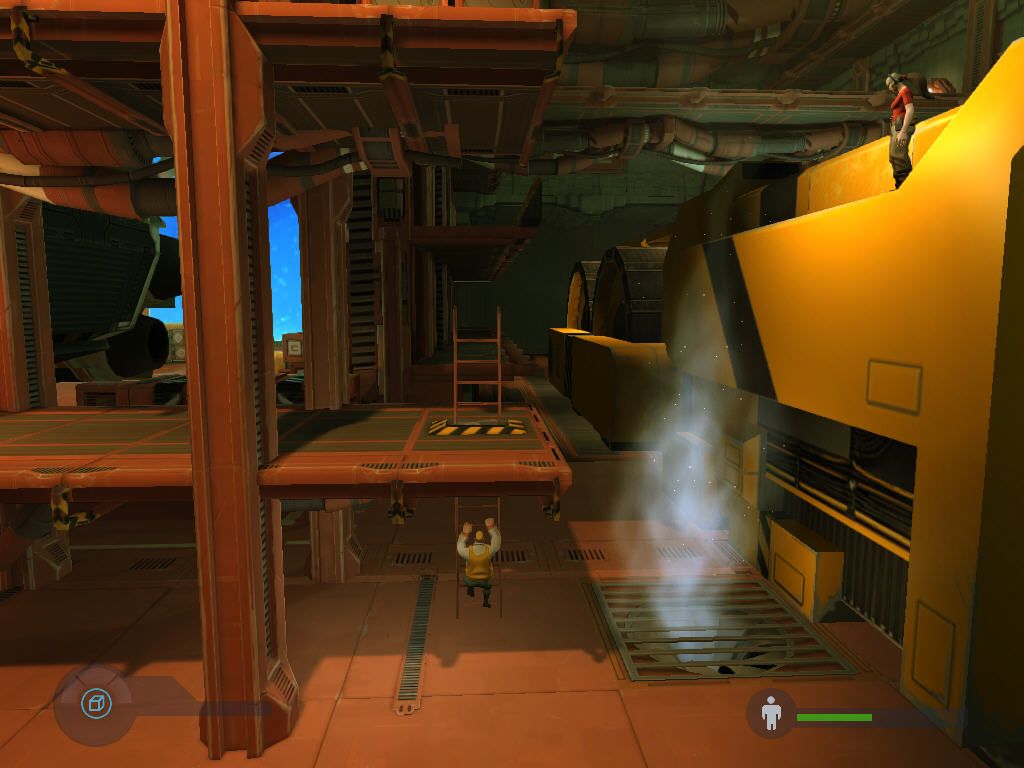
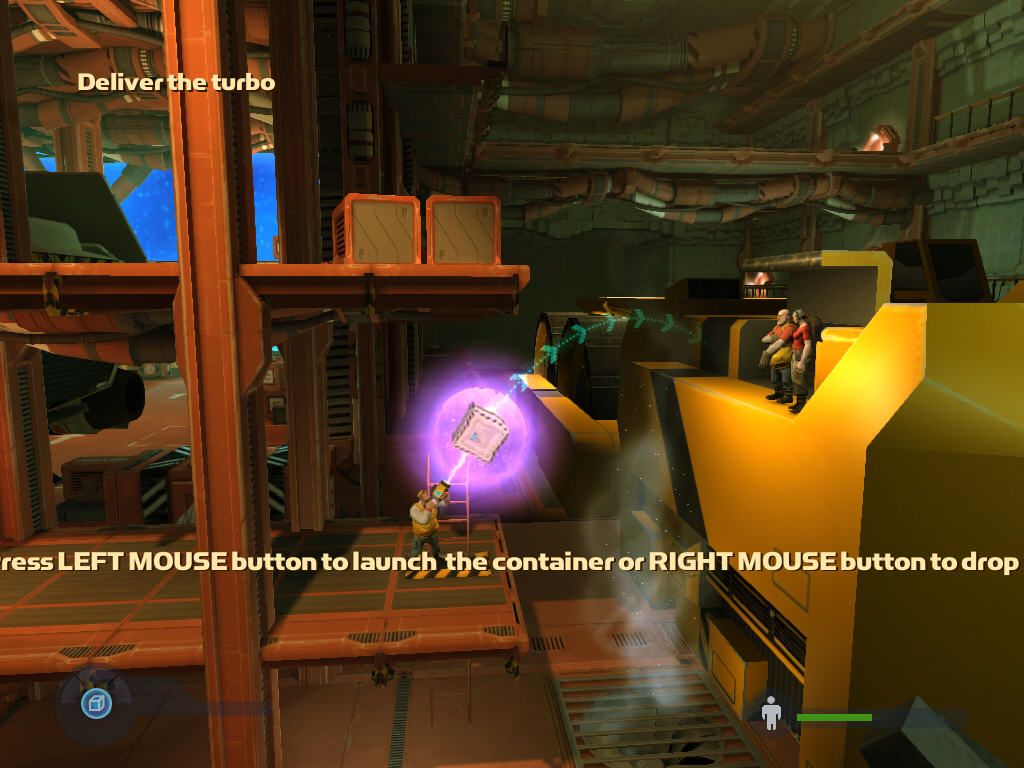
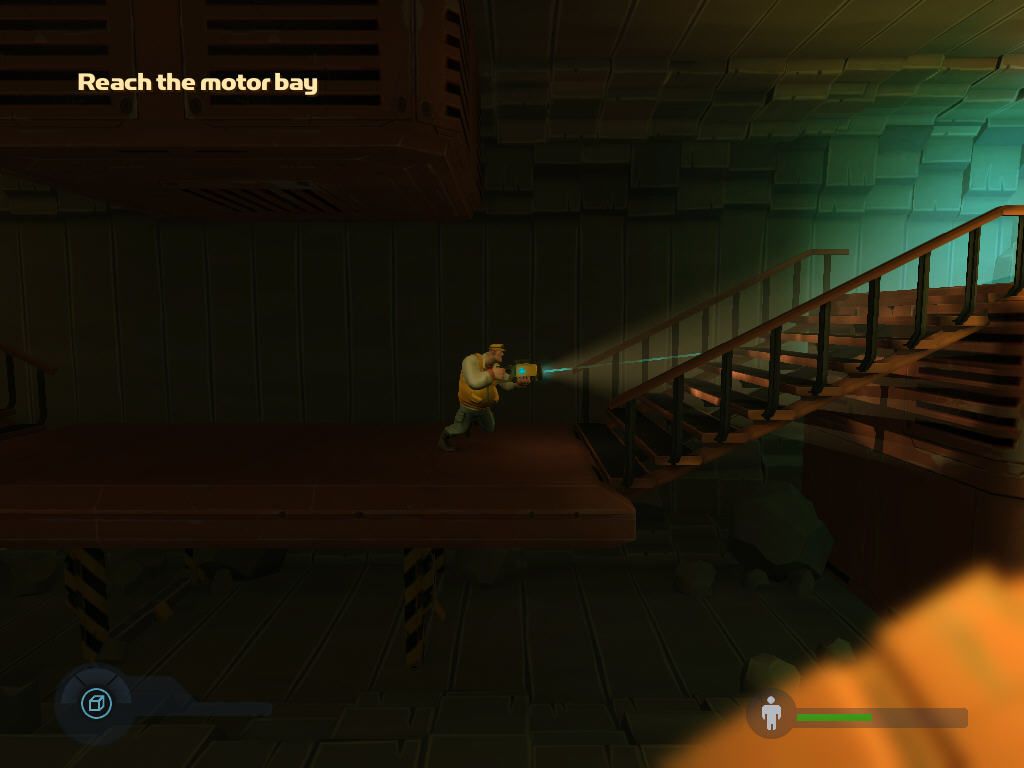
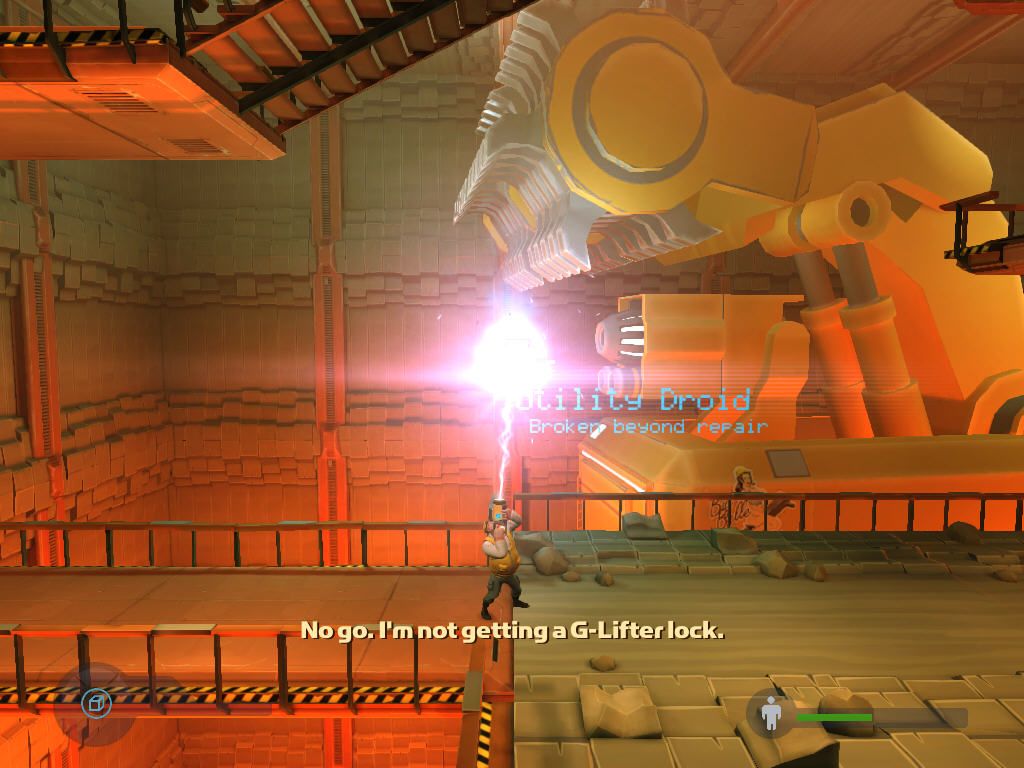
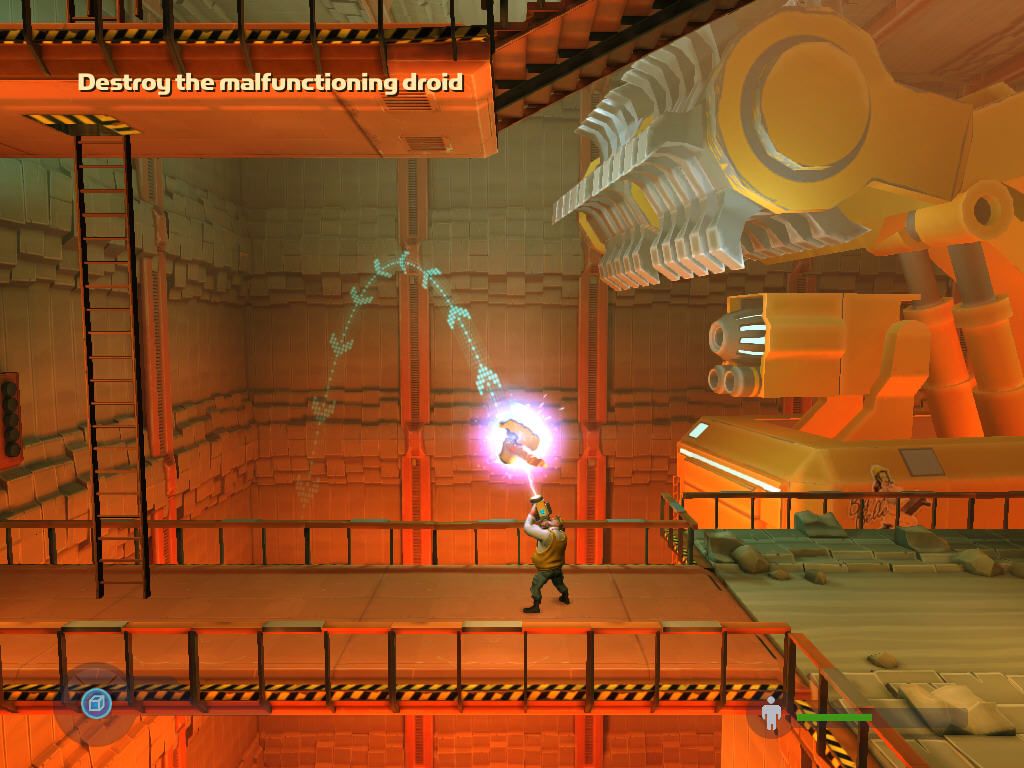
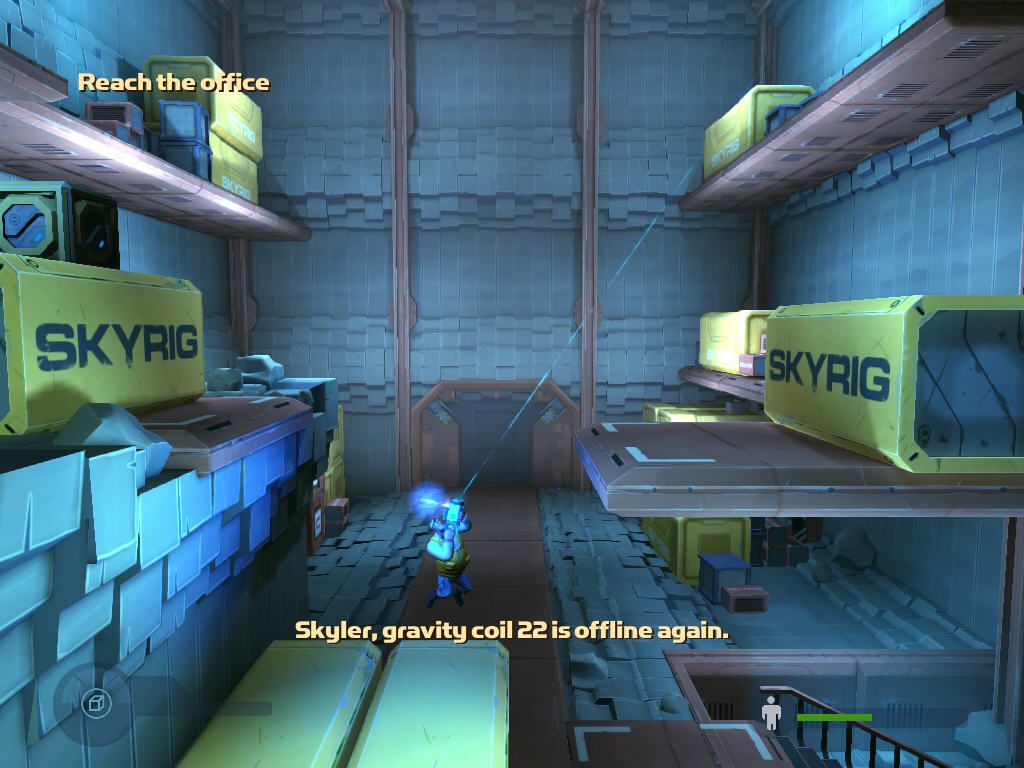
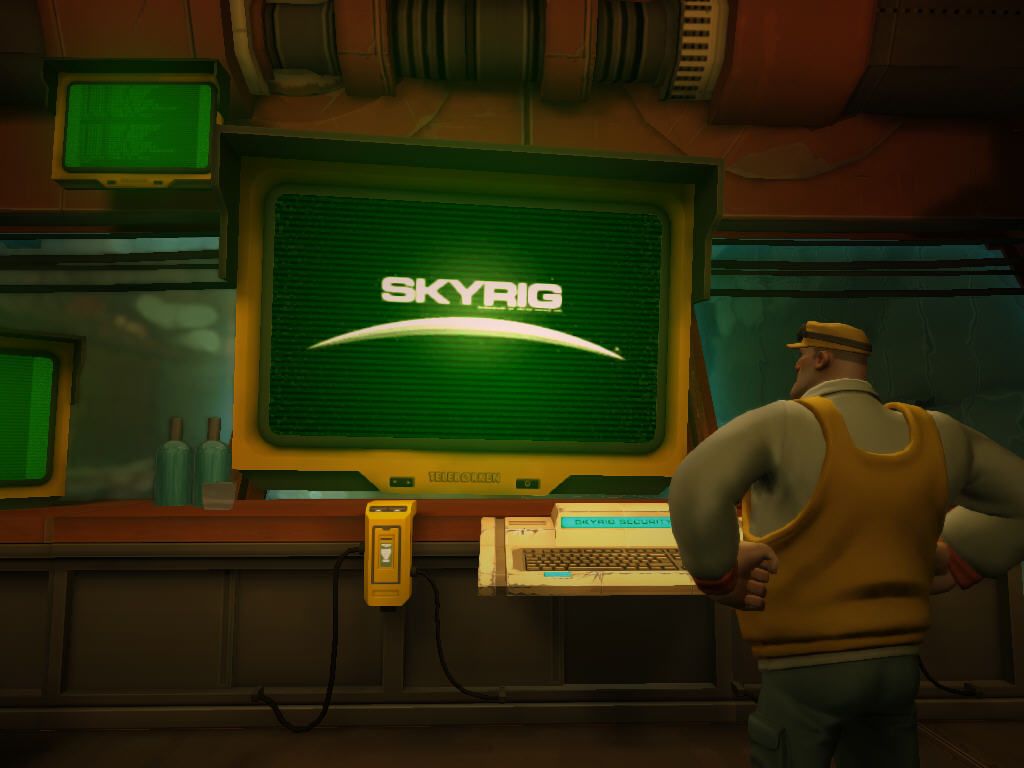
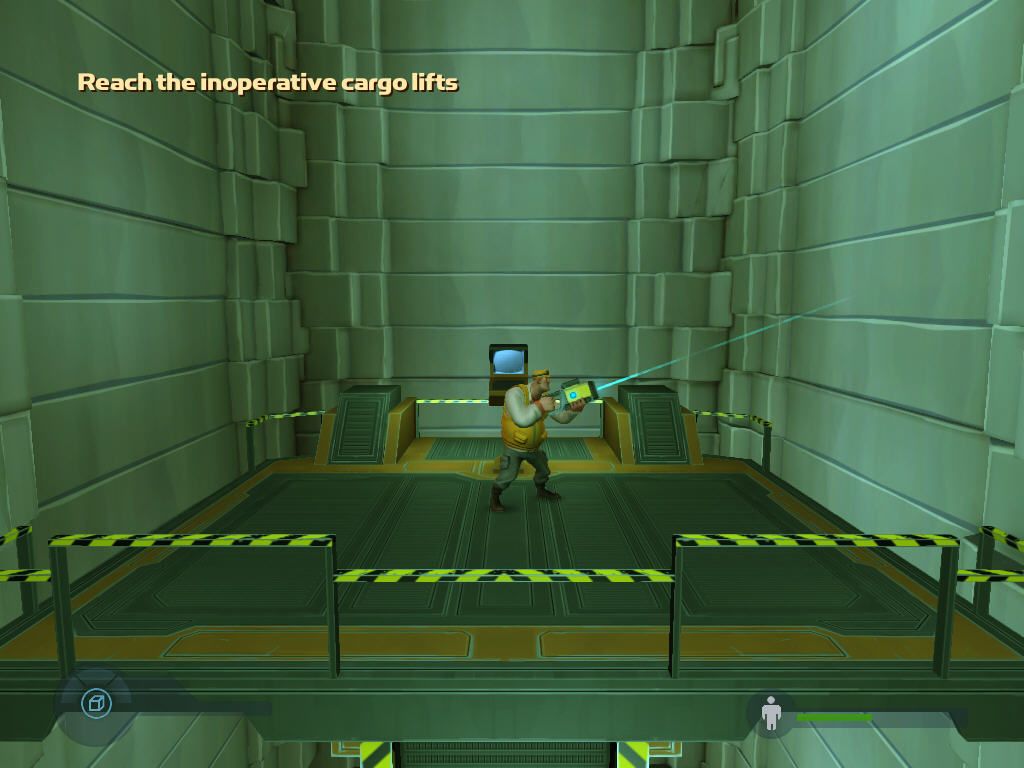
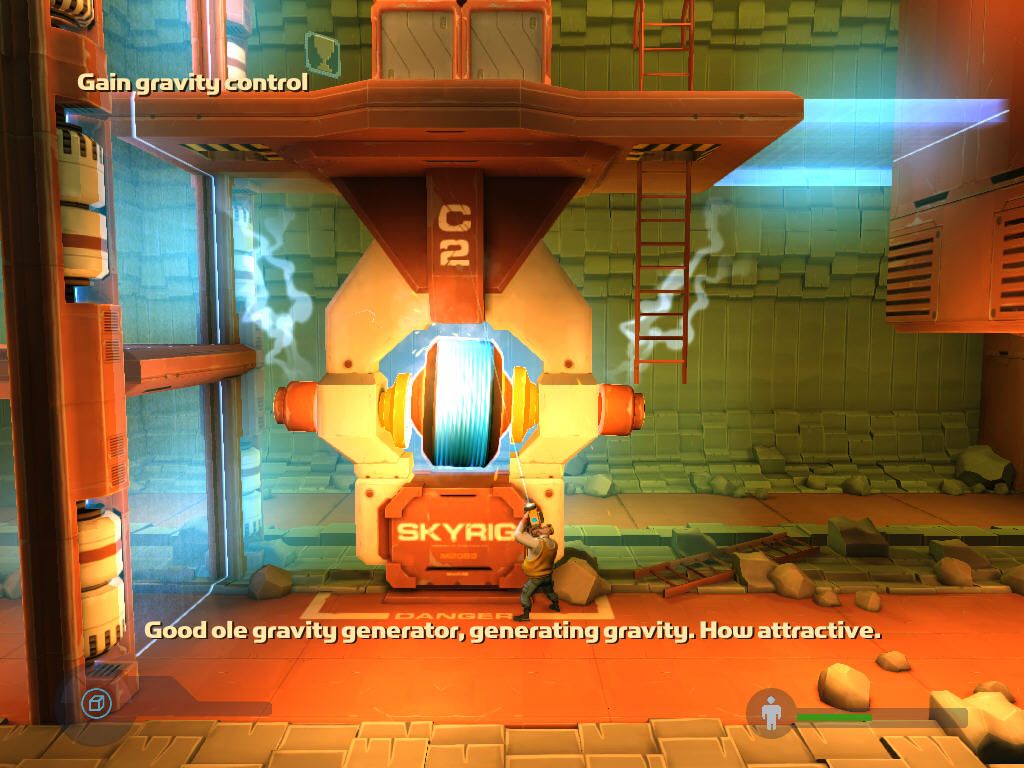
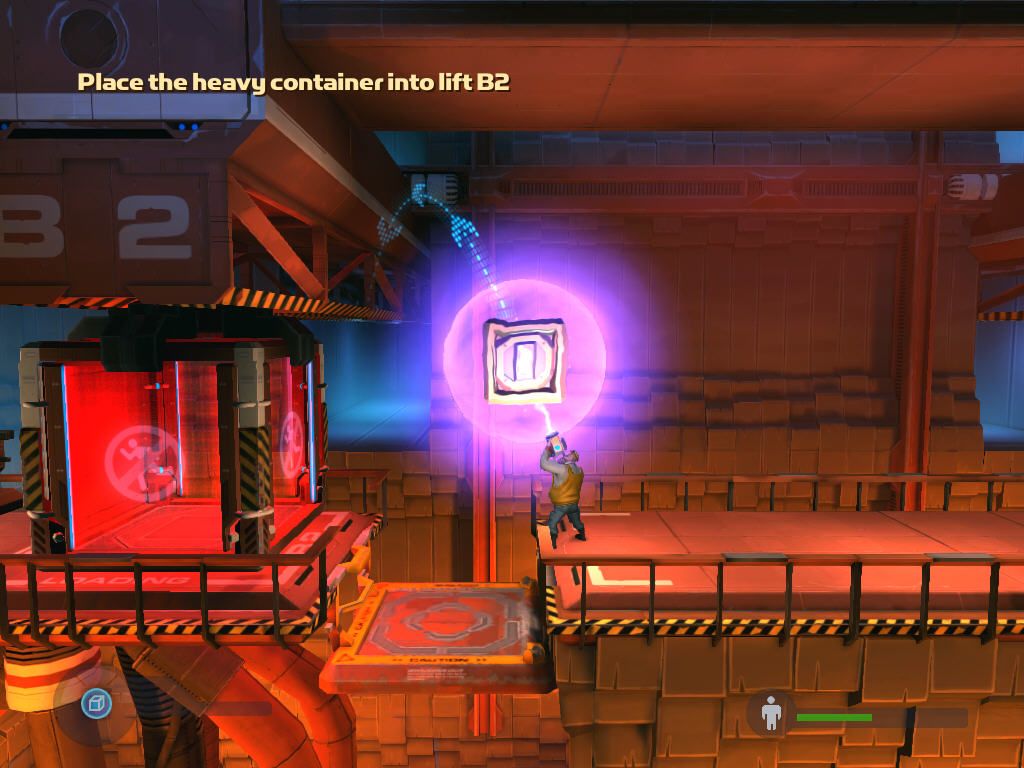
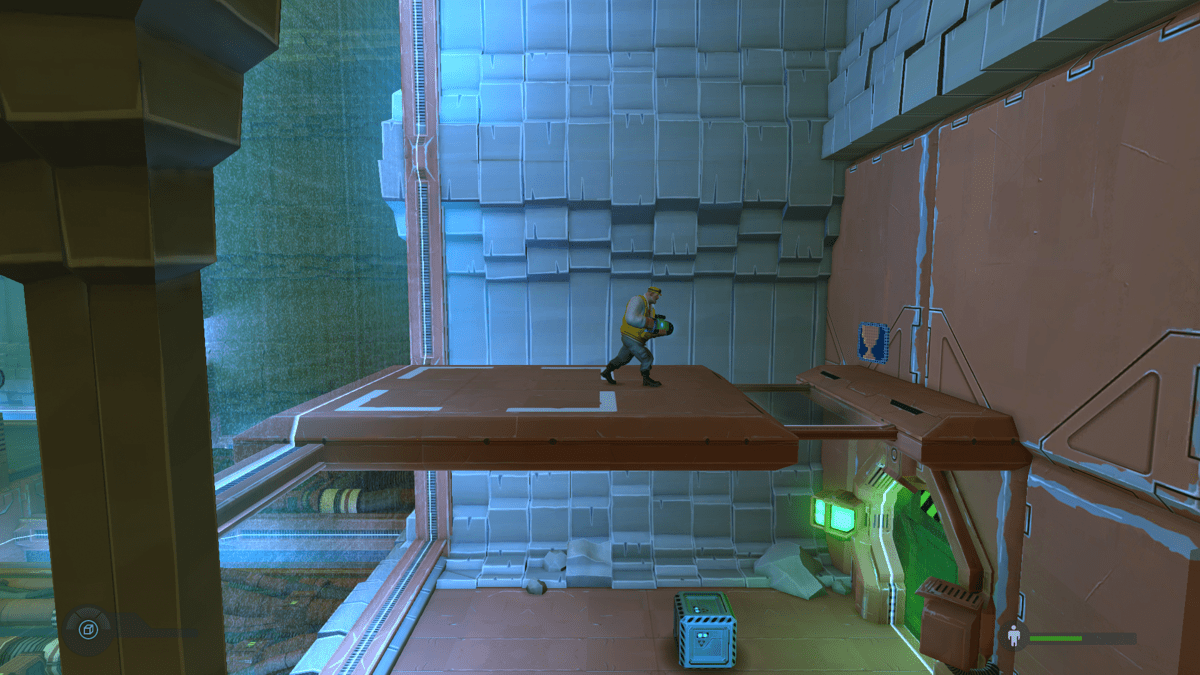
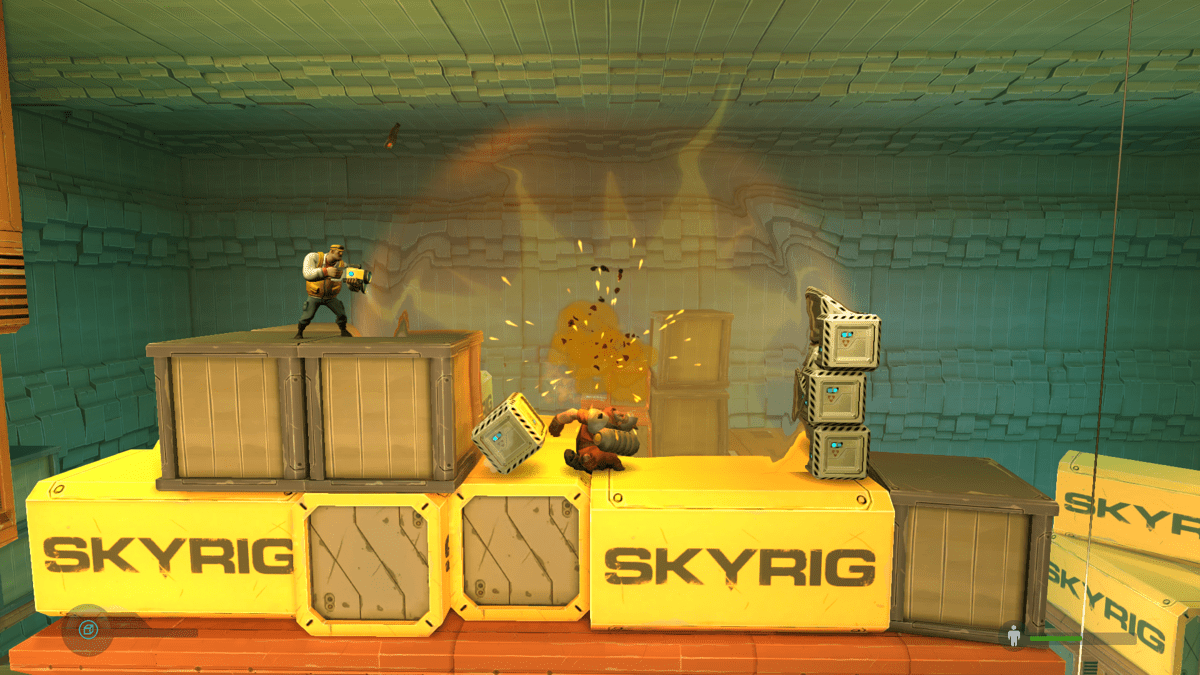
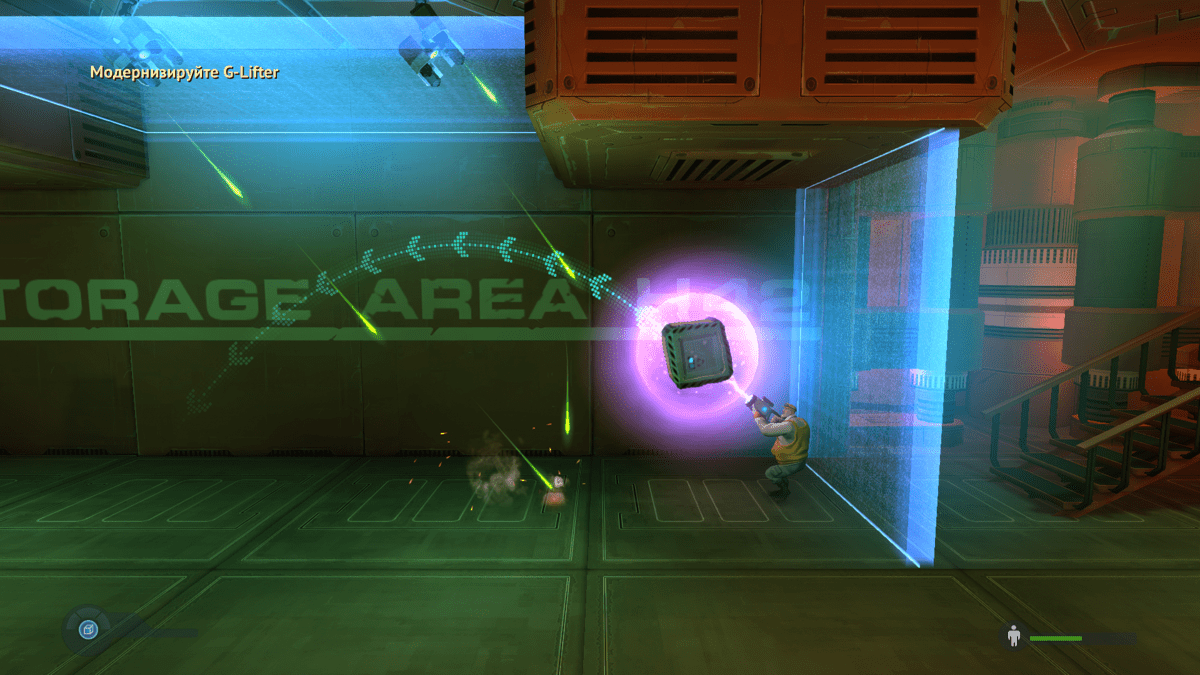
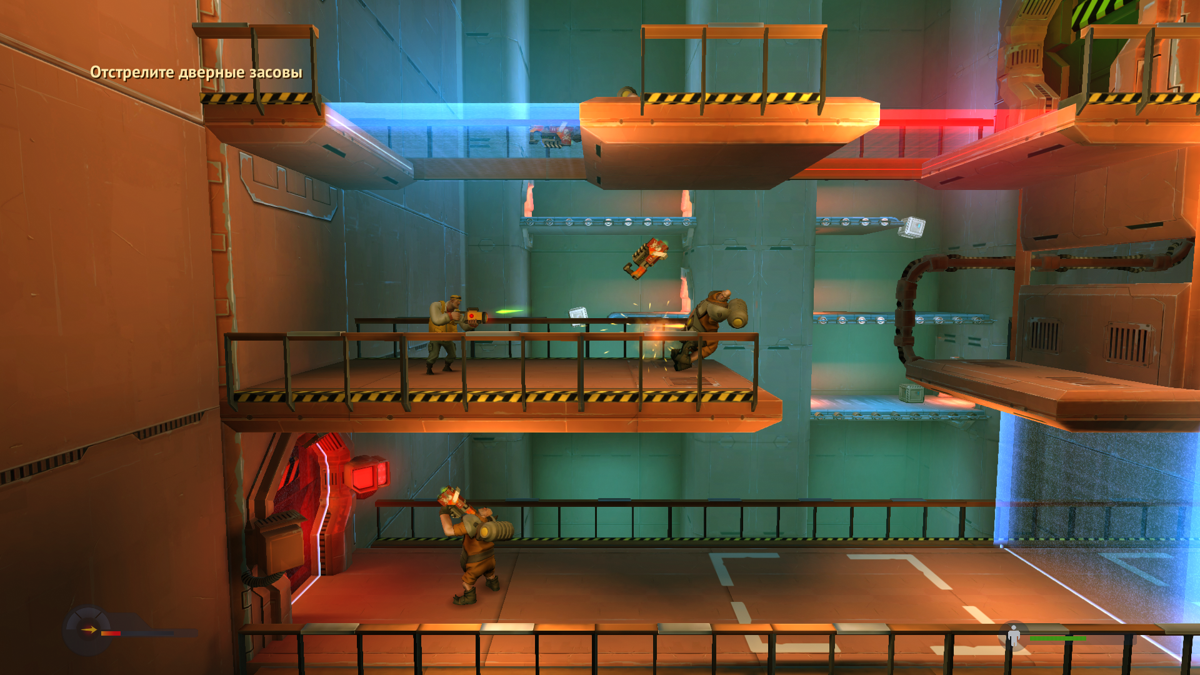
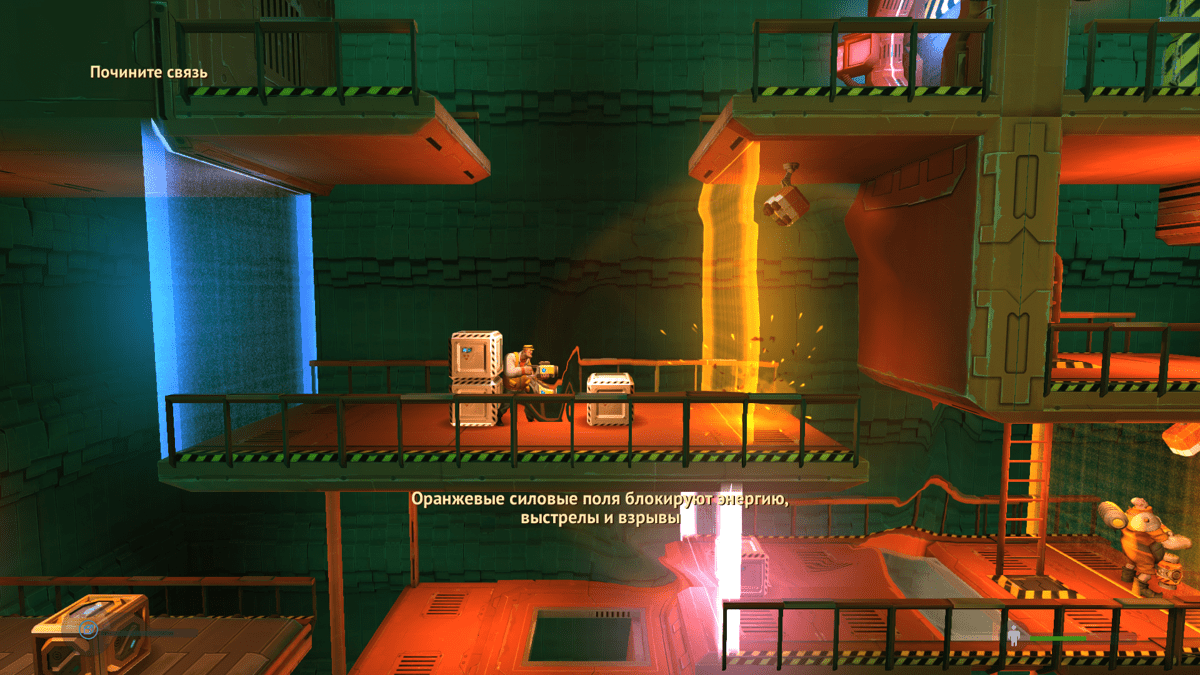
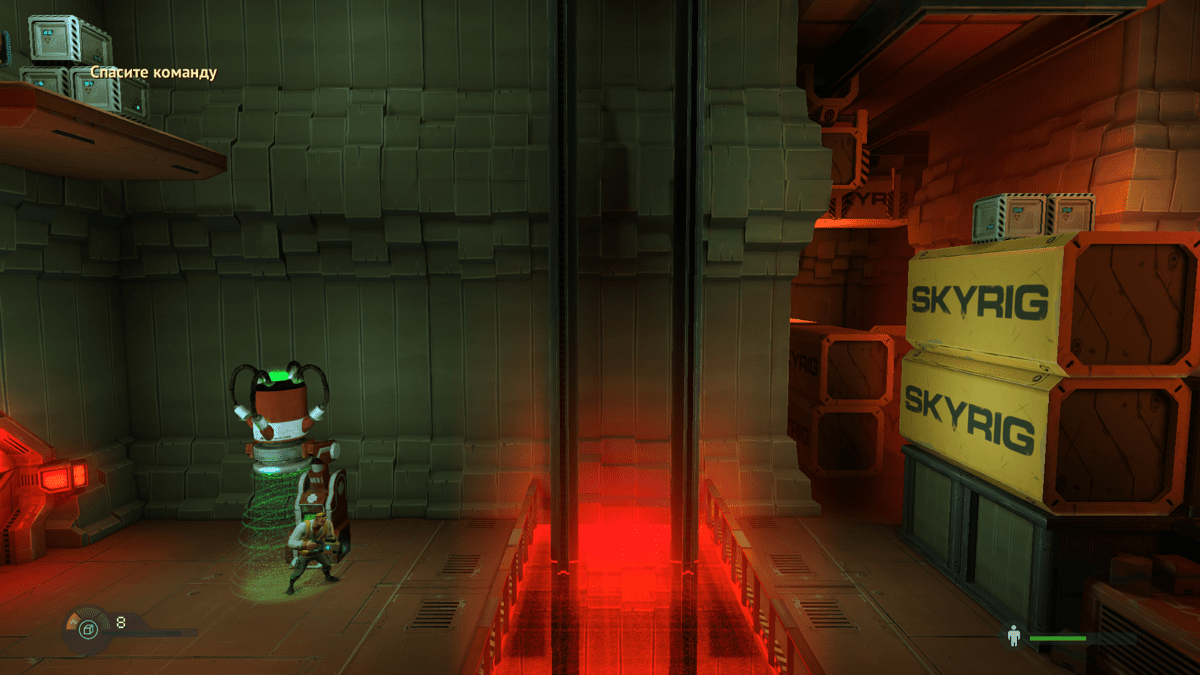
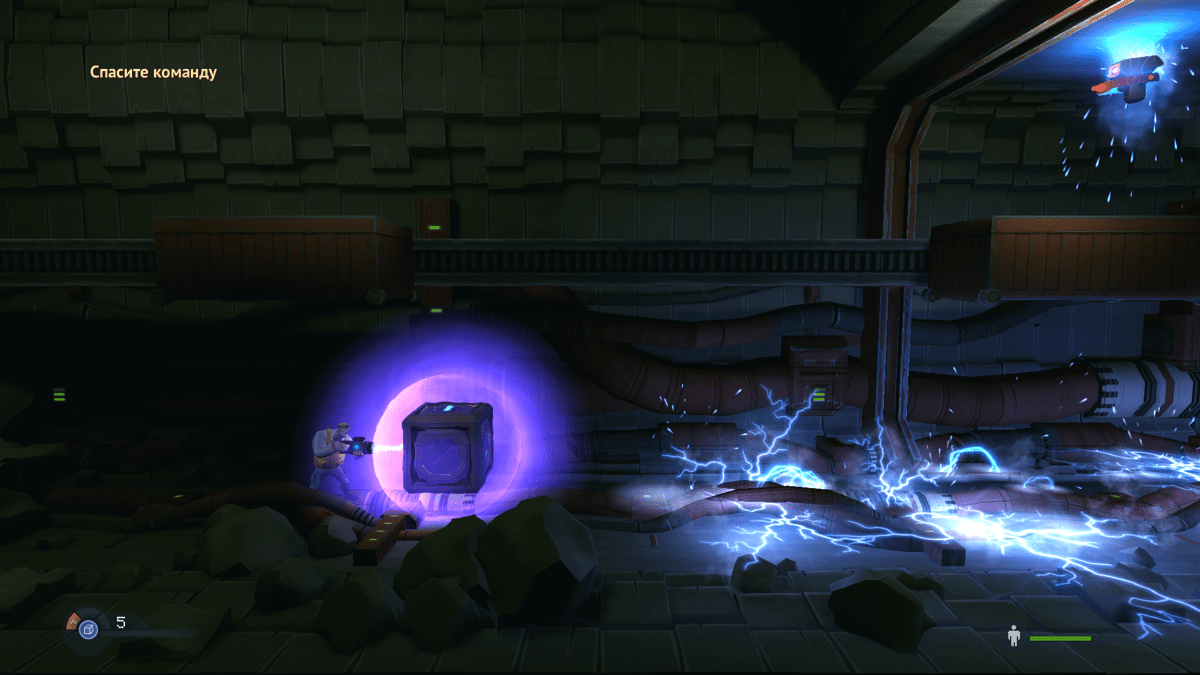
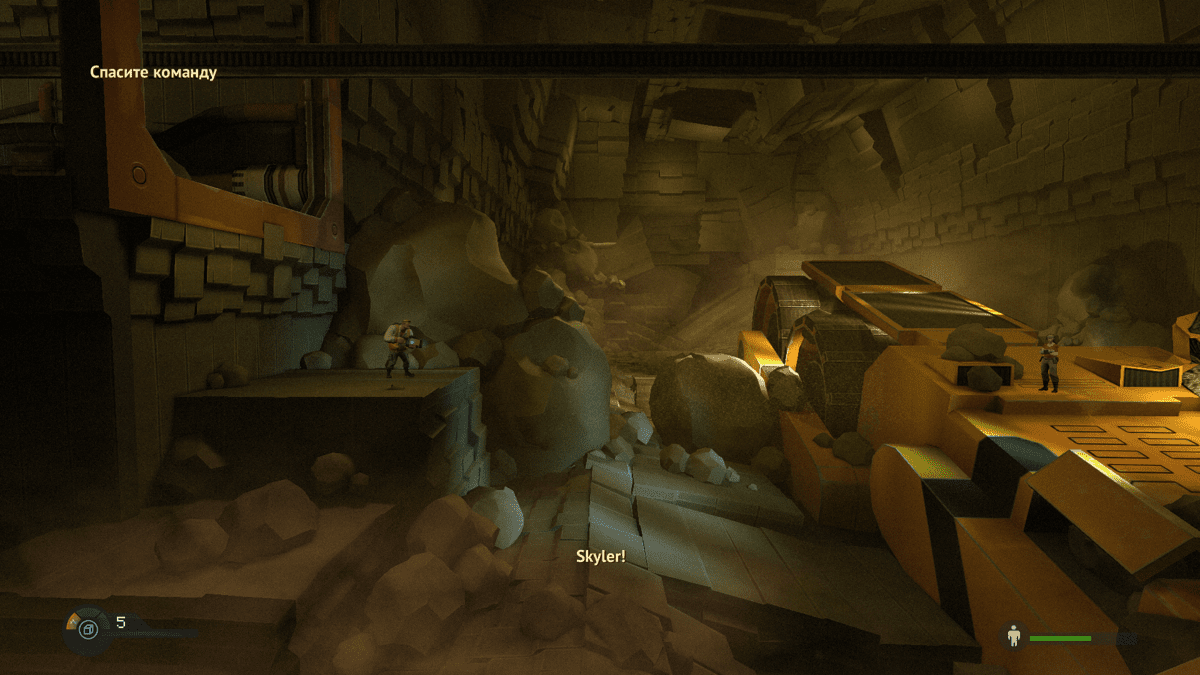
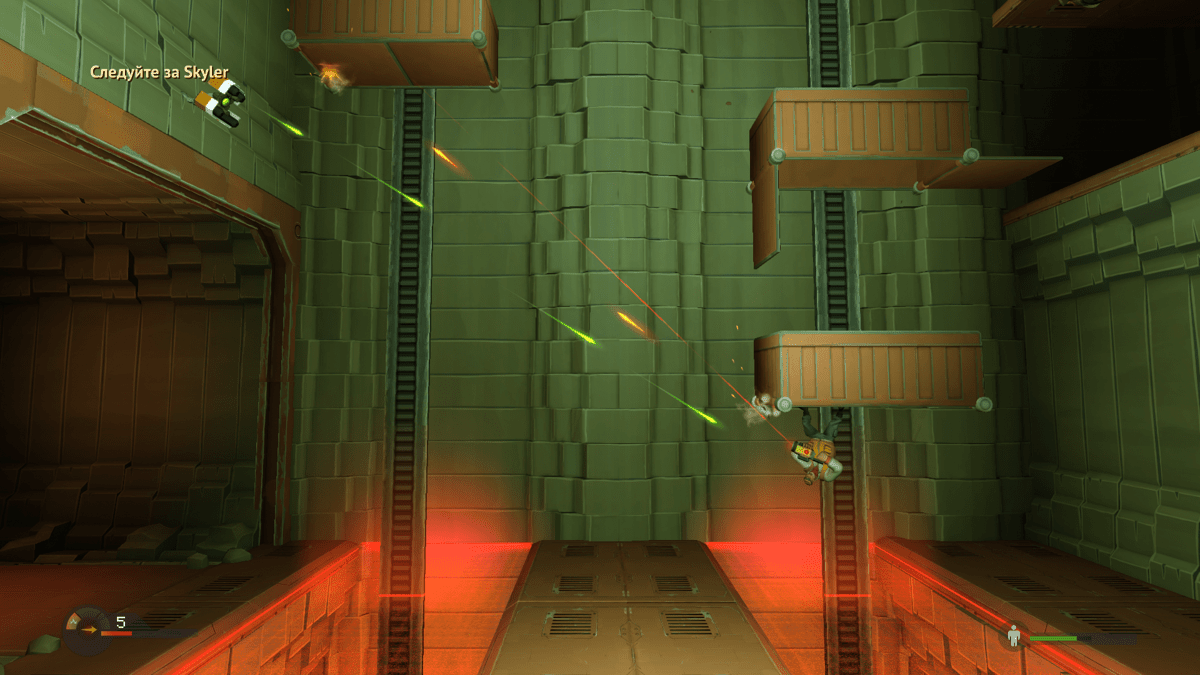
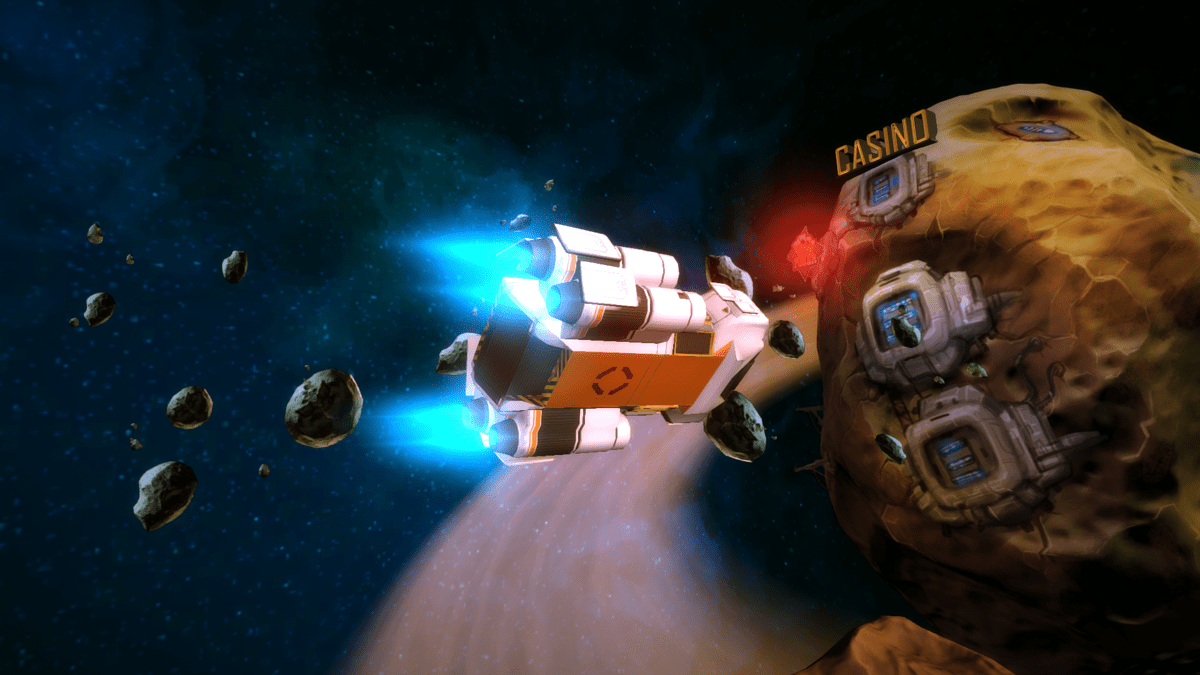
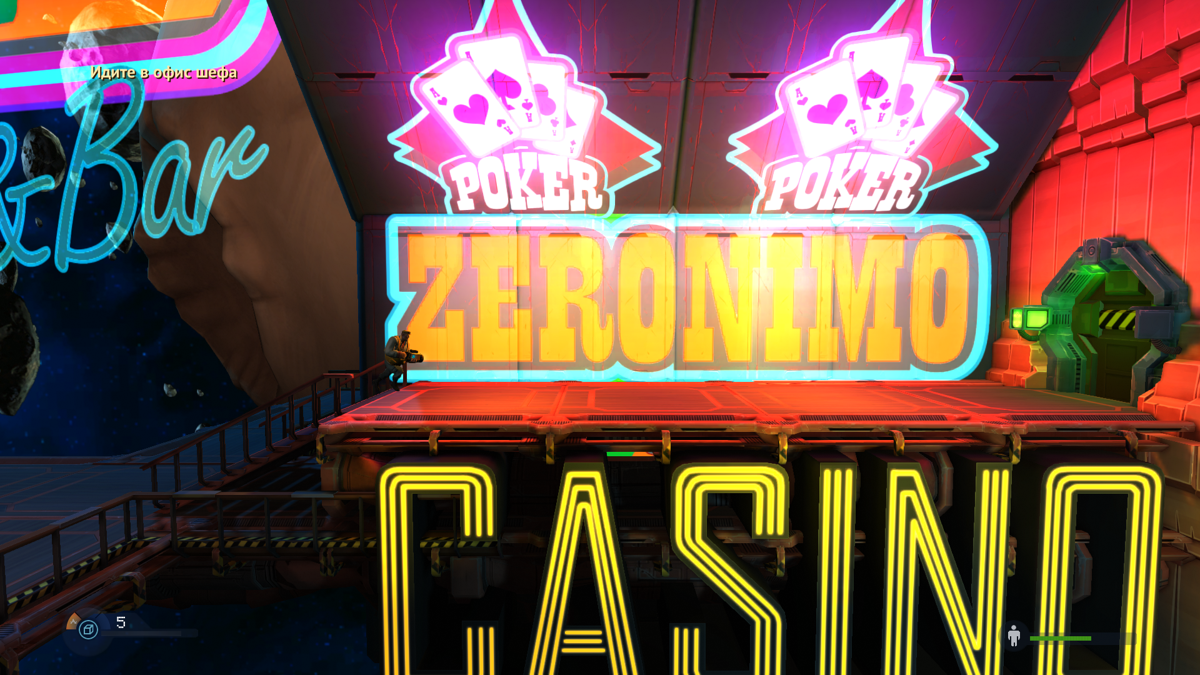
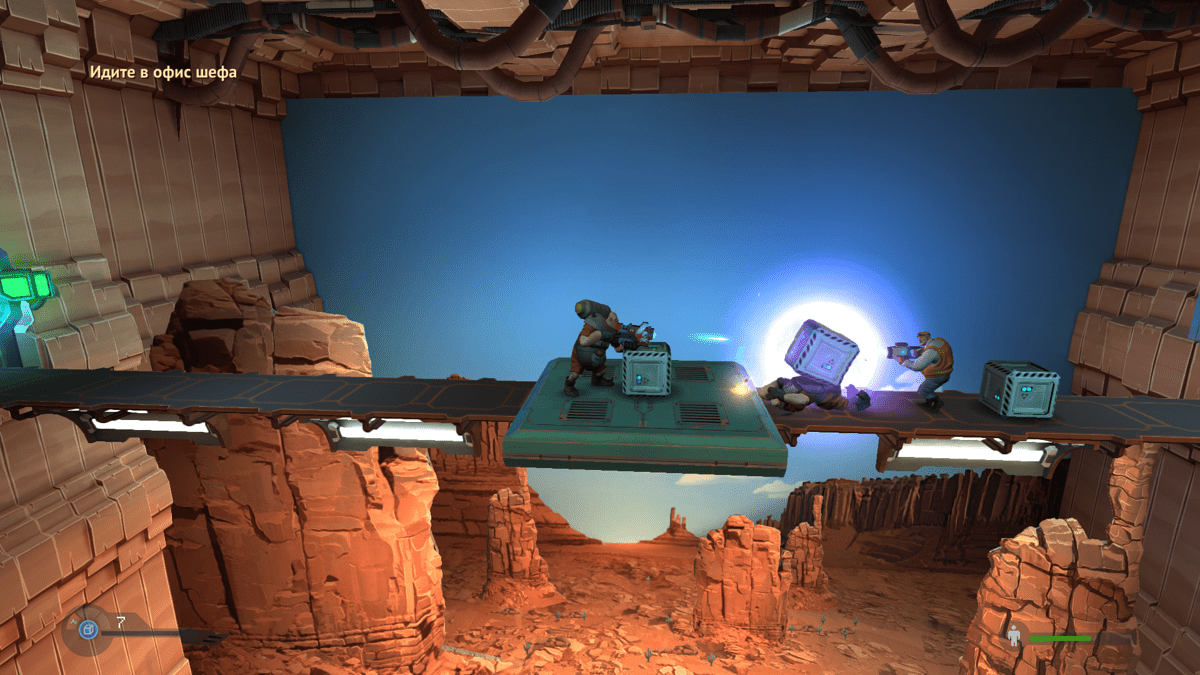
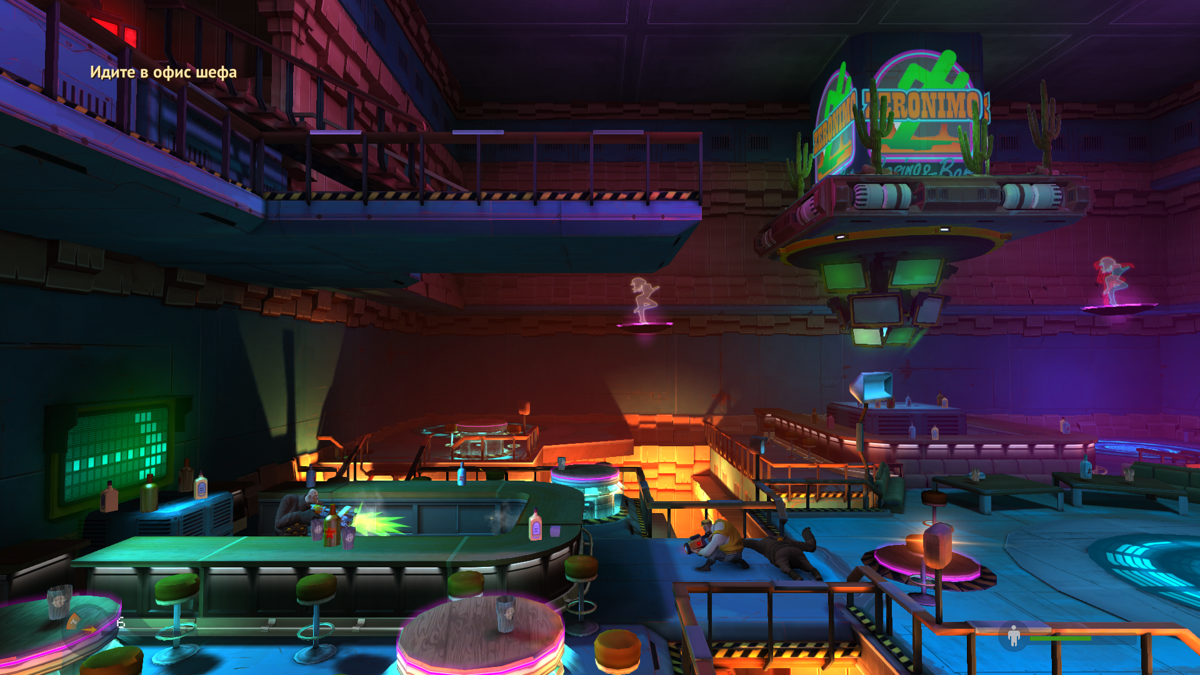
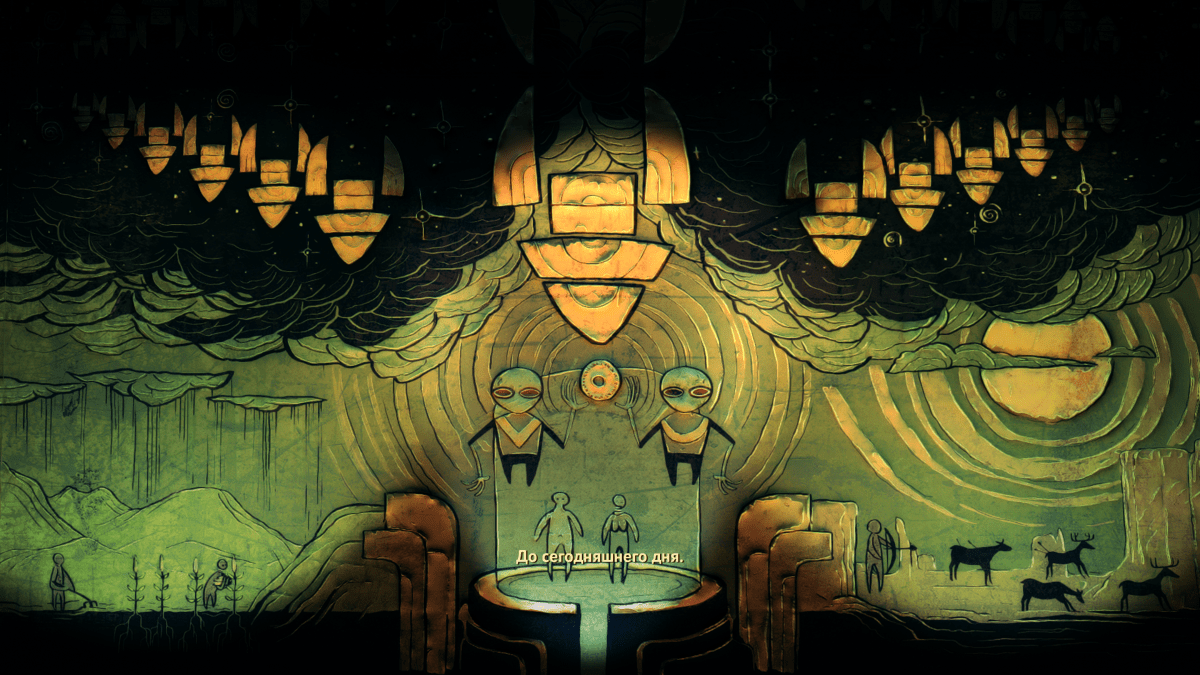
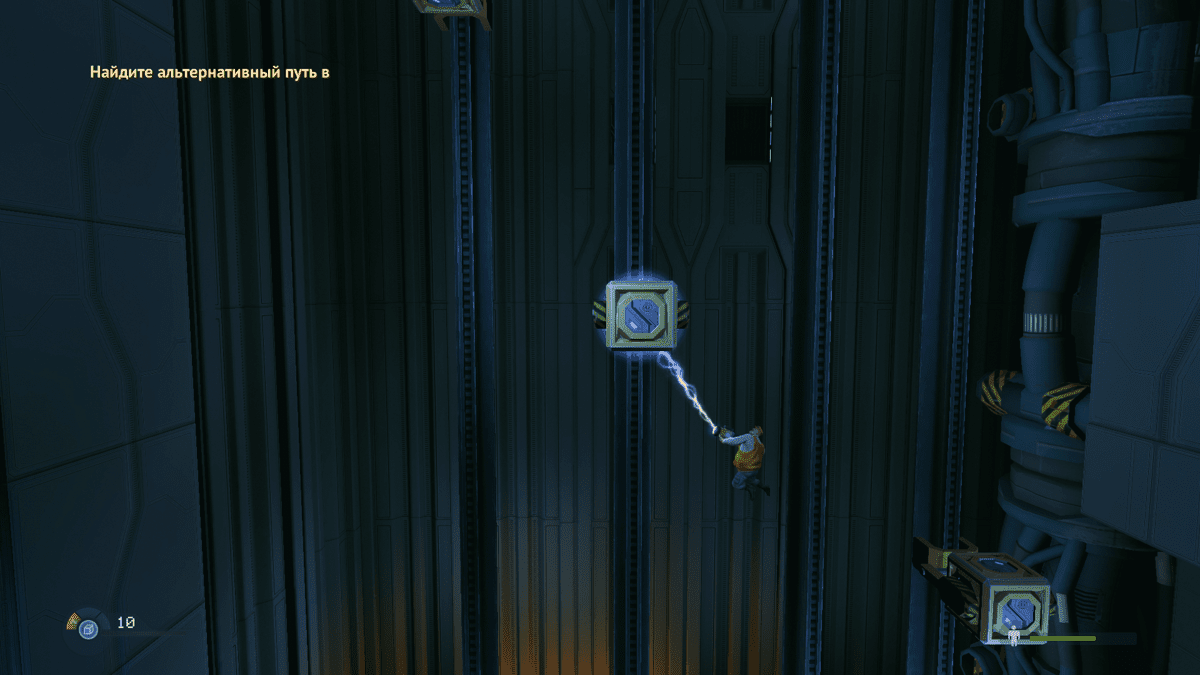
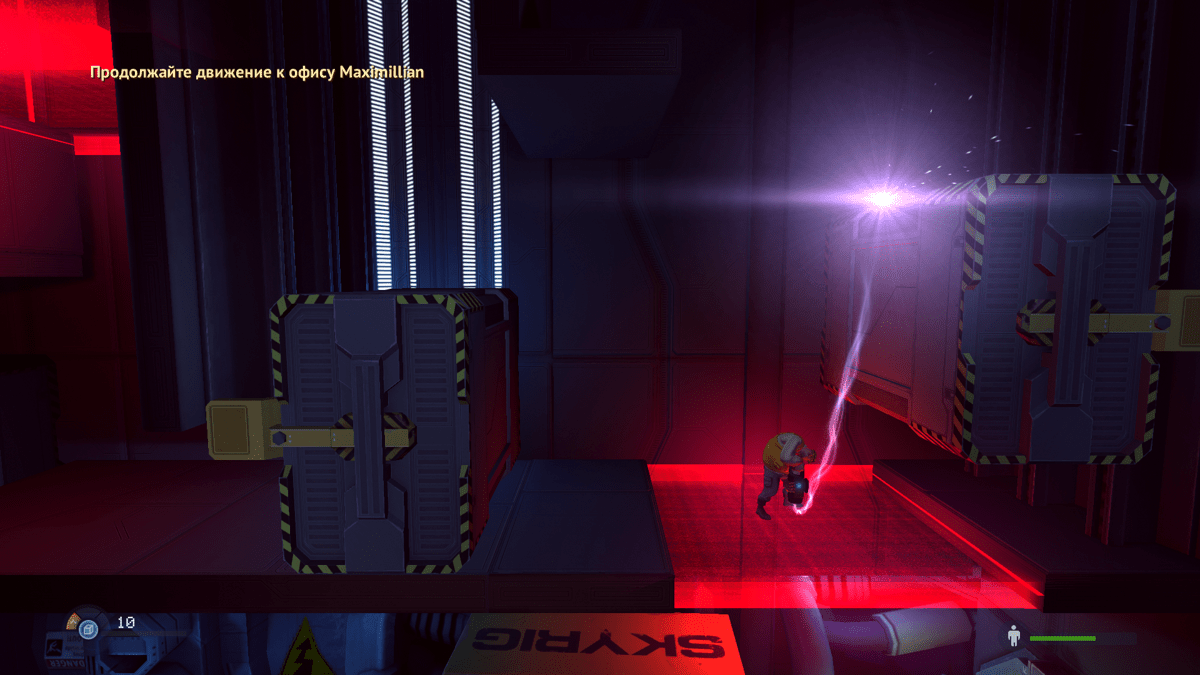
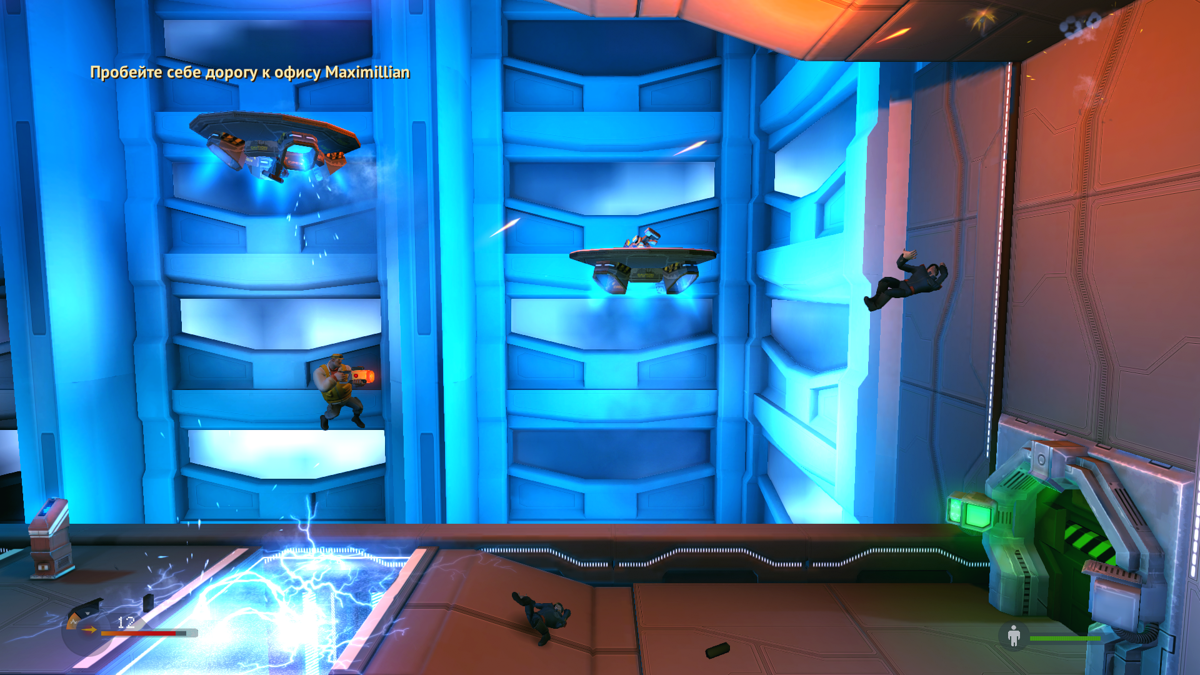
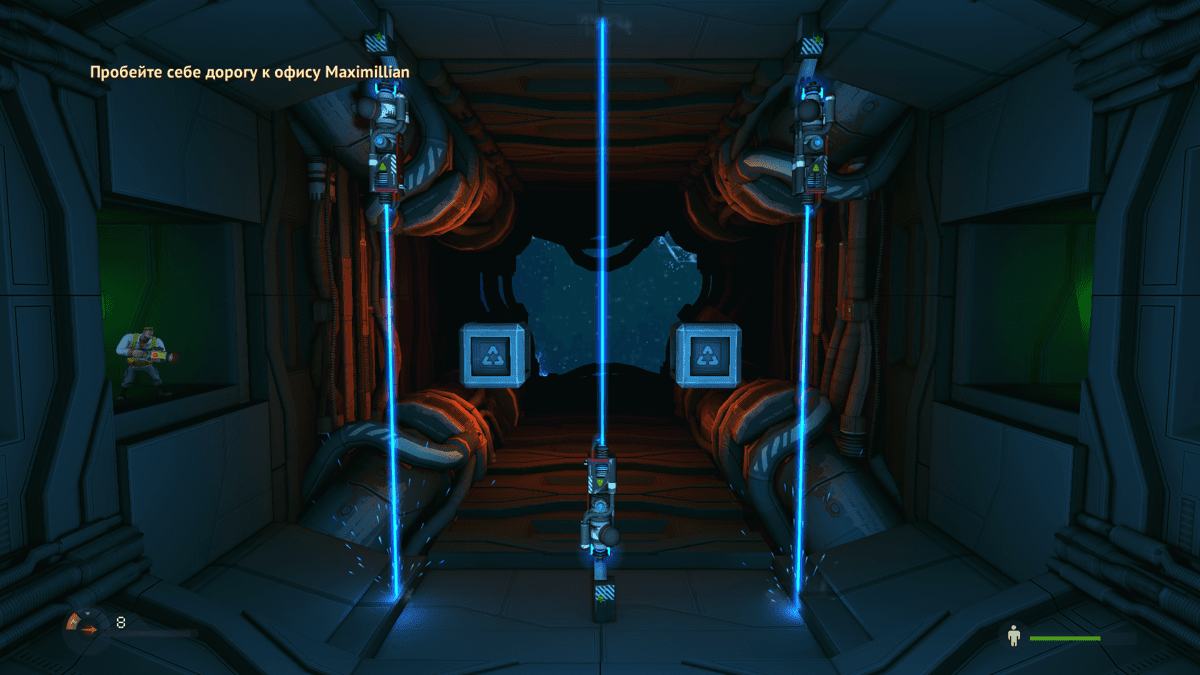
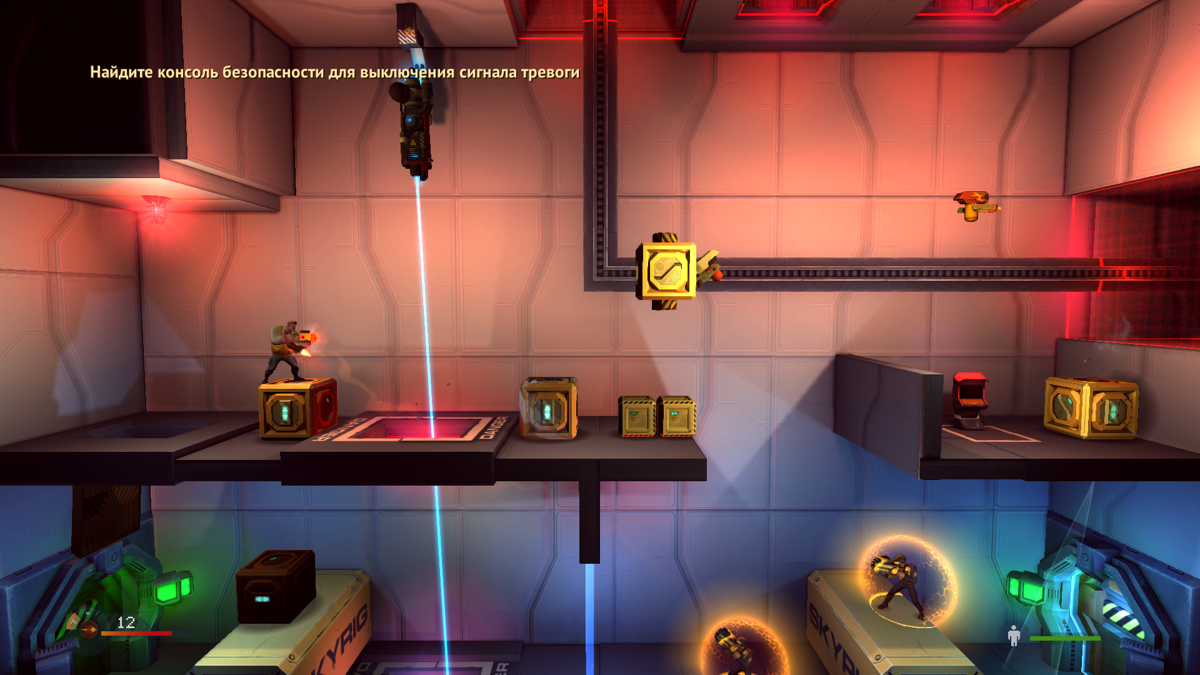
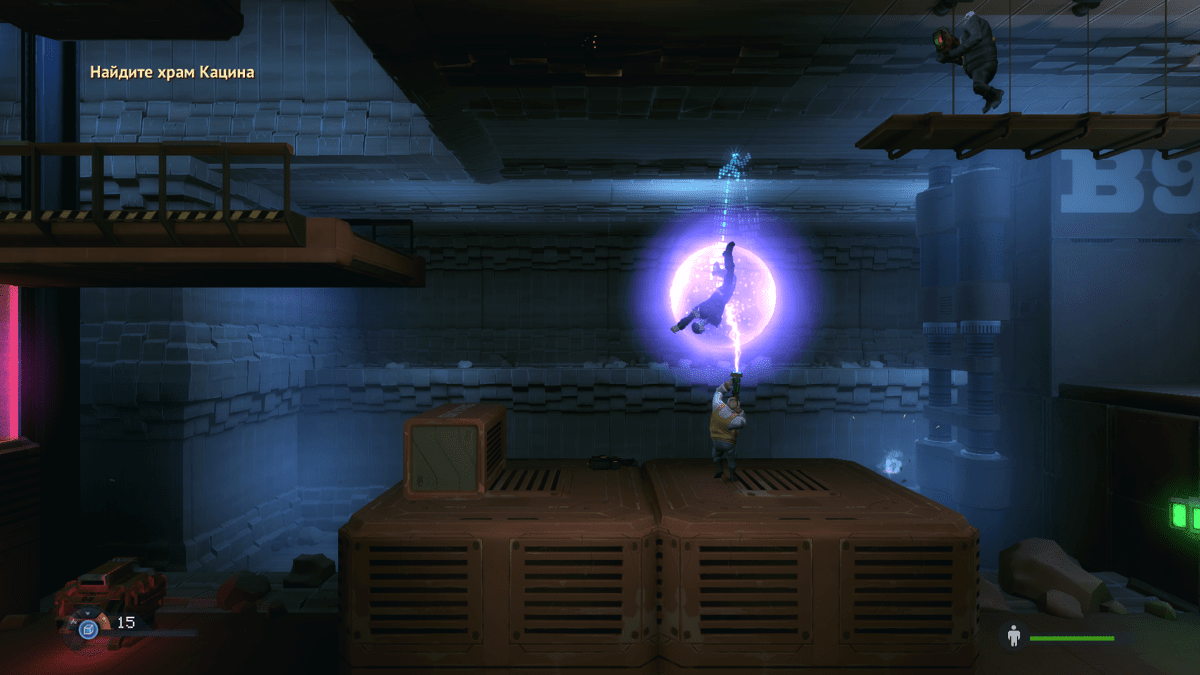
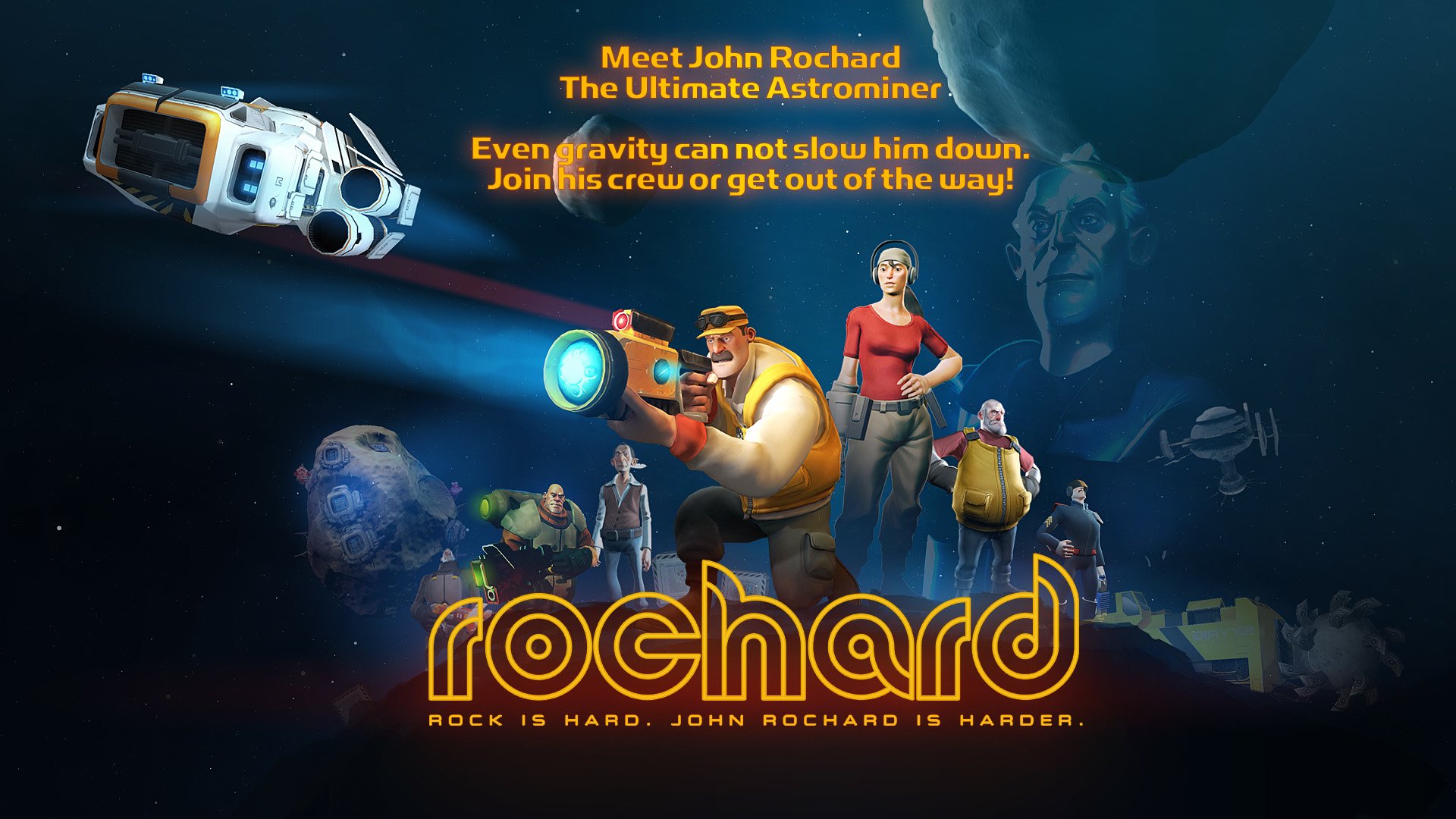
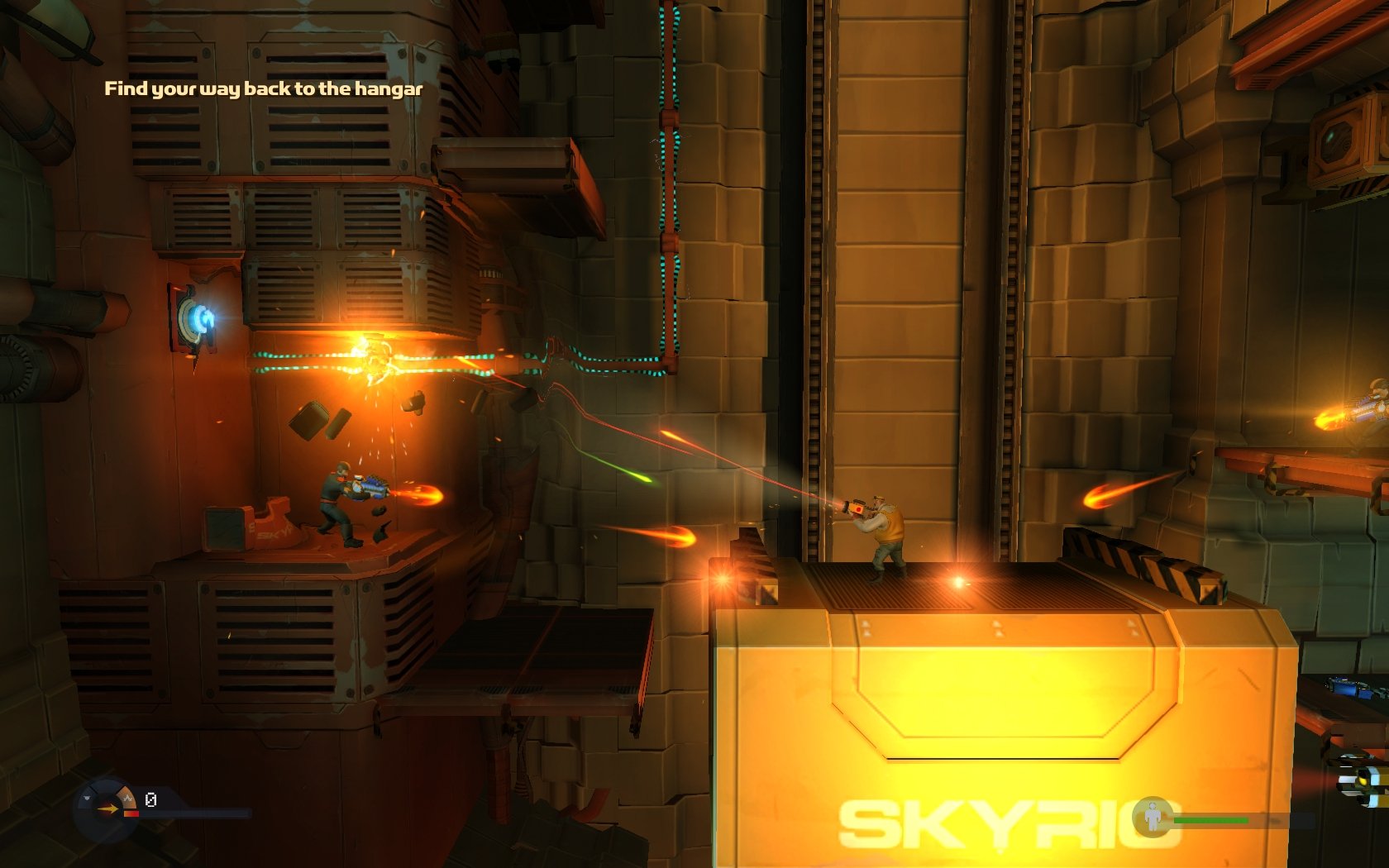
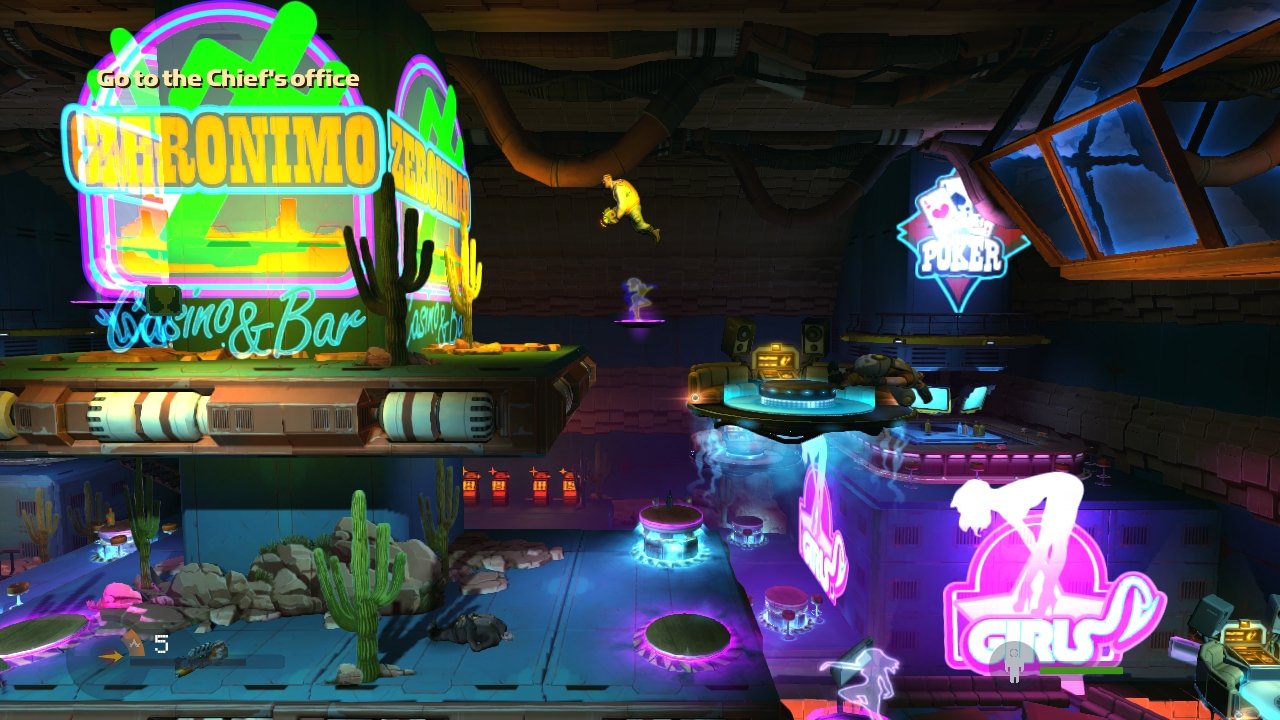
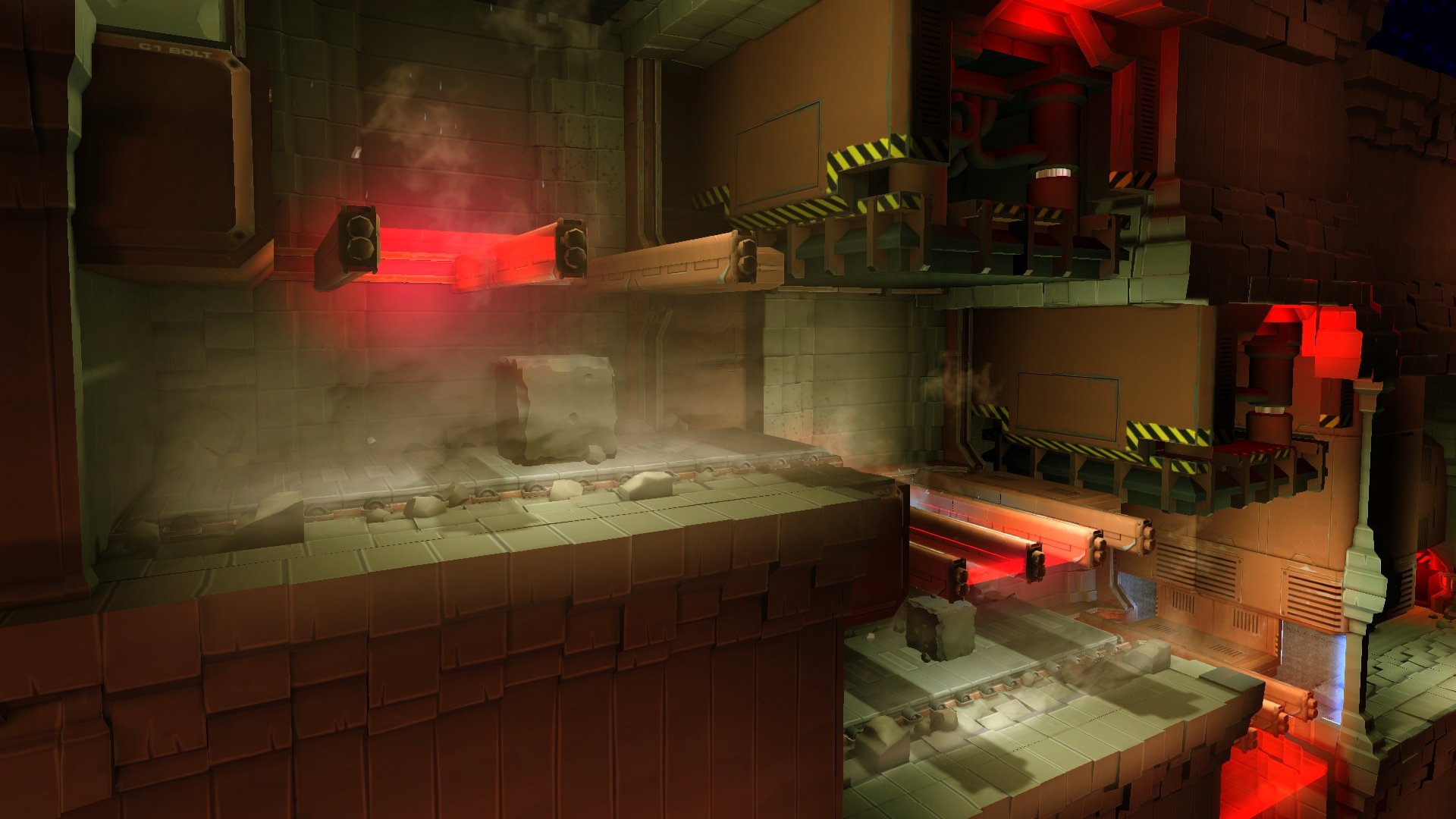
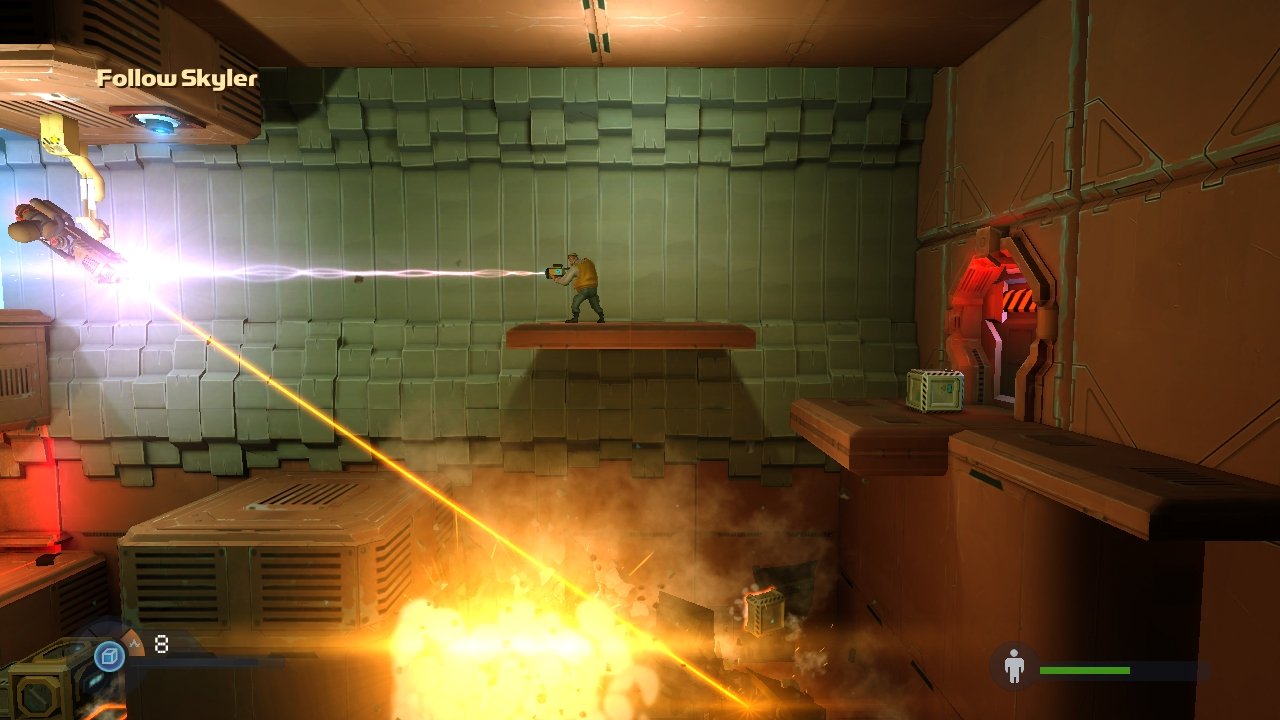
Rochard is a video game published in 2011 on Windows by Nordic Games GmbH, Recoil Games, Ltd.. It's an action game, set in a sci-fi / futuristic, platform and puzzle elements themes, and was also released on Mac and Linux.
Rochard has an addon available: Rochard: Hard Times, don't miss it!
External links
 MobyGames
 Wikipedia page
 PCGamingWiki
 WSGF
 Gameplay video
How to play Rochard Windows
The game v1.42 has been tested on Windows 7 64-bit, Windows 8, Windows 10 and Windows 11, it works fine, the game supports widescreen. You may experience some small troubles when you play the game on modern systems, check our Guide and Notes for details
Install & play guide (for ISO version):
- Mount the disc image. You will need the utility for mounting disc image files, like WinCDEmu, UltraISO, Alcohol 52%/Alcohol 120% or Daemon Tools Lite. Or extract the files from ISO image with WinRAR or similar tool
- Install the game. It is recommended to install the game not in default path, but in some other, non-system folder, like
C:/Games/Rochard, so you won't have troubles with installation of update v1.42 - After you installed the game - install the update v1.42, the installation instruction and NoCD for v1.42 are inside the archive. Update v1.42 is the latest update of the game, it adds the translation on 13 languages and includes the content of Rochard: Hard Times DLC
- Launch the game and play. If the game doesn't work - try to run the game in compatibility mode with old Windows (Windows XP, Vista, 7, etc.) and as administrator (right-click on Rochard.exe -> Properties -> Compatibility)
As alternative, you can use the DRM-Free installer for the game v1.42. However, that installer doesn't include the content of Rochard: Hard Times DLC, and NoCD for v1.42 cannot be used with DRM-Free version because it has the slightly different structure of files.
You can also download the archive with pre-installed game v1.42, it includes the latest Steam build of Rochard with Hard Times DLC, NoCD for v1.42 is already applied. Simply extract the archive and run Rochard.exe to play the game!
Notes:
- If the installation doesn't start - try to launch the installer in compatibility mode with old version of Windows (98, 2000 or XP) and as administrator
- It is recommended to install all versions of Microsoft Visual C++ Redistributable and NET Framework for the correct work of the game. Also it is recommended to install K-Lite Codec Pack for the correct work of in-game videos
- The game works on DirectX 9, so if you're using Windows 8, 8.1, 10 or 11 - you need to enable DirectPlay: Go to Control Panel, and select 'Programs'. Select 'Turn Windows features on and off', click on 'Legacy Components' and check the box 'DirectPlay'. Select OK, once the installation is done, restart your computer
- Originally the game released with 6 languages: English, French, German, Italian, Spanish & Dutch. The developers added more languages in the updates, so the game with the latest update v1.42 has 13 languages: English, French, German, Italian, Spanish, Dutch, Portuguese, Brazilian Portuguese, Hungarian, Czech, Polish, Russian & Turkish. You can switch the language in game options
- The game supports widescreen and high resolutions, including UltraHD 4K, ultrawide and multi-display setups, check WSGF page for details and example screenshots. If you don't see your screen resolution in game options - hold Shift when entering the Video options menu to unlock access to all resolutions available on your system. Alternatively, you can edit the config-file to enter the new screen resolution: go to
C:/Users/%USERNAME%/AppData/LocalLow/Recoil Games/Rochardfolder, open profile.dat file in Notepad and change the values ofm_resolutionWidthandm_resolutionHeightlines - The game has controller support, you can configure the gamepad controls in game options. If the game doesn't recognize your controller - try to use one of the additional tools from PCGamingWiki guide for controllers
- If you want to import & export savegame and settings data, follow this guide, it has the instruction for Windows, Mac & Linux versions of the game
- Don't forget to check PCGamingWiki page if you have troubles!
Comments and reviews
There is no comment nor review for this game at the moment.
Write a comment
Share your gamer memories, help others to run the game or comment anything you'd like. If you have trouble to run Rochard (Windows), read the abandonware guide first!
Download Rochard
We may have multiple downloads for few games when different versions are available. Also, we try to upload manuals and extra documentation when possible. If you have additional files to contribute or have the game in another language, please contact us!
Windows Version
Game version 1.0


 1.1 GB
DownloadDRM-Free setup for v1.42
Doesn't include Rochard: Hard Times DLC


 836 MB
DownloadPre-installed game v1.42
Steam-Rip, includes Rochard: Hard Times DLC
899 MB
Game Extras
Various files to help you run Rochard, apply patches, fixes, maps or miscellaneous utilities.
Includes the content of Rochard: Hard Times DLC
899 MB
MiscArtbook 184 MB
MiscSoundtrack in MP3 and FLAC formats 290 MB
NocdNoCD for version 1.0 4 MB
NocdNoCD for version 1.42Unlocks the content of Rochard: Hard Times DLC
194 KB
Mac Version
- Year: 2011
- Publisher: Recoil Games, Ltd.
- Developer: Recoil Games, Ltd.
Visit MacintoshGarden for more details about Mac version
Linux Version
- Year: 2012
- Publisher: Recoil Games, Ltd.
- Developer: Recoil Games, Ltd.
Similar games
Fellow retro gamers also downloaded these games: