Diplomacy
Windows - 2005

| Alt names | Дипломатия, Diplomacy: The Game of International Intrigue, Dyplomacja: Gra o międzynarodowych intrygach |
|---|---|
| Year | 2005 |
| Platform | Windows |
| Released in | France, Germany, Sweden, United Kingdom, United States (2005) Russia (2006) |
| Genre | Strategy |
| Theme | Board / Party Game, Europe, Historical Battle (specific/exact), Licensed Title, Turn-based, Turn-based strategy |
| Publisher | 1C Company, PAN Vision AB, Paradox Interactive AB, Snowball Studios |
| Developer | Paradox Interactive AB |
| Perspective | Top-Down |
| Tested on | Windows 10, Windows 11 |
Description of Diplomacy
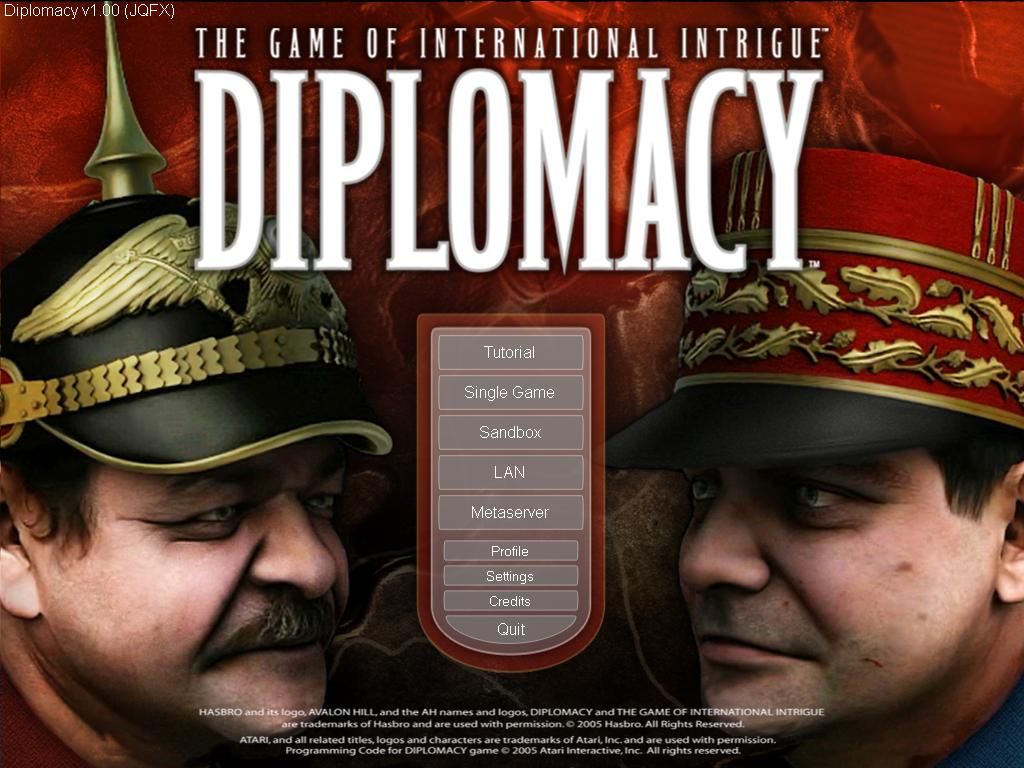
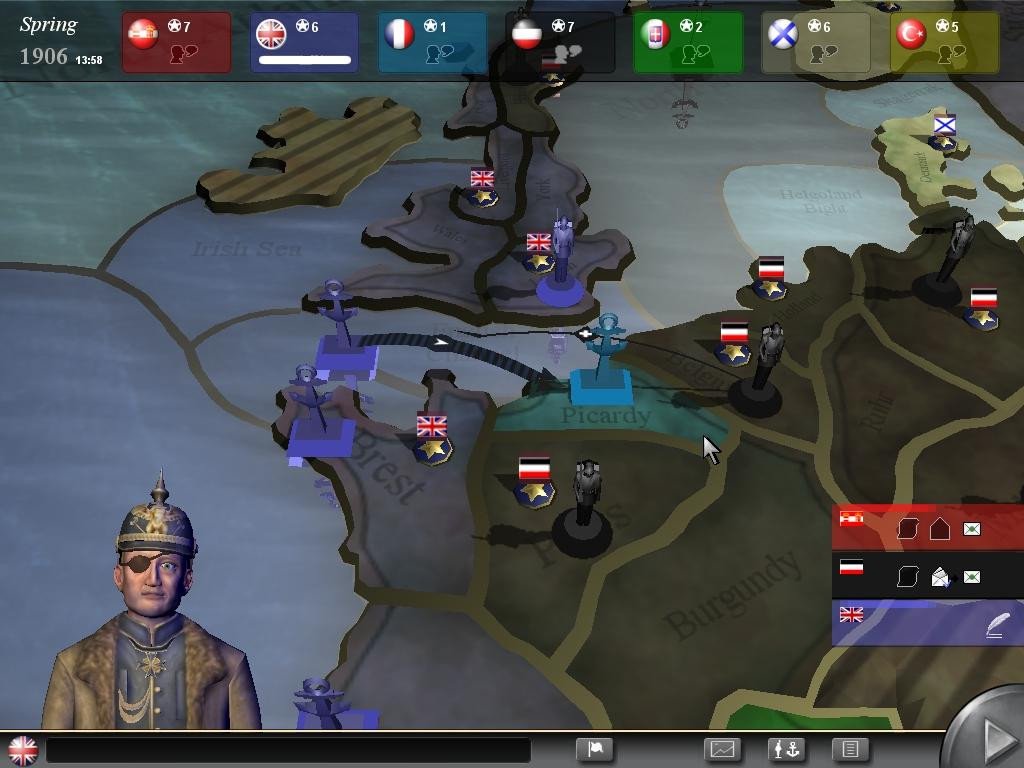
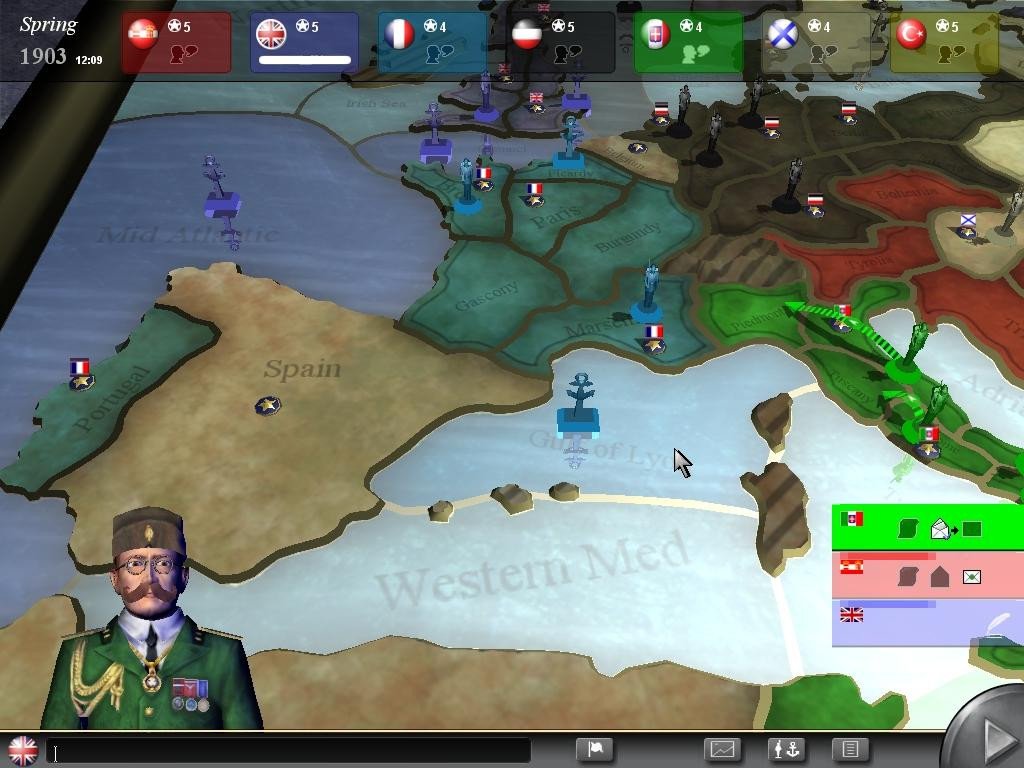
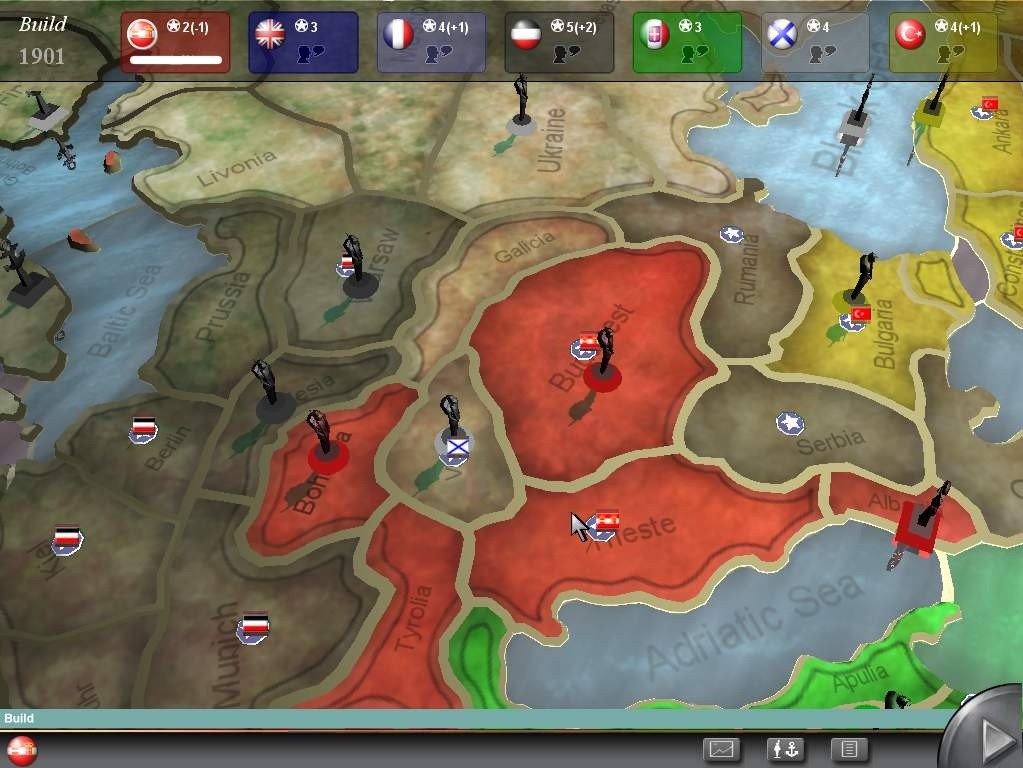
If you haven't played Diplomacy or want to try this strategy video game, download it now for free! Published in 2005 by 1C Company, PAN Vision AB, Paradox Interactive AB, Snowball Studios, Diplomacy (aka Дипломатия, Dyplomacja: Gra o międzynarodowych intrygach) was an above-average licensed title title in its time.
External links
 MobyGames
 Wikipedia page
 IGDB
IGDBHow to play Diplomacy Windows
The game has been tested on Windows 7 64-bit, Windows 10 and Windows 11, it works fine, the game supports widescreen. You may experience some small troubles when you play the game on modern systems, check our Notes for details.
To install the game mount the ISO image and run Setup.exe. After you installed the game, install the patch v1.3. The game doesn't have any DRM protection, simply install & play
Notes:
- On some systems Autorun of the disc doesn't work so install the game directly from Setup.exe. If the installation doesn't start - try to launch Setup.exe as Administrator and in Compatibility mode with old version of Windows (98, 2000 or XP)
- The game works on DirectX 9, so if you're using Windows 8, 8.1, 10 or 11 - you need to enable DirectPlay: Go to Control Panel, and select 'Programs'. Select 'Turn Windows features on and off', click on 'Legacy Components' and check the box 'DirectPlay'. Select OK, once the installation is done, restart your computer
- If the game doesn't work - run it in Compatibility mode with old Windows (like Windows XP) and as Administrator. Also, it is recommended to install all versions of Microsoft Visual C++ Redistributable and NET Framework for the correct work of the game
- The game doesn't have any DRM protection. If the game asks to insert the disc - open Windows Registry editor (press Win+R -> type regedit.exe and press Enter), go to
HKEY_LOCAL_MACHINE/SOFTWARE/WOW6432Node/Paradox Interactive/Diplomacypath (if you have 32-bit Windows, the path is the same but withoutWOW6432Node) and change the lineCD, enter the path to the folder with installed game instead - For Windows 11 users: for unknown reason, the installer of the game doesn't work on some Windows 11 systems. If the installer doesn't start - use the attached Full-Rip, it includes the full English version of the game v1.3 and REG-file with required Windows Registry data. That Full-Rip can be used on other Windows OS too
- If the un-installer of the game doesn't work - mount the disc in virtual drive and run Setup.exe, then select "Remove the game". Or use special utilities like Revo Uninstaller
Captures and Snapshots
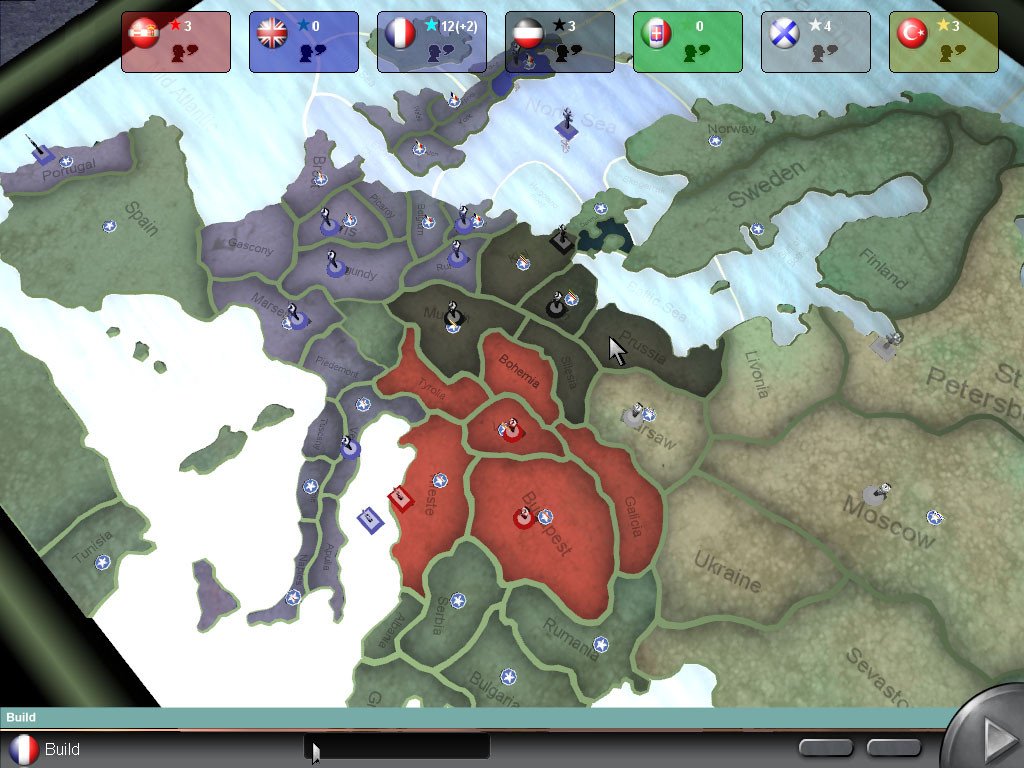
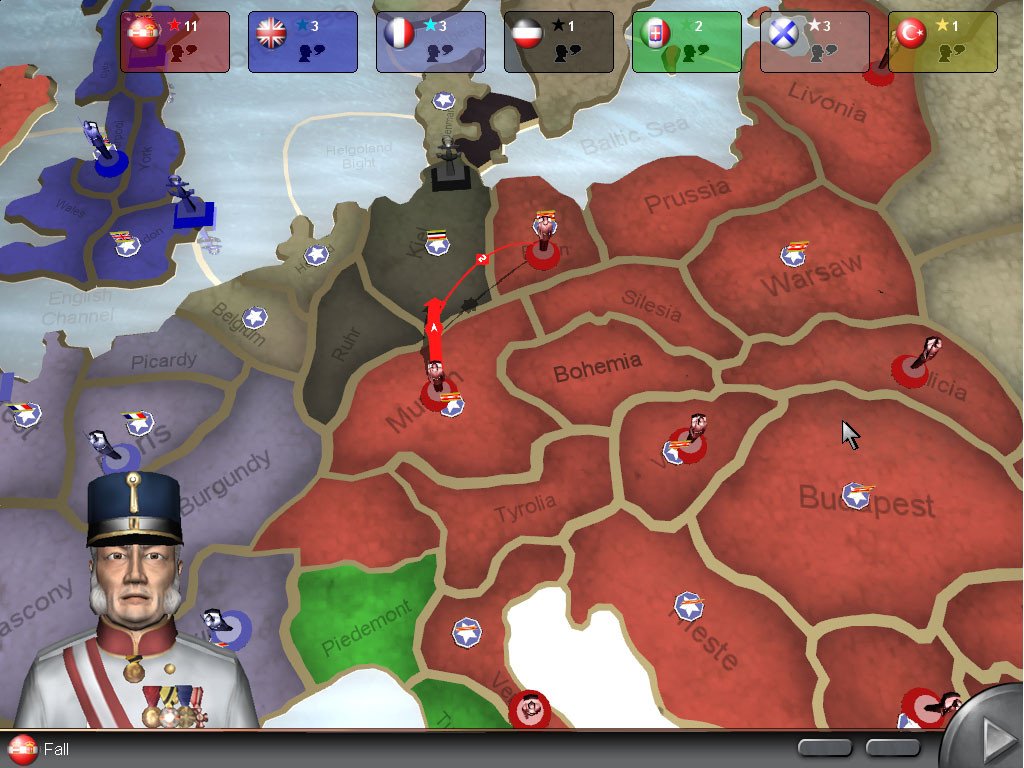
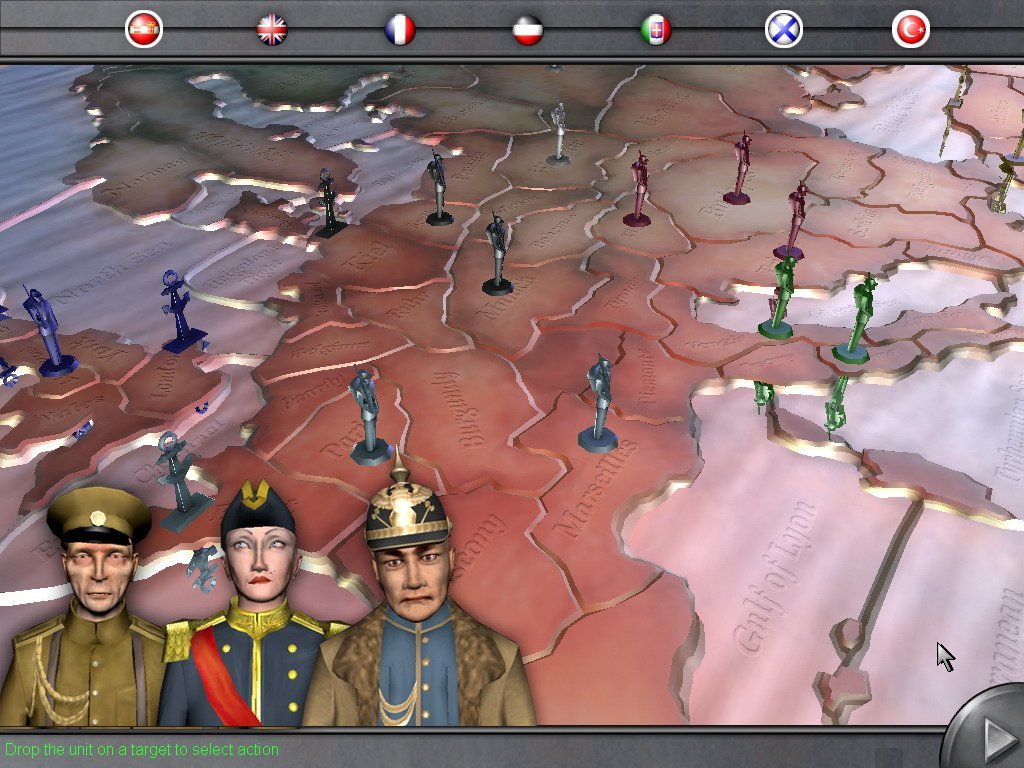
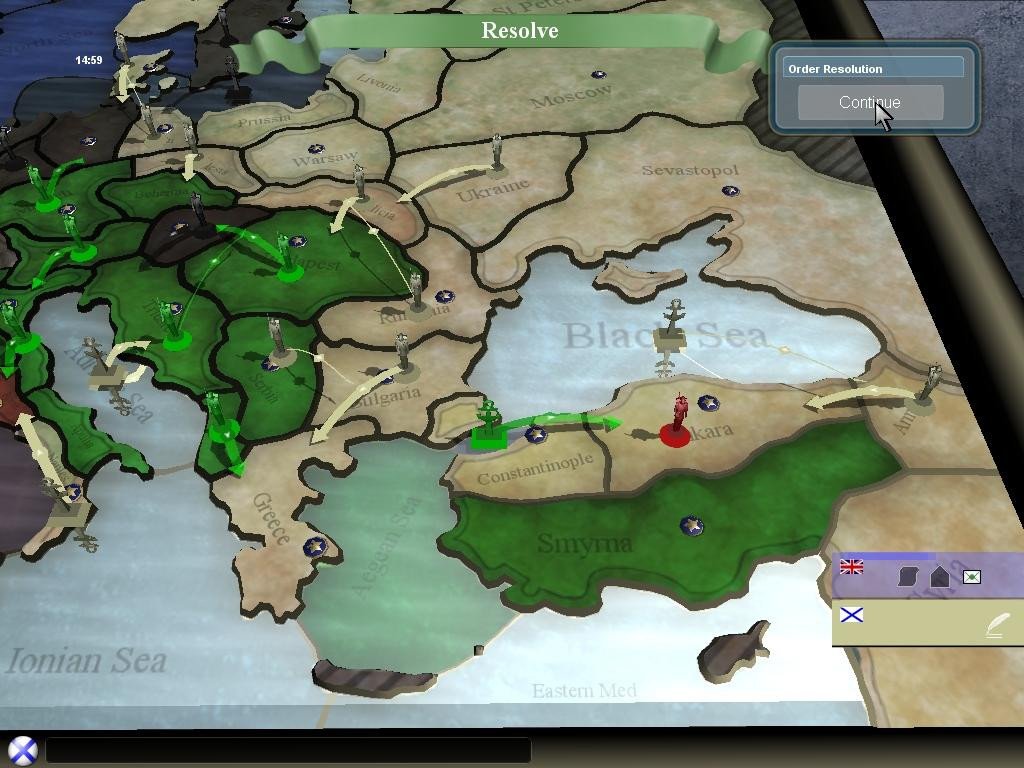
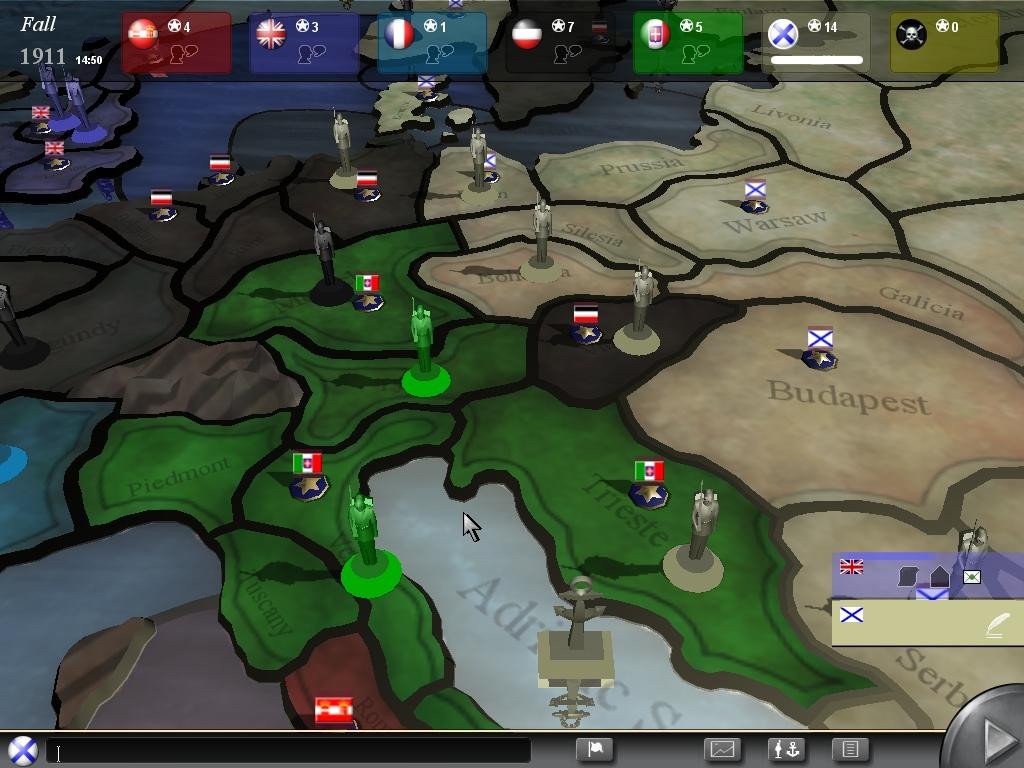
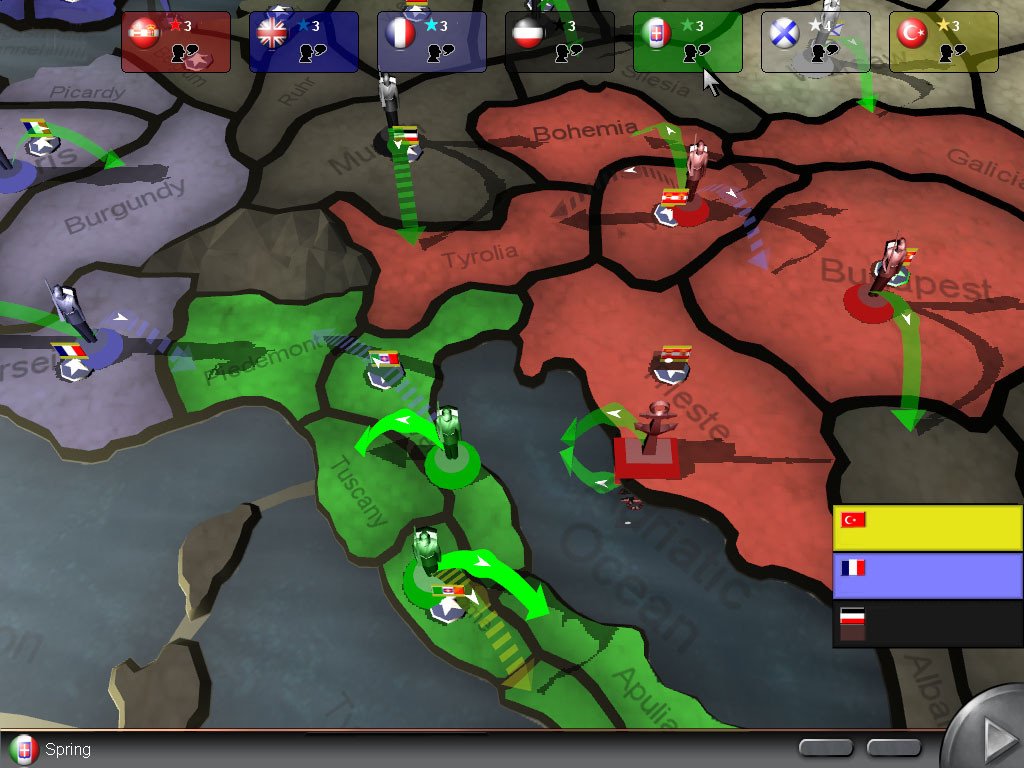
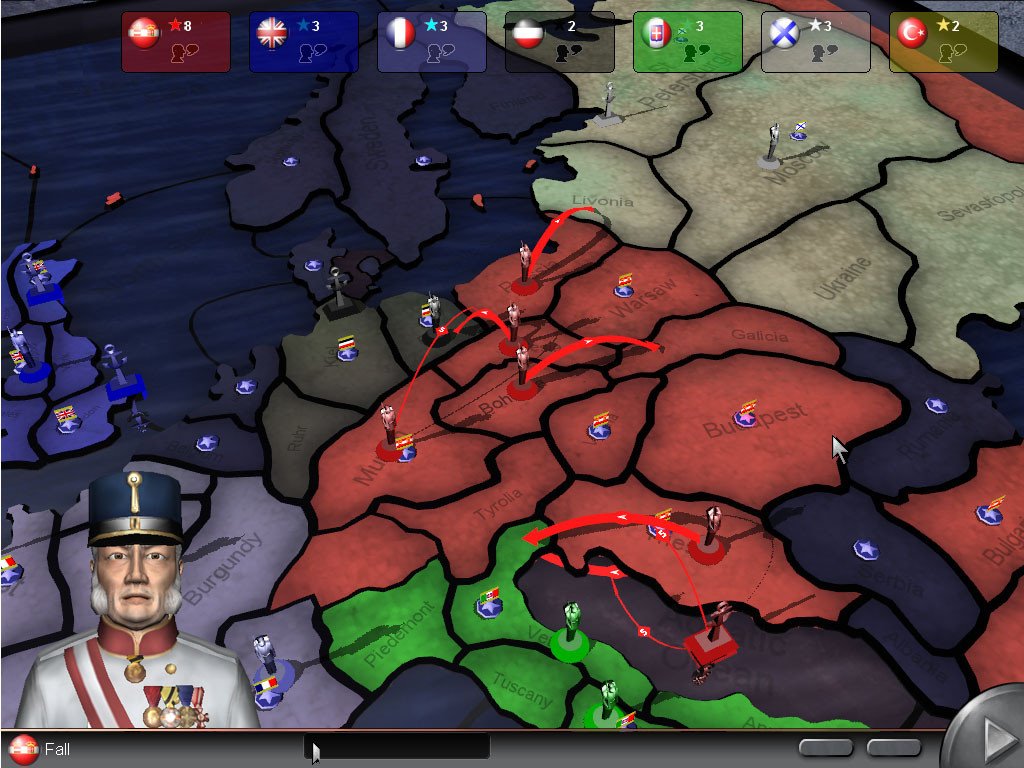
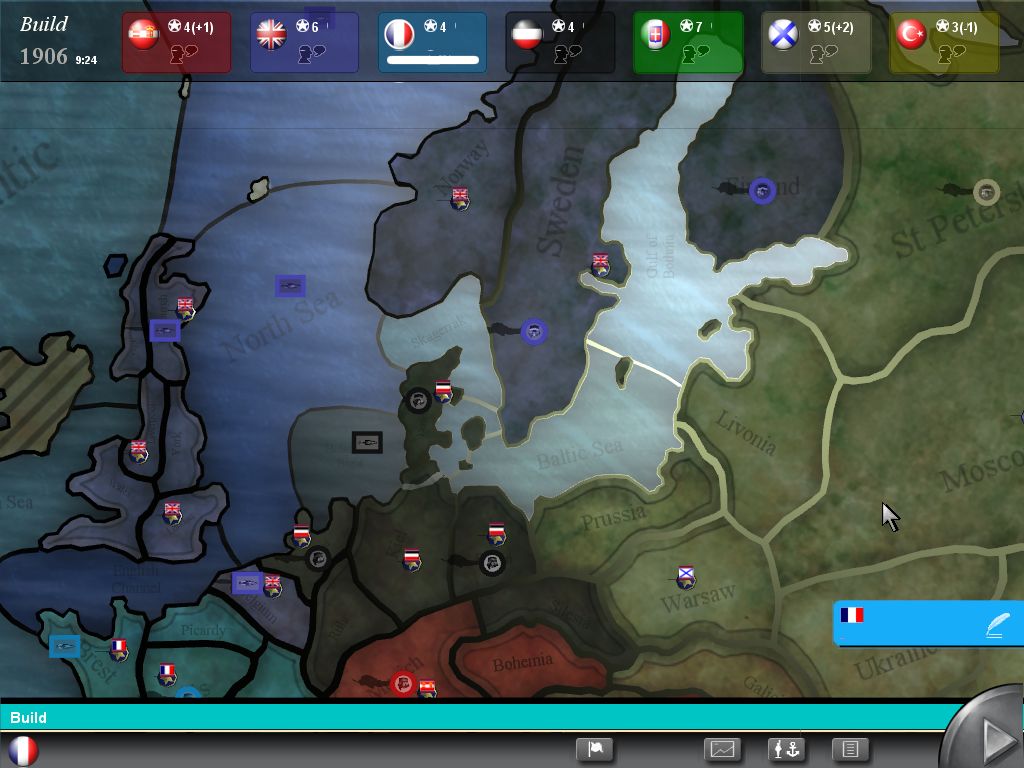

Comments and reviews
There is no comment nor review for this game at the moment.
Write a comment
Share your gamer memories, help others to run the game or comment anything you'd like. If you have trouble to run Diplomacy (Windows), read the abandonware guide first!
Download Diplomacy
We may have multiple downloads for few games when different versions are available. Also, we try to upload manuals and extra documentation when possible. If you have additional files to contribute or have the game in another language, please contact us!
Windows Version
 176 MB
DownloadFull-Rip of English version v1.3
176 MB
DownloadFull-Rip of English version v1.3Pre-installed game
139 MB
DownloadGerman version  177 MB
DownloadPolish version
177 MB
DownloadPolish version  176 MB
DownloadRussian version
176 MB
DownloadRussian versionPre-patched to v1.3
 678 MB
Game Extras
Various files to help you run Diplomacy, apply patches, fixes, maps or miscellaneous utilities.
Similar games
Fellow retro gamers also downloaded these games: