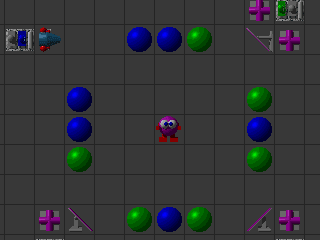
Enigmo Deluxe
Windows - 2010

| Year | 2010 |
|---|---|
| Platform | Windows |
| Released in | Worldwide |
| Genre | Puzzle |
| Theme | Editor / Construction Set |
| Publisher | Pangea Software, Inc. |
| Developer | Ideas From the Deep |
| Perspectives | Side view, Fixed / Flip-screen |
Description of Enigmo Deluxe
If you haven't played Enigmo Deluxe or want to try this puzzle video game, download it now for free! Published in 2010 by Pangea Software, Inc., Enigmo Deluxe was an above-average editor / construction set title in its time.
External links
 iPad Remake
 Reddit
 MobyGames
How to play Enigmo Deluxe Windows
Use these serials with version 2.05:
- Reg. Name:
Pangea - Serial Number:
1166-6143-2435-2323 - Order Number: 1
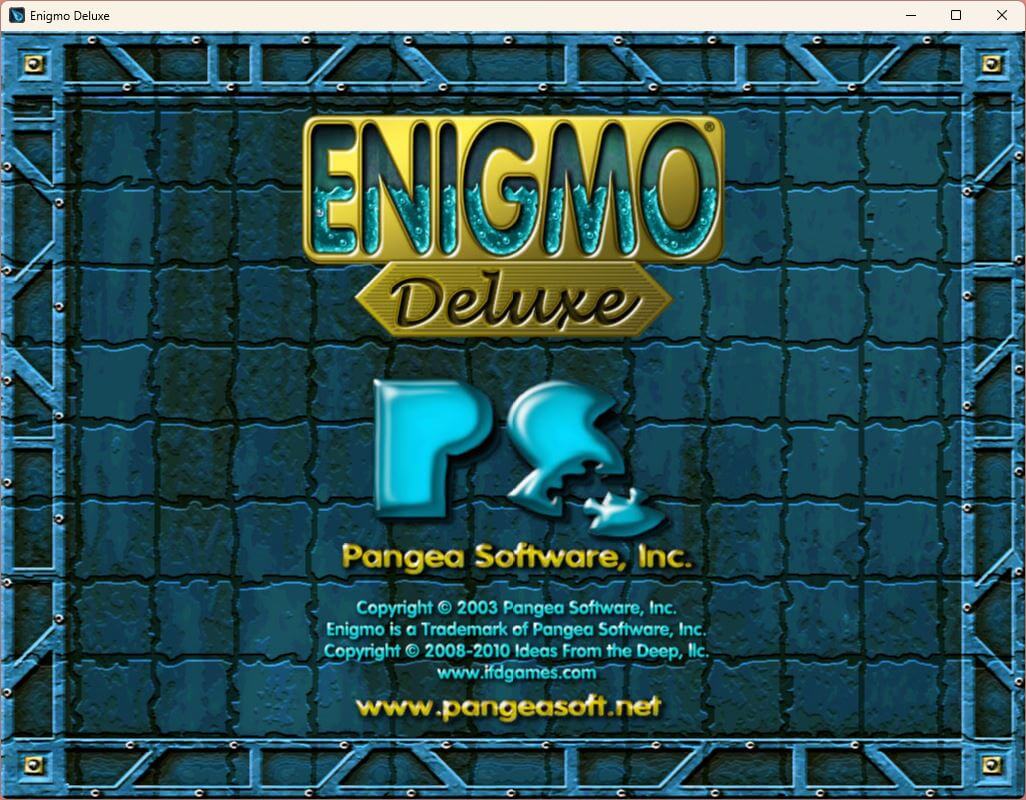
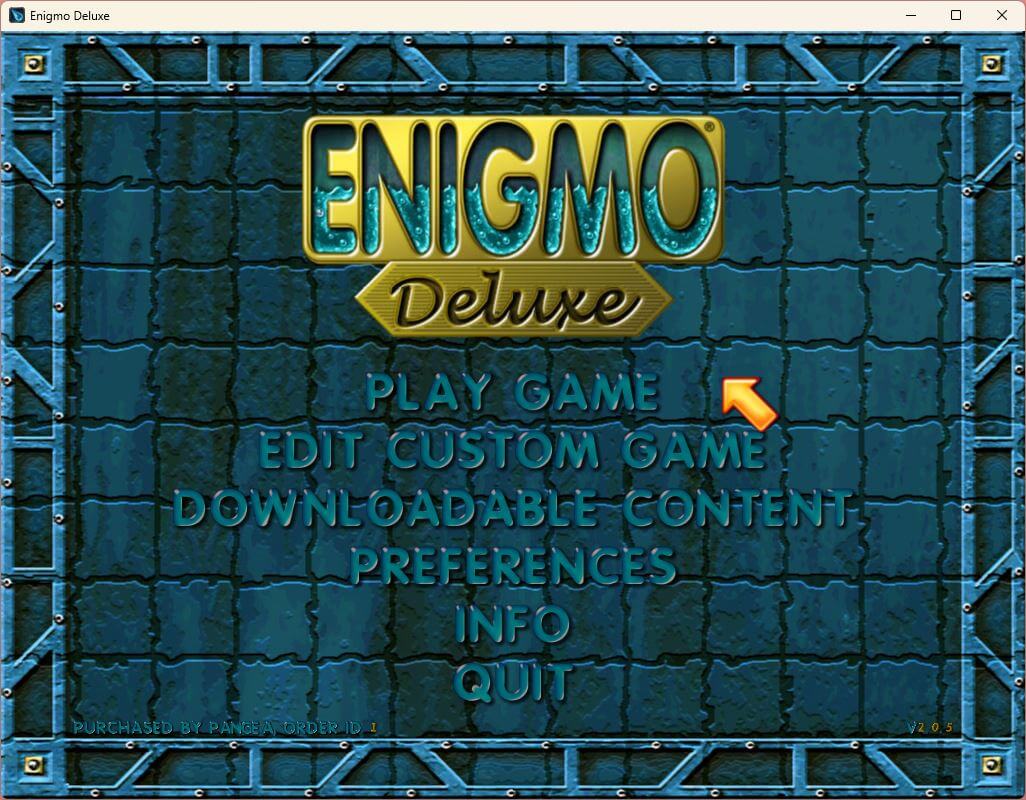
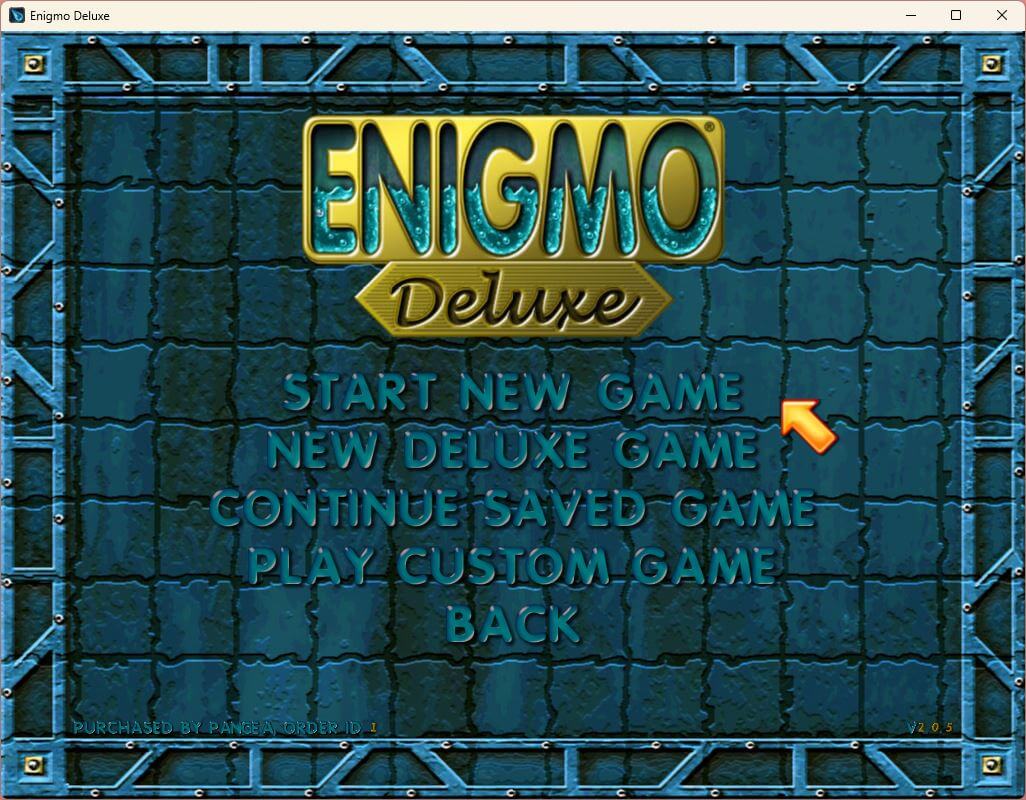
Captures and Snapshots
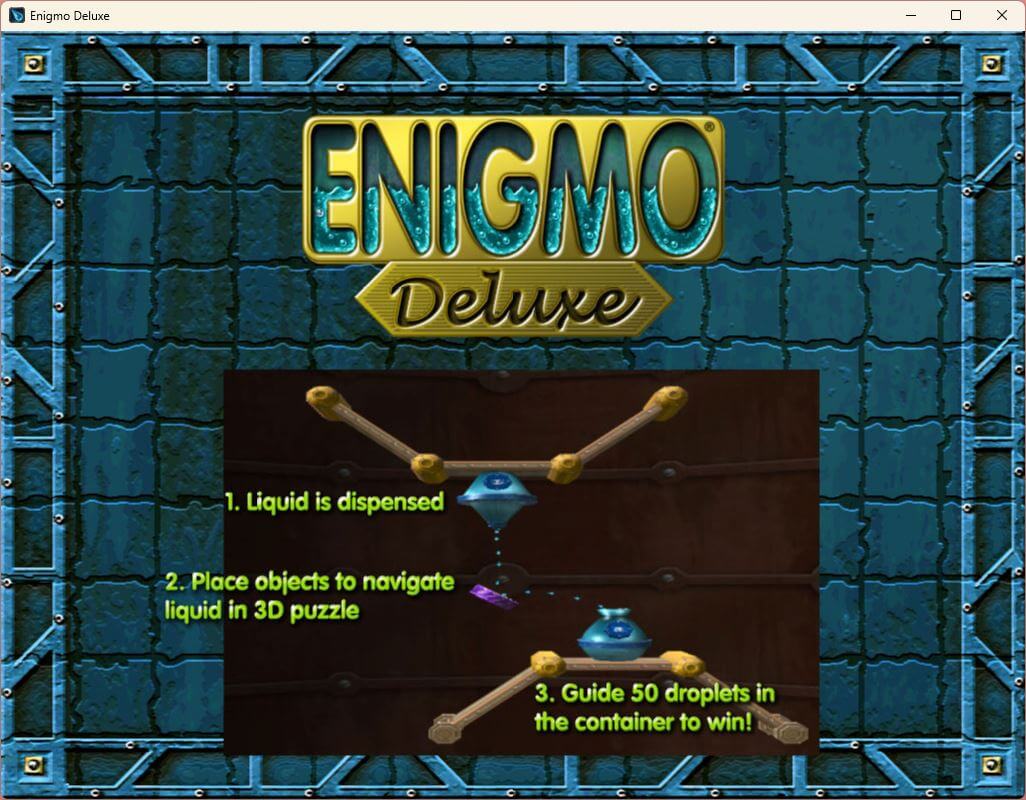
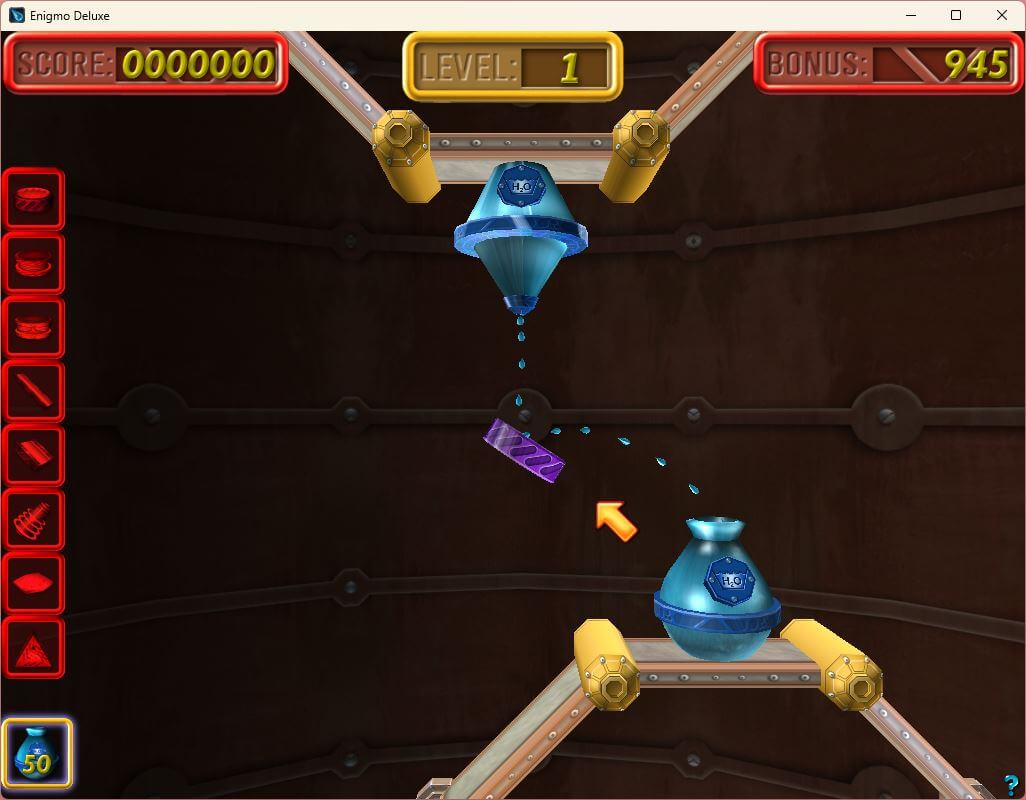
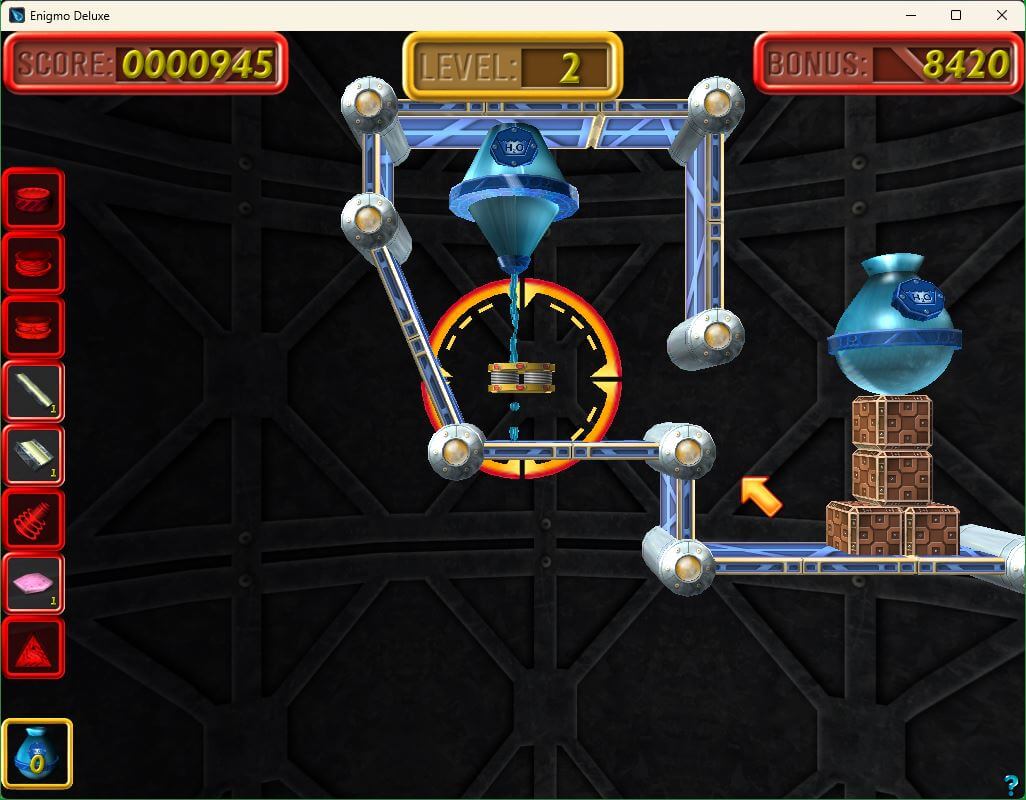

Comments and reviews
Whiterabbit-uk aka Stephen Brown 2026-04-28 0 point
When installing, you will probably get a ''Windows protected your PC'' message via Microsoft Defender's Smart Screen.
To cancel this and enable the installation click on the underlined More Info. The click on the RUN ANYWAY button to start the installation.
I had no other security issues and once installed tested the installed game with no security issues evident.
Whiterabbit-uk aka Stephen Brown 2026-04-28 0 point
Works perfectly on Win 11. During the instal process, you are asked to input the registration details (see above in the ''How to play Enigmo Deluxe Windows'' for the info required)
Once registered (press validate), you get a graphic configuration screen that allows to to toggle between full screen and windowed as well as change the resolution. Playing in full screen may be a problem with dual monitors, with the game defaulting to the centre of both screens. In windowed mode you can move the window around. Increase the size of the window by increasing the display size.
The following keyboard controls were taken from the sequels read me, but they appear to be the same for the original release as well:
Keyboard Controls:
Arrows When a part is selected this will rotate it in 1/16th steps.
CTRL + Arrows Same as above, but in 1/64th steps.
Alt + Arrows Shifts all parts in the scene up/down/right/left.
Shift As long as the Shift key is held down, objects will Snap to Grid. This is a quick, temporary way to align objects on the grid rather than clicking the Snap to Grid button and then unclicking it.
Delete Deletes the currently selected part.
Ctrl + Delete Deletes all Dynamic parts in the current level. It does not delete any Static parts.
Ctrl + Alt + Del Same as above, but in Edit mode it will also delete all Dynamic parts, thereby clearing the entire level.
Tab + Prev/Next Skips by 10 levels in Edit mode.
Alt + F4 Immediately Quits the Enigmo 2 application.
F1 Causes the game's Preferences dialog to appear.
M Toggles the Music ON/OFF
- / = Lower / Raise Volume
G Toggles Snap-To-Grid (same as clicking on icon)
T Toggles Axis Mode between Rotate/Move (same as clicking on icon).
R Reset selected part's rotation (same as clicking on icon).
Y Reset camera to initial position (same as clicking on icon).
Write a comment
Share your gamer memories, help others to run the game or comment anything you'd like. If you have trouble to run Enigmo Deluxe (Windows), read the abandonware guide first!
Download Enigmo Deluxe
We may have multiple downloads for few games when different versions are available. Also, we try to upload manuals and extra documentation when possible. If you have additional files to contribute or have the game in another language, please contact us!
Windows Version
 19 MB
19 MBSimilar games
Fellow retro gamers also downloaded these games: