Goin' Downtown
Windows - 2008
| Alt name | Нью-Йорк 2072. Смерть в большом городе |
|---|---|
| Year | 2008 |
| Platform | Windows |
| Released in | Germany (2008) Germany, Russia (2009) |
| Genre | Adventure |
| Theme | Game Show / Trivia / Quiz, Puzzle elements, Sci-Fi / Futuristic |
| Publisher | 1C Company, Snowball Studios, TGC - The Games Company GmbH |
| Developer | Silver Style Entertainment e.K. |
| Perspective | 3rd-Person |
| Tested on | Windows 10, Windows 11 |
Description of Goin' Downtown
2008, the year Goin' Downtown was released on Windows. Made by Silver Style Entertainment e.K. and published by 1C Company, TGC - The Games Company GmbH, Snowball Studios, this adventure game is available for free on this page.
External links
 MobyGames
 Wikipedia page
 Gameplay video
 IGDB
IGDBHow to play Goin' Downtown Windows
The game has been tested on Windows 7 64-bit, Windows 10 and Windows 11, it works fine. The game supports widescreen. You may experience some small troubles when you play the game on modern systems, check our Guide and Notes for details
Install & play guide:
- Mount the disc image. You will need the utility for mounting disc image files, like WinCDEmu, UltraISO, Alcohol 52%/Alcohol 120% or Daemon Tools Lite
- Install the game. It is recommended to install the game not in default path, but in some other, non-system folder, like
C:/Games/Goin Downtown, so you won't have troubles with NoCD - After you installed the game - use NoCD, simply copy Downtown.exe from the archive and put them in game folder, agree to replace the original file
- Open the game folder and find Downtown.exe. Right-click on Downtown.exe -> Properties -> Compatibility -> Set "Run this app in Compatibility mode with Windows XP" and "Run as Administrator"
- Launch the game and play. If the game doesn't work in compatibility mode with Windows XP - try to launch it in Compatibility mode with other version of Windows (Windows Vista, Windows 7, etc.)
About English release: English release has German audio and English menu & subtitles. That happened because the original publisher of the game, The Games Company, went bankrupt before it could be localized into English. Another publisher, Kalypso Media, purchased the rights for the game and released it only with text localization on English, leaving the original German audio
Notes:
- If the installation doesn't start - try to launch Setup.exe as Administrator and in Compatibility mode with old version of Windows (98, 2000 or XP)
- It is recommended to install all versions of Microsoft Visual C++ Redistributable and NET Framework for the correct work of the game. Also it is recommended to install K-Lite Codec Pack for the correct work of in-game videos
- The game works on DirectX 9, so if you're using Windows 8, 8.1, 10 or 11 - you need to enable DirectPlay: Go to Control Panel, and select 'Programs'. Select 'Turn Windows features on and off', click on 'Legacy Components' and check the box 'DirectPlay'. Select OK, once the installation is done, restart your computer
- The game is protected with Tages SolidShield DRM which has serious compatibility issues with modern systems, so we recommend to use NoCD to play the game. NoCD "cracks" the DRM protection and allows to play the game without it. To use NoCD simply copy the files from the archive and put in game folder, agree to replace the original files. If you get the error that there's not enough space on the hard drive when you copy NoCD files - re-install the game in non-system folder, like
D:/Games/Goin Downtown, Windows Protection may block copying of files to system folders (likeC:/Program FilesorC:/Windows) - If you don't hear the voices in the game - check the settings of audio, by default the volume of voice set to 0, for unknown reason
- If you have problem with broken sound effects or disappearing sound - first try to change the sound settings. If it didn't work - set sound quality to 24 bit, 48000 Hz or 24 bit, 44100 Hz. Read this guide how to do that
- In original Russian release the cursing words were censored - audio were censored with bleep censor and subtitles were having * symbols in cursing words. Later the publisher released decensor patch that removes that censorship. That decensor patch is already included in the installer of Russian version
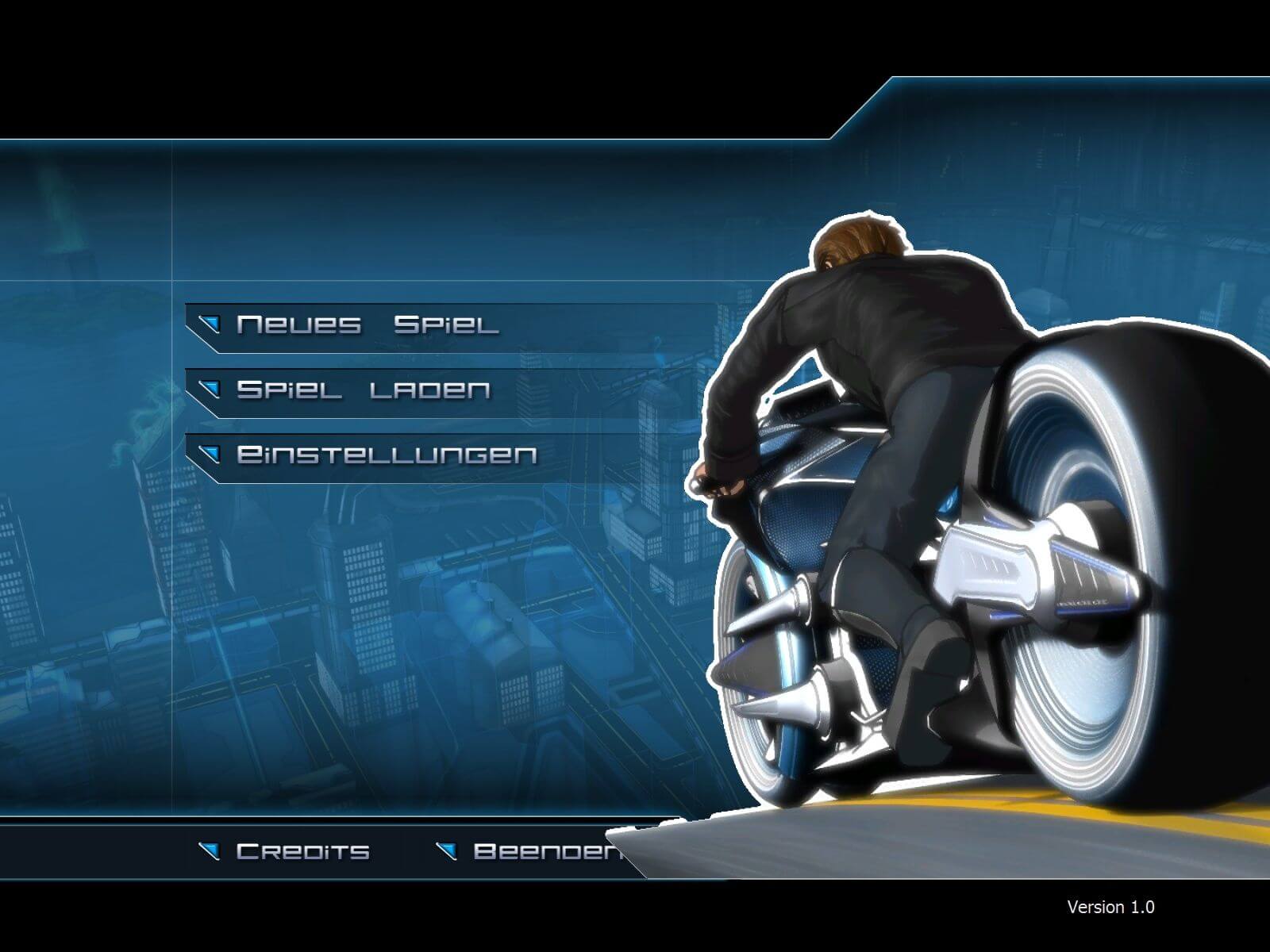
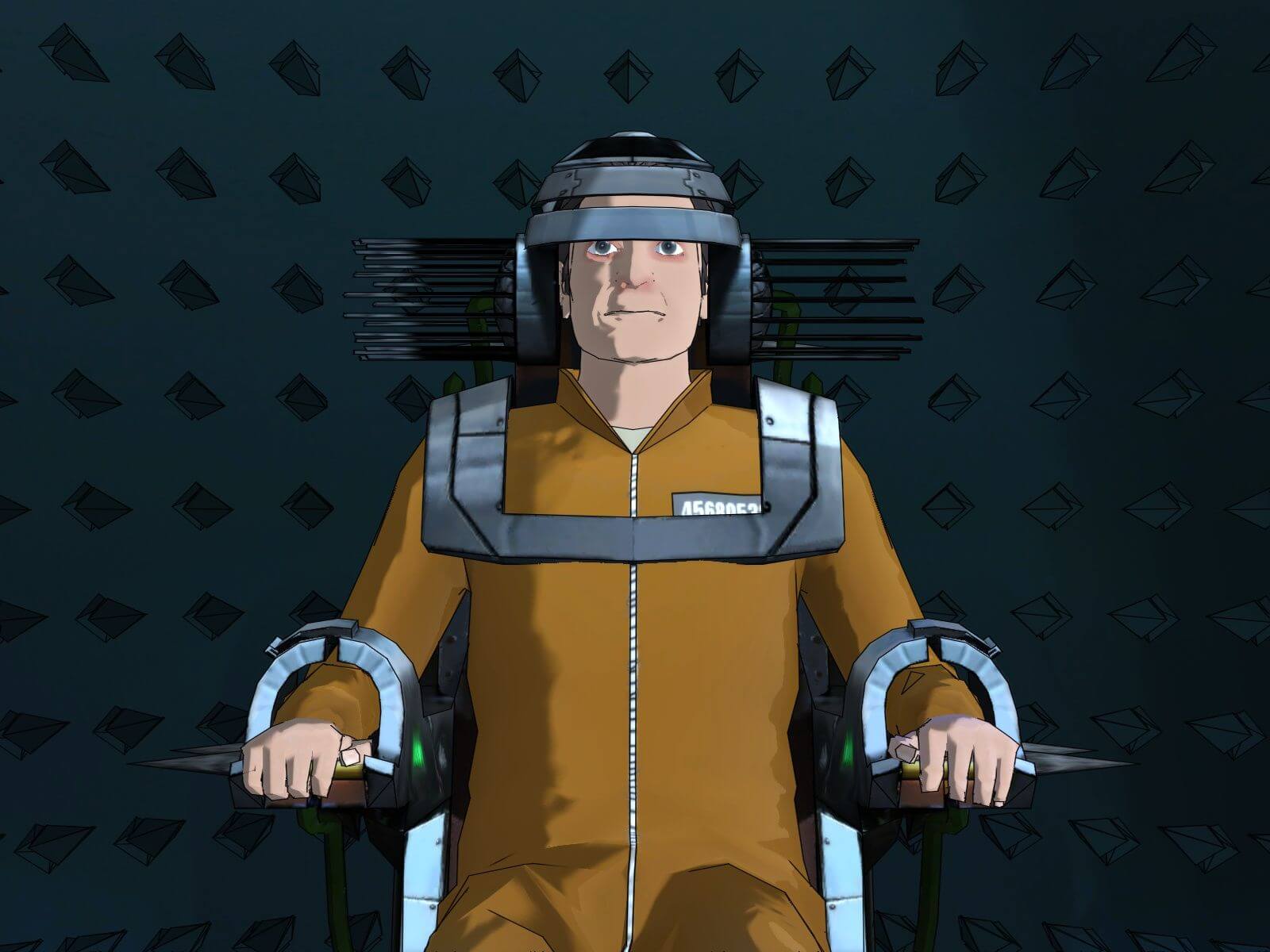
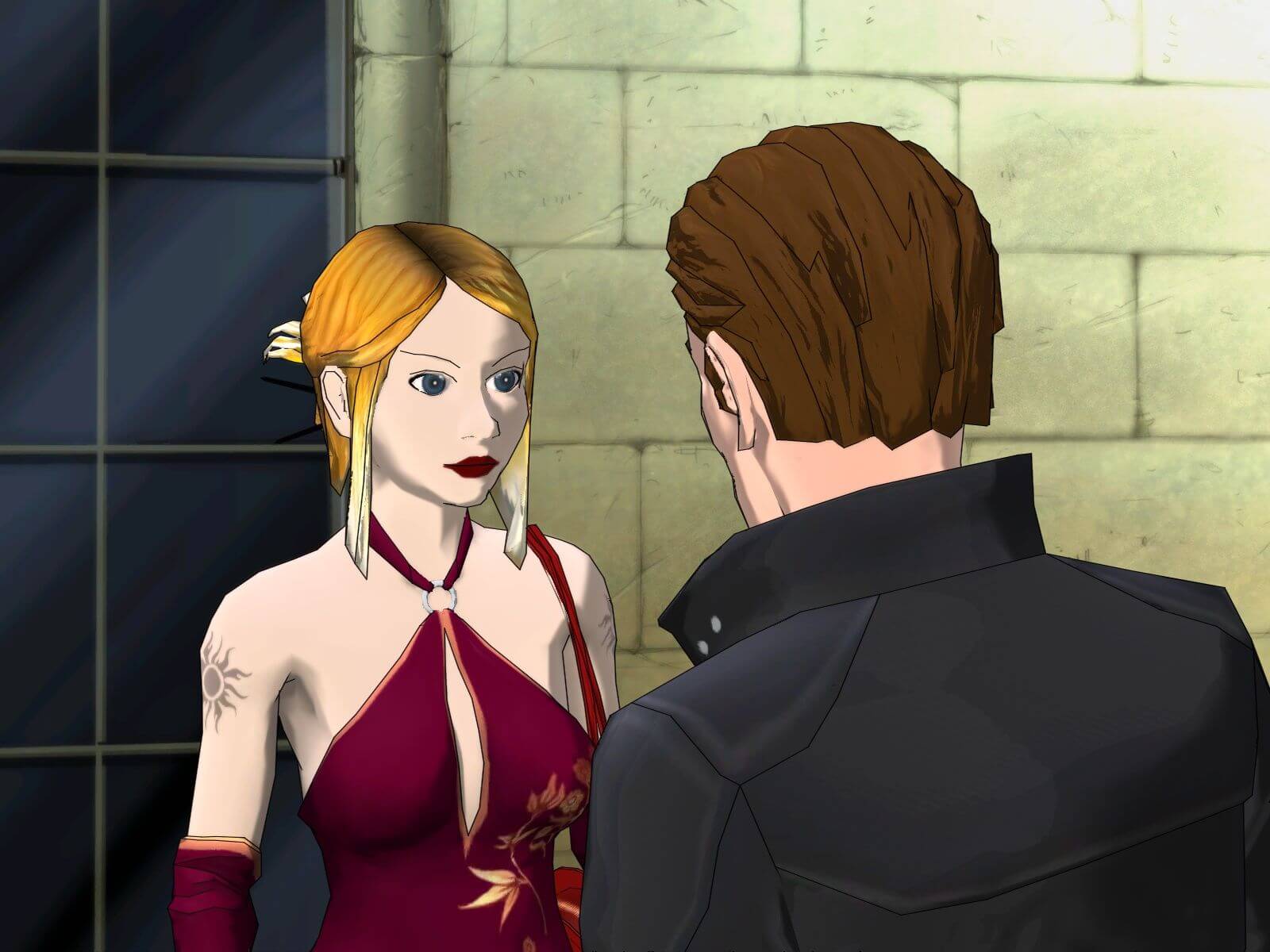
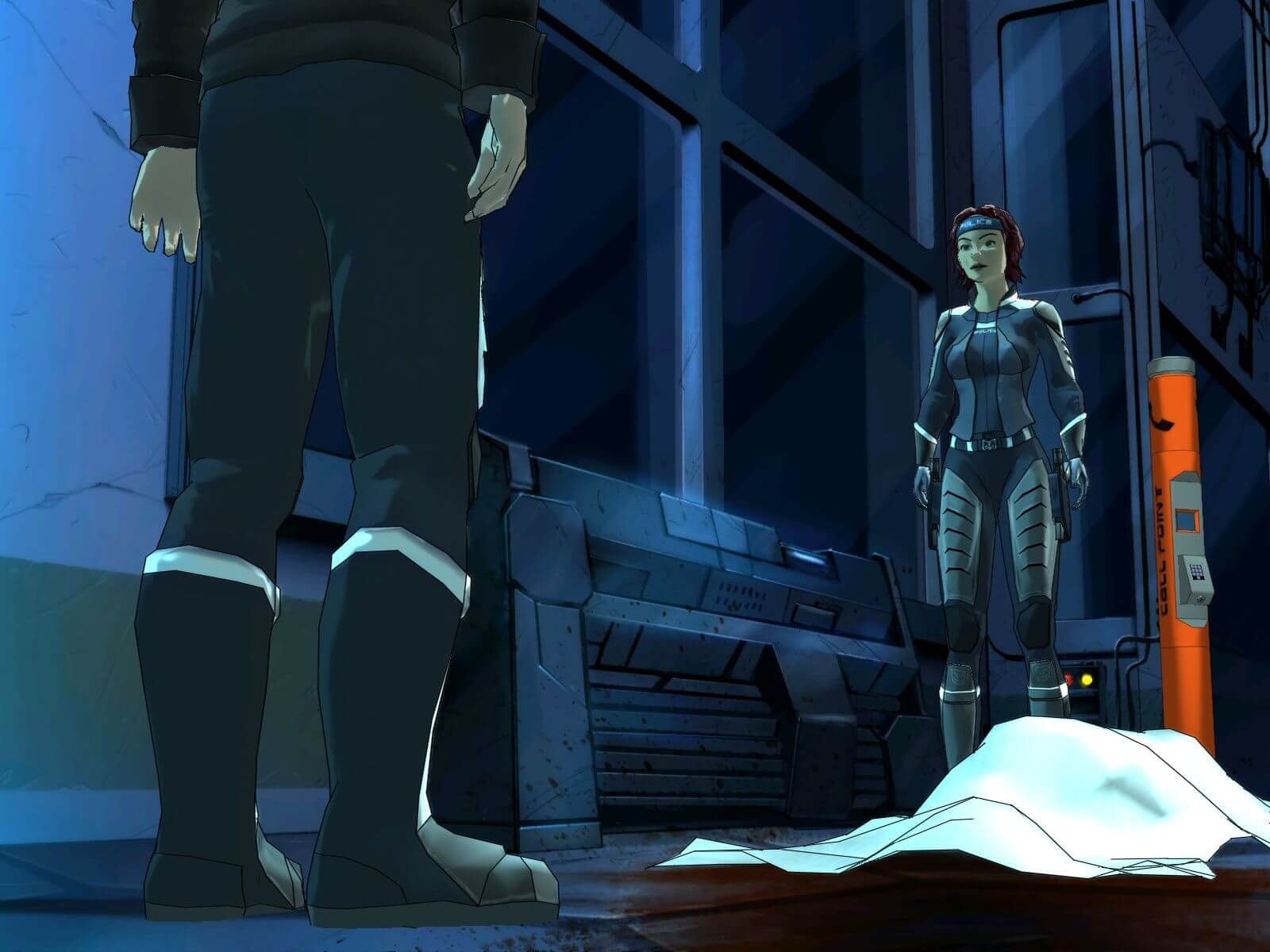
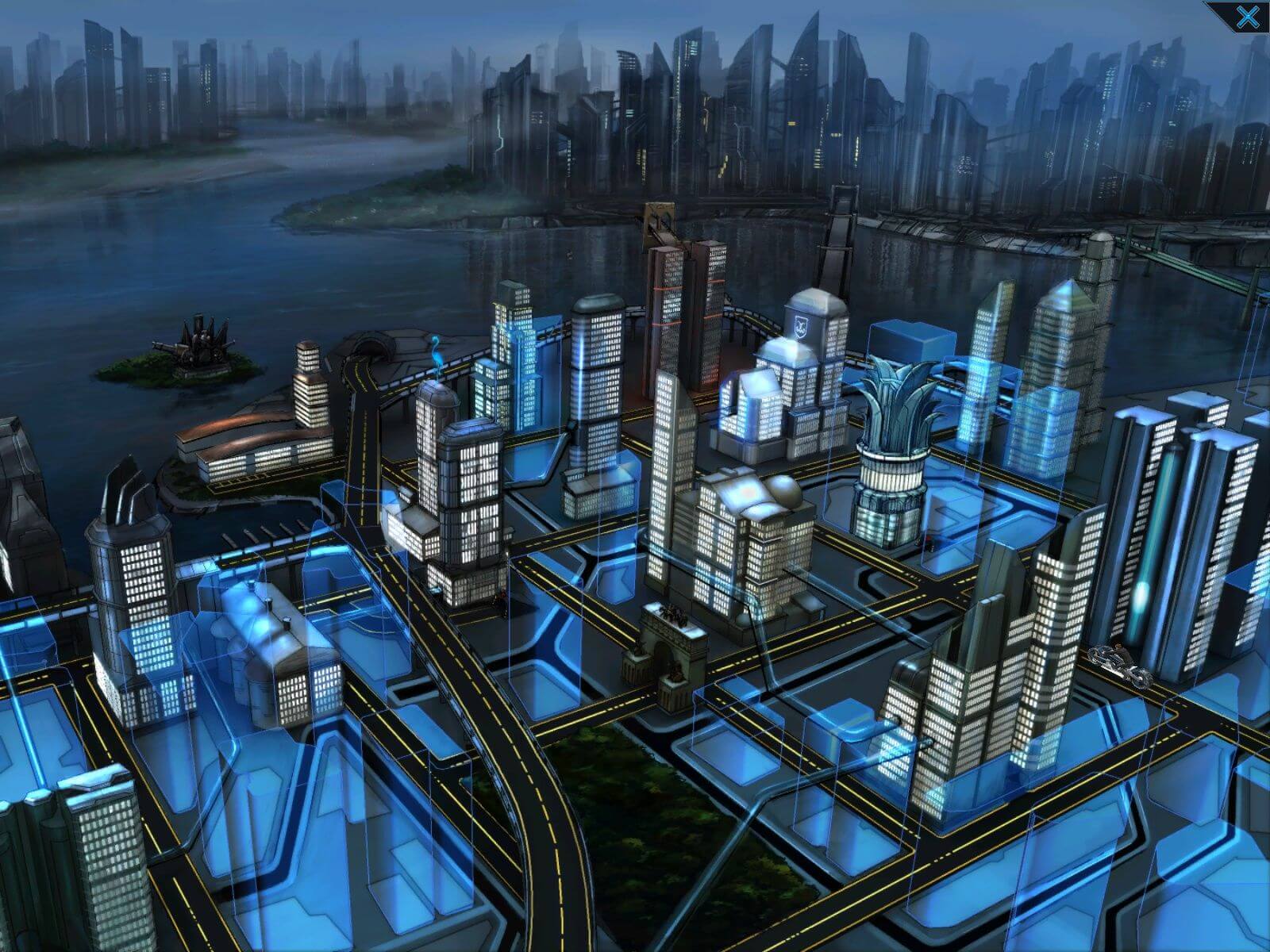
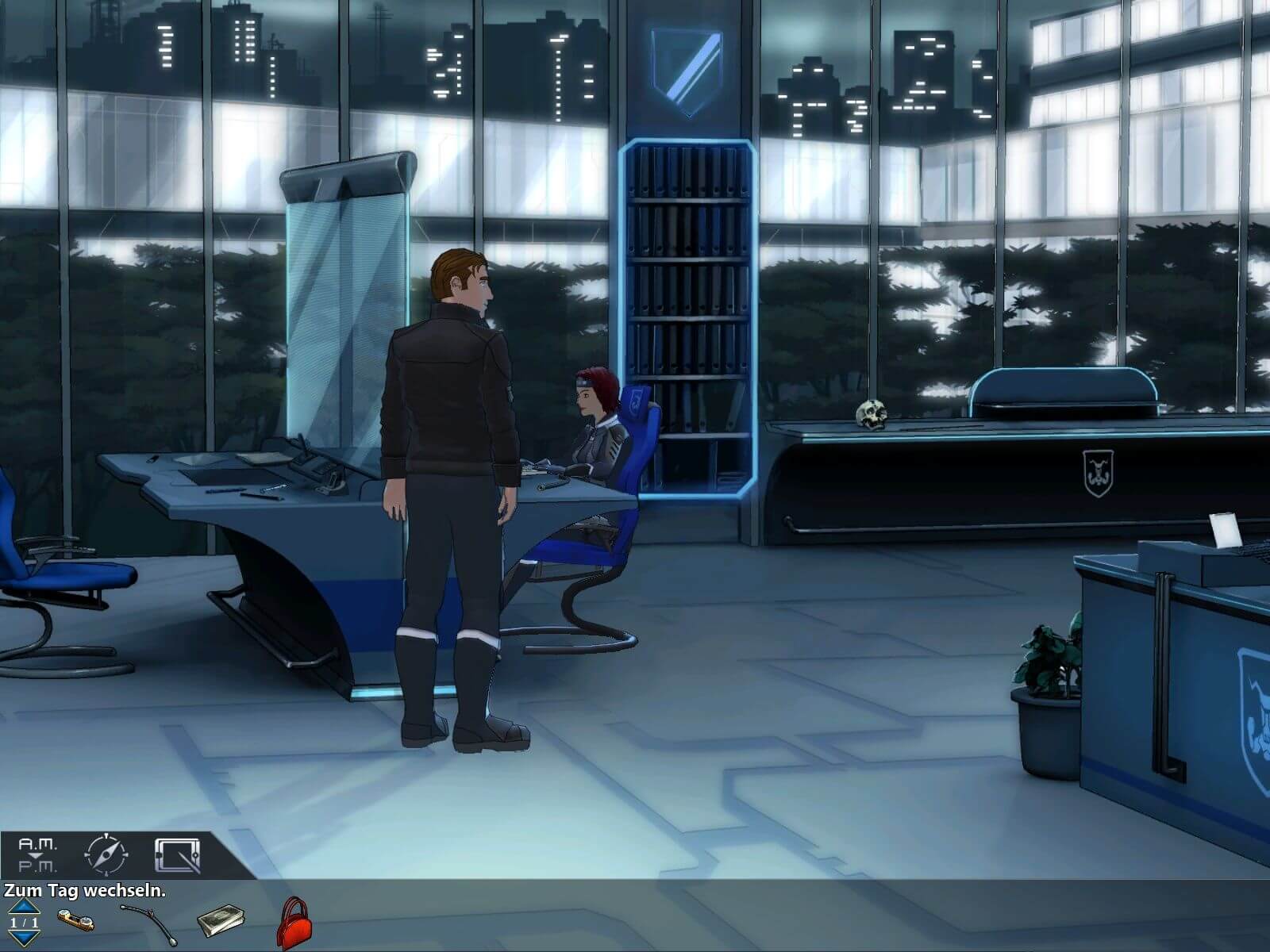
Captures and Snapshots
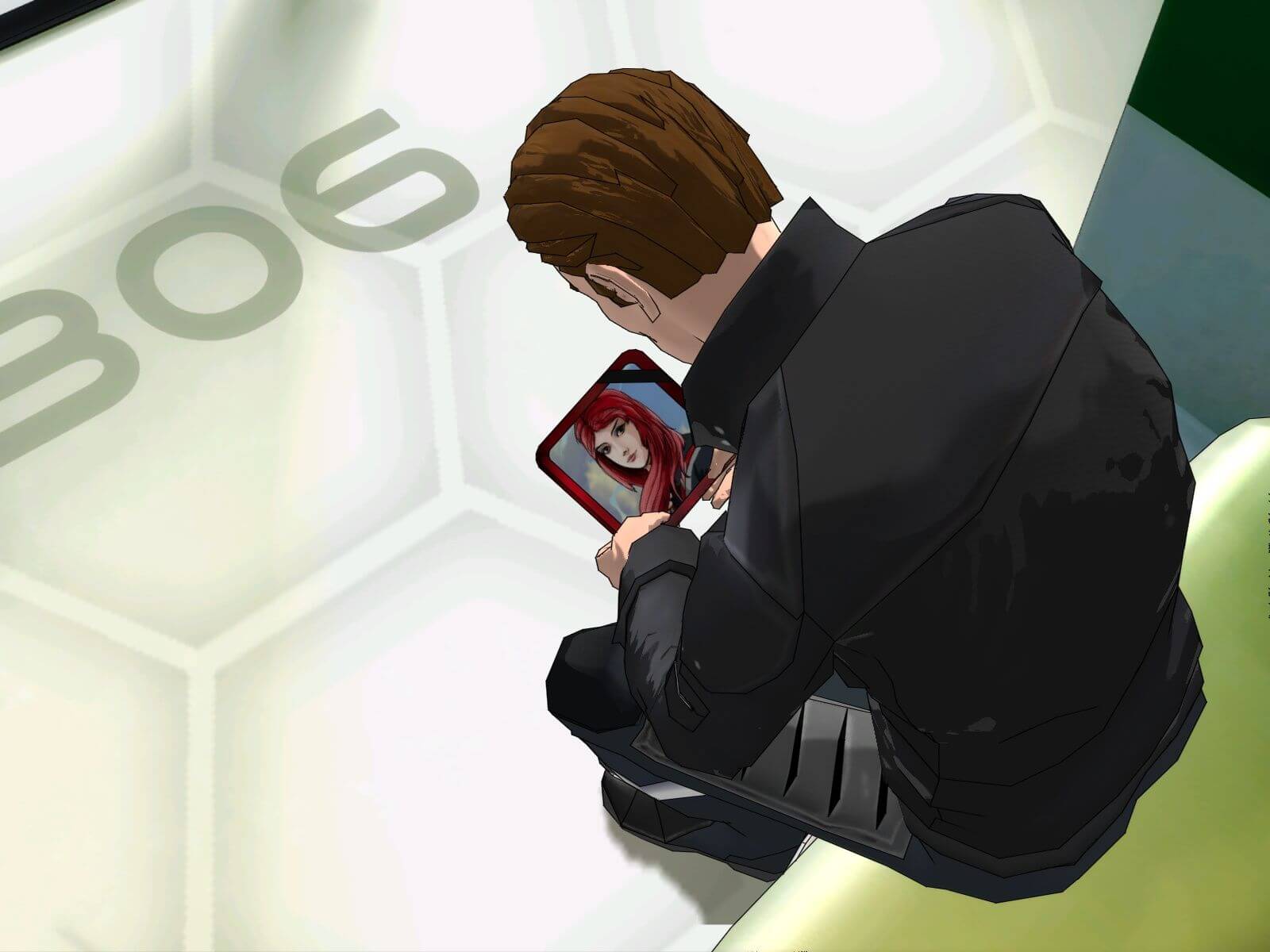
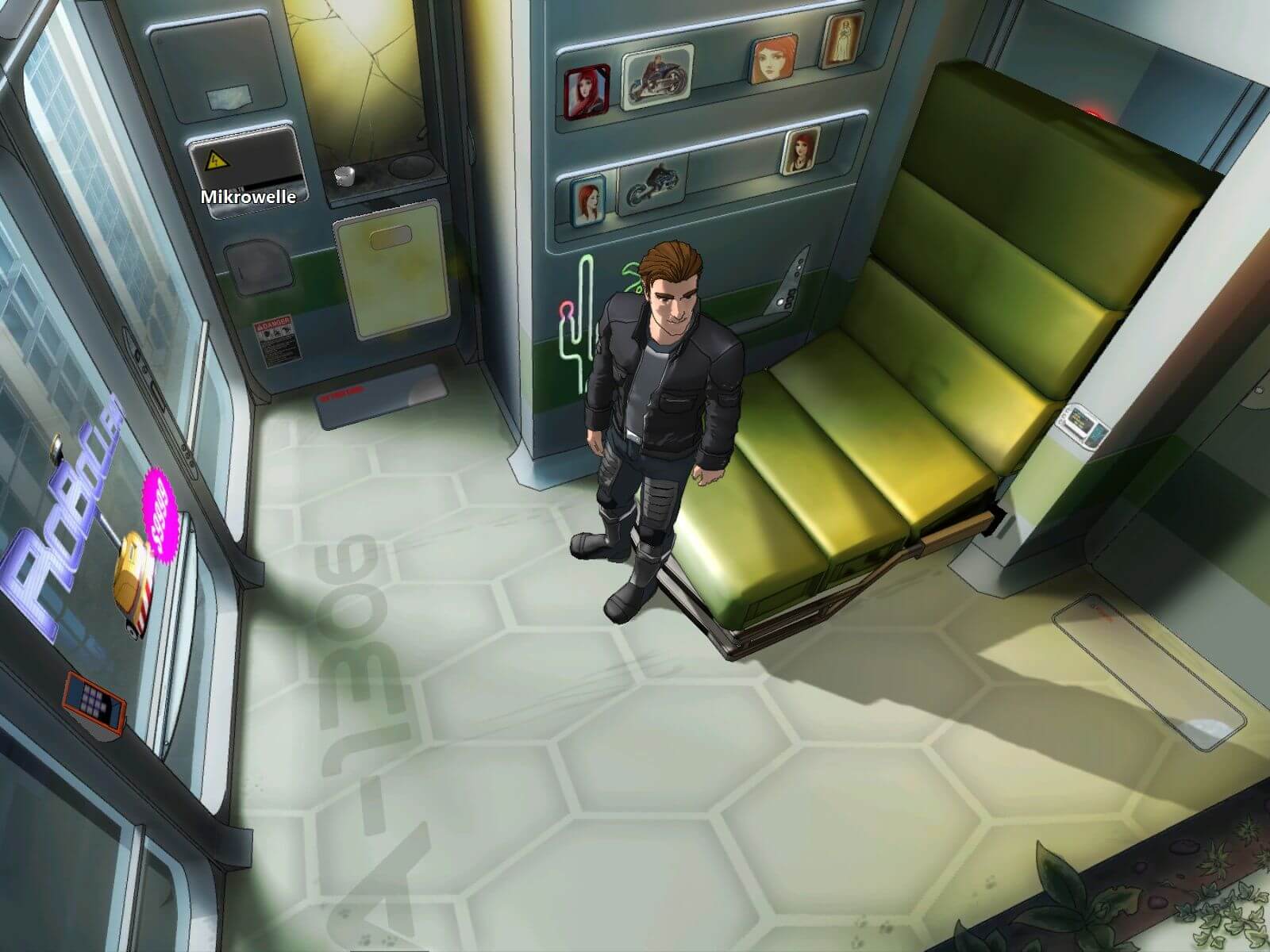
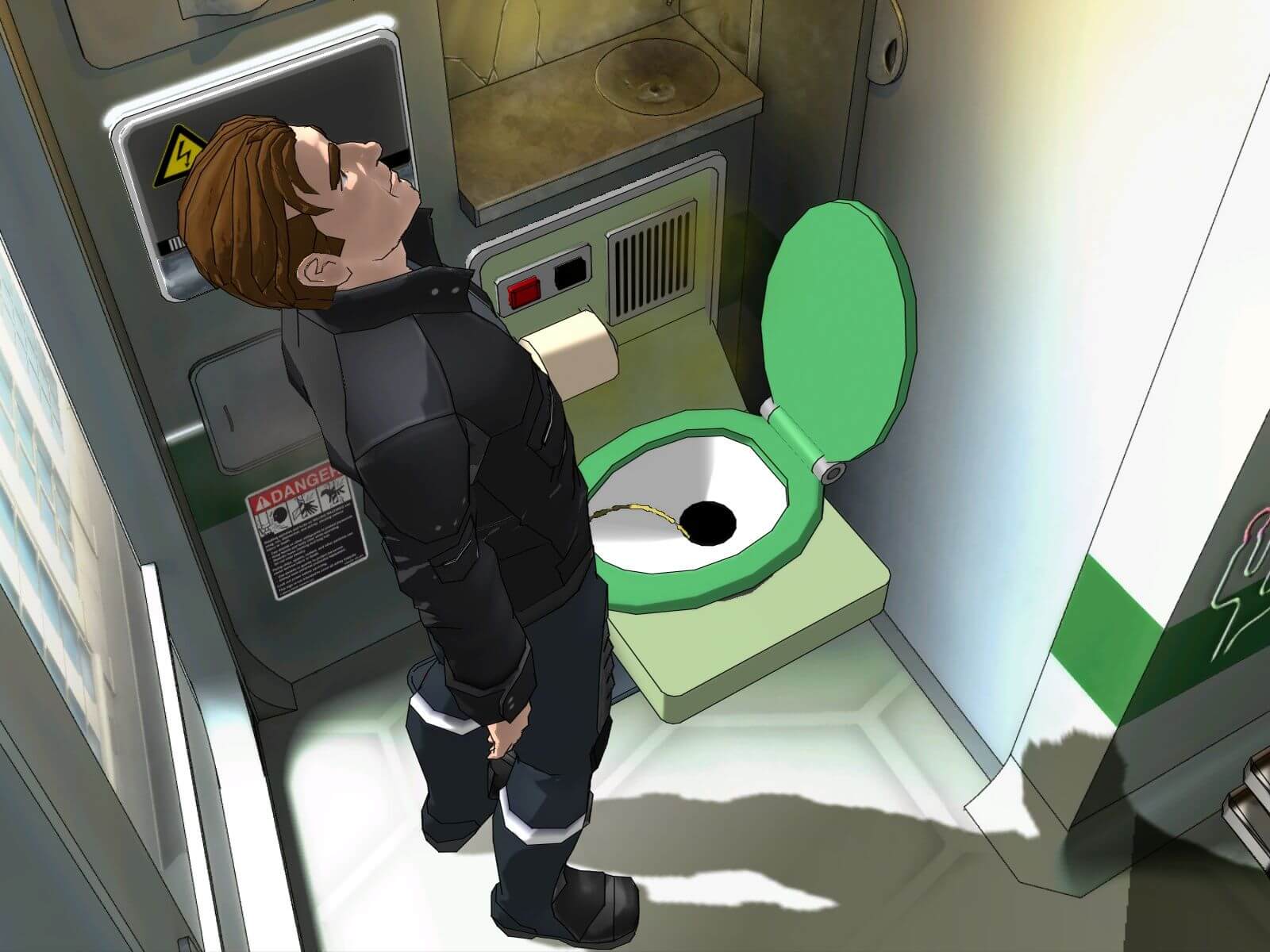
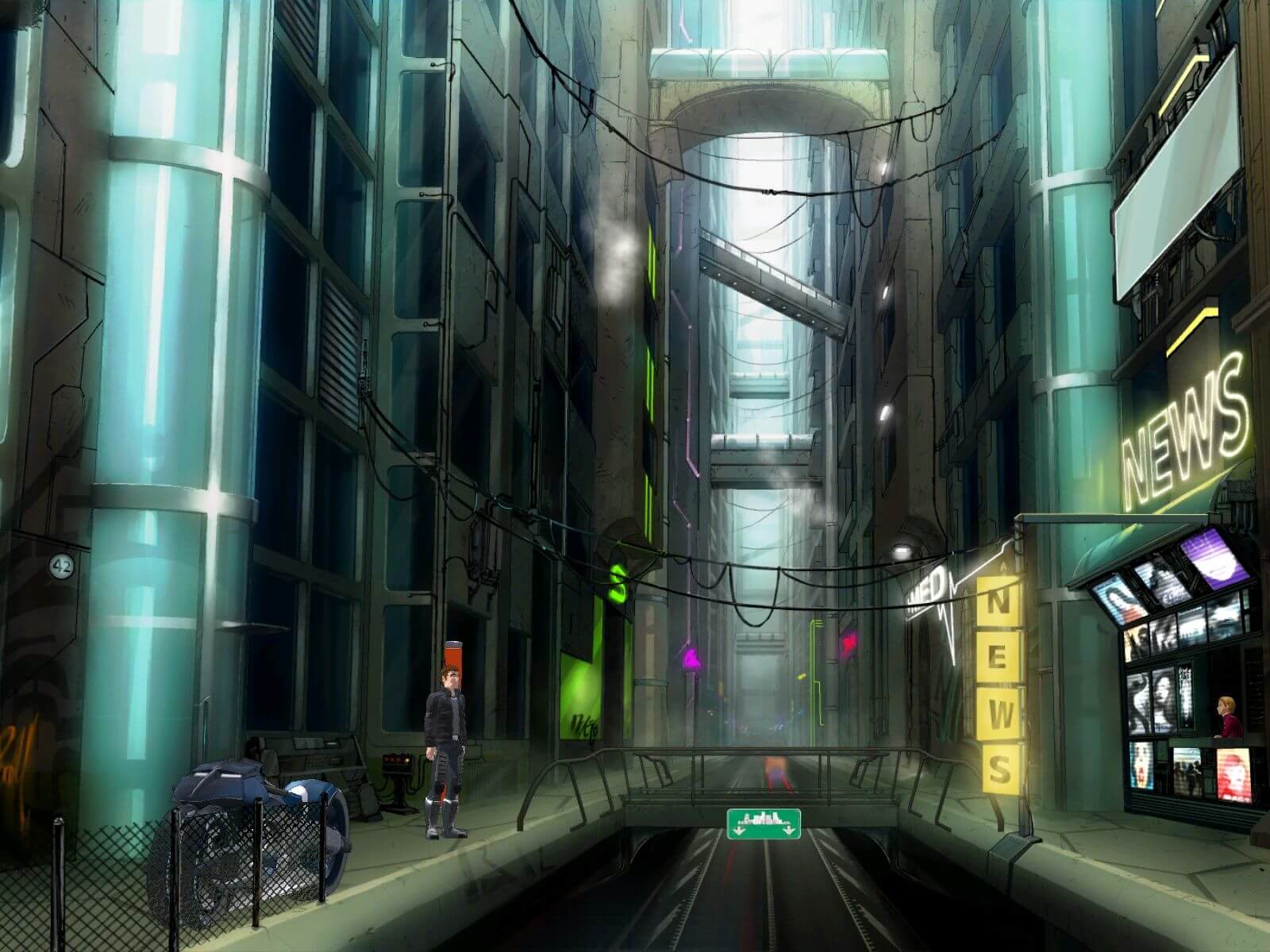
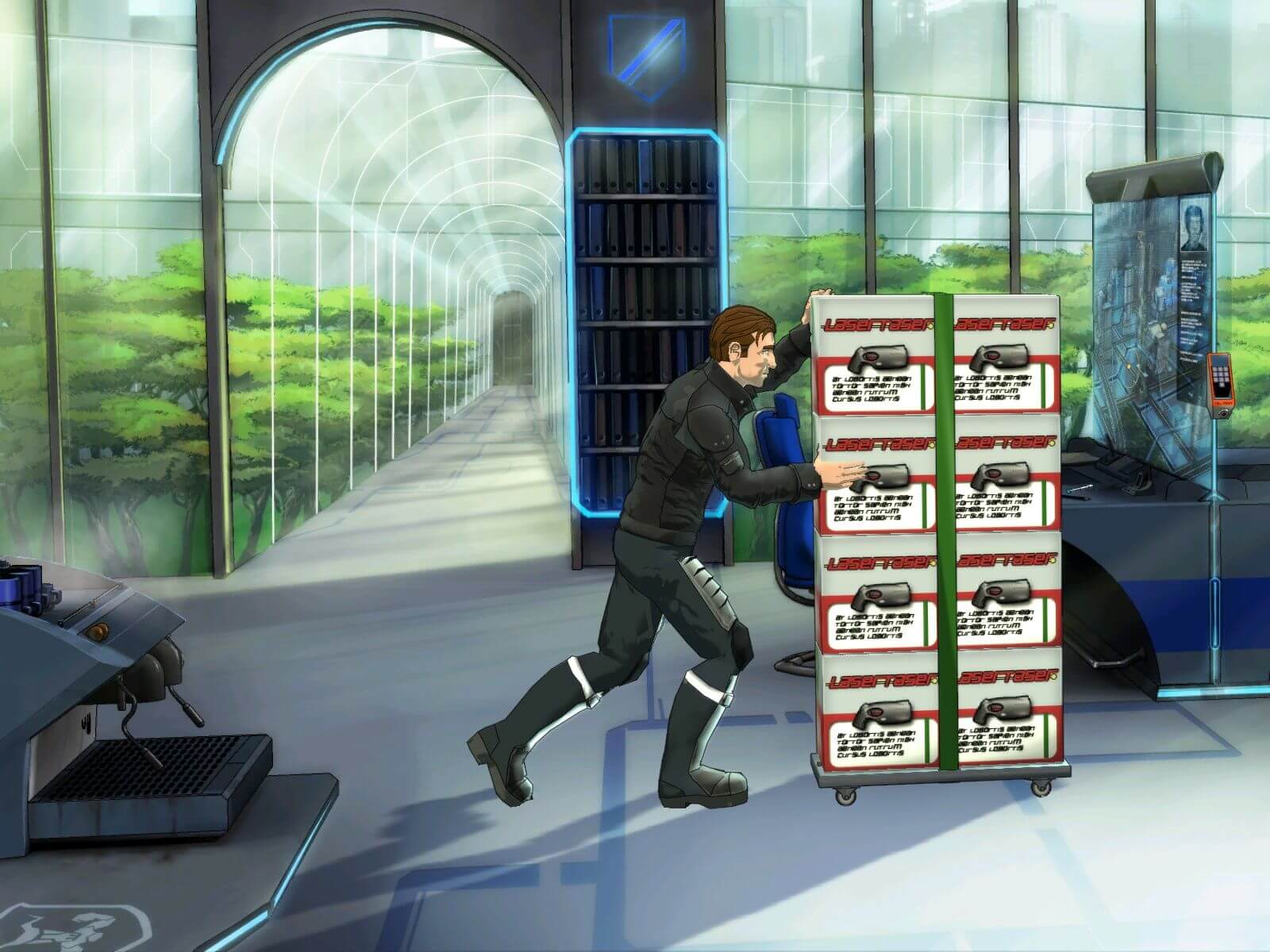
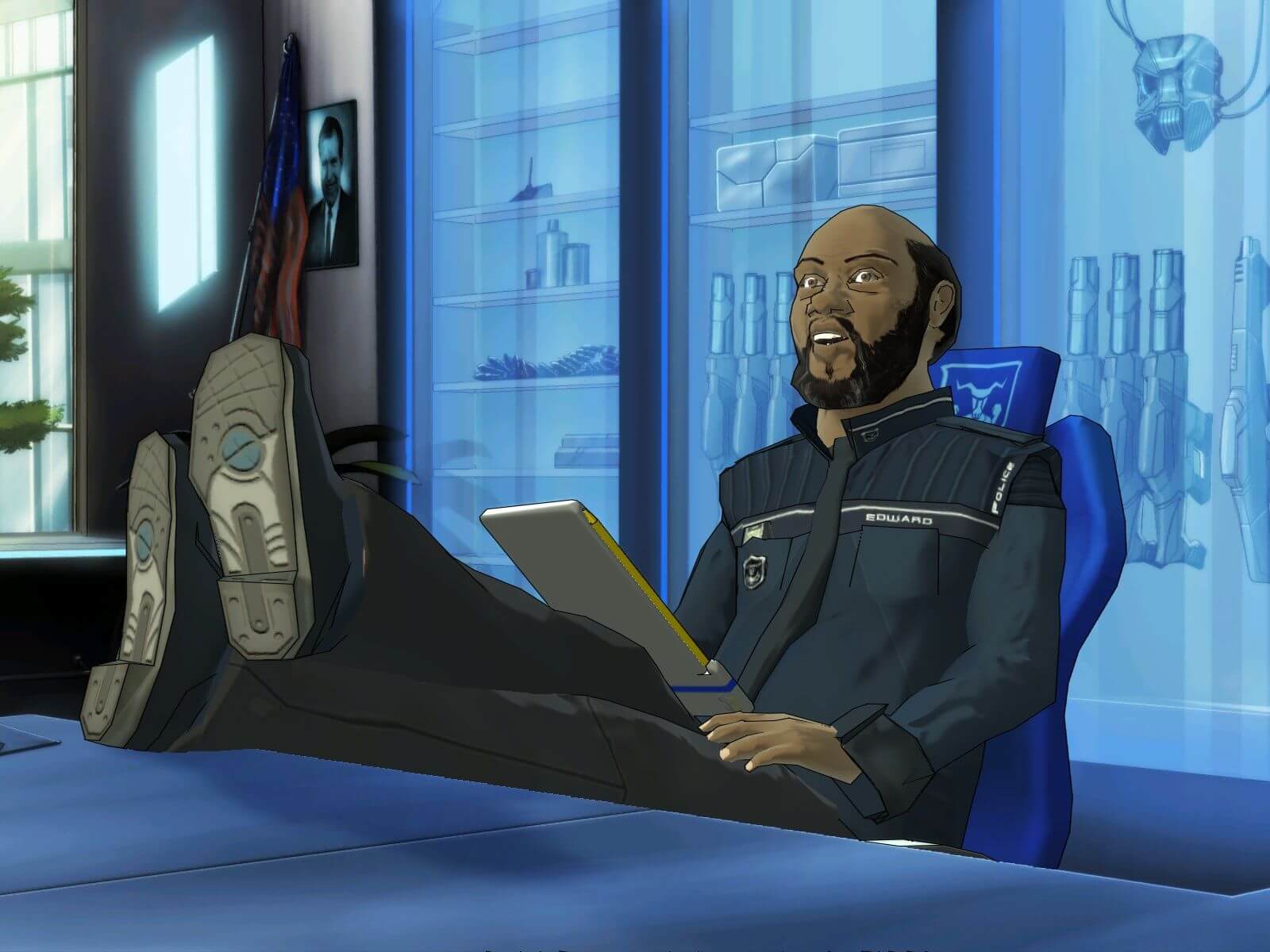
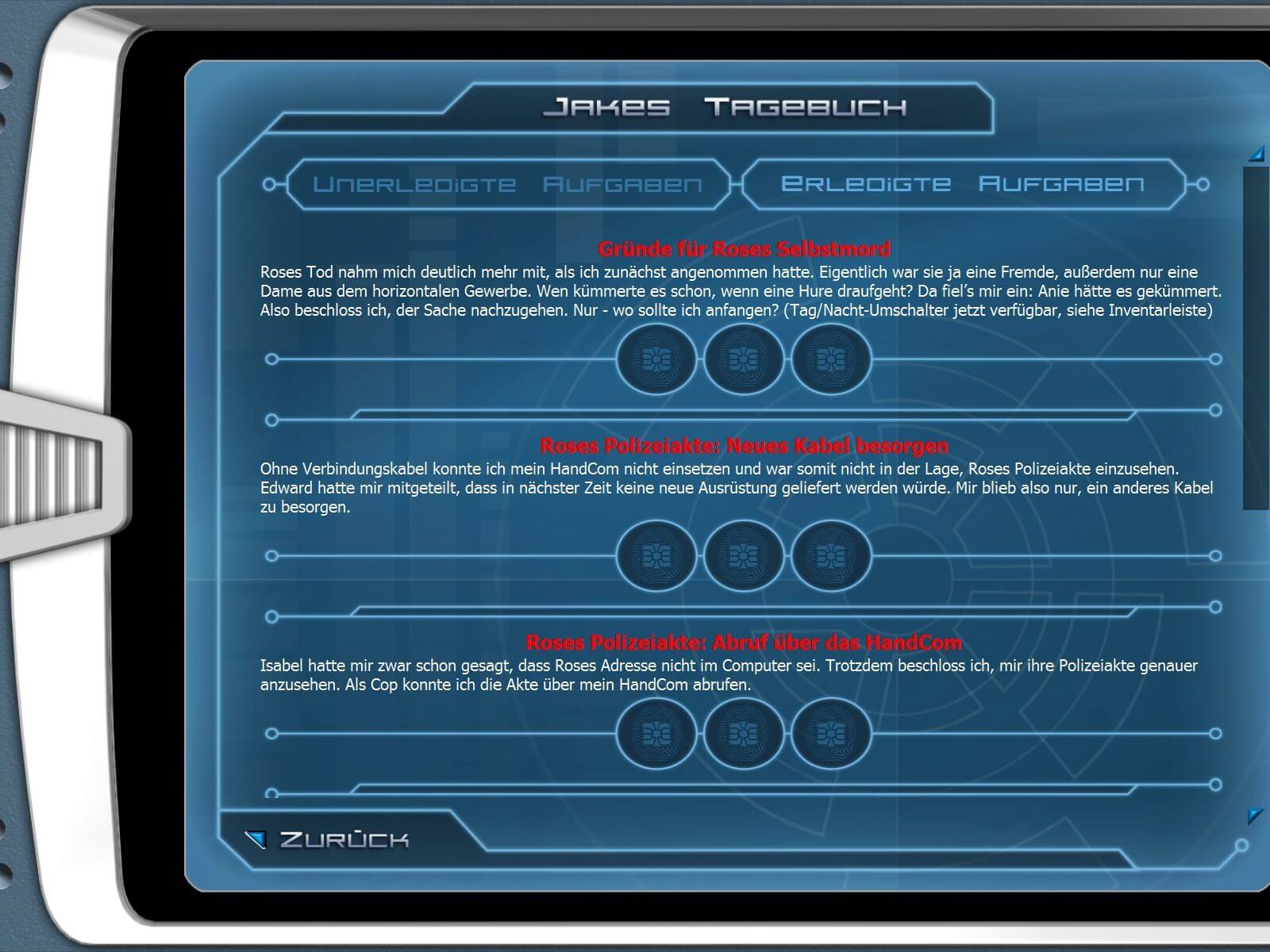
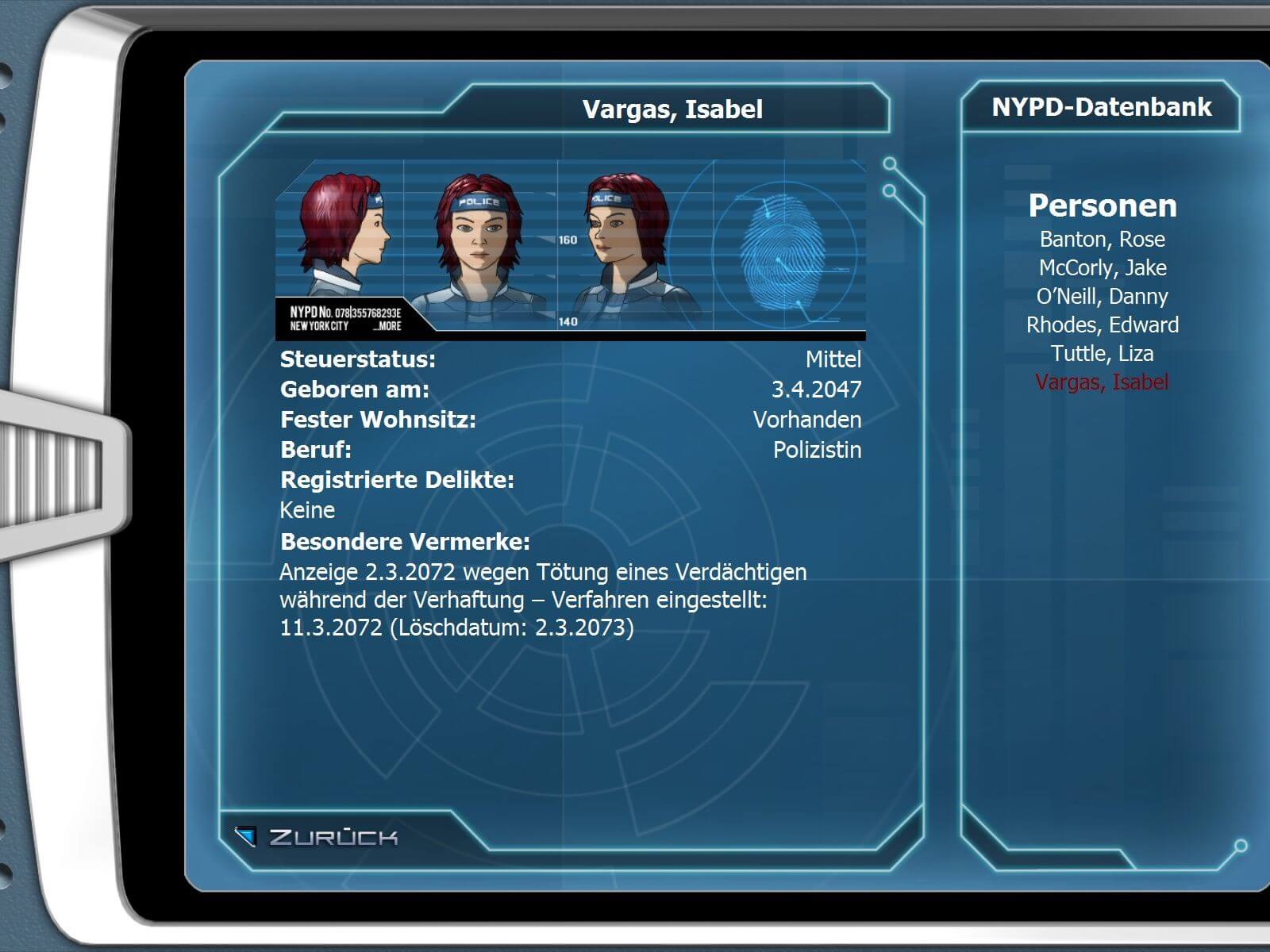
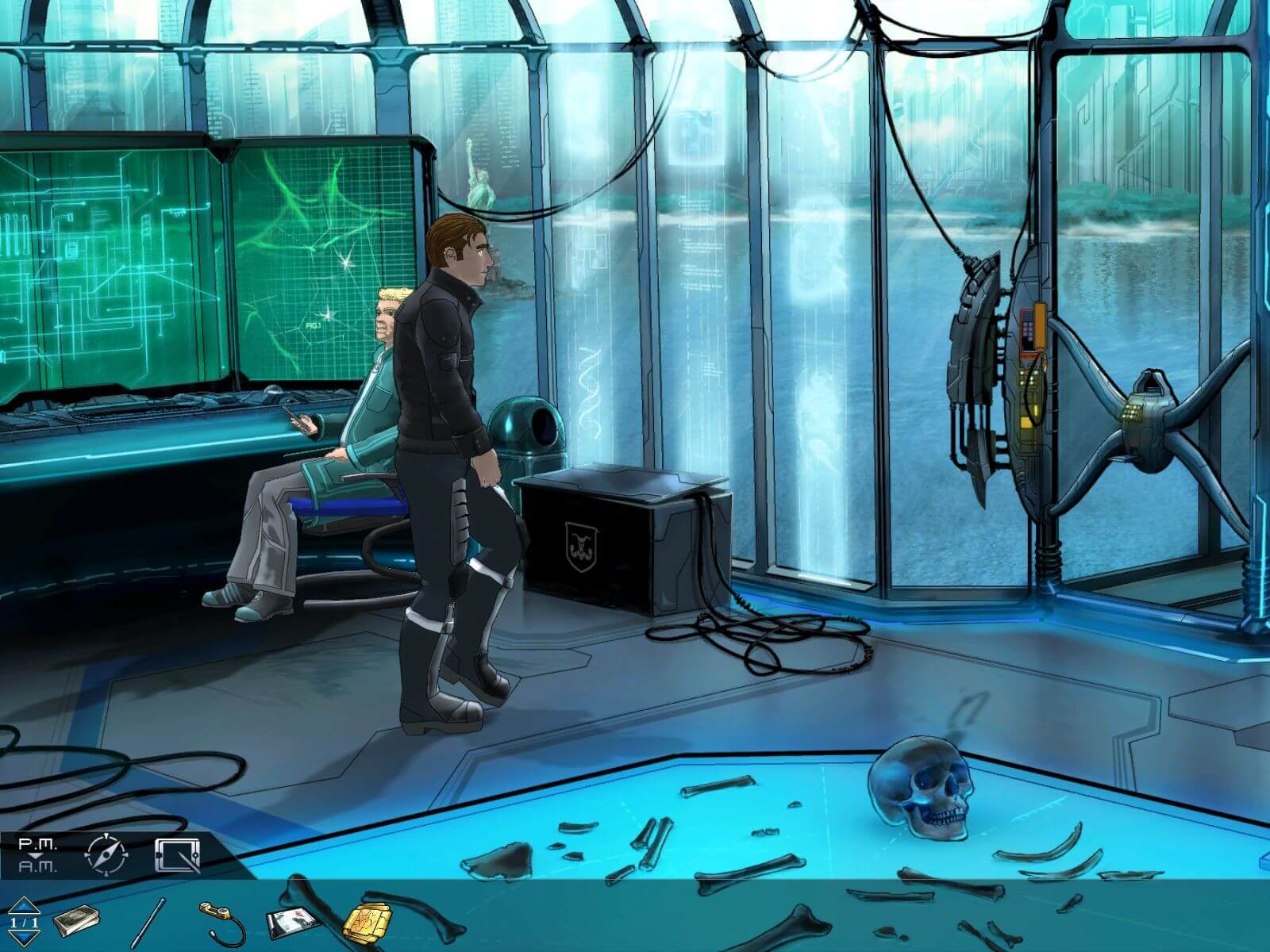
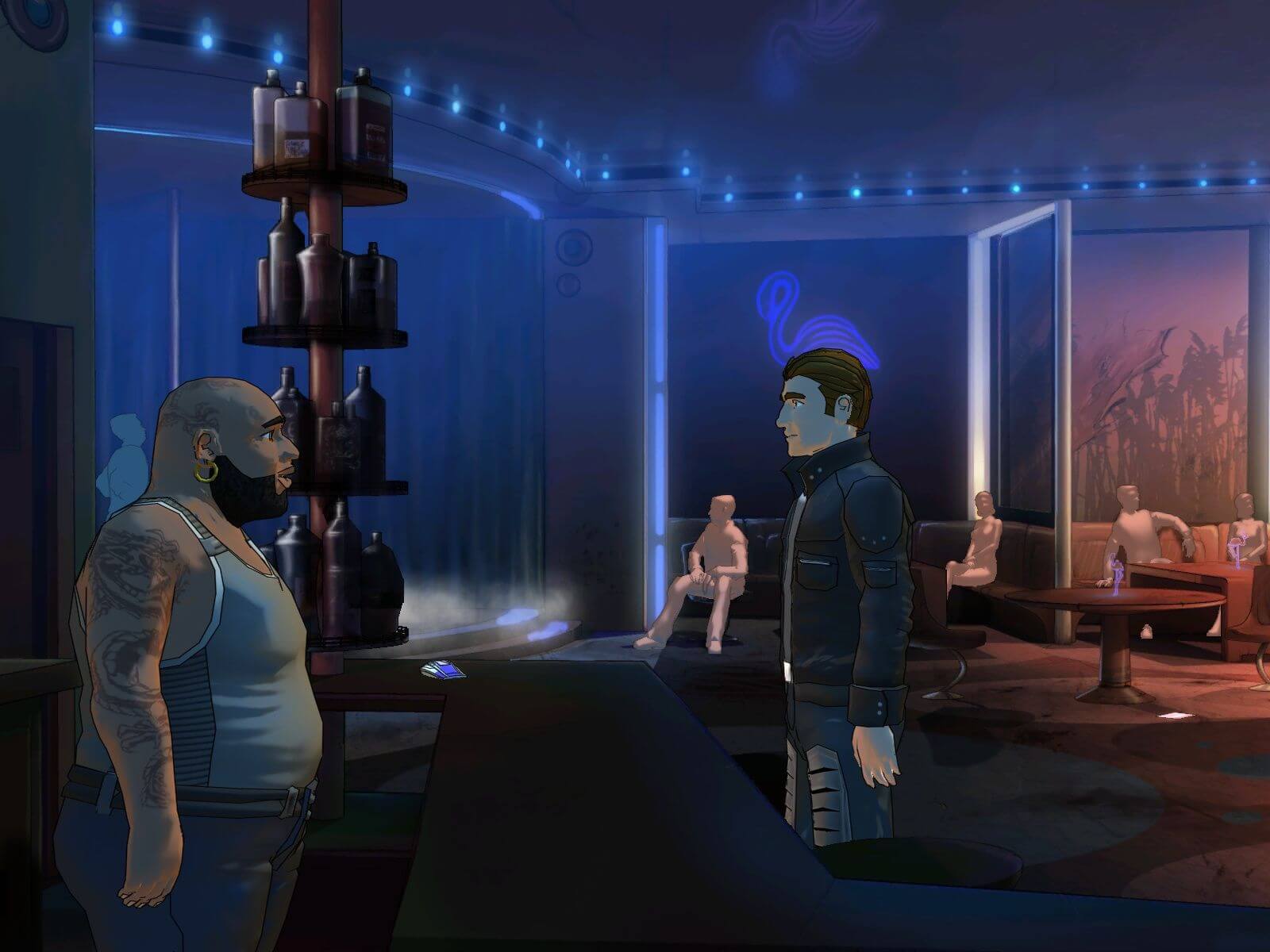
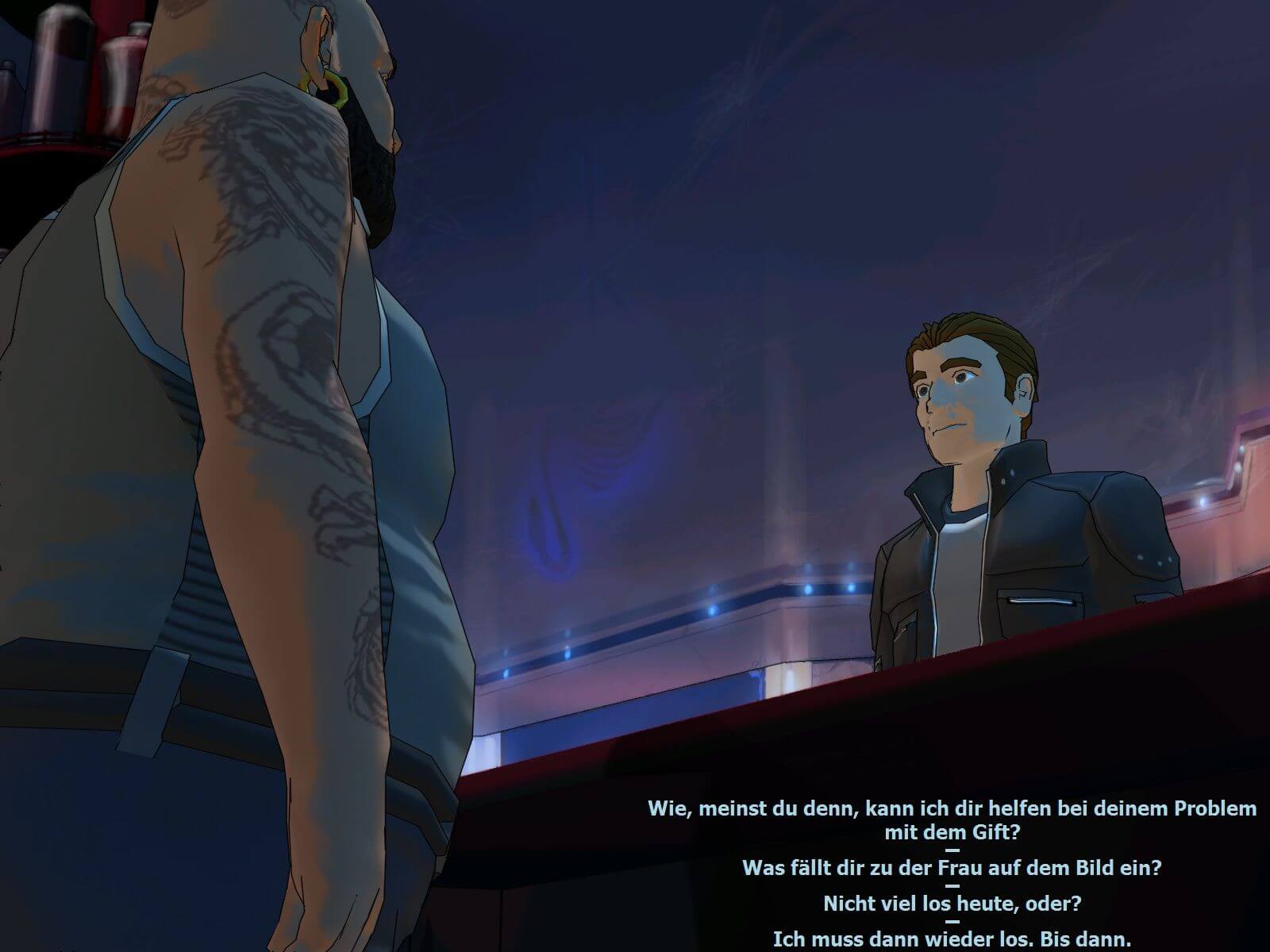
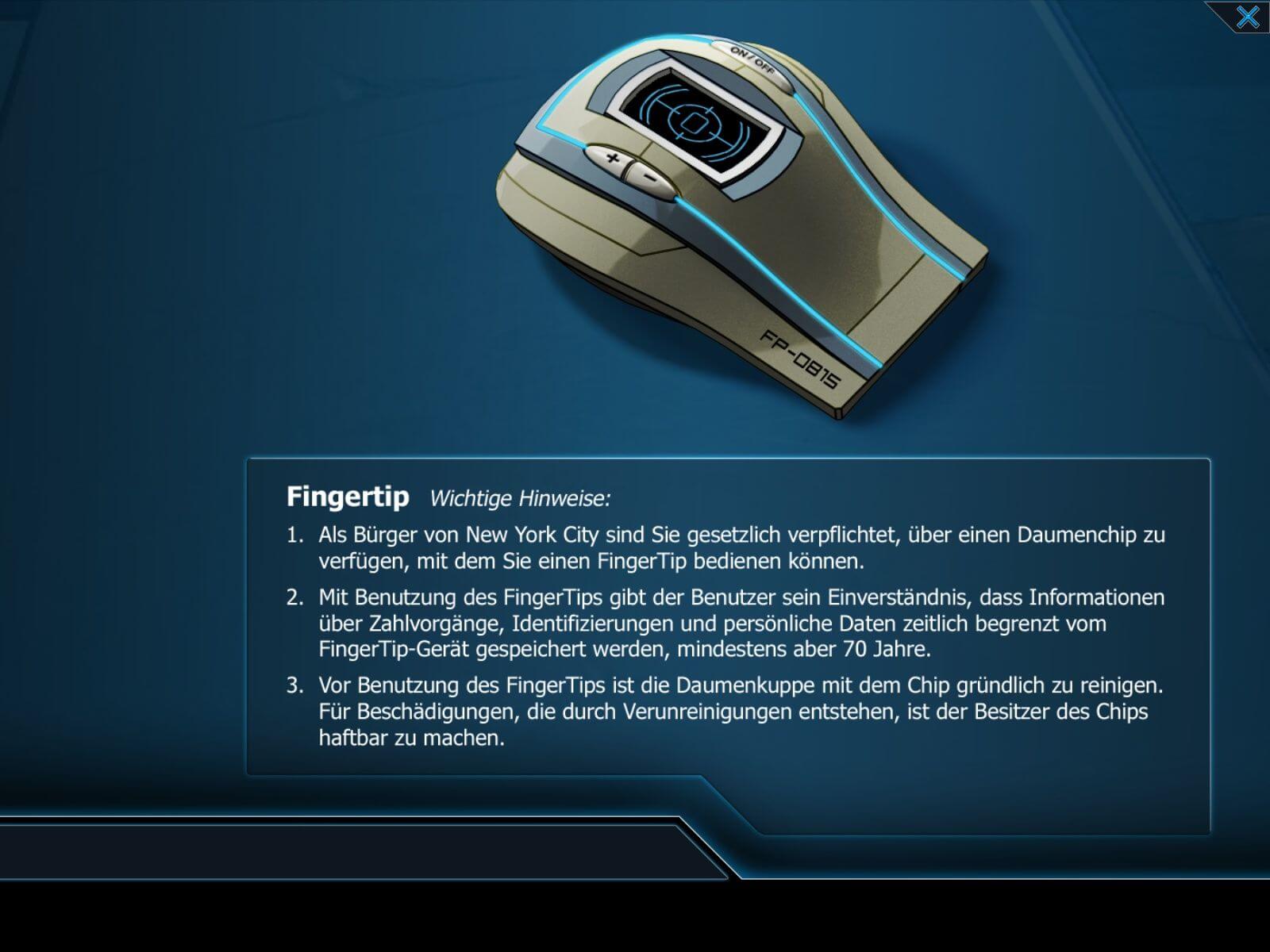
Comments and reviews
admin 2026-02-10 1 point
We updated this page, added more language versions plus some translation patches.
The English version has German audio & English subtitles because the publisher released it that way, there was no English audio for this game
Senimanmahiwal 2024-12-04 0 point
how to change audio to english ??
My game has Russian audio but English subtitles
Manos 2022-10-16 0 point
If anyone knows how to play this game with Russian audio but English subtitles... it would be greatly appreciated!
SirDoge27 2021-10-17 -2 points
How did you guys get this to work ? It just goes to desktop after the intro.
Thanks.
ARIEL LOVE 2021-09-26 2 points
is this it?
TGC-0105-20-LMPRFB-310509
i accidently bought a german copy
this was the only thing that looked like a serial
someone let me know if it works.
Write a comment
Share your gamer memories, help others to run the game or comment anything you'd like. If you have trouble to run Goin' Downtown (Windows), read the abandonware guide first!
Download Goin' Downtown
We may have multiple downloads for few games when different versions are available. Also, we try to upload manuals and extra documentation when possible. If you have additional files to contribute or have the game in another language, please contact us!
Windows Version
Only the text & subtitles are in English, all dubbing is in German

 1.1 GB
DownloadGerman version 902 MB
DownloadPolish version
1.1 GB
DownloadGerman version 902 MB
DownloadPolish version  912 MB
DownloadRussian version
912 MB
DownloadRussian versionRepack with included Decensor patch
 511 MB
Game Extras
Various files to help you run Goin' Downtown, apply patches, fixes, maps or miscellaneous utilities.
9 MB
PatchDecensor patch for Russian versionRemoves the censorship of cursing words
4 MB
MiscSerial Key for Tages DRMNot required if you use NoCD
84 B
MiscFrench translation patch  507 KB
MiscHungarian translation patch
507 KB
MiscHungarian translation patch  11 MB
DemoDemo version in German 502 MB
NocdNoCD for English version 62 KB
NocdNoCD for German version 681 KB
11 MB
DemoDemo version in German 502 MB
NocdNoCD for English version 62 KB
NocdNoCD for German version 681 KB
Similar games
Fellow retro gamers also downloaded these games: