Outcry
Windows - 2008
| Alt names | Outcry: Die Dämmerung, Outcry: The Dawn, Sublustrum, Sublustrum, Outcry: The Dawn, Сублюструм |
|---|---|
| Year | 2008 |
| Platform | Windows |
| Released in | Russia, United States (2008) Czechia, Germany, Slovakia, United Kingdom, Worldwide (2009) |
| Genre | Adventure |
| Theme | Detective / Mystery, Puzzle elements |
| Publisher | Atari Europe S.A.S.U., JoWooD Productions Software AG, Noviy Disk, Odyssia |
| Developer | Phantomery Interactive |
| Perspective | 1st-Person |
| Tested on | Windows 10, Windows 11 |
Description of Outcry
In 2008, Atari Europe S.A.S.U., JoWooD Productions Software AG, Noviy Disk, Odyssia publishes Outcry on Windows. This adventure game is now abandonware and is set in a detective / mystery and puzzle elements themes.
External links
 MobyGames
 Wikipedia page
 PCGamingWiki
 Gameplay video
 IGDB
IGDBHow to play Outcry Windows
The game has been tested on Windows 7 64-bit, Windows 10 and Windows 11, it works fine. You may experience some small troubles when you play the game on modern systems, check our Notes for details.
To install the game mount the ISO image or extract the files from it with file archiver tool like WinRAR or 7-zip (if you want to install English version, we also uploaded the archive with Setup), and run Setup.exe. It is recommended to install the game not in default path, but in some other, non-system folder, like C:/Games/Outcry, so you won't have troubles with savegames. All version of the game, except German and Russian, are DRM-Free, simply install & play
Notes:
- If the installation doesn't start - try to launch Setup.exe as Administrator and in Compatibility mode with old version of Windows (98, 2000 or XP)
- If the game doesn't work - run it in Compatibility mode with old Windows (like Windows XP) and as Administrator. Also, it is recommended to install all versions of Microsoft Visual C++ Redistributable and NET Framework for the correct work of the game, and K-Lite Codec Pack for the correct work of in-game videos
- The game works on DirectX 9, so if you're using Windows 8, 8.1, 10 or 11 - you need to enable DirectPlay: Go to Control Panel, and select 'Programs'. Select 'Turn Windows features on and off', click on 'Legacy Components' and check the box 'DirectPlay'. Select OK, once the installation is done, restart your computer
- What to do if you have a lagging mouse movement: that happens if your mouse has a high polling rate. Reduce the polling rate of your mouse to 250 Hz or 125 Hz (or even lower) in mouse drivers or with utility like HIDUSBF. Another method is to use some old mouse with low polling rate to play the game, like some office mouse from 2000s
- If that didn't work, also try these methods: disable Vsync in the game by editing sublustrum.cfg file in
Binfolder - open that file in Notepad and changetruetofalseinopts_video_vsync =line, also check that Vsync is disabled in control panel of your video card, additionally try to set the Simple Effects in the game; try to set the desktop resolution to 1024x768, the one that is used in the game - You can also to use DxWnd utility with custom preset which is available in this thread. We didn't test it ourselves but maybe that method will help you if none of the methods above has worked
- German version of the game is protected with SecuROM DRM which has issues on modern systems, use NoCD to "break" the DRM protection and play without the disc. If you see the error that there's not enough space on the hard drive when you copy NoCD files - re-install the game in non-system folder, like
D:/Games/Outcry, Windows Protection may block copying of files to system folders (likeC:/Program FilesorC:/Windows) - Be careful, Russian version is protected with infamous StarForce DRM that can break your system! Make sure to use NoCD before the first launch of the game, DO NOT run the game before that or you may accidentally install StarForce drivers! We added two NoCDs for Russian version, the first NoCD should work both on old and modern Windows OS, the alternative NoCD is recommended to use on Windows 7 or older, because technically it is the "bypass" of StarForce drivers. NoCDs showed a lot of generic warnings, here's the scan report for first NoCD and second NoCD. All warnings are generic, about suspicious/unsafe file, the usual case with NoCDs; the files are safe to use, simply add them to antivirus exceptions. If you have troubles with Russian version or NoCDs for it, we recommend to check this or this threads
- The game works only in 4:3 screen ratio, if you run the game on widescreen display, the image will be stretched. To play the game in original non-stretched 4:3 screen ratio, run it through dgVoodoo 2. To use dgVoodoo 2 copy the dll-files from the
MS/x86folder, dgVoodooCpl.exe and dgVoodoo.conf to theOutcry/Bin(orSublustrum/Bin, depending on language version) folder, next to exe-file of the game, then run dgVoodoo Control Panel (dgVoodooCpl.exe) as Administrator and set 4:3 ratio in dgVoodoo settings. You can also try the other settings of dgVoodoo, such as higher screen resolution or texture filtering, you can run the game in high screen resolution with original 4:3 screen ratio, here's the video example how it looks. We also recommend to use dgVoodoo 2 if you have any troubles with the game, such as graphical glitches - There might be a small bug on some systems when the bottom border of textures have a white line. If you notice that white lines, use this fix
- If you don't like the Vignette effect in the game, you can use this small mod to disable it
- About translation patches: Czech translation patches includes the files ported from the official Czech release; Spanish translation patch is unofficial, by Tradupixel. The installer for Spanish translation showed few generic warnings but the file is safe to use
Captures and Snapshots
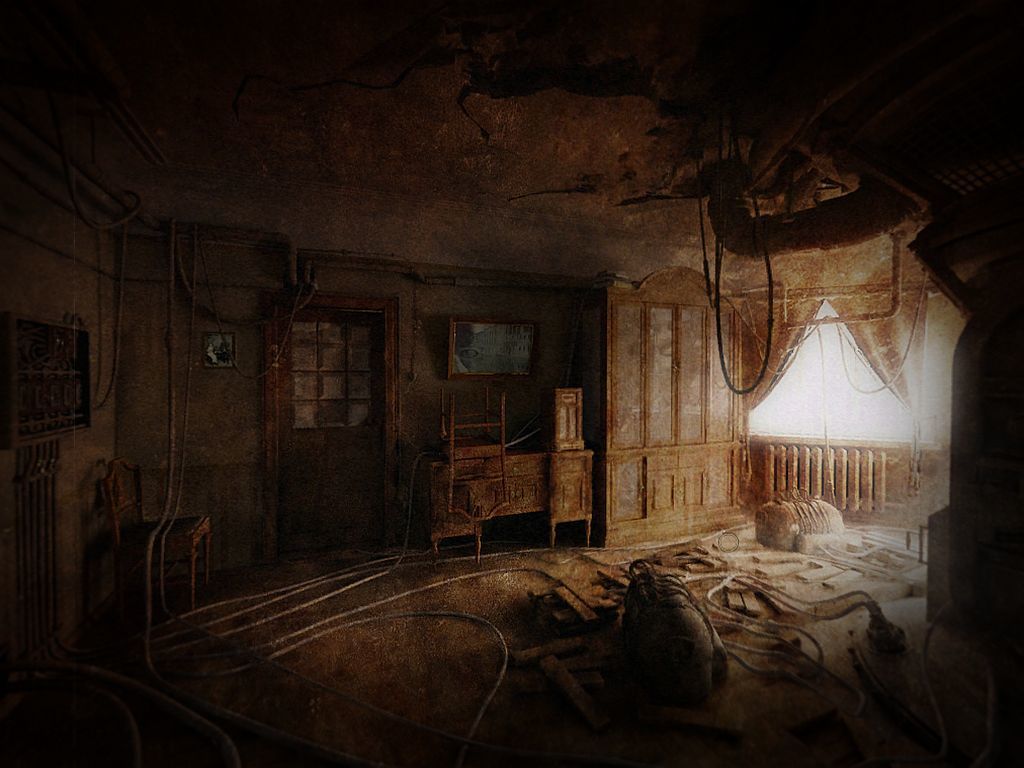
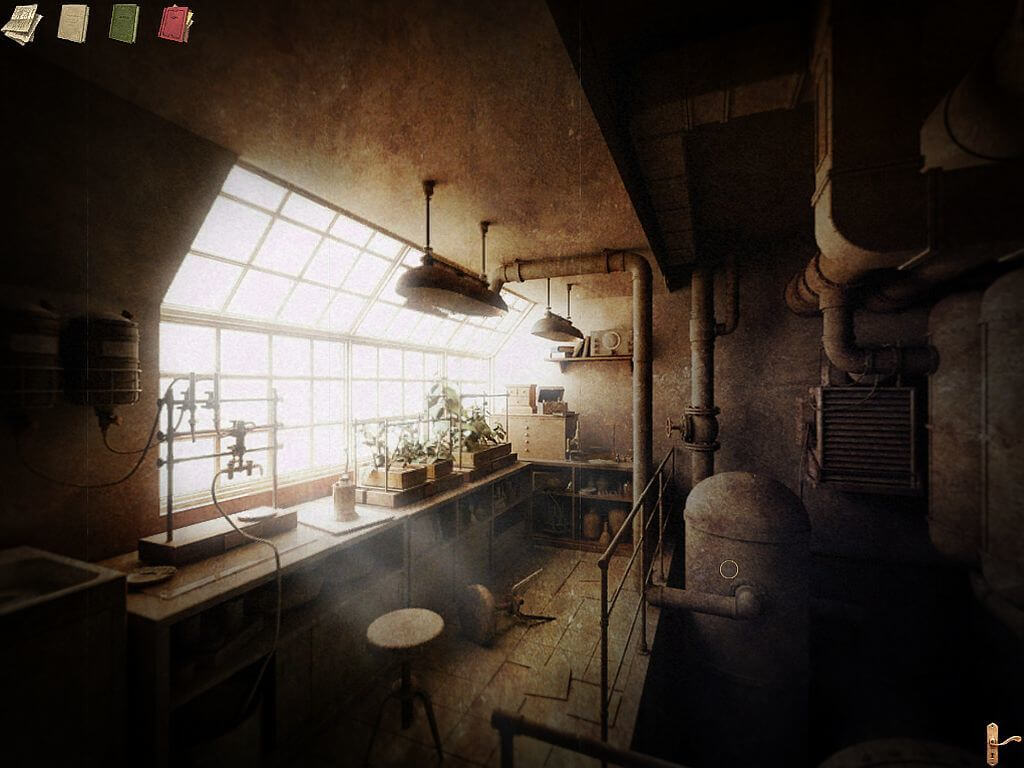
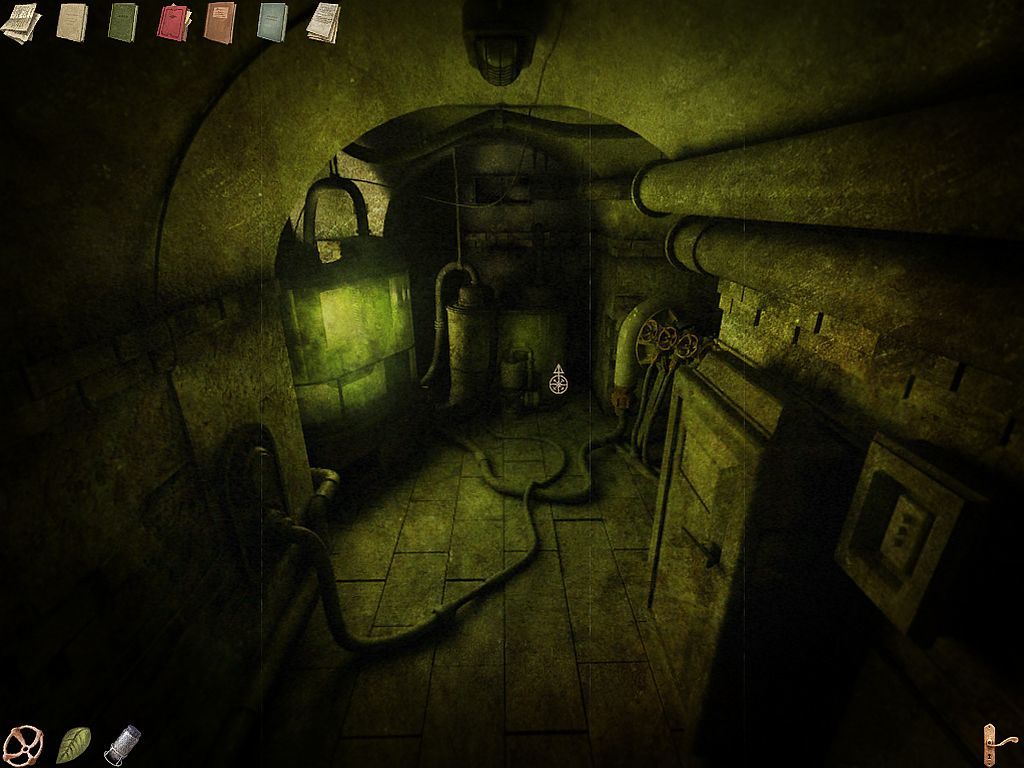
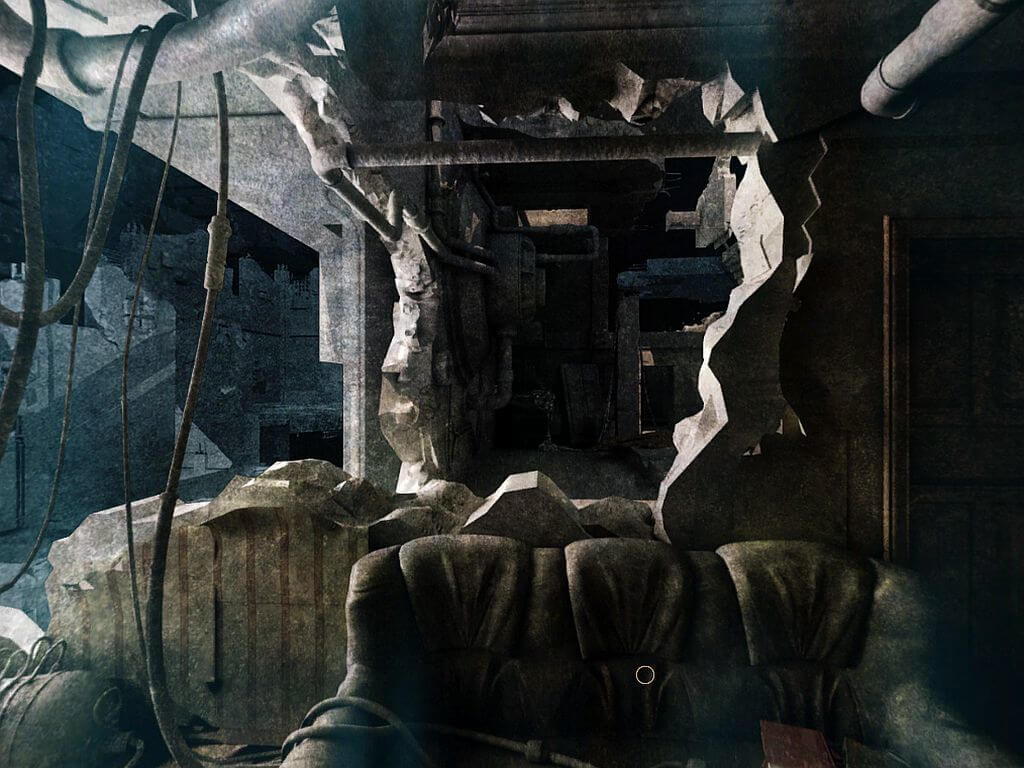
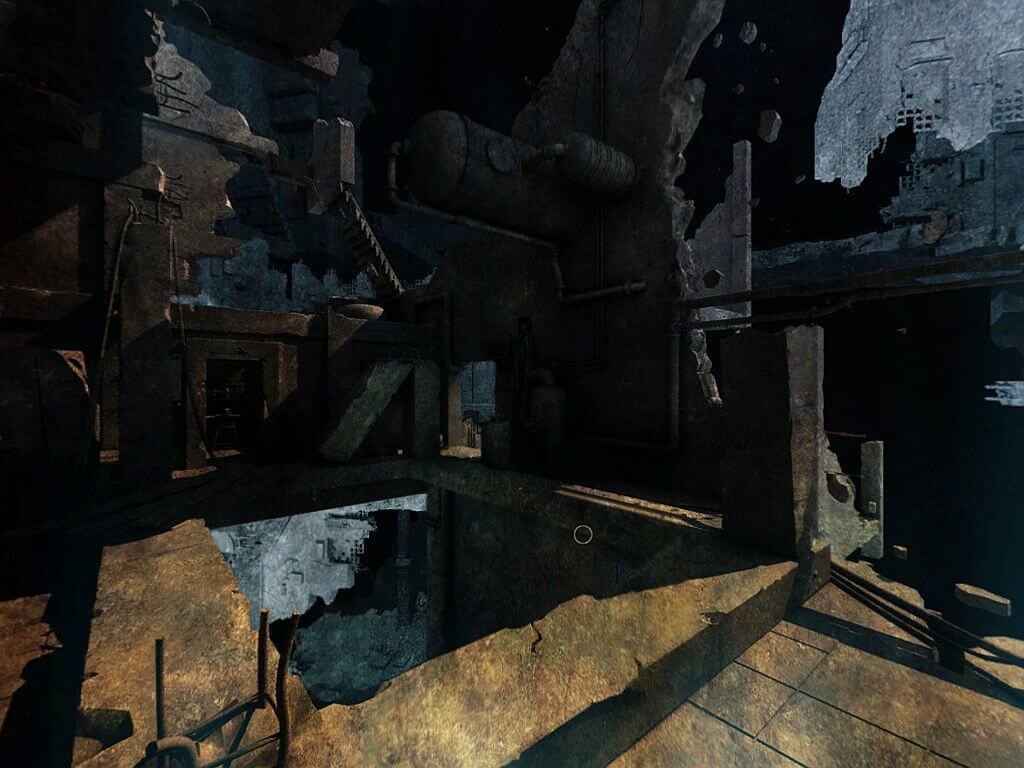
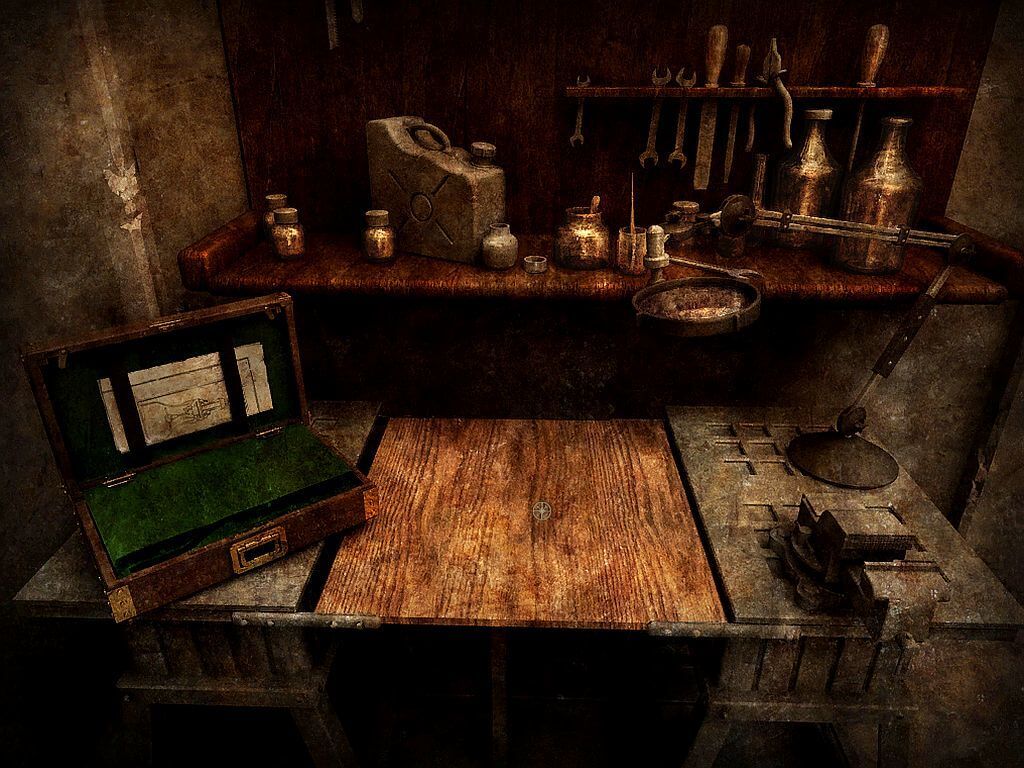
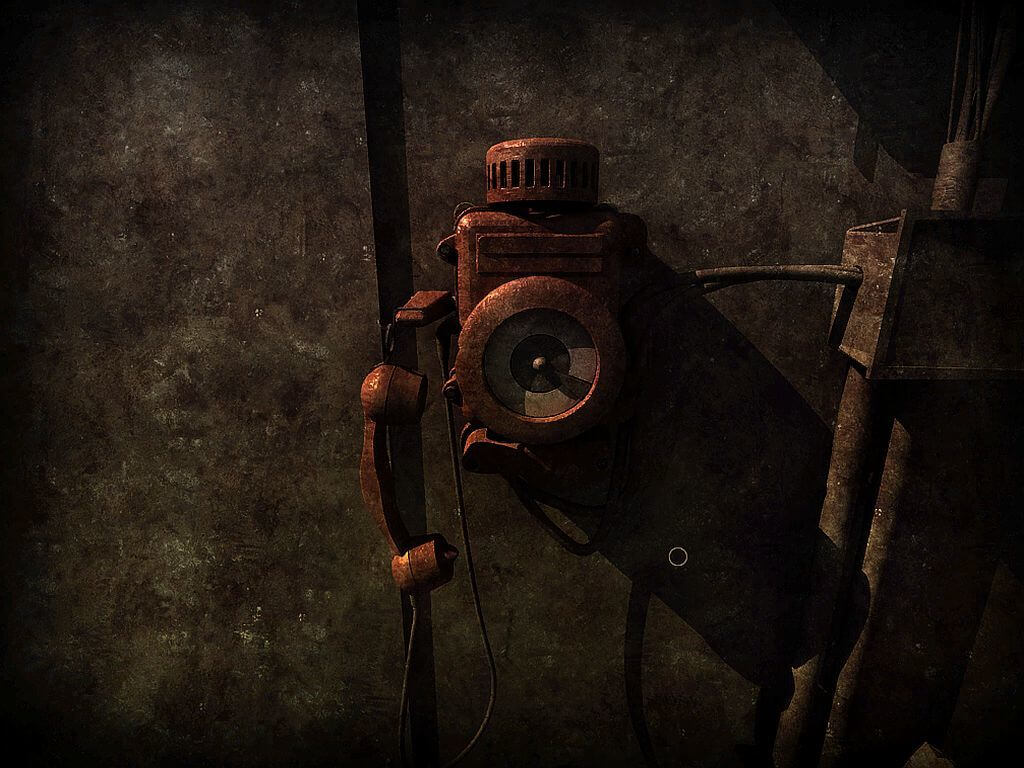
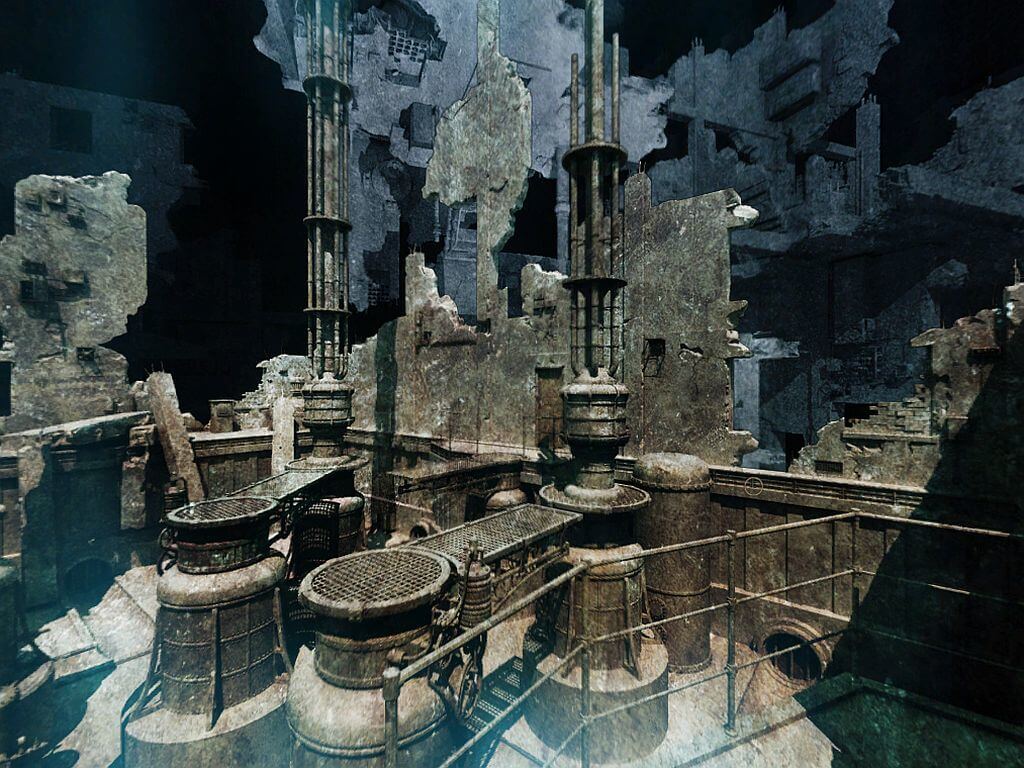
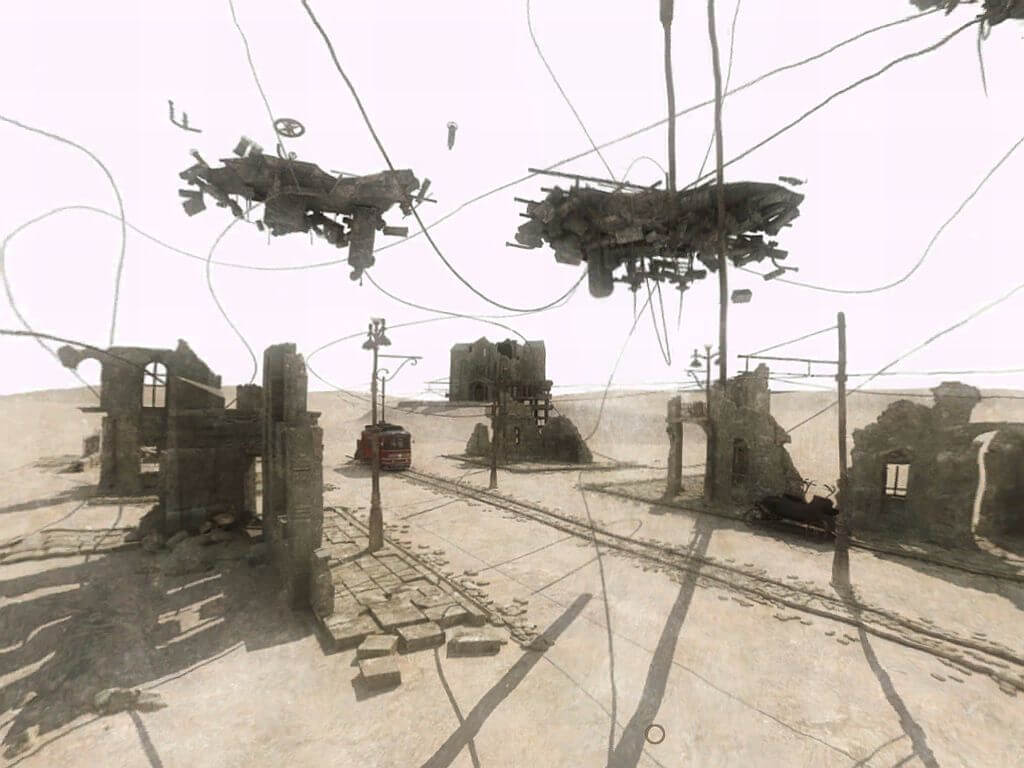
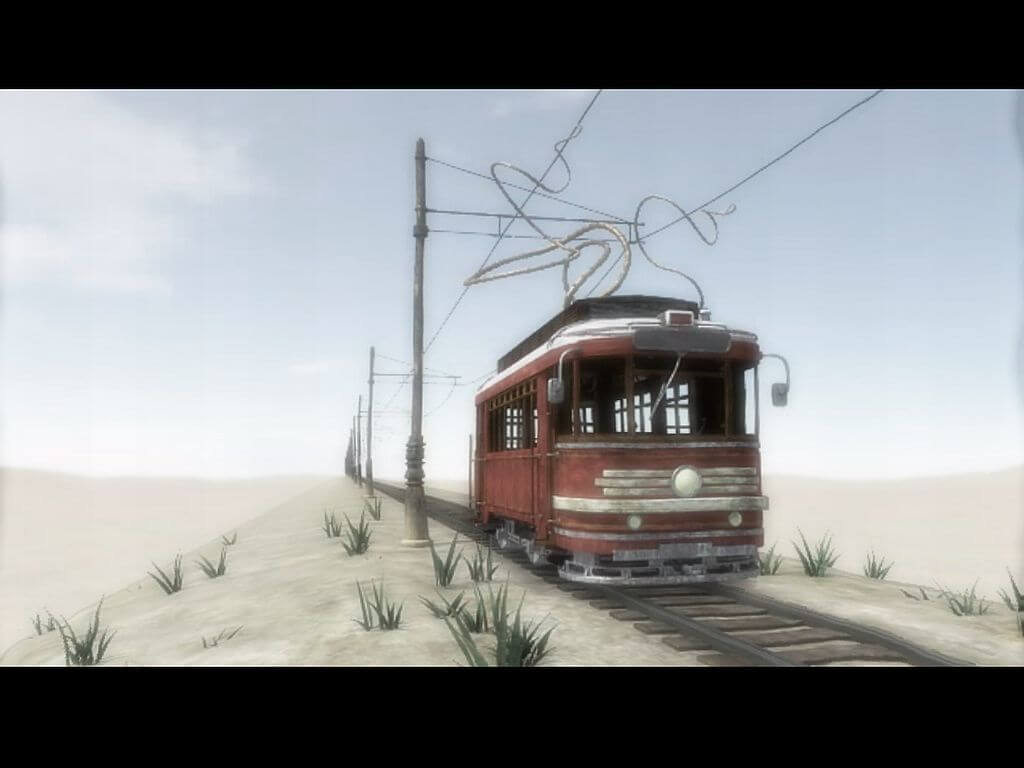
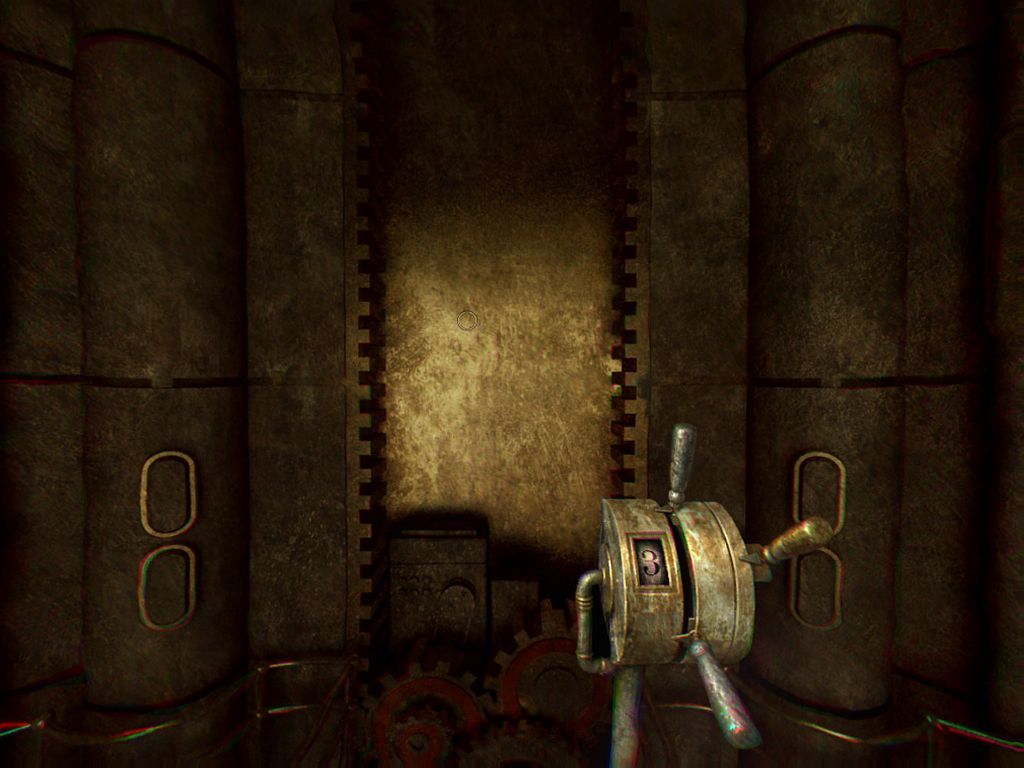
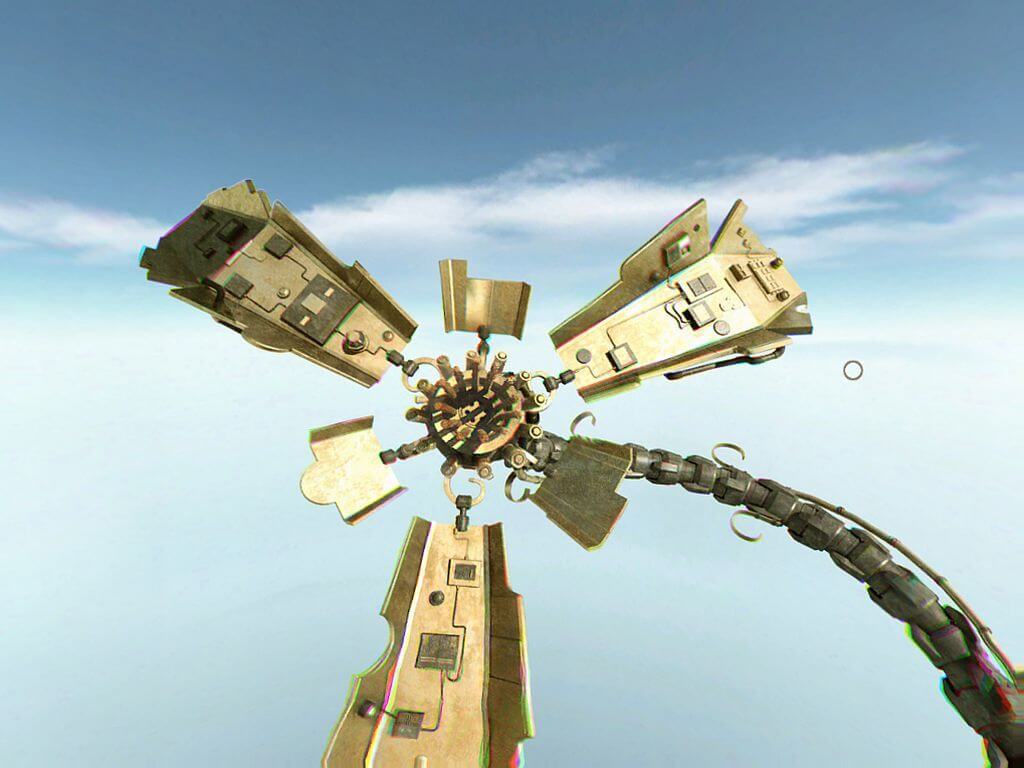

Comments and reviews
admin 2026-02-10 3 points
We've updated this page, added more language version & translation patches, plus troubleshooting guide
Bla 2025-12-24 1 point
Tested on Windows 10. They work like a charm!
You only need a Virtual CloneDrive.
yura04kizel 2025-12-06 3 points
So, this game will escape Abandonware status in 2026.
Because Phantomery Interactive and Brickworks Games are currently working on a remake: https://store.steampowered.com/app/4151300/Sublustrum/
POB75 2022-12-06 8 points
Running on Windows 10 with no tweaking or compatibility problems.
Mounted the bin files from downloaded ISOs 1 and 2.
Open first and hit set up - it'll partially install and then ask for disk 2. Give it the letter of the virtual drive for disk 2.
Installs and runs fine. Not played it yet, just checked it works. No issues found.
Write a comment
Share your gamer memories, help others to run the game or comment anything you'd like. If you have trouble to run Outcry (Windows), read the abandonware guide first!
Download Outcry
We may have multiple downloads for few games when different versions are available. Also, we try to upload manuals and extra documentation when possible. If you have additional files to contribute or have the game in another language, please contact us!
Windows Version

Disc 1
 609 MB
DownloadEnglish version
609 MB
DownloadEnglish versionDisc 2
623 MB
DownloadEnglish versionSetup
921 MB
DownloadCzech versionSetup from DVD of Score #207 magazine
 840 MB
DownloadGerman version
840 MB
DownloadGerman version  847 MB
DownloadPolish version
847 MB
DownloadPolish version  929 MB
DownloadRussian version
929 MB
DownloadRussian versionStarForce protected, use NoCD before launch
 1.4 GB
Manual 3 MB
1.4 GB
Manual 3 MB
Game Extras
Various files to help you run Outcry, apply patches, fixes, maps or miscellaneous utilities.
For English and Russian versions
1011 KB
MiscCzech translation patch 62 MB
MiscSpanish translation patchShowed few generic warnings, safe to use
 69 MB
Manual 899 KB
Manual 3 MB
ModHigh Quality Music mod by Syrnyky
69 MB
Manual 899 KB
Manual 3 MB
ModHigh Quality Music mod by SyrnykyReplaces all music with HQ sources from the OST CD
195 MB
Demo 326 MB
NocdNoCD for German version 1 MB
NocdNoCD for Russian versionShowed a lot of false positive warnings, safe to use
1 MB
NocdAlternative NoCD for Russian version (for Windows 7 or older)Showed a lot of false positive warnings, safe to use
827 KB
Similar games
Fellow retro gamers also downloaded these games: