Section 8
Windows - 2009
| Year | 2009 |
|---|---|
| Platform | Windows |
| Released in | Czechia, Poland, United Kingdom, Worldwide (2009) Russia (2010) |
| Genre | Action |
| Theme | Sci-Fi / Futuristic, Shooter, Tank |
| Publisher | 1C-SoftClub, SouthPeak Interactive Corporation, SouthPeak Interactive Ltd |
| Developer | TimeGate Studios, Inc. |
| Perspectives | 1st-Person, Behind view |
| Tested on | Windows 10, Windows 11 |
Description of Section 8
Section 8 is a video game published in 2009 on Windows by 1C-SoftClub, SouthPeak Interactive Ltd, SouthPeak Interactive Corporation. It's an action game, set in a sci-fi / futuristic, shooter and tank themes.
External links
 MobyGames
 Wikipedia page
 PCGamingWiki
 WSGF
WSGF Gameplay video
 Multiplayer Discord server
How to play Section 8 Windows
This release was prepared in collaboration with the help of Section 8 community. The fans of the game are still playing it in multiplayer, even if it's not available for purchase anymore. If you want to play in multiplayer - join them on this Discord server
NoDVD for version 1.1 showed minor detection ratio, it is safe to use. All warnings are generic, about suspicious/unsafe file, the usual case with "cracked" executables.
The game with patch v1.1 and Seek and Destroy Map Pack has been tested on Windows 7 64-bit, Windows 10 and Windows 11, it works fine. The game supports widescreen and ultra-high resolutions up to UltraHD 4K. You may experience some small troubles when you play the game on modern systems, check our Guide and Notes for details
Before installing the game, make sure to install PhysX Legacy Drivers. PhysX drivers are required for the correct work of the game
Install & play guide:
- Mount the disc image. You will need the utility for mounting disc image files, like WinCDEmu, UltraISO, Alcohol 52%/Alcohol 120% or Daemon Tools Lite
- Install the game. It is recommended to install the game not in default path but in some other, non-system folder, like
C:/Games/Section 8, so you won't have troubles with NoDVD or fixes - (The installer will automatically install Games for Windows Live (GFWL) and PhysX drivers, if you don't have them)
- After you installed the game - install the patch v1.1. If the installer of the patch doesn't see the game folder - manually copy all files of patch to game folder, next to S8.exe, and run it again
- After that install Seek and Destroy Map Pack, that DLC that adds 3 new maps. Before installing that DLC go to
Documents/My Gamesand deleteSection 8folder, if it is there - After that install NoDVD for version 1.1 - simply copy S8.exe from the archive and put it into directory with installed game, agree to replace the original file
- NoDVD for version 1.1 should disable GFWL, you can delete GFWL now. But if the game still asks for GFWL - download Xliveless and put the files from the archive into
Section 8/Binariesfolder - Open the directory with the game and find S8.exe. Right-click on S8.exe -> Properties -> Compatibility - Set "Run this app in compatibility mode with Windows Vista" and "Run as administrator"
- Launch the game and play. If the game doesn't work in compatibility mode with Windows Vista - try to launch it in compatibility mode with Windows XP Service Pack 3
The game can be played in Singleplayer, it has the campaign mode "Corde's Story", also you can play any Multiplayer map with bots. Official online servers of the game have been shutdown in 2013 with developer's bankruptcy. But it is still possible to play in multiplayer by emulating the LAN game with RadminVPN. For more instructions and details visit this Discord server, you can also find other players there
Notes:
- If the installation doesn't start - try to launch Setup.exe in compatibility mode with old version of Windows (98, 2000 or XP)
- It is recommended to install all versions of Microsoft Visual C++ Redistributable and NET Framework for the correct work of the game. Also it is recommended to install K-Lite Codec Pack for the correct work of in-game videos
- And you will need PhysX for the correct work of the game, download & install PhysX Legacy Drivers before installing the game
- The game works on DirectX 9, so if you're using Windows 8, 8.1, 10 or 11 - you need to enable DirectPlay: Go to Control Panel, and select 'Programs'. Select 'Turn Windows features on and off', click on 'Legacy Components' and check the box 'DirectPlay'. Select OK, once the installation is done, restart your computer
- If you cannot install the patch because the installer of the patch doesn't see the game folder - manually copy all files of the patch to game folder, next to S8.exe, and run the patch installer again as Administrator. Also make sure that
Section 8game folder is not Read-only: right click on folder -> Properties -> uncheck the box "Read only" - Seek and Destroy Map Pack is a DLC that adds 3 new maps: Azure Basin, Devil's Backbone and Hornet's Nest. That maps can be played in Singleplayer with bots. DLC must be installed on the game v1.1, before installing that DLC go to
Documents/My Gamesand deleteSection 8folder, if there's any - NoDVD is required for the launch because the game is using SecuROM DRM protection and GFWL, which doesn't work correctly on modern systems. That NoDVD "breaks" DRM protection and allows the game to work on modern systems. If you see the error that there's not enough space on the hard drive when you copy NoCD files - re-install the game in non-system folder, like
D:/Games/Section 8, Windows Protection may block copying of files to system folders (likeC:/Program FilesorC:/Windows). NoDVD showed minor detection ratio but the file is safe to use, simply add NoDVD files to antivirus exceptions list - If the games still asks for Games for Windows Live (GFWL) even if you have installed NoDVD for version 1.1 - download Xliveless and copy the files from the archive into
Section 8/Binariesfolder; Xliveless will disable GFWL in the game. If it didn't work - put the files inC:/Windows/SysWOW64orC:/Windows.system32 - At launch you may see the error
"The app cannot be launched because physxcudart_20.dll is not found". In that case go toSection 8/Binaries, find cudart.dll, make a copy of cudart.dll, rename the copy to physxcudart_20.dll and try to run the game again. If it didn't work - just click OK and the game will run, but the in-game physics will be working in Software mode - You can easily change the language of installed game by editing of config-files. To change the language go to
Section 8/S8Game/Configfolder, open UserEngine.ini in Notepad and change the letters inLanguageline: enterINTfor English language,FRAfor French,DEUfor German,ESNfor Spanish,ITAfor Italian (for example, if you want to switch to German language, it should look likeLanguage=DEU). That way you can easily switch to any of 5 languages, that method works with Multi-3 version from our website - There's some unlockable items that you can unlock by entering the special codes in Dropship section of main menu. Enter 68432181 to unlock new assault rifle decals, 13374877 to unlock Black Widow combat pistol, 17013214 to unlock Captain's armor
- The game has full controller support, it should work fine with any type of gamepads. The game was tested with Xbox One gamepad so it should work with no problem with any XInput-type gamepad. If the game doesn't recognize your controller - try using one of the additional tools from PCGamingWiki guide for controllers
- If you cannot continue after "Press any key" starting screen - use Xliveless or update Games for Windows Live client as in the note below
- If you want to play the game without using the NoDVD - you will need to install Games for Windows Live (GFWL) and create a local profile. If you use Windows 8 or later - delete GFWL that comes with the game and install this version instead. Optionally, you can install GFWL title update for this game
- The installer for Brazilian translation patch showed some generic warnings, here's the scan report. All warnings are generic, about suspicious/unsafe file, it should be safe to use; but for 100% safety you can run that file on Virtual Machine
- Don't forget to check PCGamingWiki page if you have troubles, it is very useful!
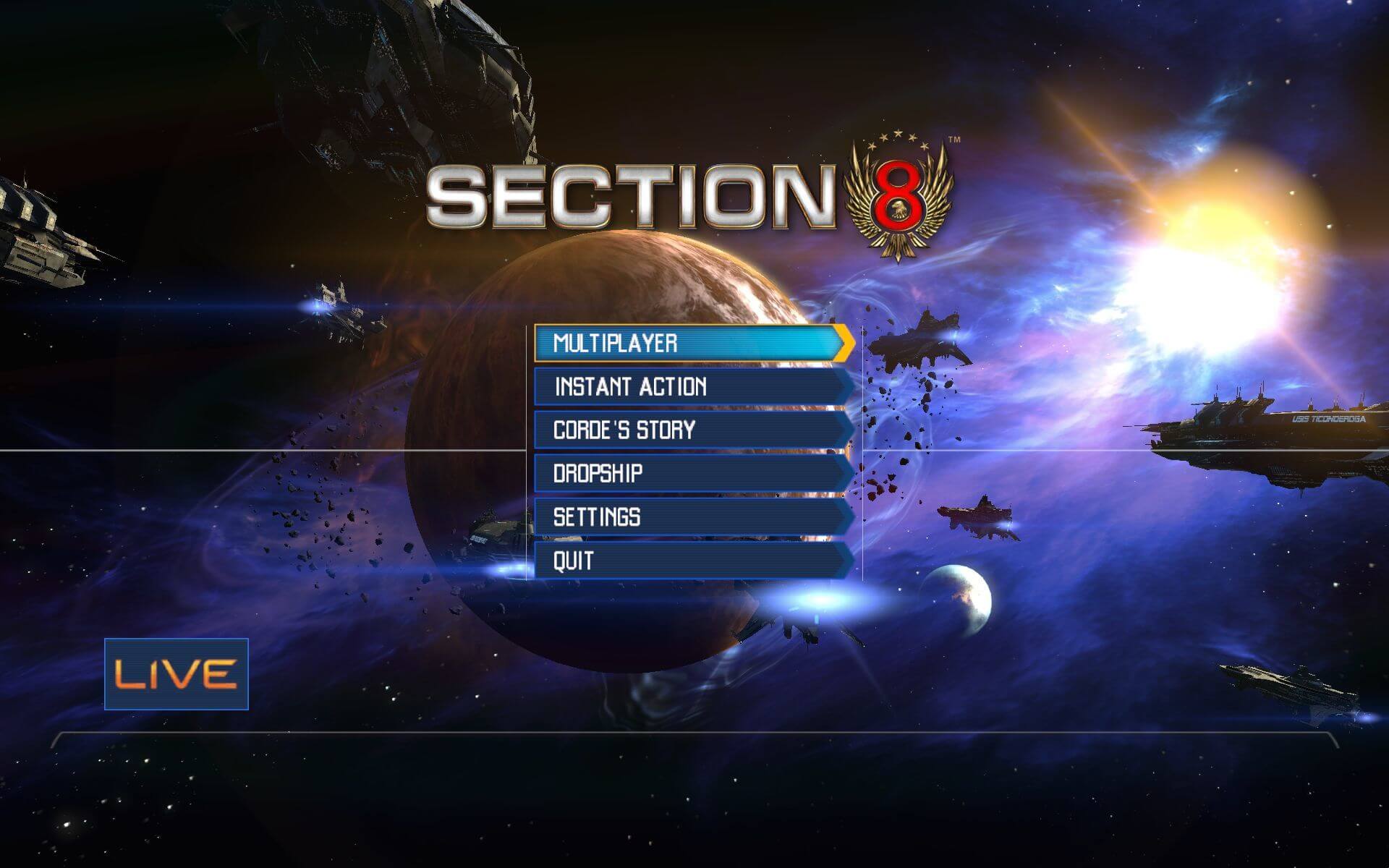
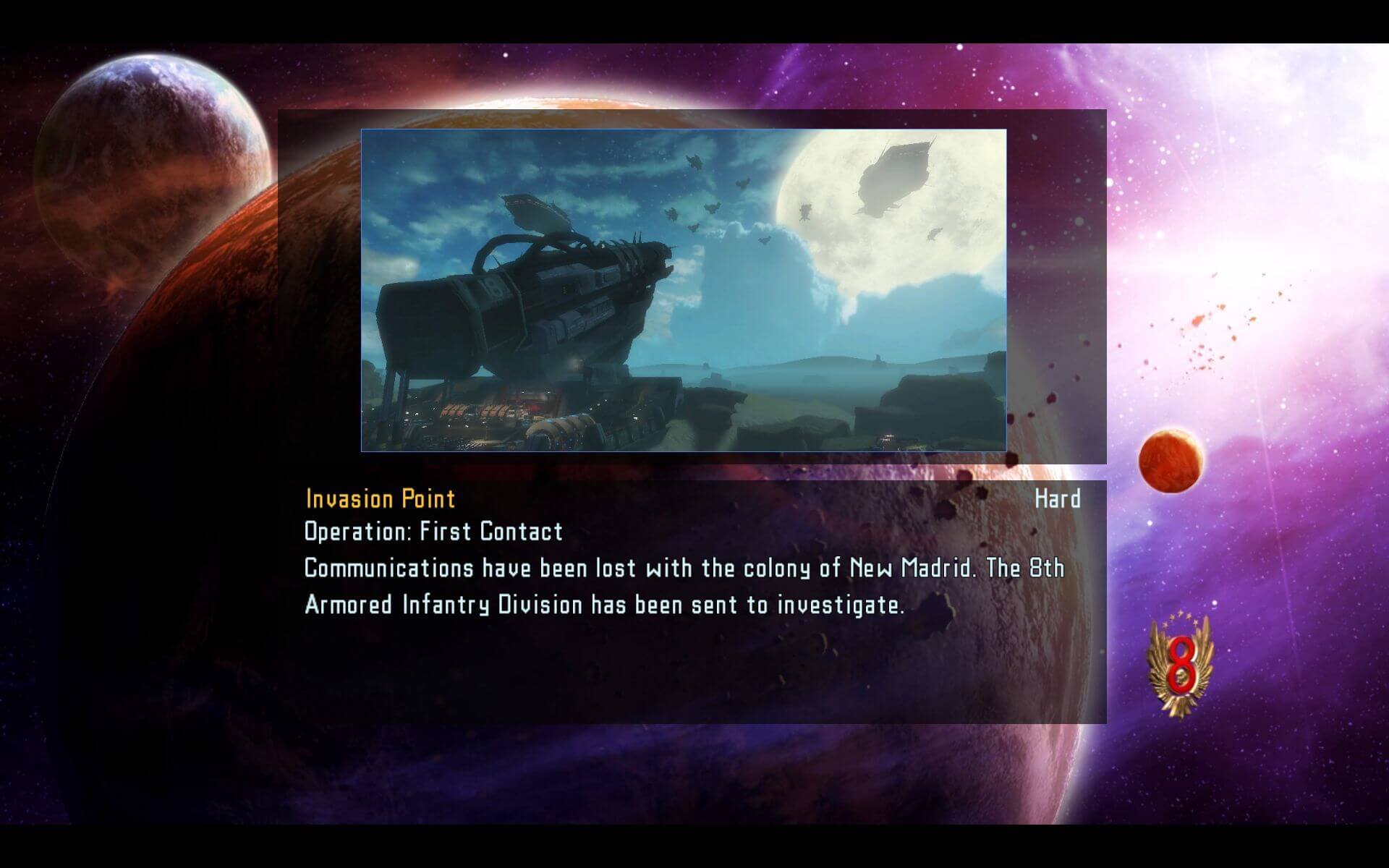
Captures and Snapshots
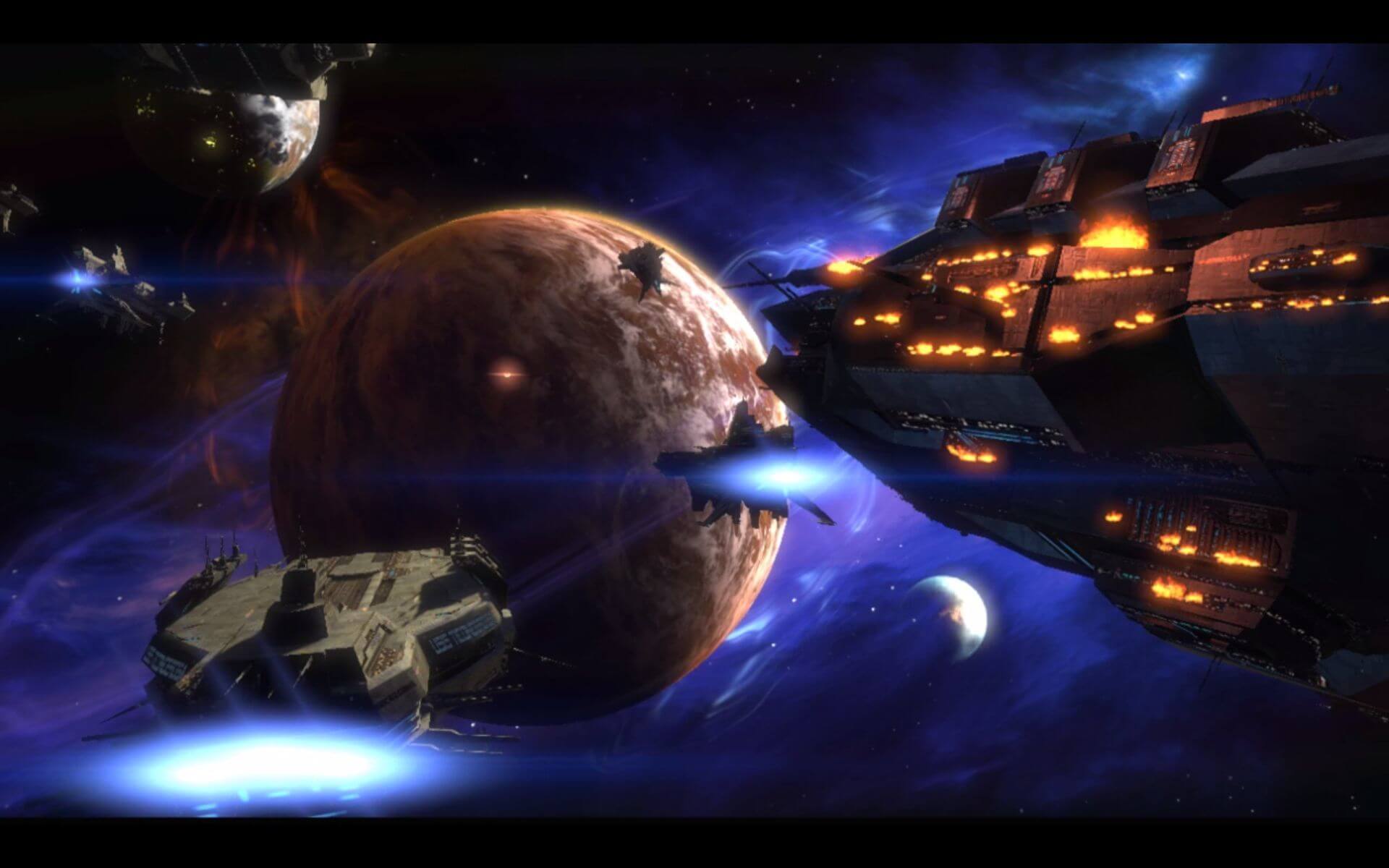
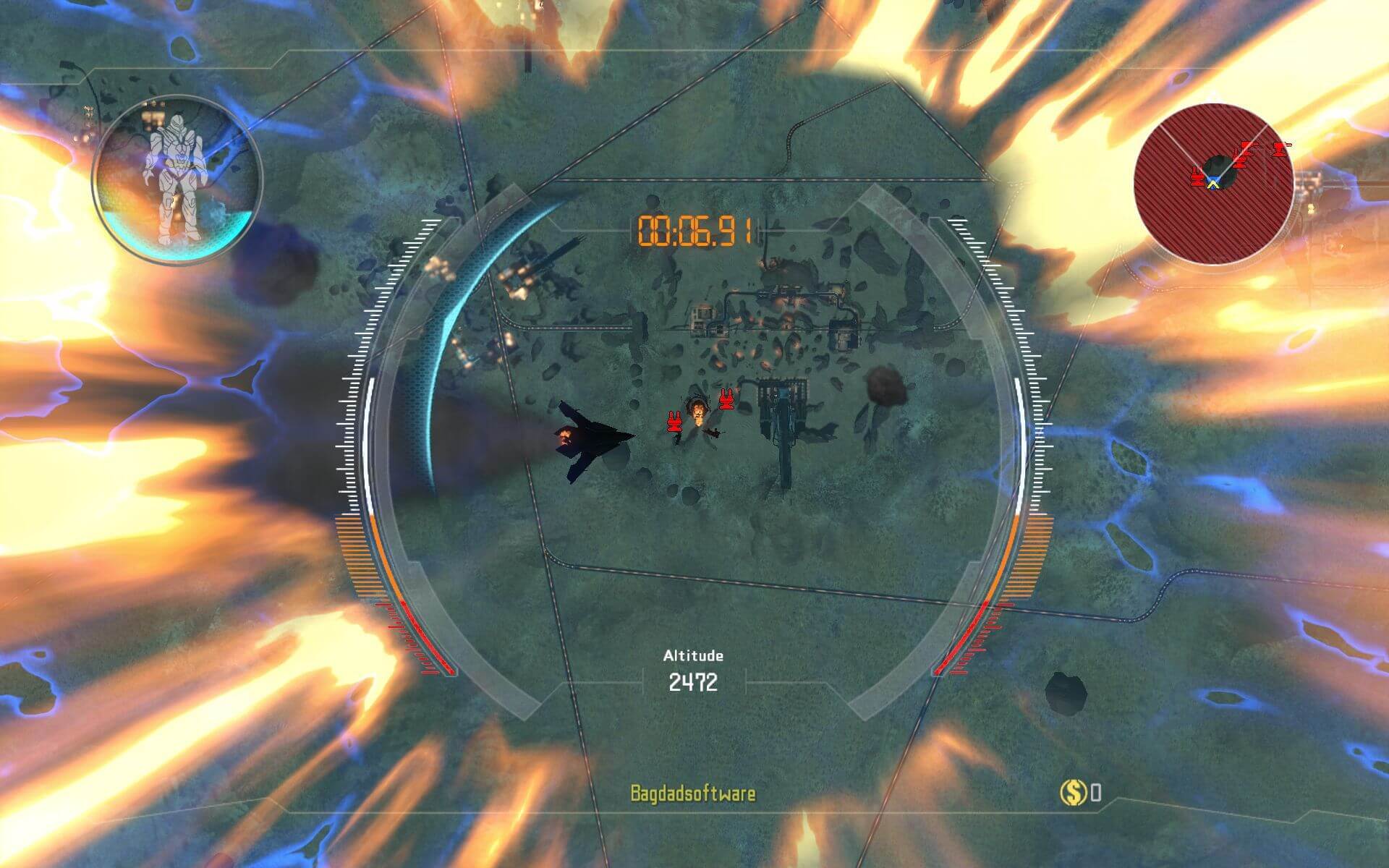
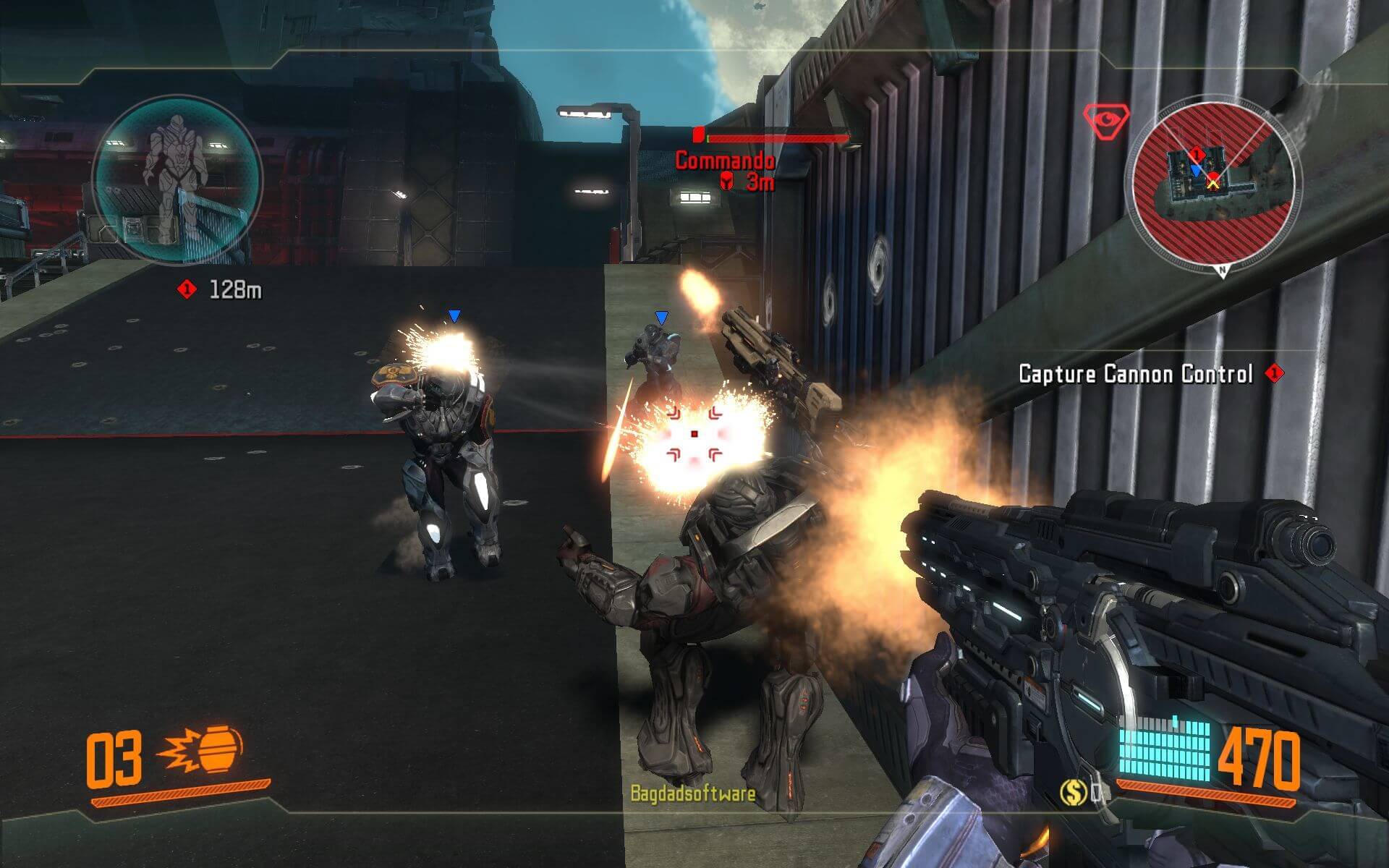
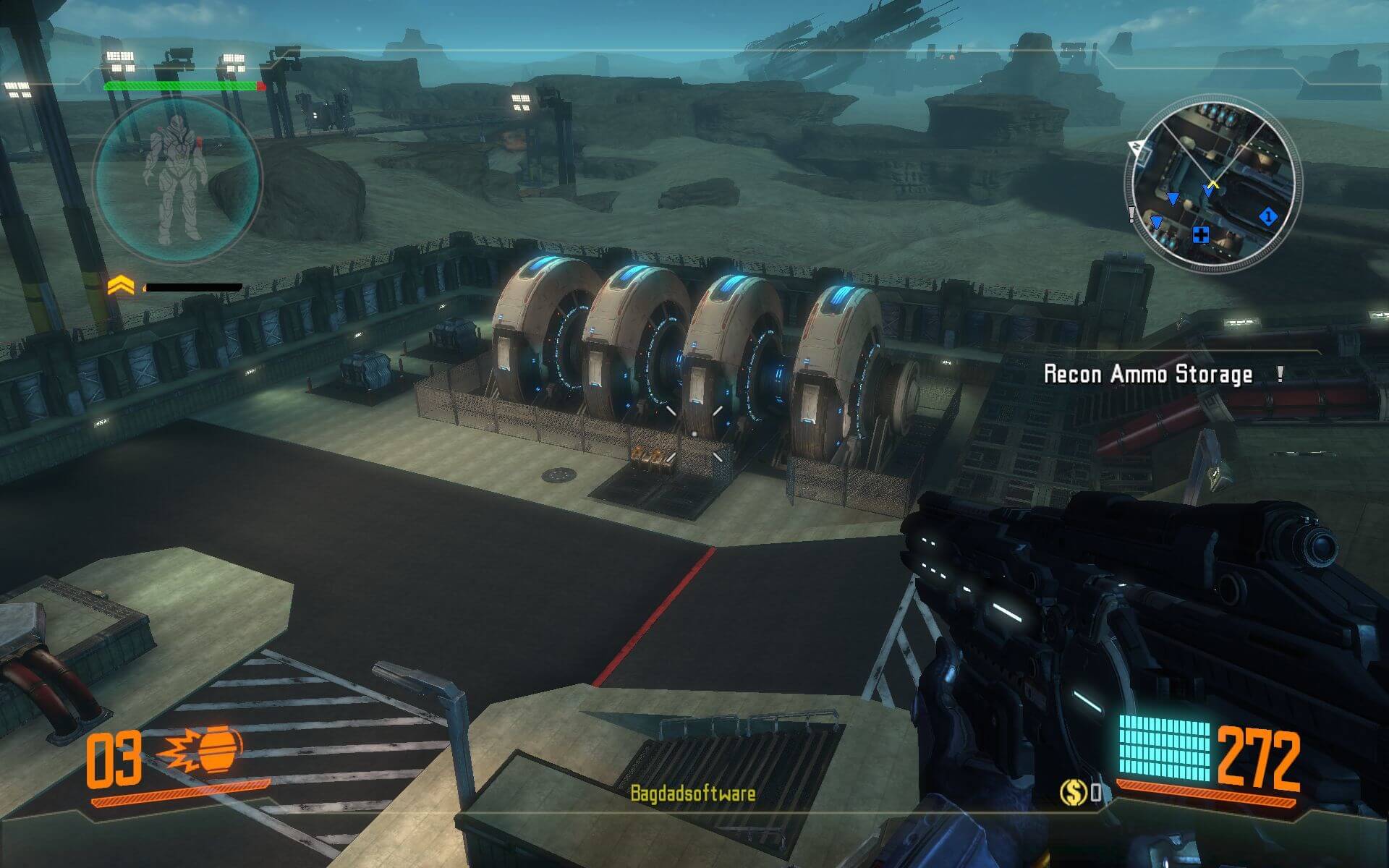
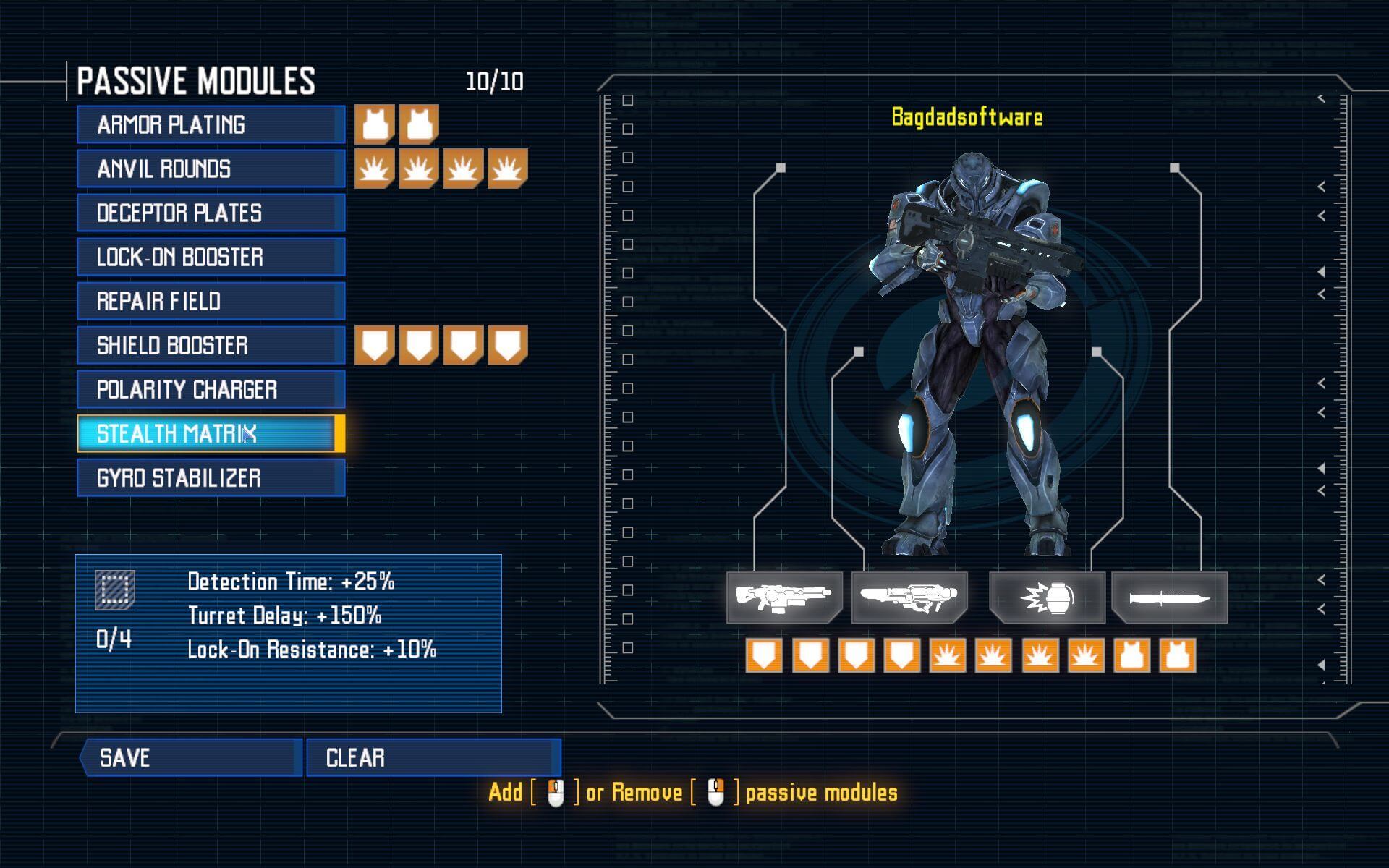
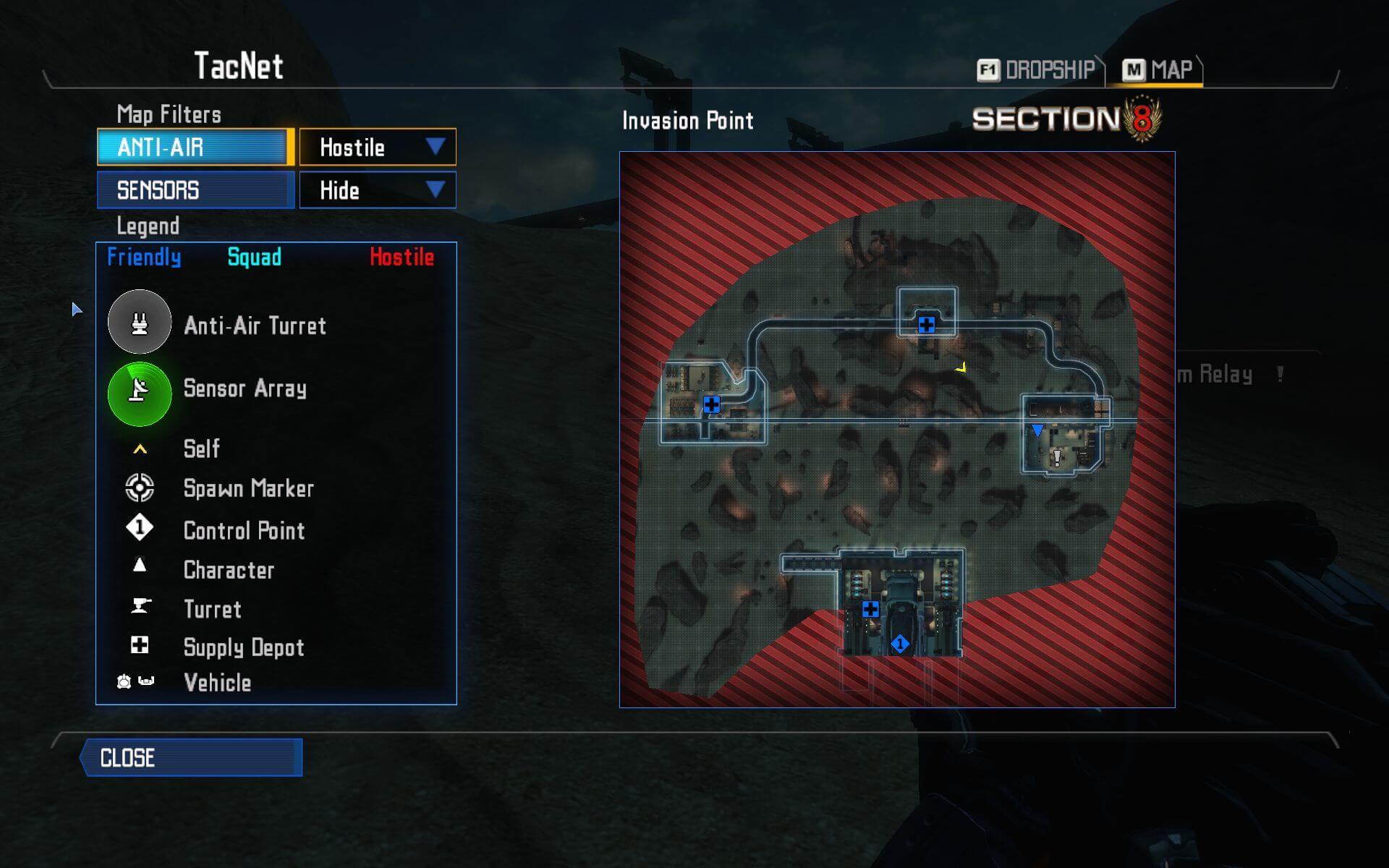
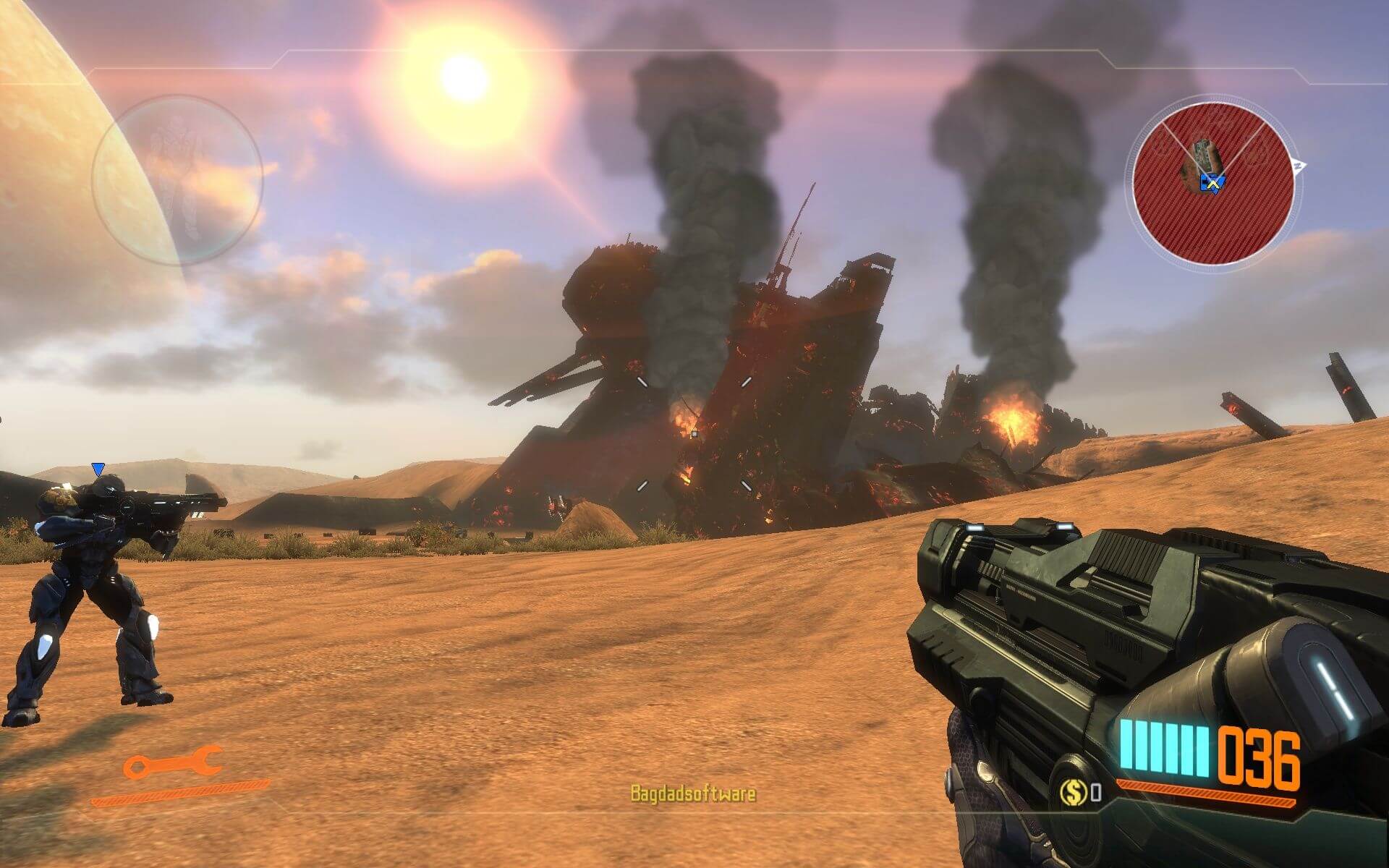
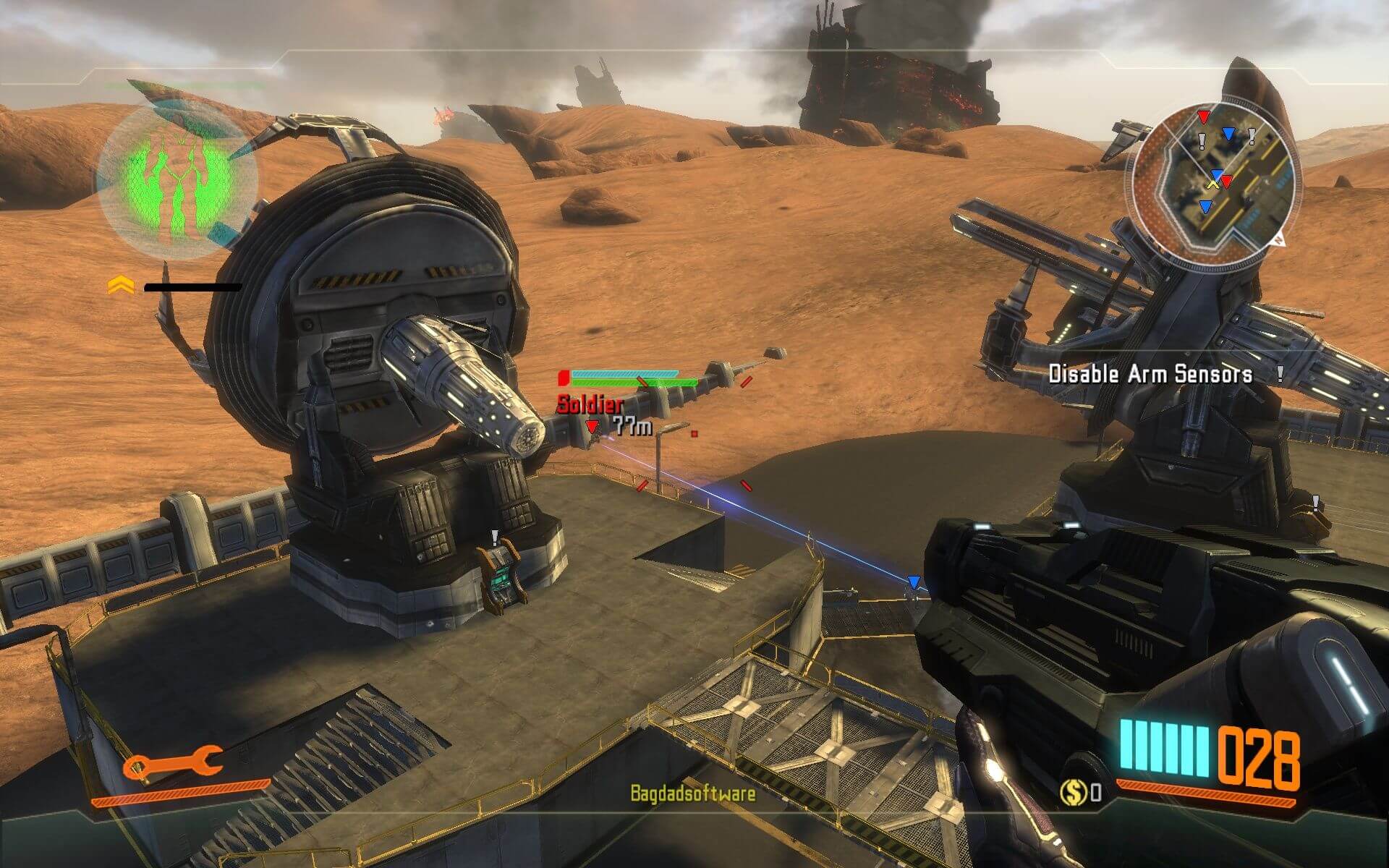

Comments and reviews
admin 2026-08-29 0 point
Section 8: Prejudice is now available on our website too
https://www.myabandonware.com/game/section-8-prejudice-11e5
Echo 2025-09-02 2 points
Is there someone who could upload section 8 prejudice?
please, please, please
SZ95 2025-08-31 4 points
If Prejudice is Abandonware now that it's delisted from Steam I could upload it
Sam 2025-07-07 1 point
Also anyone who wants Section 8: Prejudice you can get it on the humble bundle for a steam key for $10, steam no longer has it directly listed but the key from humble bundle works
Harry 2025-03-12 0 point
Where are savegames located i have search everywhere even in regedit i cant find anything
admin 2023-06-26 6 points
We have updated the game and added ISO image of original DVD, thanks to user Pex.
Thank you very much, Pex. I checked your ISO image, everything worked good. Patch 1.1 works with that version, so we don't need alternative installer anymore
Chiteki 2023-06-23 1 point
Daym, great to see this one here, love the game. All's perfect but one thing - there's absolutely no way to consistently change FoV for the game. The default is 70 (which, expectedly, makes my head hurt in minutes). There's a console in game and it lets you edit FoV easily through "fov x" command, but it resents when you do any action that changes you FoV, like ADS or sprint. Only way I found for semi consistency is to edit hotkeys to contain "fov x" command, but it's jank af. Only in the sequel, Section 8 - Prejudice, devs added the ability to change FoV, but even then only though .ini file.
If anyone finds anything, please share, thank you.
admin 2023-06-06 2 points
Yeah, making that game to work was a bit troublesome, since we used scene release, and the patch didn't want to work with it.
We couldn't find ISO image of original DVD. If you have the copy of retail DVD of Section 8 - please contact us https://www.myabandonware.com/contact/
Write a comment
Share your gamer memories, help others to run the game or comment anything you'd like. If you have trouble to run Section 8 (Windows), read the abandonware guide first!
Download Section 8
We may have multiple downloads for few games when different versions are available. Also, we try to upload manuals and extra documentation when possible. If you have additional files to contribute or have the game in another language, please contact us!
Windows Version
English, French & Spanish languages


 4.1 GB
DownloadFull-Rip
4.1 GB
DownloadFull-RipPre-installed game v1.1 with DLC included

 4.2 GB
Manual 36 MB
4.2 GB
Manual 36 MB
Game Extras
Various files to help you run Section 8, apply patches, fixes, maps or miscellaneous utilities.
307 MB
FixXlivelessPut into “Section 8/Binaries” folder to disable Games for Windows Live
272 KB
MiscSeek and Destroy Map PackAdds 3 new maps
469 MB
MiscGerman language packThe official German language pack, with full audio, video & text in German
1.1 GB
MiscBrazilian translation patchShowed some generic warnings
 2 MB
MiscRussian translation patch
2 MB
MiscRussian translation patch  47 MB
NocdNoDVD for version 1.1 (сompatible with all languages)
47 MB
NocdNoDVD for version 1.1 (сompatible with all languages)Showed some generic warnings, safe to use
164 KB
Similar games
Fellow retro gamers also downloaded these games: