V-Rally 3
Windows - 2003
| Year | 2003 |
|---|---|
| Platform | Windows |
| Released in | Finland, Germany, Norway (2003) Germany (2004) Germany (2005) |
| Genre | Racing / Driving |
| Theme | Africa, Automobile, Europe, Off-Road / Monster Truck, Track Racing, Vehicle Simulator |
| Publisher | Atari Europe S.A.S.U. |
| Developer | Eden Studios |
| Perspectives | 1st-Person, Behind view |
Description of V-Rally 3
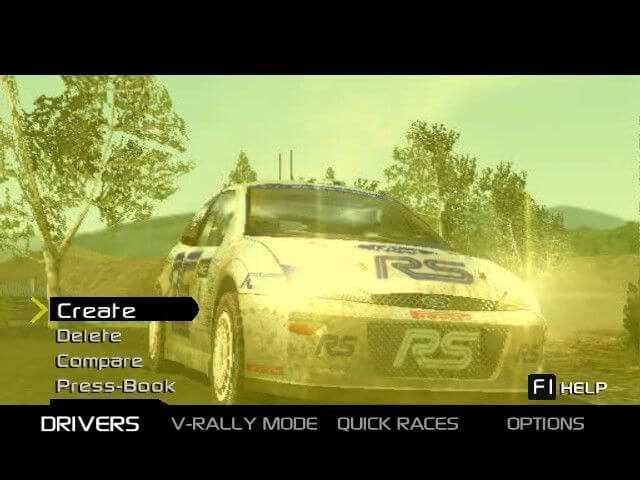
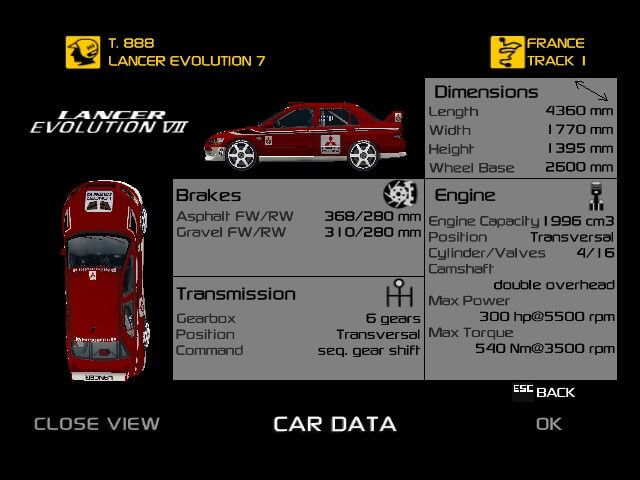
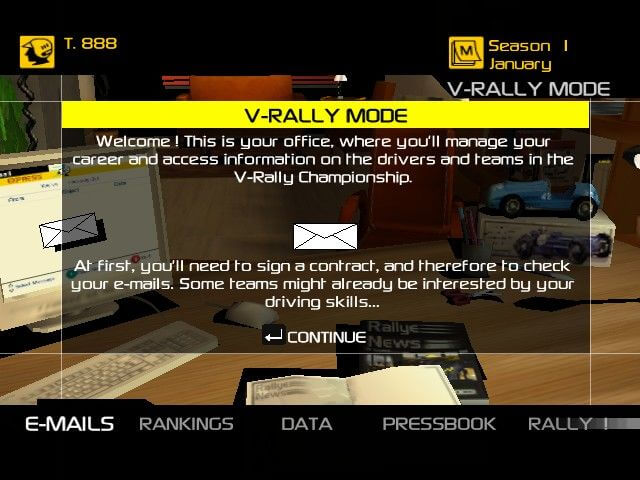
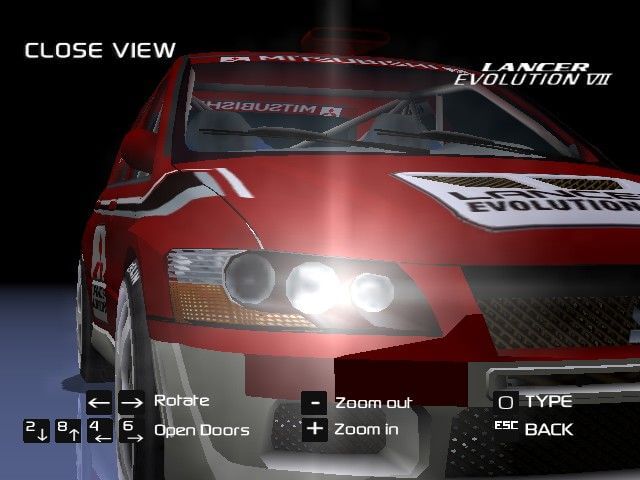
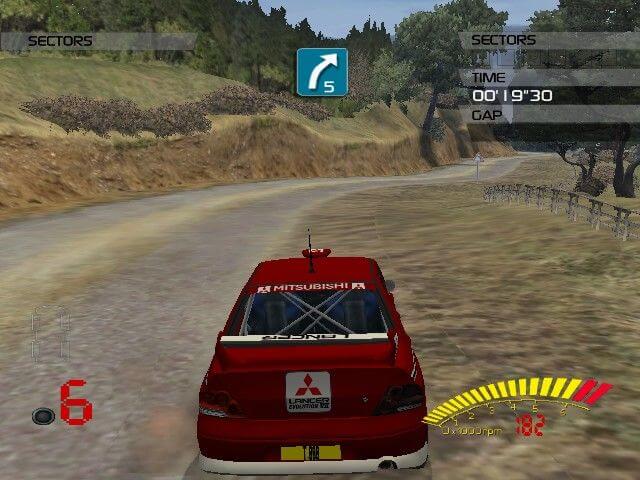
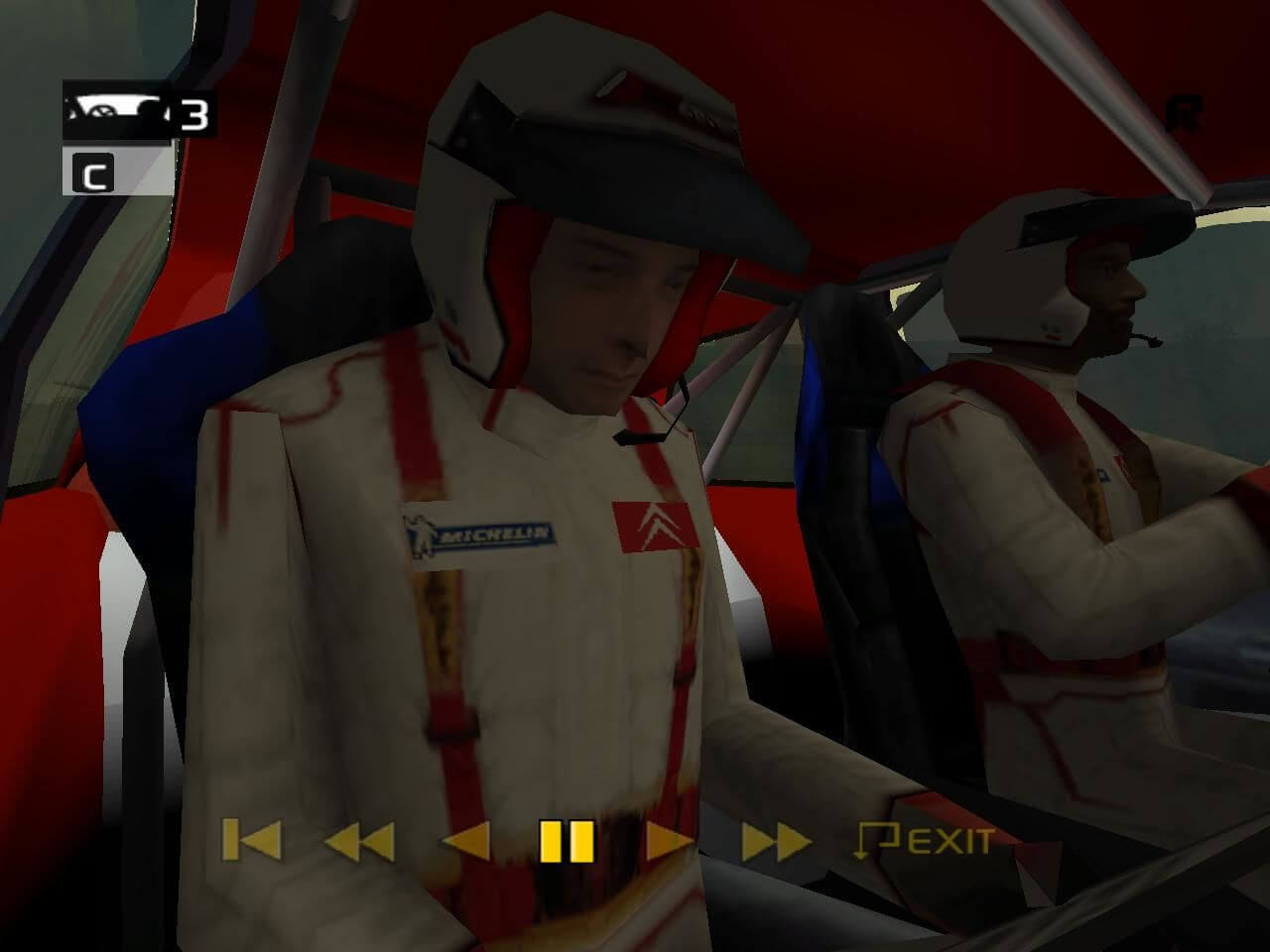
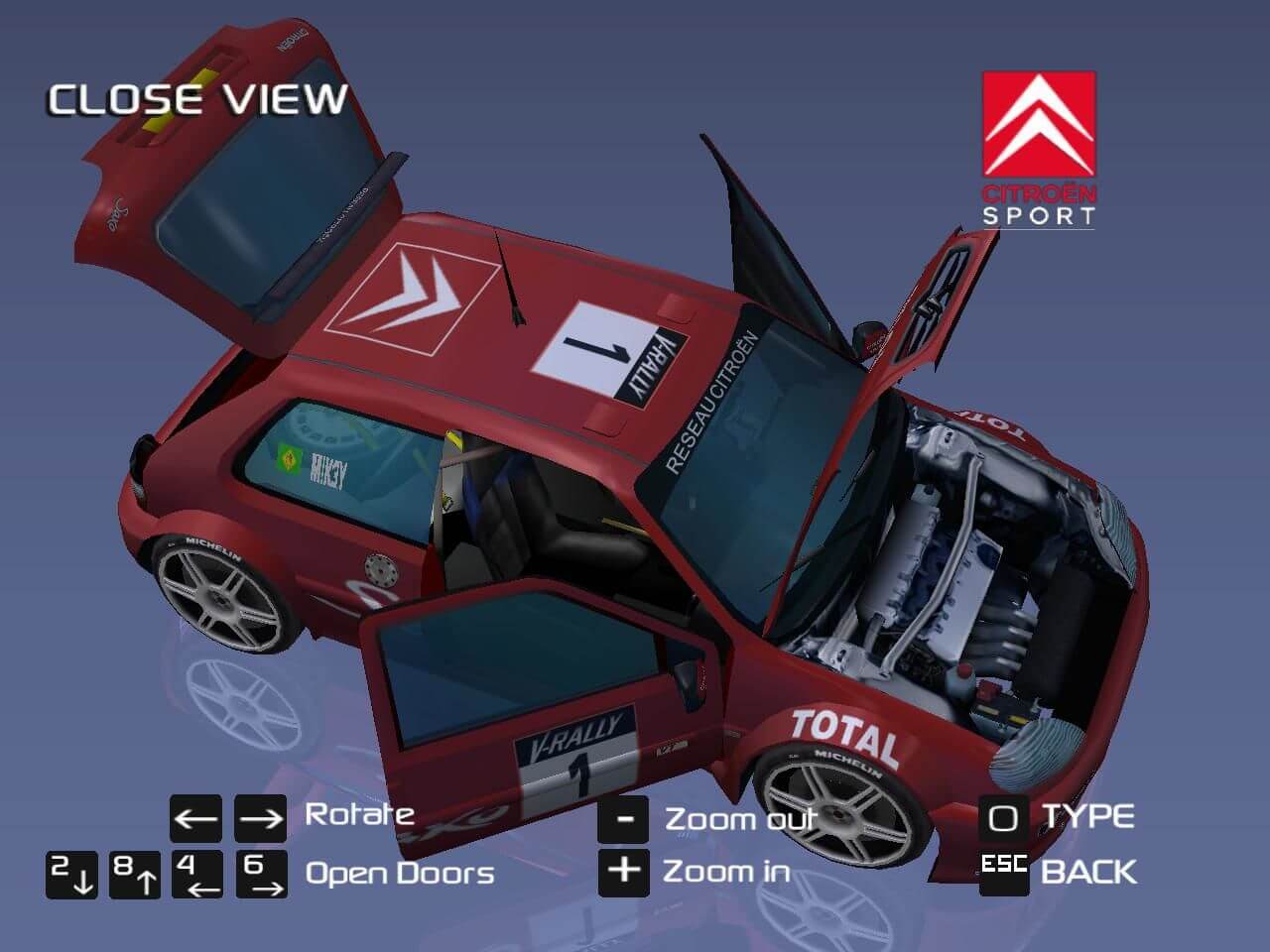
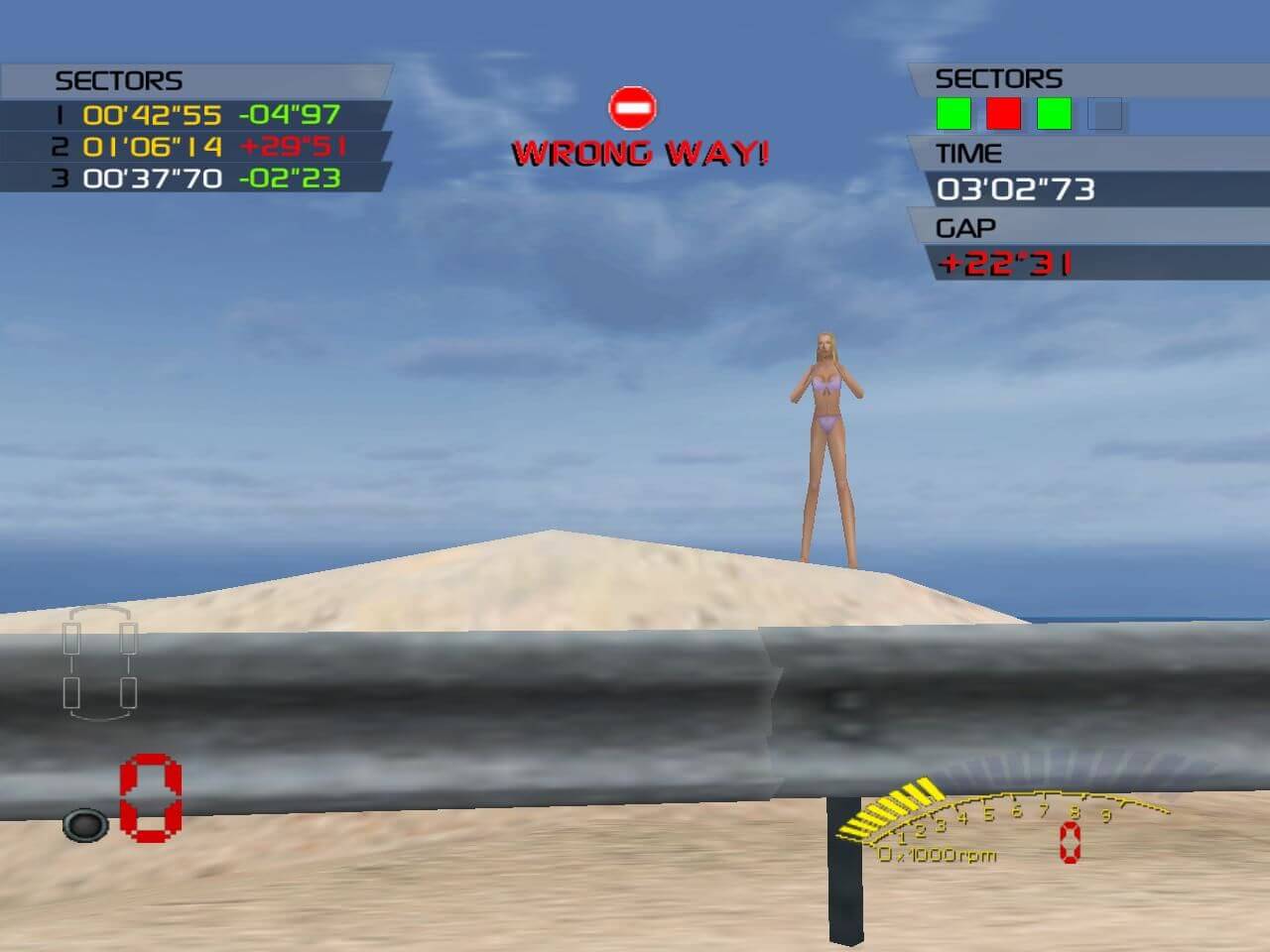
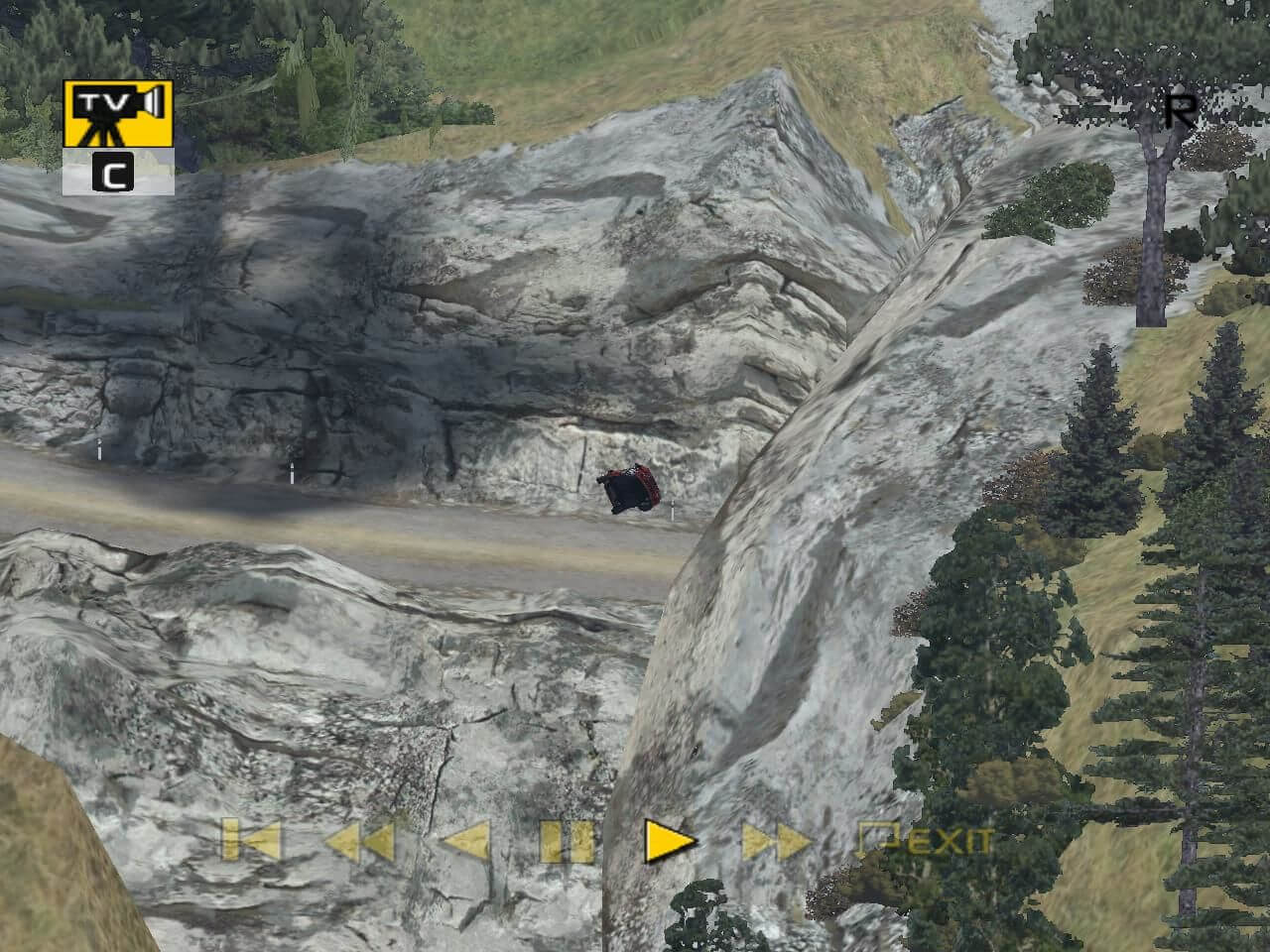
Here is the video game “V-Rally 3”! Released in 2003 on Windows, it's still available and playable with some tinkering. It's a racing / driving game, set in an off-road / monster truck, vehicle simulator, automobile, track racing, africa and europe themes.
External links
 PCGamingWiki
 Wikipedia Entry
 IGDB
IGDB MobyGames
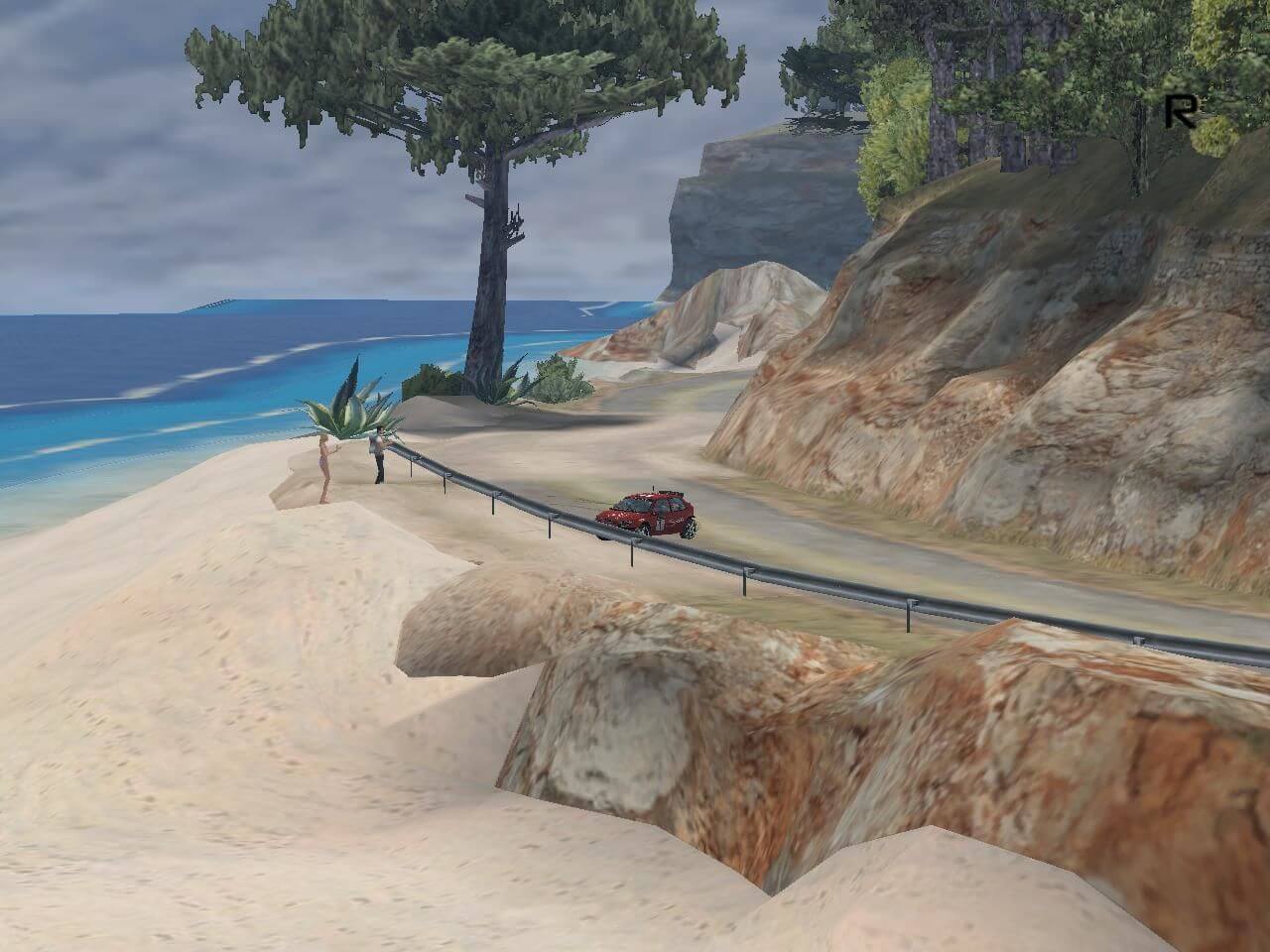
Captures and Snapshots
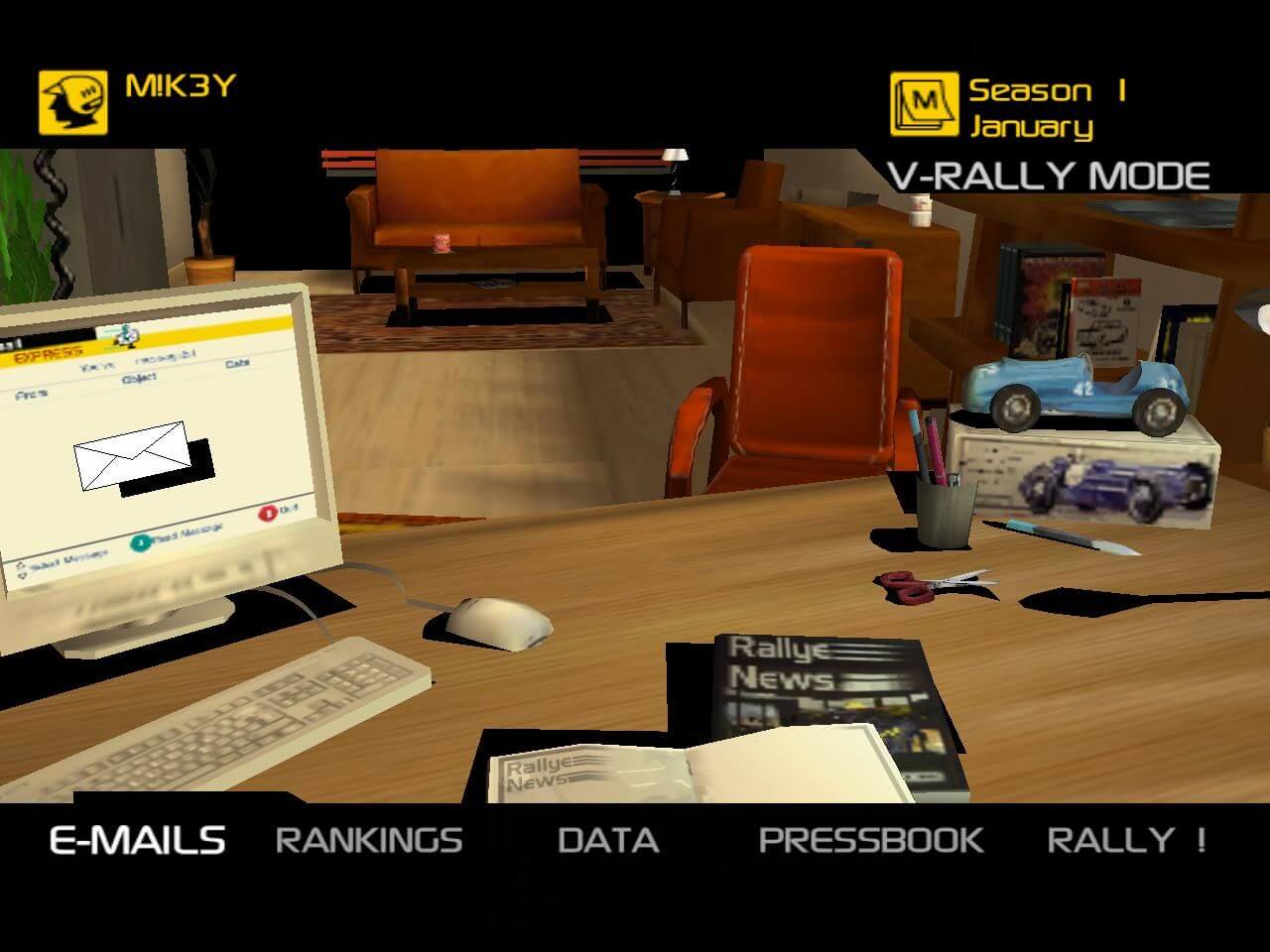
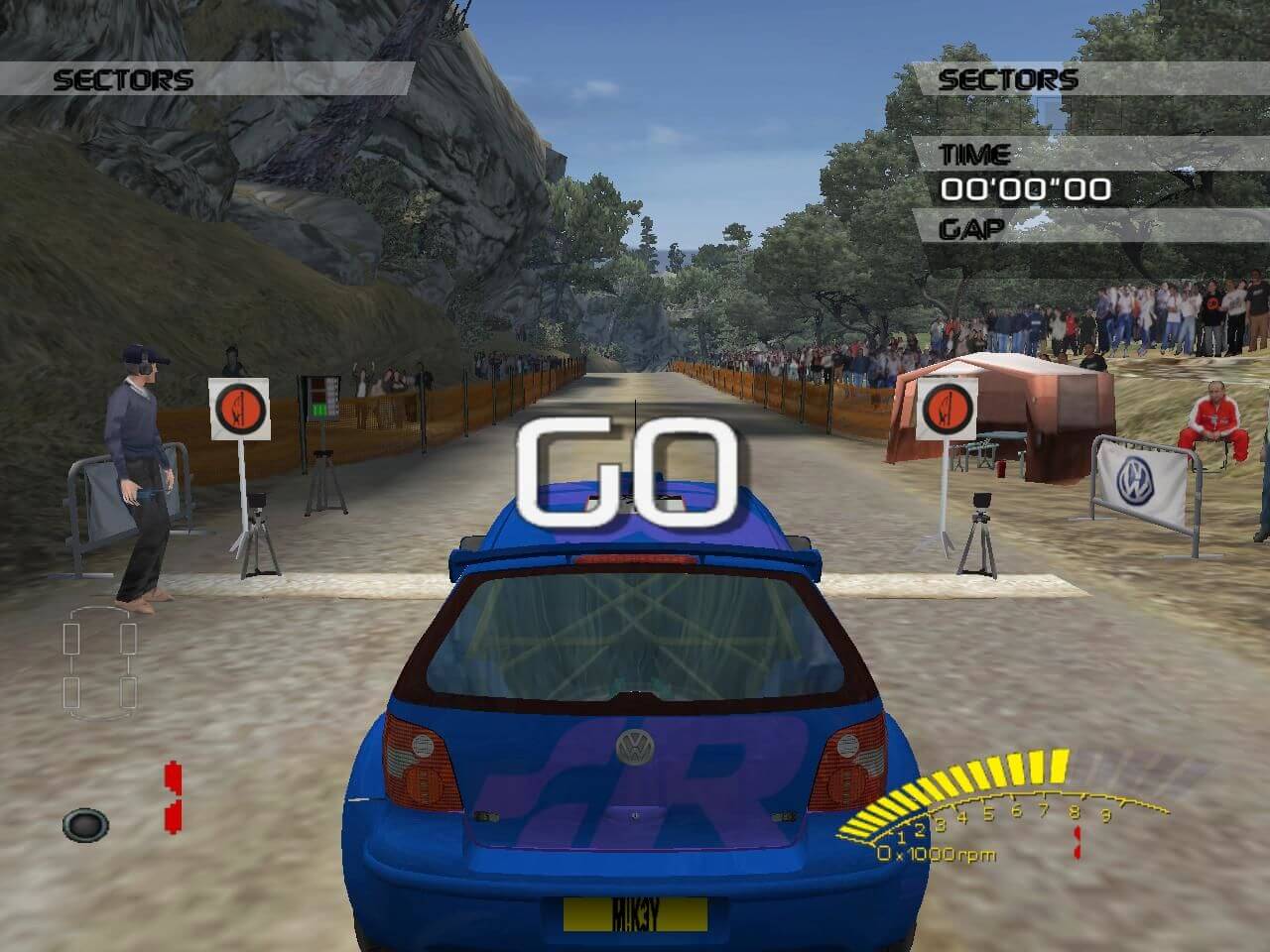
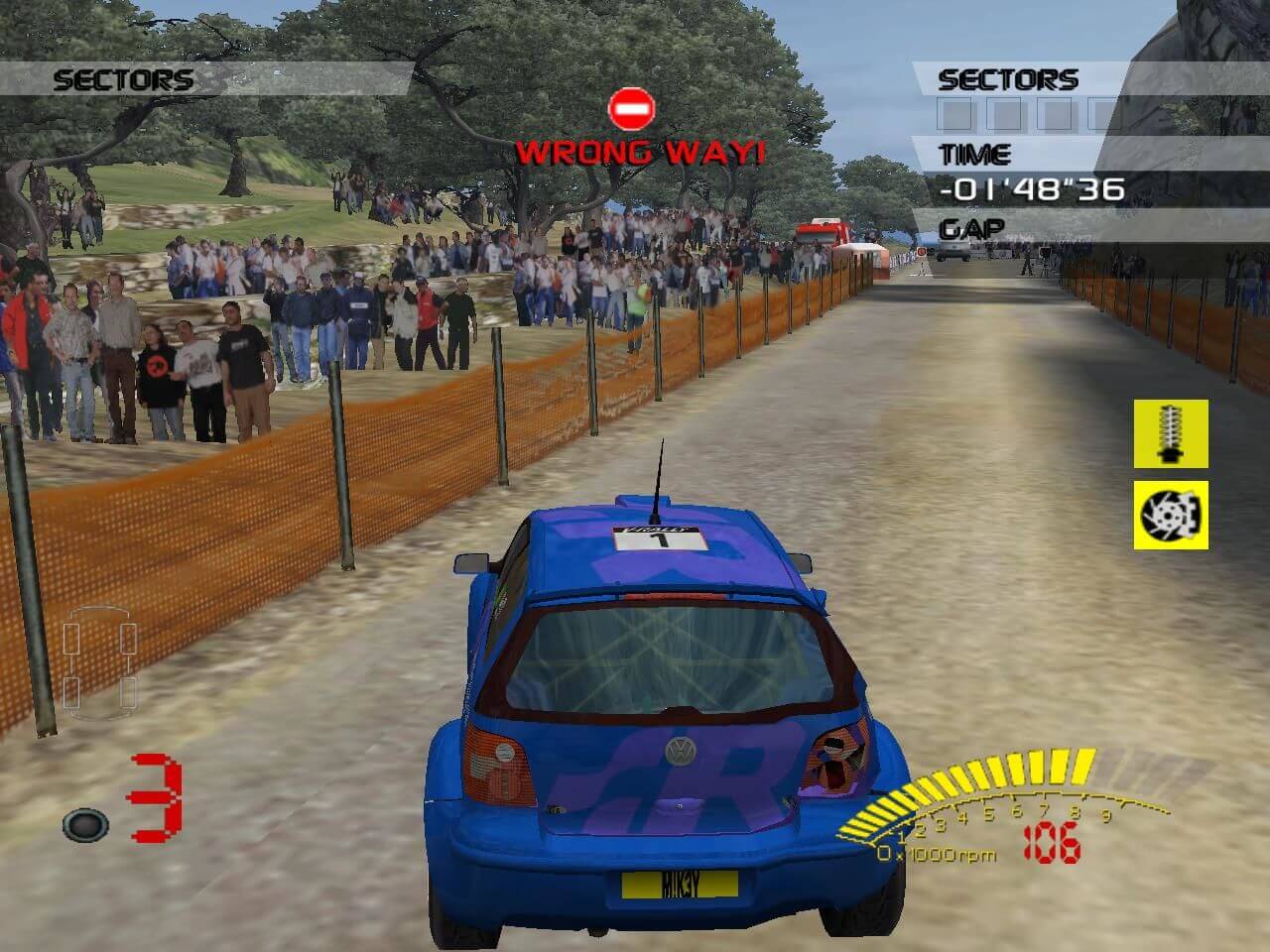
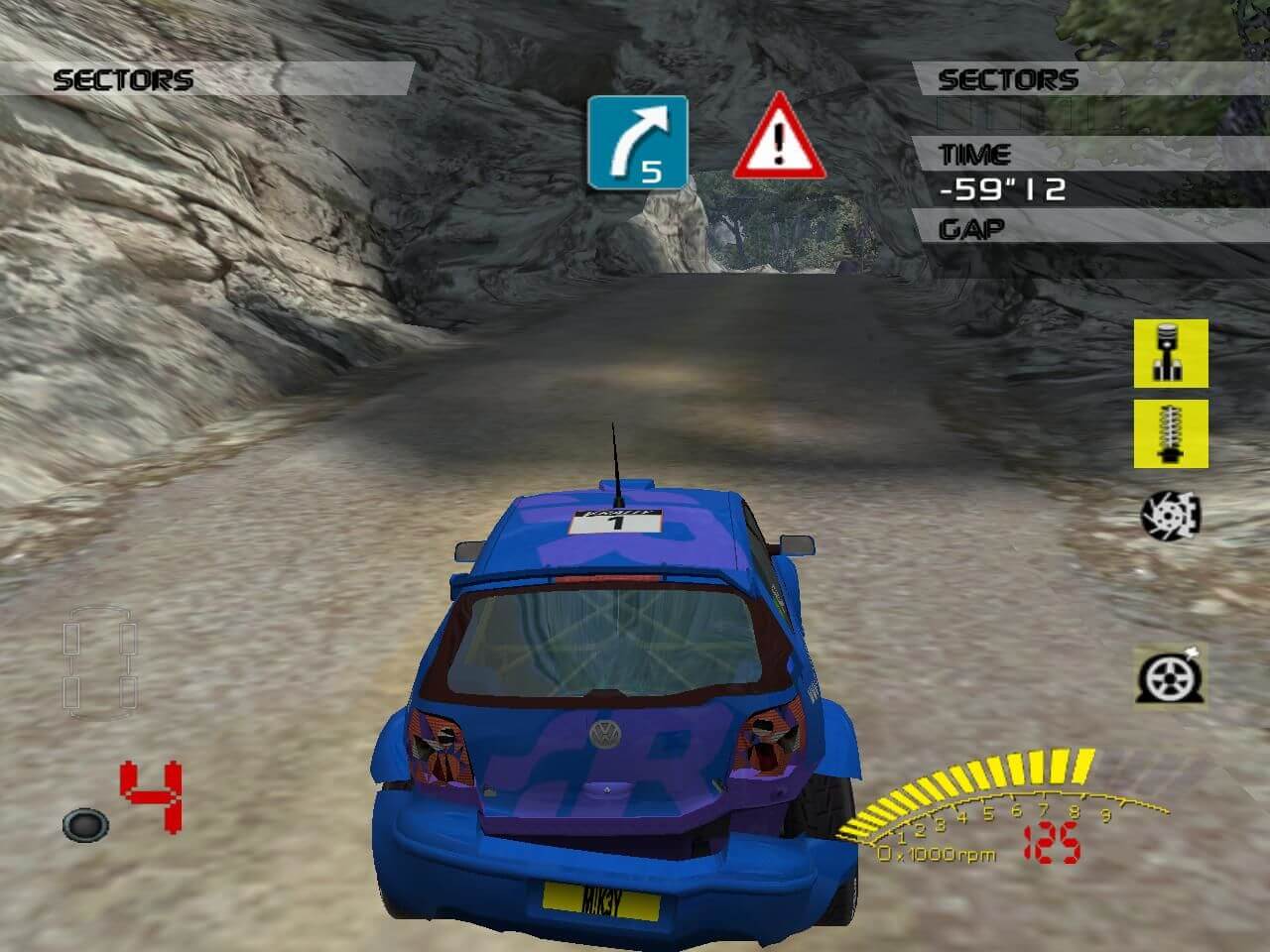
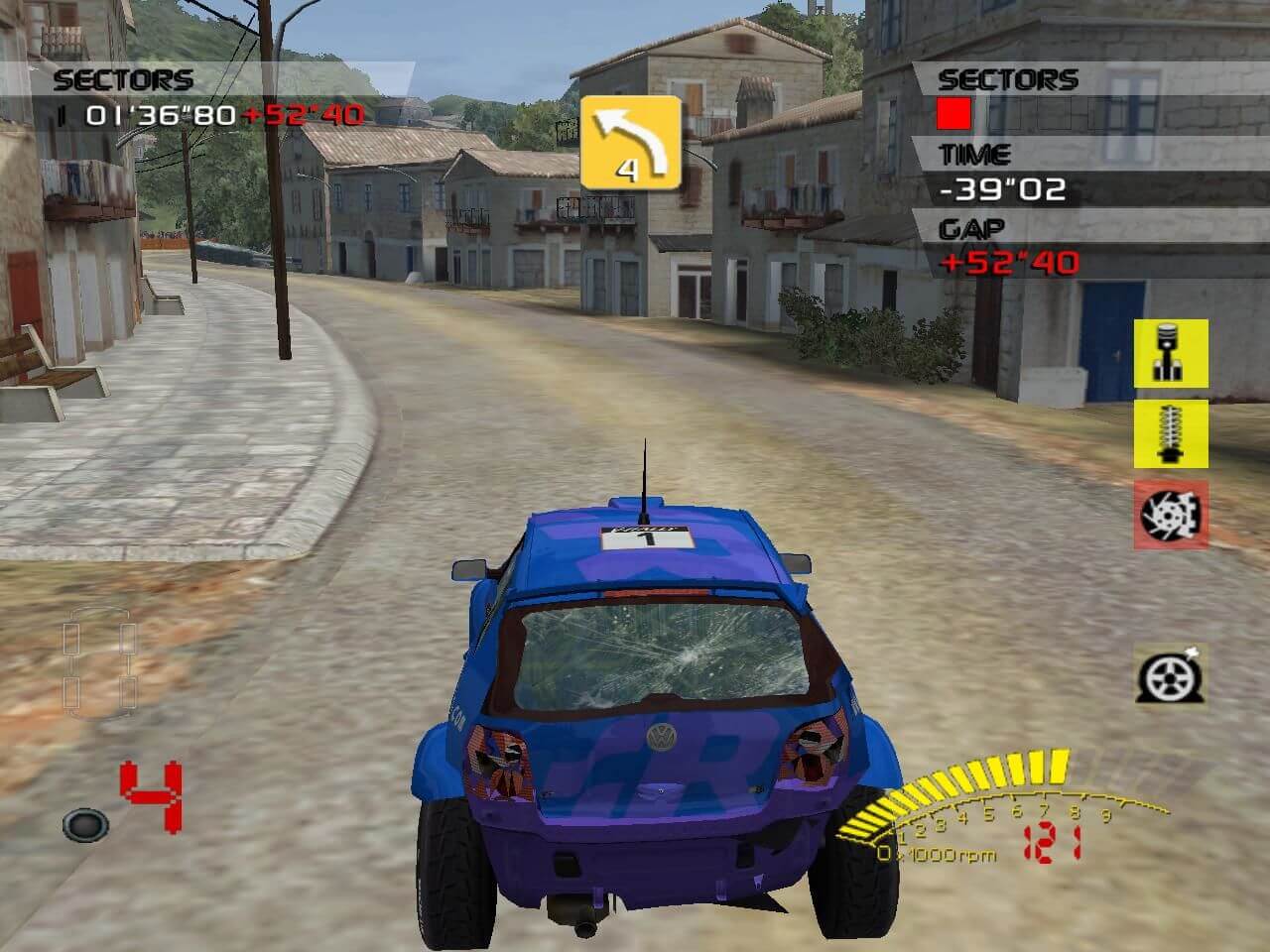
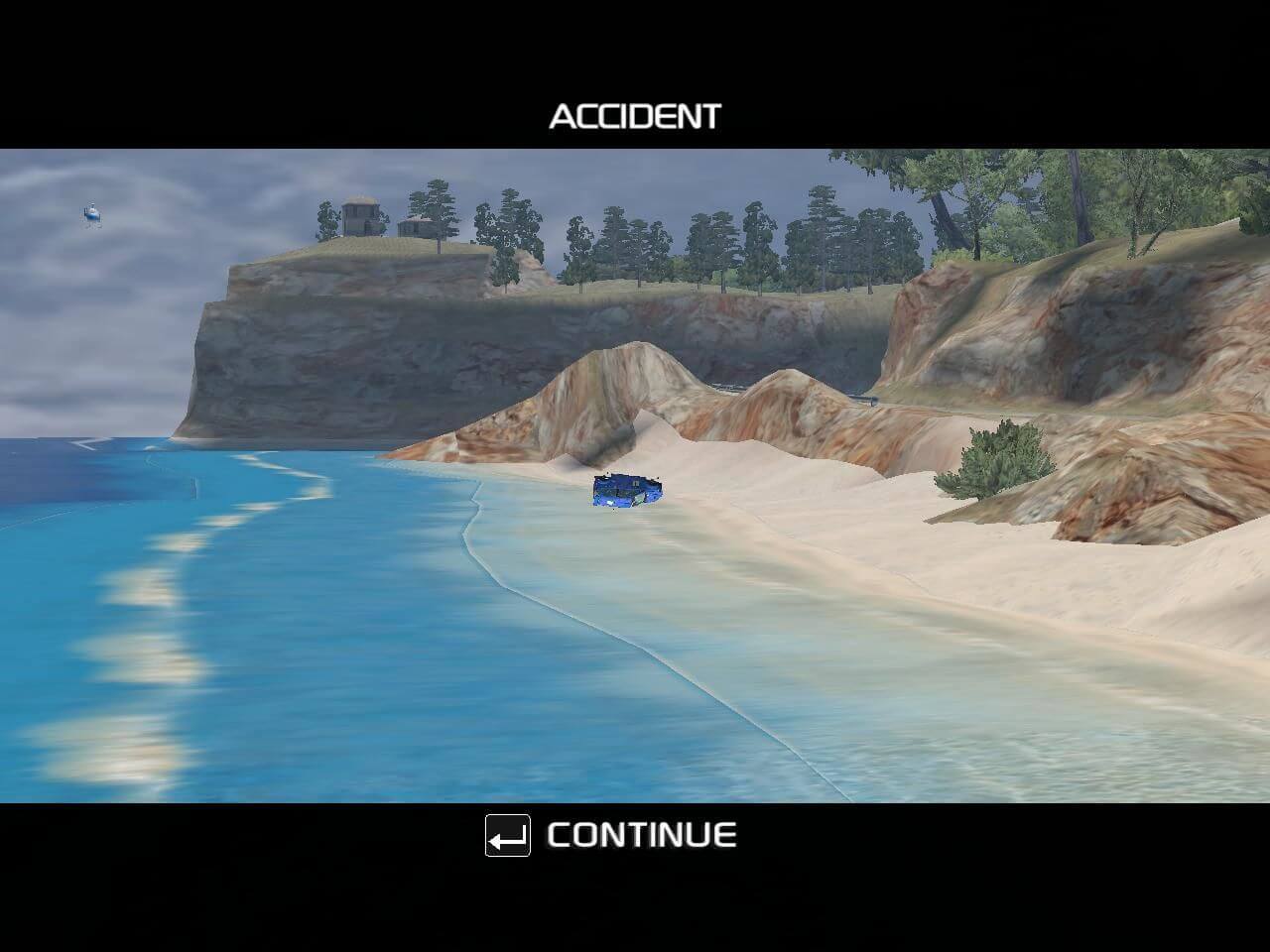
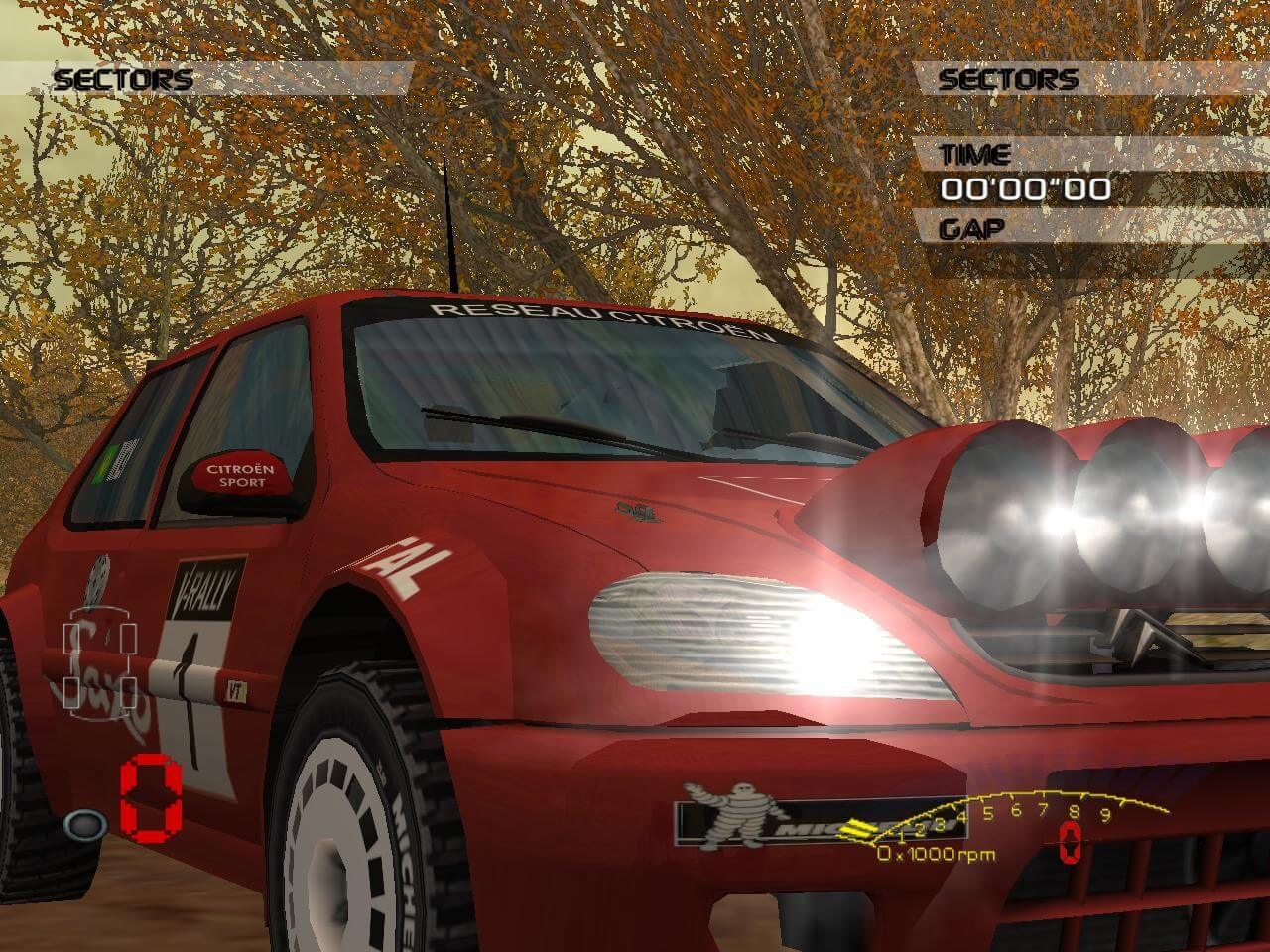
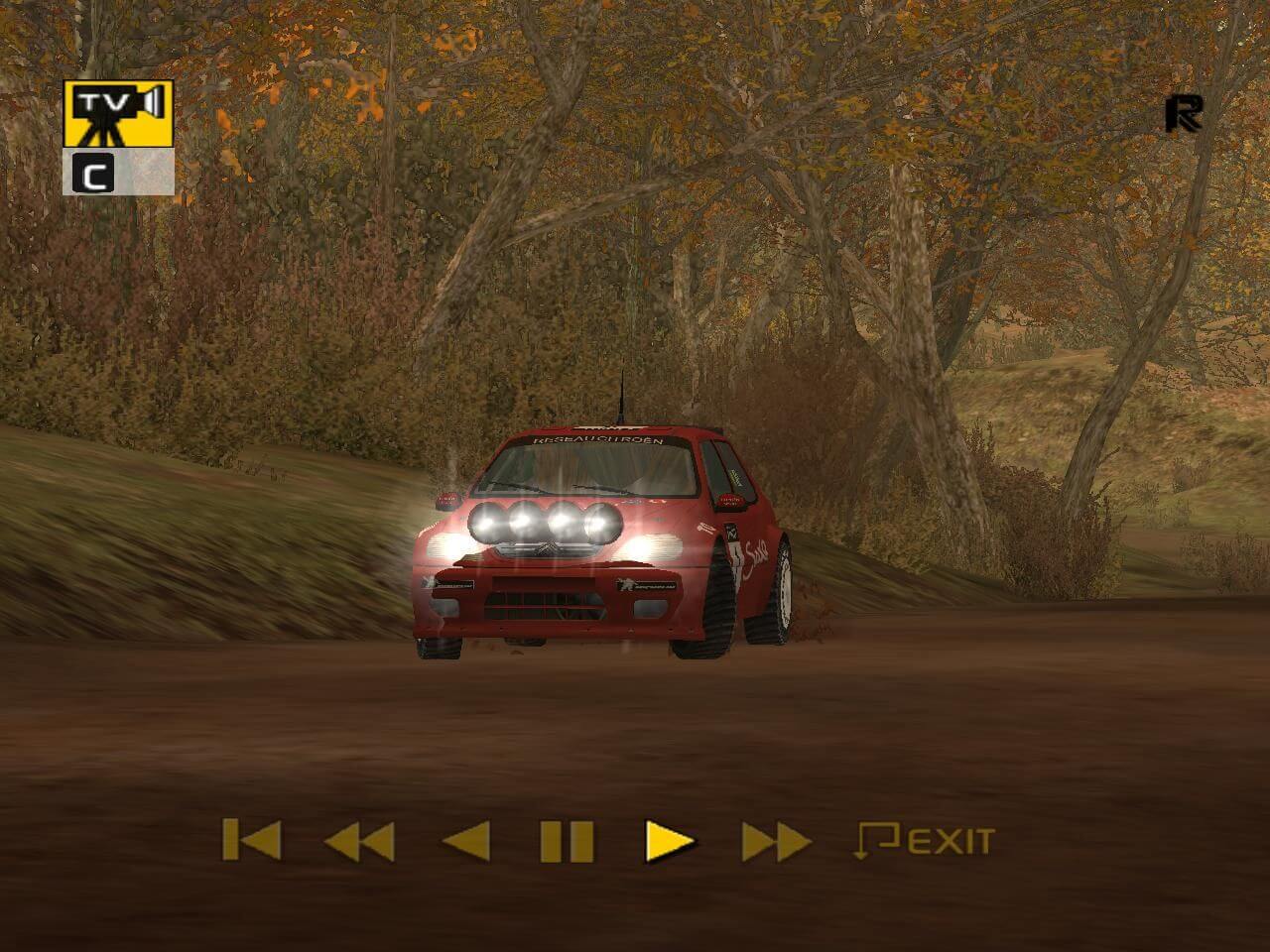
Comments and reviews
McWhippey 2025-12-04 0 point
Magipack has uploaded a repack on internet archive: https://archive.org/download/magipack-games-official-repository-v-z/V-Z/
NeWolf 2025-11-19 0 point
To fix reflections and shadows - install dgVoodoo2: put dgVoodooCpl.exe, and the contents of MS/x86/ folder into the game's folder VRally3.
run dgVoodooCpl.exe as administrator and press .\ button to set config folder into VRally3 directory. Under DirectX tab select 64MB for VRAM (this is the recommended system requirement for the game), and untick dgVoodoo Watermark option (annoying).
The sound is still crackling, and the cockpit cam is still way too shaky.
NeWolf 2025-11-18 0 point
So I've underclocked my cpu to the game's recommended specs 1.2 GHz (I've also tried minimum spec 800 MHz but there wasn't much of a difference other than occasional lag). The game is not ridiculously fast anymore, and car handling improved. Other issues still remain: sound is crackling, shadows do not work, and interior view is way too shaky.
NeWolf 2025-11-18 0 point
You can make the game run slower by going into Control Panel Power Options, on the left bar go to "Create a power plan". You can change anything you want in there, it doesn't matter. Then, to the right to your power plan go to "Change plan settings" "Change advanced power settings". After that, look for "Processor power management". There you can change "Maximum processor state" and "Minimum processor state" percentage settings. I've set them both to 0% and the game still runs too fast for me, but much better/slower than on default power plan (I have AMD FX-8300 Eight-Core Processor 3.30 GHz. I'll see if I can find anything else, but that's about it for now.
NeWolf 2025-11-14 1 point
I remember playing the Java version of this game, V-Rally 3D, when I was a kid, and the main menu soundtrack has stuck with me to this day. For this reason, I decided to check out the series on PC recently. The first two games were okay-ish - there's something special about them. I find the intro and ending video in V-Rally 2 very cool, so I came to this game with some expectations.
This game doesn't start off much differently: banger intro, banger menus, banger soundtrack - until the moment you load into a track. Something went awfully wrong when they developed it for Windows. The helicopters overhead and people move way too fast, and the physics are strange: sometimes you get very little grip, and sometimes you get tons of it. The car tends to strafe left and right instead of turning. This is especially noticeable on curvy roads, where the surface isn't perfectly straight; you can drive in a straight line and see the car sliding from side to side. The moment you stray even slightly off the road, the car won't turn naturally - it will strafe based on you input, which feels very jarring.
Limiting the framerate doesn't do much, if anything. If I had to guess, they probably tied the game logic to the CPU clock speed or something along those lines. In any case, it's a terrible game to play as-is. I'll try to see if I can run it properly on an Xbox emulator; otherwise, I'm skipping this one.
I've read on PCGamingWiki that you couldn't map the controls, but that's not true. I was able to map the steering wheel controls just fine, you can do it just before starting the rally: in the DrivingControls menu. Other than that, I couldn't find fixes for it online.
TimRockIt 2025-04-23 1 point
All of the V-Rally's are awkward with controls. Takes a while to get adjusted while practicing your butt off, but it's doable. Noticed there is a way to remap control keys while in the challenge races. Take a closer look at driver setup there. Anyway, so far, so good, runs good on W11, a little too good, need to slow it down, sheesh, a lot of these roads are insane!
Chris04 2025-03-27 3 points
ByteComputer78@ The handling of your car is awkward, mainly because this game was released first for PlayStation 2 only. One year later it was released for PC too, but this game is know for its worst PC port of a racing game ever. The game menu runs way too fast, the terrible car handling, and the jumpy camera is caused by running the game at extremely high fps, which makes the game totally unplayable. The only way i find to fix this is to lock the game at 60fps or even lower like 30fps with RivaTuner. This might lower the issues in the game but wont fix it completely.
I remember the PS2 version was flawless, but the pc version is just awful, which is pretty sad because this is a great rally game.
ByteComputer78 2025-02-22 1 point
My game runs fine but I don't understand why the handling of my car is so awkward. At the beginning, it takes some time to start, the car is freezing for some seconds, and after that the car is moving too far on the right when using right arrow key or too far on the left when using left arrow key. When seeing videos on YouTube I don't see this. I don't understand those big moves when pushing one button or that awkward sensibility. The camera always zoom in and out. Does anyone experience this ?
CoolioTHEcool 2024-05-04 2 points
Is there a way to change the controls? I don't want it to be just the arrow keys.
CoolioTHEcool 2024-05-04 0 point
@Kanjotaz i watched the widescreen video and i did everything the video told me. i applied everything and the game no longer opens. Any fix?
spiro 2024-03-22 0 point
How to run in Windows 11:
1. Install game
2. Download dgVoodoo
3. Copy files:
dgvoodooCpl.exe, dgVoodo.conf, (3Dfx/x86) Glide.dll, Glide2x.dll and Glide3x.dll to game folder
4. Run the game (You can configure ressolution and more if you run dgvoodooCpl.exe first).
ByteComputer78 2024-02-22 1 point
The game is not working for me on Windows 11 64-bit. I have burned the Install .iso et the Play .iso. I can install the game but I cannont start anything from both cds. I click, it's blanking for 2 seconds and closing after. Do I need DosBox or something, does not work with Compatibility mode also.
Killswitch 2023-01-21 1 point
I'm having the same issue as @Mental. The game runs normally, but the menus and the gameplay itself are laggy as fuck, with a lot of stuttering. That's weird, anyone has a fix to that problem?
Nauman 2023-01-17 0 point
Can somebody tell me, how to completely install the game. My setup doesn't get completed and the system shows 'Couldn't find the specified file, Error Code 02'. Has anybody got experience with this situation?
WesternSpy 2022-06-26 2 points
the game, although not great, is part of my childhood. Plus the game shines once you get on the 2l AWD and start having to really push through stages, what to repair during the rally and team choices. solid 7 out of 10
RAXER 2022-02-21 -1 point
@ Tim Suetens
My comment was to let rally fans know who actually "do care" about the handling in a racing game and never played this before not for people who are playing out of nostalgia reasons, it will save them time and bandwidth in the process so I'm sure they will appreciate me letting them know ;)
VibeCheck98 2021-07-22 0 point
One of the games that forged me as the gamer I am today. Fond memories of playing this game circa 2004 on my Xbox :) Time to give it a look again in 2021
Mental 2021-07-02 2 points
The game runs - but the whole thing, menus included, runs at literally one frame per second. Interestingly, character animations play at superspeed. I've tried several compatibility modes, with no success.
Tim Suetens 2021-07-02 -1 point
Yes the handling is terrible - always has been! And those of us who play out of nostalgia, probably won't care.
KanjoTaz 2020-03-12 1 point
Awesome, thank you. Here's a video for how to get widescreen resolution and aspect ratio with ease.
https://www.youtube.com/watch?v=_XqpcjYxl_8
Write a comment
Share your gamer memories, help others to run the game or comment anything you'd like. If you have trouble to run V-Rally 3 (Windows), read the abandonware guide first!
Download V-Rally 3
We may have multiple downloads for few games when different versions are available. Also, we try to upload manuals and extra documentation when possible. If you have additional files to contribute or have the game in another language, please contact us!
Windows Version
Game Extras
Various files to help you run V-Rally 3, apply patches, fixes, maps or miscellaneous utilities.
 691 KB
Similar games
Fellow retro gamers also downloaded these games: