Alice in Wonderland
Windows - 2010
| Alt names | Enigmes & Objets Cachés: Alice au Pays des Merveilles, Mystic Games: Alice im Wunderland, Алиса в Стране Чудес, Alice in Wonderland: The Hidden Object Fairy Tale |
|---|---|
| Year | 2010 |
| Platform | Windows |
| Released in | France, Germany |
| Genre | Adventure |
| Theme | Fantasy, Hidden object, Mini-Games |
| Publisher | INTENIUM GmbH, Micro Application, S.A. |
| Developer | Gimagin, Merscom LLC |
| Perspectives | 1st-Person, Fixed / Flip-screen |
| Tested on | Windows 10 |
Description of Alice in Wonderland
2010, the year Alice in Wonderland was released on Windows. Made by Merscom LLC, Gimagin and published by Micro Application, S.A., INTENIUM GmbH, this adventure game is available for free on this page.
External links
 MobyGames
 Gameplay video
 PCGamingWiki
How to play Alice in Wonderland Windows
The game has been tested on Windows 7 64-bit and Windows 10, it works fine. You may experience some small troubles when you play the game on modern systems, check our Notes for details
Notes:
- If the game doesn't work - run it in Compatibility mode with old Windows (like Windows XP) and as Administrator. Also, it is recommended to install all versions of Microsoft Visual C++ Redistributable and NET Framework for the correct work of the game
- The game works on DirectX 9, so if you're using Windows 8, 8.1, 10 or 11 - you need to enable DirectPlay: Go to Control Panel, and select 'Programs'. Select 'Turn Windows features on and off', click on 'Legacy Components' and check the box 'DirectPlay'. Select OK, once the installation is done, restart your computer
- If the game doesn't start - make sure that the path to the game folder has ONLY the English letters. Additionally, try to install Macromedia Flash 8 from here or Adobe Flash Player, many old casual games were using Macromedia/Adobe Flash technology
- When you create a profile in game, it should have ONLY the English letters. If the game doesn't save the progress - check if the savegames folder has any non-English symbols, the game makes the savegames in
C:\Users\%USERNAME%\AppData\Roaming\Merscom\Alicefolder. If you system username has any non-English symbols - create a new user profile in your system with only English letters in the username, and play the game from that new user profile - If you have any graphical issues, such as flickering screen or disappearing mouse cursor - switch the game to Windowed mode in settings
- There can be a rare bug in the game when the click on active objects doesn't work. To fix it exit to main menu and then continue the game, it should help
- If you stuck at some hard place in the game, here's the walkthrough guide. If you play the Russian version, we also recommend to check this thread
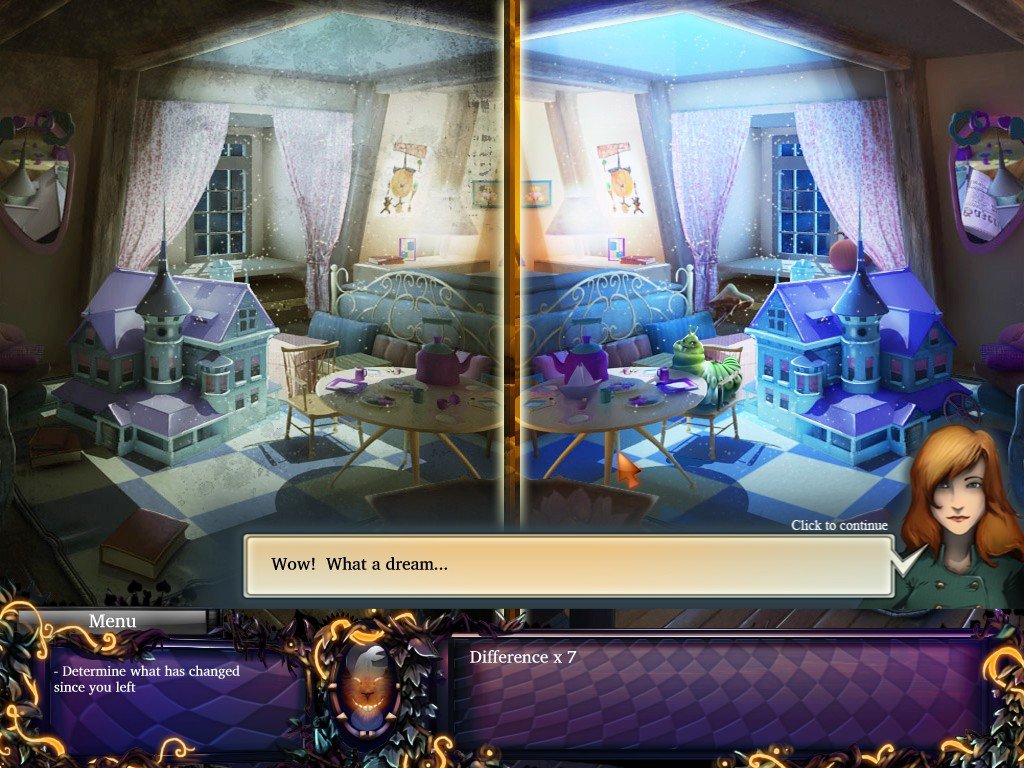
Captures and Snapshots
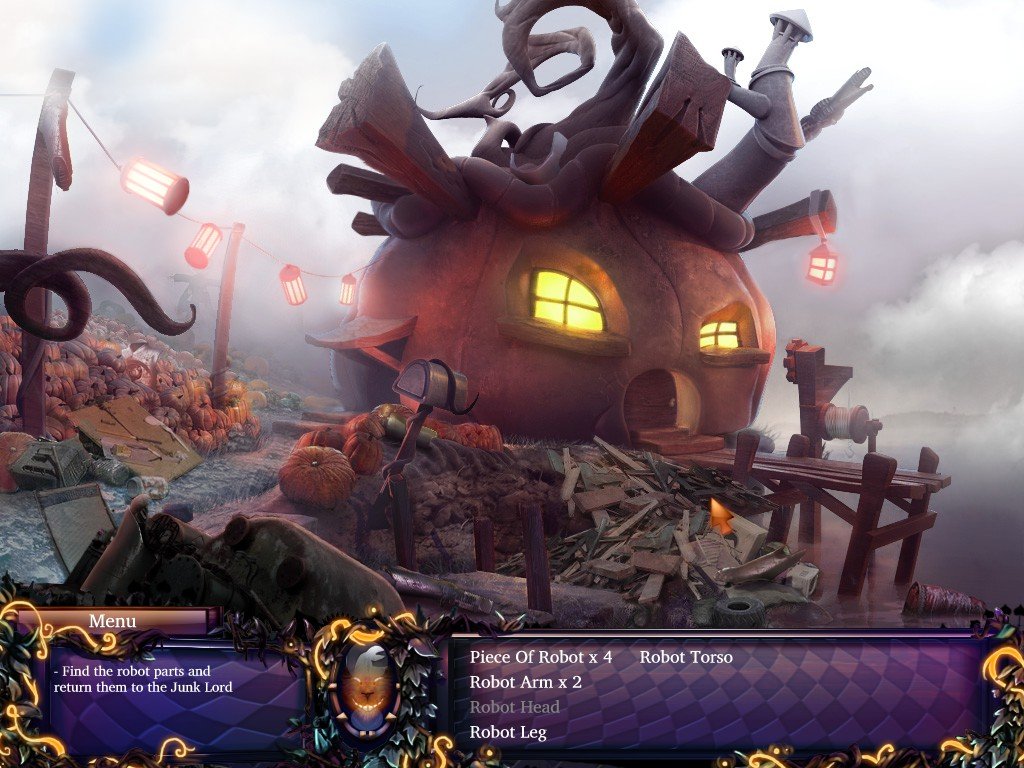
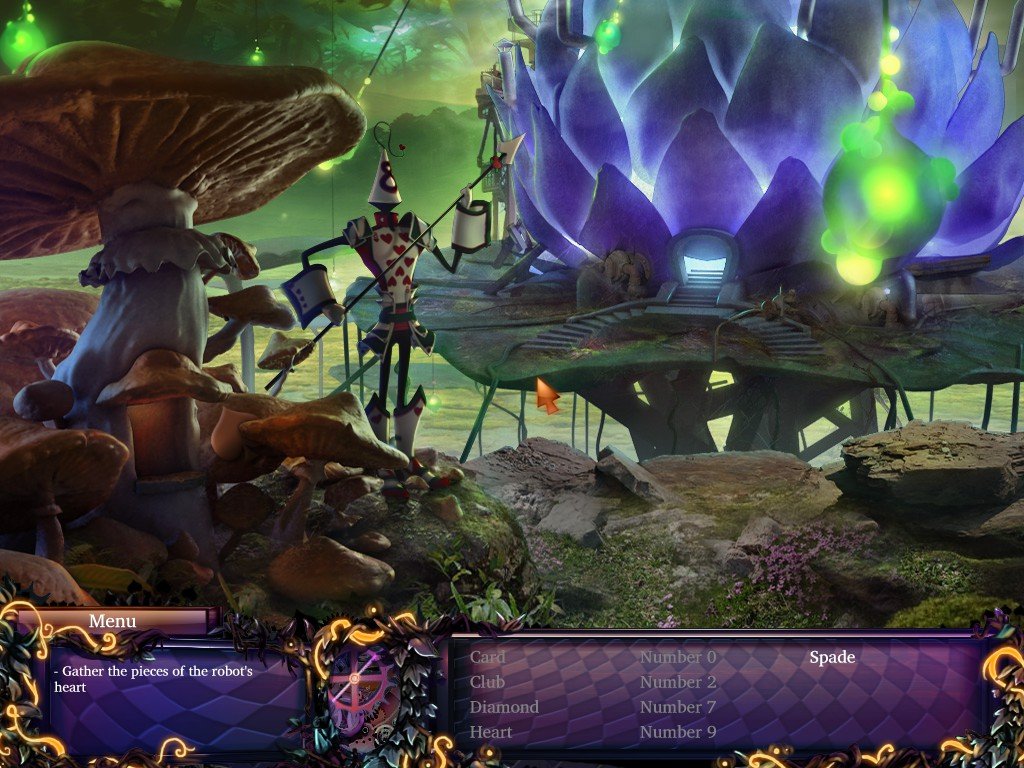
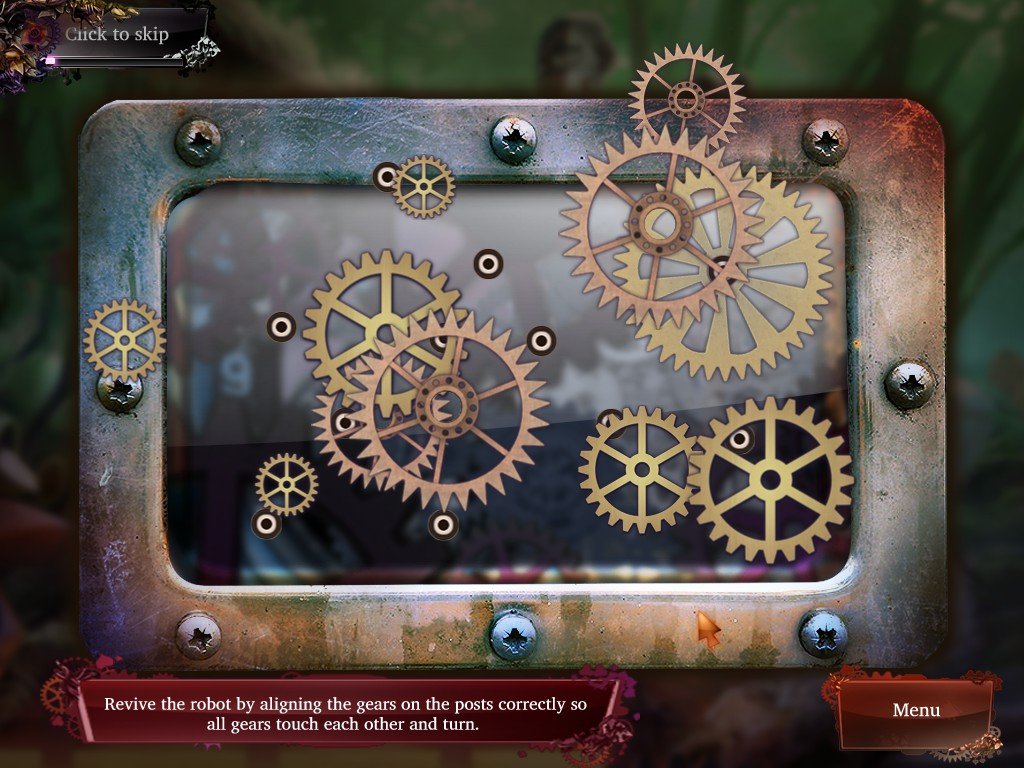
Comments and reviews
There is no comment nor review for this game at the moment.
Write a comment
Share your gamer memories, help others to run the game or comment anything you'd like. If you have trouble to run Alice in Wonderland (Windows), read the abandonware guide first!
Download Alice in Wonderland
We may have multiple downloads for few games when different versions are available. Also, we try to upload manuals and extra documentation when possible. If you have additional files to contribute or have the game in another language, please contact us!
Windows Version
 113 MB
 402 MB
 113 MB
Similar games
Fellow retro gamers also downloaded these games: