Autocross Racing
Windows - 2007
| Alt name | Auto Cross Racing |
|---|---|
| Year | 2007 |
| Platform | Windows |
| Released in | Worldwide |
| Genre | Racing / Driving |
| Theme | Arcade |
| Publisher | KJM Software |
| Developer | KJM Software |
| Perspective | Top-Down |
| Tested on | Windows 10 |
Description of Autocross Racing
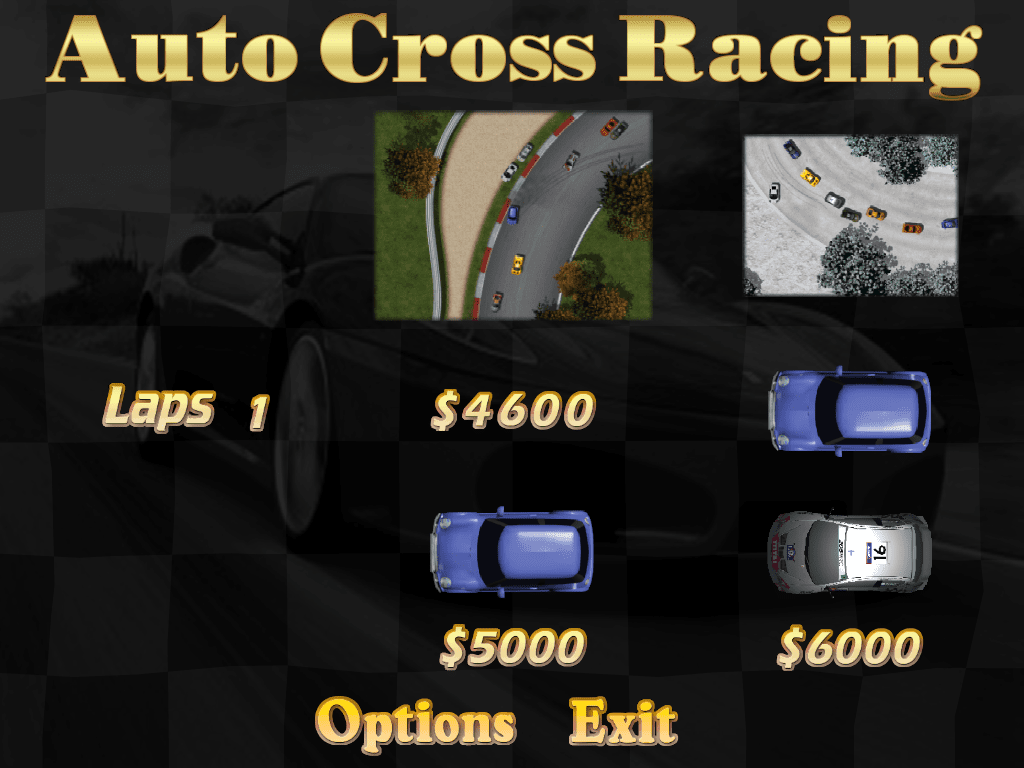
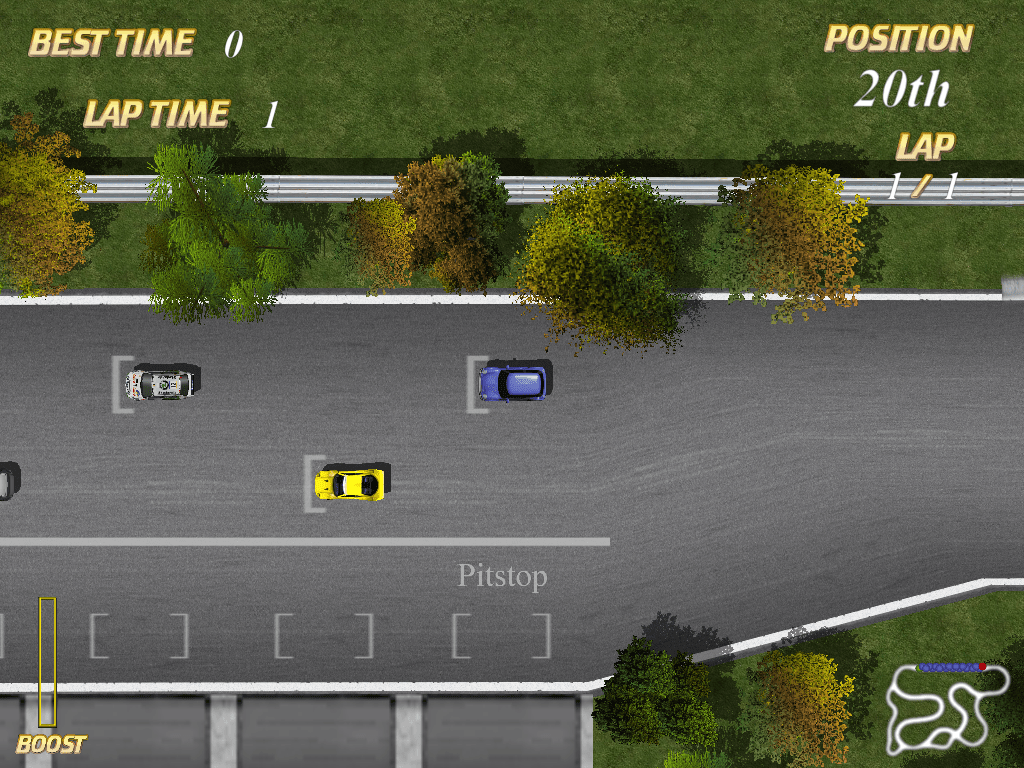
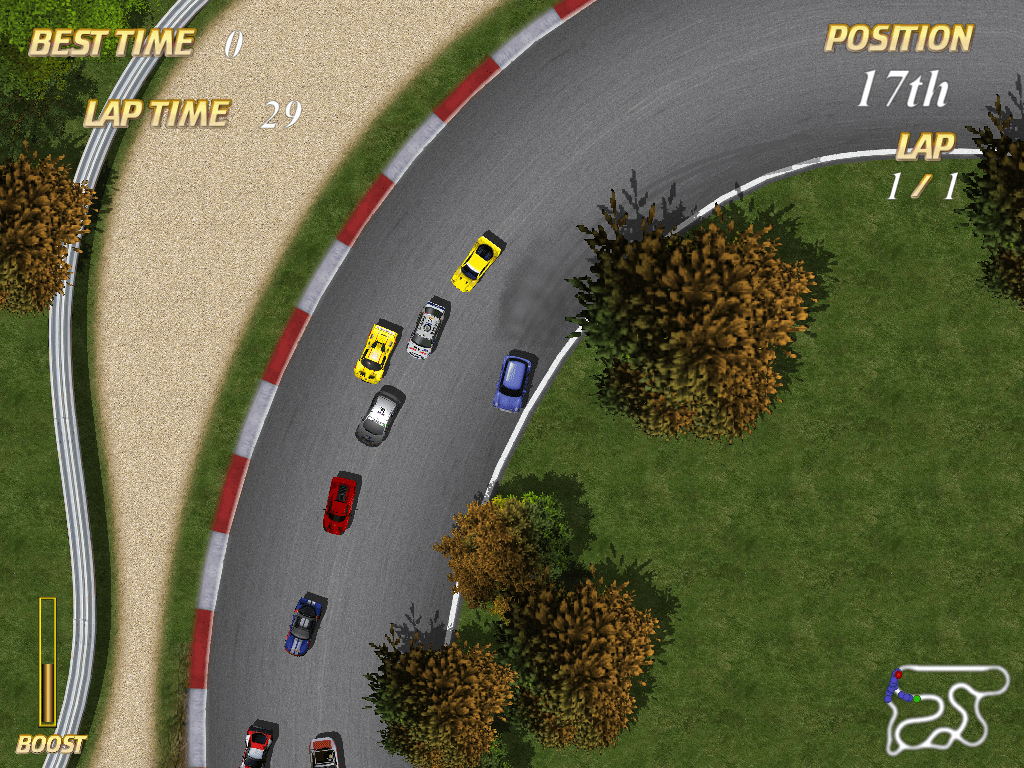
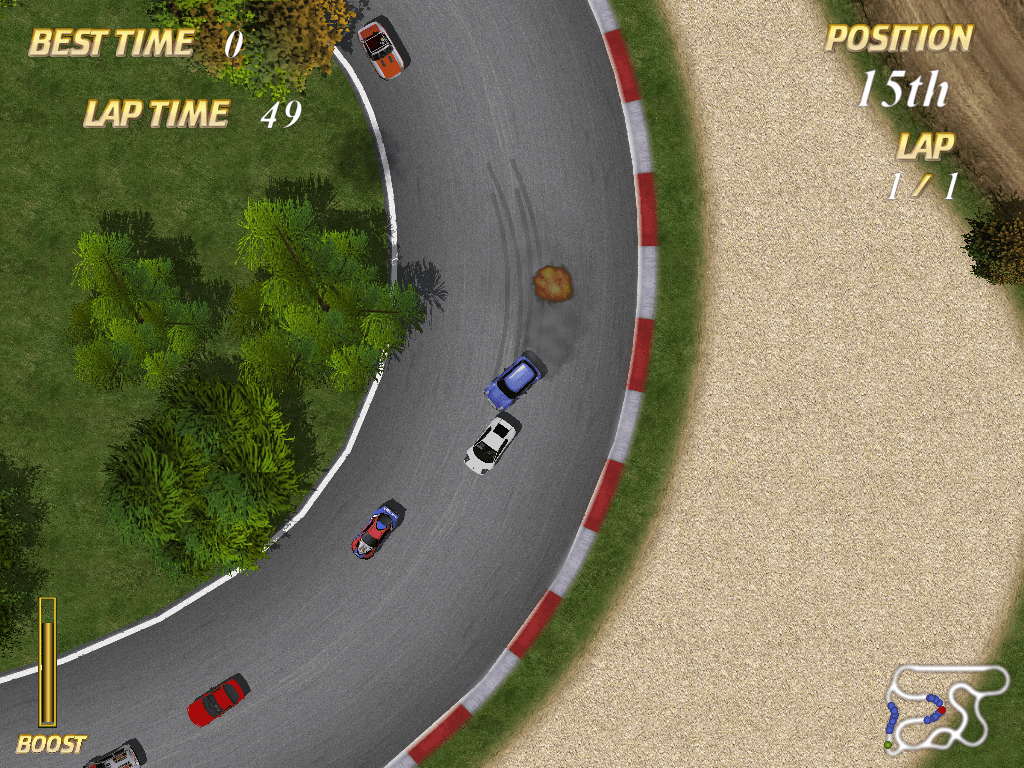
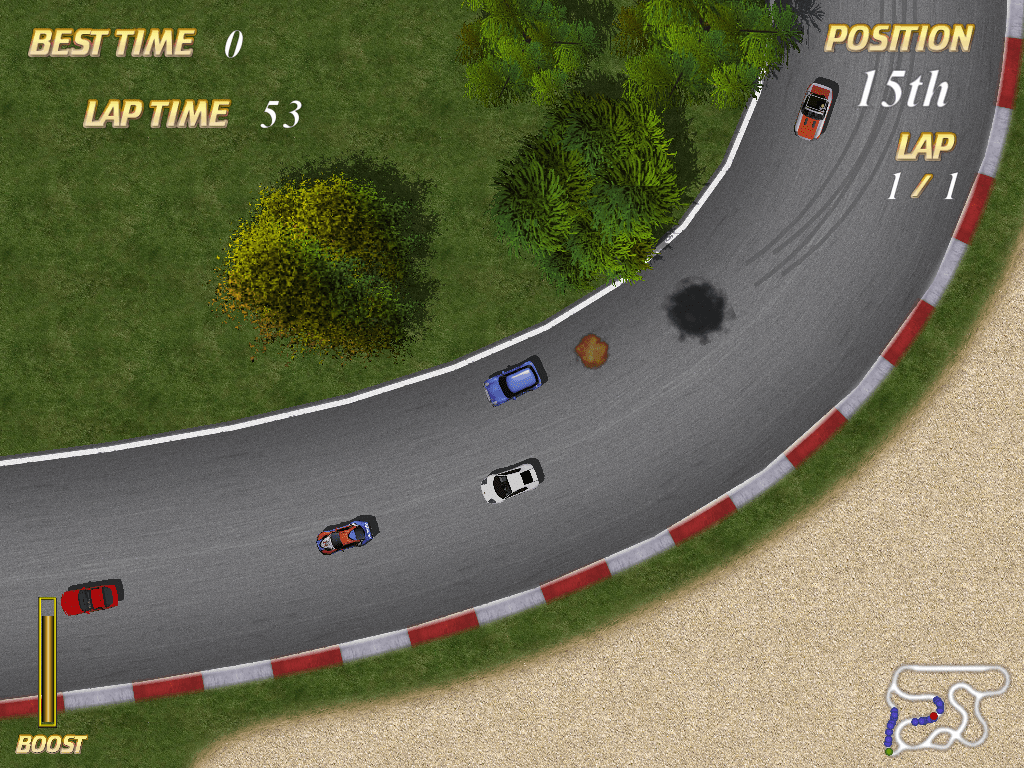
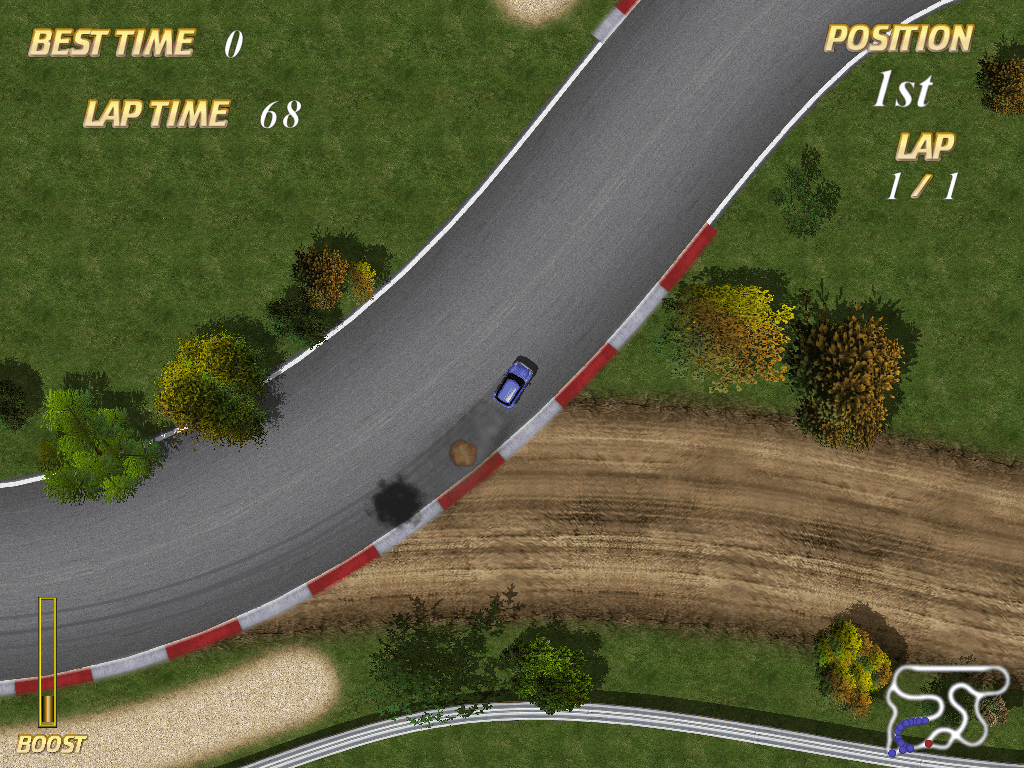
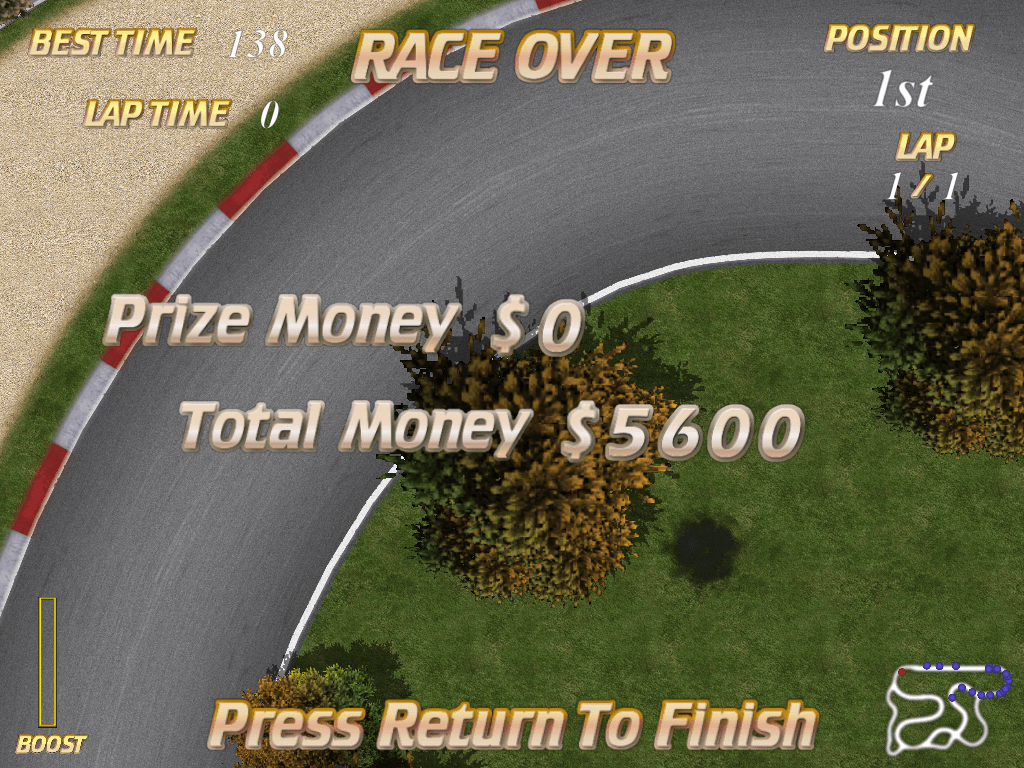
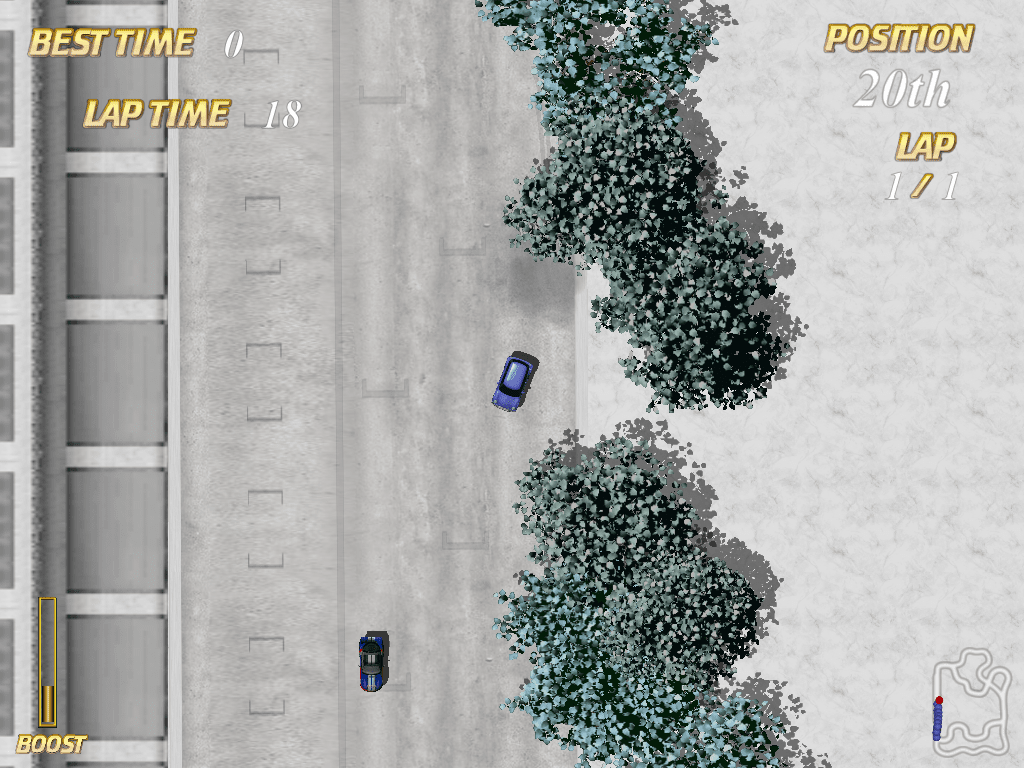
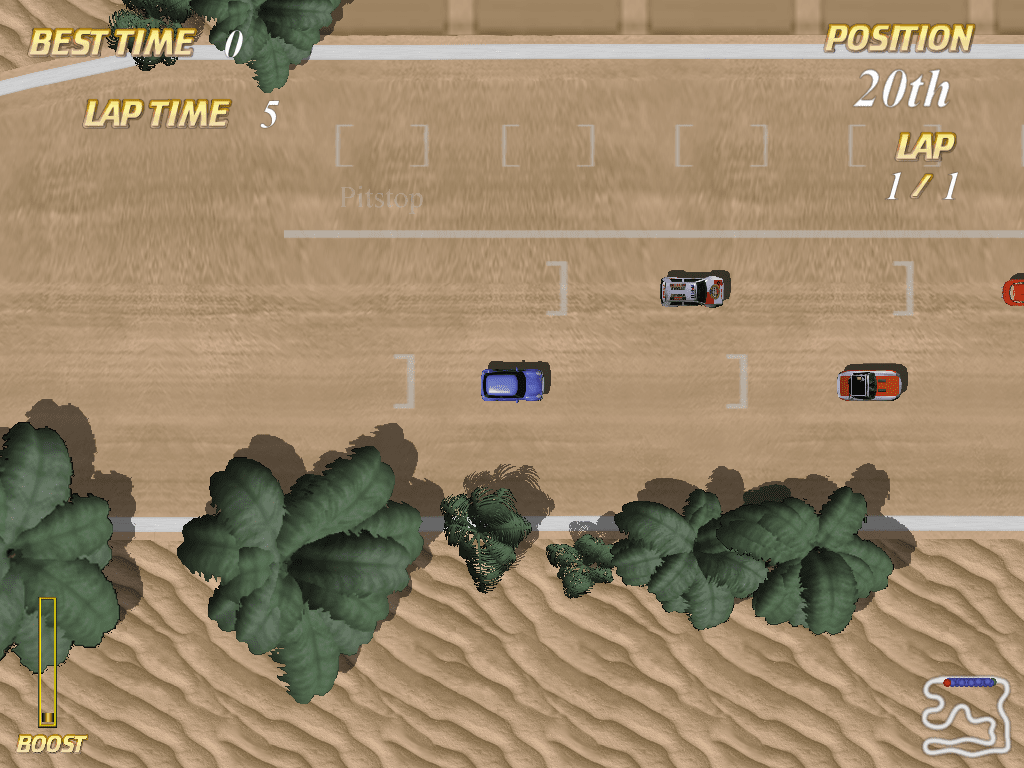
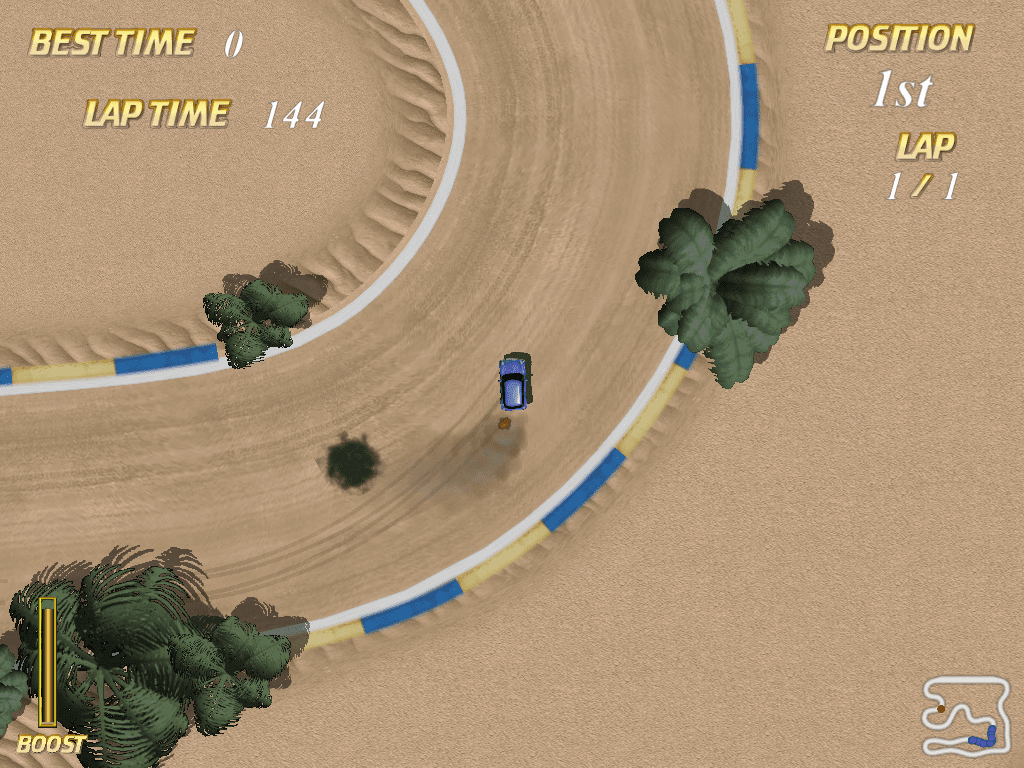
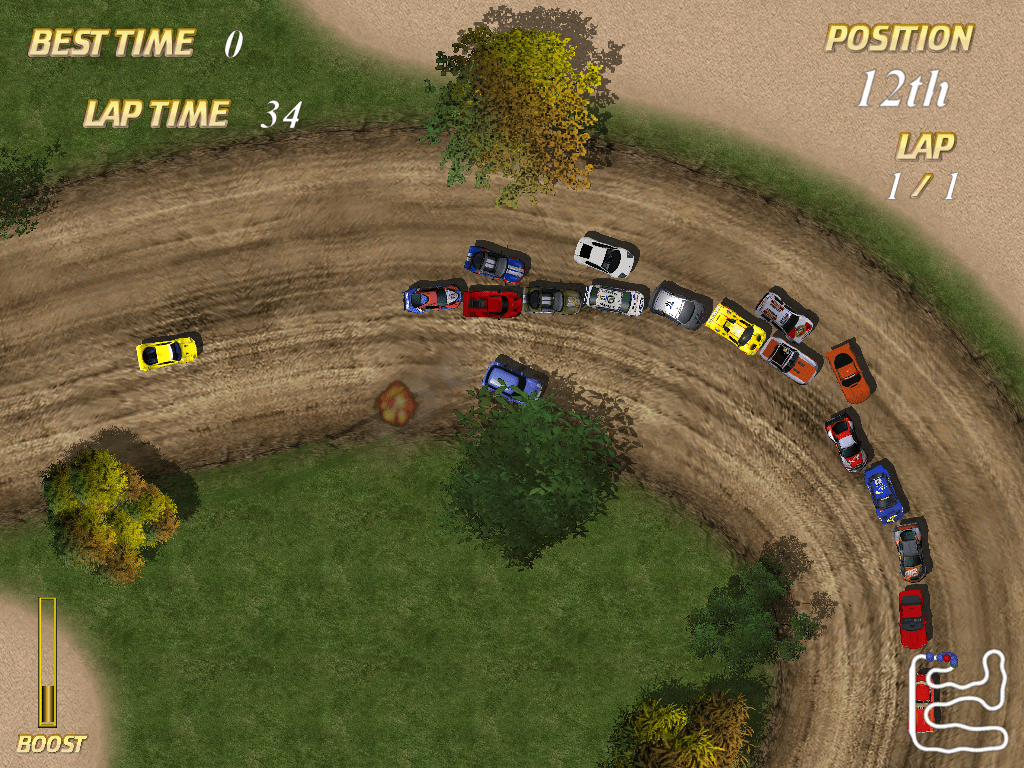
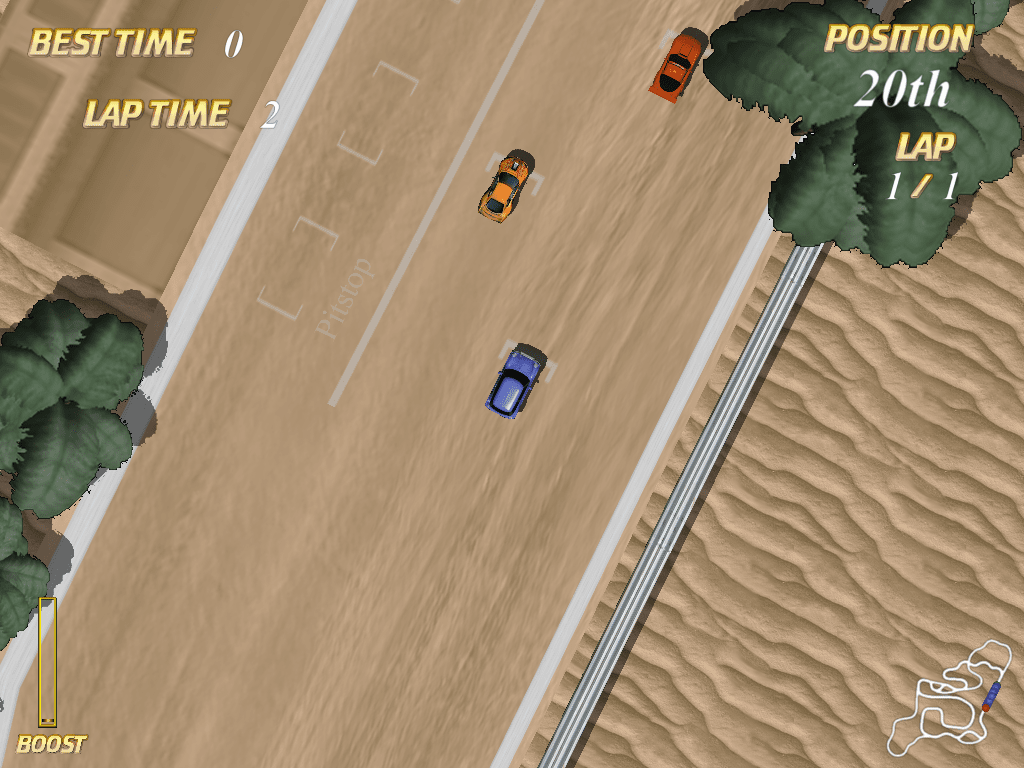
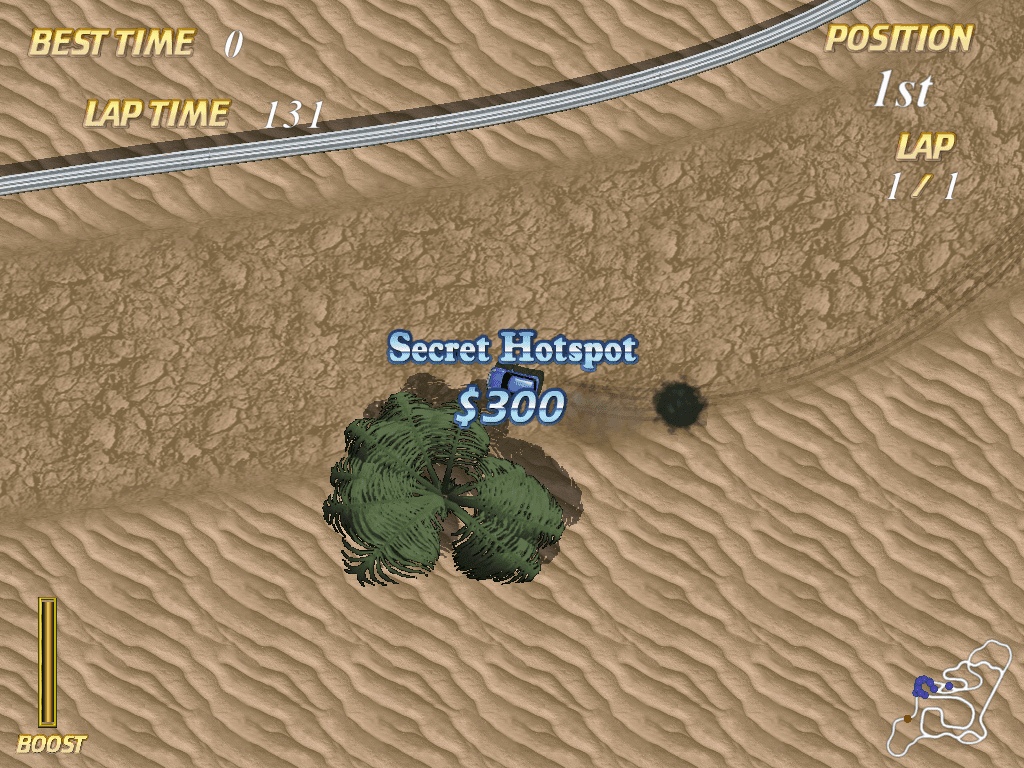
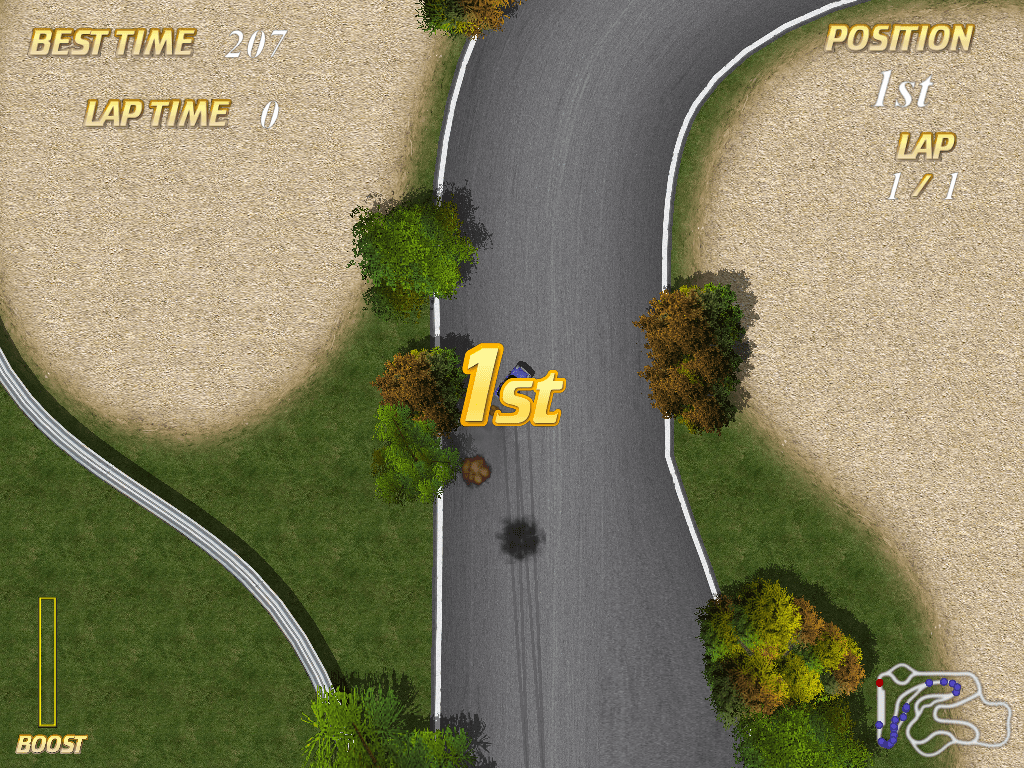
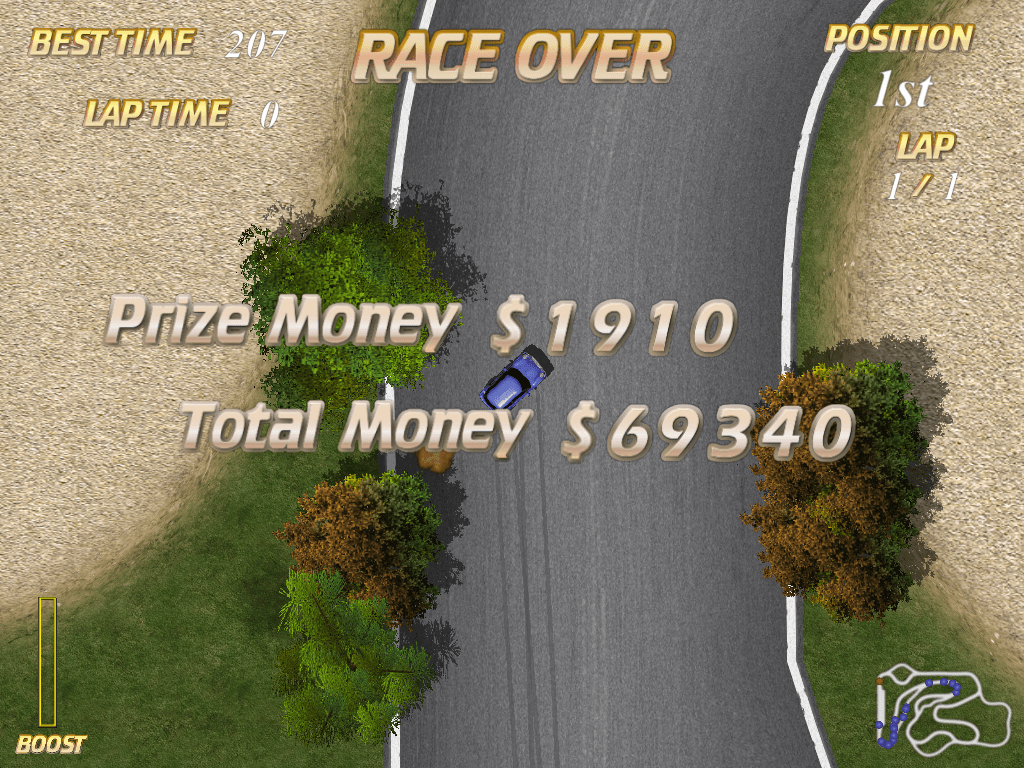
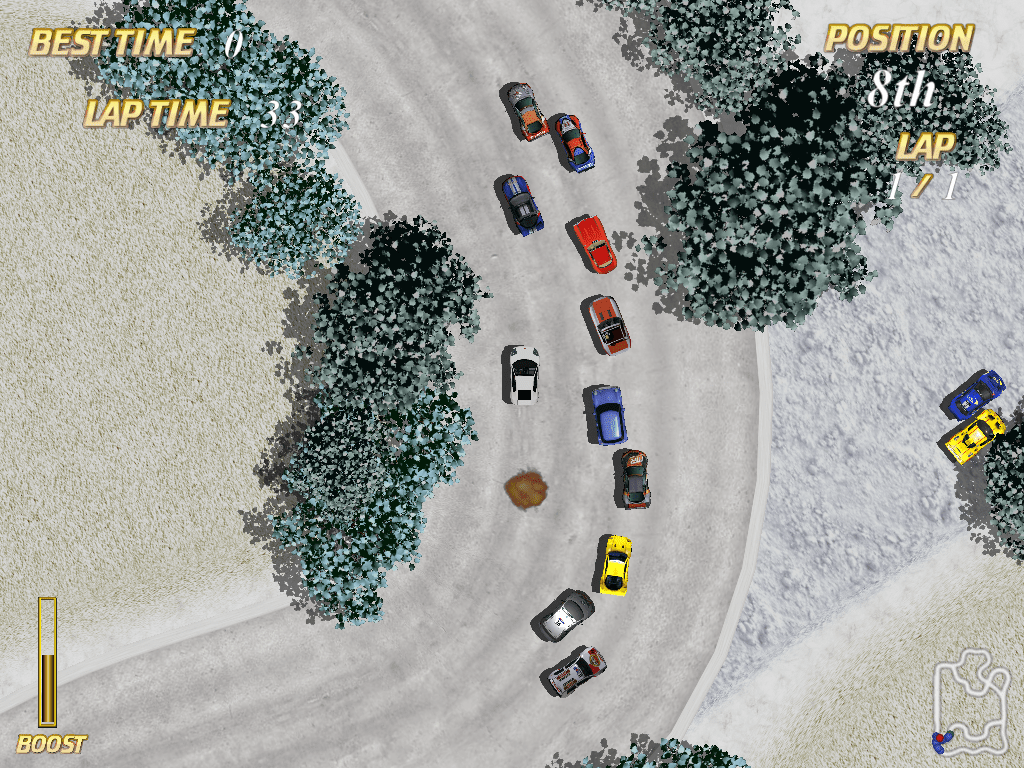
Here is the video game “Autocross Racing”! Released in 2007 on Windows, it's still available and playable with some tinkering. It's a racing / driving game, set in an arcade theme.
External links
 MobyGames
 Official website (archived)
 Gameplay video
How to play Autocross Racing Windows
Shareware installer showed 2 generic warnings, the archive with full version showed 5 generic warnings because of "cracked" executables. All warnings are generic, about suspicious/possible malicious files, nothing to worry about. The files are safe to use, but if you're worrying, you can run the game on Virtual Machine, for 100% safety
Notes:
- The game has been tested on Windows 7 64-bit, Windows 8 and Windows 10, it works fine. If the game doesn't work - try to run the game in Compatibility mode with old Windows, like Windows Vista, and as Administrator (right-click on exe-file or desktop shortcut -> Properties -> Compatibility)
- It is recommended to install all versions of Microsoft Visual C++ Redistributable and NET Framework for the correct work of the game
- The game works on DirectX 7, so if you're using Windows 8, 8.1, 10 or 11 - you need to enable DirectPlay: Go to Control Panel, and select 'Programs'. Select 'Turn Windows features on and off', click on 'Legacy Components' and check the box 'DirectPlay'. Select OK, once the installation is done, restart your computer
- If you get "Memory Access Violation" error or the game doesn't start - try to add the game's executable to the list of DEP exceptions, here's the guide how to add any app to DEP exceptions. If you downloaded the archive with full version, add game.exe to DEP exceptions, not Auto Cross Racing.exe
- If the game randomly crashes with no error, try the different Compatibility settings, such as running the game in 640x480 screen resolution, with reduced Color mode, etc. Select the different settings and check how the game works
- Also, if you have any issues with the game, you can run it through dgVoodoo 2. The game with dgVoodoo 2 has been tested on Windows 10, it works fine. To use it copy dll-files
MS/x86folder, dgVoodoo.conf and dgVoodooCpl.exe to the game folder; if you want to change dgVoodoo 2 settings - run dgVoodoo Control Panel (dgVoodooCpl.exe) as Administrator. dgVoodoo 2 supports extra graphics settings such as Anti-Aliasing and texture filtering, you can enable them in dgVoodoo Control Panel to get the better in-game graphics
Captures and Snapshots


Comments and reviews
There is no comment nor review for this game at the moment.
Write a comment
Share your gamer memories, help others to run the game or comment anything you'd like. If you have trouble to run Autocross Racing (Windows), read the abandonware guide first!
Download Autocross Racing
We may have multiple downloads for few games when different versions are available. Also, we try to upload manuals and extra documentation when possible. If you have additional files to contribute or have the game in another language, please contact us!
Windows Version
 73 MB
73 MBSimilar games
Fellow retro gamers also downloaded these games: