Call of Juarez: The Cartel
Windows - 2011
| Alt names | Call of Juarez: Картель, コール オブ ファレス ザ・カルテル |
|---|---|
| Year | 2011 |
| Platform | Windows |
| Released in | Czechia, Russia, Slovakia, United States, Worldwide (2011) Slovakia (2012) |
| Genre | Action |
| Theme | Contemporary, Crime, North America, Shooter |
| Publisher | 1C Company, Ubisoft Entertainment SA |
| Developer | Techland Sp. z o.o. |
| Perspective | 1st-Person |
| Tested on | Windows 10, Windows 11 |
Description of Call of Juarez: The Cartel
If you haven't played Call of Juarez: The Cartel or want to try this action video game, download it now for free! Published in 2011 by Ubisoft Entertainment SA, 1C Company, Call of Juarez: The Cartel (aka Call of Juarez: Картель, コール オブ ファレス ザ・カルテル) is still a popular shooter title amongst retrogamers, with a whopping 3.2/5 rating.
External links
 MobyGames
 Wikipedia page
 PCGamingWiki
 WSGF
WSGF Mod DB
 NexusMods
 Gameplay video
 IGDB
IGDBHow to play Call of Juarez: The Cartel Windows
This release was prepared in collaboration with the help of Call of Juarez Community. Fans of the game are still playing the game and make mods for it. If you want to play the game in Cooperative or Multiplayer modes - join Call of Juarez Community on this Discord server
The game with Ready2Play Launcher and The Cartel Overhaul Mod has been tested on Windows 10 and Windows 11, it works fine. The game supports widescreen and ultra-high resolutions up to UltraHD 4K. You may experience some small troubles when you play the game on modern systems, check our Guide and Notes for details
Install & play guide:
- Mount the disc image. You will need the utility for mounting disc image files, like WinCDEmu, UltraISO, Alcohol 52%/Alcohol 120% or Daemon Tools Lite. Or extract the files from ISO image with WinRAR, 7-Zip or another archiver tool
- Install the game. It is recommended to install the game not in default path but in some other, non-system folder, like
C:/Games/Call of Juarez - The Cartel, so you won't have troubles with NoDVD or fixes - After you installed the game - use NoDVD, simply copy all files from the archive to the directory with installed game, agree to replace the original files
- Open the directory with the game and find CoJ_TheCartel.exe. Right-click on CoJ_TheCartel.exe -> Properties -> Compatibility - Set "Run this app in compatibility mode with Windows 7" and "Run as administrator"
- Launch the game and play. If the game doesn't work in compatibility mode with Windows 7 - try to launch it in Compatibility mode with other version of Windows (Windows XP, Vista, etc.)
Also, we highly recommend to use Ready2Play Launcher by LuKeStorm to play the game. It is advanced launcher that works with any version of the game (Steam, Uplay) and allows to easily configure the game settings, switch the language of installed game, enable or disable Depth of Field (DOF) and Motion Blur, plus it includes the optional DxWrapper to resolve the compatibility issues with modern systems. To use it simply run the launcher and show the path to the folder with installed game. Ready2Play Launcher by LuKeStorm is compatible with all mods for the game.
Plus, with that launcher you can easily play the game in Cooperative or Multiplayer modes with your friends, check the text-file inside the archive for instructions. To find other players for Cooperative or Multiplayer game, join Call of Juarez Community Discord server; LuKeStorm also publishes the latest updates of his launcher there.
Additionally, we recommend to play the game with The Cartel Overhaul Mod, because the gameplay becomes more interesting with that mod. The Cartel Overhaul Mod fixes many small gameplay issues, such as sluggish movement and weapons models clipping, increases FOV, improves aiming through iron sights, and other small fixes (for full list check Changes.txt inside the archive)
Notes:
- If the installation doesn't start - try to launch Setup.exe in compatibility mode with old version of Windows (98, 2000 or XP)
- It is recommended to install all versions of Microsoft Visual C++ Redistributable and NET Framework for the correct work of the game. Also it is recommended to install K-Lite Codec Pack for the correct work of in-game videos
- The game works on DirectX 9, so if you're using Windows 8, 8.1, 10 or 11 - you need to enable DirectPlay: Go to Control Panel, and select 'Programs'. Select 'Turn Windows features on and off', click on 'Legacy Components' and check the box 'DirectPlay'. Select OK, once the installation is done, restart your computer
- NoDVD is required for the launch because the game was working through Uplay, it will try to launch Ubisoft Connect client if you won't use NoDVD. NoDVD on our website is the files from Ready2Play Launcher by LuKeStorm, it includes the modified files thay bypass Uplay/Ubisoft Connect check. We tested that NoDVD on PC with Windows 10, it works totally fine. In case if that NoDVD doesn't work on your system, for some reason, you can download one of old NoDVDs from GameCopyWorld; we didn't upload them because they showed many generic warnings but it should be safe to use, but for 100% safety you can use them on Virtual Machine
- The game has support of 9 languages: English, French, German, Italian, Spanish, Dutch, Polish, Czech & Russian. Use Ready2Play Launcher to easily switch the language of the game without re-installation. Some of languages has full audio & video dubbing (that languages have
Speechfolder inCall of Juarez - The Cartel/MDdirectory), the other languages has only the text & subtitles translation - If you feel that there's a microstuttering in the game, change CPU priority: open Task Manager (press Ctrl+Shift+Esc), go to the
Detailstab, right-click on CoJ_TheCartel.exe process and select "Set Priority" -> select "High", then click "Change Priority"; you have to done it on every launch of the game. The other reason of microstuttering could be the repeated keystrokes while in the game, check this guide to disable them - In case if the game has performance issues on your system or you notice the graphical glitches - try to use the additional graphics wrappers to run the game, such as DxWrapper, dgVoodoo 2 or DXVK, it should help with compatibility issues
- The game doesn't have Vsync settings, you can enable it in control panel of your video card or with Ready2Play Launcher. Some of graphics wrappers also has the option to enable Vsync in any game
- By default the game has FOV (Field of View) set to 50° vertical, which may feel uncomfortable on big and wide screens. You can change FOV by editing the config-files like in this guide, but changing FOV that affects gun physics; too high FOV will result in a gun kicking downwards and may cause clipping. Instead, better use The Cartel Overhaul Mod, it allows to correctly change FOV without any of that issues
- The game has support of ultrawide screens, but the image is heavily letterboxed in ultrawide screen resolutions, some text in intros, movies and loading screens is cropped; check WSGF page for example screenshots
- If you want to play in Windowed mode, go to
Documents/Call of Juarez - The Cartel/out/Settingsfolder, open Video.scr file in Notepad and deleteFullscreen()line. You can also play the game in Borderless Windowed mode, by using Ready2Play Launcher, simply check "Borderless" box in the launcher; or you can run the game in Windowed mode and use extra tools like Windowed Borderless Gaming utility - The game has pretty low render distance. If you don't like how it looks, you can use Render Increase mod, to get a bigger render distance to improve the in-game image
- ADS (Aiming Down Sights) sensitivity in the game is lower than hip fire sensitivity. If you don't like that the mouse moves slower when you aim down sights (by default you can aim by pressing Right Mouse Button), you can change ADS sensitivity by editing of config-files, check this guide for instructions
- If you don't like intro videos, you can skip them by deleting or renaming Intro_720p.wmv file in
Call of Juarez - The Cartel/MD/Data/Menu/Moviesfolder. Or use Ready2Play Launcher by LuKeStorm, it automatically disables all intro videos - There's several unlockable weapons in the game that were available only as pre-order bonuses or Uplay rewards: B99, C75, TMP and scoped PCP. That weapons can be unlocked with small fix of WeaponsUnlock.scr file or with The Cartel Overhaul Mod; check this guide to find the fix and screenshots of unlockable weapons
- The game has the Multiplayer with Versus and Co-op modes. Even though Ubisoft claims online functionalities have been discontinued on November 11, 2017, this only refers to Uplay actions and rewards. Online multiplayer uses the Steamworks API, so it is still playable. The best and easiest method to play the game online is to use Ready2Play Launcher by LuKeStorm: the host needs to forward port
47584(TCP/UDP) in Internet-connection settings, and players (not the host) must enter the IP-address of the host in the launcher, then start the game and join the match. That works for both Multiplayer and Cooperative game. If you want to find the other online players, join Call of Juarez Community Discord server - The game has controller support, it should natively work with any XInput-type controllers (Xbox gamepad or similar). If the game doesn't recognize your controller - try to use one of the additional tools from PCGamingWiki guide for controllers
- The installer for Brazilian translation patch showed many generic warnings, here's the scan report. Most of warnings are generic, about suspicious/unsafe file; but for 100% safety better to run that file on Virtual Machine
- Don't forget to check PCGamingWiki if you have troubles, it is very useful! You can also check Steam forums, if you didn't find the solution for your problem
Captures and Snapshots
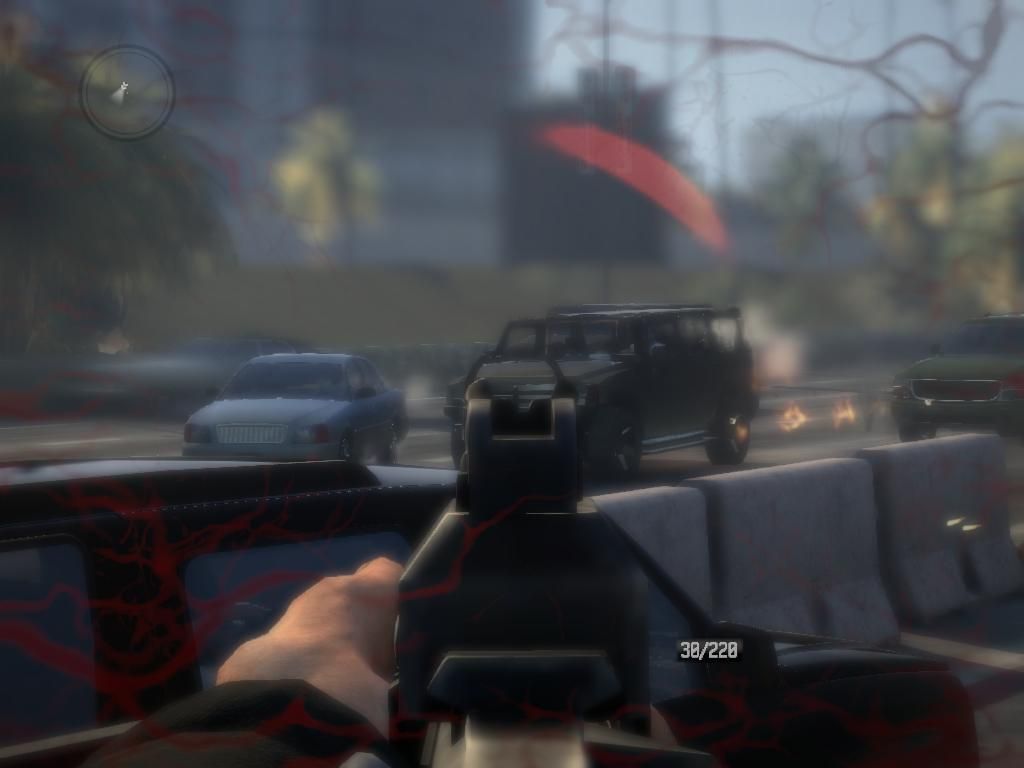
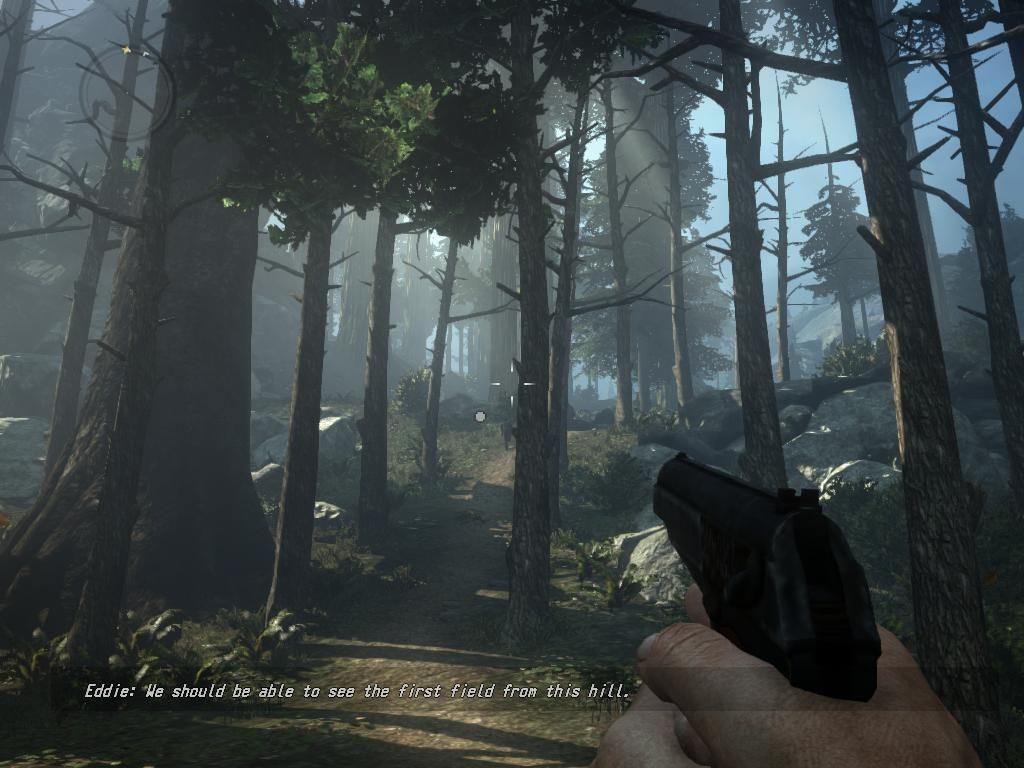
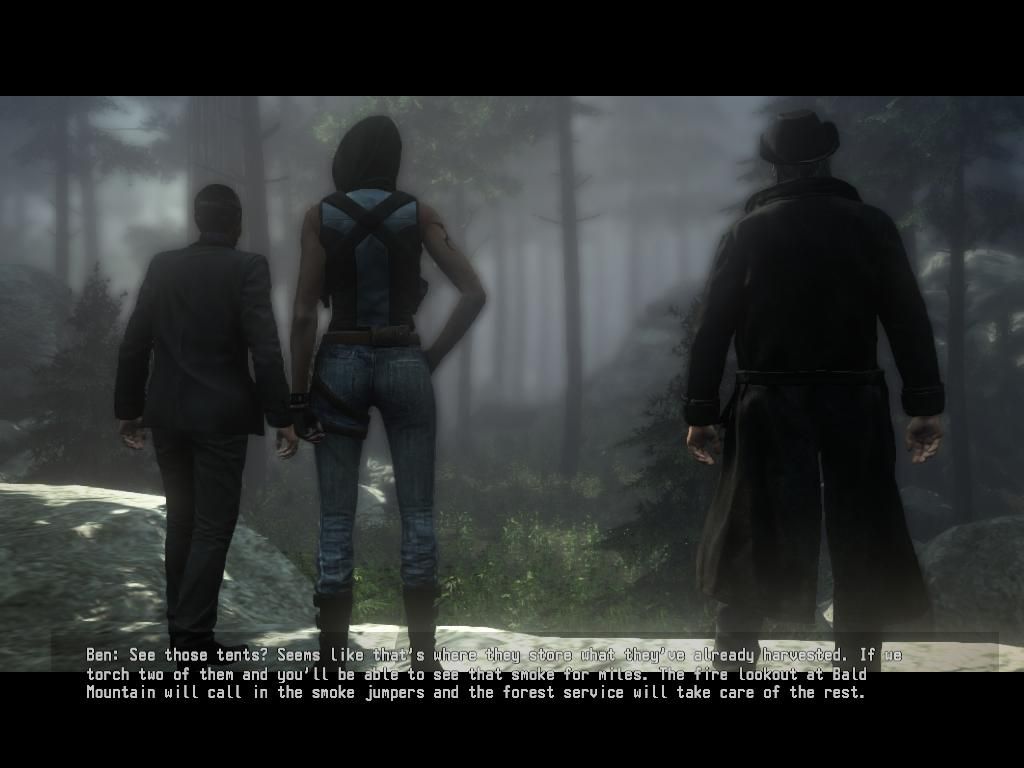
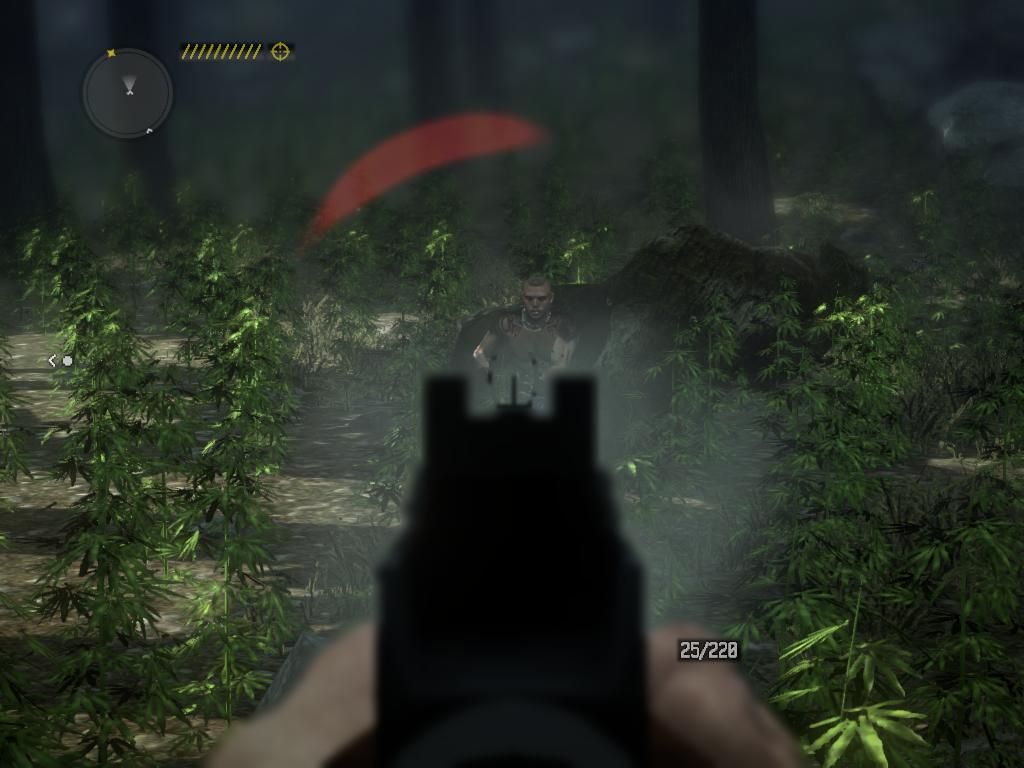
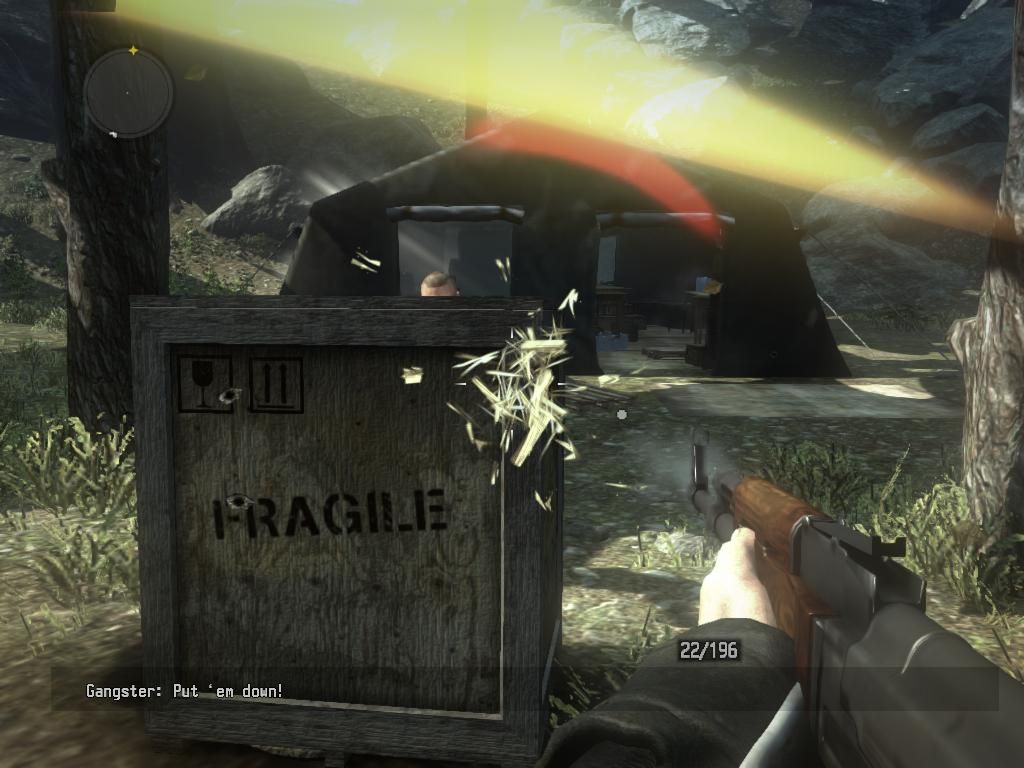
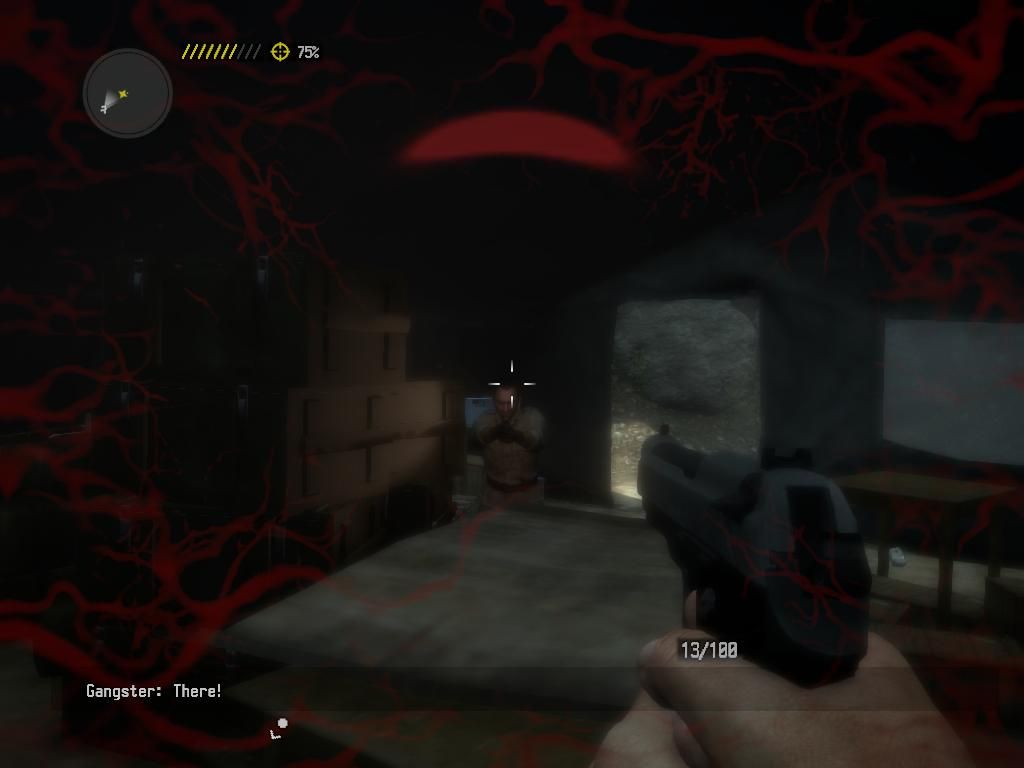
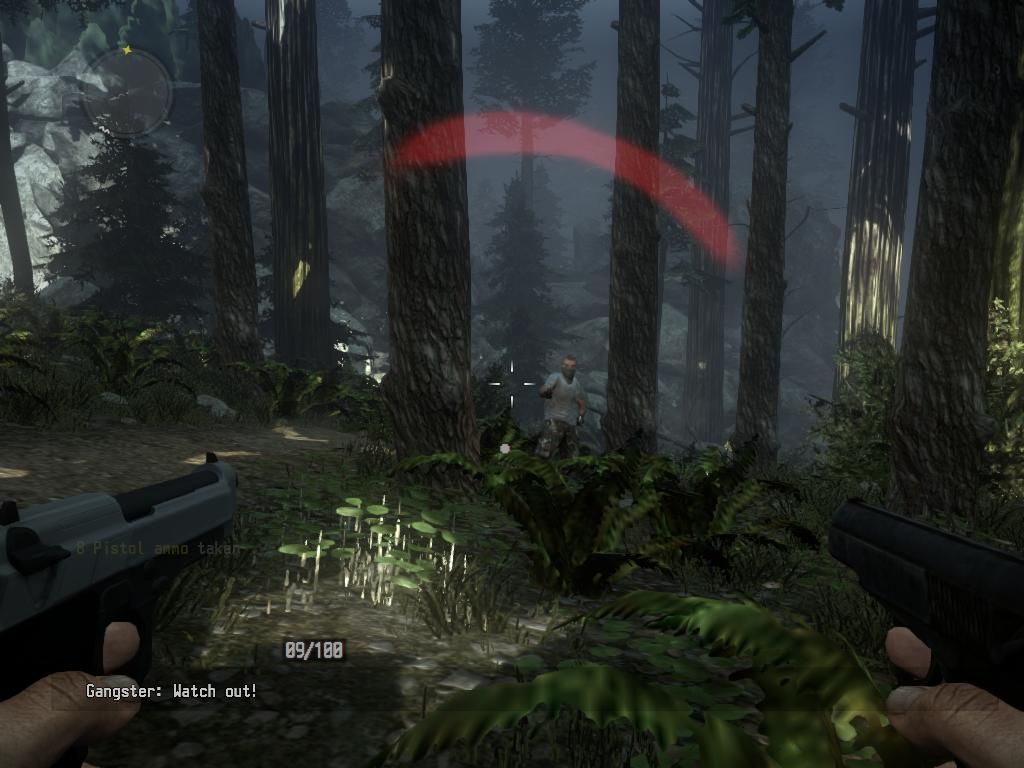
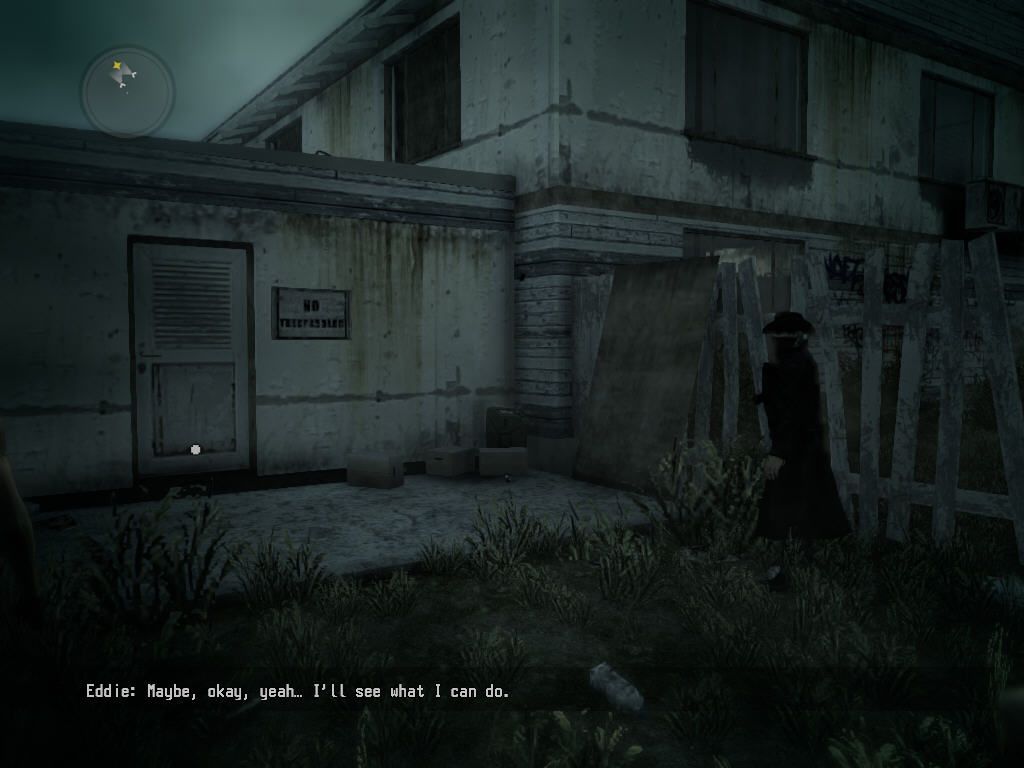
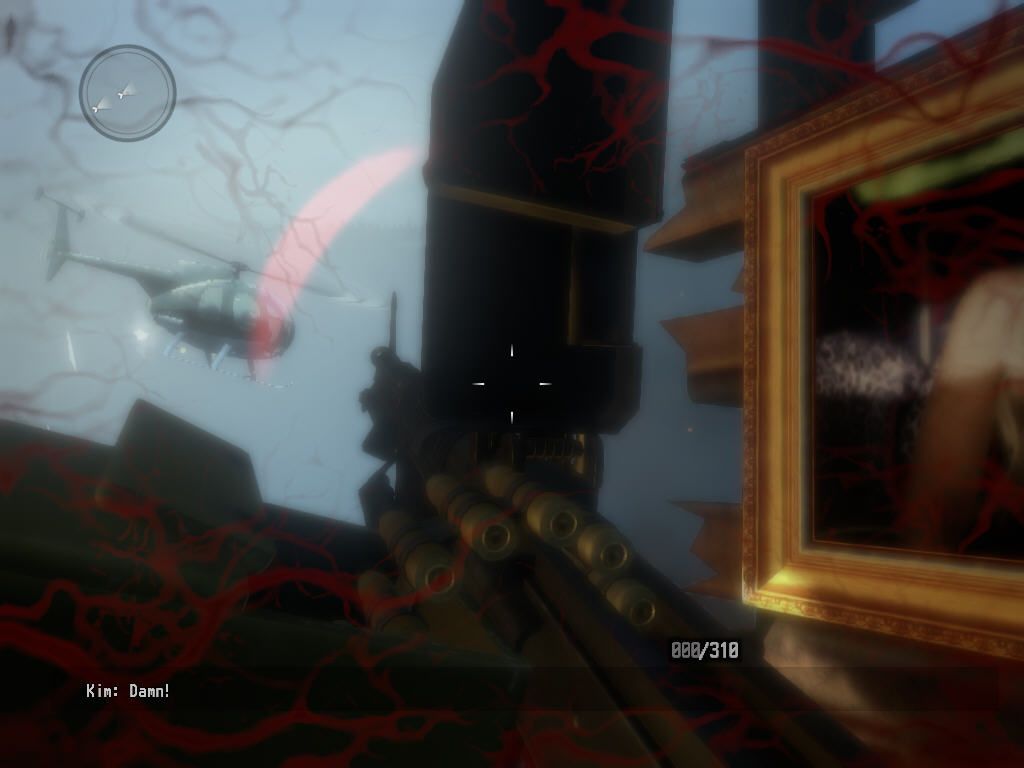

Comments and reviews
Bucardo87 2026-05-22 0 point
@Rob I was getting the same erro. I tried the option "Cleanup", and when I launched it again I didn't get the error and it loaded normally. It crashes inmediately for me, but it is worth the try.
admin 2026-05-03 0 point
@Rob I tried to search for that error, and from what I've got - looks like it is related to GPU drivers or DirectX or Vulkan API. Try to run the game in different compatibility modes or use graphics wrappers.
Also, try to edit Video.scr file (it is in Documents folder, if it doesn't - check Call of Juarez - The Cartel\MD\out\Settings folder), open it in Notepad and set the Resolution to your display resolution or lower
admin 2026-05-01 0 point
@Anon About loading - the game loads long on modern systems, it is known issue. It should load faster with R2P Launcher.
About DirectX conflict - try to run the game through graphics wrapper. LuKeStorm, creator of R2P Launcher, added DxWrapper to the launcher, to reduce compatibility issues. But you can also try the other graphics wrappers, such as dgVoodoo 2, DXVK, etc. (the full list is available here https://www.pcgamingwiki.com/wiki/Glossary:Display_wrapper)
I use that wrappers all the time to play the old games, because many old games has compatibility issues with modern systems
Anon 2026-04-30 0 point
@Admin Today I tried and it was working with some hiccups to run it.It all boils down to either Windows 11 update or directX conflict.On starting the game doesn't launch instantly but loads with the main menu after some seconds.Pre-installed one seemed to be more stable for me.
admin 2026-04-30 0 point
@Anon I just don't know what can be the issue, sorry. The game was tested on two Windows 10 machines with Nvidia and AMD GPUs, it worked fine on both. And the users on CoJ Community server tested the game with R2P Launcher on Windows 11, it worked fine too. Maybe it is just another Windows 11 update that ruined the compatibility for some unknown component of this old game.
Try to run the game directly from CoJ_TheCartel.exe and not through the launcher. As option, try to use the other NoDVDs from GameCopyWorld https://gamecopyworld.com/games/pc_call_of_juarez_the_cartel.shtml
We didn't upload them because they showed many generic warnings but that NoDVDs are working too. Maybe the problem is in NoDVD files
Anon 2026-04-29 0 point
Game crashing on windows 11 at the first scene of highway shootout.Did everything even the Dxwrapper.
DAN53 2026-04-29 0 point
Thanks to the ever excellent My Abandonware and the dedicated CoJtC Community for this !
You rock !
admin 2026-04-29 0 point
@User01 try to play with DxWrapper or another graphics wrapper. If you play with Ready2Play Launcher, you can select DxWrapper in the launcher
User01 2026-04-29 0 point
Mine starts working then stops.. sometimes I just hear sound on the background..I need help
admin 2026-04-29 0 point
@Booger Full-Rip includes the full pre-installed game with Ready2Play Launcher, plus Weapons Unlock Fix and The Cartel Overhaul Mod as optional files, because to install them you need to manually copy the files to "Documents/Call of Juarez - The Cartel" folder.
So yeah, you can just download the Full-Rip if you don't want to download ISO image
Booger 2026-04-29 0 point
So, Does the "ripped" version already have everything installed ?
I mean, if I get the Full-Rip version will I still need any of the Fix, Misc, or Mod files also ?
Write a comment
Share your gamer memories, help others to run the game or comment anything you'd like. If you have trouble to run Call of Juarez: The Cartel (Windows), read the abandonware guide first!
Download Call of Juarez: The Cartel
We may have multiple downloads for few games when different versions are available. Also, we try to upload manuals and extra documentation when possible. If you have additional files to contribute or have the game in another language, please contact us!
Windows Version
Pre-installed game with Ready2Play Launcher and The Cartel Overhaul Mod included


 6.9 GB
DownloadISO Version
6.9 GB
DownloadISO VersionMulti-language
6.4 GB
Game Extras
Various files to help you run Call of Juarez: The Cartel, apply patches, fixes, maps or miscellaneous utilities.
Allows to unlock B99, C75, TMP and scoped PCP guns that were available only as bonuses
1 KB
FixReady2Play Launcher by LuKeStormAdvanced launcher for the game with many settings, includes Coop and Multiplayer support
27 MB
MiscHungarian translation patch  3 MB
MiscBrazilian translation patch
3 MB
MiscBrazilian translation patchShowed many generic warnings, use at your own risk
 1 MB
ModThe Cartel Overhaul Mod
1 MB
ModThe Cartel Overhaul ModImproves the game in many aspects, recommended to use for better gameplay experience
27 KB
NocdNoDVD (compatible with all languages) 7 MB
Similar games
Fellow retro gamers also downloaded these games: