Gotham City Impostors
Windows - 2012
| Alt name | Gotham City Impostors: Free to Play |
|---|---|
| Year | 2012 |
| Platform | Windows |
| Released in | Worldwide |
| Genre | Action |
| Theme | Licensed Title, Shooter |
| Publisher | WB Games, Inc., Warner Bros. Interactive Entertainment Inc. |
| Developer | Monolith Productions, Inc. |
| Perspective | 1st-Person |
Description of Gotham City Impostors
Here is the video game “Gotham City Impostors”! Released in 2012 on Windows, it's still available and playable with some tinkering. It's an action game, set in a shooter and licensed title themes.
External links
 MobyGames
 Wikipedia page
 PCGamingWiki
 Gameplay video
 Gotham City Impostors: Free For Everyone
 IGDB
IGDBHow to play Gotham City Impostors Windows
This release was prepared with help of Gotham City Impostors: Free-For-Everyone comminity. Gotham City Impostors: Free-For-Everyone (GCI:F4E shortly) is a project that aims to let everyone to play Gotham City Impostors game after it was closed and removed from all digital stores on 26th of August, 2021. The community regularly plays the game in multiplayer, we recommend to check Gotham City Impostors: Free-For-Everyone website and their Discord server for more information and future updates!
Install & play guide for Gotham City Impostors: Free-For-Everyone:
- To be able to play Gotham City Impostors: Free-For-Everyone (GCI:F4E), you will need a Steam client with registered Steam account. The registration on Steam is free
- Download the game's client from Gotham City Impostors: Free-For-Everyone website (the direct link is here), the mirror download link is also available on our website
- Add this free game to your Steam account, to be able to play GCI:F4E. Simply click "Add to Library", no need to install that game. The required game may change in the future, don't forget to check GCI:F4E website
- After that, extract the archive with GCI:F4E client and run Engine.exe, the Steam client should be launched. Now you can play the game! To cooperate with other GCI:F4E, join GCI:F4E's Discord server
Here's also a video guide by Marshmallow Ninja, the admin of Gotham City Impostors: Free-For-Everyone server.
If you have the game in your Steam library (should be listed as Gotham City Impostors: Free to Play), you can still play the game through Steam too!
Notes:
- If the game doesn't start - try to run it in Compatibility mode with old version of Windows (Windows XP, Vista, 7, etc.) and as Administrator
- It is recommended to install all versions of Microsoft Visual C++ Redistributable and NET Framework for the correct work of the game. Also it is recommended to install K-Lite Codec Pack for the correct work of in-game videos
- The game works on DirectX 9, so if you're using Windows 8, 8.1, 10 or 11 - you need to enable DirectPlay: Go to Control Panel, and select 'Programs'. Select 'Turn Windows features on and off', click on 'Legacy Components' and check the box 'DirectPlay'. Select OK, once the installation is done, restart your computer
- The game had many DLCs and expansions packs with new weapons and costumes, the full list of extra content is available here. Since the game was removed from all digital stores, it is not possible to purchase any of DLCs anymore, use DLC Unlocker to unlock the extra content. DLC Unlocker works with both Gotham City Impostors: Free to Play (Steam version) and Gotham City Impostors: Free-For-Everyone variants
- There's a minor bug in the game when the keyboard settings (key bindings) may reset to "Unassigned" when you restart the game. To fix it make sure to always run the game as Administrator
- Due to the technical specifics of game engine, the Soft Shadows in the game are not working if both the Soft Shadows and Anti-aliasing are enabled in game options. If you see that shadows are broken when you enable Soft Shadows - disable Anti-aliasing in game options. Optionally, you can try to disable Anti-aliasing and enable Soft Shadows in game options, and then enable Anti-aliasing in the control panel of your graphics card
- It is possible to run the game in Windowed mode. To do that you need to run Engine.exe with
+windowed 1command line argument: create desktop shortcut for Engine.exe, right-click on shortcut -> Properties, and in the "Target" line add+windowed 1at the end (should look like"D:\Games\GCI_F4E2_v3\Engine.exe" +windowed 1). If you run the game through Steam, right-click on the game in Steam library, click Properties and in in "General" tab click on "Set Launch Options" and type+windowed 1in a text box. Also, you can play the game in Borderless Windowed mode, if you run it in Windowed mode through Borderless Windowed utilities like Windowed Borderless Gaming - For users of Windows Vista and Windows 7: the game may load longer on that systems due to Windows Aero, because of the special graphic stack WDDM. Also, Windows Aero may disable randomly when you open the game. On Windows 8/8.1, 10 & 11 the game loads faster, perhaps this is due to improvements in the WDDM graphics stack
- About different releases of the game: there were few releases of the game in different digital stores - first as paid version for Games For Windows Live (GFWL) Marketplace, Origin (EA App) and Steam, then as free-to-play (F2P) version on Steam. Even though the game was removed from all digital stores, you can still play it if you have it on your account. You can even play it online with other players, thanks to game's Peer-to-Peer nature. However, you can play only with the players that has the same version as you, which means that owners of GFWL version can play only with other GFWL players and owners of Steam version can play only with other Steam players. Also, none of that versions are compatible with Free-For-Everyone (GCI:F4E) version because it uses the modified files of the game. If you plan to play with GCI:F4E client, visit GCI:F4E website or Discord server to find the information about upcoming online matches. If you have Steam version, you can join the Steam chat of GCI:F4E project or check Steam forums of the game to find the other online players
- Also, Gotham City Impostors: Free-For-Everyone (F4E) version allows to play the multiplayer game via LAN. To do that you need to replace some of F4E files, we added the archive with required files, make sure to check Readme-file inside. After that, you can play the multiplayer through LAN or play it online with LAN emulator like RadminVPN
- If you have Games For Windows Live (GFWL) version of the game, you can install the title update, the file is available here
- Don't forget to check PCGamingWiki if you have troubles, it is very useful! We also recommend to check Steam forums in case if you didn't find the solution for your problem
Captures and Snapshots
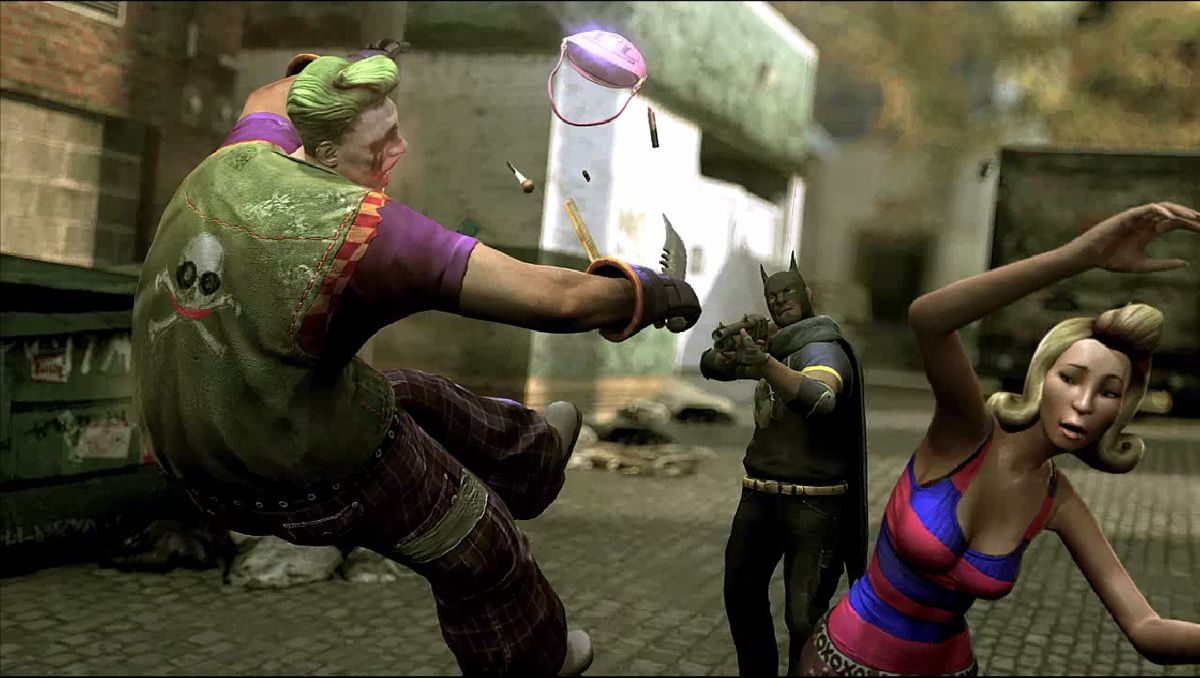
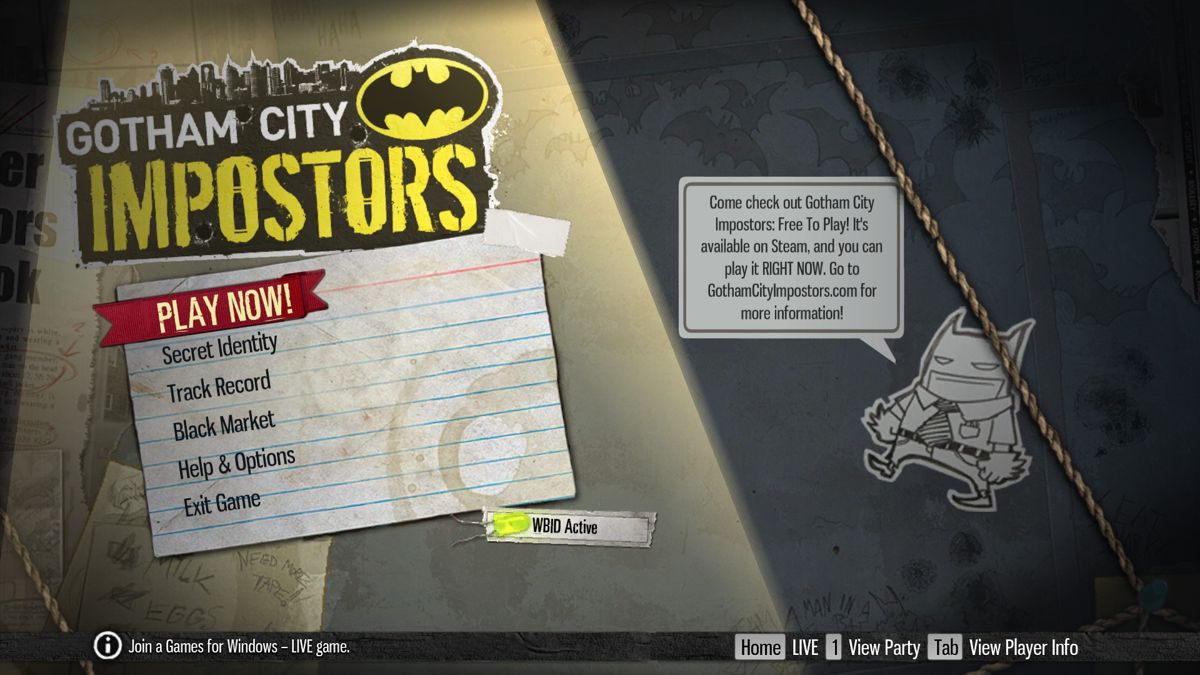
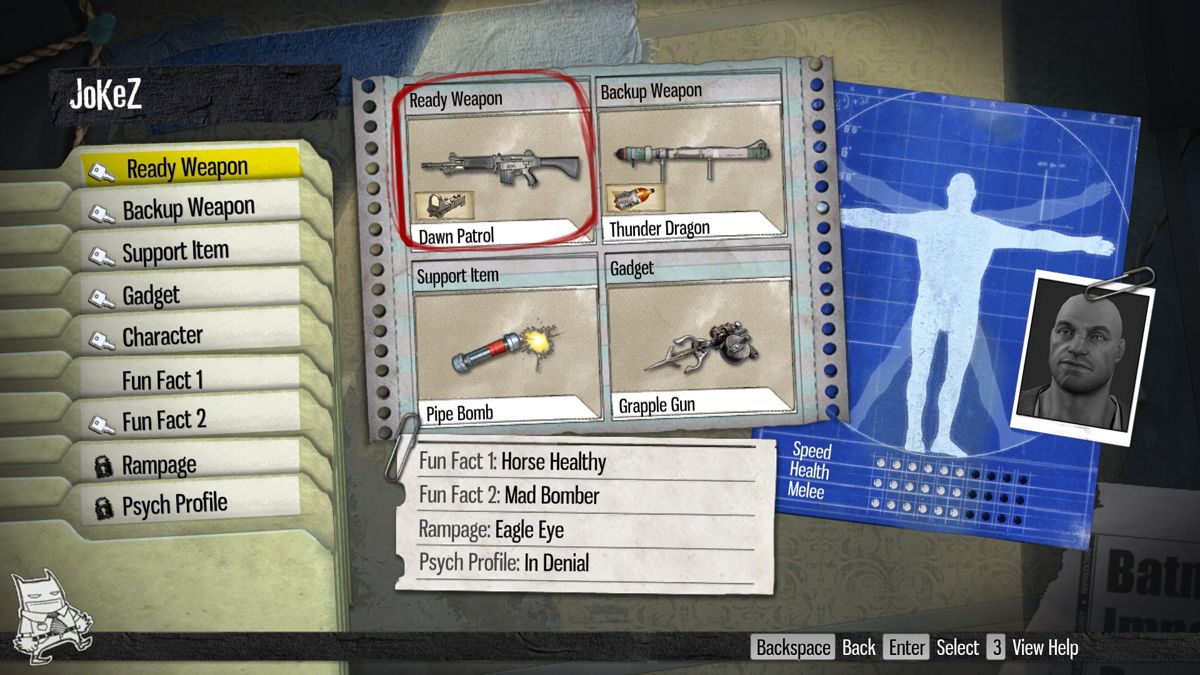
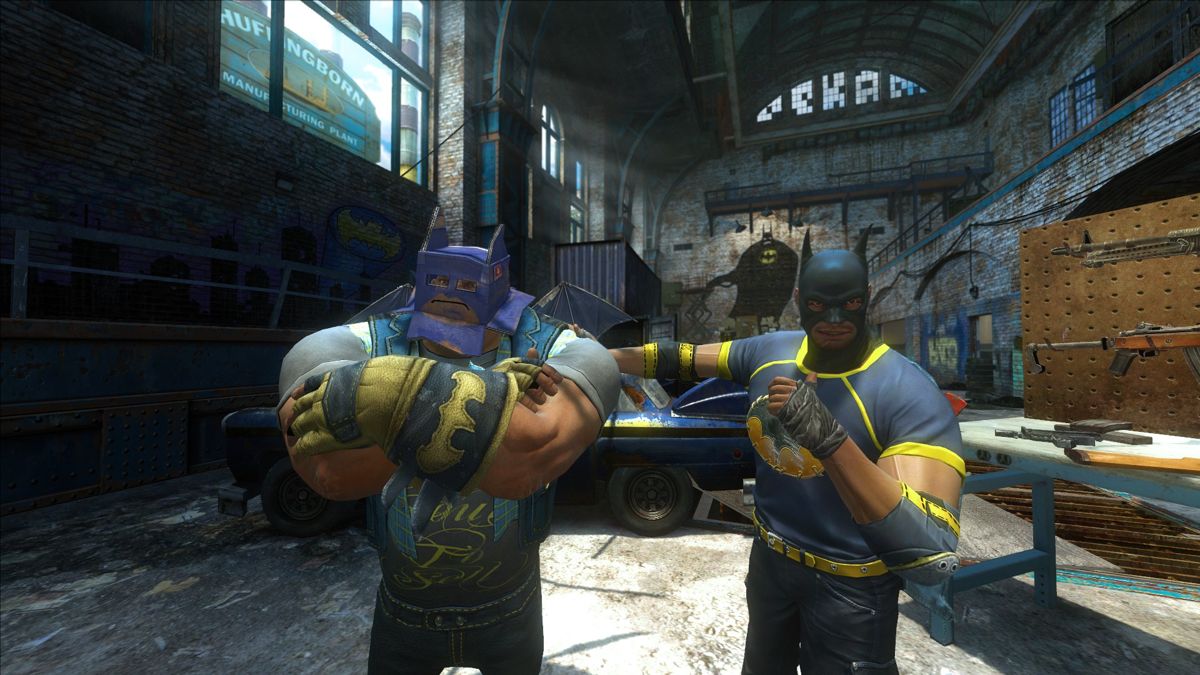
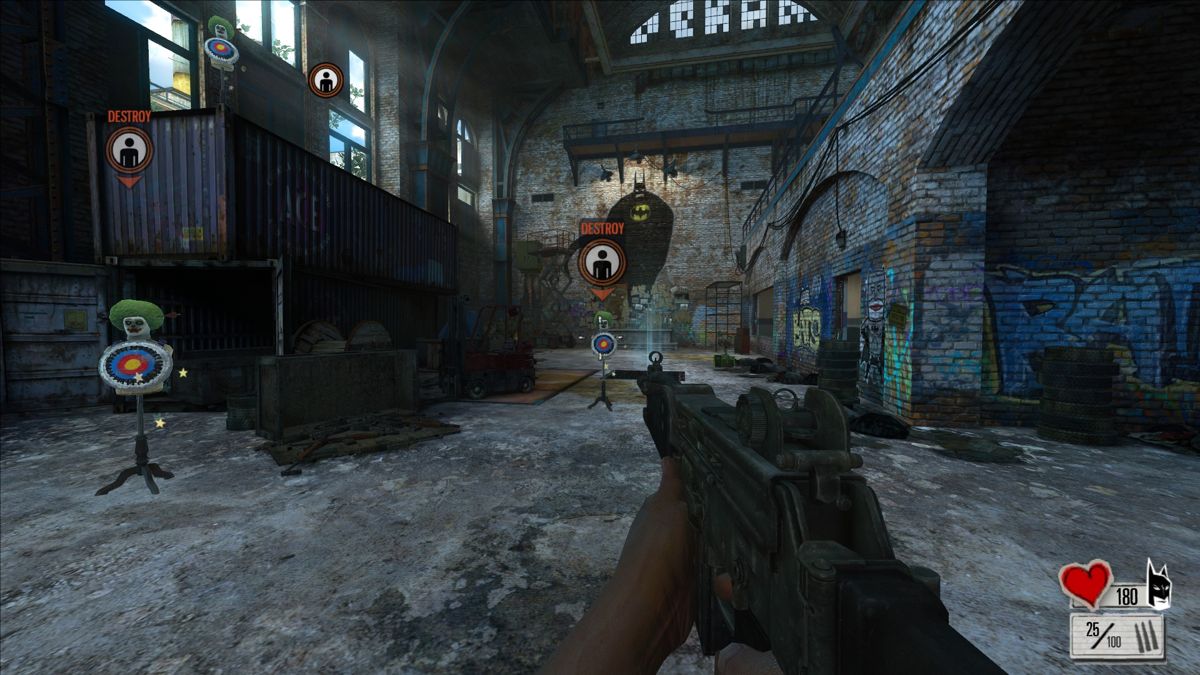
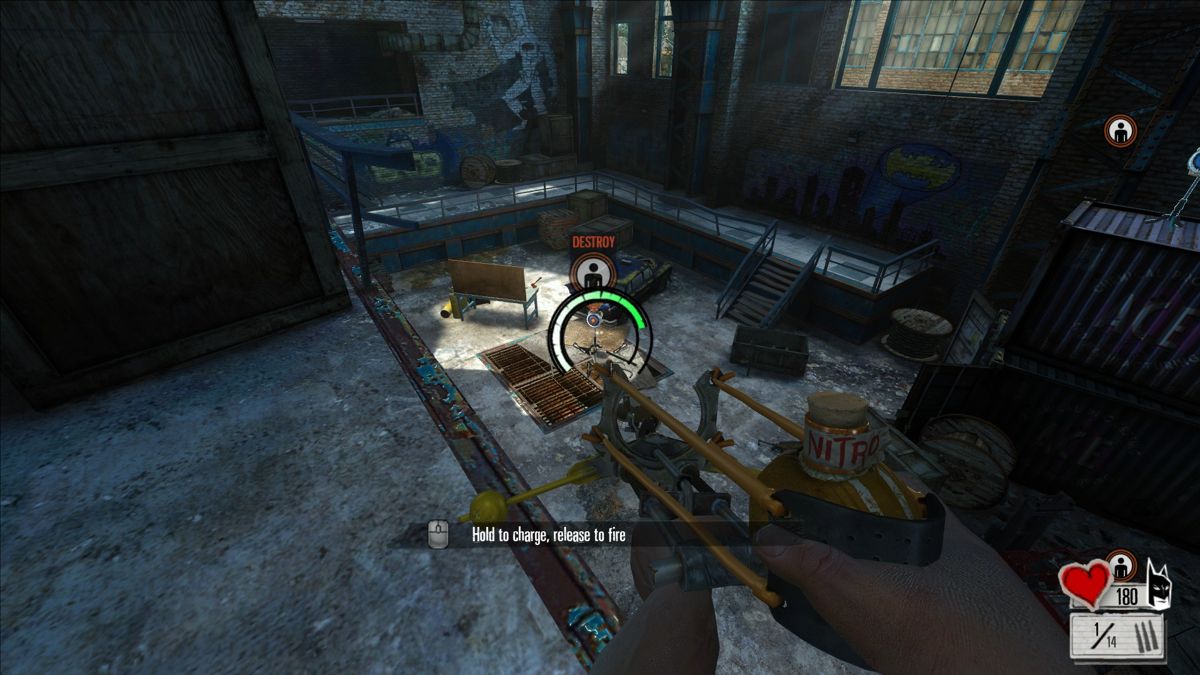
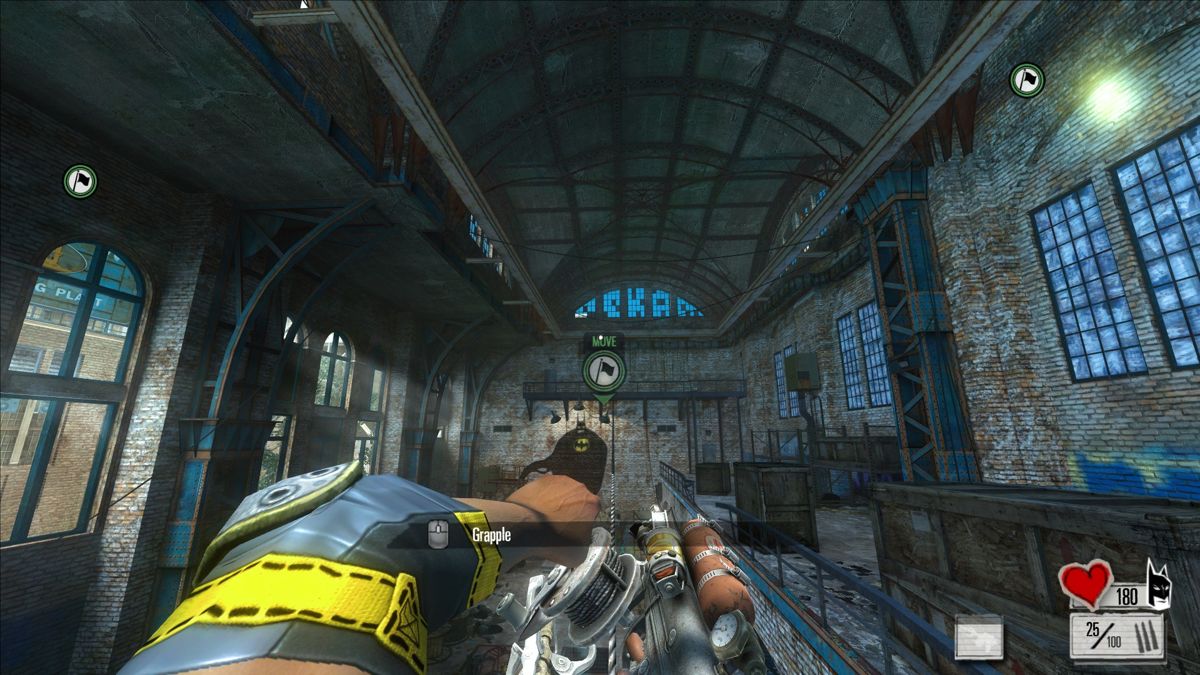
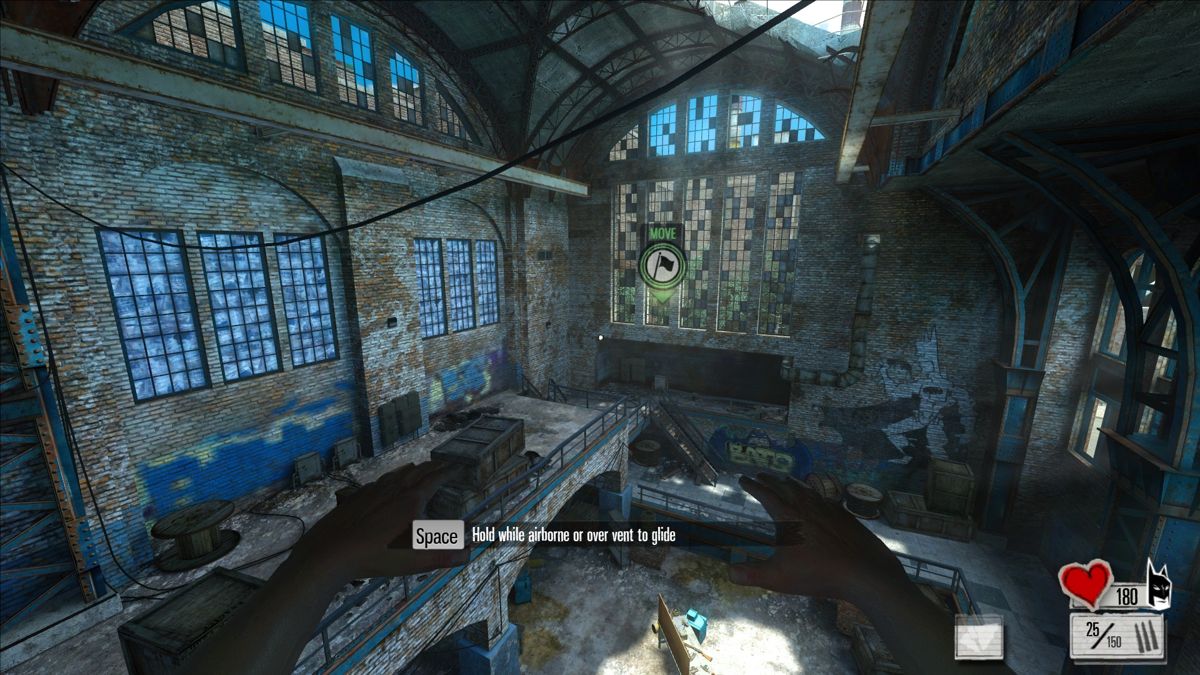
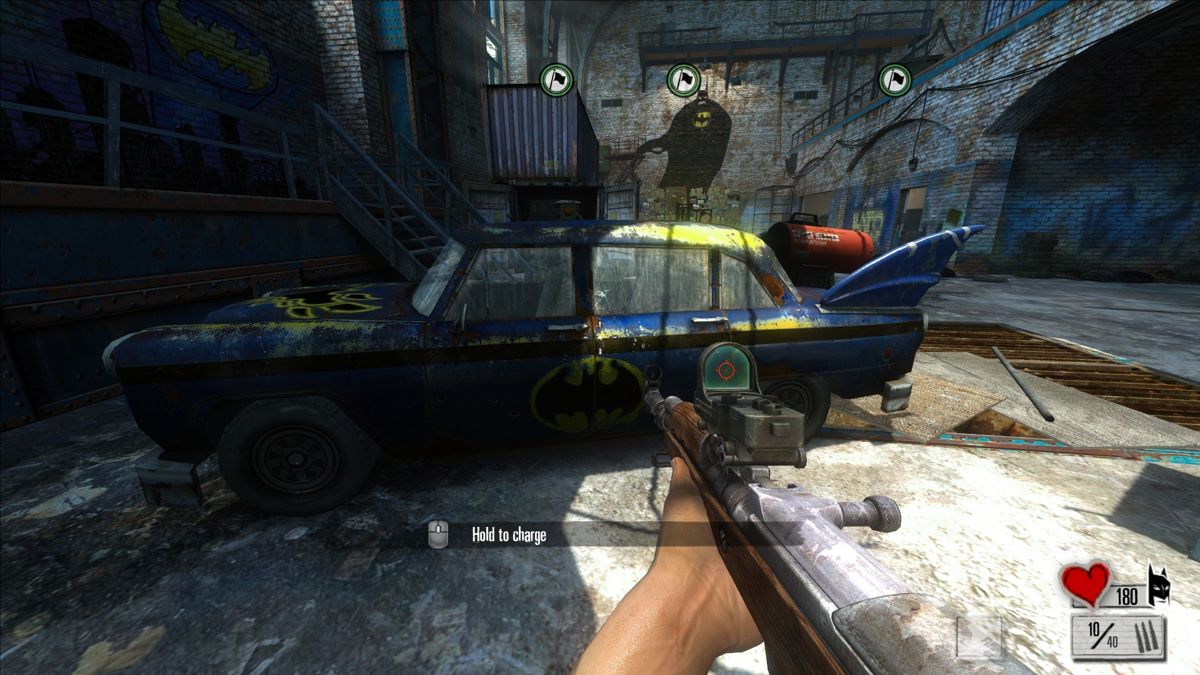
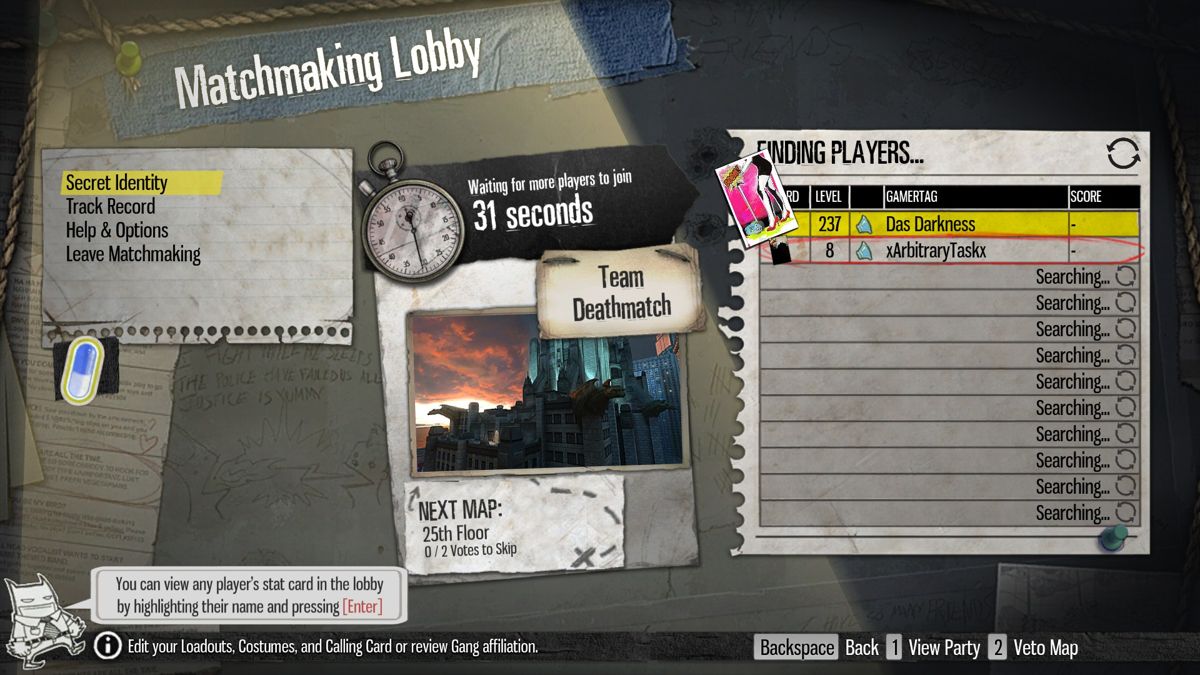
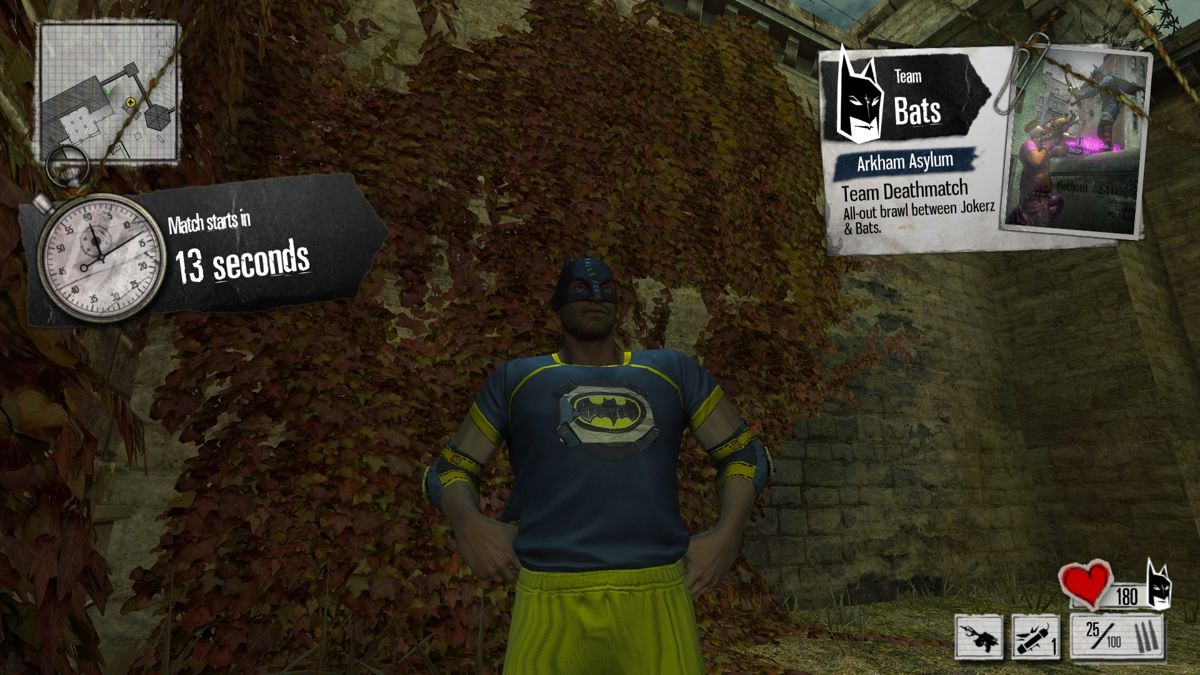
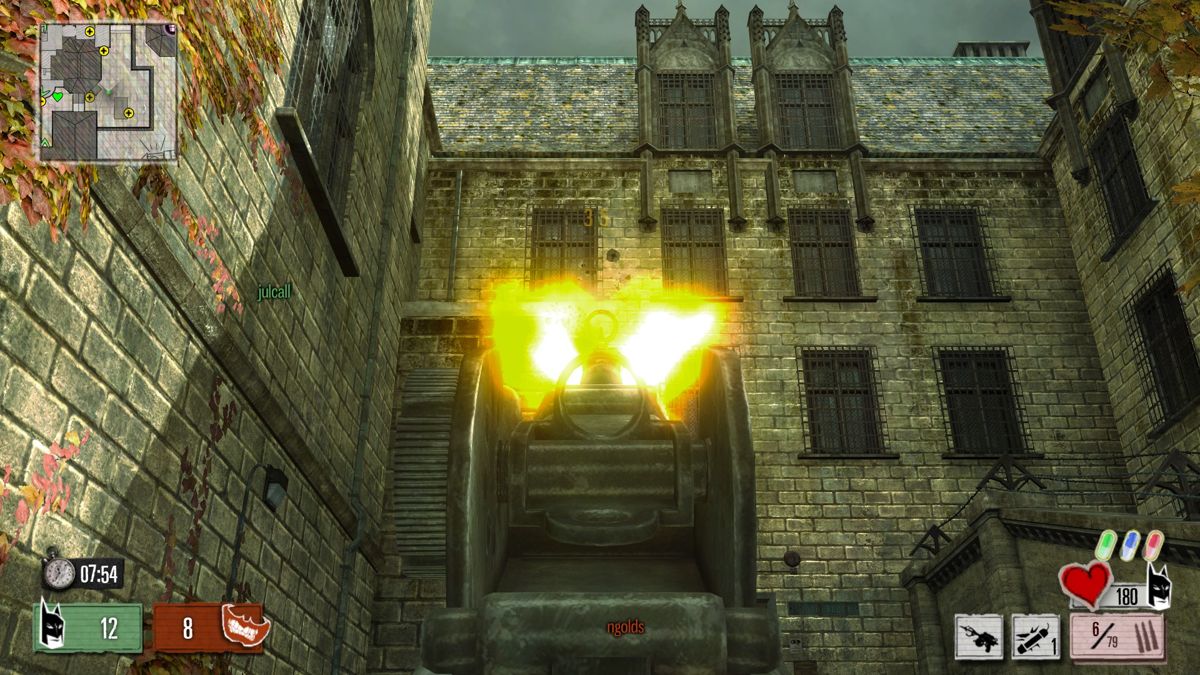
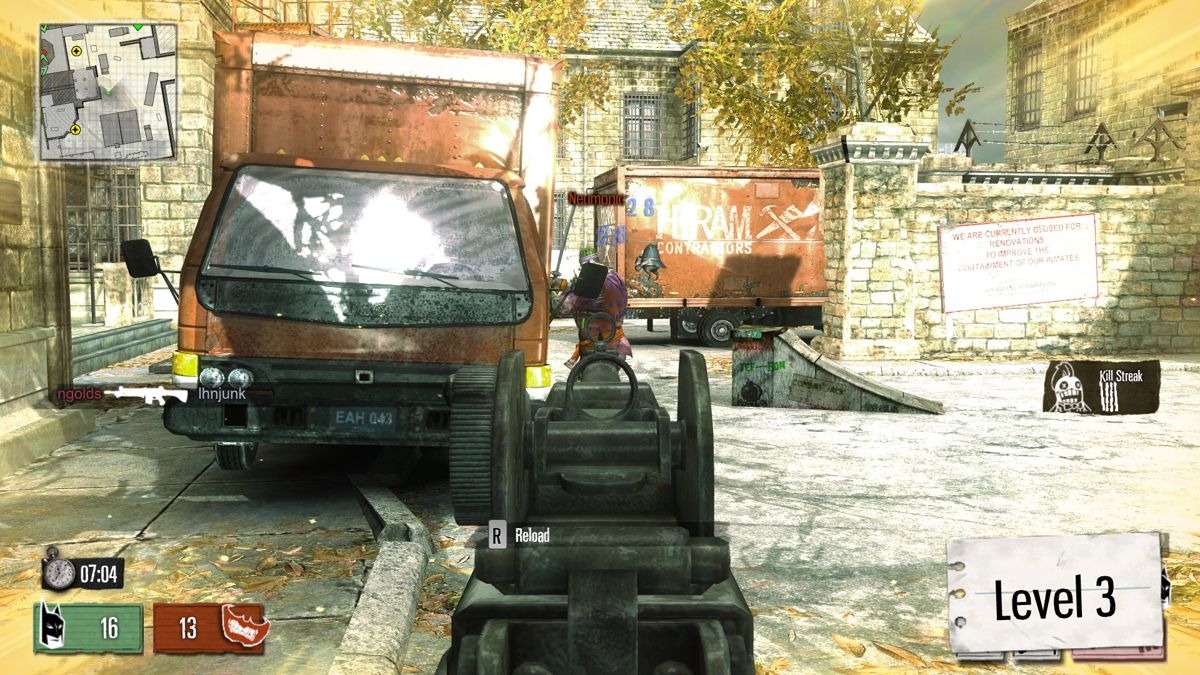
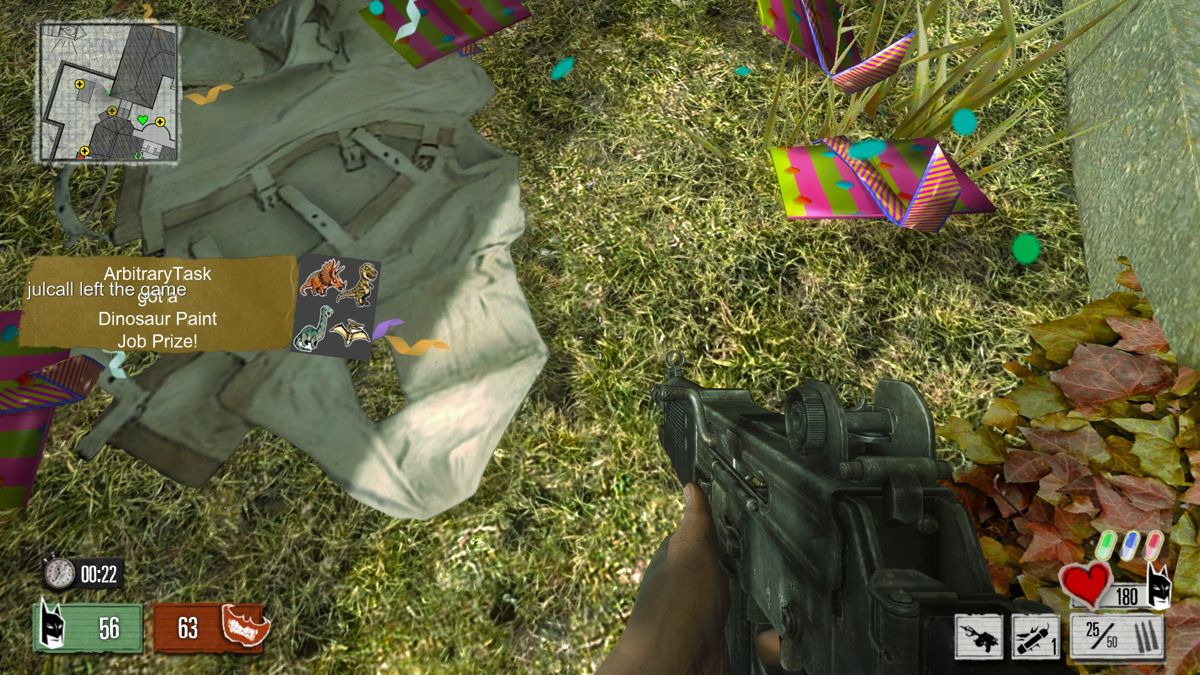
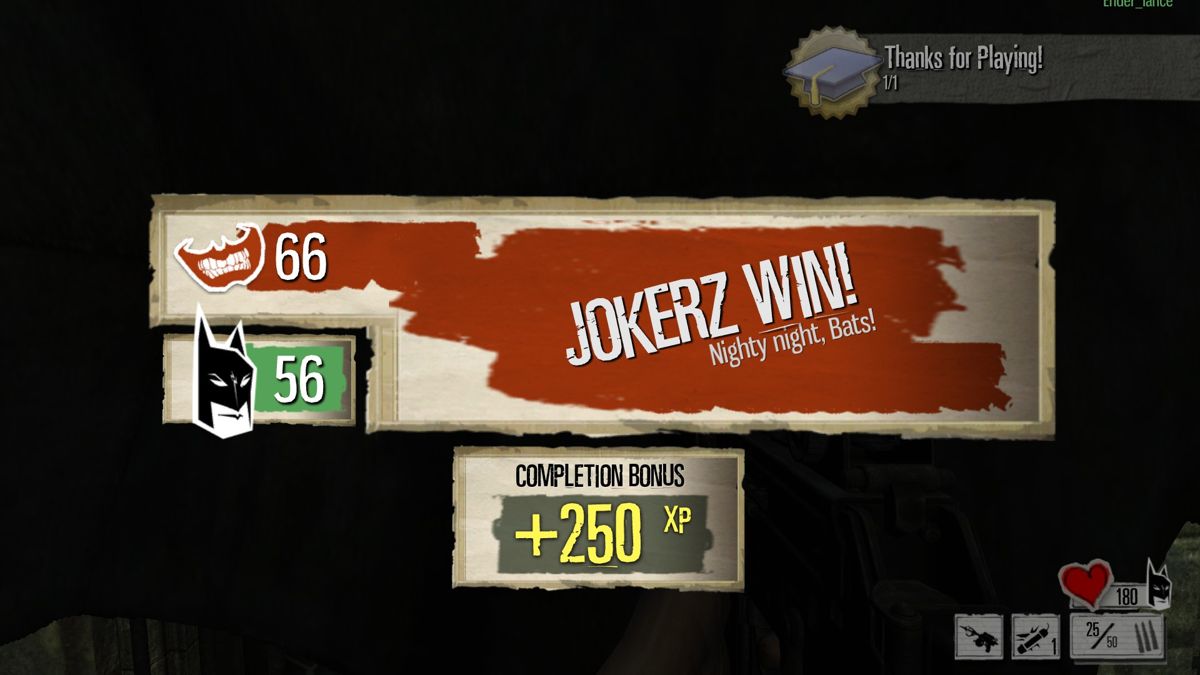
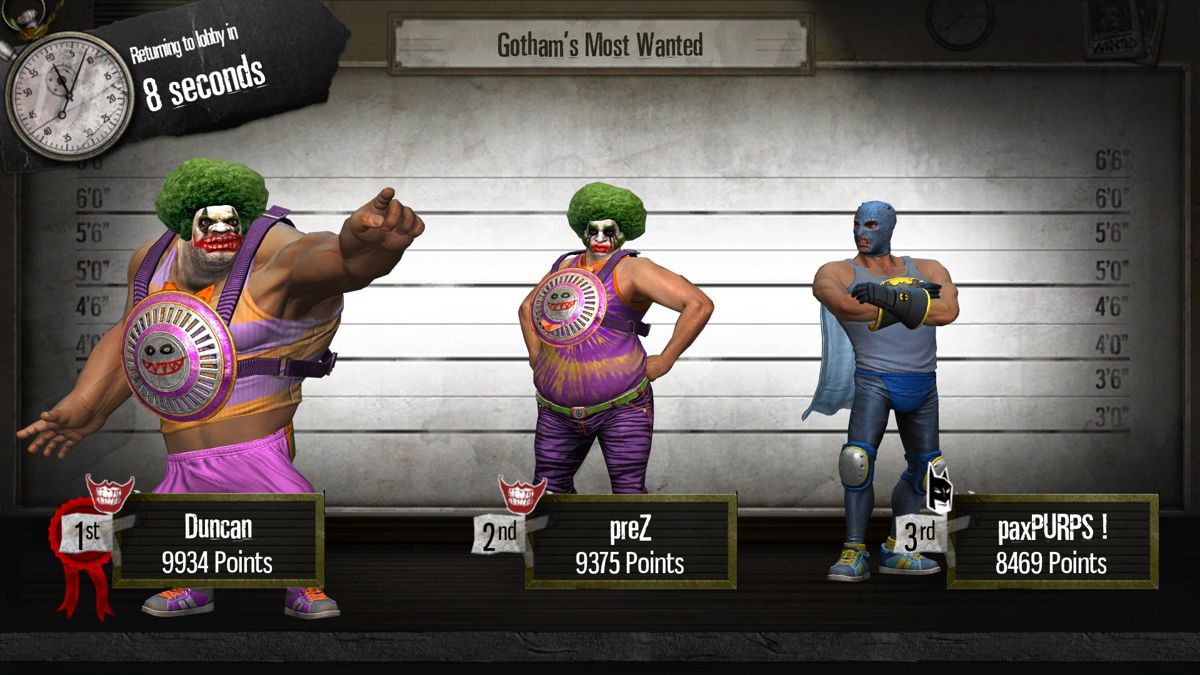
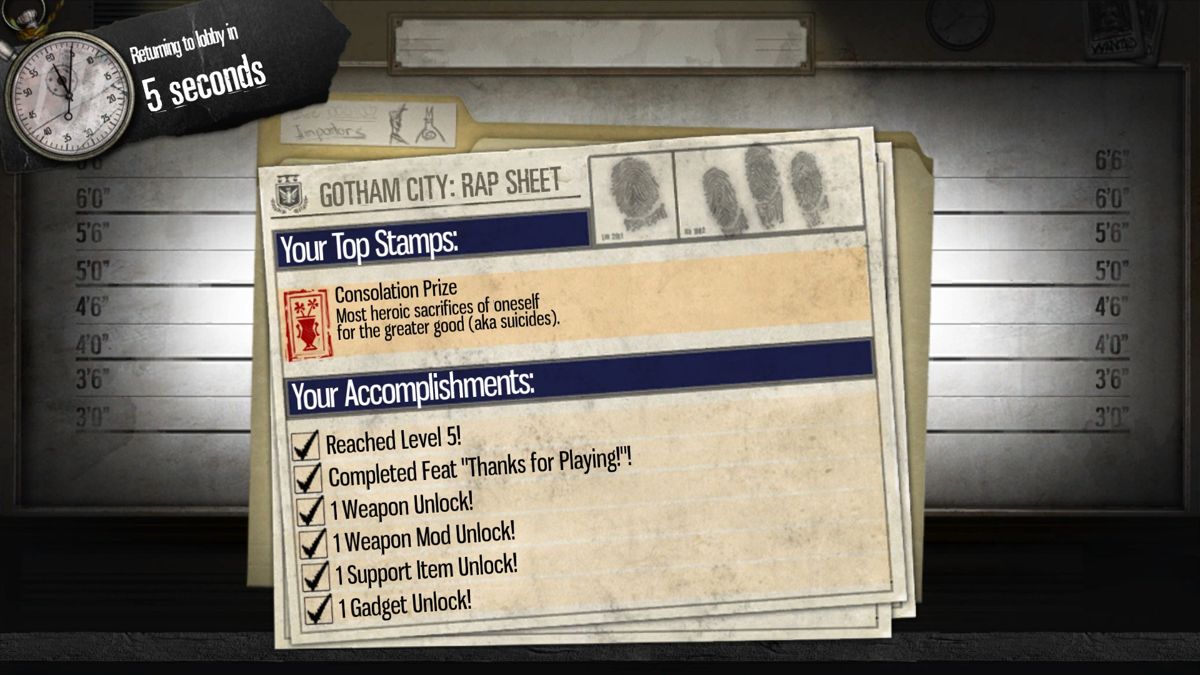
Comments and reviews
Spencer MB 2026-09-15 3 points
This is fully playable, not malware. Small community right now but they're pretty active and even have a Discord server with a couple hundred people. This version only needs 2 players in a lobby to start, unlike the F2P Steam version that needs at least 6 but both utilize Peer-To-Peer for connections. There's also a DLC zip that unlocks everything.
Jagernaut 2026-09-09 -5 points
Assuming this isn't malware, you'd need to either set up a server or join a community server to run it.
Write a comment
Share your gamer memories, help others to run the game or comment anything you'd like. If you have trouble to run Gotham City Impostors (Windows), read the abandonware guide first!
Download Gotham City Impostors
We may have multiple downloads for few games when different versions are available. Also, we try to upload manuals and extra documentation when possible. If you have additional files to contribute or have the game in another language, please contact us!
Windows Version
The client that allows to play on CGI:F4E servers


 7.0 GB
DownloadGotham City Impostors: Free-to-Play files
7.0 GB
DownloadGotham City Impostors: Free-to-Play filesOriginal files of Steam version of GCI:F2P, not required if you use GCI:F4E client
6.7 GB
Game Extras
Various files to help you run Gotham City Impostors, apply patches, fixes, maps or miscellaneous utilities.
Allows to play the game through real or virtual LAN connection
46 MB
SourcecodeDLC UnlockerAllows to unlock the content of all DLCs in GCI:F2P and GCI:F4E
24 MB
Similar games
Fellow retro gamers also downloaded these games: