Hot Wheels: World's Best Driver
Windows - 2013

| Alt names | El Mejor Piloto del Mundo, Hot Wheels El Mejor Piloto del Mundo, Hot Wheels Meilleur Pilote Mondial, Hot Wheels O Melhor Piloto do Mundo, Hot Wheels Pilota da Record, Hot Wheels Werelds Beste Coureur, Meilleur Pilote Mondial, O Melhor Piloto do Mundo, Pilota da Record, Werelds Beste Coureur, World's Best Driver |
|---|---|
| Year | 2013 |
| Platform | Windows |
| Released in | Worldwide |
| Genre | Racing / Driving |
| Theme | Automobile, Licensed Title, Motorcycle, Off-Road / Monster Truck, Track Racing |
| Publisher | Warner Bros. Interactive Entertainment Inc. |
| Developer | Firebrand Games and Entertainment Ltd. |
| Perspective | Behind view |
| Tested on | Windows 10 |
Description of Hot Wheels: World's Best Driver
Here is the video game “Hot Wheels: World's Best Driver”! Released in 2013 on Windows, it's still available and playable with some tinkering. It's a racing / driving game, set in a motorcycle, off-road / monster truck, licensed title, automobile and track racing themes.
External links
 MobyGames
 Wikipedia page
 PCGamingWiki
 Gameplay video
 IGDB
IGDBHow to play Hot Wheels: World's Best Driver Windows
The game has been tested on Windows 7 64-bit, Windows 10 and Windows 11, it works fine. The game supports widescreen and high resolutions up to 4K. You may experience some small troubles when you play the game on modern systems, check our Guide and Notes for details
Install & play guide:
- Mount the disc image. You will need the utility for mounting disc image files, like WinCDEmu, UltraISO, Alcohol 52%/Alcohol 120% or Daemon Tools Lite. Or extract the files from ISO image with WinRAR, 7-zip or another file archiver tool
- Install the game. It is recommended to install the game not in default path, but in some other, non-system folder, like
C:/Games/Hot Wheels Worlds Best Driver, so you won't have troubles with NoDVD - After you installed the game - use NoDVD, simply copy the files from NoDVD archive and put them into the game folder, agree to replace the original files
- Open the game folder and find Game.exe. Right-click on Game.exe -> Properties -> Compatibility -> Set "Run this app inCompatibility mode with Windows 7" and "Run as Administrator"
- Launch the game and play. If the game doesn't work in compatibility mode with Windows 7 - try to launch it in Compatibility mode with other version of Windows (Windows XP, Vista, etc.)
Notes:
- If the installation doesn't start - try to launch Setup.exe in compatibility mode with old version of Windows (98, 2000 or XP)
- It is recommended to install all versions of Microsoft Visual C++ Redistributable and NET Framework for the correct work of the game. Also it is recommended to install K-Lite Codec Pack for the correct work of in-game videos
- The game works on DirectX 9, so if you're using Windows 8, 8.1, 10 or 11 - you need to enable DirectPlay: Go to Control Panel, and select 'Programs'. Select 'Turn Windows features on and off', click on 'Legacy Components' and check the box 'DirectPlay'. Select OK, once the installation is done, restart your computer
- If the game doesn't start. Make sure that your antivirus didn't block NoDVD files (don't worry, we scanned the files on VirusTotal, it showed only 1 generic warning); NoDVD is using "cracked" Steam files so your antivirus may trigger on it. If the game still doesn't work, additionally block the Internet access for the game in Windows Firewall
- The game has controller support but probably will work natively only with XInput-type controllers (Xbox gamepad or similar). If the game doesn't recognize your controller - try to use one of the additional tools from PCGamingWiki guide for controllers
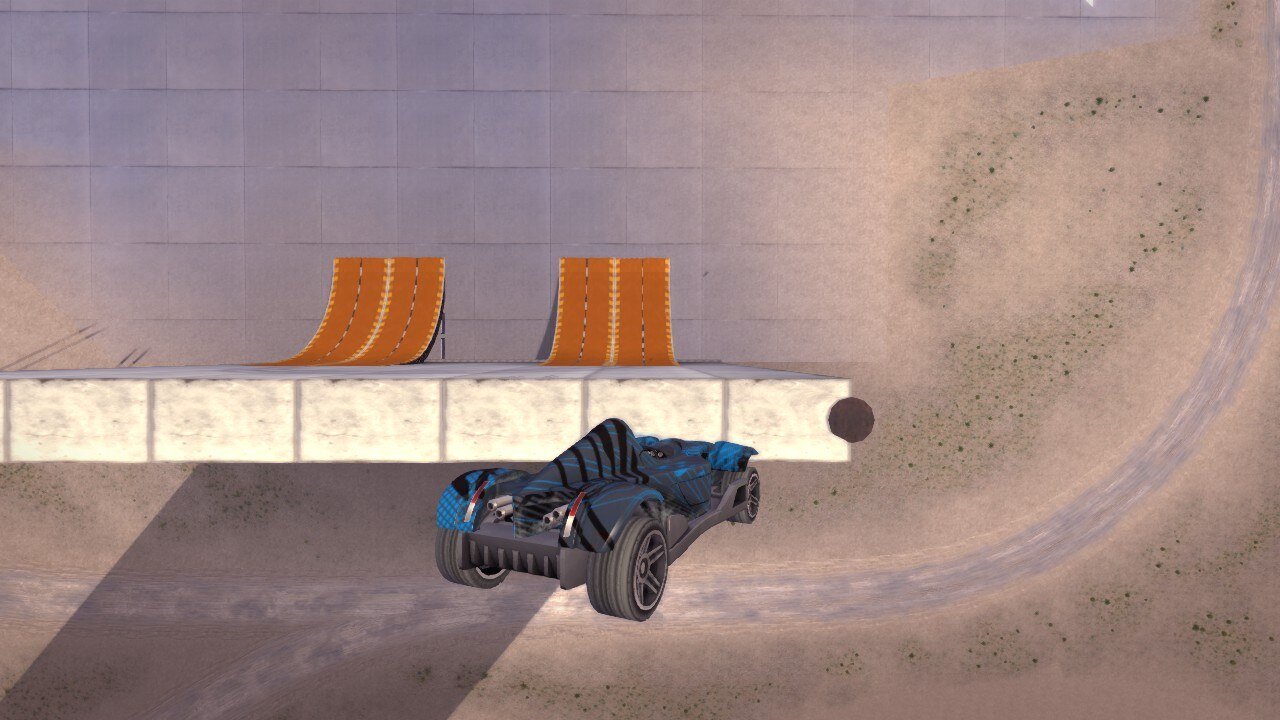
Captures and Snapshots

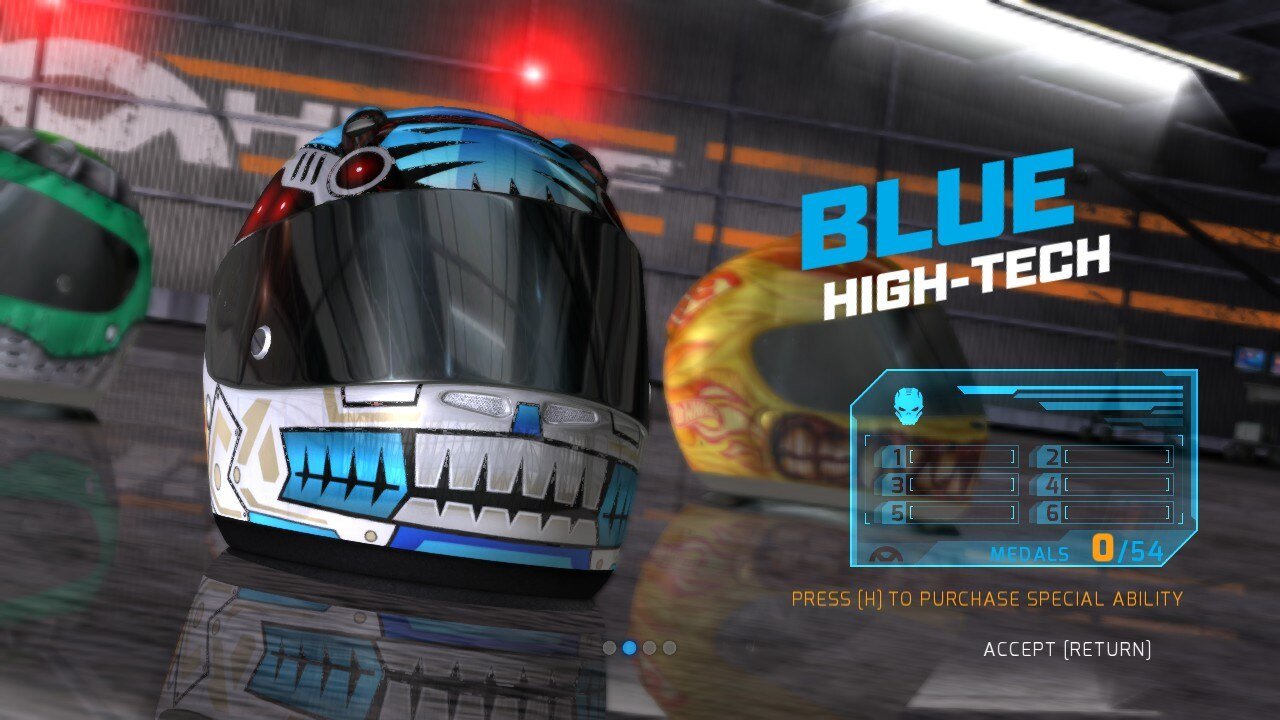
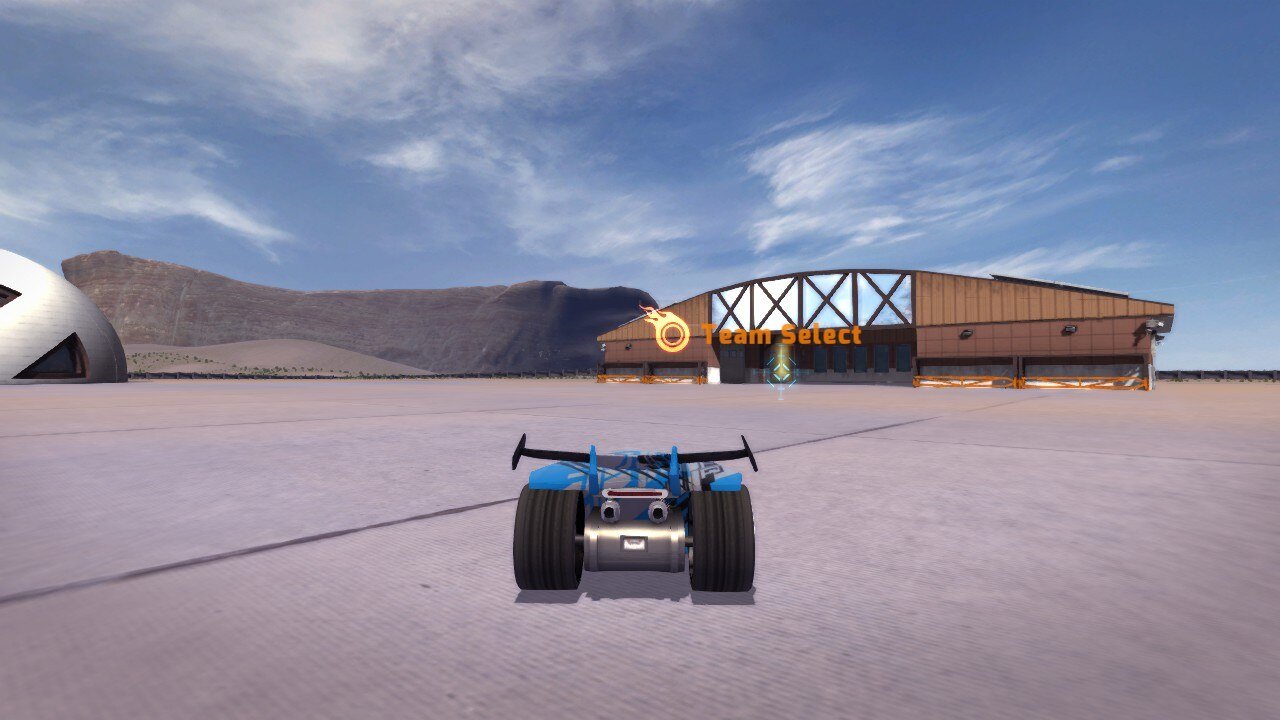
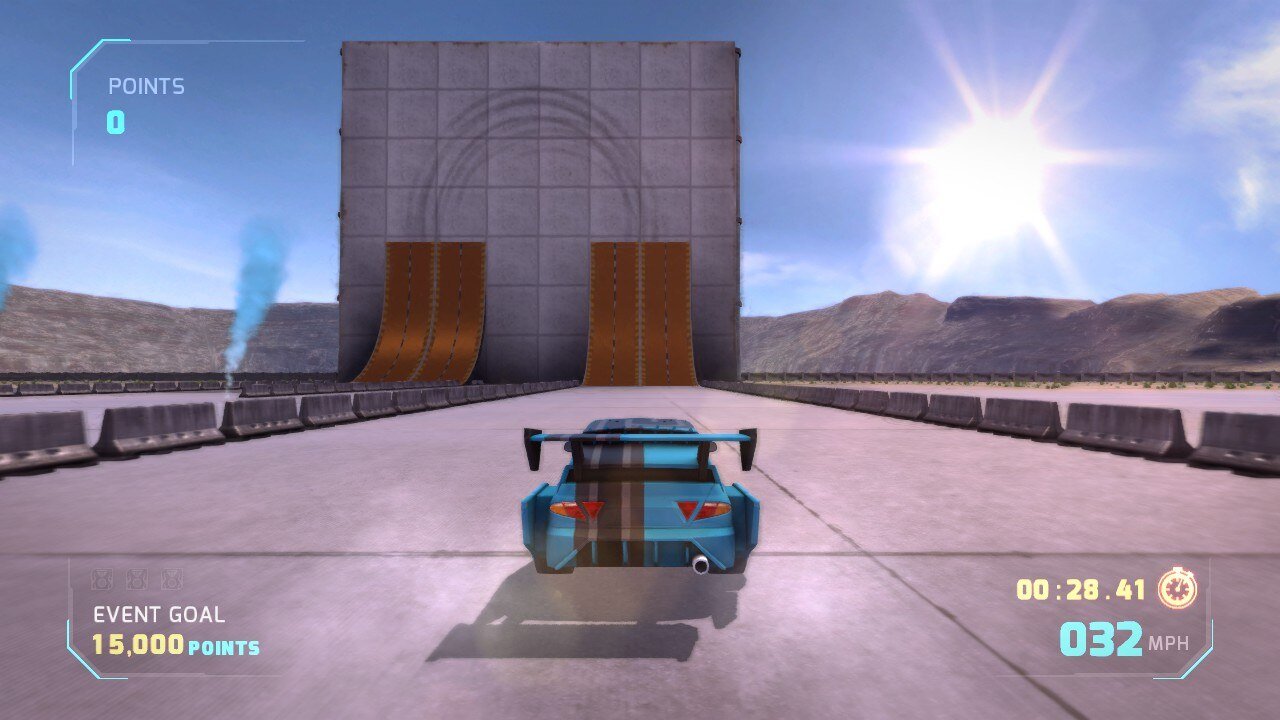
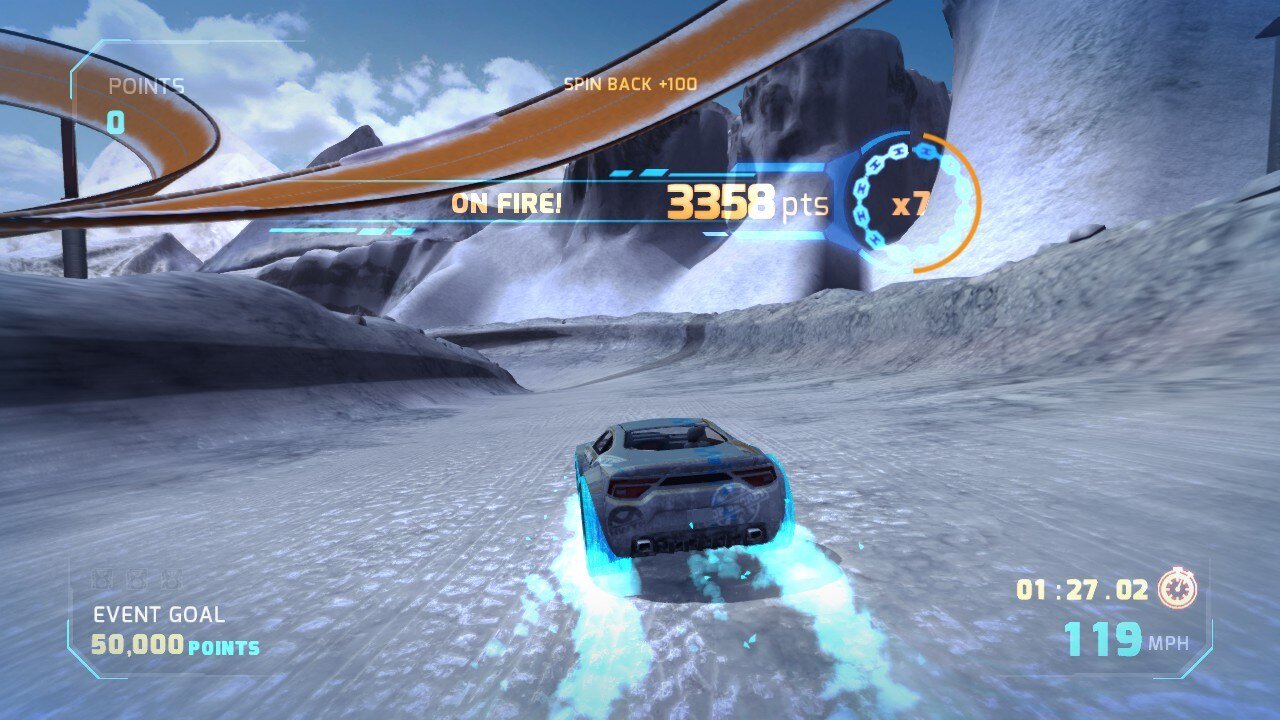
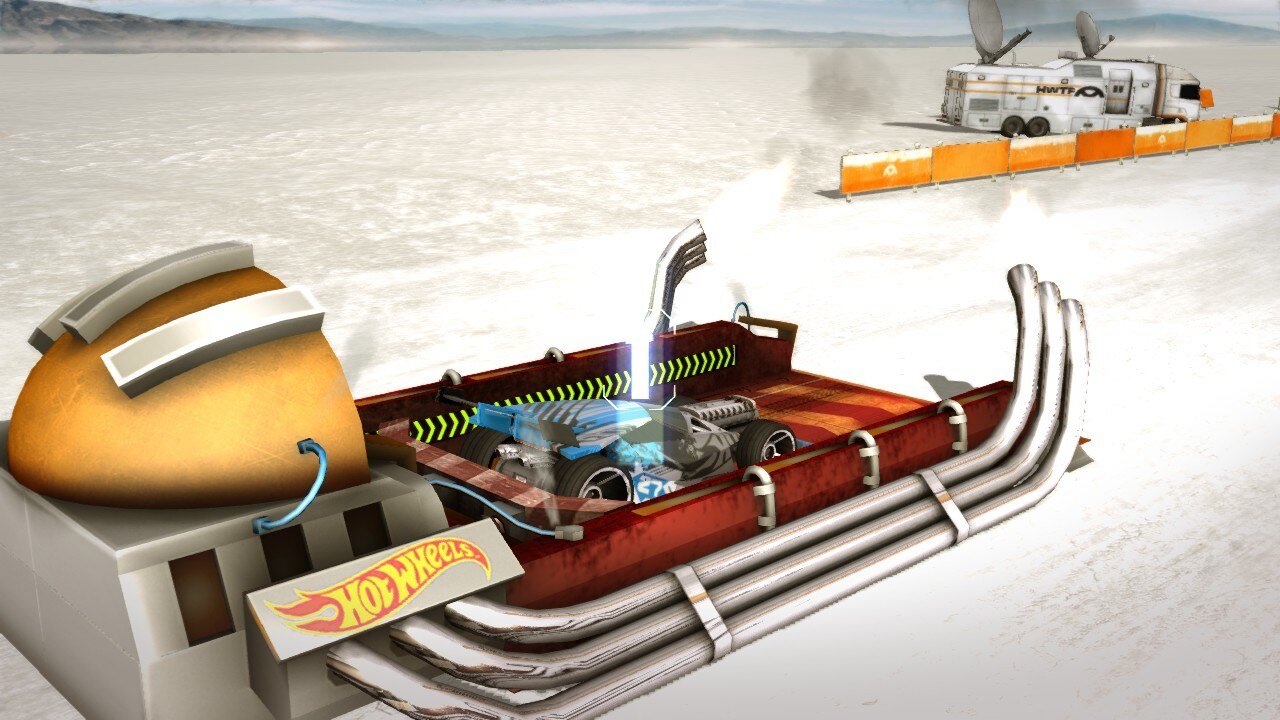
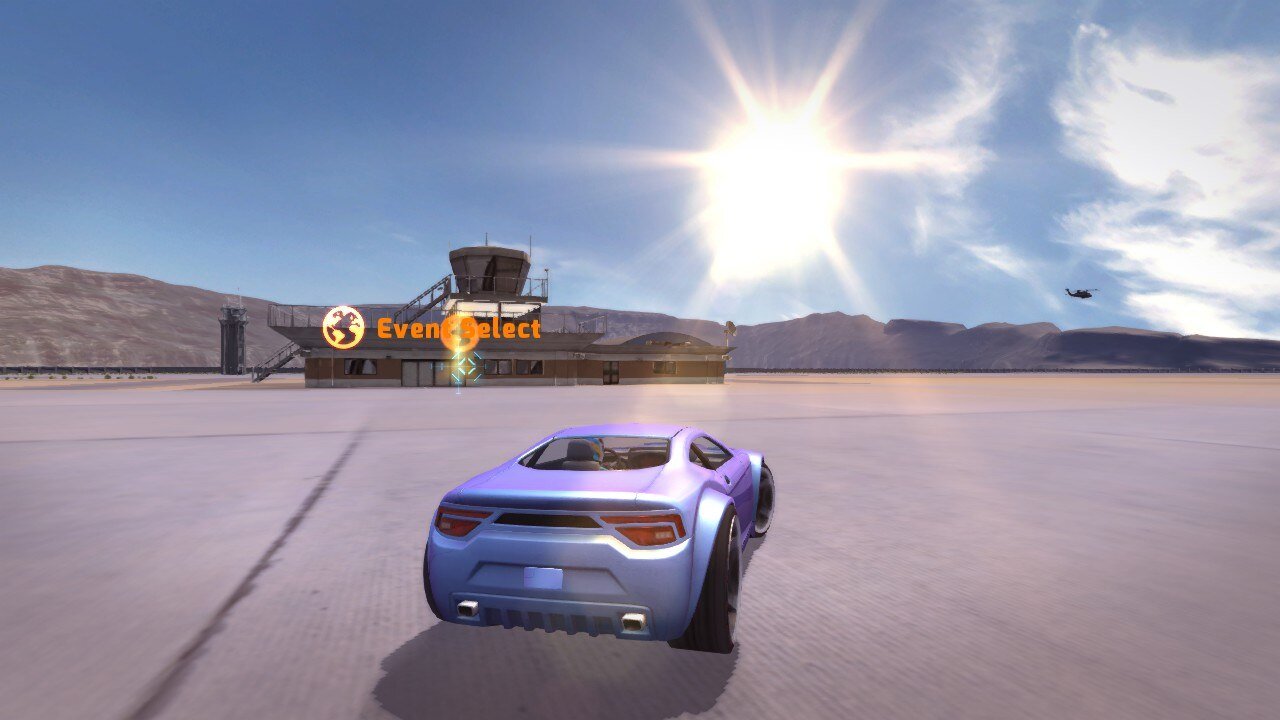
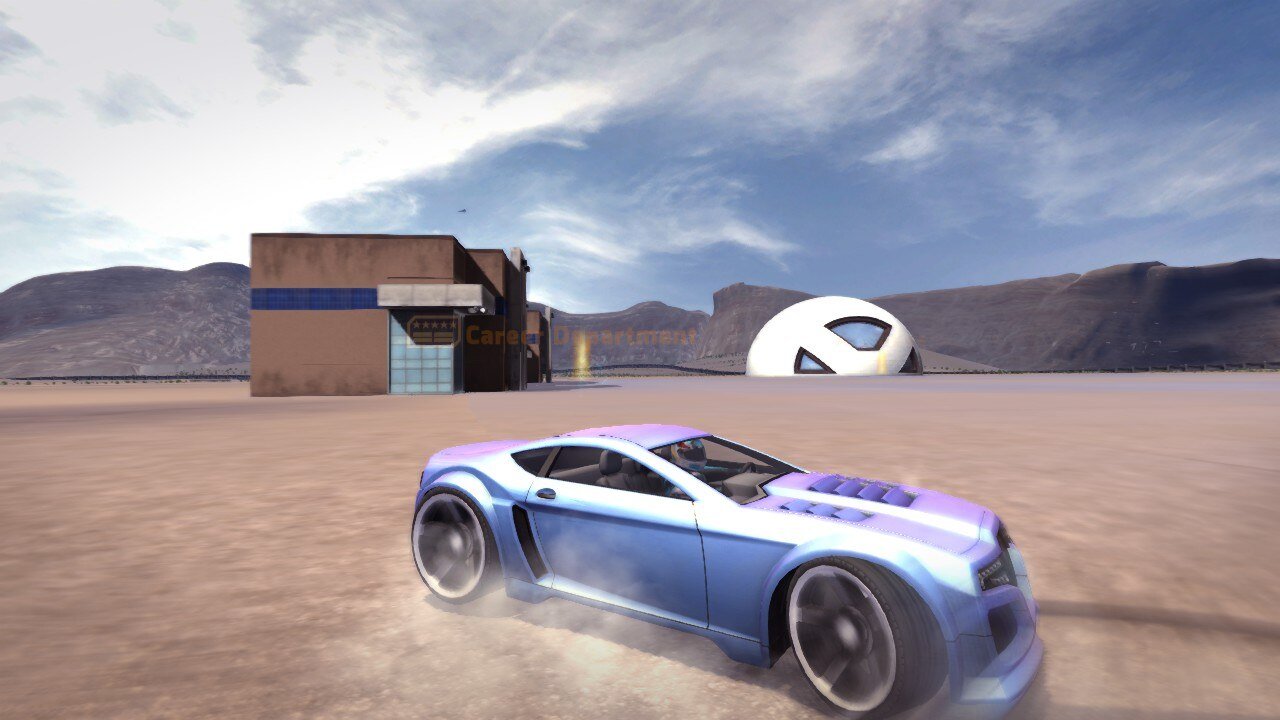
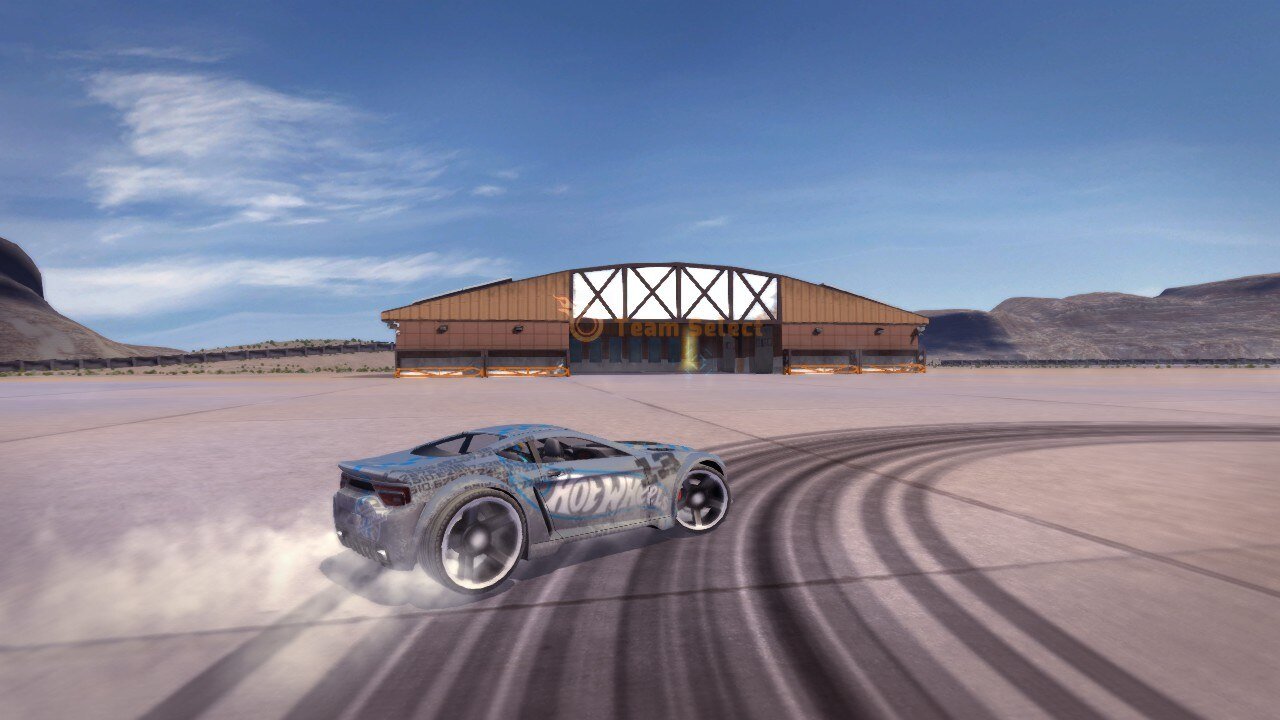
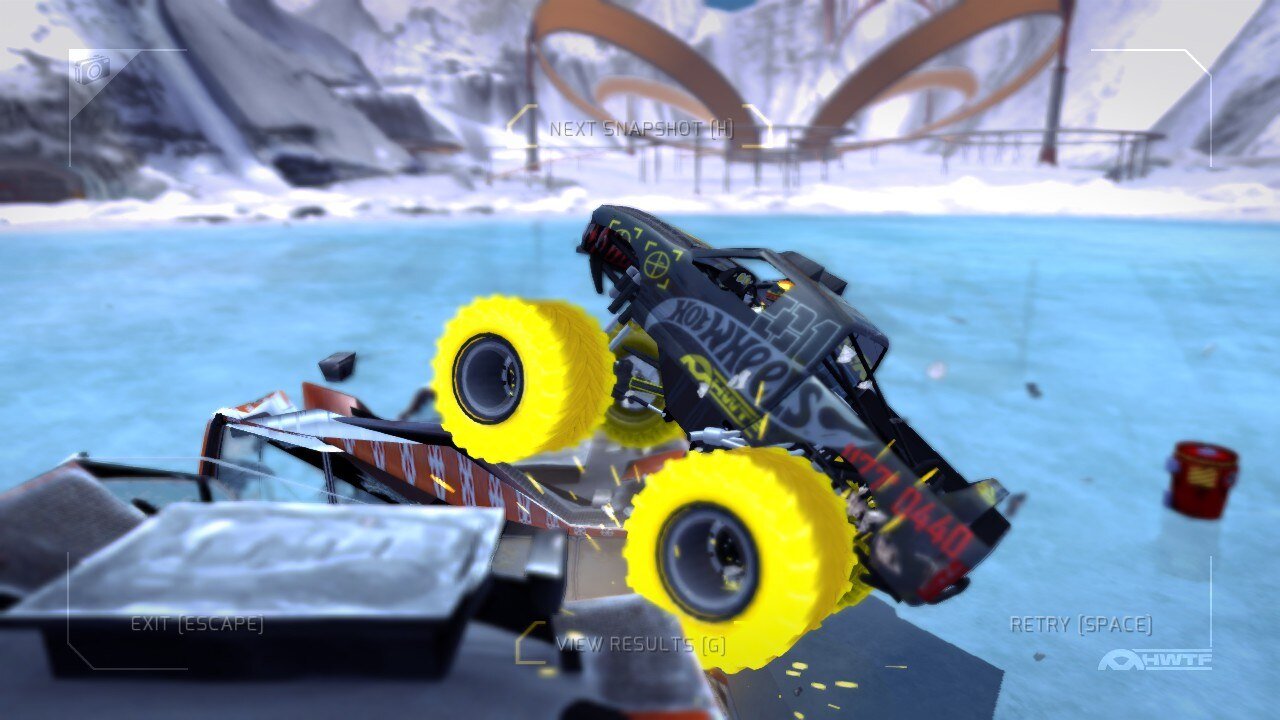
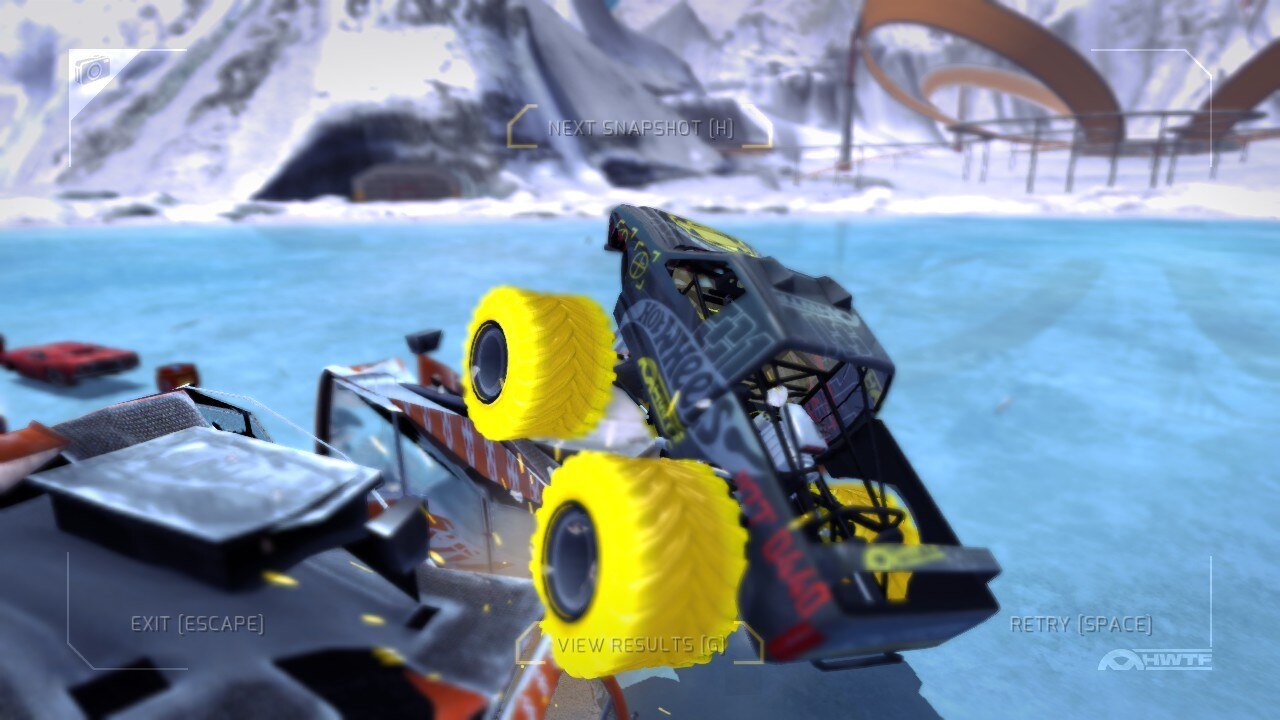




Write a comment
Share your gamer memories, help others to run the game or comment anything you'd like. If you have trouble to run Hot Wheels: World's Best Driver (Windows), read the abandonware guide first!
Download Hot Wheels: World's Best Driver
We may have multiple downloads for few games when different versions are available. Also, we try to upload manuals and extra documentation when possible. If you have additional files to contribute or have the game in another language, please contact us!
Windows Version

Game Extras
Various files to help you run Hot Wheels: World's Best Driver, apply patches, fixes, maps or miscellaneous utilities.


 203 KB
Similar games
Fellow retro gamers also downloaded these games: