
Johnny Herbert's Grand Prix Championship 1998
Windows - 1998
| Alt name | Johnny Herbert's Grand Prix World Champions |
|---|---|
| Year | 1998 |
| Platform | Windows |
| Released in | Germany, United Kingdom, United States |
| Genre | Racing / Driving, Simulation |
| Theme | Automobile, Formula 1, Licensed Title, Track Racing, Vehicle Simulator |
| Publisher | Intense Entertainment Interactive, LLC, Midas Interactive Entertainment BV |
| Developer | Reality |
| Perspectives | 1st-Person, 3rd-Person, Behind view |
Description of Johnny Herbert's Grand Prix Championship 1998
If you haven't played Johnny Herbert's Grand Prix Championship 1998 or want to try this racing / driving video game, download it now for free! Published in 1998 by Midas Interactive Entertainment BV, Intense Entertainment Interactive, LLC, Johnny Herbert's Grand Prix Championship 1998 was an above-average formula 1 title in its time.
External links
 MobyGames page
 Gameplay video
 IGDB
IGDB PCGamingWiki
Captures and Snapshots

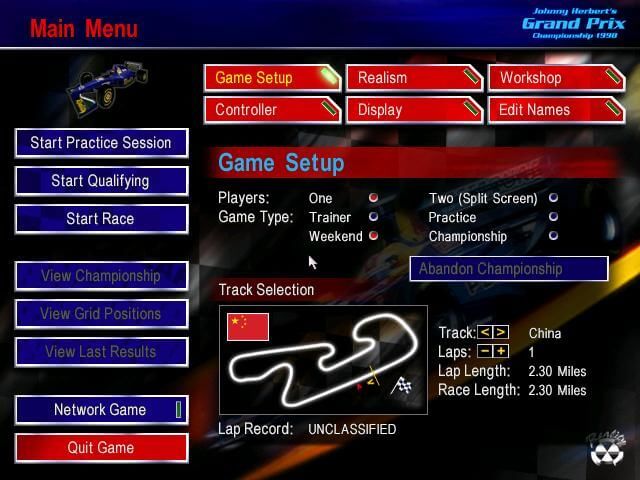
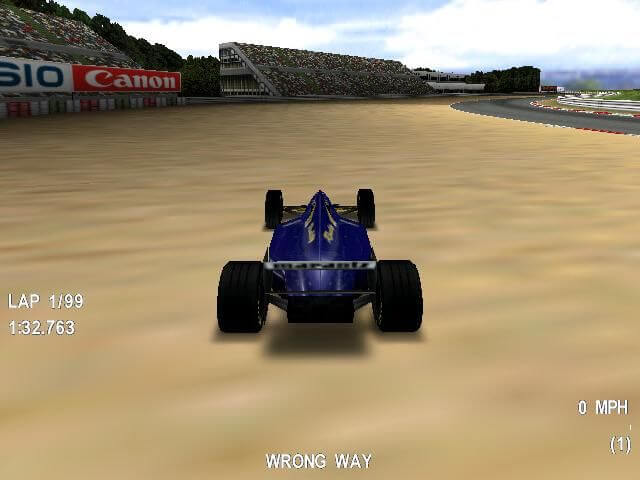
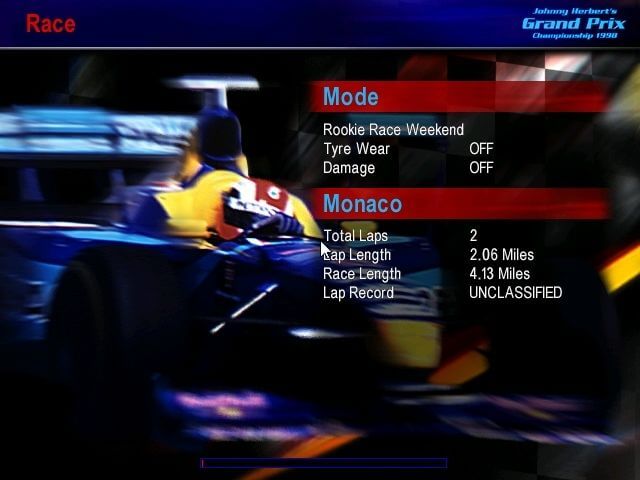
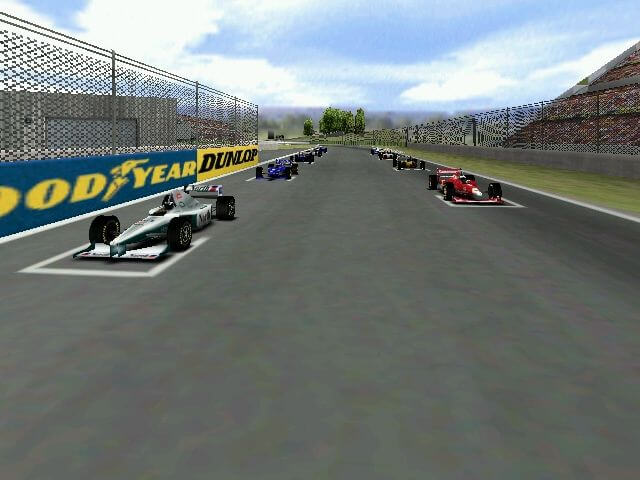
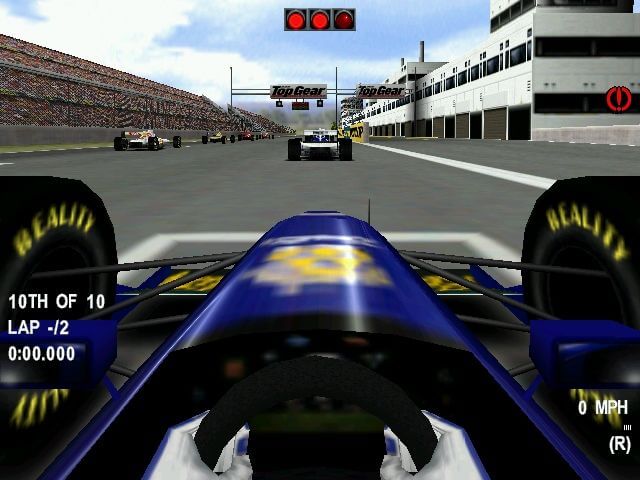
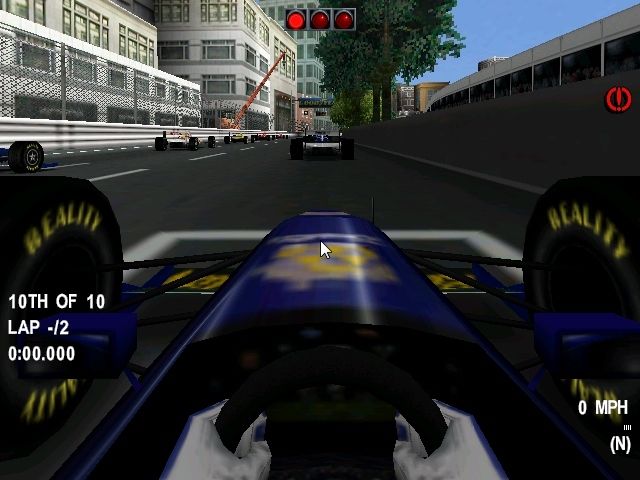
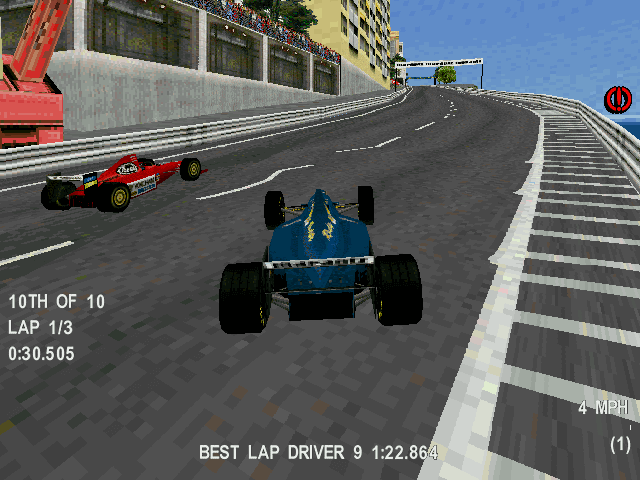
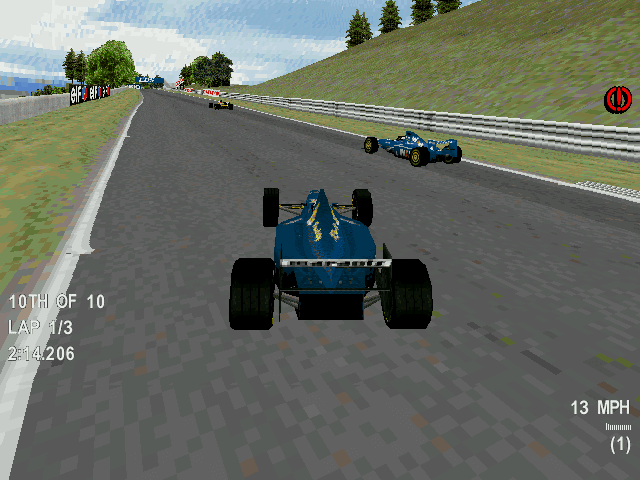
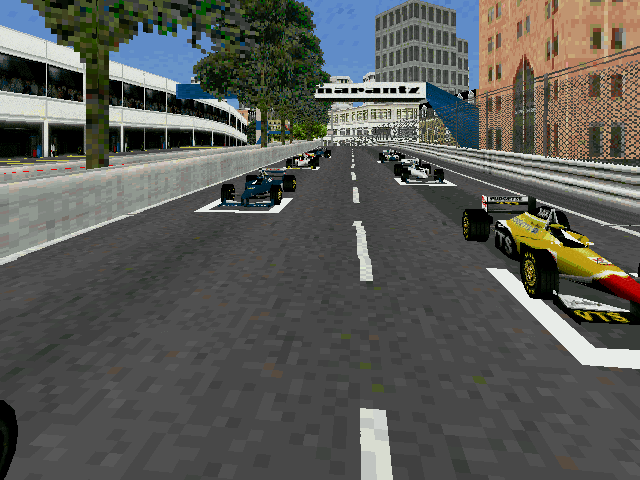
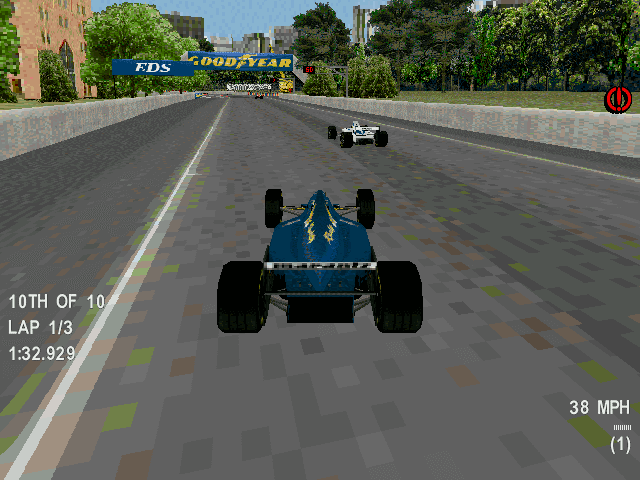
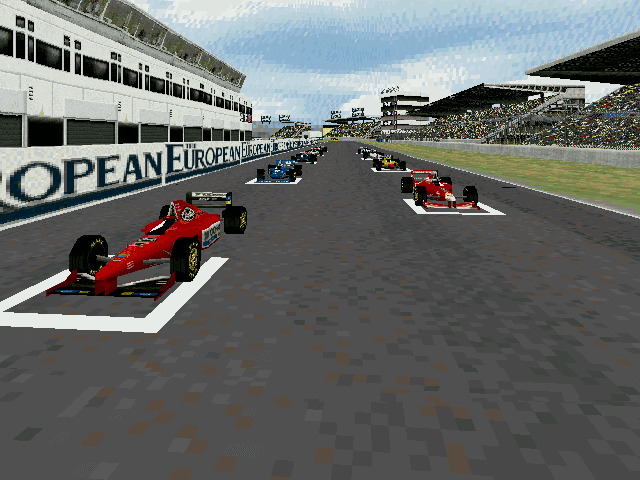
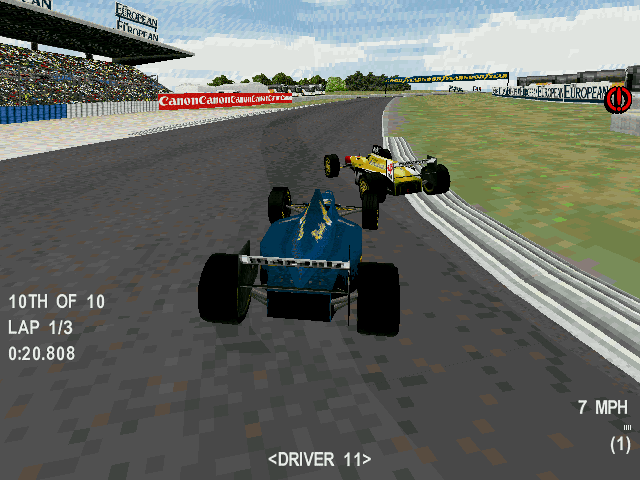
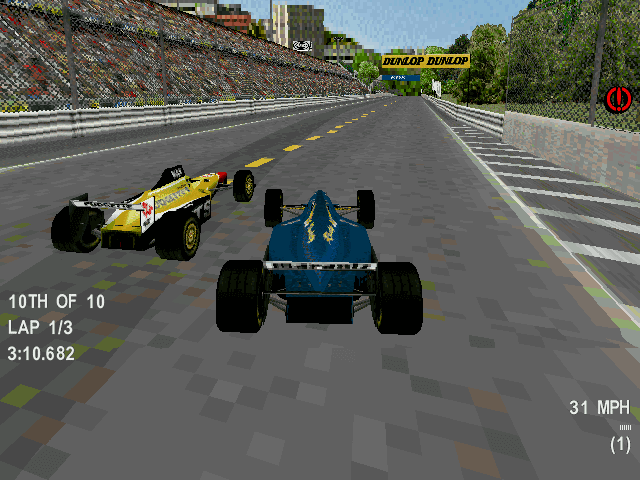
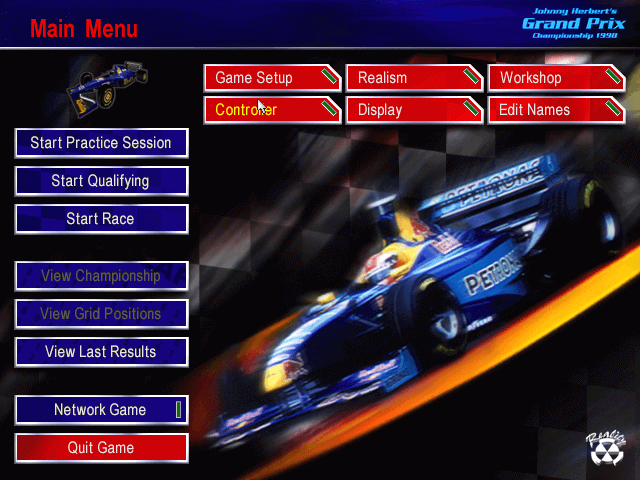
Comments and reviews
MarcoMesaX 2026-08-15 0 point
Sorry, an additional note: at reboot the game might not start from the link if not opening DxWnd first.
What you have to do here is to open properties of jhgp.lnk shortcut we created on desktop. Back to the Link tab, move to the From line and paste DxWnd's directory (for example X:\Users\User1\Downloads\v2_06_15_build, change it to your real directory), then go to the Compatbility tab and check the flag Run As Administrator. Apply and click OK. Now DxWnd will boot the game everytime.
Beware: Run As Admin is only needed for DxWnd, not the game itself! As I said in the previous post, you don't need all the compatibility stuff for jhgp.exe once you set up DxWnd properly.
MarcoMesaX 2026-08-14 0 point
This game on Windows 10 can be run only in Windows 98/ME compatibility mode and 16-bit color (65536), but with hardware acceleration OFF. If you enable it, you'll see the HUD (speed, stopwatch, acceleration bar, driving aids, options menu and everything that is numbers and letters) and you can hear sound like the car is moving properly, except the screen is totally black and you have to rely on 256 colors mode (hardware accel OFF) which is slower and choppy.
How to solve this? If you don't want to bother with PCEm or virtual machines that often do not have a proper GPU for games (as they are designed for developers), get DxWnd (current version is v2.06.15 right now) and configure it this way:
- Main tab, have Early Hook as the only flag checked and set one resolution among the ones the game supports (e.g. 640x480, 800x600 or 1024x768). on the Path line you have to enter jhgp's path with the exe (e.g X:\MIE\jhgp.exe, depending on where you installed it);
- Video tab, on Window Style select Modal and check the flag Lock Win Style and set the Color Setting to 16BPP, you can leave the other parameters as they are;
- Compat. tab, check the flags Set Single Core Process Affinity, Emulate Windows Help, Handle Exceptions and Fake Version (choose a Win9x OS on this one, I selected Windows ME);
- DirectX tab (the first one), select DirectX 1~6 in the DirectX Version Hook and use GDI as Renderer, then check the flags Switch VIDEO to SYSTEM On Fail, Suppress DX Common Errors, Palette Update Don't Blit and leave the ones checked by default (Support off screen 3D and the AERO ones);
- DirectX(2) tab, leave the default flag checked (Set 16BPP RGB565 Encoding) and check Safe Palette Usage, you can leave the rest as-is;
- Direct3D tab, have Enumerate 16bit Modes as the only flag checked;
- GDI tab (since we selected GDI as Renderer previously), on GDI Emulation set Emulated Device Context, then check the flags Lock Sys Colors, Lock Reserved Palette Entries and Refresh On Palette Size. There 3 more flags checked by default on GDI flags, leave them as they are;
- Libs tab, there are 3 flags checked by default: Remap MCI Coordinates on MM section and the first two entries on Direct Show section. Leave them as they are. Now check Fix Movies Color Depth, Bypass MCI calls and Fix PCM audio on MM section, then check Emulate Win9X Heap on Heap section;
- CDAudio tab, select D:\ drive if you want music, then set Play from CD from Generic section, whereas on CD Audio Emulation section select Windows 9x MCI and check the flags Emulate CD Mixer and Emulate CD Aux.
With DxWnd you don't need compatibility or color layers from the game's properties, so disable any compatibility mode or 16-bit color mode from jhgp.exe first.
And finally, if you want to place a desktop shortcut, create it from DxWnd or just edit the original game's shortcut manually and use the exact entry of the game you added. Let's suppose you have the utility in the Downloads folder and jhgp is the first entry, your jhgp.lnk file at the Link tab should be like this "X:\Users\User1\Downloads\v2_06_15_build\dxwnd.exe" /R:1
Hope this helps. Have fun!
John Mooth 2026-03-13 1 point
As what I thought, I tested on Windows 10 x64, and it's resulted in lags dropping 1 FPS for that's incompatible, and dgVoodoo or nGlide does not solve. Using WineVDM does not launch because it prompts the message if the app is 32-bit. According to a YouTube video of gameplay by VirtuaIceMan from "Every PC F1 Game" playlist (Check out this video), he plays using an worst virtual machine, PCem, when that's "a better one" running graphics with 3D accelerator option, even worked the chrome effects on cars. He had apologized by stuttering in the middle of video on YouTube. The game was running at 1024x768 resolution. This racing game is not gold and for old school. I see on the video that a user on YouTube Unraced F1 has tested the game on Windows 10, setting with 256 color mode and running in 5 FPS, and how does that the intro and menu music is working from streaming directly from CD.
1 - Use the VM with VMware and install the Windows, the Windows XP is recommended.
2 - Download the game disc in .iso file and mount on VM.
3 - If that autorun is opened, proceed with installing "Johnny Herbert's Grand Prix Championship 1998" within the VM. If not, go to the D:\ drive directory and run "setup.exe".
4 - Right-click on the game's executable, jhgp.exe, select "Properties", navigate to the "Compatibility" tab, check "Run this program in compatibility mode," choose "Windows 95" or "Windows 98," and apply the changes. If that launch without compatibility mode, it results in crash.
5 - Keep the game disc inserted that is required and run the game.
Note: If running on VirtualBox, I have reported a issue with accelerated mouse movement, making menu navigation difficult. A "official fix" with compatible game with some models of gamepads and video cards may not work, resulting in game crash. Running this game without 3D accelerator can make running too fast.
John Mooth 2026-03-13 1 point
As what I thought, I tested on Windows 10 x64, and it's resulted in lags dropping 1 FPS for that's incompatible, and dgVoodoo or nGlide does not solve. Using WineVDM does not launch because it prompts the message if the app is 32-bit. According to a YouTube video of gameplay by VirtuaIceMan from "Every PC F1 Game" playlist (Check out this video), he plays using an worst virtual machine, PCem, when that's "a better one" running graphics with 3D accelerator option, even worked the chrome effects on cars. He had apologized by stuttering in the middle of video on YouTube. The game was running at 1024x768 resolution. This racing game is not gold and for old school. A user on YouTube Unraced F1 has tested the game on Windows 10, setting with 256 color mode and running in 5 FPS, and how does that the intro and menu music is working from streaming directly from CD. (Check out this video)
1 - Use the VM with VMware and install the Windows, the Windows XP is recommended.
2 - Download the game disc in .iso file and mount on VM.
3 - If that autorun is opened, proceed with installing "Johnny Herbert's Grand Prix Championship 1998" within the VM. If not, go to the D:\ drive directory and run "setup.exe".
4 - Right-click on the game's executable, jhgp.exe, select "Properties", navigate to the "Compatibility" tab, check "Run this program in compatibility mode," choose "Windows 95" or "Windows 98," and apply the changes. If that launch without compatibility mode, it results in crash.
5 - Keep the game disc inserted that is required and run the game.
Note: If running on VirtualBox, I have reported a issue with accelerated mouse movement, making menu navigation difficult. A "official fix" with compatible game with some models of gamepads and video cards may not work, resulting in game crash. Running this game without 3D accelerator can make running too fast.
John Mooth 2025-01-10 0 point
Use the virtual machine with Windows 2000, open "Run" and type "regsvr32 %systemroot%\apppatch\slayerui.dll", now on installed game, click jhgp.exe (Or its shortcut), properties, compatibility tab, check "Run in compatibility mode", select "Windows 95 or 98 Compatibility Layer", apply and run the game.
John Mooth 2023-01-20 3 points
To play this game, running on Windows 10 may lags dropping 1 FPS for that's incompatible, and dgVoodoo or nGlide does not solve. Using WineVDM does not launch because it prompts the message if the app is 32-bit. Play only on Windows 95, 98 or ME using any virtual machine. If you're playing on Windows XP through VM, Select the Windows 95 or 98/ME compatibility and set the bit mode to 16 bits. Playing with VirtualBox VM gets mouse moving faster that can't select it on main menu, no way to solve it.
Write a comment
Share your gamer memories, help others to run the game or comment anything you'd like. If you have trouble to run Johnny Herbert's Grand Prix Championship 1998 (Windows), read the abandonware guide first!
Download Johnny Herbert's Grand Prix Championship 1998
We may have multiple downloads for few games when different versions are available. Also, we try to upload manuals and extra documentation when possible. If you have additional files to contribute or have the game in another language, please contact us!
Windows Version
Game Extras
Various files to help you run Johnny Herbert's Grand Prix Championship 1998, apply patches, fixes, maps or miscellaneous utilities.
 1014 KB
Similar games
Fellow retro gamers also downloaded these games:






