

| Alt name | Get Bass: SEGA Bass Fishing |
|---|---|
| Year | 2001 |
| Platform | Windows |
| Released in | United States (2001) Worldwide (2011) |
| Genre | Sports |
| Theme | Fishing |
| Publisher | Activision Value Publishing, Inc., SEGA of America, Inc. |
| Developer | SIMS Co., Ltd. |
| Perspective | Behind view |
| Tested on | Windows 10 |
Description of SEGA Bass Fishing
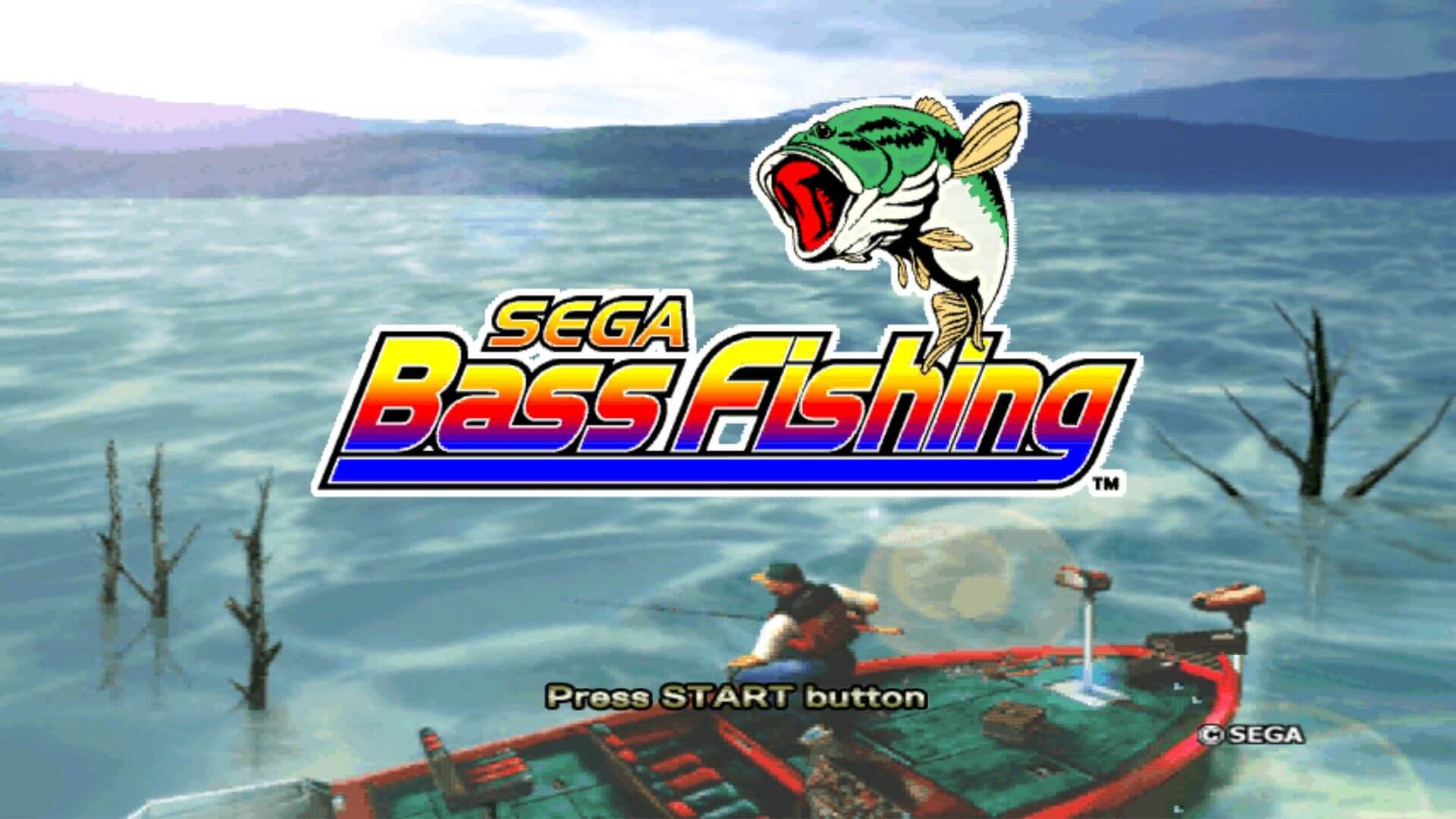
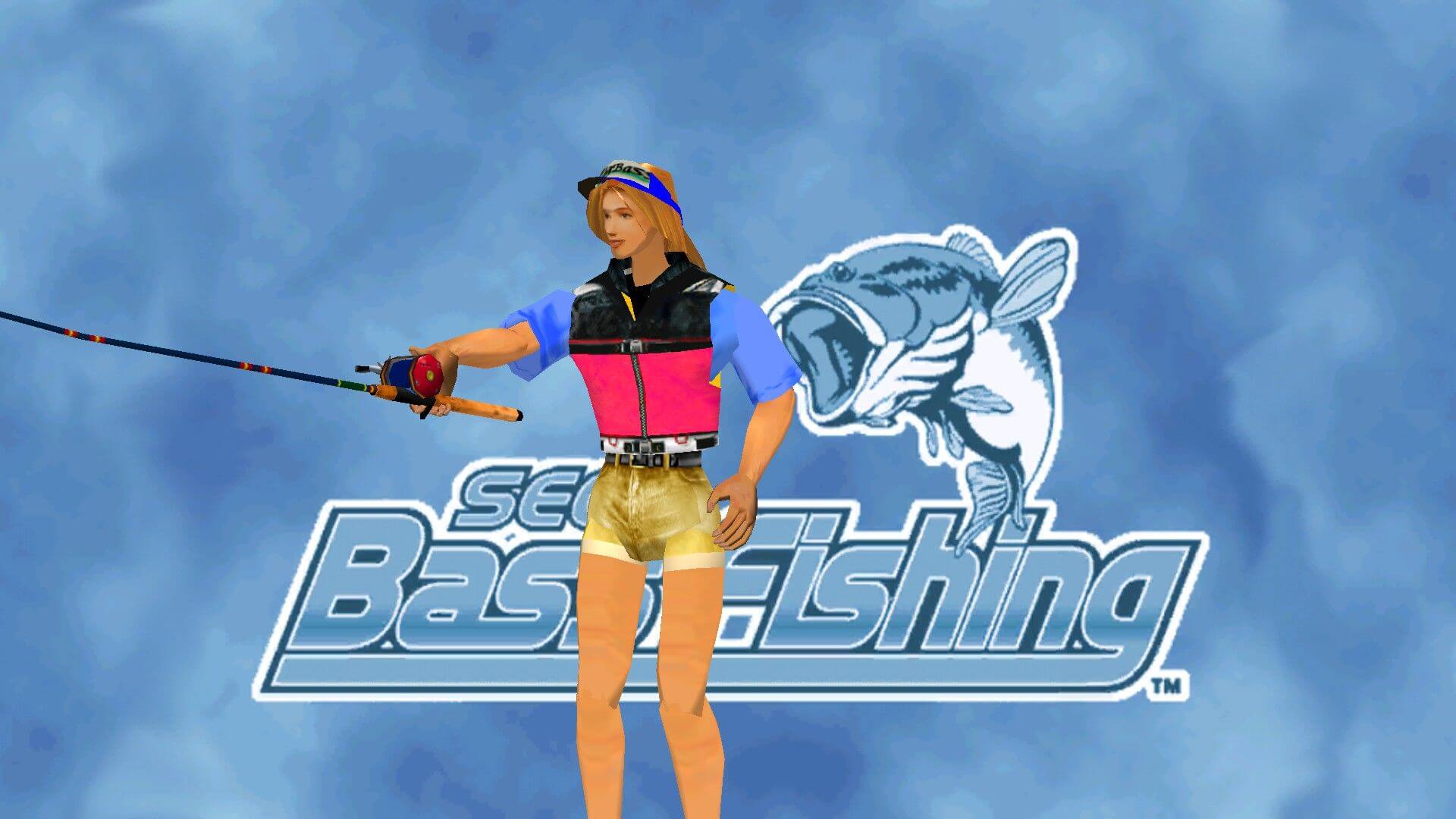
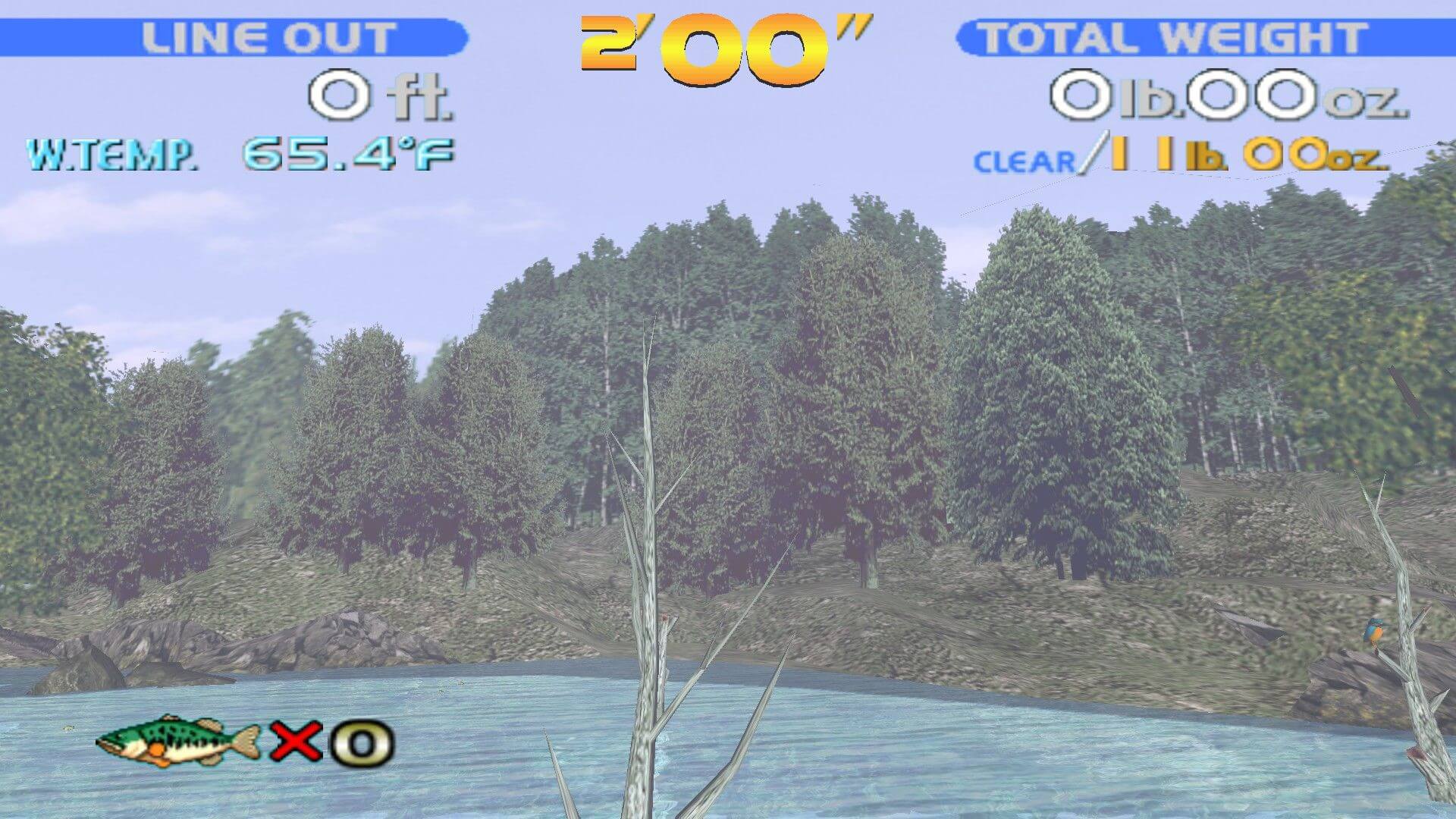
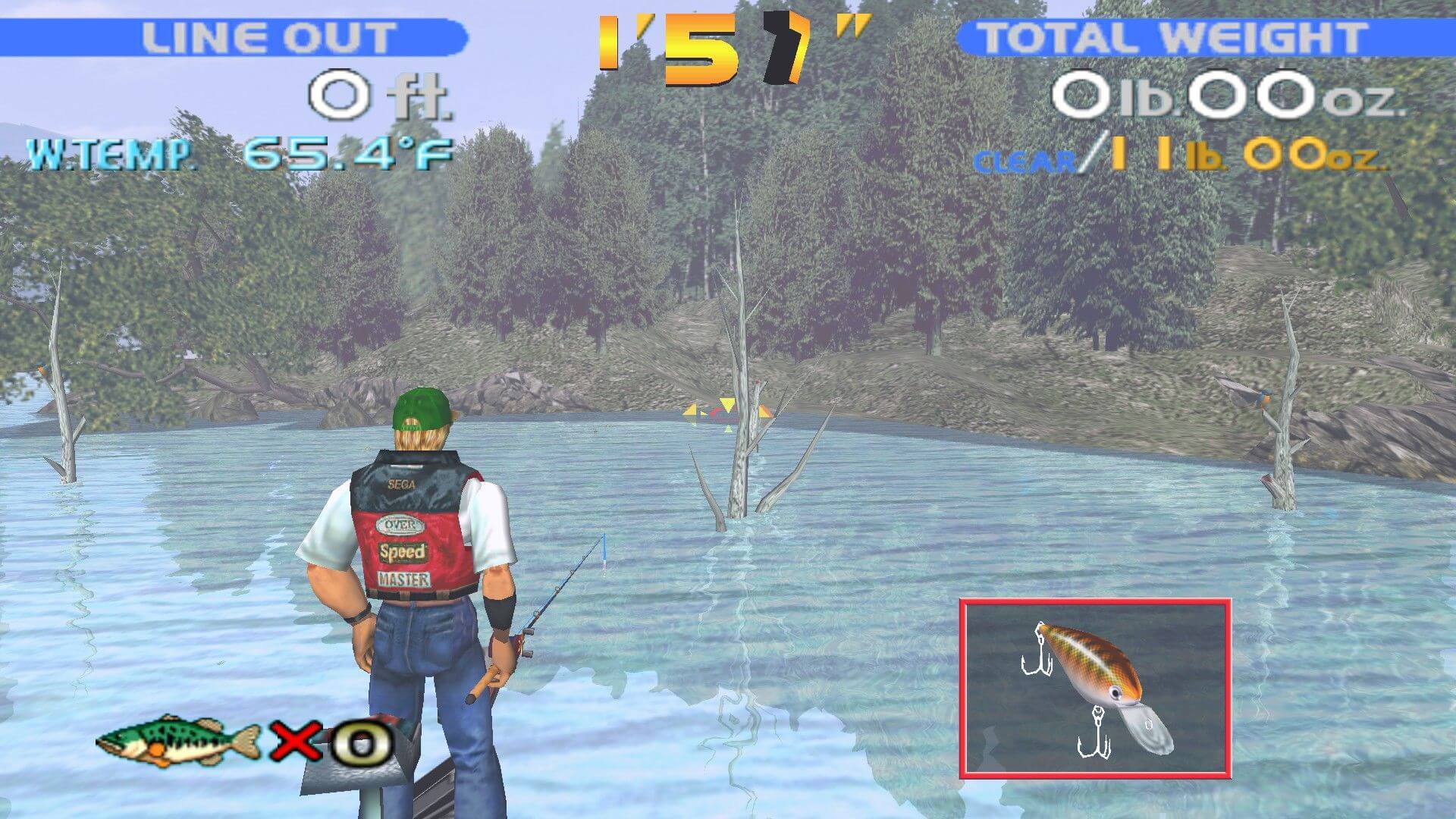
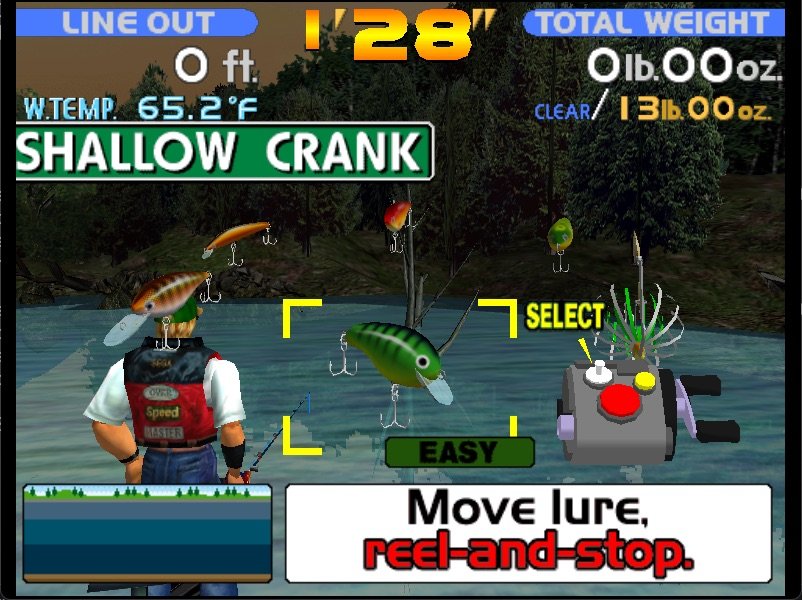
SEGA Bass Fishing is an excellent bass fishing simulation that has been unfortunately ignored by PC gamers, perhaps due to the mistaken "it is probably not in-depth or realistic" attitude associated with the game's console origins (this is the PC port of a Dreamcast original).
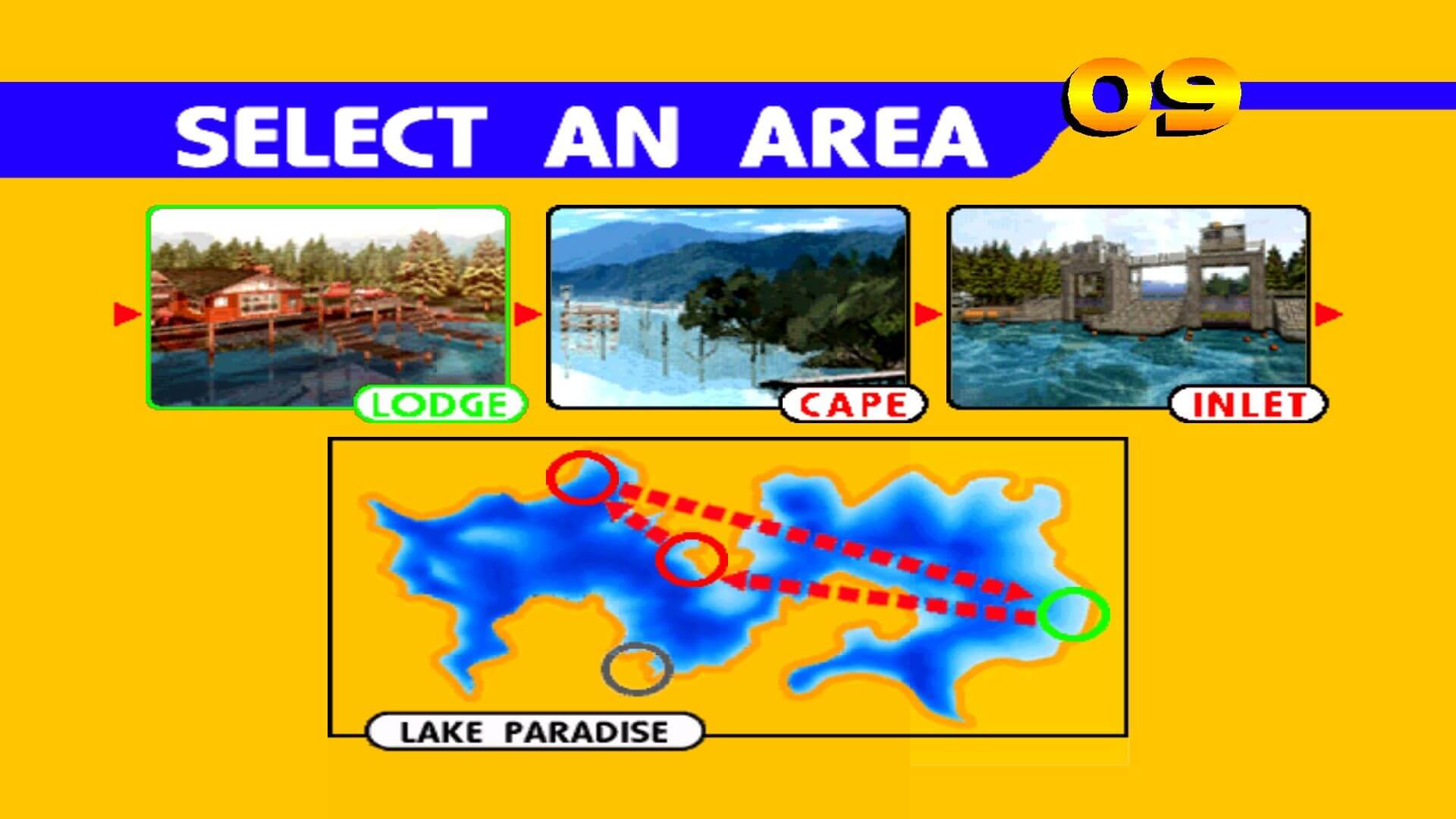
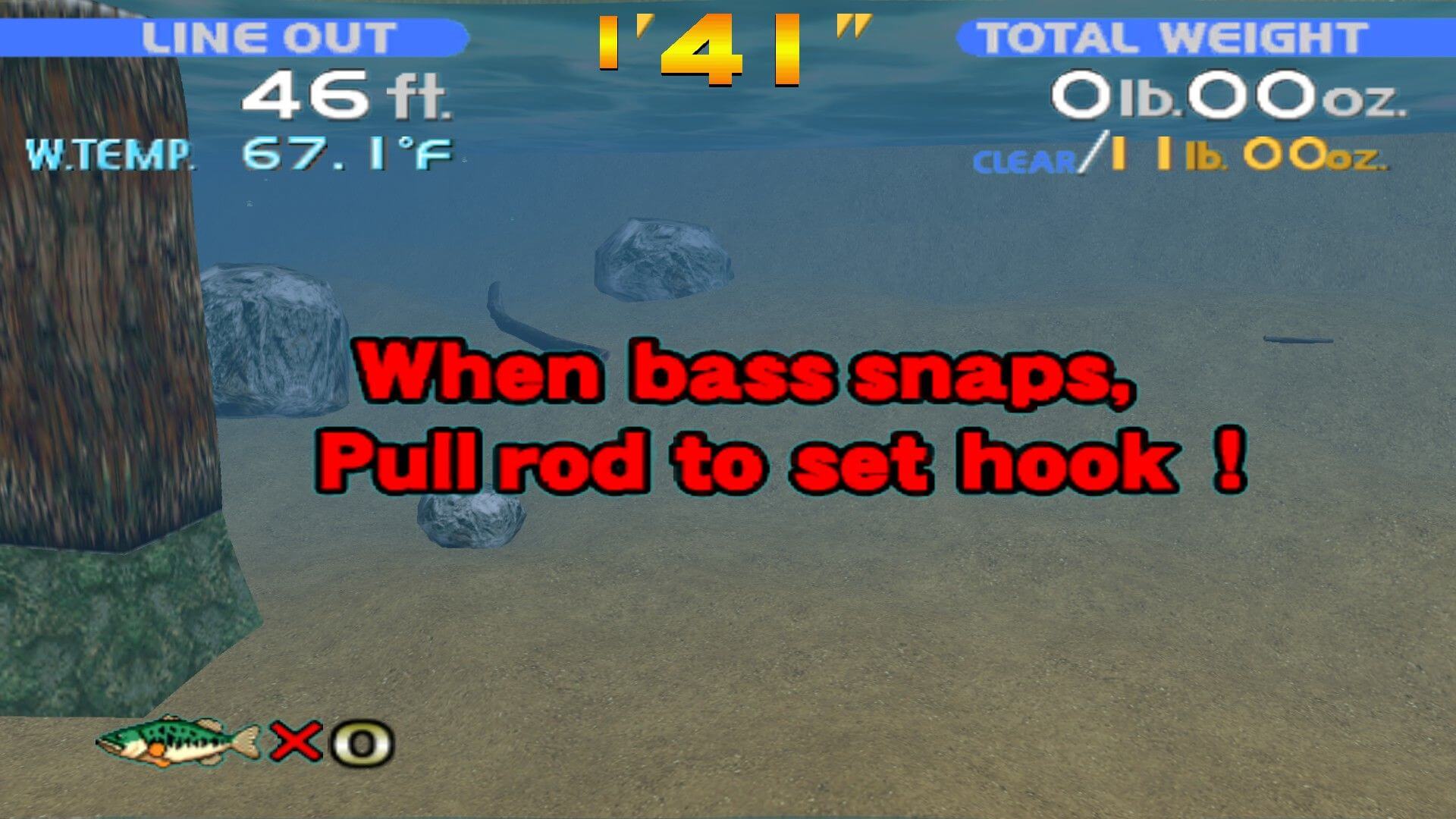
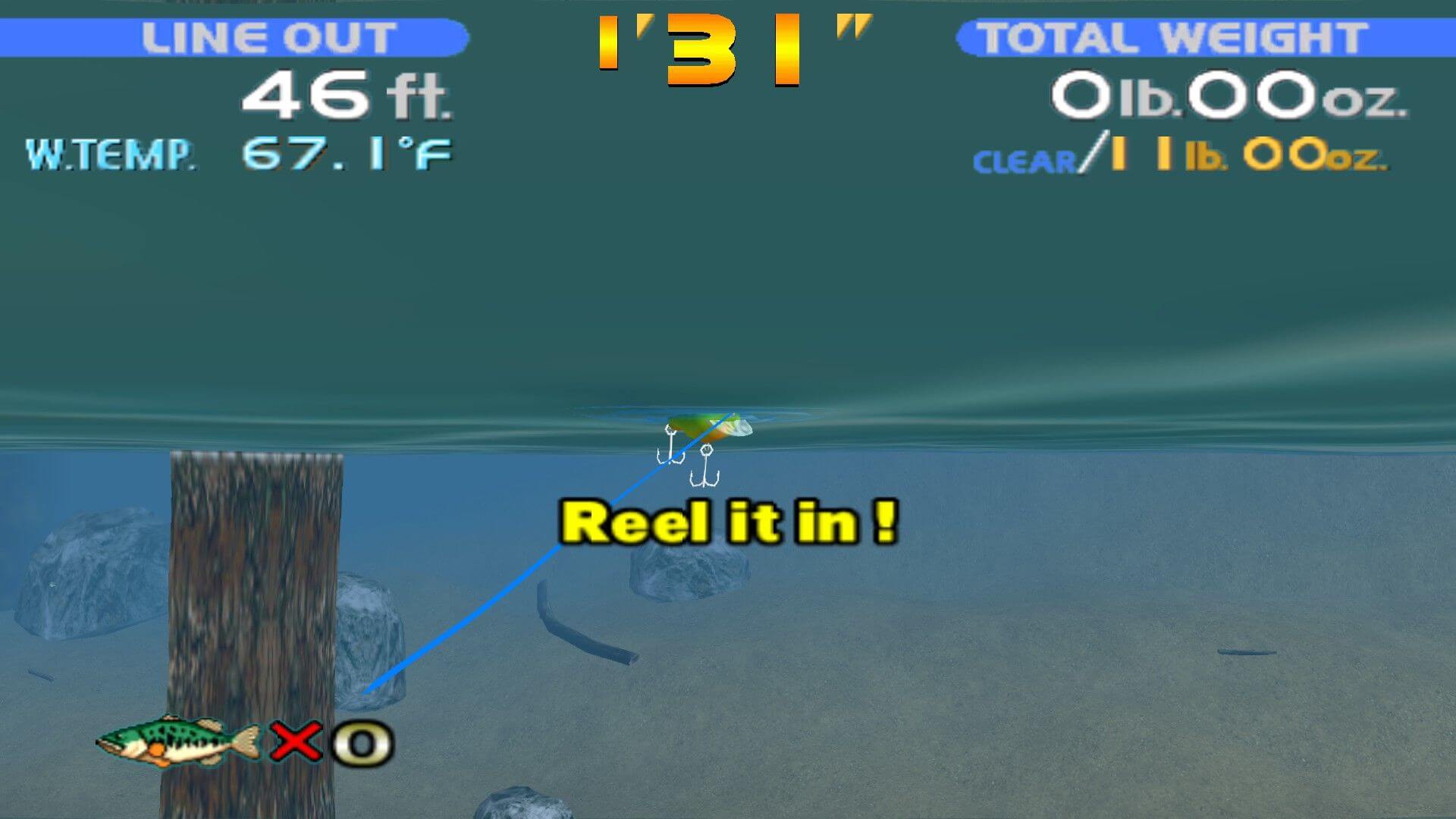
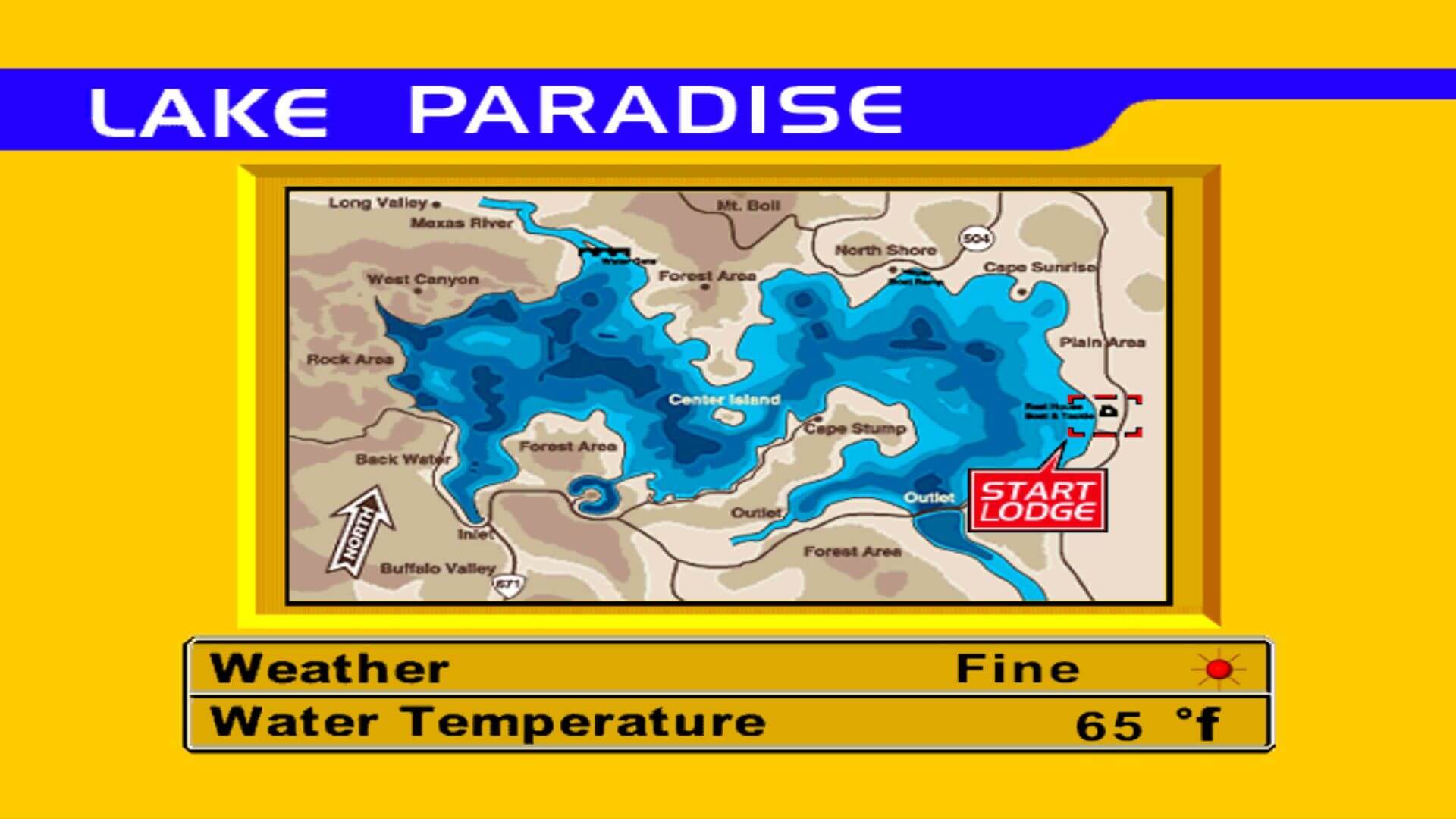
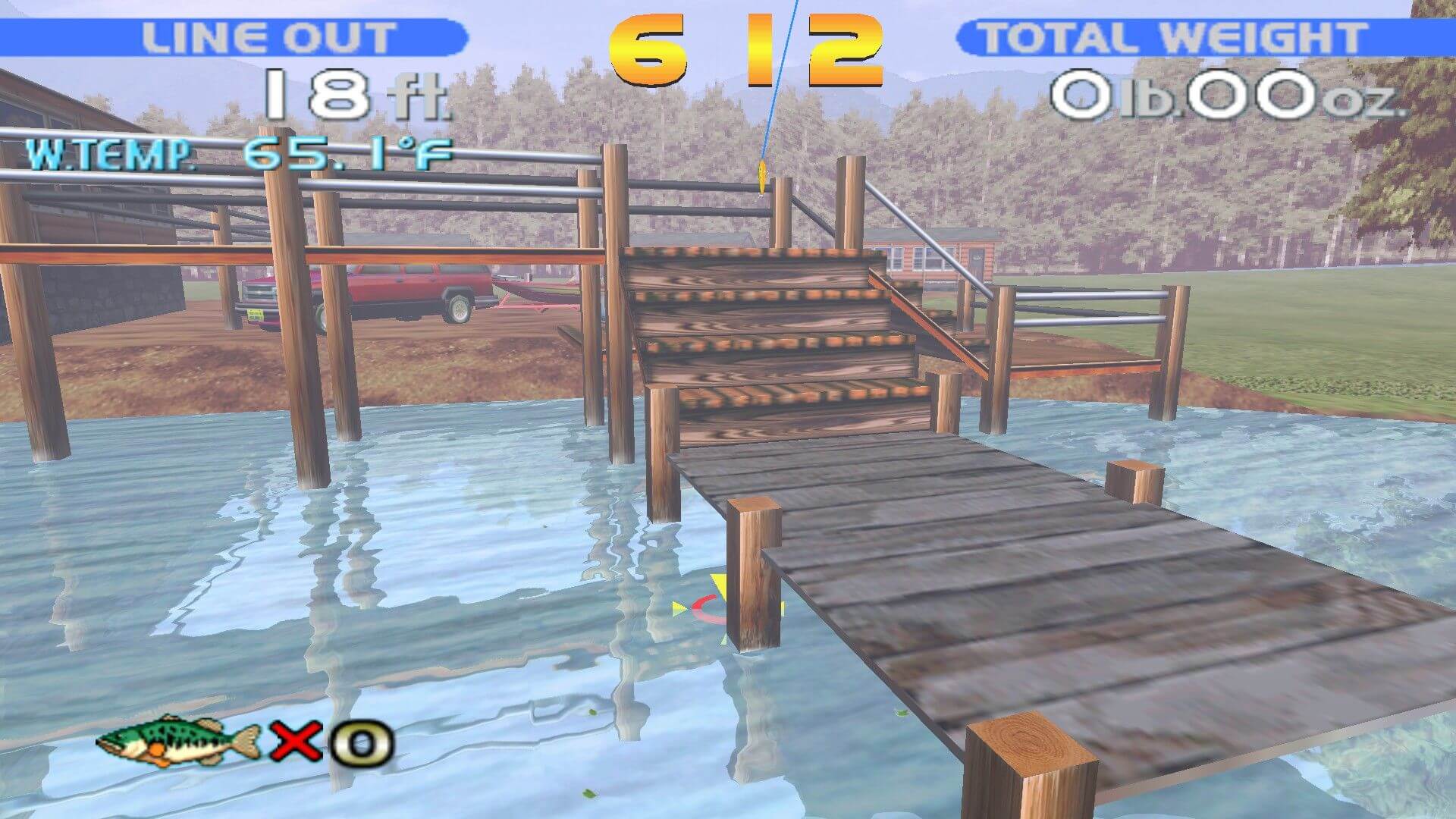
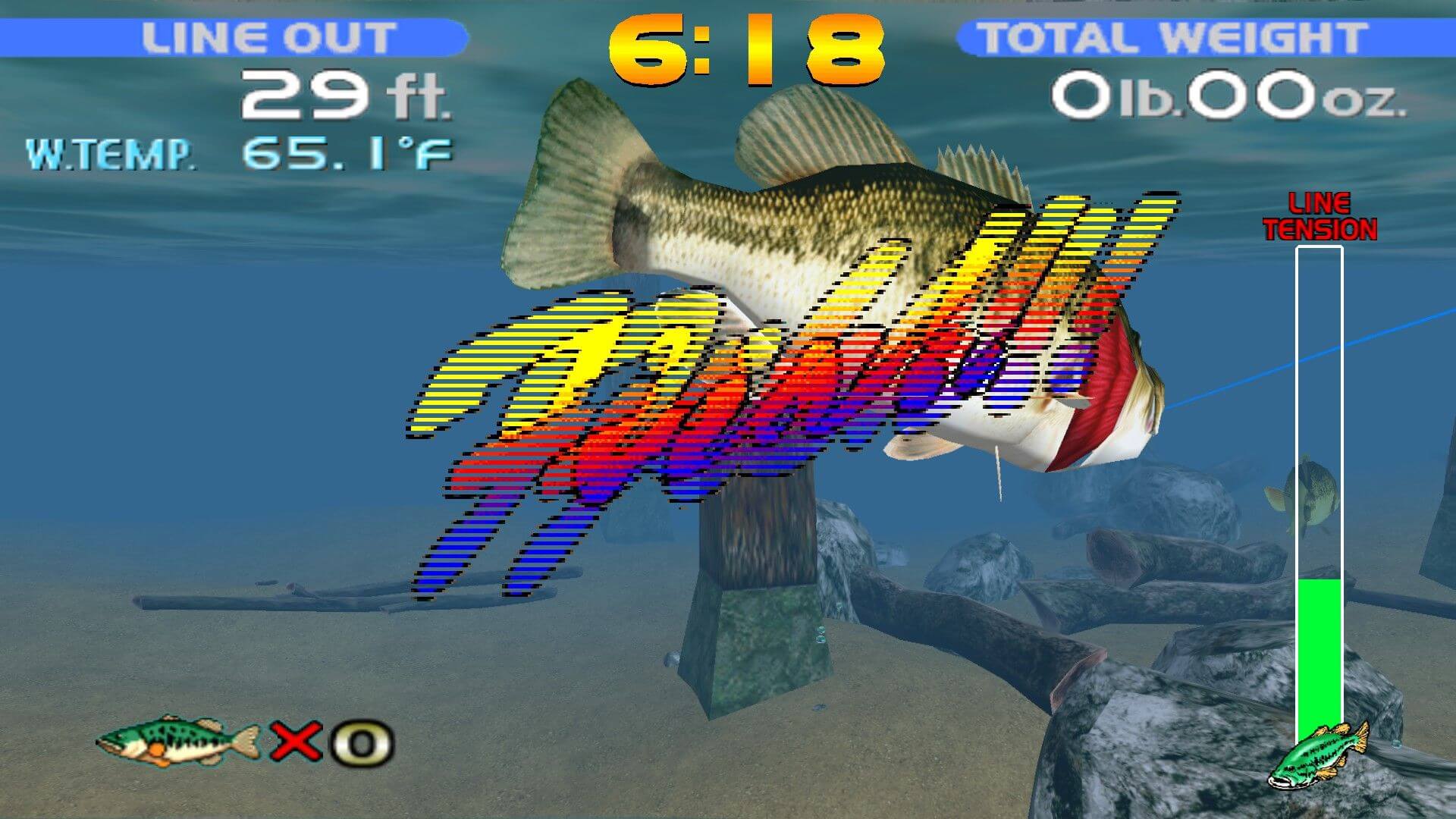
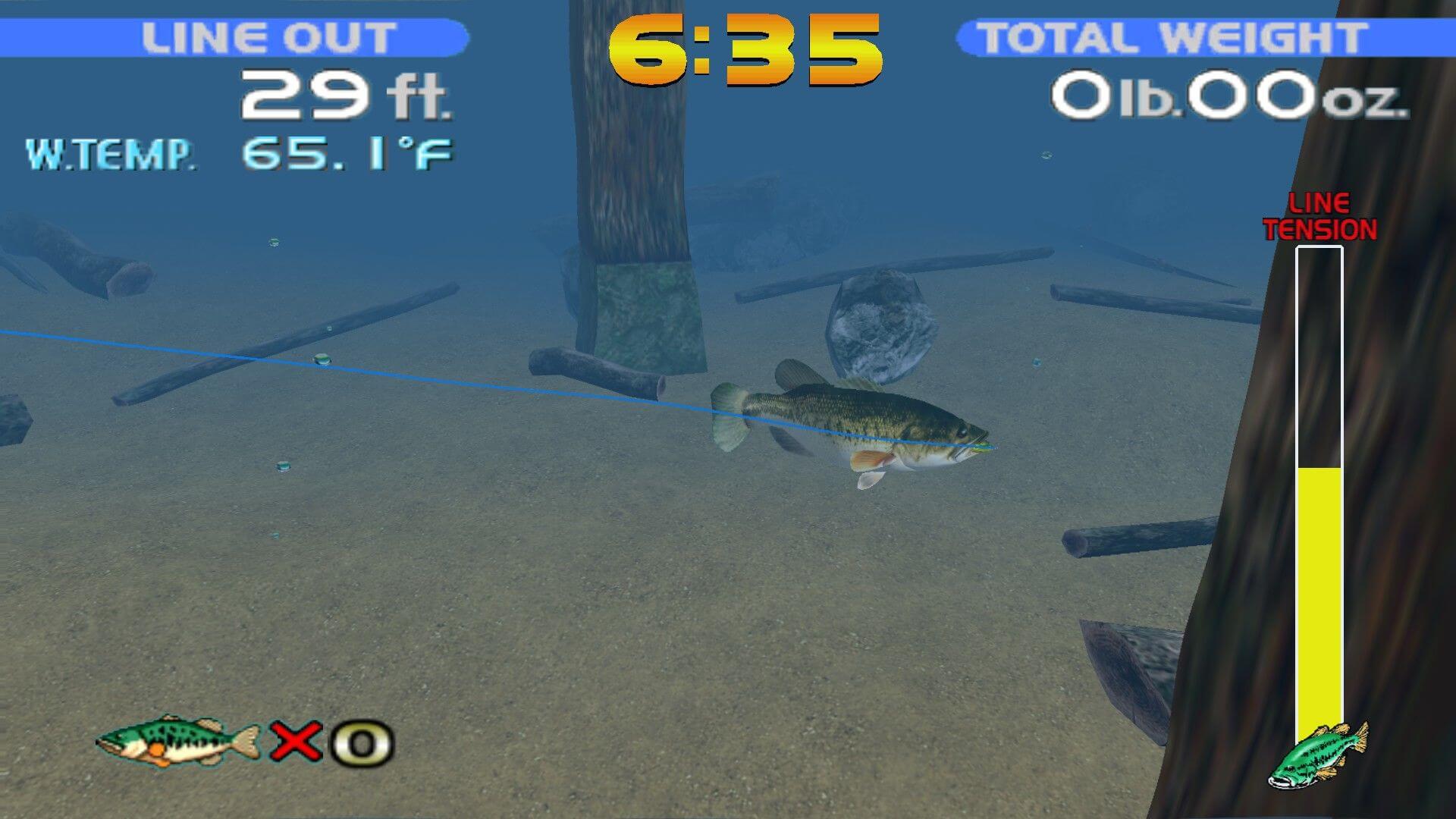
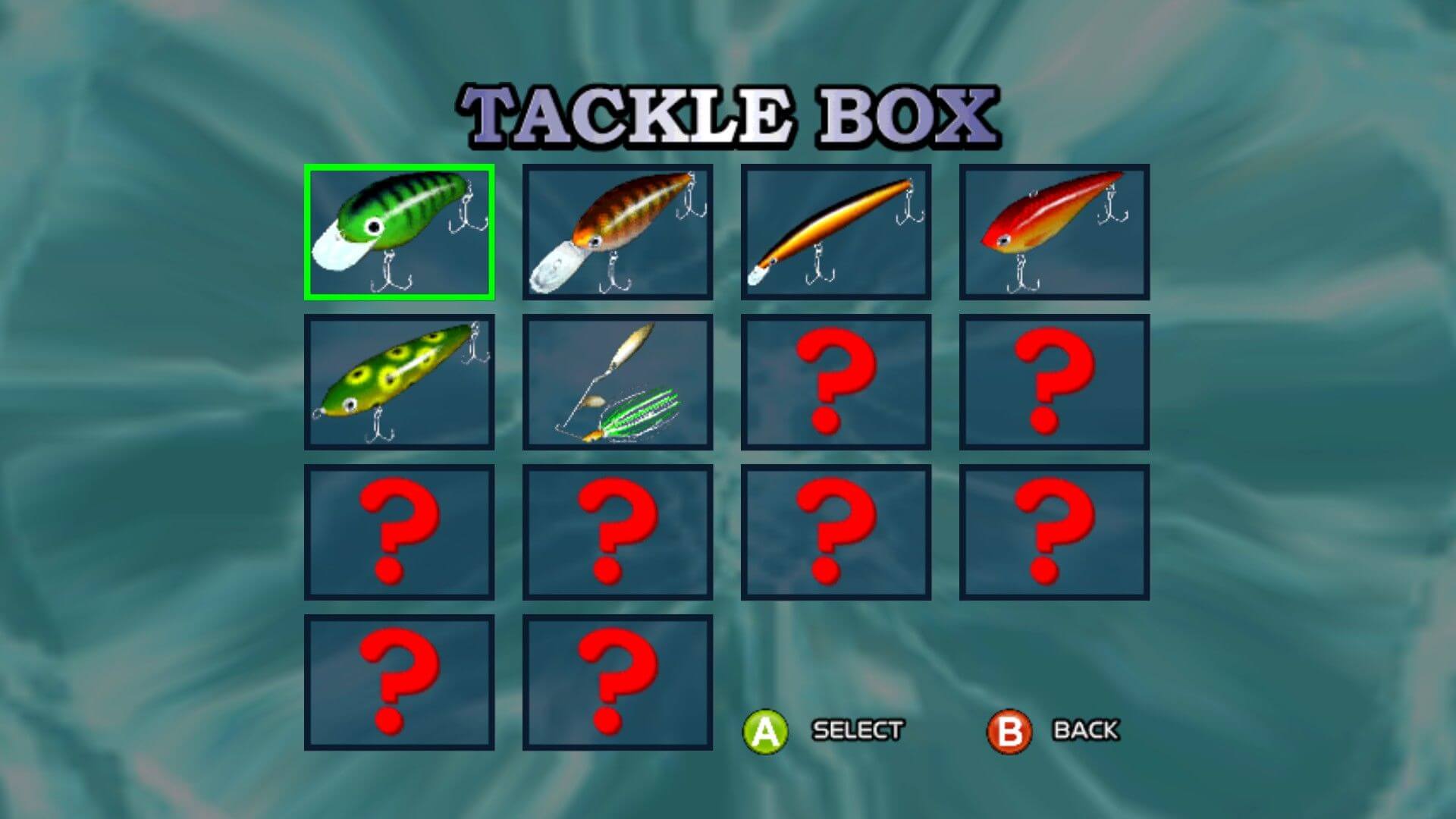
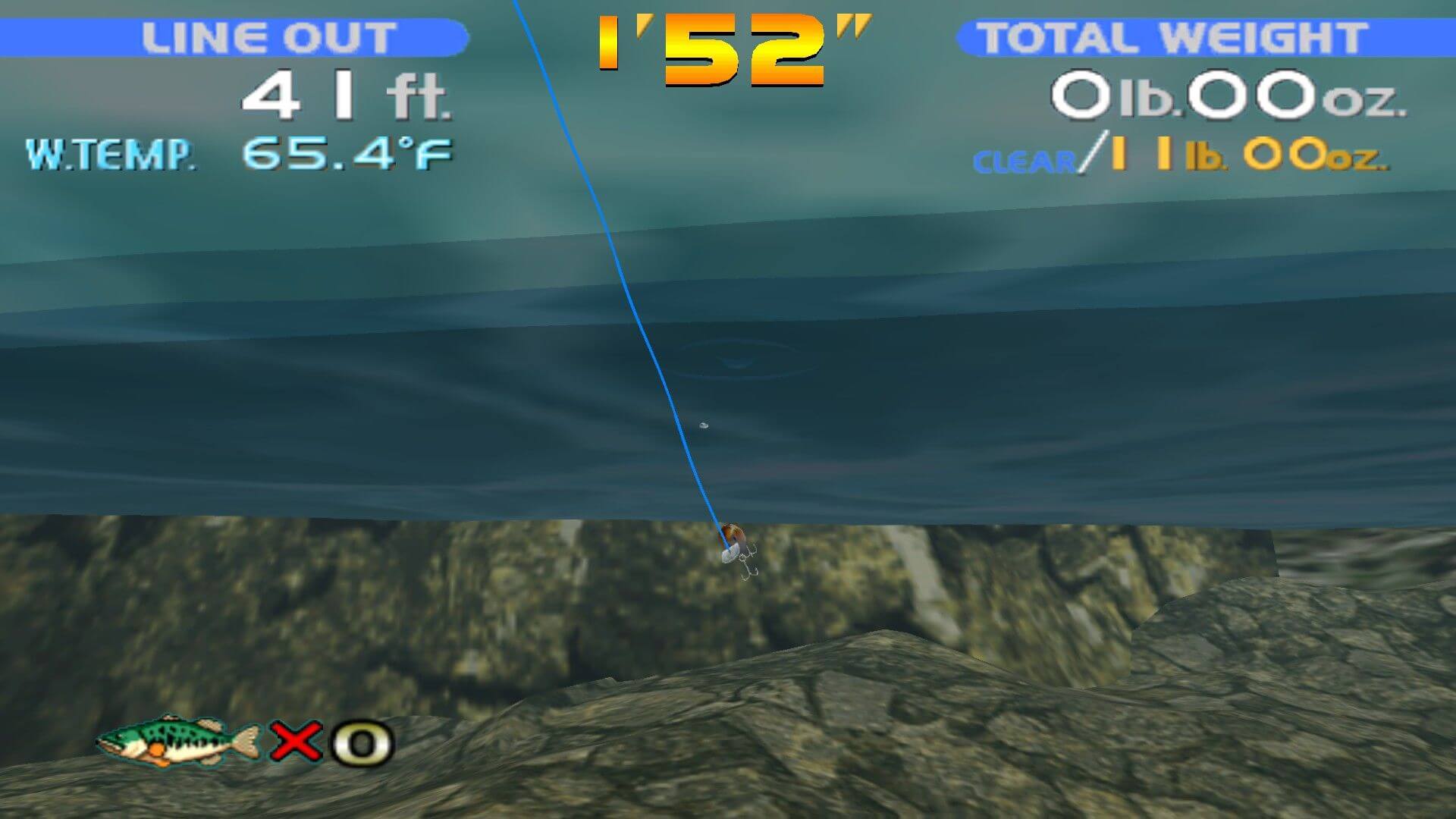
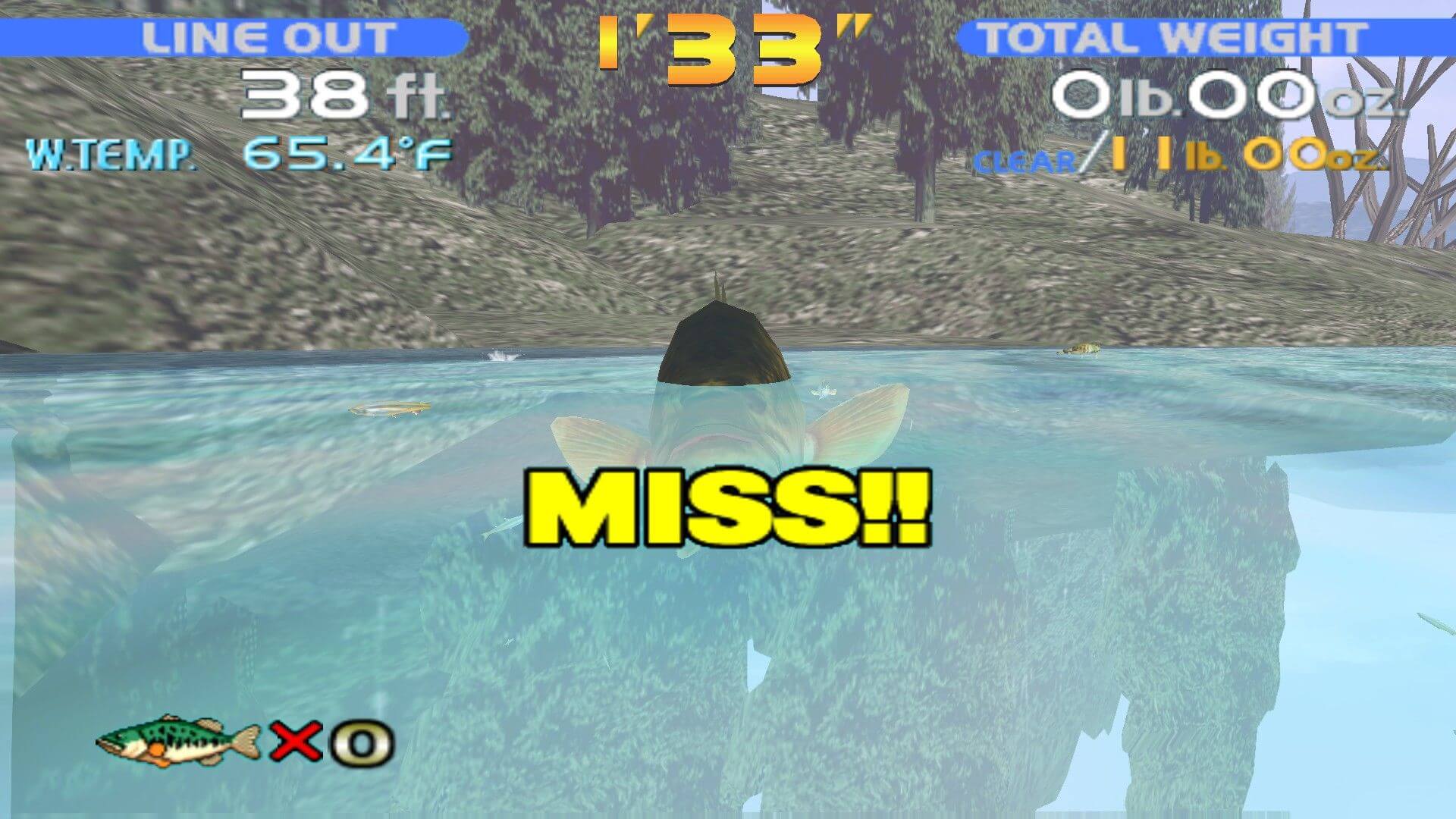
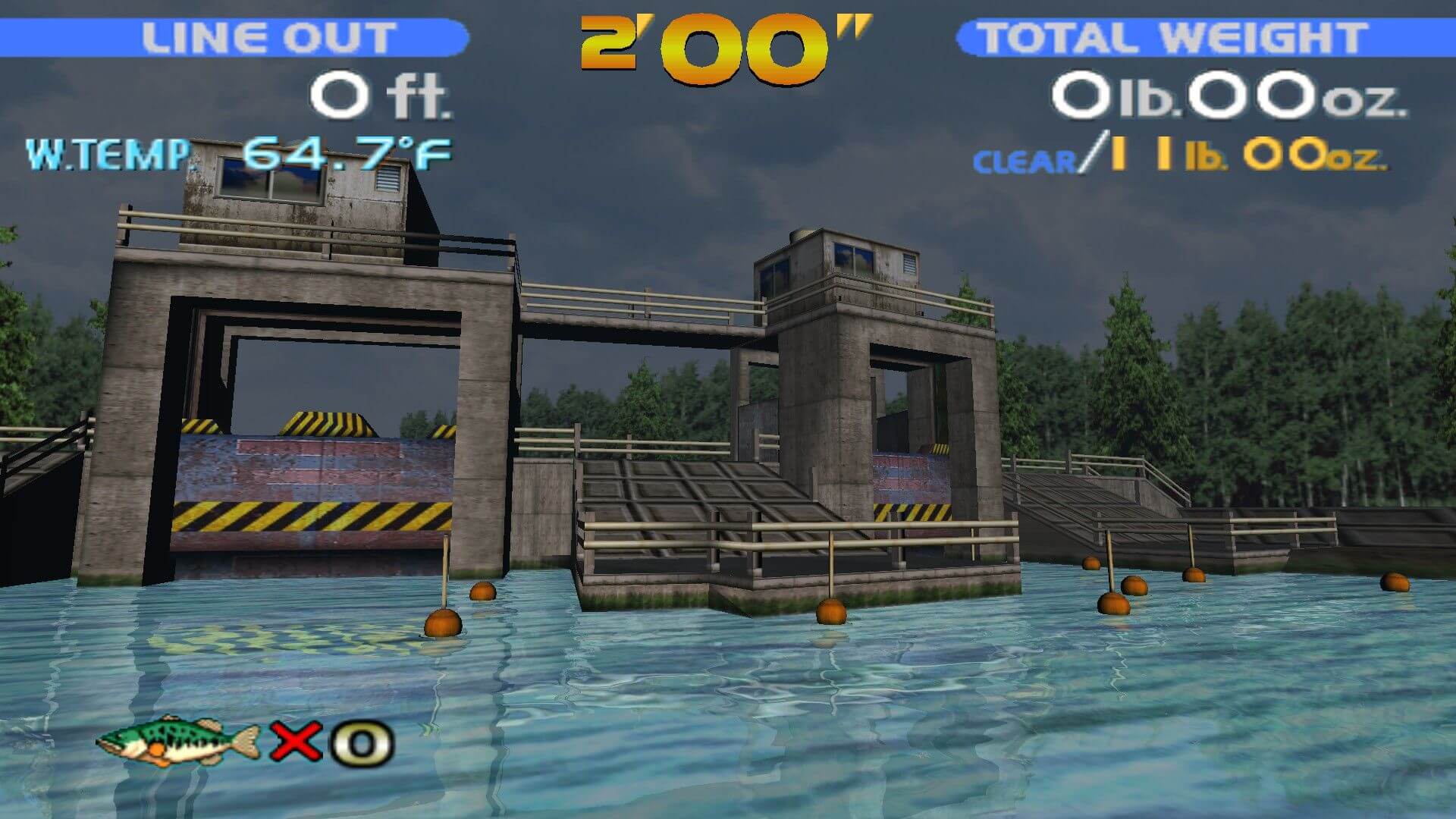
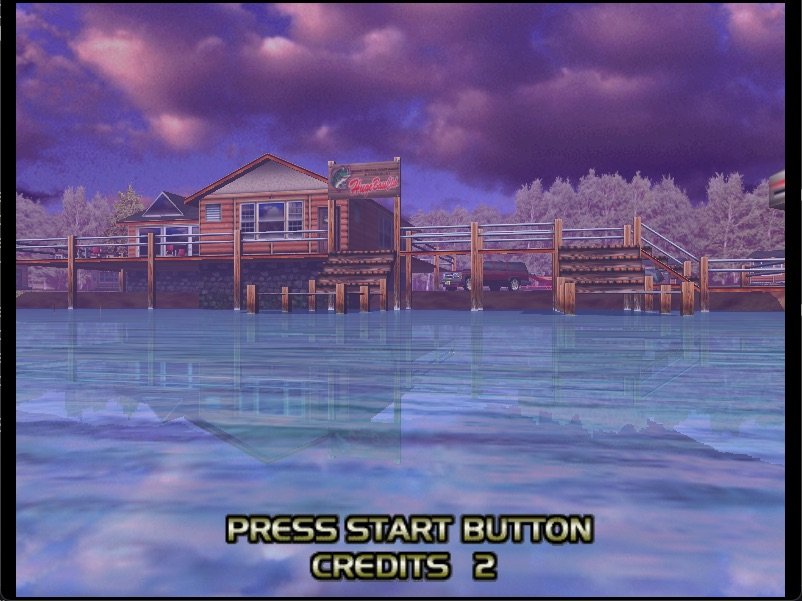
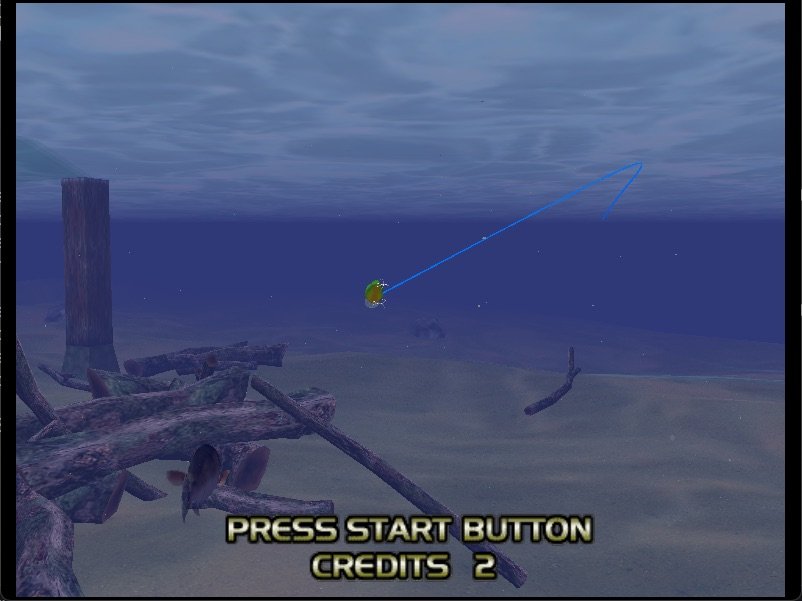
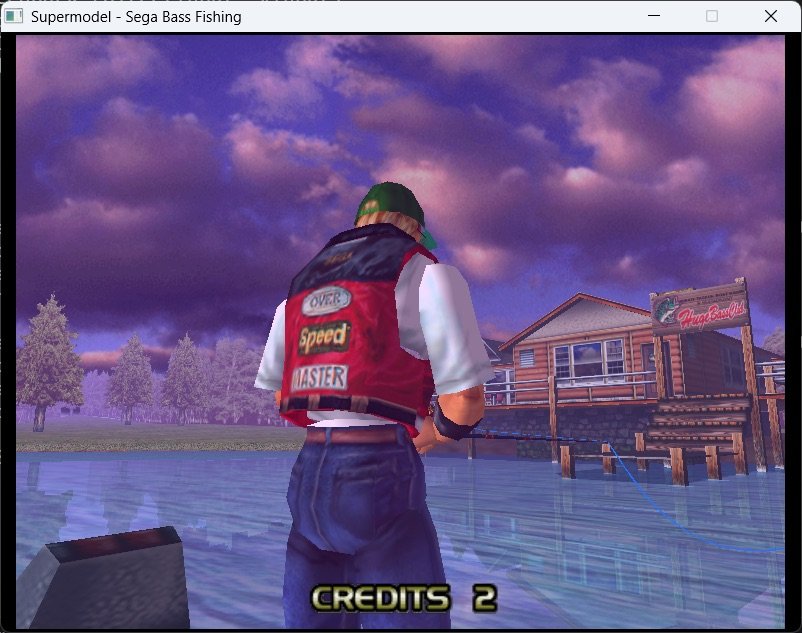
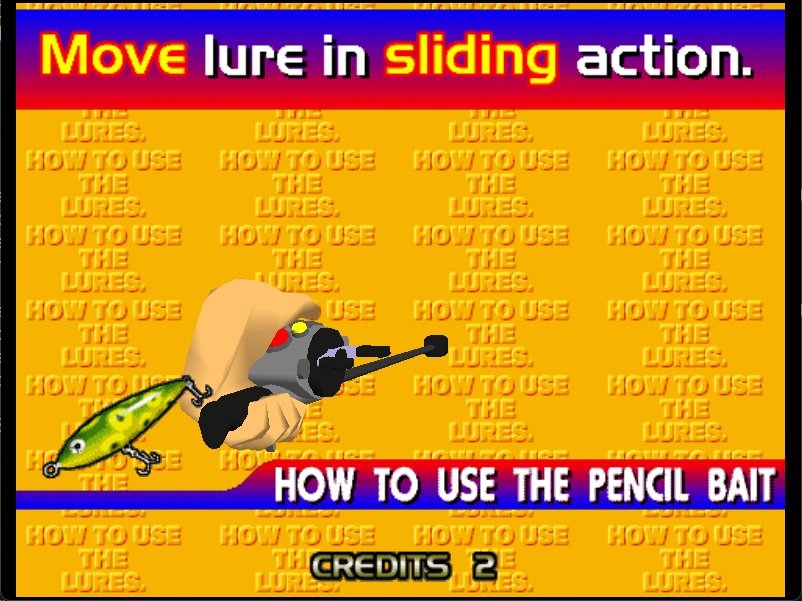
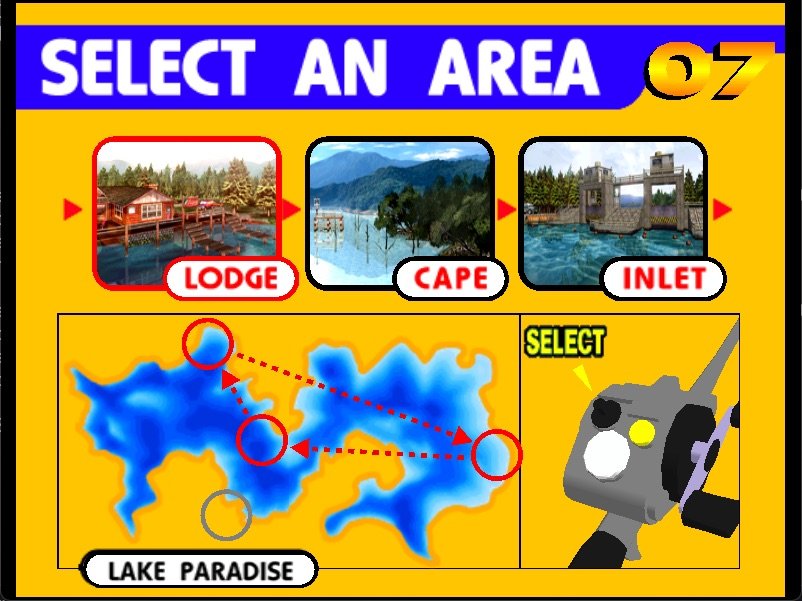
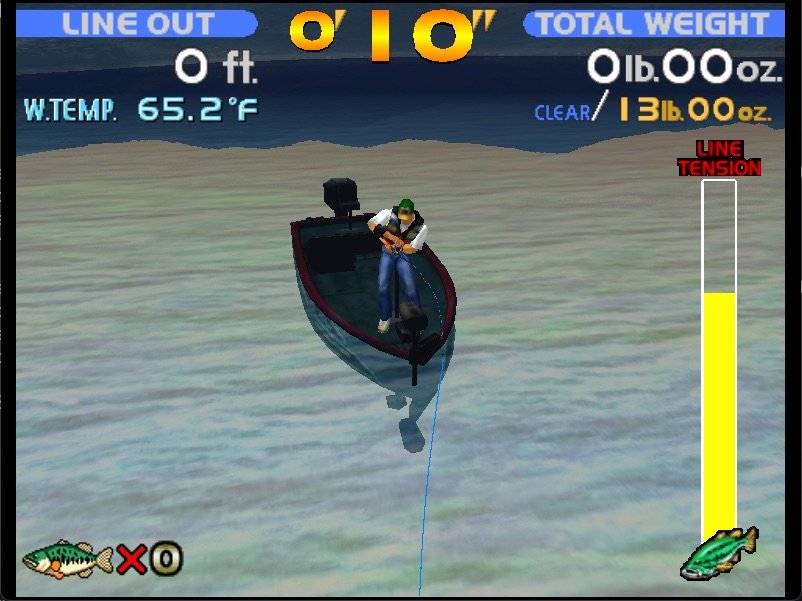
The game takes place on one of the nicest bass fishing lakes the world has to offer: Lake Paradise. Here, you will have a chance to fish in 8 different areas of the lake, all rendered in beautiful 3D graphics. You can also use up to 14 different lures, deal with various weather conditions that affect both the mood of the fish and their quantity.
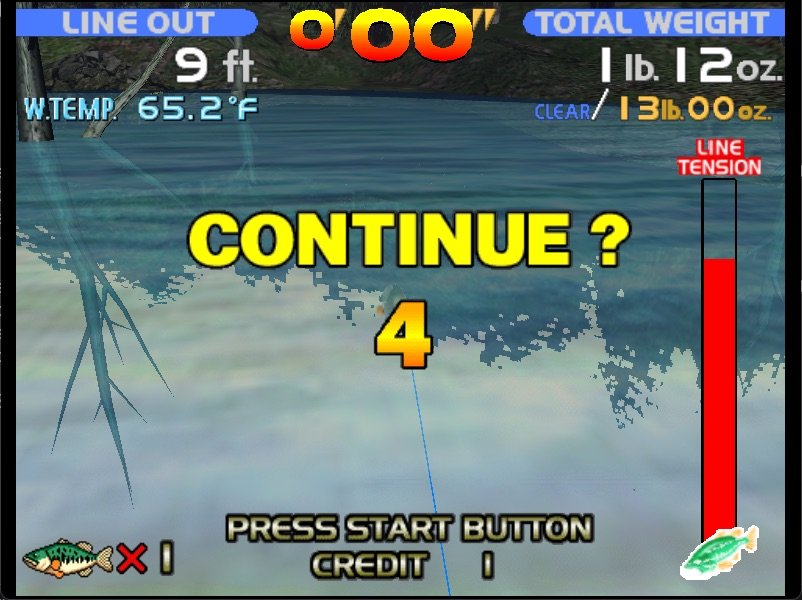
There are 3 different modes of play in the game: Arcade Mode, Original Mode, and Practice Mode. If you want the thrill of fishing without worrying about realism factors, the Arcade Mode is for you. Here your objective is to catch a given amount of bass (measured by pounds) under a strict time limit. The higher the level, the more fish you need to catch, and the shorter the time limit you are given. You can continue for as many times as you want if you fail any level, making this mode a good practice for the tournament play in the Original Mode.
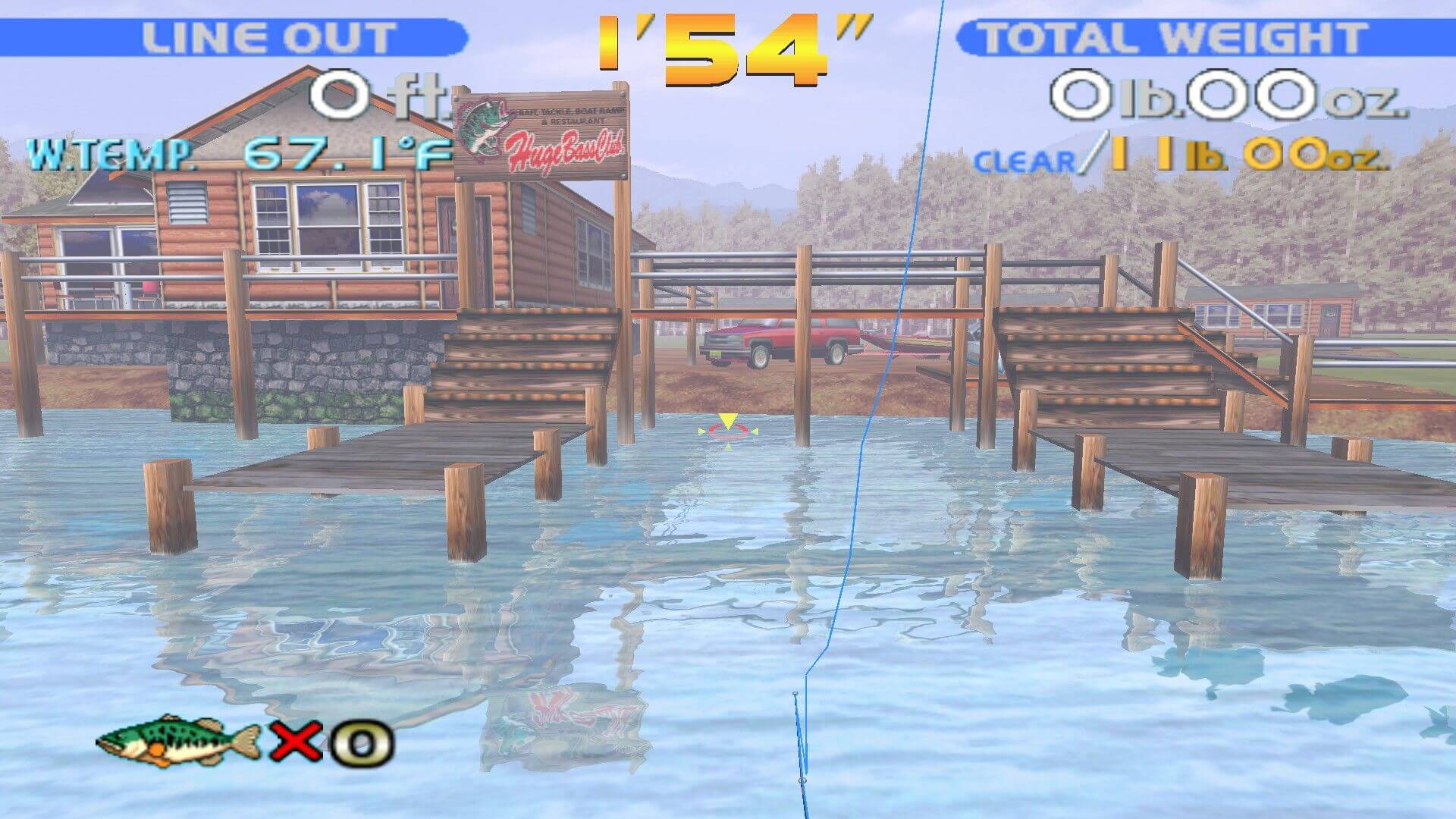
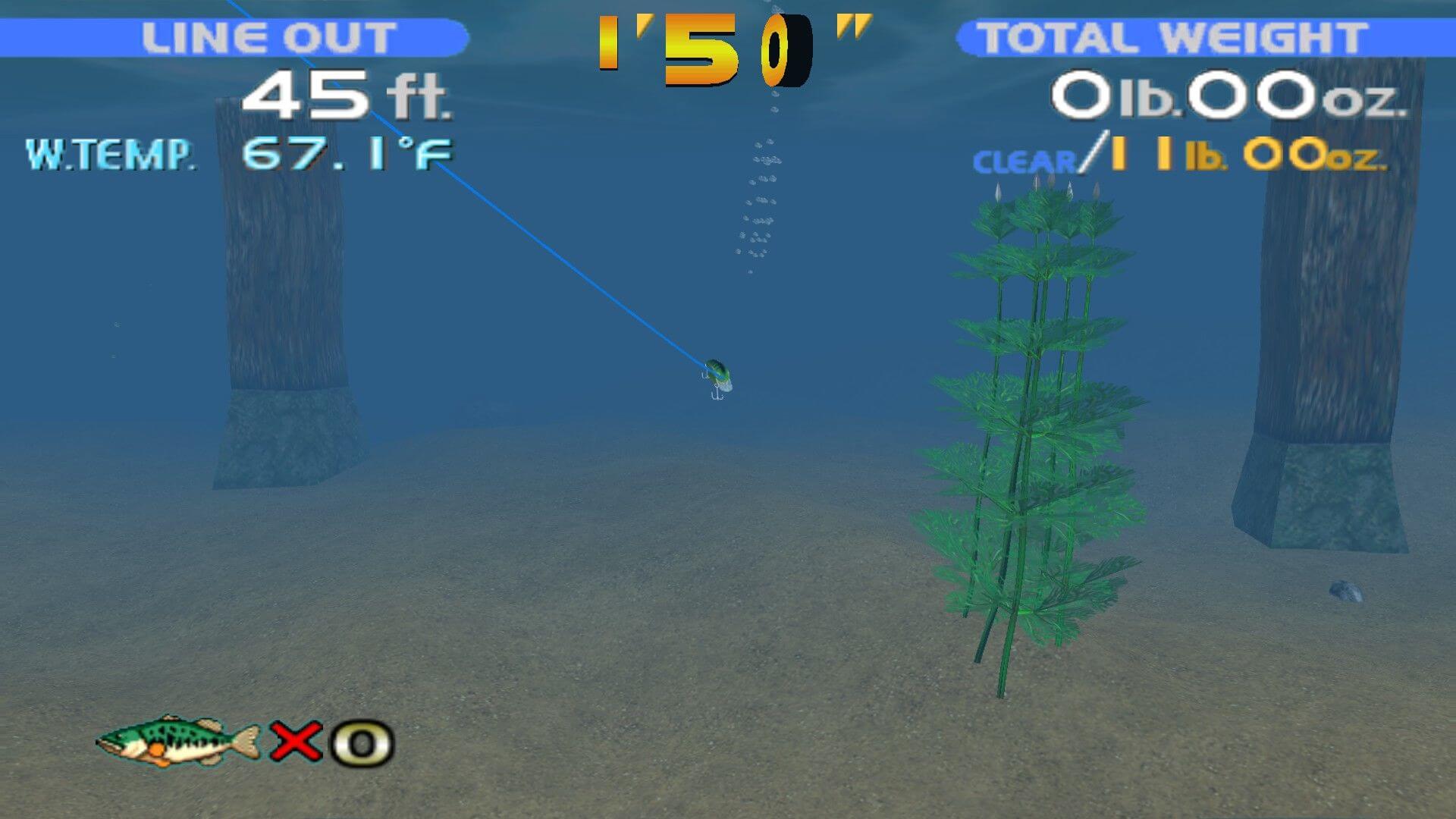
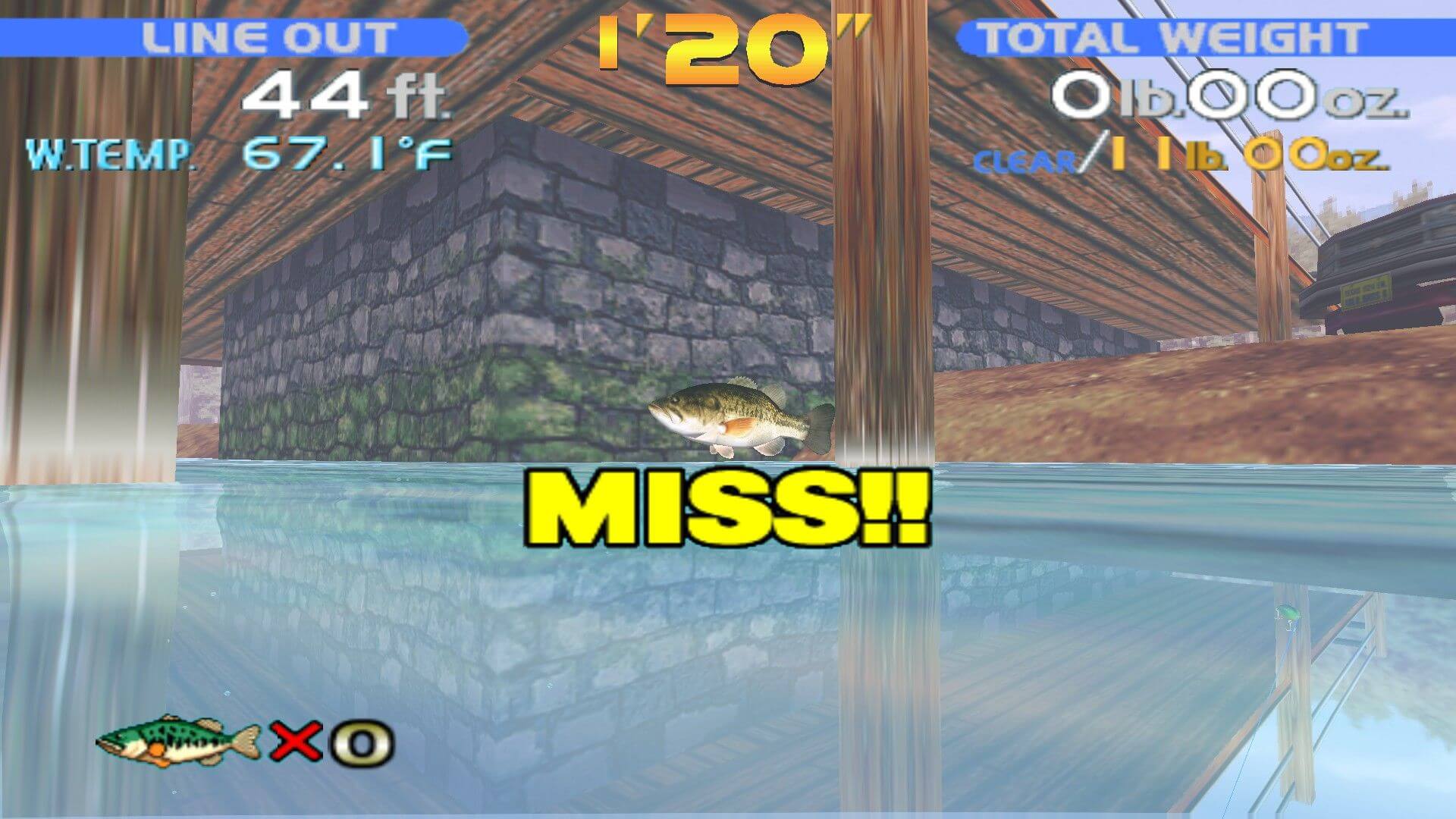
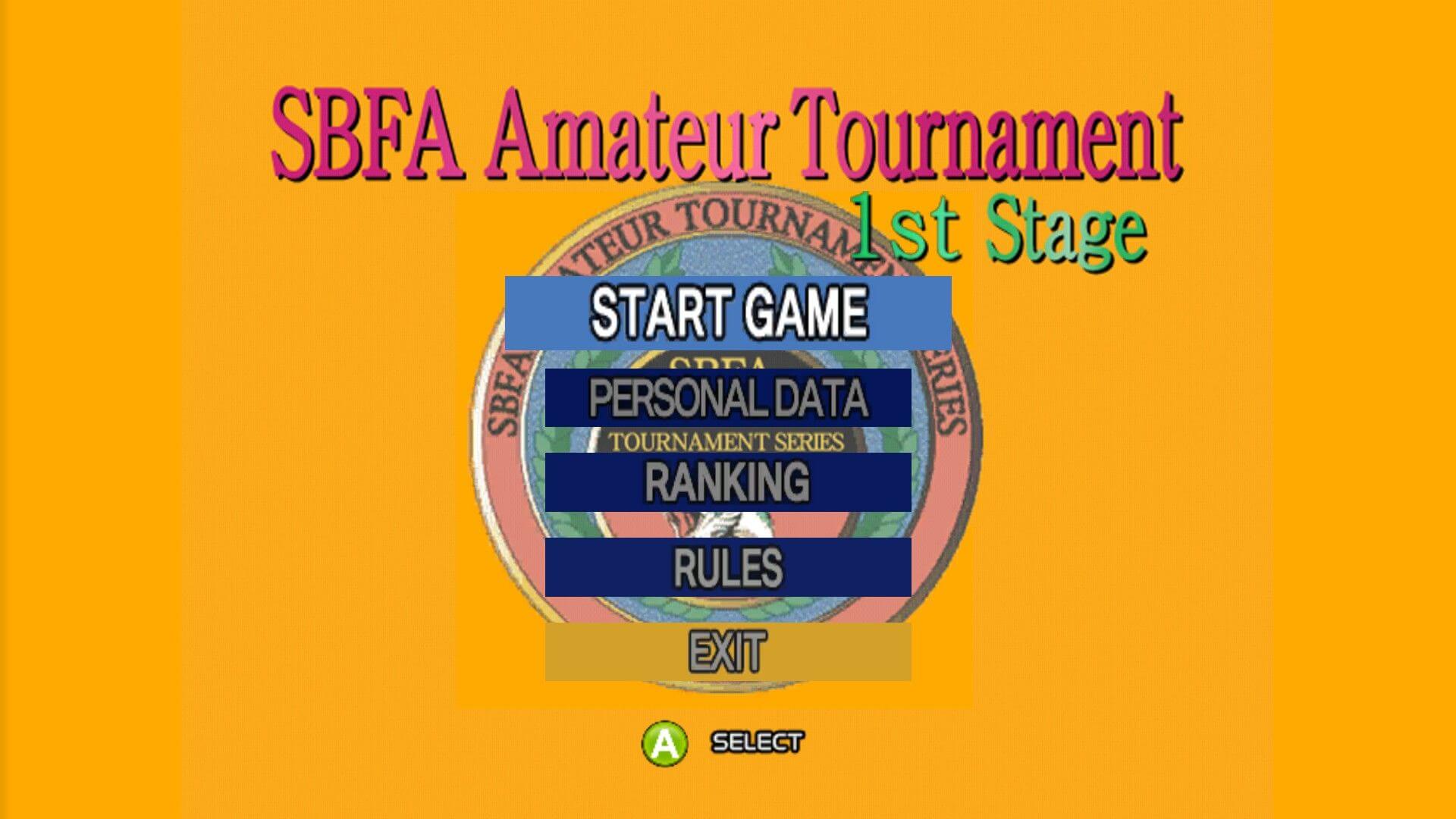
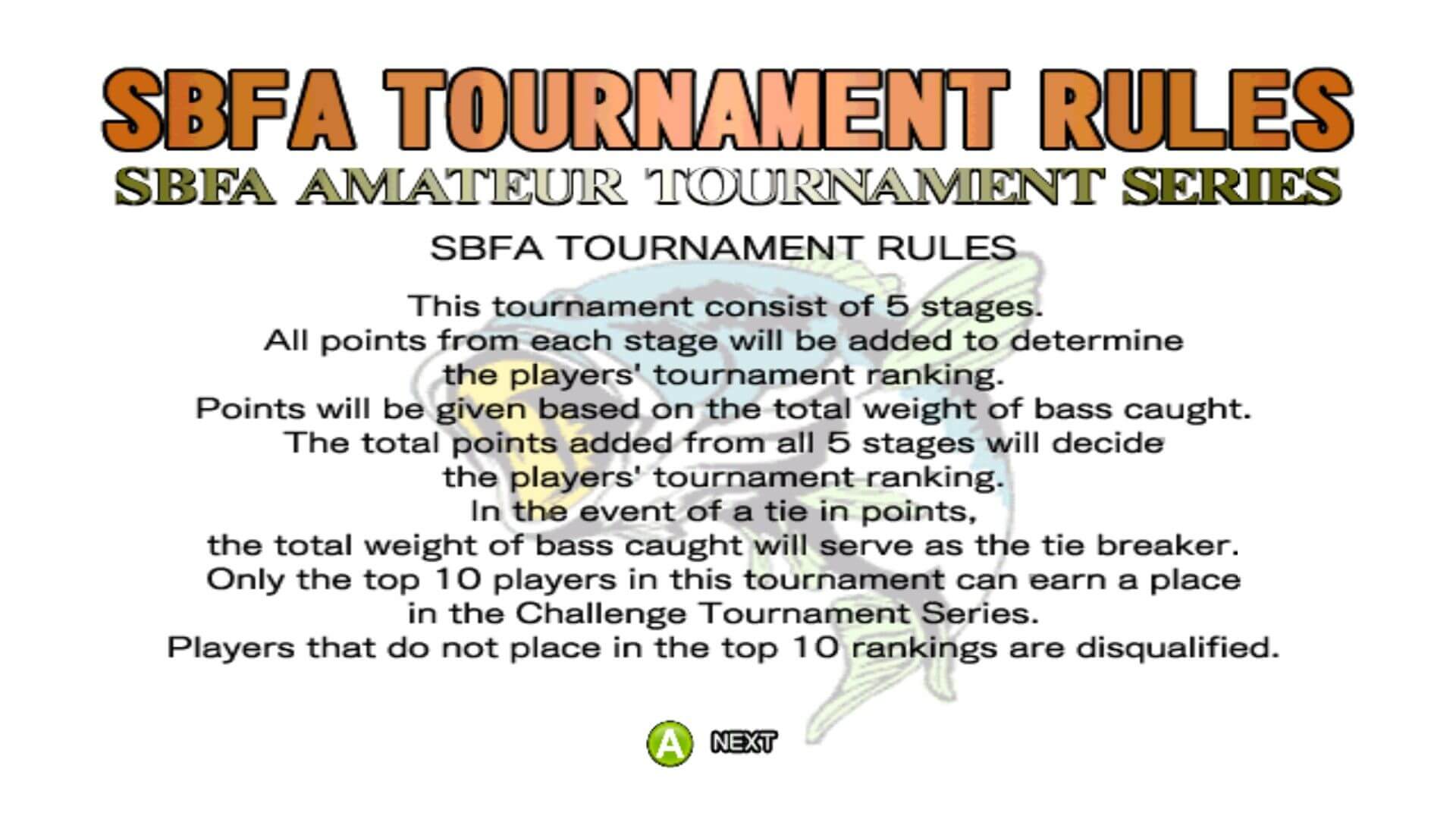
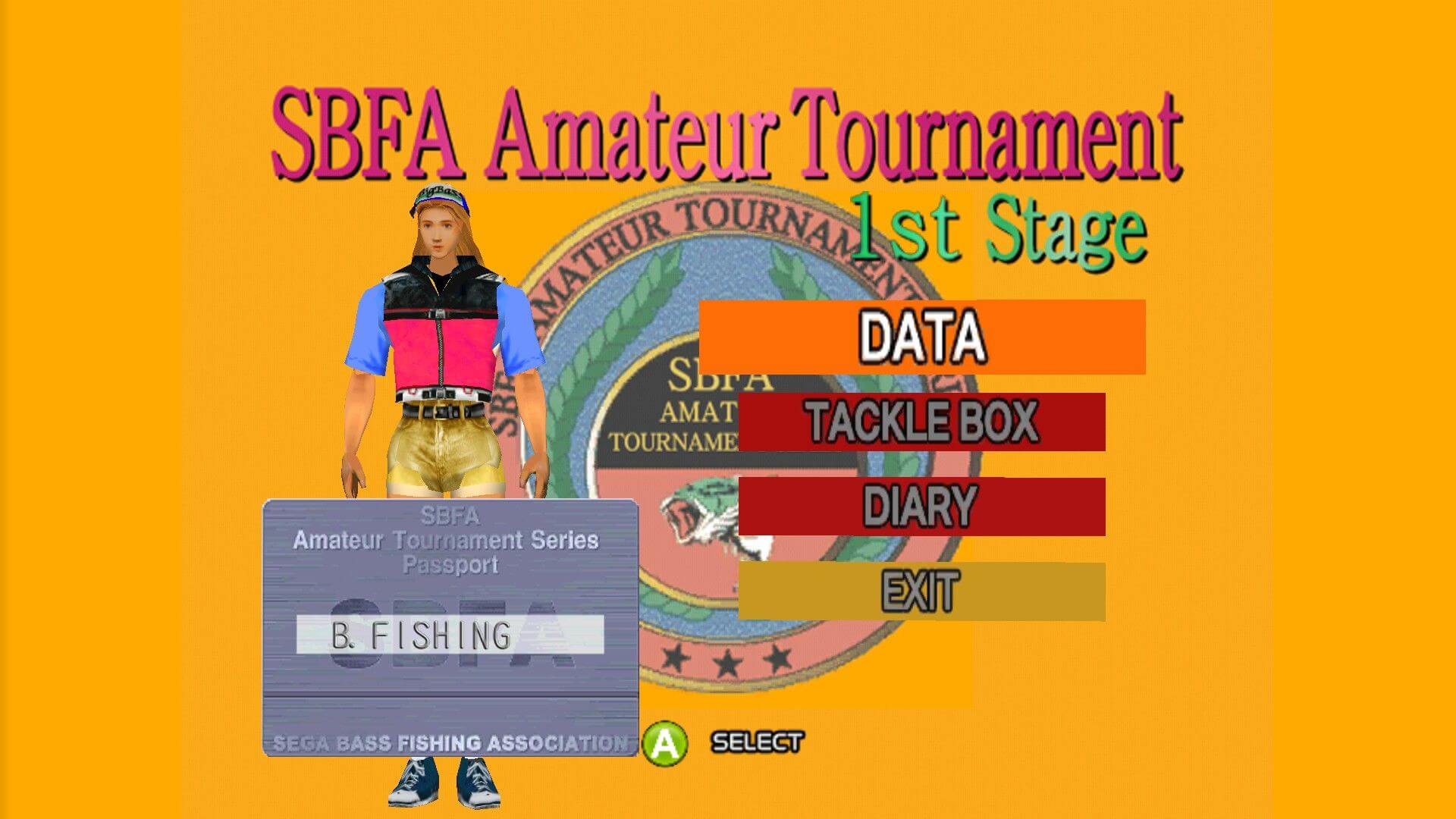
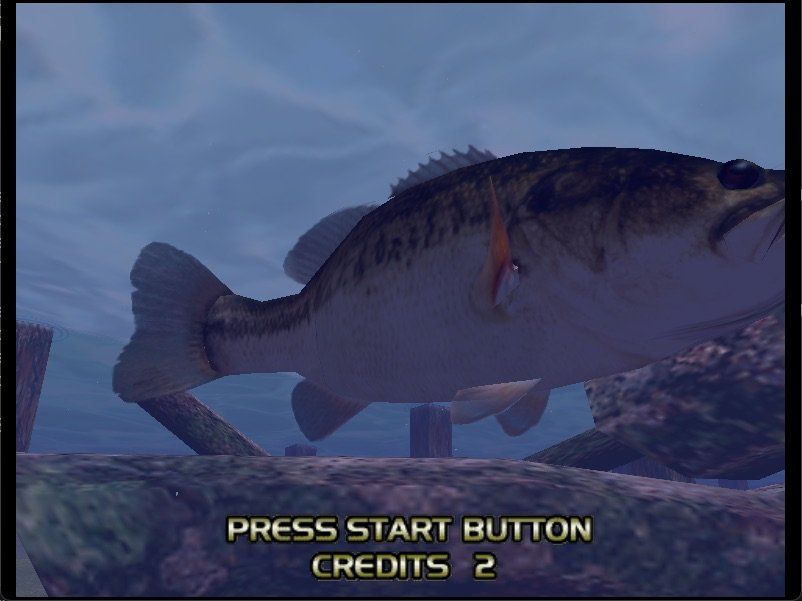
In the Original Mode, you will compete as an SBFA (Sega Bass Fishing Association) amateur angler against computer players in a bid to win cash prizes in each tournament and proceed up the ladder to become the world's best champion angler. As one would expect from a SEGA game, the graphics are excellent and the interface very easy to use. You can alter the time of day, time limit, pound limit, whether you want to be a male or a female angler, and many more parameters. Although it is a port of the Dreamcast, the game's graphics is comparable to console at maximum detail level and 3D card. You can see sunlight reflected on the water, see the shadows of fish lurking under bridges, and see various weather effects come to life. Although I am by no means an expert angler, I am still impressed with many realistic elements that stand out from the arcade-style action. For example, the fish will react to changing weather conditions and types of lures you use. Sound effects also greatly enhance the experience: not only will you hear the sounds of bait and fish, but also ambient sounds such as the chirping of birds, the hum of boat motors, and much more.
All in all, SEGA Bass Fishing is a must-have if you enjoy atmospheric fishing games. It may not be as popular as Sierra's Trophy Bass Fishing games, but SEGA's game is no less fun. If you like the game and have a Dreamcast console at home, look for the superior sequel in stores. You can also purchase a fishing-pole controller that makes the experience even more authentic. Too bad this unique controller was never released with the PC version. Two thumbs up, way up!
Review By HOTUD
External links
 MobyGames
 Wikipedia page
 PCGamingWiki
 Gameplay video
How to play SEGA Bass Fishing Windows
In 2011 SEGA Bass Fishing received an updated release as a part of Dreamcast Collection. That release had better graphics and native support for modern systems & widescreen resolutions. Later, the Dreamcast Collection version was used for Steam release of the game. We uploaded all releases of the game, check the Notes below for more details.
Both releases of the game has been tested on Windows 7 64-bit and Windows 10, it works fine. You may experience some small troubles when you play the game on modern systems, check our Notes for troubleshooting.
To install & play the original release you will need the utility for mounting disc image files, like WinCDEmu, UltraISO, Alcohol 52%/Alcohol 120% or Daemon Tools Lite, etc. The updated release is already pre-installed, NoCD is included, so you can simply extract the files from archive and play
Notes:
- If the installation doesn't start - try to launch Setup.exe as Administrator and in Compatibility mode with old version of Windows (98, 2000 or XP)
- The original release works on Direct3D 7, the updated release works on DirectX 9. So if you're using Windows 8, 8.1, 10 or 11 - you need to enable DirectPlay: Go to Control Panel, and select 'Programs'. Select 'Turn Windows features on and off', click on 'Legacy Components' and check the box 'DirectPlay'. Select OK, once the installation is done, restart your computer
- Updated release should work on modern systems without any troubles. If the game doesn't work - run it in Compatibility mode with old Windows (like Windows XP) and as Administrator. Also, it is recommended to install all versions of Microsoft Visual C++ Redistributable and NET Framework for the correct work of the game
- The game from original release works on modern systems too, it was tested on Windows 10. To make it work go to the game folder, right-click on BassFishing.exe -> Properties -> Compatibility and select the next settings: "Run in Compatibility mode with Windows 98/Me", "Run in 640x480 screen resolution" and "Reduced color mode: 16-bit". When you run the game, make sure that the disc image is mounted in virtual drive
- Original release of the game was using CD Audio music, to play with CD Audio music, you must have the disc in virtual drive
- Original release has no DRM protection, only the simple disc check. You can use NoCD to remove disc check but in that case you won't be able to use CD Audio music
- Updated release from Dreamcast Collection was protected with infamous StarForce DRM but we uploaded the archive with NoCD included, so the DRM is removed (but we added NoCD just in case if someone will be looking for it). Steam release is DRM-Free but if the game runs the Steam client - create steam_appid.txt file in game folder and write numbers
71240in that file (it is Steam App ID) - Original release works only in 640x480 screen resolution. To run it in higher screen resolutions you need to use dgVoodoo 2 wrapper in combination with this FOV Fix to get the correct aspect ratio
- Updated release has native support of widescreen resolution, Steam variant supports high resolutions up to UltraHD 4K. However, it doesn't have support for ultrawide screens; if you want to play in ultrawide resolution, use this fix
- If the game works too fast, cap the framerate to 120 FPS or less. If you play the original release with dgVoodoo 2, you can cap the framerate in dgVoodoo.conf by changing
FPSLimit=line. If you play the updated release, enable Vsync in the launcher, to cap the framerate to your screen refresh rate. Alternative methods are to cap the framerate through control panel of your video card or with one of framerate limiter utilities - Updated release has full controller support but probably will work natively only with XInput-type controllers (Xbox gamepad or similar). If the game doesn't recognize your controller - try using one of the additional tools from PCGamingWiki guide for controllers
- Don't forget to check PCGamingWiki if you have troubles with the game, check both pages: for original release and updated release; we also recommend to check Steam forums if you cannot find the solution for your issue



Comments and reviews
admin 2026-03-03 0 point
Okay, we returned the download links plus added the files of updated release from Dreamcast Collection, that release should work fine on modern systems
KASUMI65 2025-08-05 1 point Windows version
Simplified Chinese :
https://archive.org/details/SBFChs
Navero 2025-06-17 4 points
It's now an abandonware again, any chance for reupload? I missed my chance to get it on steam.
el 2023-05-25 2 points
It's an utter CRIME that the PC version won't rumble the controller. Can anyone write a patch that will RE enable it??
Jack Rainer 2021-10-06 -8 points
The game is not abandonware anymore, it's available on Steam https://store.steampowered.com/app/71240/SEGA_Bass_Fishing/
SOLIDG 2021-03-20 -1 point
Hey guys, did anyone get this game to run ok? When I run the .exe file all I get is a black screen and a few background sounds. I extracted .rar files and followed the "readme.txt" instructions. it tells you to run "unpack.exe" and then "RegSetup.exe" before starting the game. The unpack file created some tmp files that disappeared as soon as the dialog box closed and RegSetup says it worked but I can't say for sure what it did. All I know is that the game boots but all it shows is that black screen I mentioned.
Write a comment
Share your gamer memories, help others to run the game or comment anything you'd like. If you have trouble to run SEGA Bass Fishing (Windows), read the abandonware guide first!
Download SEGA Bass Fishing
We may have multiple downloads for few games when different versions are available. Also, we try to upload manuals and extra documentation when possible. If you have additional files to contribute or have the game in another language, please contact us!
Windows Version

Doesn't include CD Audio music
 51 MB
DownloadUS version 723 MB
DownloadEuropean multilingual version
51 MB
DownloadUS version 723 MB
DownloadEuropean multilingual versionEnglish, French, German, Spanish & Italian languages


 432 MB
DownloadUpdated release
432 MB
DownloadUpdated releaseVersion from Steam, has support for more widescreen resolutions
193 MB
DownloadUpdated release from Dreamcast CollectionPre-installed, includes NoCD
191 MB
DownloadSimplified Chinese version  723 MB
ManualManual from original release 10 MB
723 MB
ManualManual from original release 10 MB
Game Extras
Various files to help you run SEGA Bass Fishing, apply patches, fixes, maps or miscellaneous utilities.
Use in combination with dgVoodoo 2 to get the correct widescreen ratio
1 MB
Demo 17 MB
NocdNoCD for original release 466 KB
ManualManual from updated release 
 4 MB
NocdNoCD for updated release 841 KB
4 MB
NocdNoCD for updated release 841 KB
Arcade ROM
- Year: 1997
- Publisher: SEGA Enterprises Ltd.
- Developer: Sega AM1 R&D Division
Similar games
Fellow retro gamers also downloaded these games:





