TrackMania Nations ESWC
Windows - 2006
| Alt names | 赛道狂飙:国家, TMN, TrackMania Nations: Electronic Sports World Cup |
|---|---|
| Year | 2006 |
| Platform | Windows |
| Released in | Austria, Germany, Italy, Switzerland, Worldwide (2006) Germany (2007) |
| Genre | Racing / Driving |
| Theme | Automobile, Puzzle elements, Track Racing, Tricks / Stunts |
| Publisher | Koch Media GmbH (Austria), Nadeo SAS |
| Developer | Nadeo SAS |
| Perspectives | 1st-Person, Behind view |
| Tested on | Windows 10, Windows 11 |
Description of TrackMania Nations ESWC
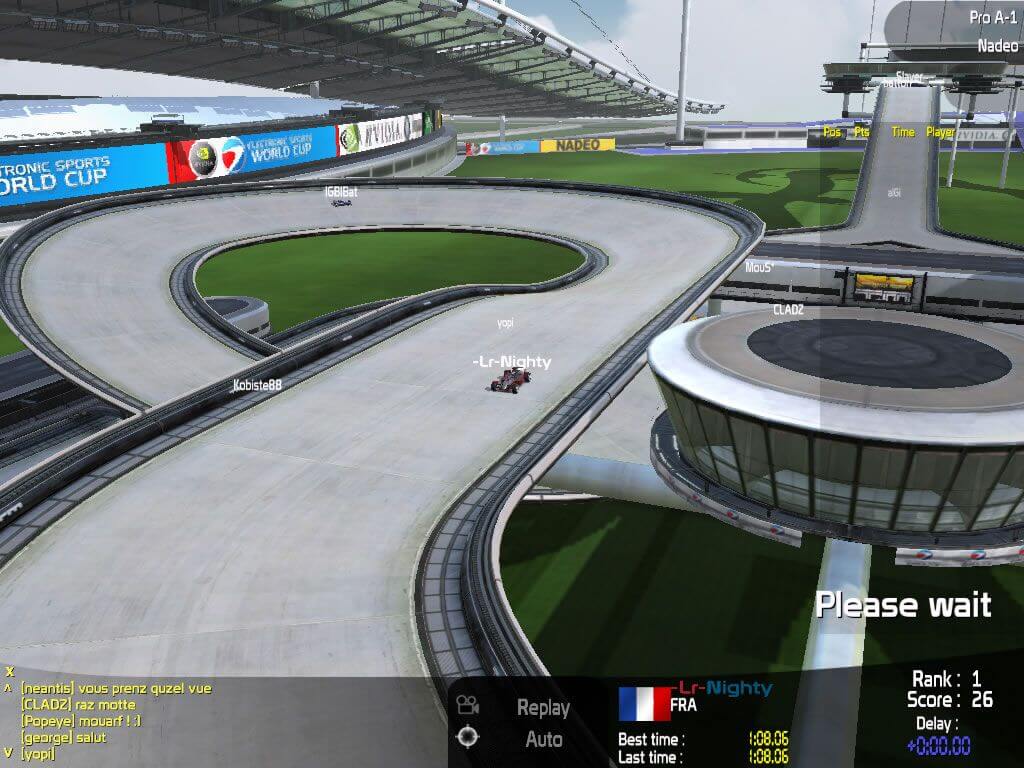
If you haven't played TrackMania Nations ESWC or want to try this racing / driving video game, download it now for free! Published in 2006 by Koch Media GmbH (Austria), Nadeo SAS, TrackMania Nations ESWC (aka 赛道狂飙:国家, TMN, TrackMania Nations: Electronic Sports World Cup) was an above-average automobile title in its time.
External links
 MobyGames
 Wikipedia page
 PCGamingWiki
 WSGF
WSGF Gameplay video
 IGDB
IGDBHow to play TrackMania Nations ESWC Windows
Be careful, all versions of the game were protected with infamous StarForce DRM that can break your system! Even the digital download version that was available on official website was protected with StarForce DRM, so make sure to use NoCD before the first launch of the game! DO NOT run the game right after the installation or you may accidentally install StarForce drivers!
The game v1.8.0 with NoCD has been tested on Windows 7 64-bit, Windows 8, Windows 10 and Windows 11, it works fine. You may experience some small troubles when you play the game on modern systems, check our Guide and Notes for details
Install & play guide:
- Install the game. It is recommended to install the game not in default path, but in some other, non-system folder, like
C:/Games/TrackMania Nations ESWC, so you won't have troubles with NoCD or fixes. At the end of installation UNCHECK the box "Launch TrackMania Nations", or you will install the StarForce drivers! - After you installed the game - install both patches, first the patch to v1.7.9, then the patch to v1.8.0. When you install the patch, also UNCHECK the box "Launch TrackMania Nations"!
- Then use NoCD, simply copy all files from the archive and put them into game folder, agree to replace the original files. DO NOT run the game before replacing the files with NoCD!
- Open the game folder and find TmNationsESWC.exe. Right-click on TmNationsESWC.exe -> Properties -> Compatibility -> Set "Run this app in compatibility mode with Windows XP" and "Run as administrator"
- Run the launcher (TmNationsESWCLauncher.exe) to configure the game settings
- Launch the game and play. If the game doesn't work in compatibility mode with Windows XP - try to launch it in compatibility mode with other version of Windows (Windows 98, 2000, etc.)
DO NOT run the game before using NoCD, otherwise you may accidentally install StarForce drivers. Also, don't run tmn.exe, it is the file of StarForce drivers (once you used NoCD, you can delete it if you want). If you accidentally installed StarForce drivers, do not reload the system and use StarForce drivers removal tool
Notes:
- If the installation doesn't start - try to launch Setup.exe in compatibility mode with old version of Windows (98, 2000 or XP)
- It is recommended to install all versions of Microsoft Visual C++ Redistributable and NET Framework for the correct work of the game. Also it is recommended to install K-Lite Codec Pack for the correct work of in-game videos
- The game works on DirectX 9, so if you're using Windows 8, 8.1, 10 or 11 - you need to enable DirectPlay: Go to Control Panel, and select 'Programs'. Select 'Turn Windows features on and off', click on 'Legacy Components' and check the box 'DirectPlay'. Select OK, once the installation is done, restart your computer
- TrackMania Nations ESWC Leadtek Special Edition was a special variant of the game, bundled with Leadtek hardware. It includes 20 bonus maps (Bonus A-0 - A-9 and B-0 - B-9) and a Leadtek intro video, everything else is the same as in the base game. However, Leadtek Special Edition is not up to date so online services won't be compatible; but the singleplayer game works totally fine
- Be careful, all versions of the game, including the digital download version that is available on official website, are protected with infamous StarForce DRM that can break your system, especially if you use 32-bit variant of Windows OS! Make sure to use NoCD before the first launch of the game, to avoid the installation of StarForce drivers! If you ran the game before replacing the game files with files from NoCD archive - do not reload the system, use removal tool to delete StarForce drivers. If you accidentally installed StarForce drivers - boot the system in Safe Mode and delete StarForce drivers with removal tool
- If you see the error that there's not enough space on the hard drive when you copy NoCD files - re-install the game in non-system folder, like
D:/Games/TrackMania Nations ESWC, Windows Protection may block copying of files to system folders (likeC:/Program FilesorC:/Windows) - For users of Windows 10 & 11: if you install the game on that systems, use Windows 10 Fix, simply copy d3d9.dll file to the game folder, for better performance of the game. That fix is also useful if you use Windows 7 or 8, 8.1 and have troubles with the game (like crashes or poor performance). There can be a visual bug when you play the game with that fix on 1920x1080 screen resolution - the grass turns grey if you select Complex shadow quality in Launcher. Try to lower the shadow quality setting to fix it
- The game has native support for wide and high screen resolutions up to Ultra HD 4K. If you have a display with some non-standard screen resolution, you can enter the custom screen resolution in Default.SystemConfig.Gbx file - open it in Notepad and change 45 and 46 lines (line 45 is for X-resolution, line 46 is for Y-resolution)
- The official website of the game is still working, and you can play the game on online servers and enter your lap records in online leaderboard. If you get the message "http error 12057" when trying to connect to your online account, here's how you can fix it: press Win+R and type inetcpl.cpl, press Enter, go to "Advanced" tab, scroll down to Security and uncheck "Check for server certificate revocation". Now you should be able to connect to online servers
- The game has controller support, it should natively work with any XInput-type controllers (Xbox gamepad or similar), and probably will work fine with DirectInput-type controllers too. If the game doesn't recognize your controller - try to use one of the additional tools from PCGamingWiki guide for controllers
- Some content were cut from the game during the development, such as a StadiumCar model, some car skins with national flags, about 60 tracks, etc. Fans from TM Modding Community made a mod called TrackMania Nations Classic that restores the cut content (here's the video trailer), you can download it here. We recommend to check TM Modding Community's Discord server to find more mods for TrackMania Nations and other TrackMania games; you can also find mirror download links for TMN Classic mod there, in "tmnclassic_release" channel
- Don't forget to check PCGamingWiki if you have troubles with the game, it is very useful!
Captures and Snapshots
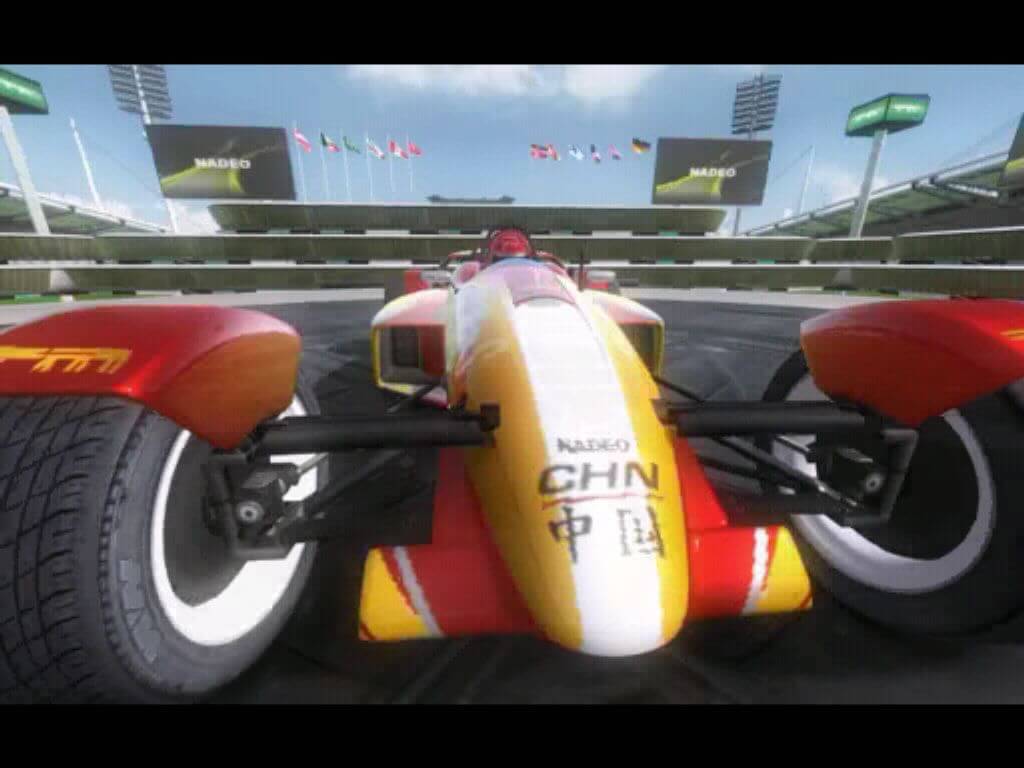
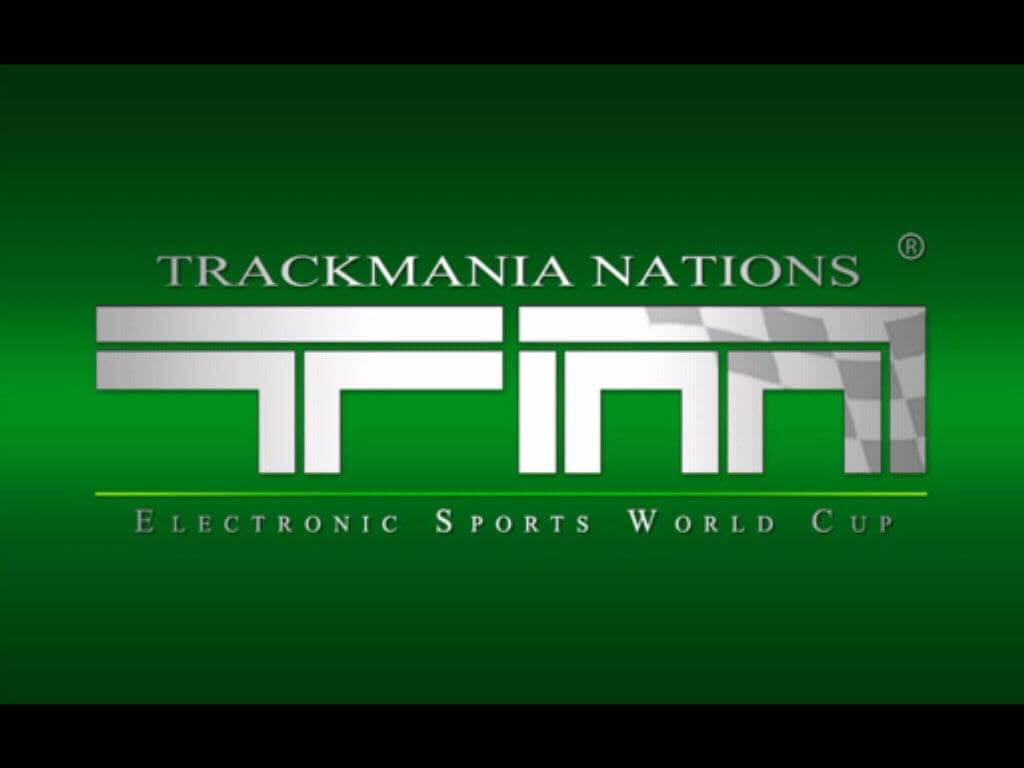
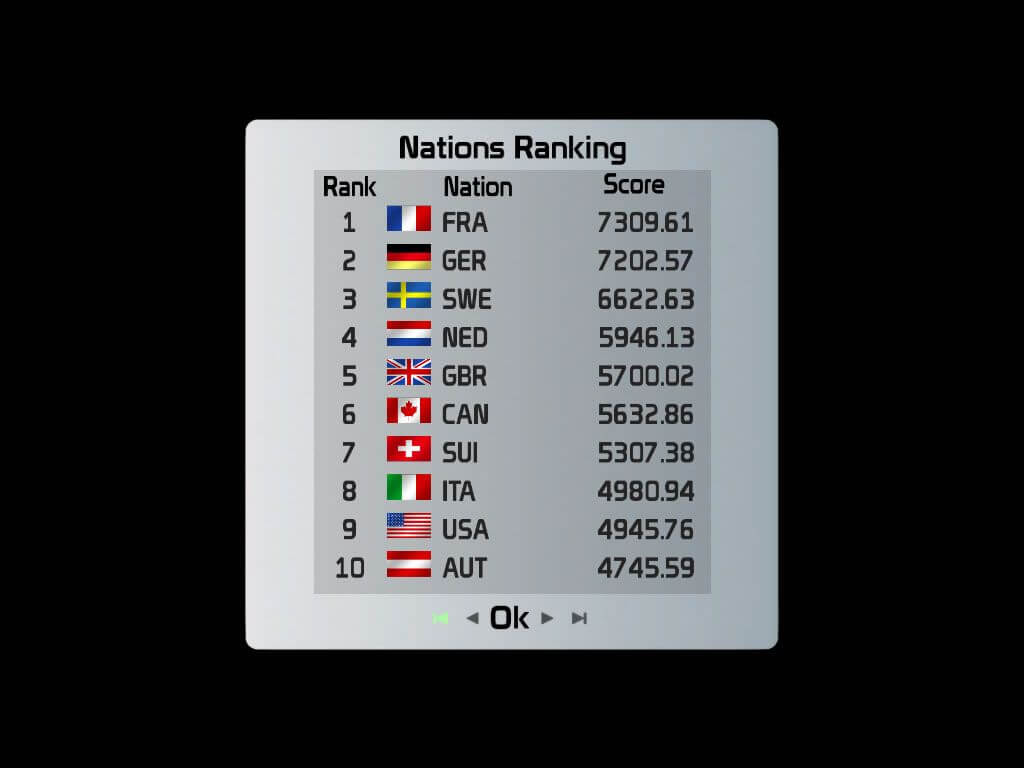
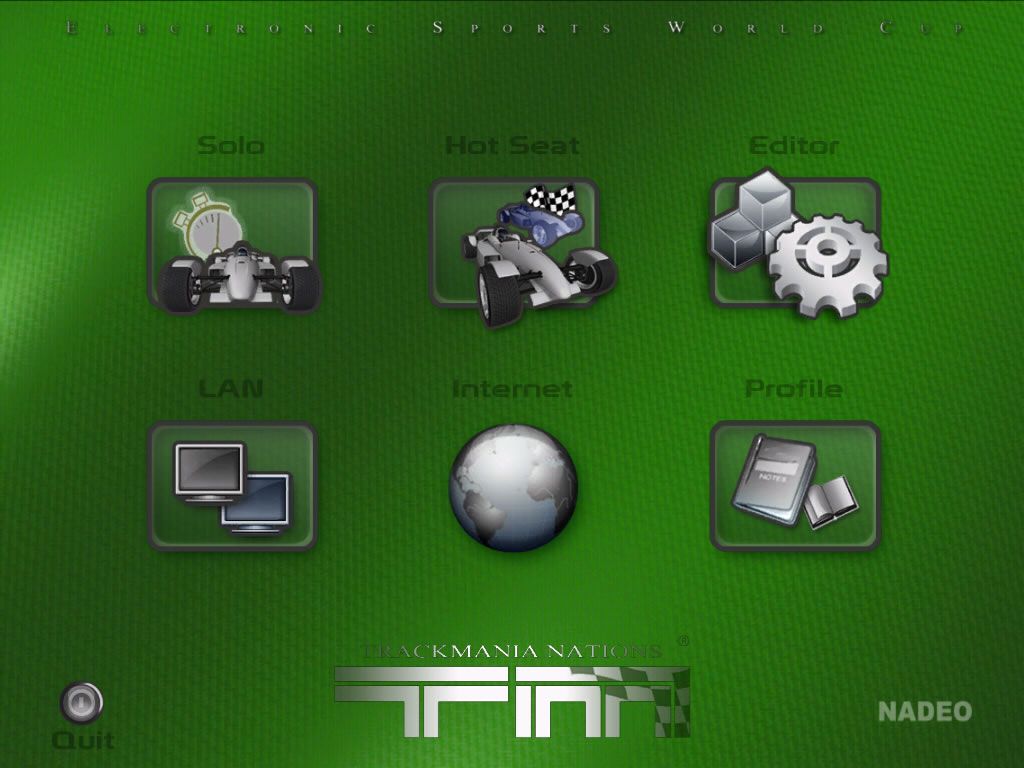
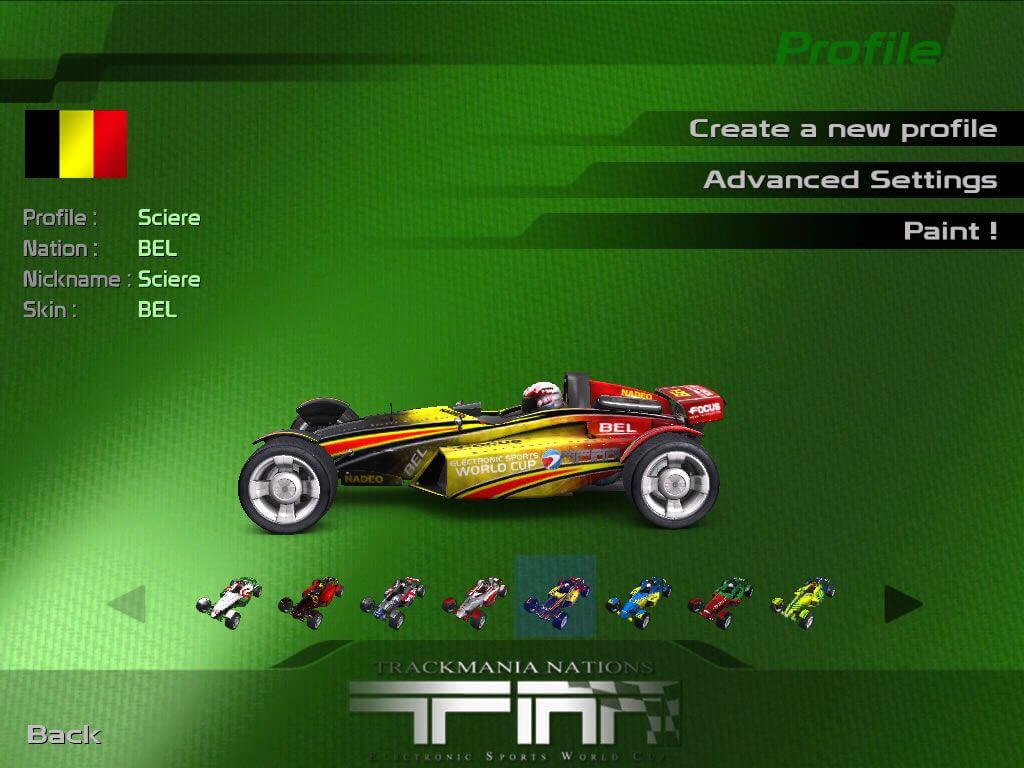
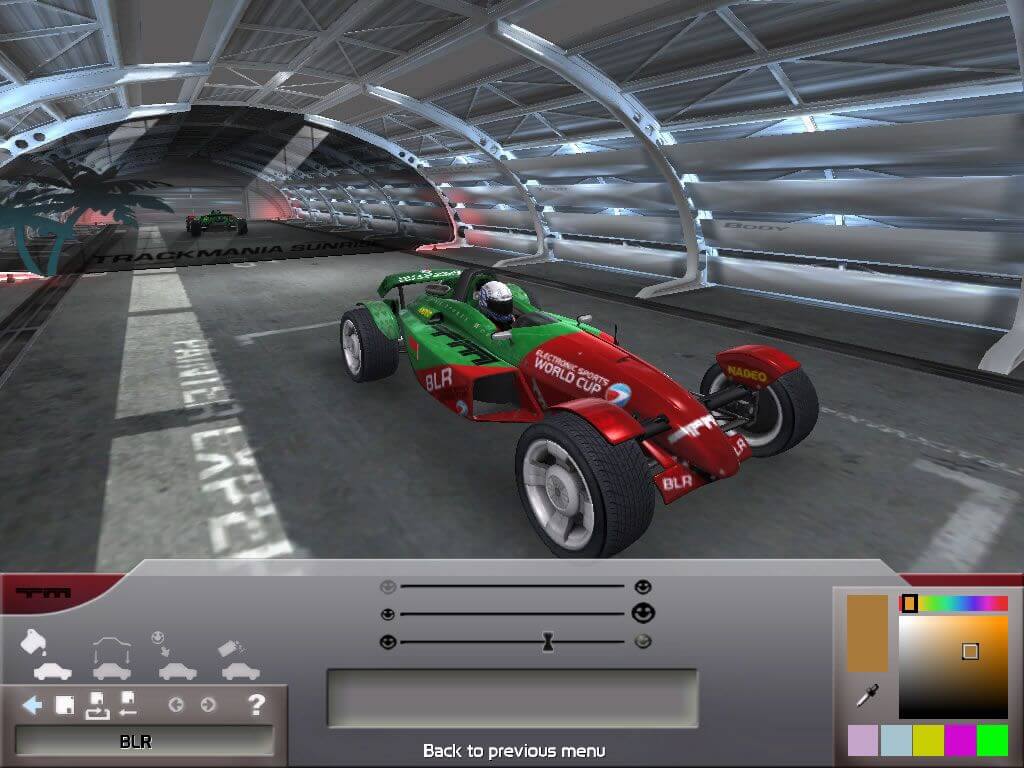
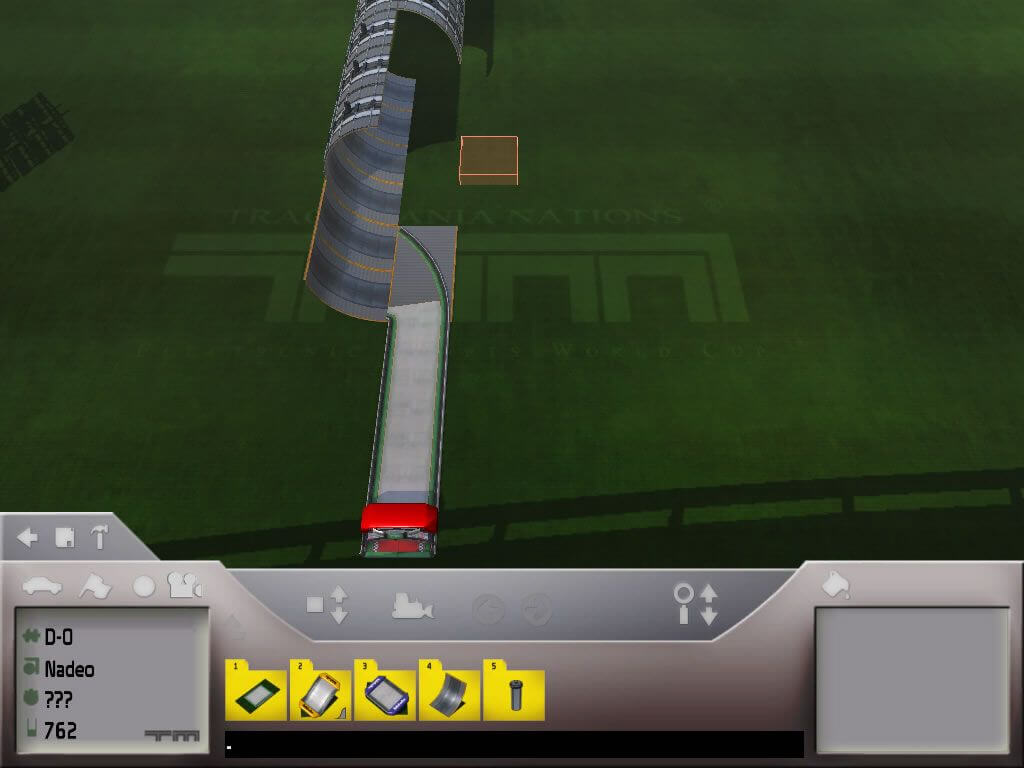
Comments and reviews
TheMasterWojak 2026-03-04 1 point
geeeez, i would shit for similar treatment for rest of trackmania games (2003 game site should cover original 2003 release and powerup, and original 2005 game site should cover original)
Write a comment
Share your gamer memories, help others to run the game or comment anything you'd like. If you have trouble to run TrackMania Nations ESWC (Windows), read the abandonware guide first!
Download TrackMania Nations ESWC
We may have multiple downloads for few games when different versions are available. Also, we try to upload manuals and extra documentation when possible. If you have additional files to contribute or have the game in another language, please contact us!
Windows Version
The archive with the game, patches and NoCD
 366 MB
DownloadMultilingual version (Leadtek Special Edition Bundle)
366 MB
DownloadMultilingual version (Leadtek Special Edition Bundle)ISO image, game version v1.7.6


 263 MB
DownloadSetup for Multilingual version (Leadtek Special Edition Bundle) v1.7.6
263 MB
DownloadSetup for Multilingual version (Leadtek Special Edition Bundle) v1.7.6The archive with the game, patches and NoCD
328 MB
DownloadItalian versionISO image, game version v1.7.5
 297 MB
Manual 1 MB
297 MB
Manual 1 MB
Game Extras
Various files to help you run TrackMania Nations ESWC, apply patches, fixes, maps or miscellaneous utilities.
18 MB
PatchPatch v1.79 to v1.80 17 MB
FixWindows 10 Fix (can also be used on Windows 7, 8, 8.1 and 11)Copy d3d9.dll file to game folder, for better performance of the game
37 KB
MiscStarForce drivers removal toolIf you accidentally installed StarForce DRM drivers, do not reload the system, use this tool first
147 KB
MiscCzech & Slovakian translation patch 
 9 MB
MiscHungarian translation patch
9 MB
MiscHungarian translation patchShowed few adware warnings, safe to use
 510 KB
MiscBrazilian translation patch
510 KB
MiscBrazilian translation patchShowed few adware warnings, safe to use
 404 KB
DemoTrackMania Nations ESWC Beta, game version v1.7.3 243 MB
NocdNoCD (compatible with both regular and Leadtek Special Edition versions) 65 MB
404 KB
DemoTrackMania Nations ESWC Beta, game version v1.7.3 243 MB
NocdNoCD (compatible with both regular and Leadtek Special Edition versions) 65 MB
Similar games
Fellow retro gamers also downloaded these games: