Samurai Warriors 2
Windows - 2008

| Alt name | 戦国無双2 |
|---|---|
| Year | 2008 |
| Platform | Windows |
| Released in | United Kingdom |
| Genre | Action |
| Theme | Fantasy, Hack & Slash, Historical Battle (specific/exact), Japan (Ancient/Classical/Medieval), Martial Arts |
| Publisher | KOEI Ltd. |
| Developer | Omega Force |
| Perspective | Behind view |
Description of Samurai Warriors 2
Samurai Warriors 2 (aka 戦国無双2), a really nice action game sold in 2008 for Windows, is available and ready to be played again! Time to play a historical battle (specific/exact), martial arts, fantasy, hack & slash and japan (ancient/classical/medieval) video game title.
External links
 PCGamingWiki
 Wikipedia Entry
 IGDB
IGDB MobyGames
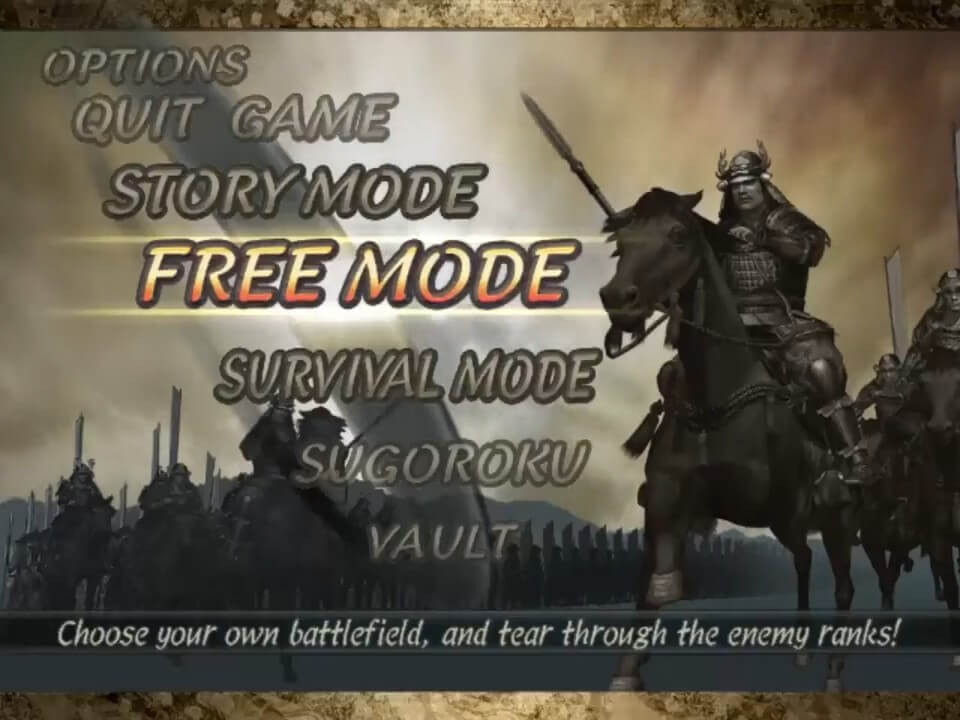
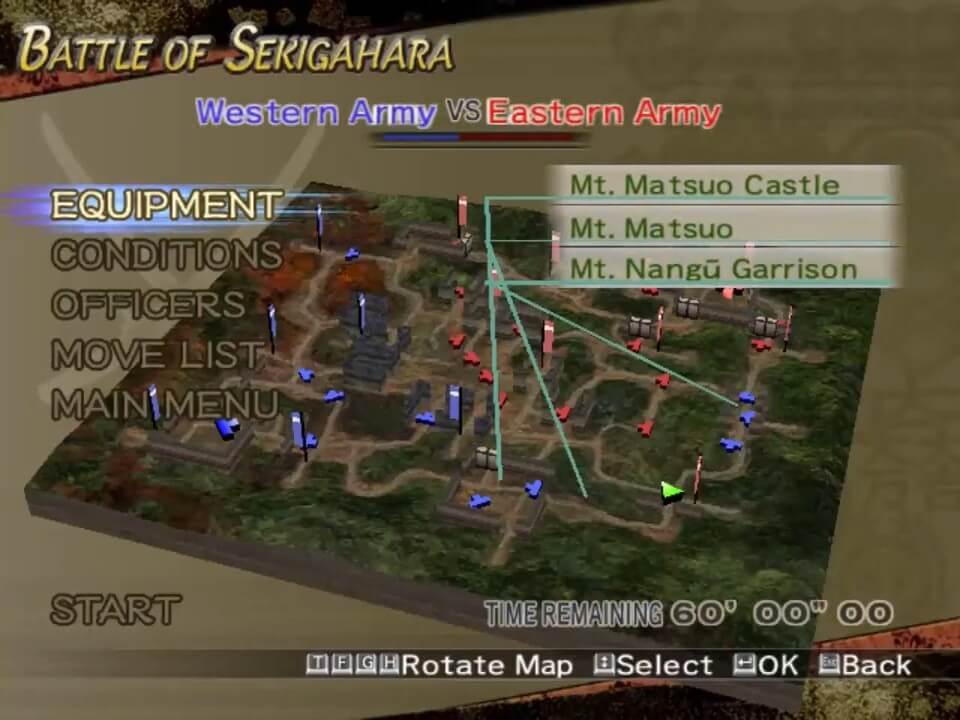
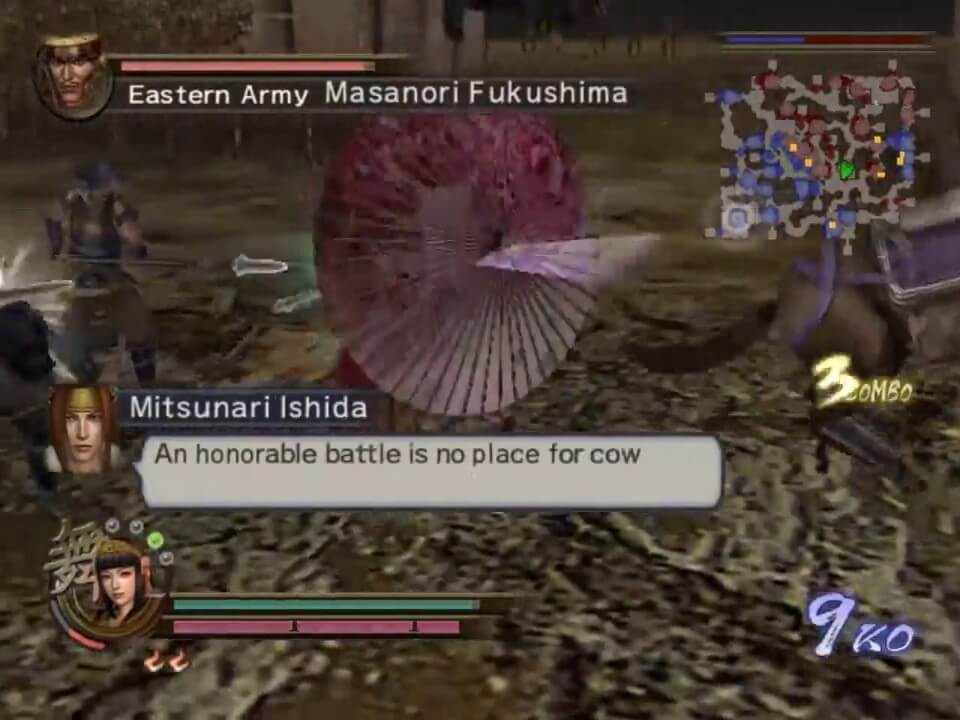
Captures and Snapshots
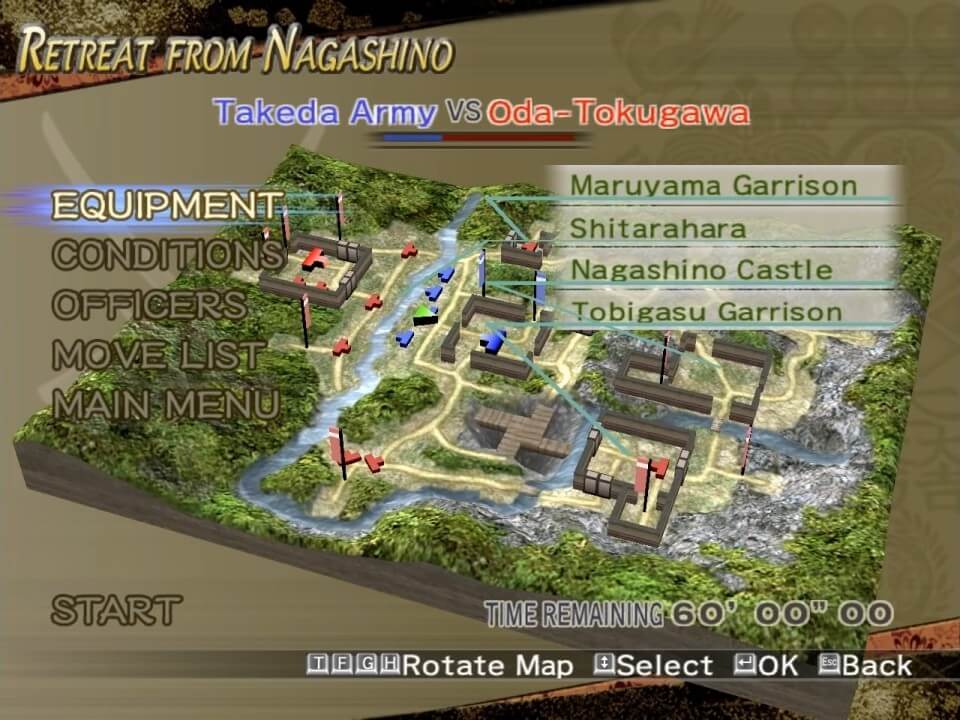
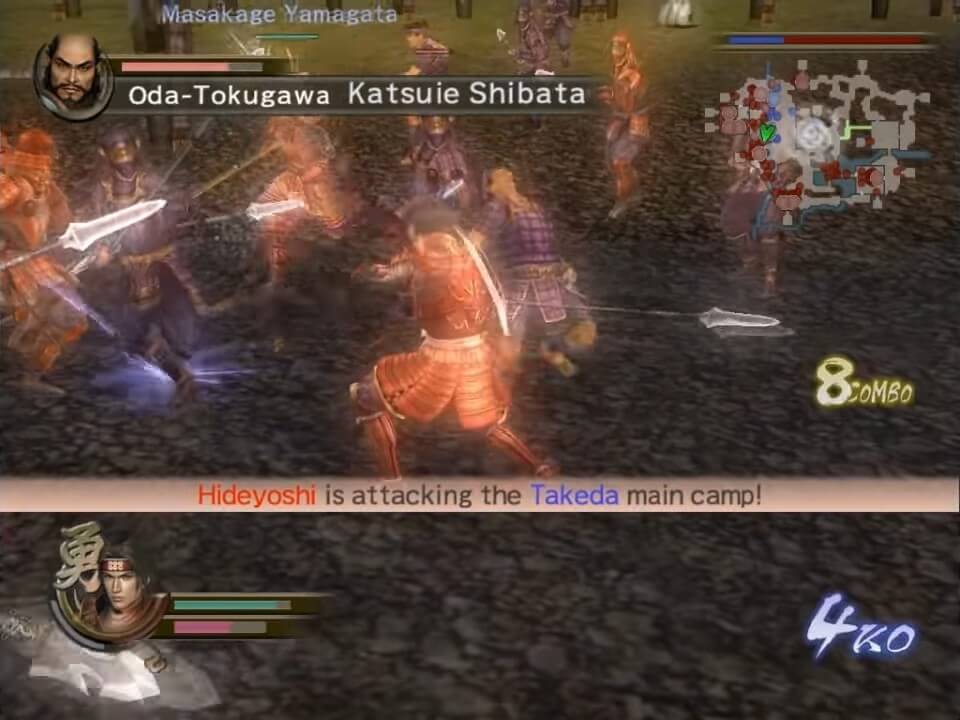
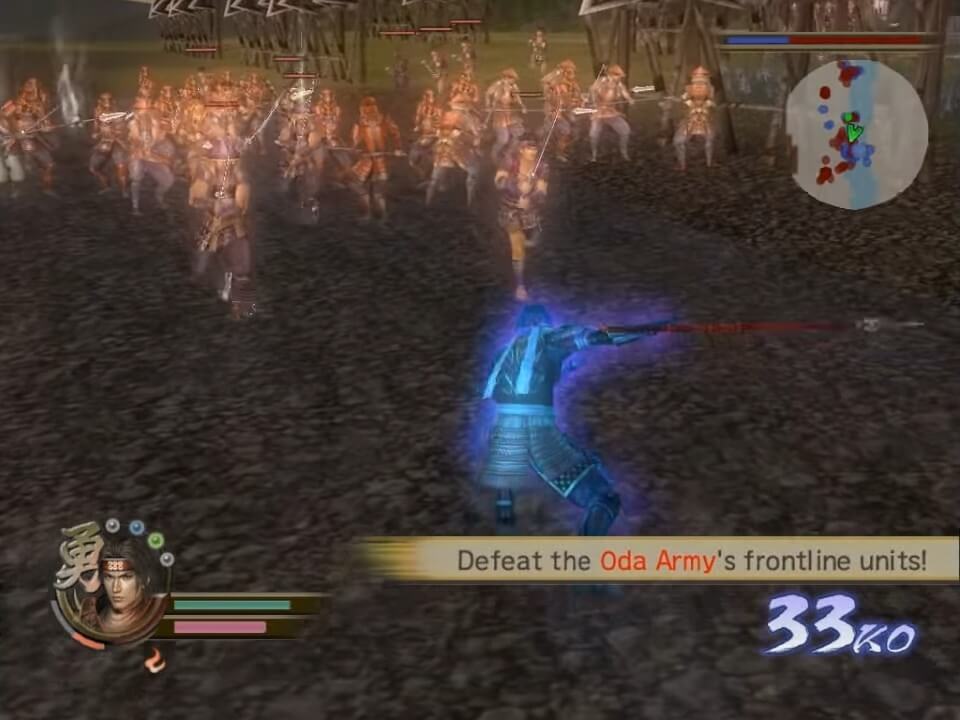
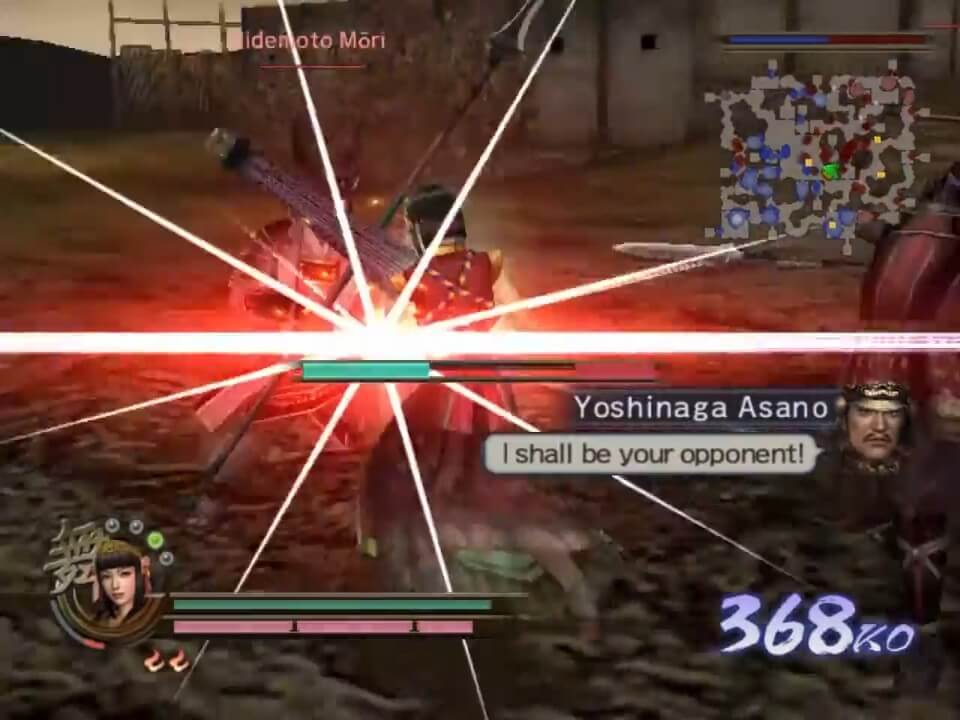
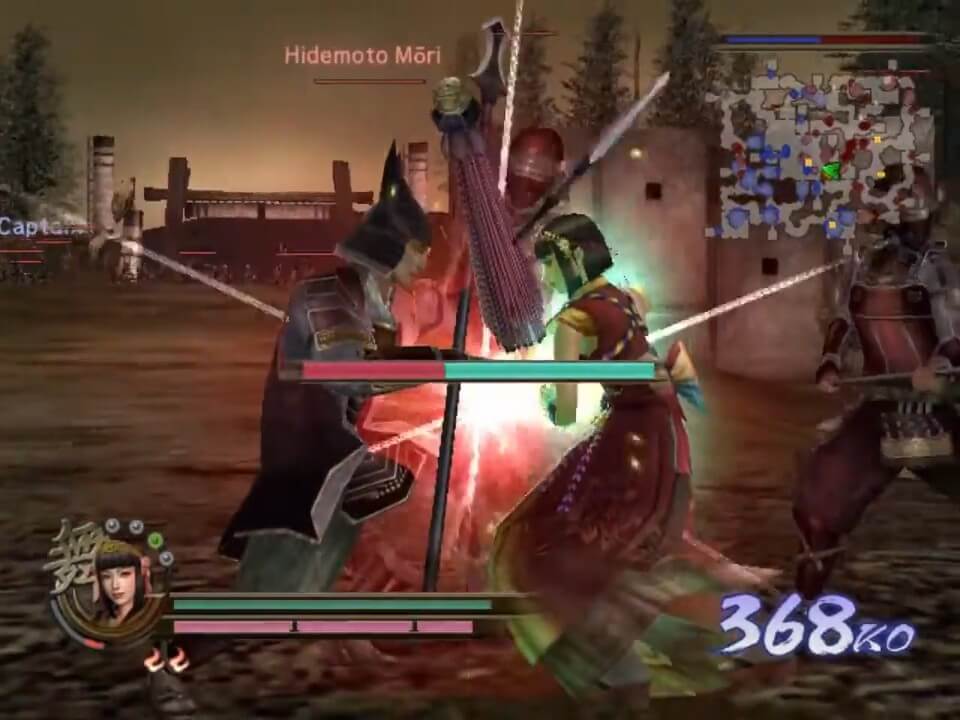
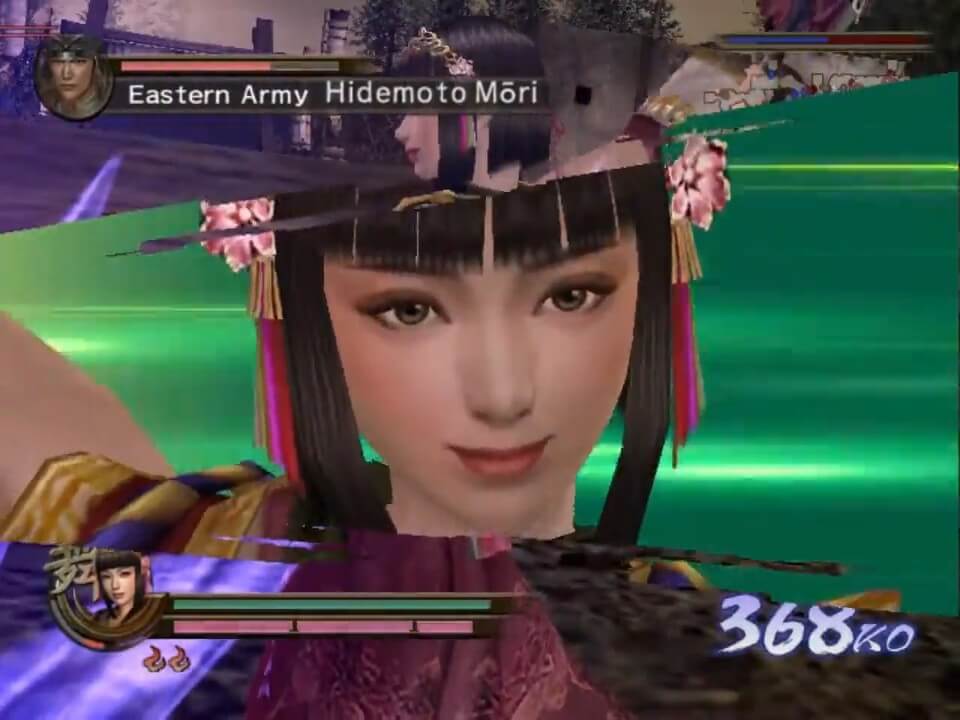

Comments and reviews
bib 2026-04-18 2 points
narwals narwals swimming in the ocean causing a commotion cause they are so awesome narwals narwals swimming in the ocean pretty big and pretty white they beat a polar bear in a fight
m43L 2026-04-16 -1 point
I downloaded the game, the patch, and the NOCD, mounted the ISO image, ran the setup, installed the patch, and copied the NOCD to the game directory, but the game still won't open. I've tried all compatibility modes, but the game still won't open. I'm using the latest version of Windows 11. Could it only run on older Windows systems?
Waylander 2025-12-28 2 points
About the other bug on controller default mapping, you have to unset the "Pause" action (seems to be set on a non existing button of the controller)
After that you can map everything as you want (except left/right of right joystick).
I also have the "super speed" problem, is it related to the 60Hz refresh rate?
Waylander 2025-12-28 1 point
@jm : Maybe late but I will repeat previous answers with more details, if someone needs it:
1) Download ISO, patch 1.1 and NoCD
2) Mount the ISO (go find on youtube if you don't know how) : this simulates inserting the CD-ROM.
3) Go inside the ISO and launch the setup.exe to install the game (remember where you install the game, you will have to replace one file in this folder later)
4) Execute the Patch 1.1 exe
5) Unzip the noCD : inside you will find a file named sw2.exe
6) Copy this file and replace the sw2.exe in the game installation directory (remember step 3)
7) Execute the sw2.exe to start the game
@samuraiwarriors2fan1: I have the same problem, I tried on linux mint and windows 11, the game is not able to recognize left and right on the right stick.
I had the game on Xbox360 (why the f* did I sell this game) but I don't remember if the right joystick had this problem.
Don't know if it is only a PC version problem.
The controller works fine with other games.
Nevermind, I will use LT/RT instead
samuraiwarriors2fan1 2025-12-22 1 point
Does anyone know how to get the right stick to work on controller? I was able to install everything correctly but the game doesn't seem to recognize left and right on the right stick.
Samuyoshi 2025-10-26 0 point
I love samurai warriors 2 It was my first mosuo game when I was 11 I asked my bro for a brand new game to play with coz I was bored in my farm and I never stopped playing it. Have lot of fun moments and this is why I love Japan a lot. Playing it over and over is always fun for me to learn the history of Japan!
jm 2025-08-28 0 point
i cant open it on no-cd and i cant understand mostly of those steps to intall in the comments. Is there a tutorial video on how properly install this game? im so confused
fefieldd 2025-05-04 -1 point
for run it just install normally then overwrite the Crack/SW2.exe to C:\Program Files (x86)\KOEI\SAMURAI WARRIORS 2 or where you install it.
KURO 2025-03-31 3 points
I've done everything and was able to play the game, but this game is working at super speed i can barely do anything
.
ALM 2025-03-23 1 point
Thanks to the tip from TATJEWED, I was able to get past the looping chime hang in Graphic Settings... but it still won't let me select fullscreen without crashing. ISO has been installed, patched and the NO-CD exe was applied. What else do I need to do?
KASUMI65 2025-03-20 0 point
Chinese :
https://archive.org/details/Samurai_Warriors_2_China
Japanese :
https://archive.org/details/sen-musou-2
tatjewed 2025-01-12 0 point
@Yuki or others with "Graphics" menu looping issue, configure your controller first or if you're playing on KB just unplug/turn it off before launching. It seems to be an issue with the default inputs.
Orelio 2024-12-19 -1 point
If there is a notification "insert DVD-ROM" or something like that, just copy the sw2.exe file in the crack folder then paste it in your game folder.
Nerevarine 2024-09-20 3 points
1. Execute iso
2. Execute the setup.exe (from the iso) and select where you'll install the game
3. Update using the patch 1.1 in Game Extra
4. Use NoCD to substitute the SW2.exe
5. Tip: You can use RivaTuner Statistics Server and set Framerate Limit to 60 if your monitor's refresh rate is above 60Hz.
nostalgia 2024-09-07 1 point
How do you get the nocd to work? How do you 'copy that one into the directory of the game to replace the original'? from Virsago's comment
YUki 2024-07-08 0 point
I was able to install successfully and even replace the logo with nocd and it works but now when the game starts in some options like - settings graphic, when i select story mode, it hangs but like its looping a single action and the audio also loops and i have to exit and start again it works well in the other options like on the menu
Virsago 2024-06-01 0 point
To get the NoCD to work you need to replace the startup application with the one that is there on the install. So just copy that one into the directory of the game to replace the original
yyy 2024-05-08 13 points
noCD it can open , then 5 seconds later it automatic shutdown , how can i fix it?
misio 2024-04-20 -1 point
gente no me sale ayuden instale todo y no funciona sale problema de disco
ProjectXsent 2024-03-26 0 point
1. Install the game.
2. Update using the patch.
3. Use NoCD.
4. Use RivaTuner Statistics Server and set Framerate Limit to 60 if your monitor's refresh rate is above 60Hz.
EndlessYourself 2024-01-22 2 points
Use the nocd, i can't believe that people to this day keep asking this question under almost every popular game that needs it.
Fabio 2024-01-21 -1 point
I second the first comment, cannot get it running unless I need to burn the files into a CD?
Write a comment
Share your gamer memories, help others to run the game or comment anything you'd like. If you have trouble to run Samurai Warriors 2 (Windows), read the abandonware guide first!
Download Samurai Warriors 2
We may have multiple downloads for few games when different versions are available. Also, we try to upload manuals and extra documentation when possible. If you have additional files to contribute or have the game in another language, please contact us!
Windows Version
 3.3 GB
 3.4 GB
 3.4 GB
Game Extras
Various files to help you run Samurai Warriors 2, apply patches, fixes, maps or miscellaneous utilities.
Similar games
Fellow retro gamers also downloaded these games: