UK Truck Simulator
Windows - 2010

| Alt name | British Truck Simulator |
|---|---|
| Year | 2010 |
| Platform | Windows |
| Released in | Germany, United Kingdom |
| Genre | Racing / Driving, Simulation |
| Theme | Europe, Licensed Title, Managerial, Transport, Truck, Vehicle Simulator |
| Publisher | Excalibur Publishing Limited, rondomedia Marketing & Vertriebs GmbH |
| Developer | SCS Software s.r.o. |
| Perspectives | 1st-Person, 3rd-Person |
Description of UK Truck Simulator
In 2010, rondomedia Marketing & Vertriebs GmbH, Excalibur Publishing Limited publishes UK Truck Simulator on Windows. This racing / driving and simulation game is now abandonware and is set in a managerial, licensed title, vehicle simulator, transport, truck and europe themes.
External links
 MobyGames
 Fandom Page
 PCGamingWiki
 Gameplay video
How to play UK Truck Simulator Windows
The game v1.32 has been tested on Windows 7 64-bit, Windows 8, Windows 10 and Windows 11, it works fine, the game supports widescreen. You may experience some small troubles when you play the game on modern systems, check our Guide and Notes for details
Install & play guide for English version:
- Mount the disc image. You will need the utility for mounting disc image files, like WinCDEmu, UltraISO, Alcohol 52%/Alcohol 120% or Daemon Tools Lite. Or extract the files from ISO image with WinRAR or similar tool
- Install the game. It is recommended to install the game not in default path, but in some other, non-system folder, like
C:/Games/UK Truck Simulator. The installation path should have ONLY the English symbols! - After you installed the game - install the cumulative patch v1.32 for English version
- Open the
UK Truck Simulator/bin/win_x86directory and find game.exe and uktrucks.exe. Right-click on both exe-files -> Properties -> Compatibility - Set "Run this app in compatibility mode with Windows XP" and "Run as administrator" - Launch the game and play. If the game doesn't work in compatibility mode with Windows XP - try to launch it in compatibility mode with other version of Windows (Windows 7, Vista, etc.)
All versions of the game are DRM-Free (except the Russian release), simply install & play
Notes:
- If the installation doesn't start - try to launch Setup.exe in compatibility mode with old version of Windows (98, 2000 or XP)
- It is recommended to install all versions of Microsoft Visual C++ Redistributable and NET Framework for the correct work of the game. Also it is recommended to install K-Lite Codec Pack for the correct work of in-game audio and video
- The game works on DirectX 9, so if you're using Windows 8, 8.1, 10 or 11 - you need to enable DirectPlay: Go to Control Panel, and select 'Programs'. Select 'Turn Windows features on and off', click on 'Legacy Components' and check the box 'DirectPlay'. Select OK, once the installation is done, restart your computer
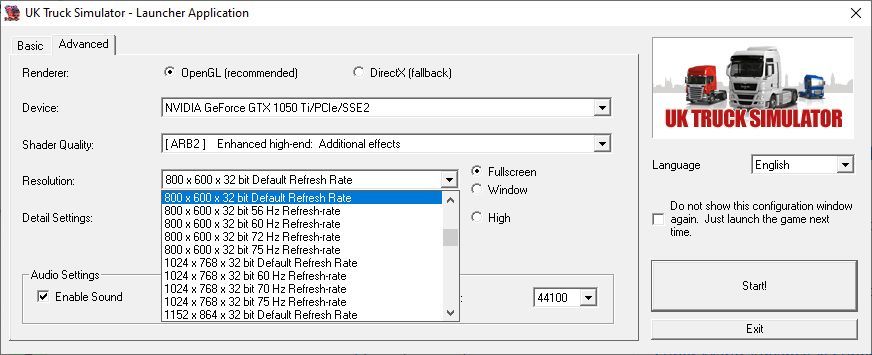
- The game also supports OpenGL API, so if you have any troubles with DirectX 9 API, you can switch to OpenGL in the launcher (desktop shortcut or uktrucks.exe). On some video cards, when the game runs with OpenGL renderer, all textures have blue or white color; if you experience that glitch - switch to DirectX 9 renderer
- Developers also distributed the game as a shareware, multilingual demo version v1.32 with 12 languages was available for download on the official website. That demo version has 1 hour trial period, but looks like if you replace the executables of demo version for DRM-Free executables of full version, you can remove 1 hour trial limit
- All versions of the game are DRM-Free, except the Russian release. If you cannot manage to mount ISO image of the game, you can simply extract the files from ISO image with WinRAR, 7-Zip or another archiver tool, and install the game from Setup.exe
- Be careful, Russian version of the game was protected with StarForce DRM! StarForce DRM drivers can ruin your system, especially if you use 32-bit variant of Windows, make sure to use NoCD before the first launch of the game! Also, the official Russian release cannot be patched, since there were no patches for Russian release
- If you get "[112] resource id" error - make sure that the installation path has ONLY the English symbols! To fix that error re-install the game and enter only the English letter in installation path, like
C:/Games/UK Truck Simulator - If you get "sys_no_graphics" error - run the launcher (desktop shortcut or uktrucks.exe) and check Advanced tab, make sure that you selected your graphics card in settings, also try to select the other renderer. If you play on laptop, try to switch between discrete and integrated graphics cards
- If you have any random crashes in the game, try the next method: first make a back-up copy of
UK Truck Simulatorfolder fromDocumentsdirectory, to keep the savegames; then delete the game and savegames and make a clean installation. After you installed the game again, put the back-up copy ofUK Truck Simulatorfolder back toDocumentsdirectory - The game supports Vertical Sync (Vsync), yet that setting cannot be enabled in game options. To enable Vsync, edit config.cfg file in
Documents/UK Truck Simulatorfolder - open config.cfg in Notepad and setuset r_vsync "0"to"1". If you want to disable Vsync, set that parameter to"0" - You can add custom music to the game by placing mp3-files to the
Documents/UK Truck Simulator/musicdirectory. Added music tracks can be played in the game - The game has controller support so you can play it with gamepad. If the game doesn't recognize your controller - try to use one of the additional tools from PCGamingWiki guide for controllers
- You can find some mods for the game on modai. Also, you can download Indonesian Map & Bus mod from this blog
- Don't forget to check PCGamingWiki if you have troubles! You can also check SCS forums if you cannot find the solution for your problem
Captures and Snapshots


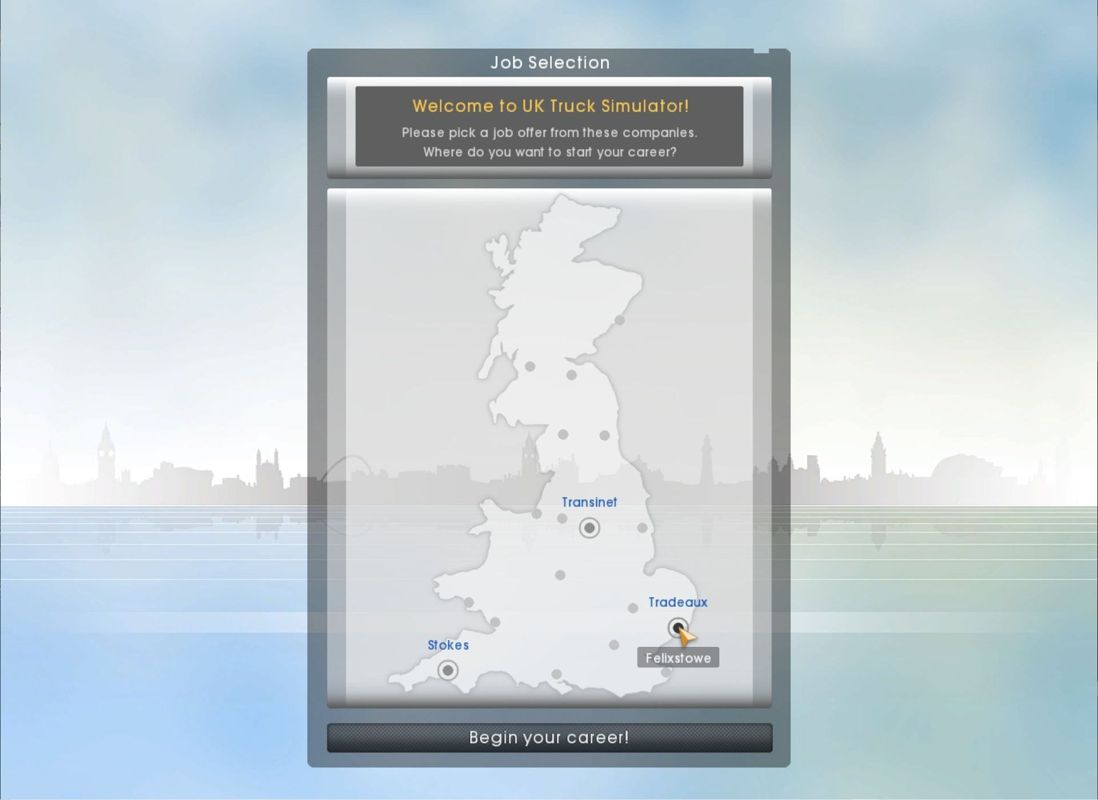
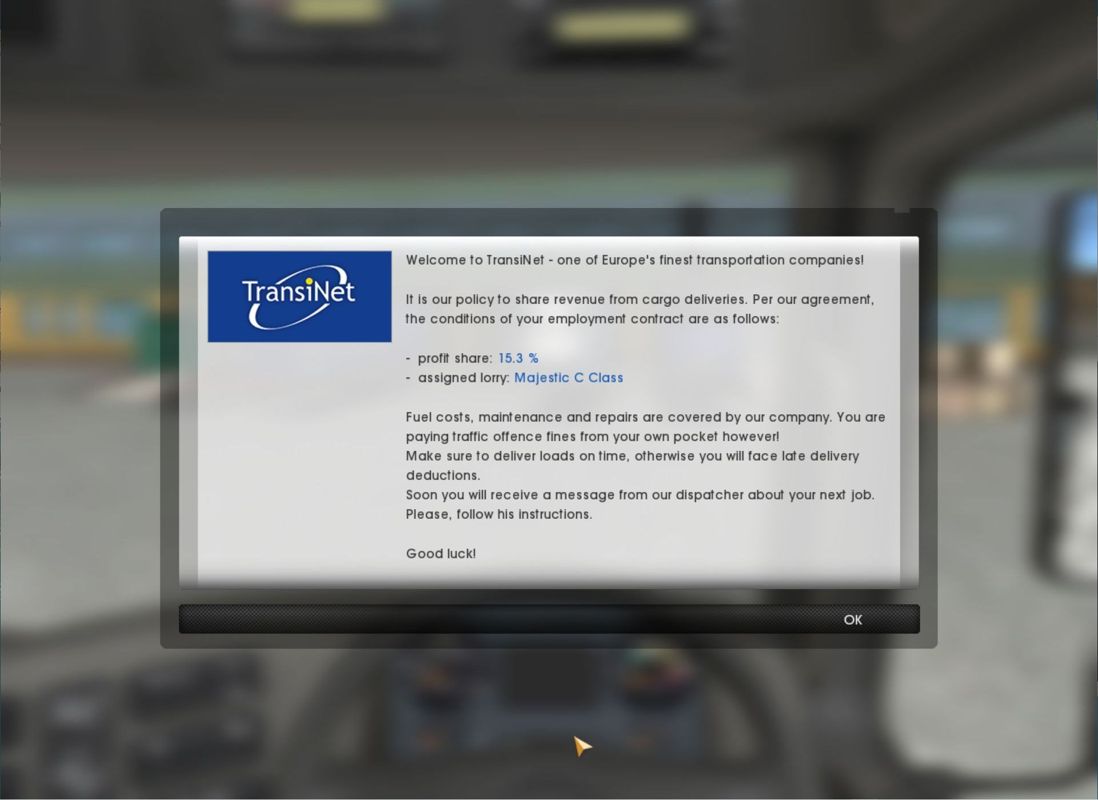
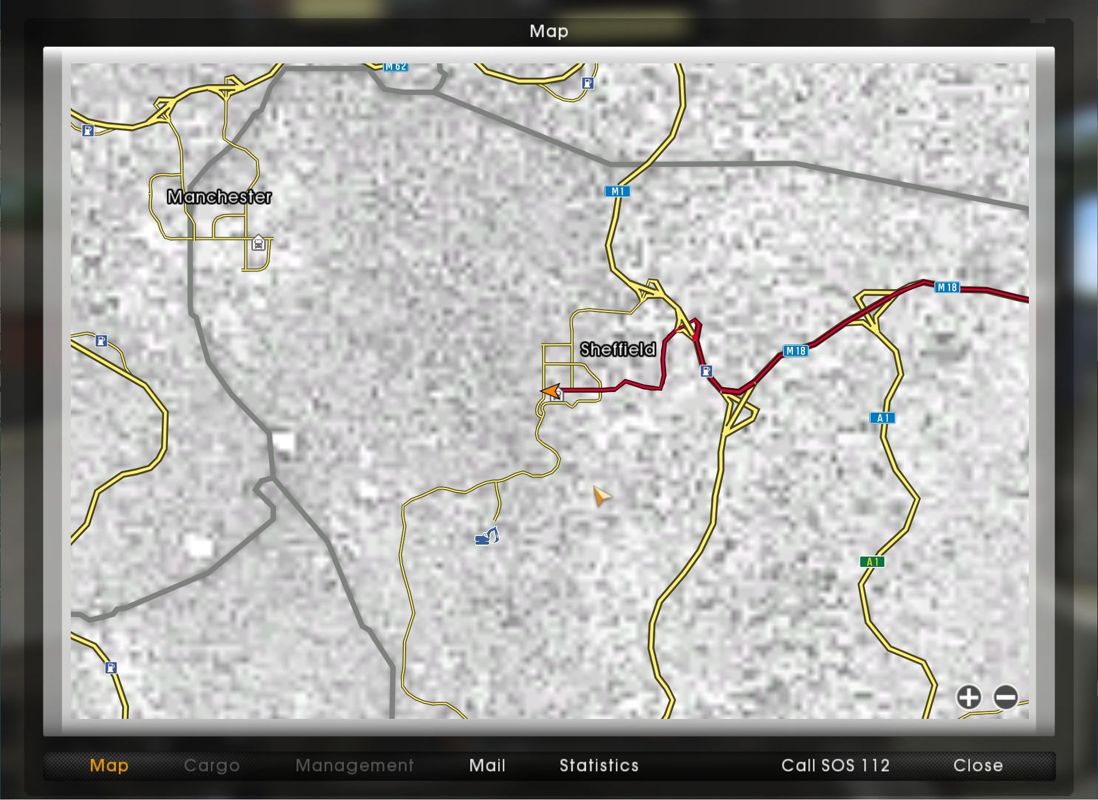
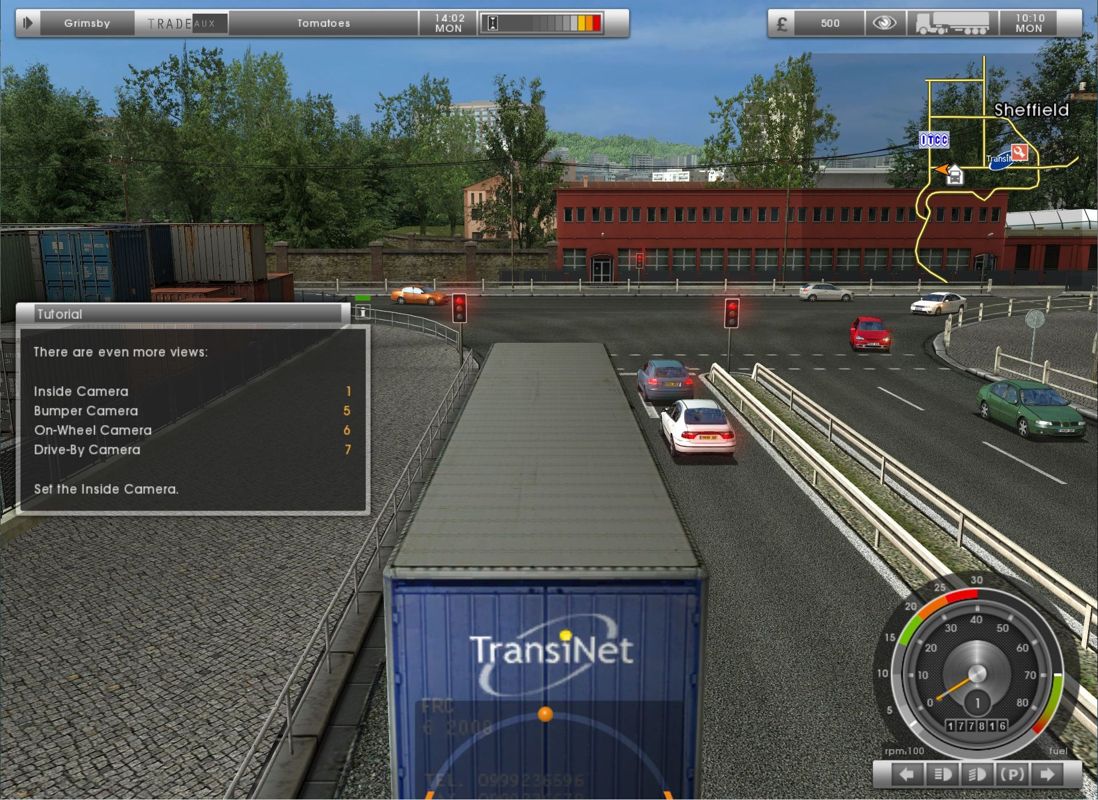
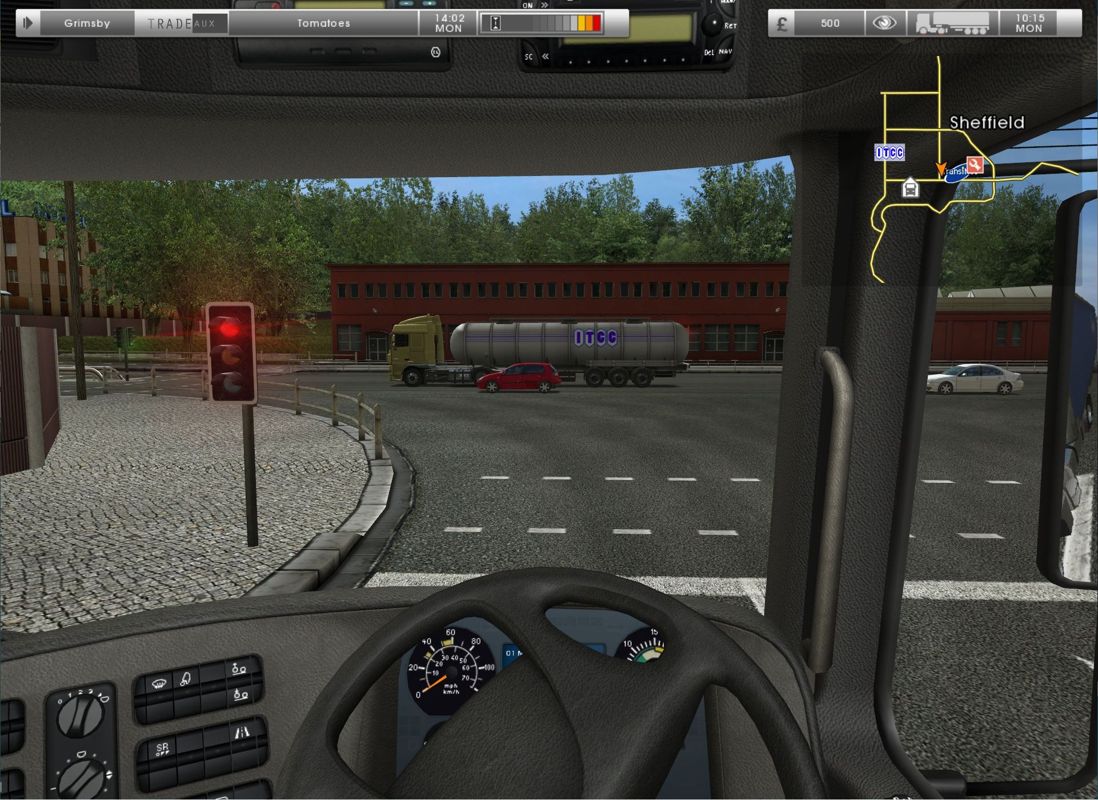
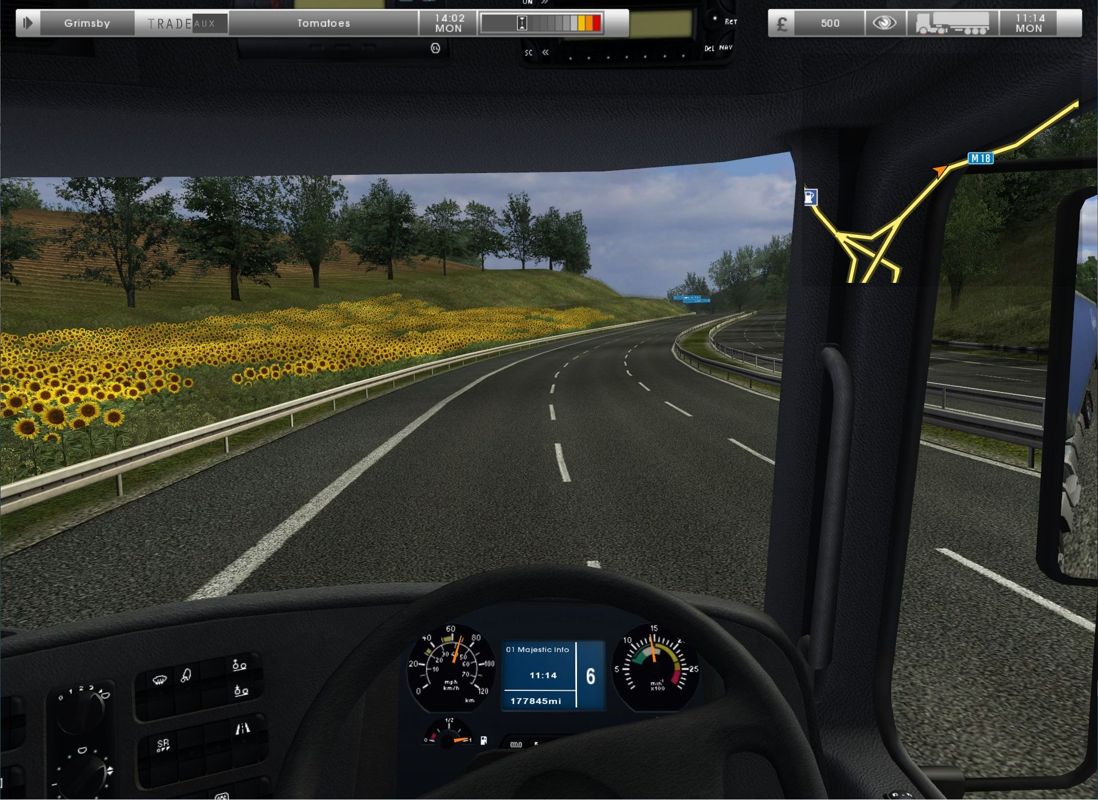
Comments and reviews
Fly boy 2021-10-24 0 point
This looks like a game rip. Runs up to start game then.. I get memory could not be read error and stops.when unzipped you get uk truck simulator folder when opend has a some cfg files . bin folder with winx86 folder inside.which contains game.exe and uk trucks.exe both load the game then it crashed also i think the launcher app is stuck in the systems settings it was ripped from. Anyone got this running
Write a comment
Share your gamer memories, help others to run the game or comment anything you'd like. If you have trouble to run UK Truck Simulator (Windows), read the abandonware guide first!
Download UK Truck Simulator
We may have multiple downloads for few games when different versions are available. Also, we try to upload manuals and extra documentation when possible. If you have additional files to contribute or have the game in another language, please contact us!
Windows Version

ISO image of the game v1.02
 467 MB
DownloadGerman version
ISO image of the game v1.11
 356 MB
DownloadPolish version
Setup for the game v1.32
 363 MB
DownloadBrazilian version
Setup for the game v1.32
 355 MB
DownloadRussian version
ISO image of the game v1.11, StarForce protected
 481 MB
Manual 10 MB
Game Extras
Various files to help you run UK Truck Simulator, apply patches, fixes, maps or miscellaneous utilities.
39 MB
PatchPatch v1.05 for English version 46 MB
PatchPatch v1.06 for English version 52 MB
Manual 1 MB
Manual 1 MB
Manual
 1 MB
Manual
 1 MB
PatchPatch v1.07 for English version 53 MB
PatchPatch v1.32 for English version 68 MB
MiscCzech translation patch
 14 KB
DemoMultilingual demo version v1.32
Has 1 hour trial period


 266 MB
NocdNoCD for Russian version 2 MB
Similar games
Fellow retro gamers also downloaded these games: